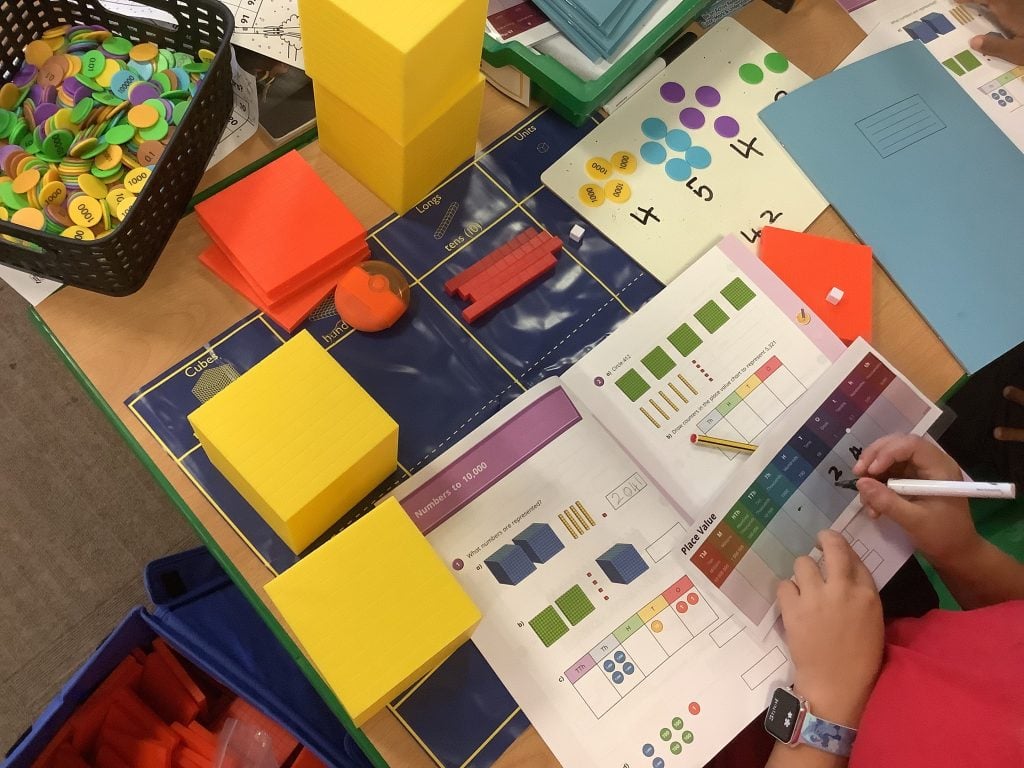
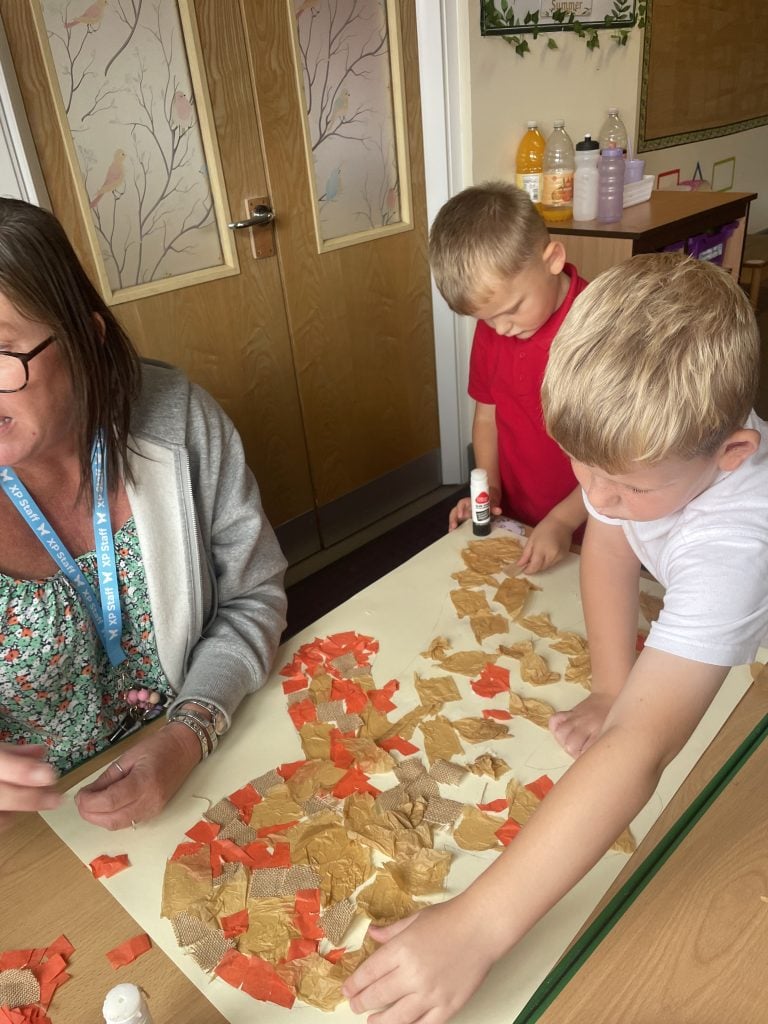
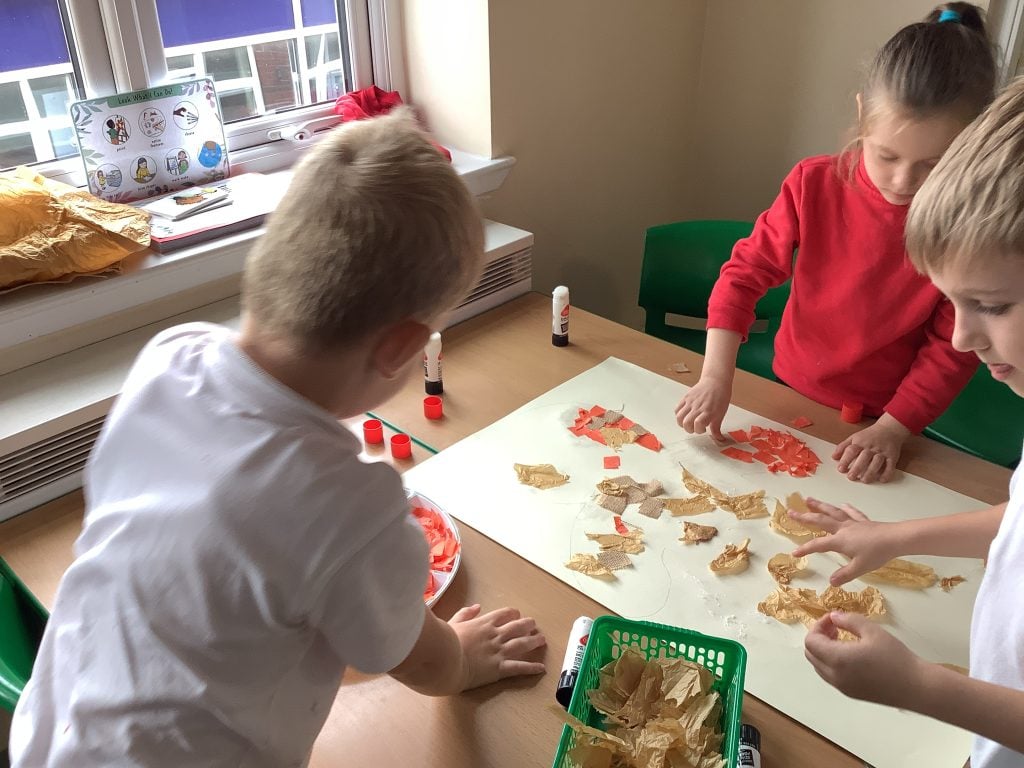
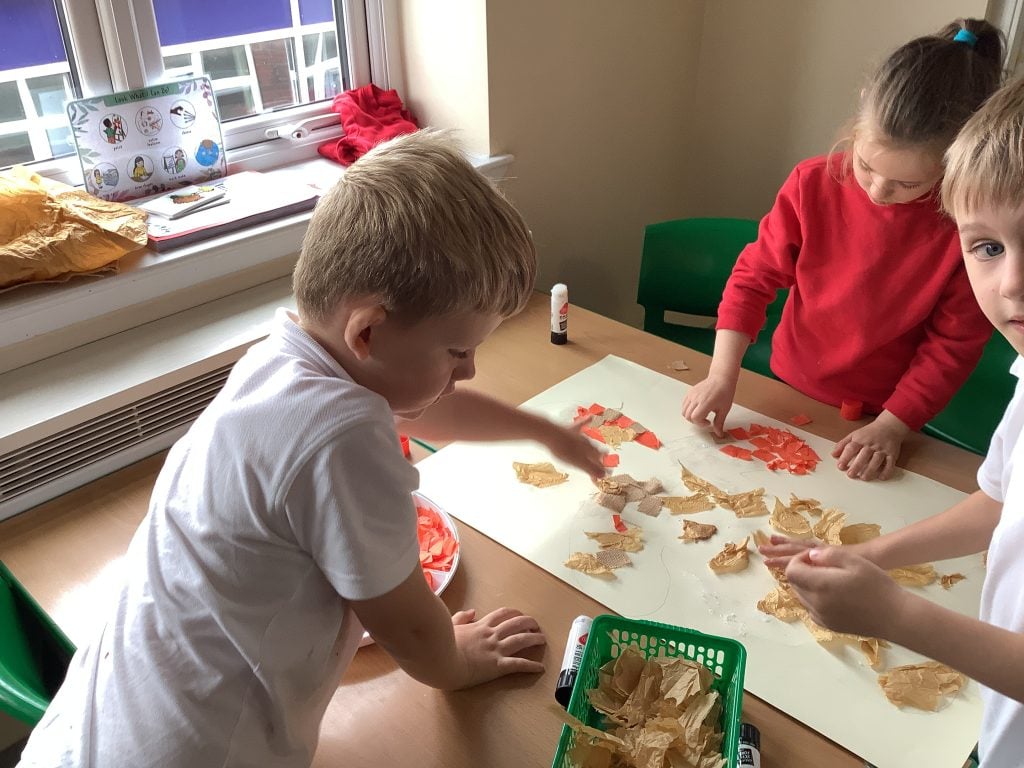
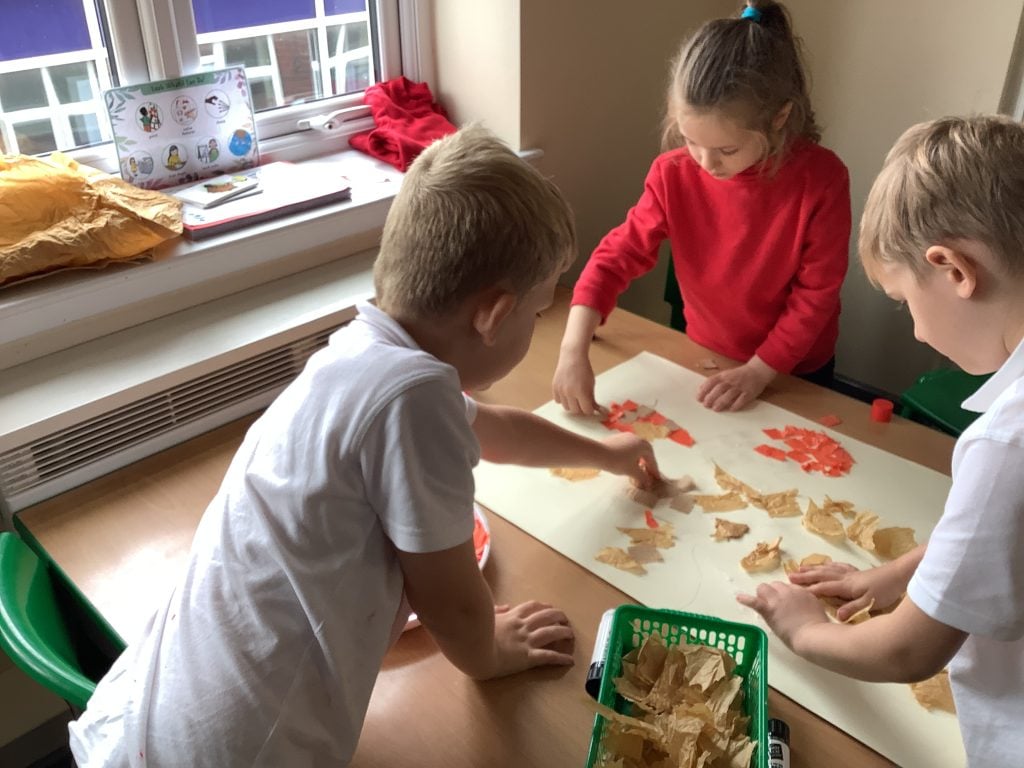
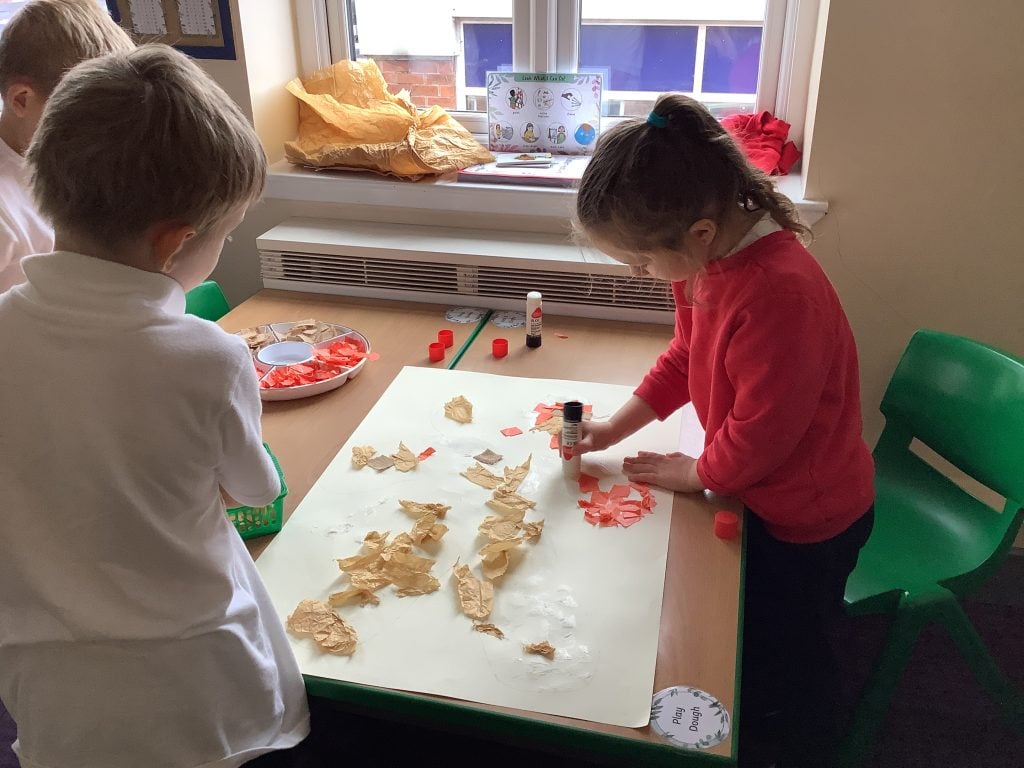
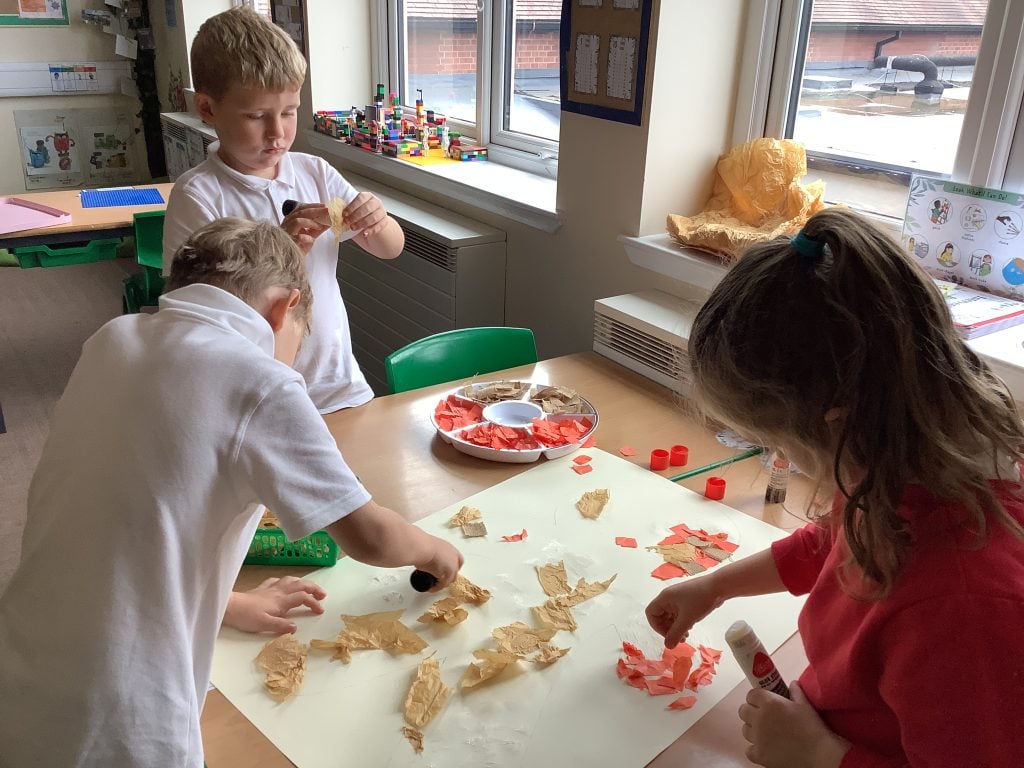
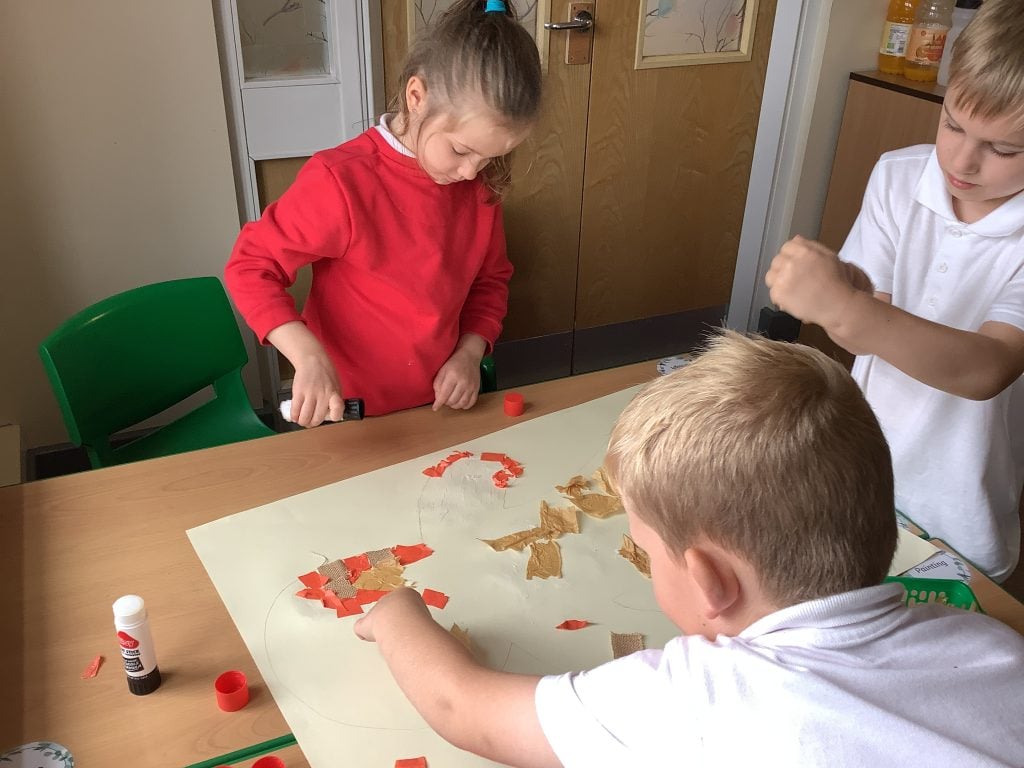
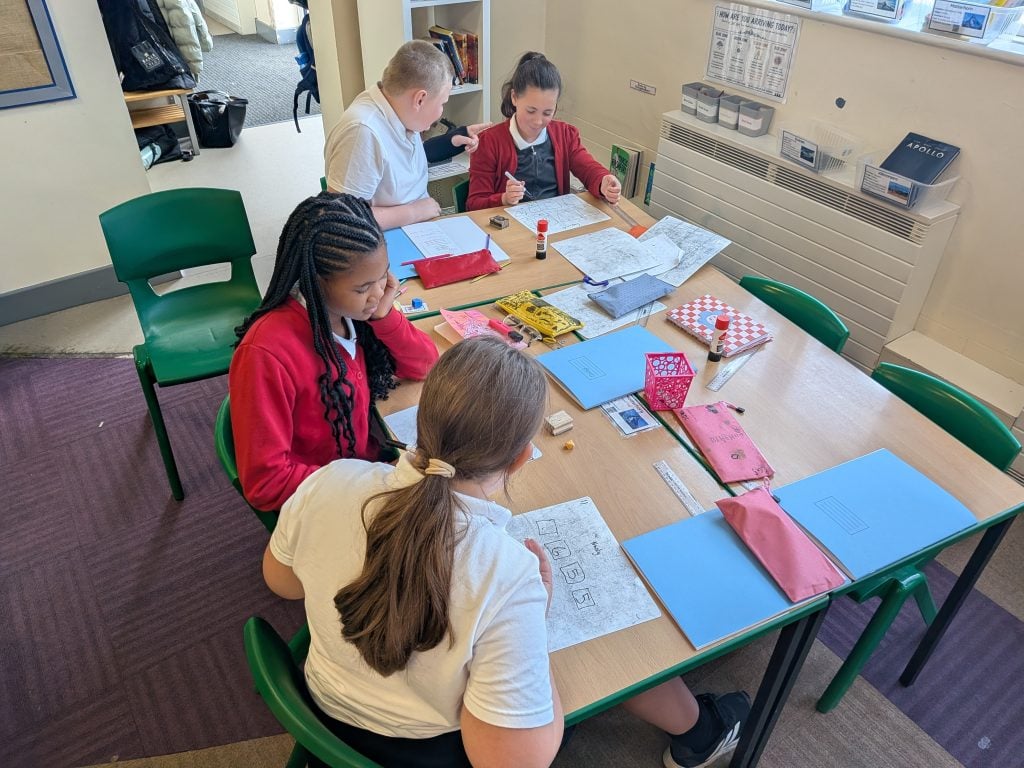
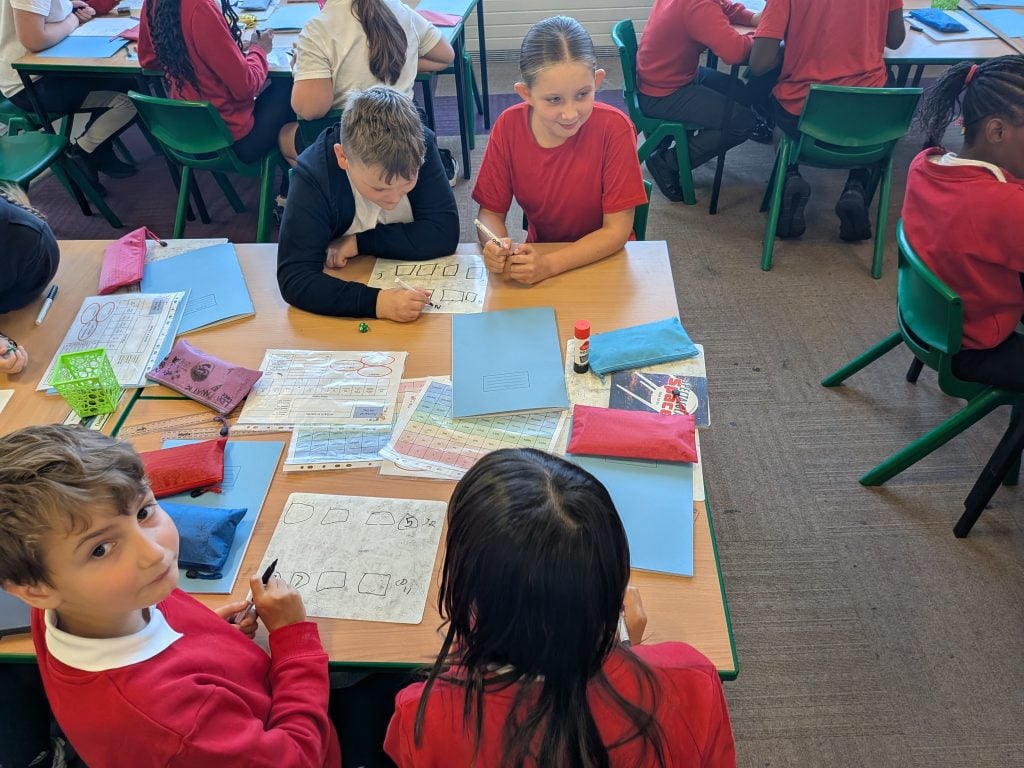
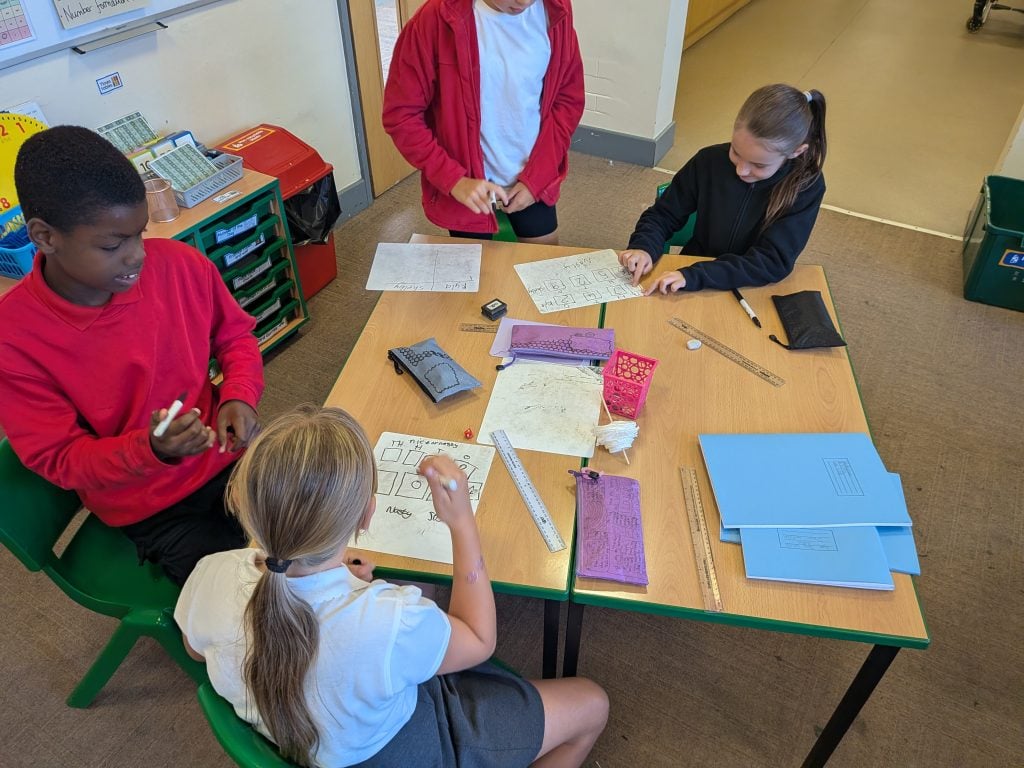
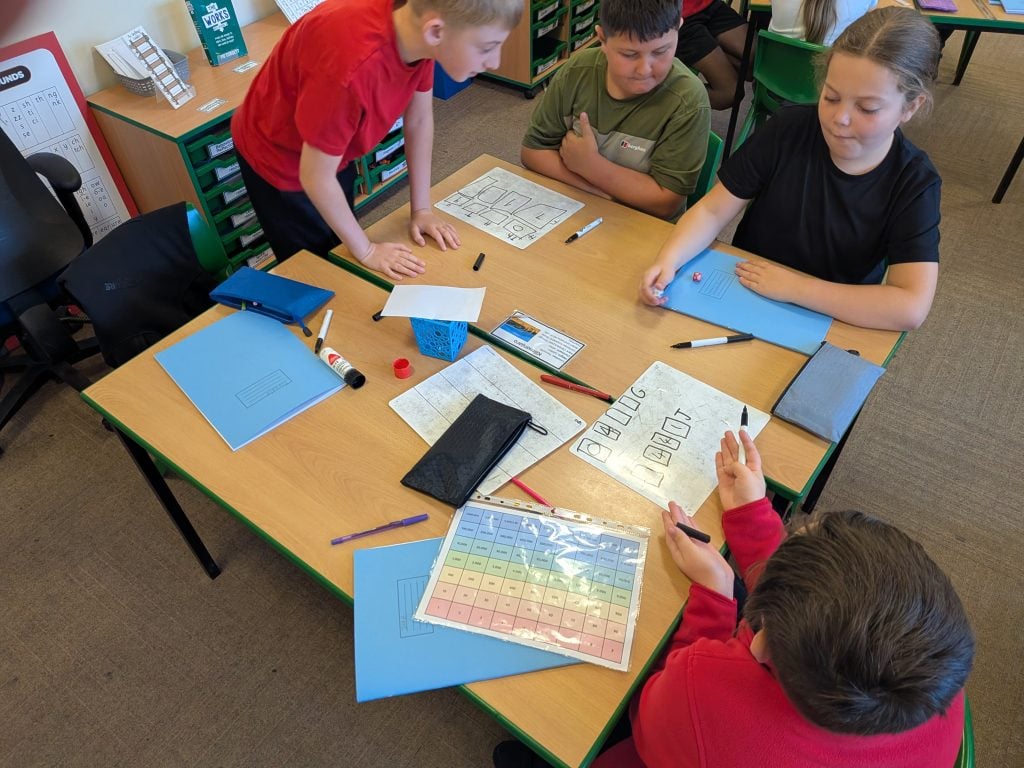
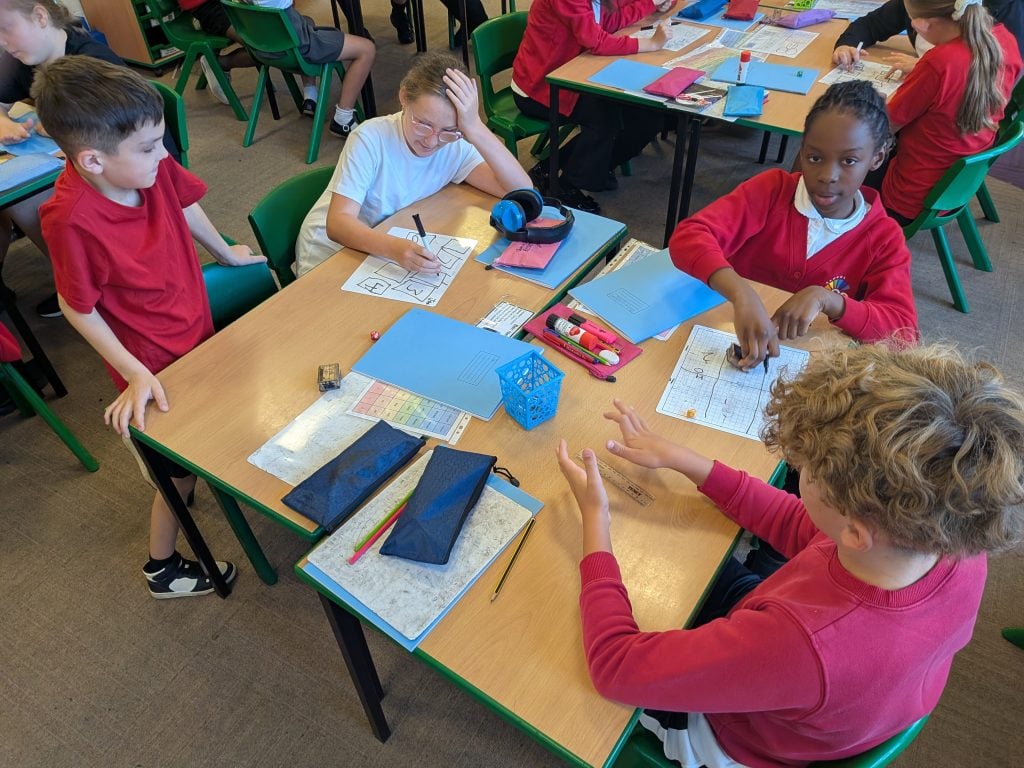
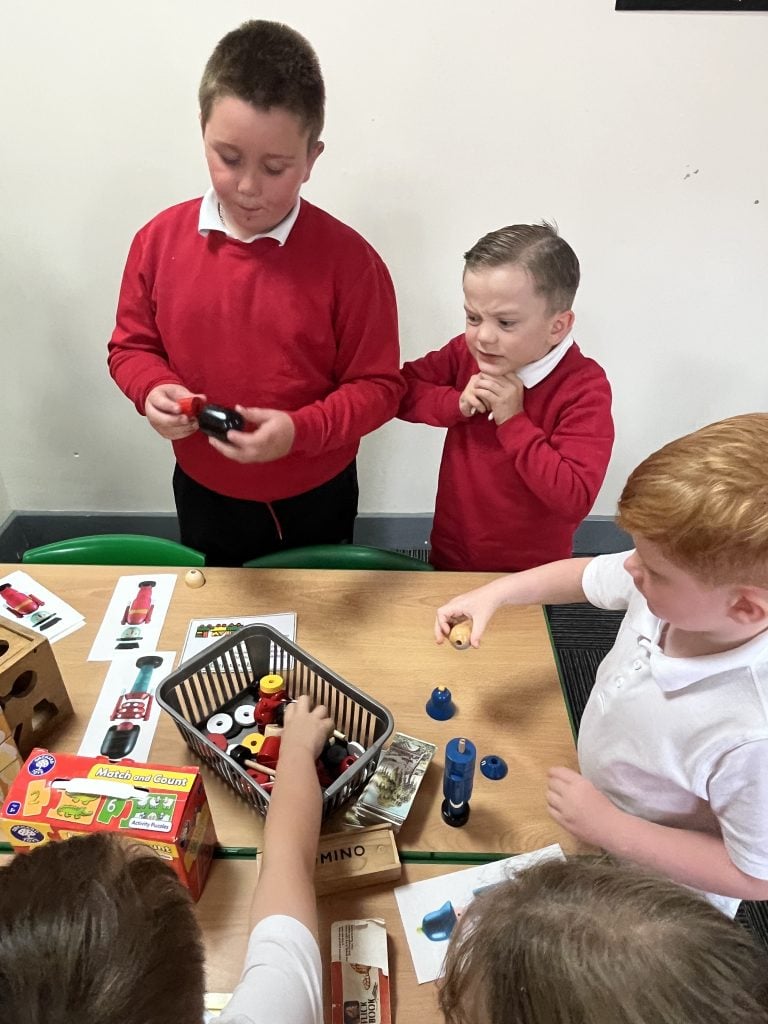
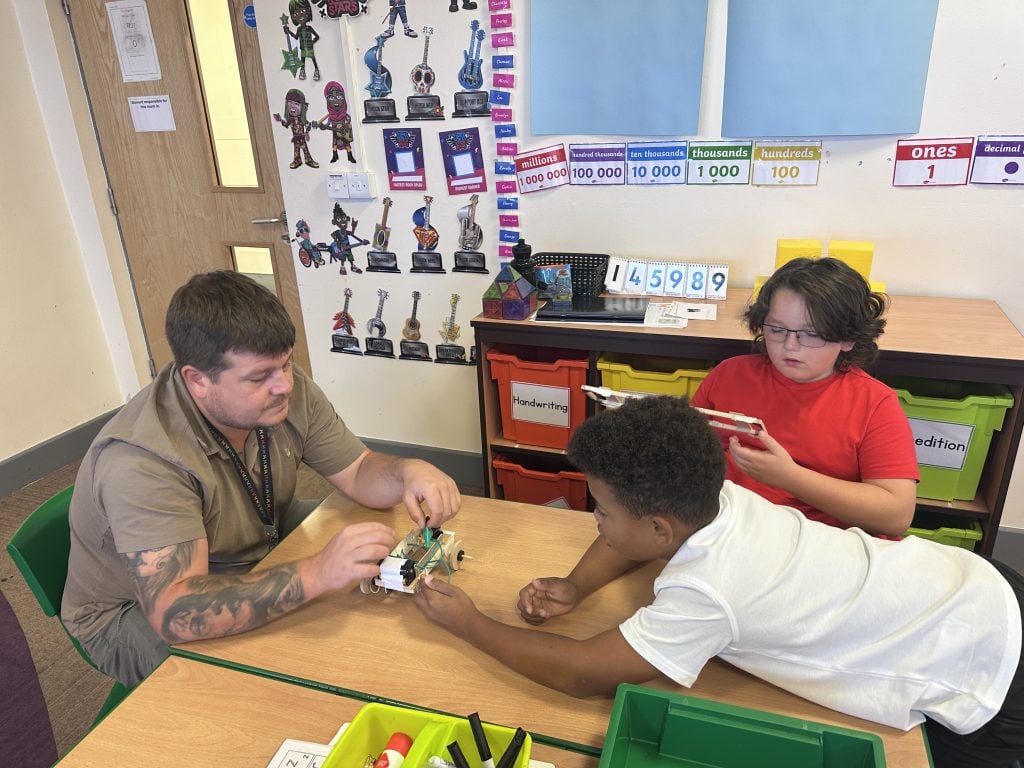
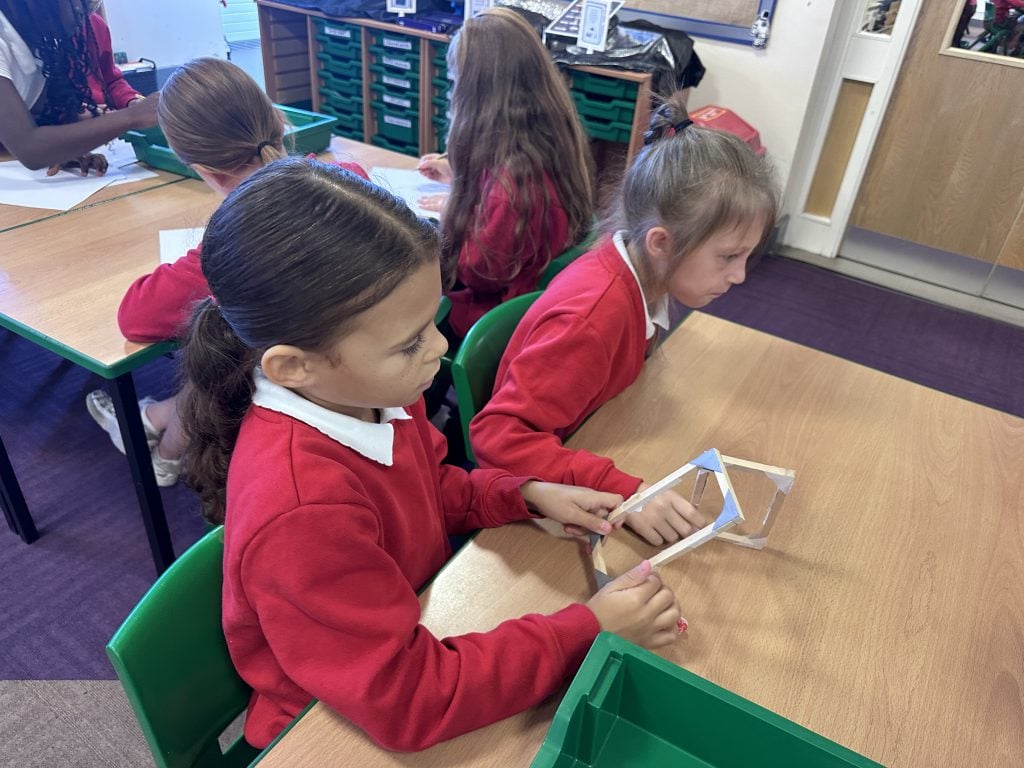
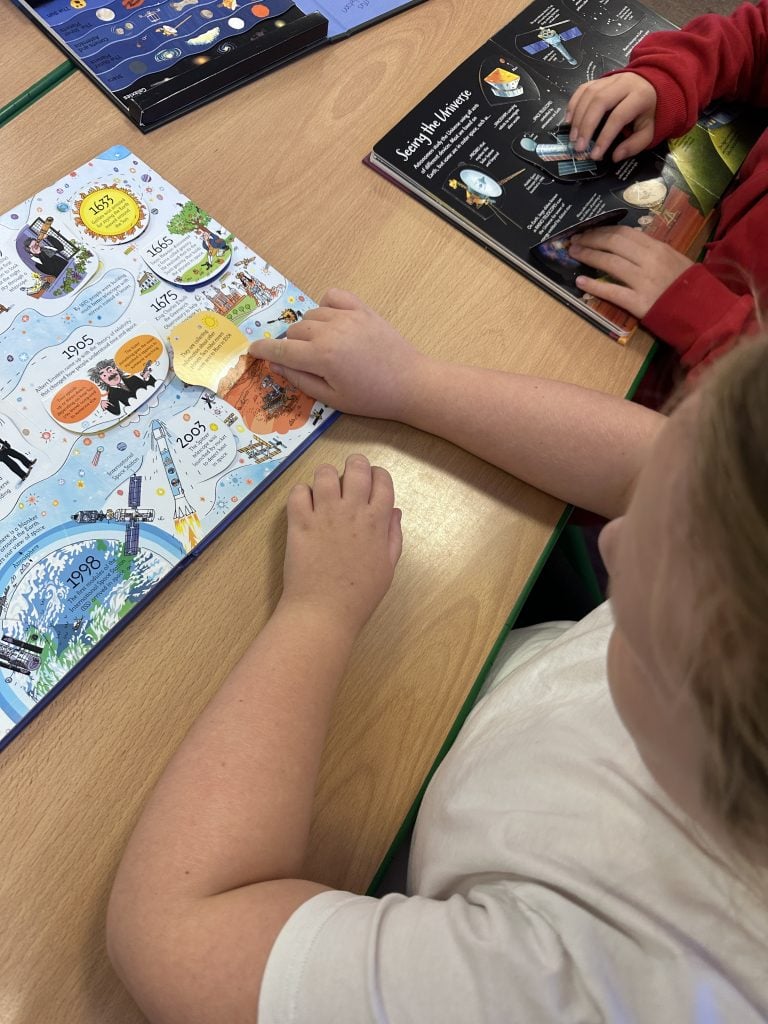
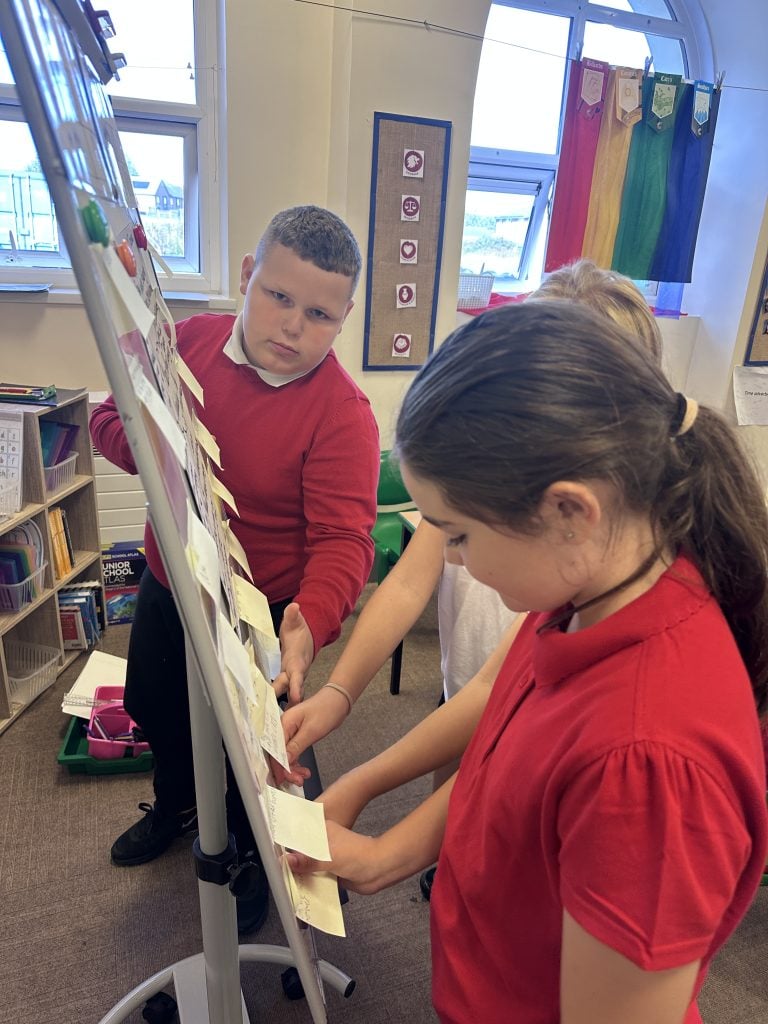
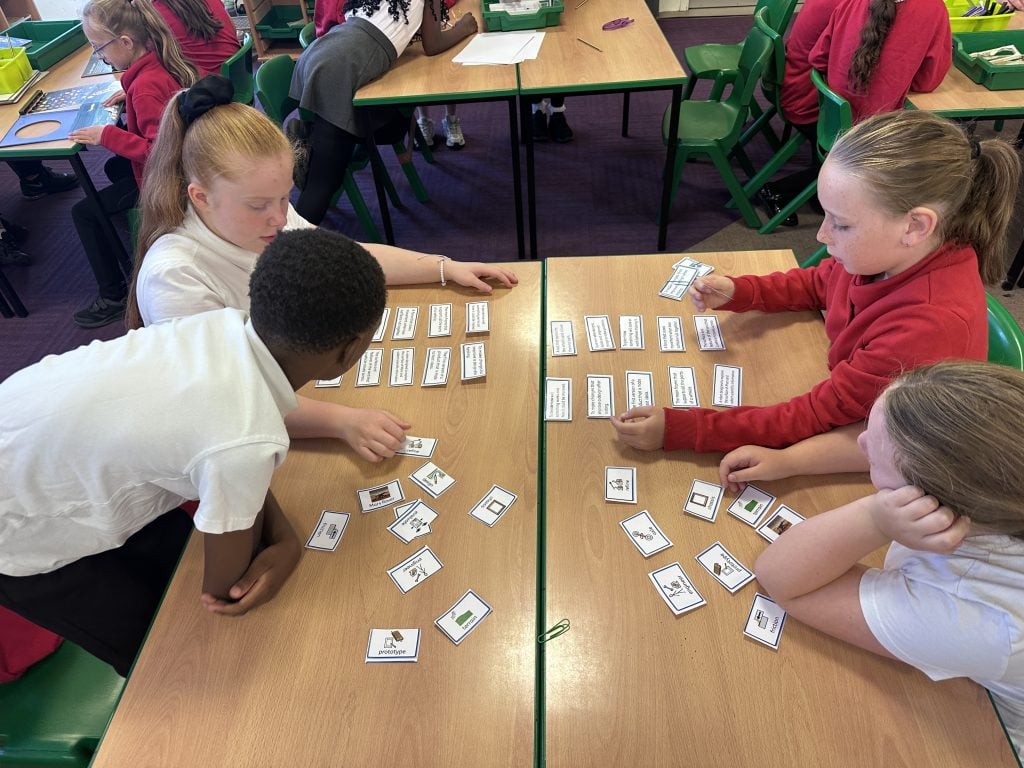
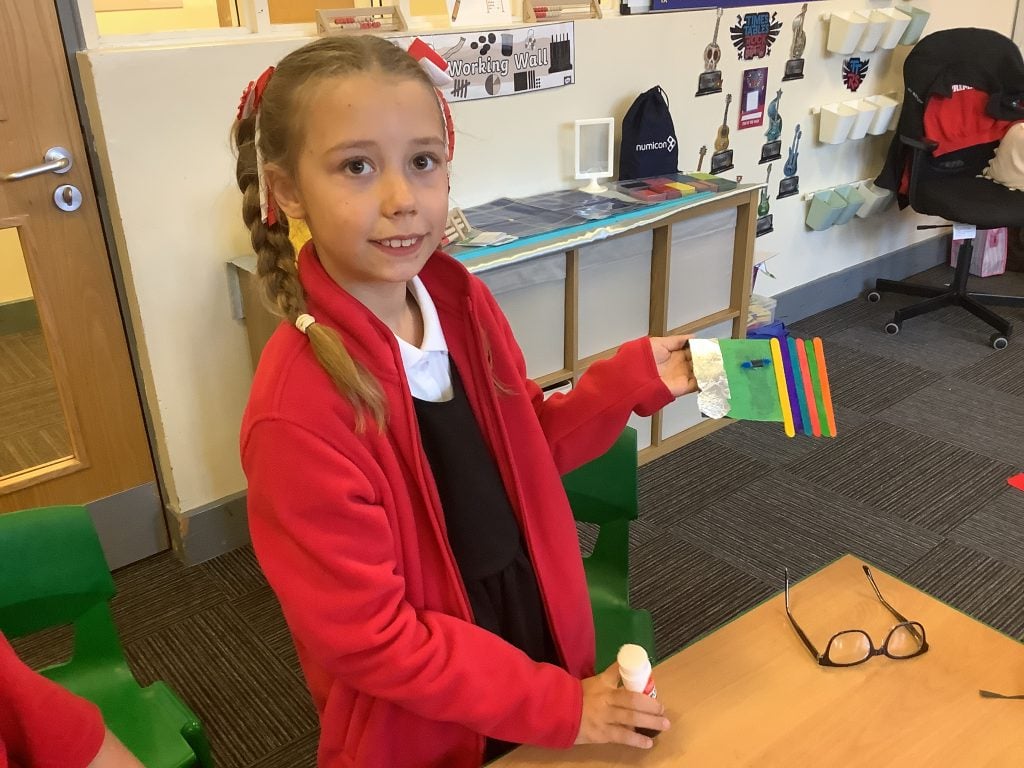
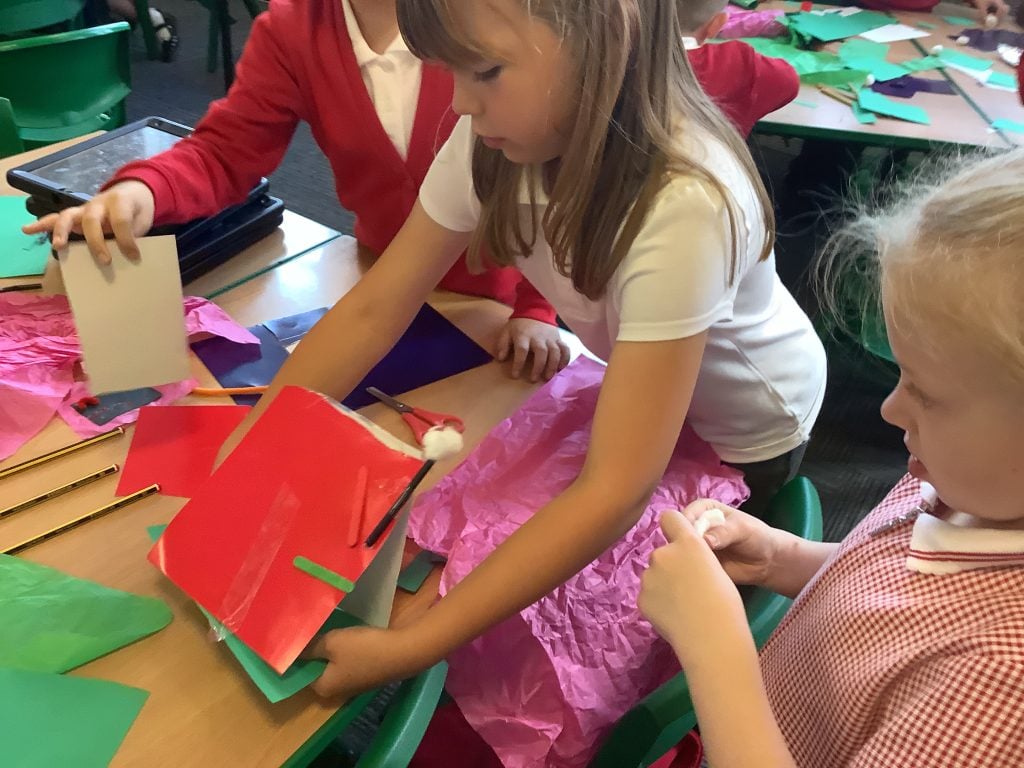
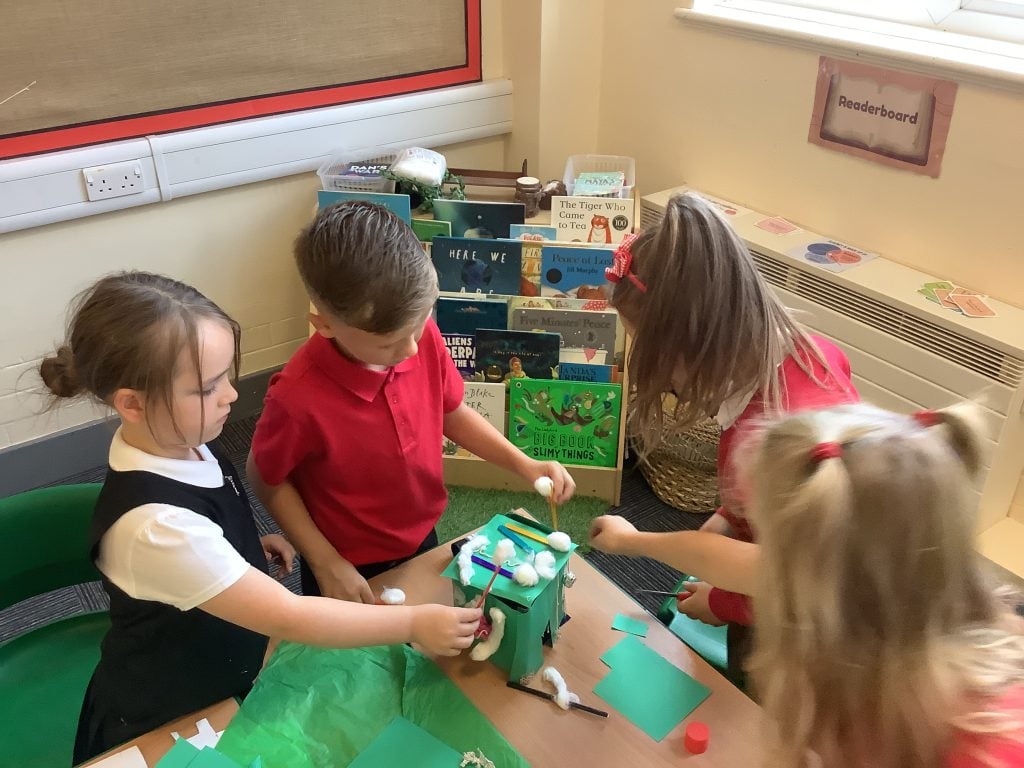
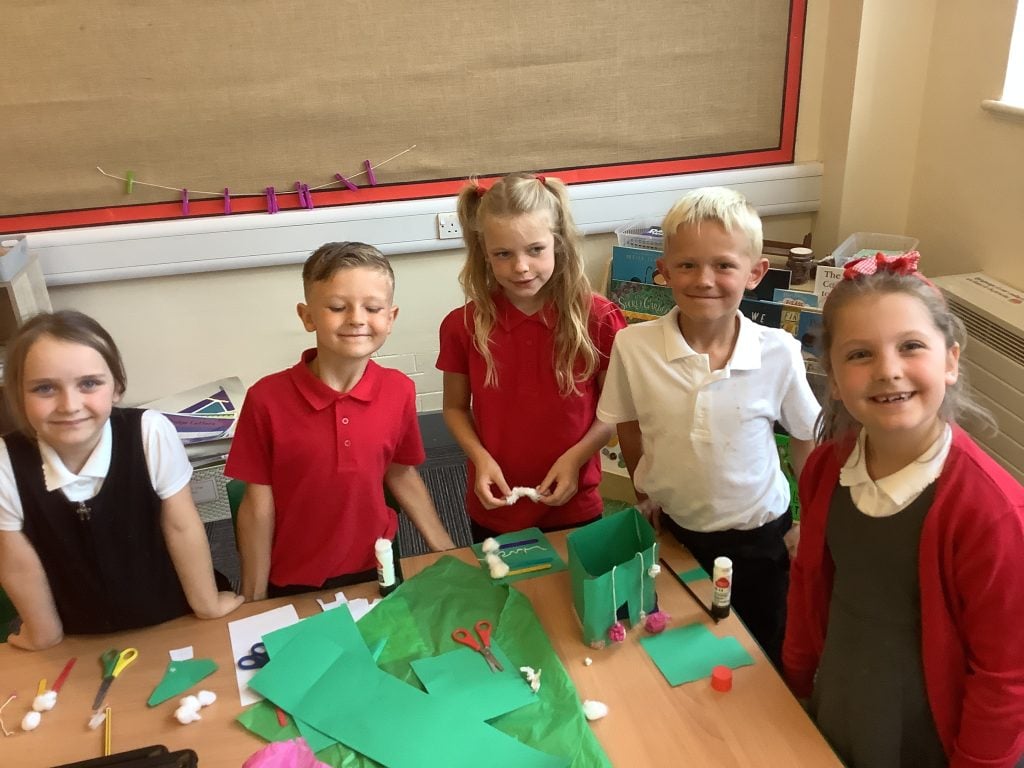
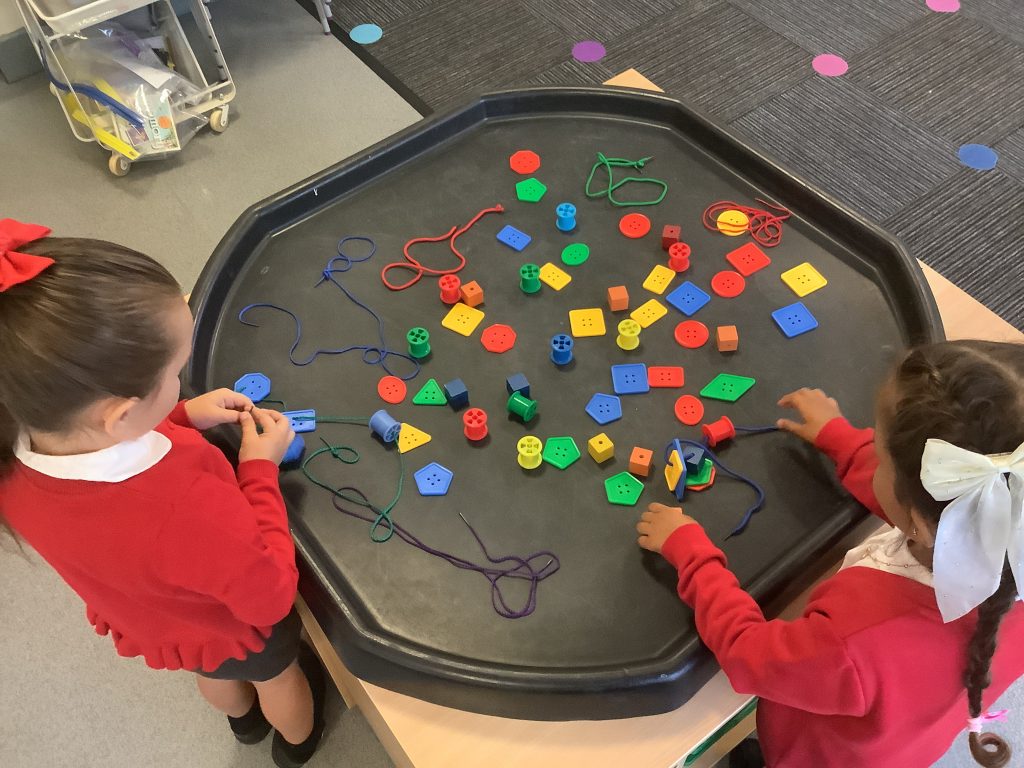
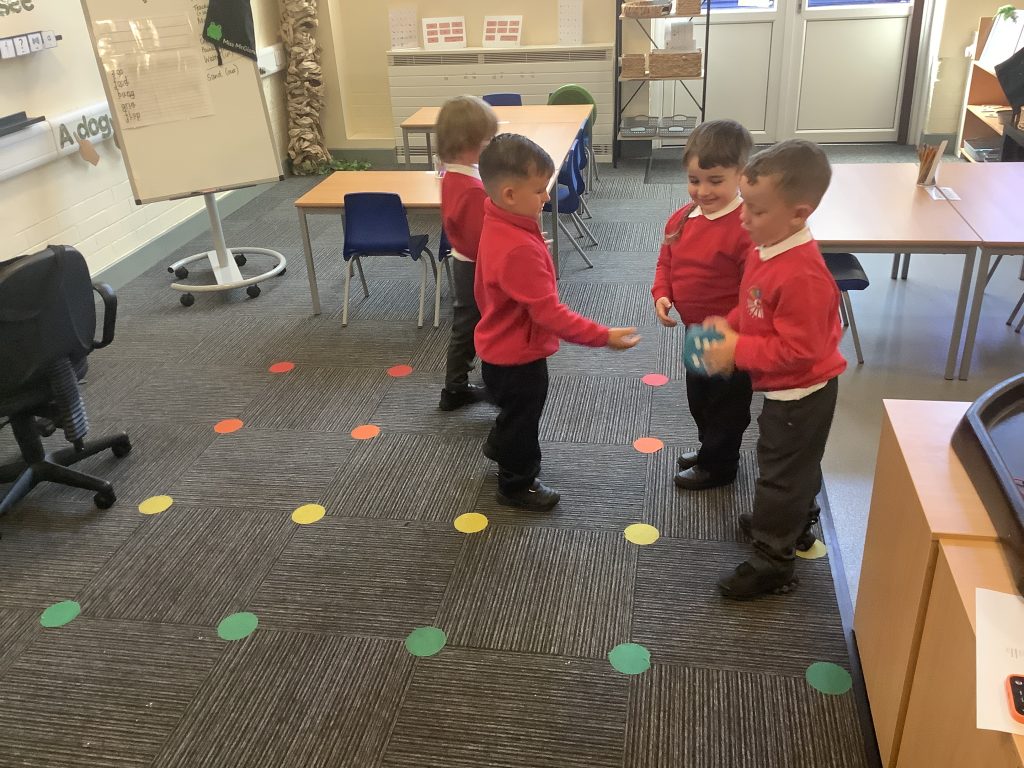
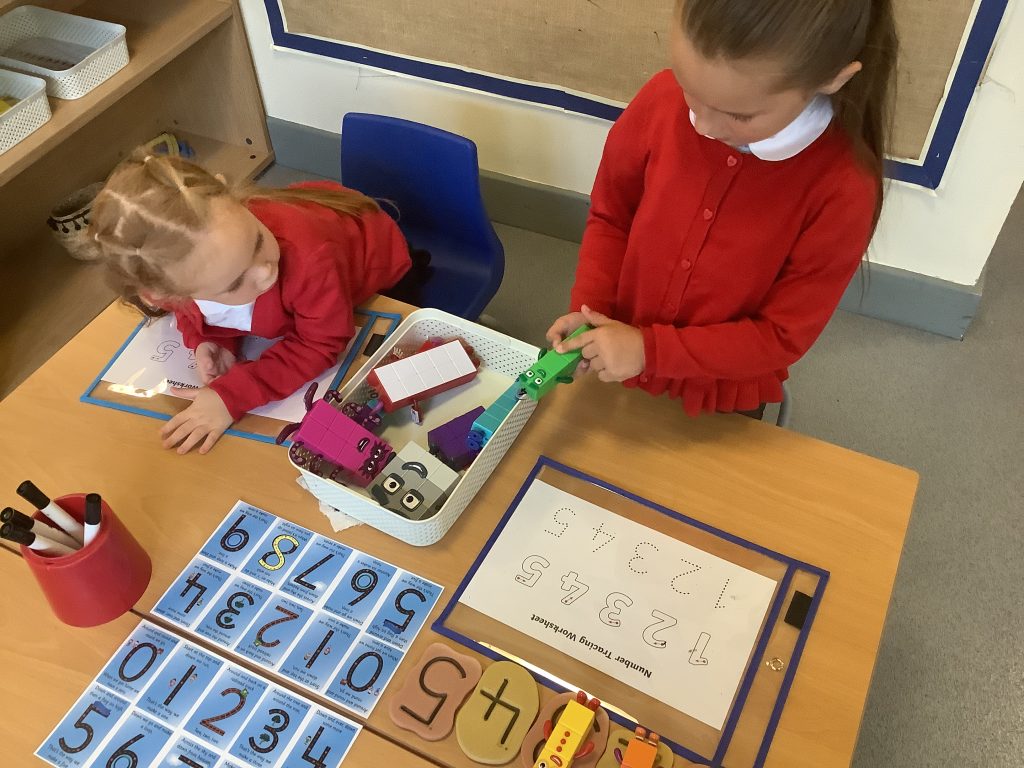
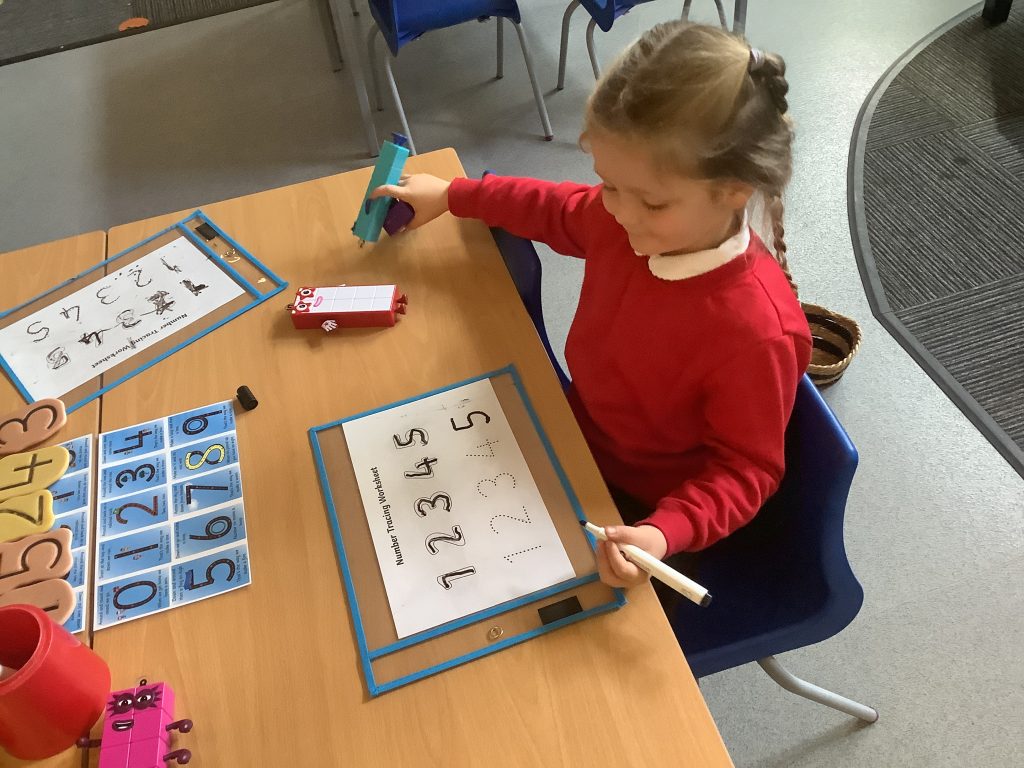
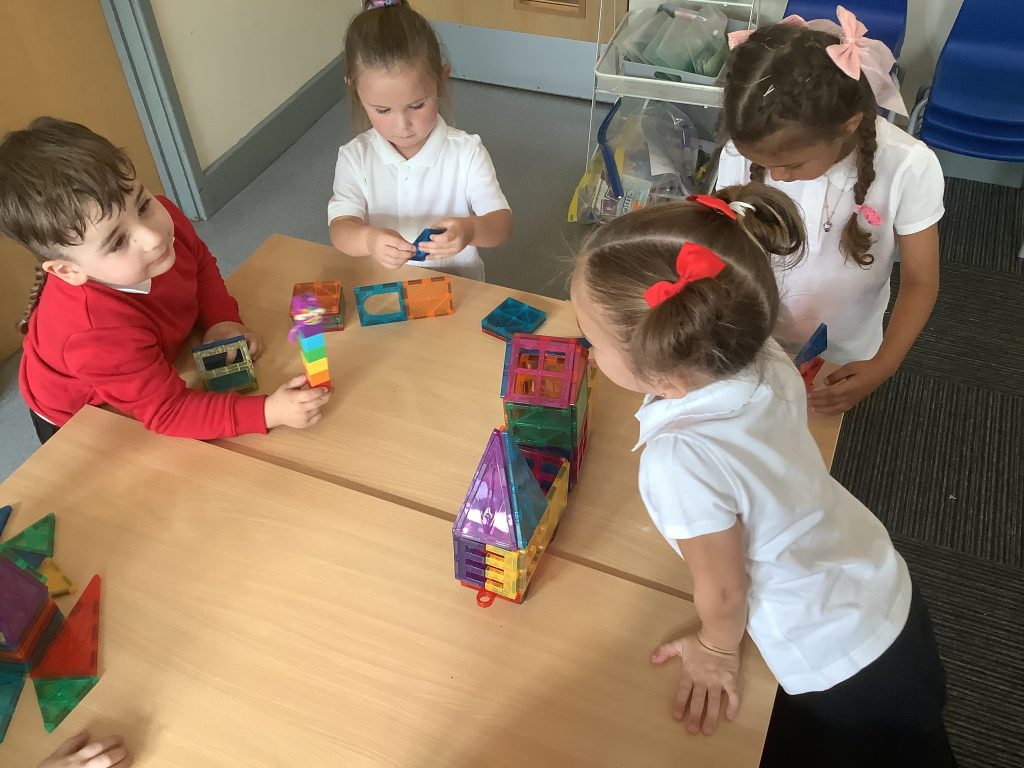
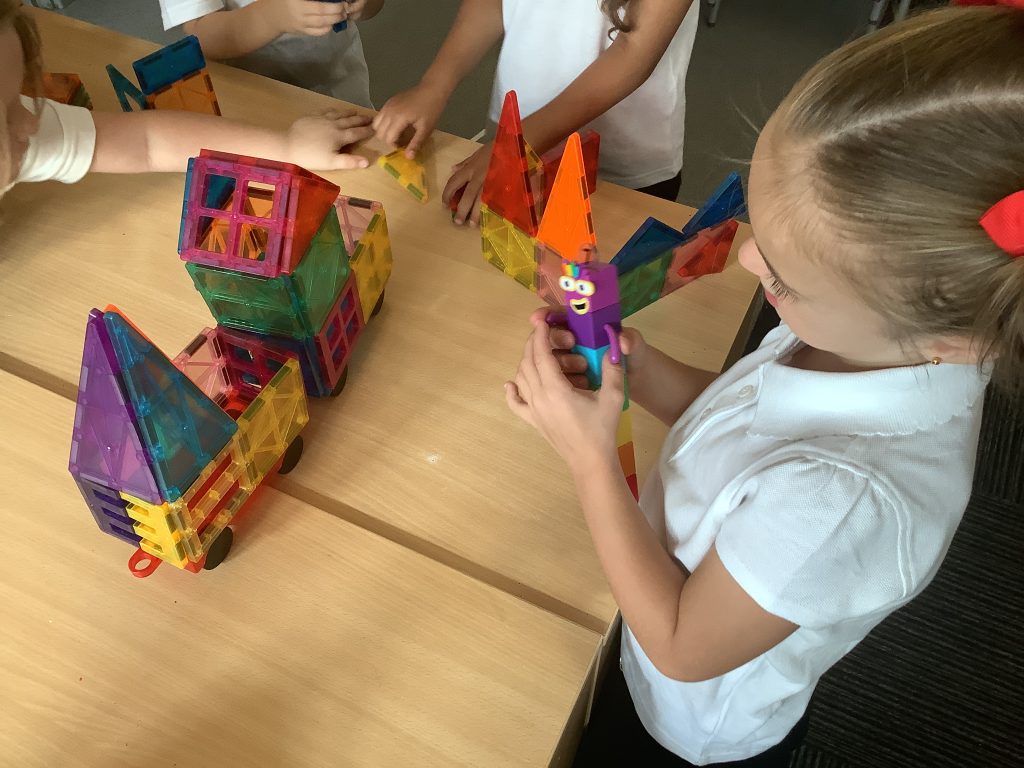
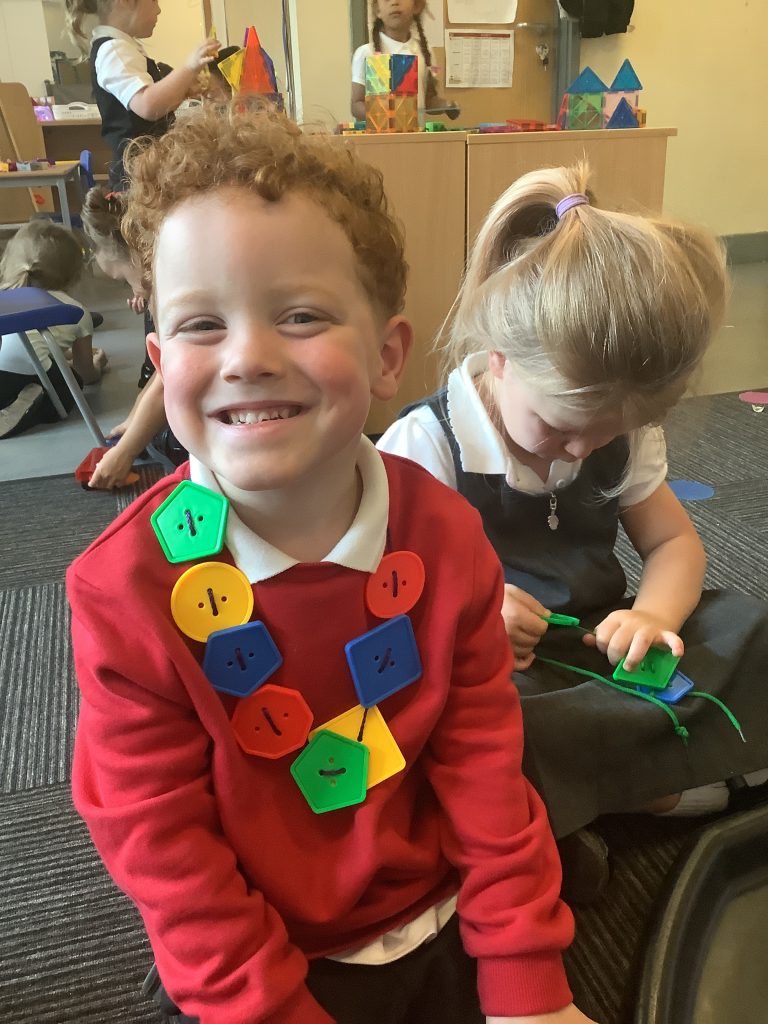
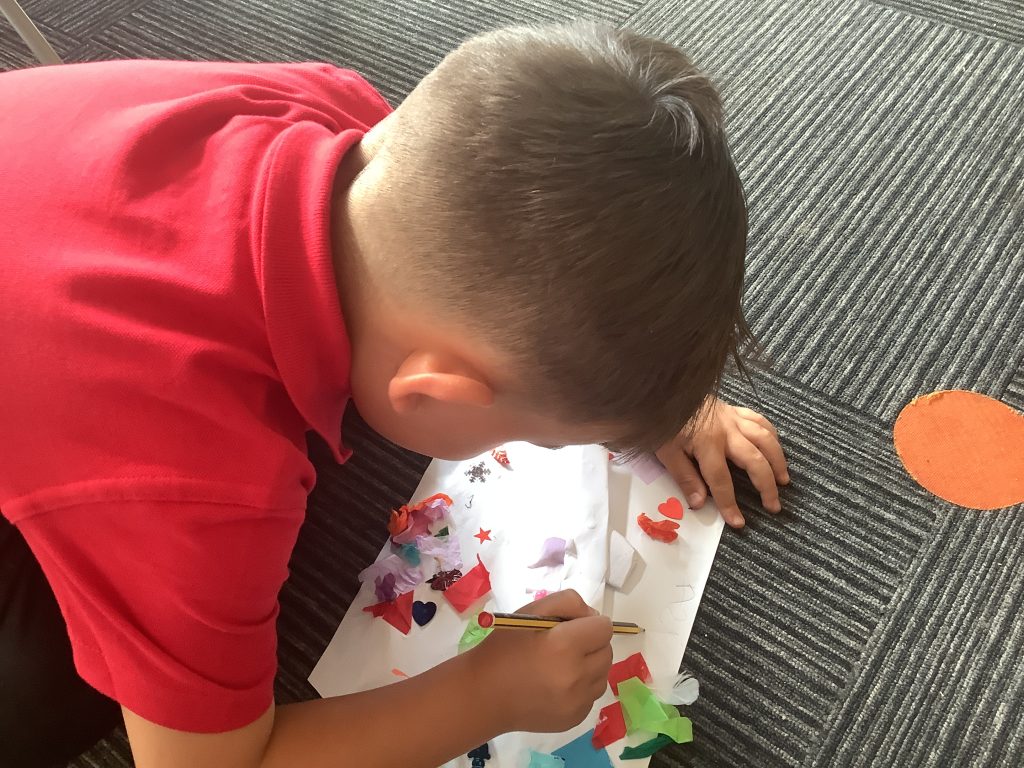
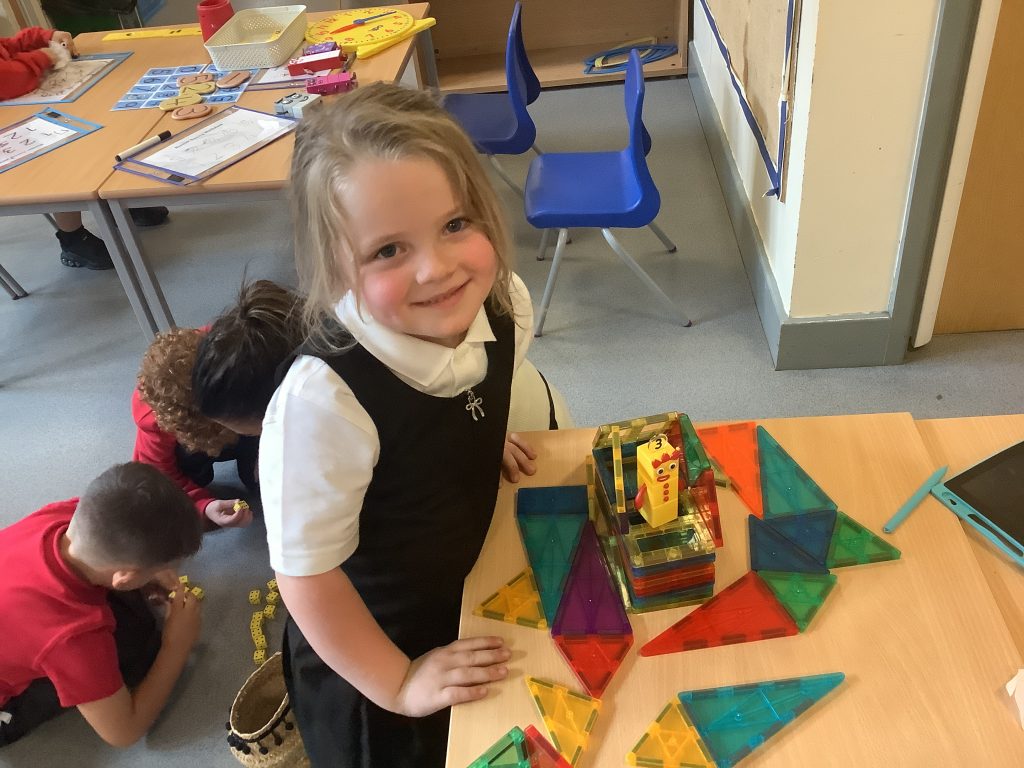
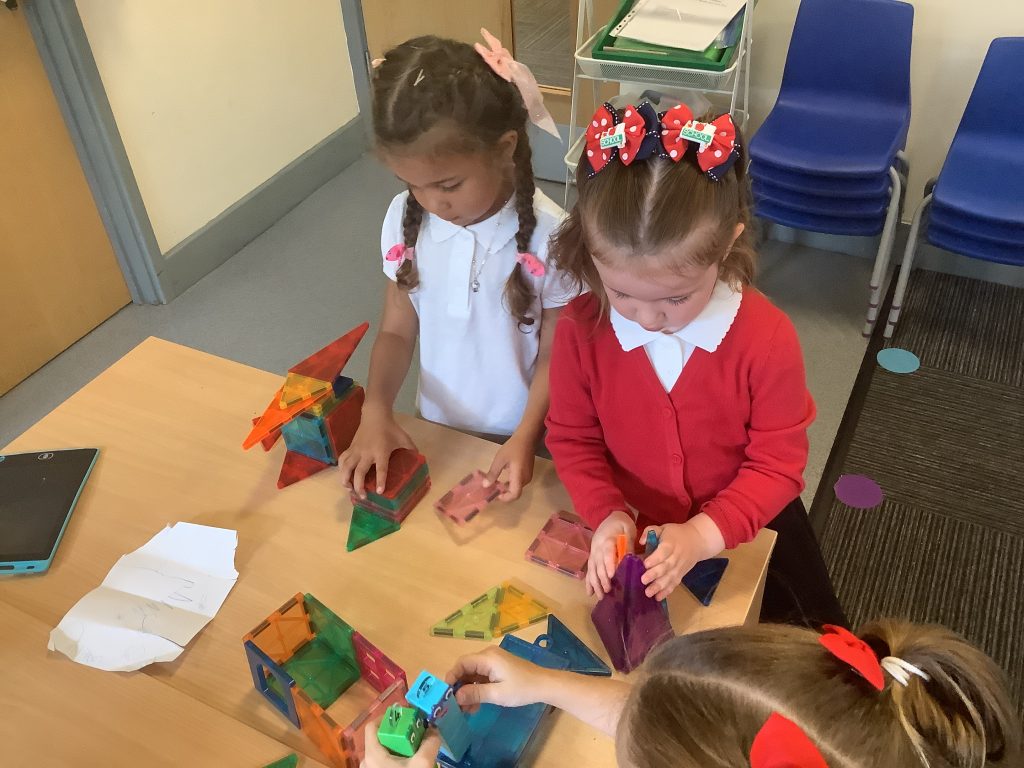
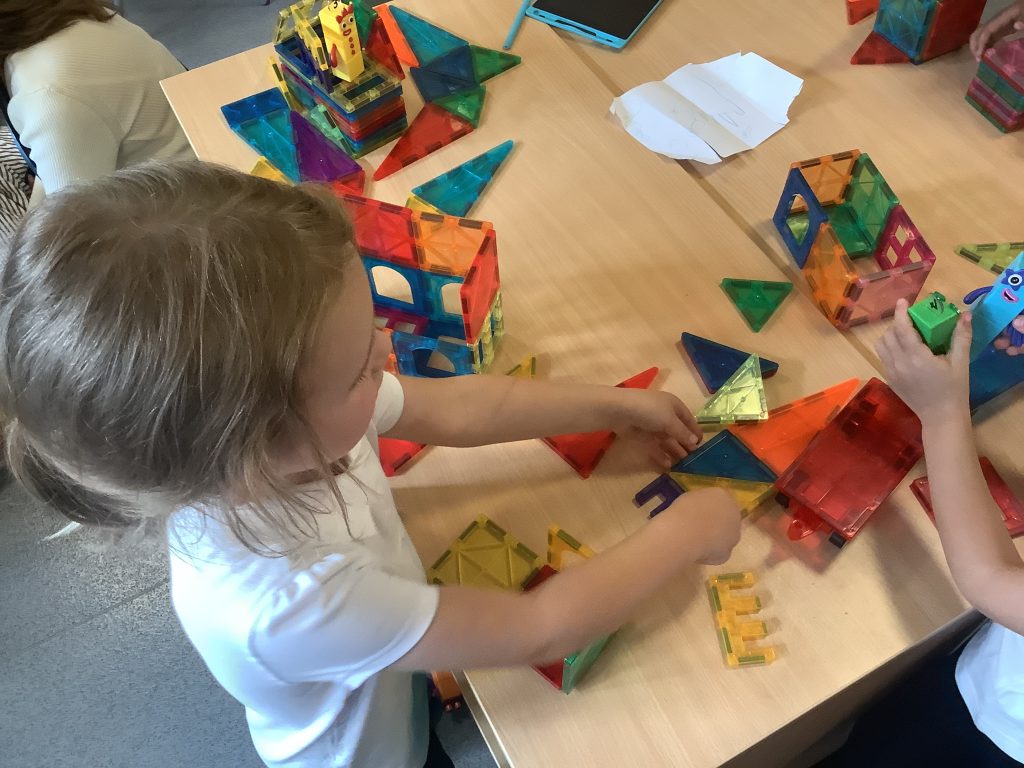
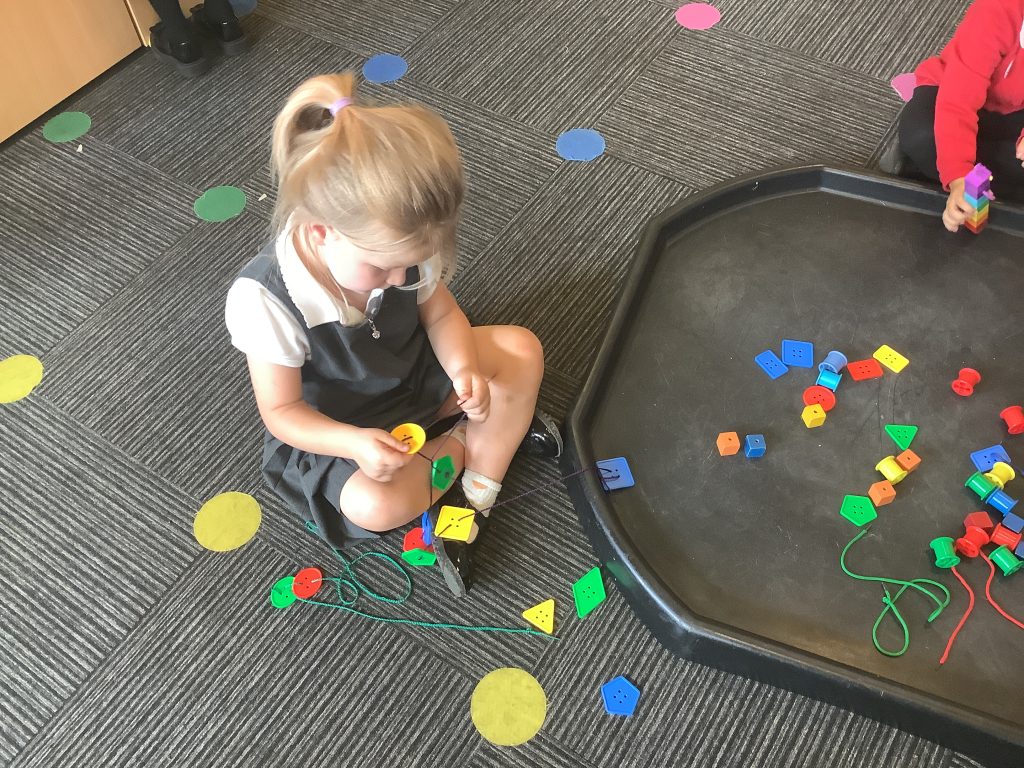
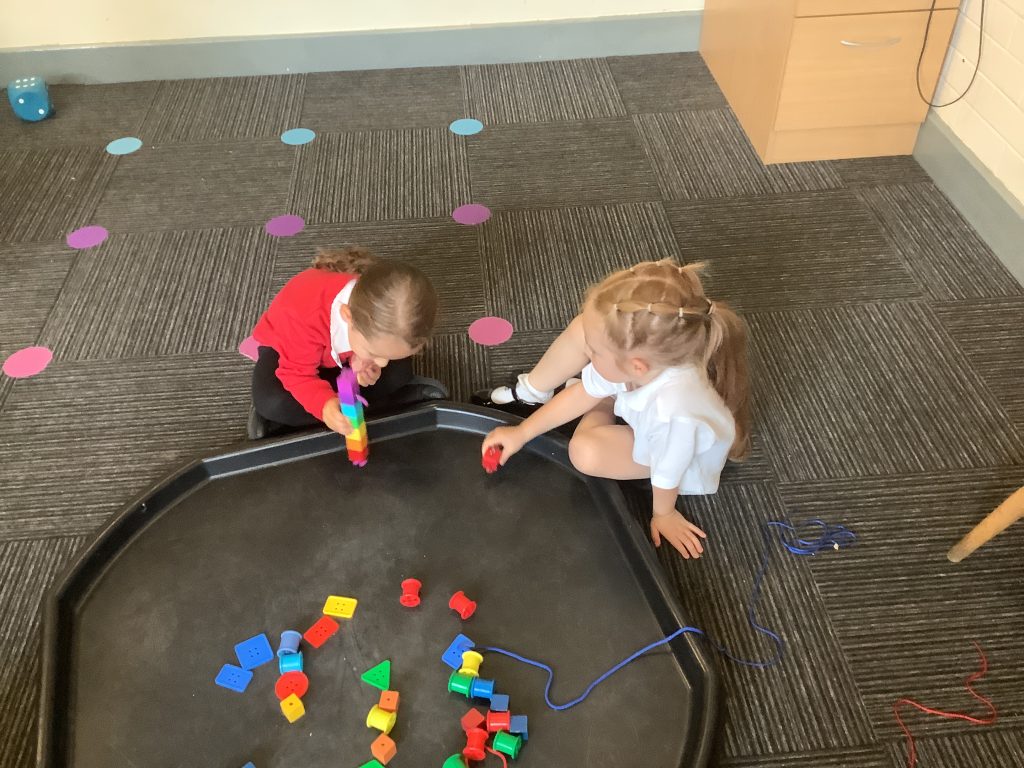
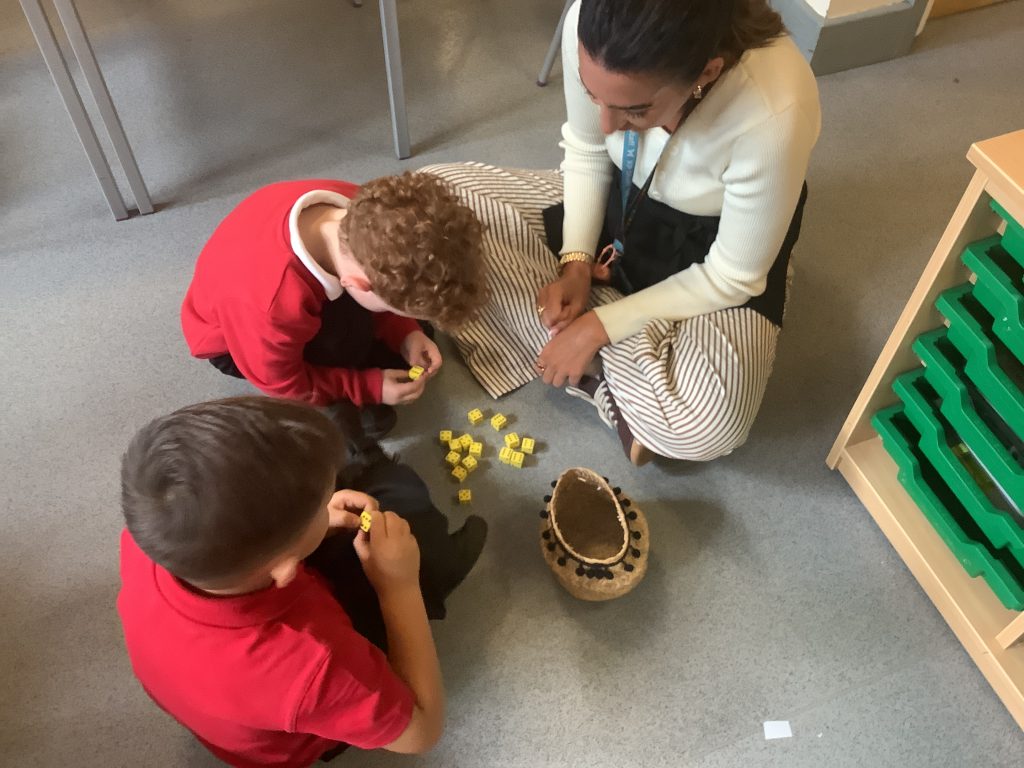
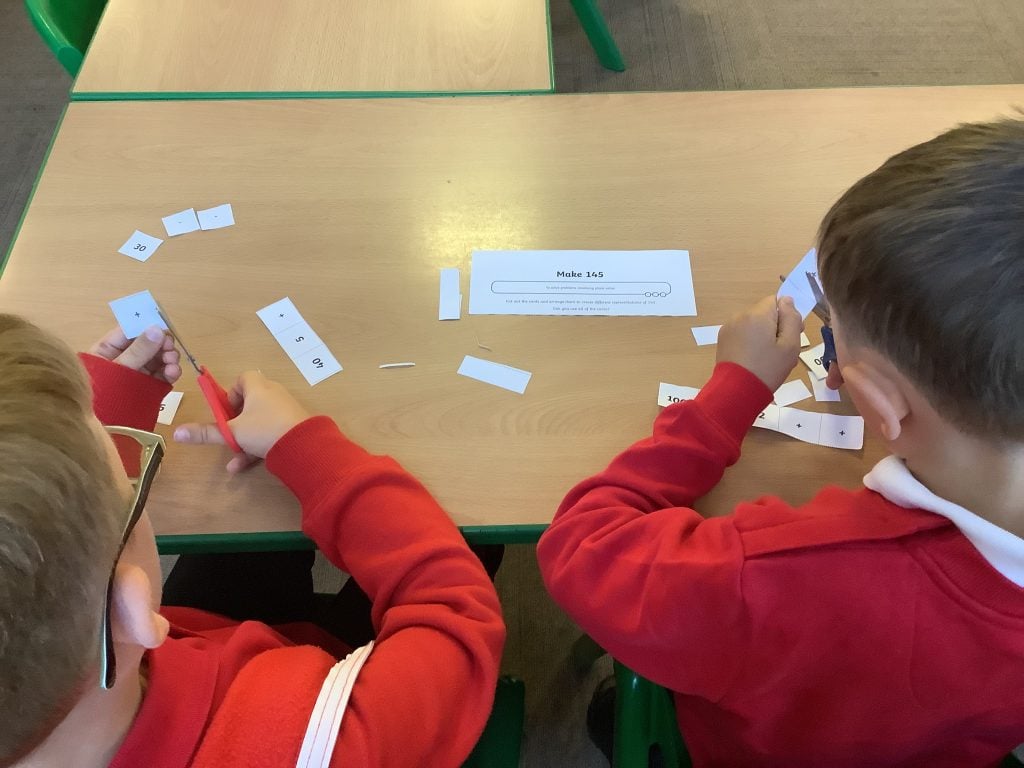
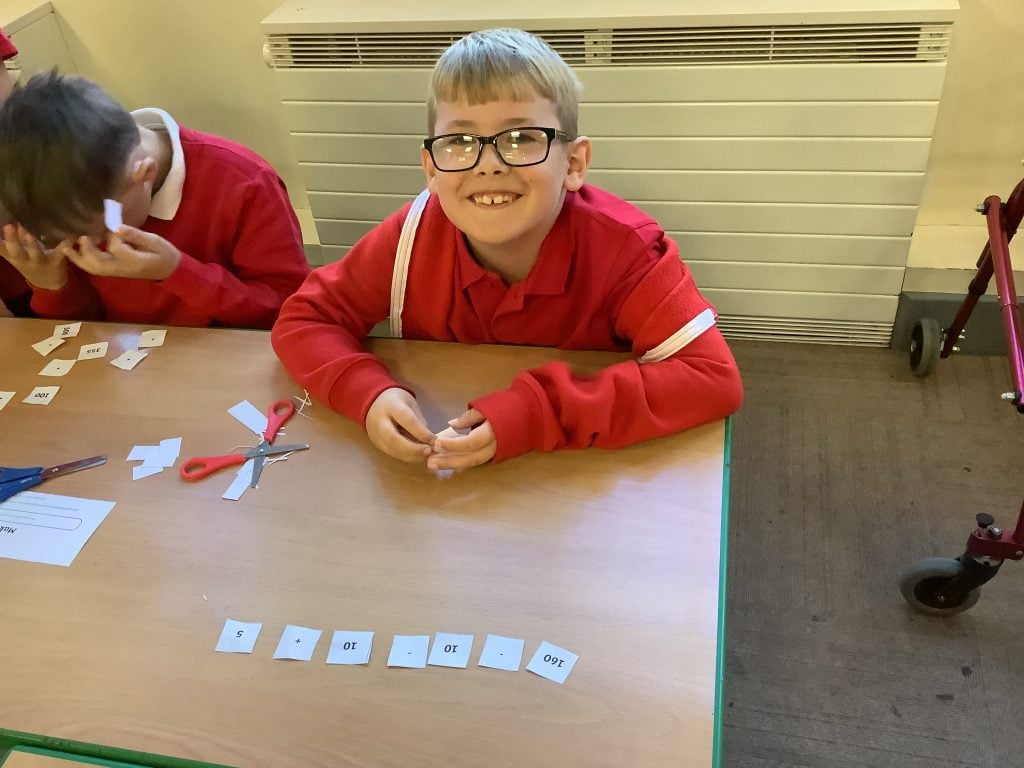
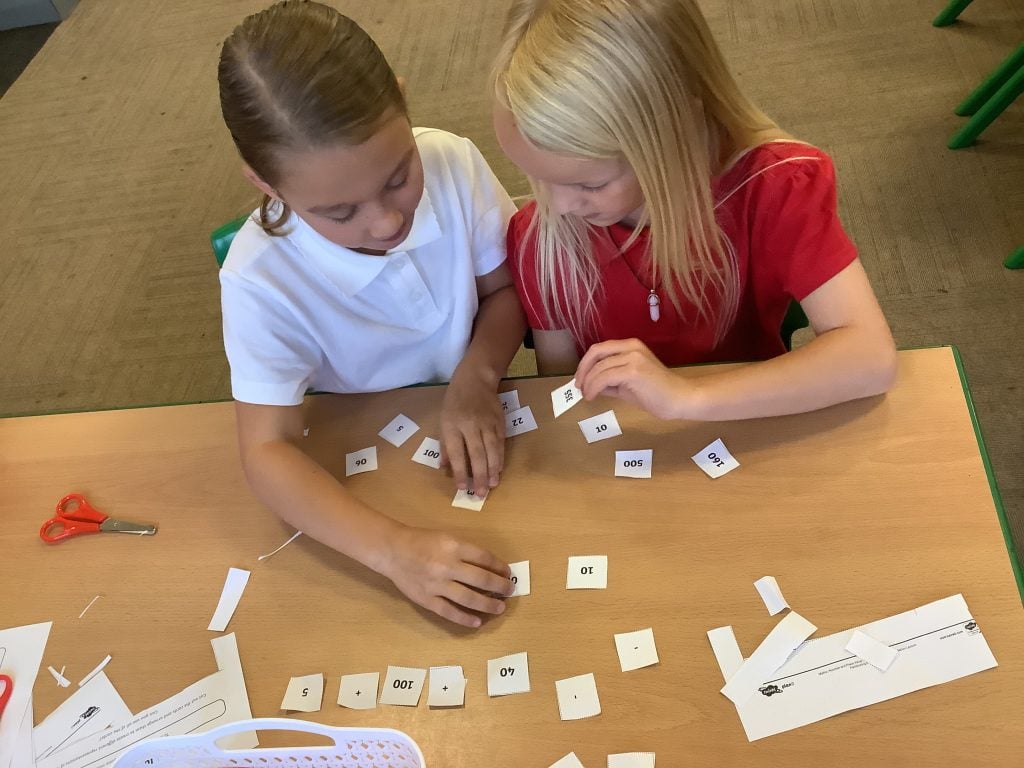
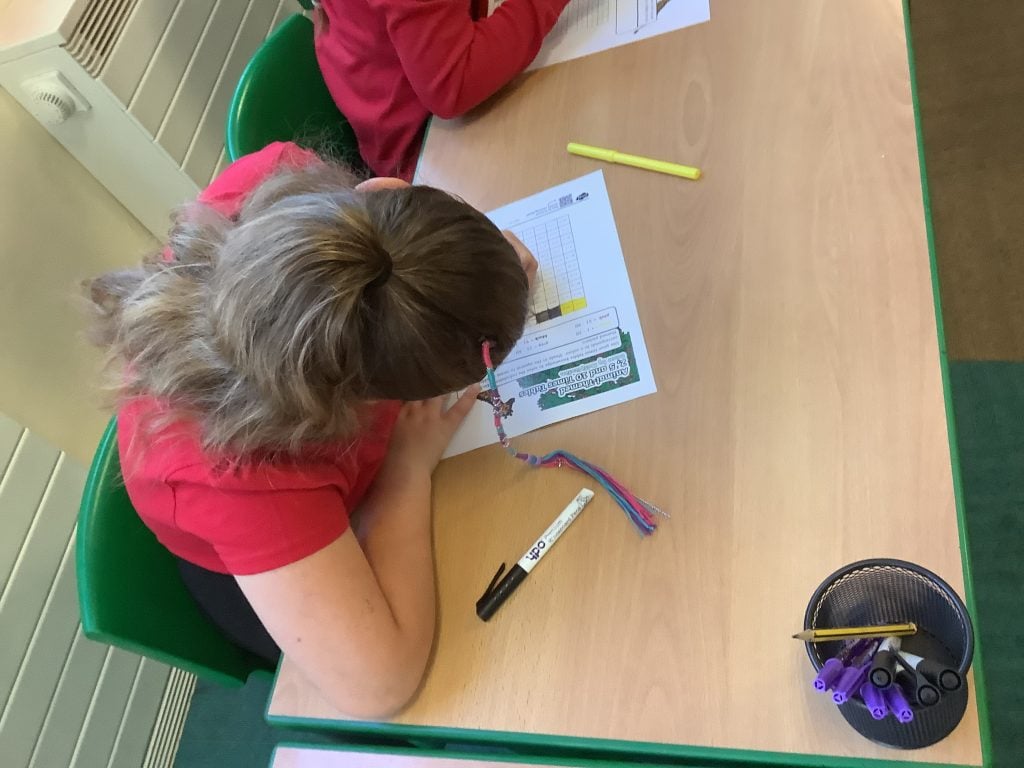
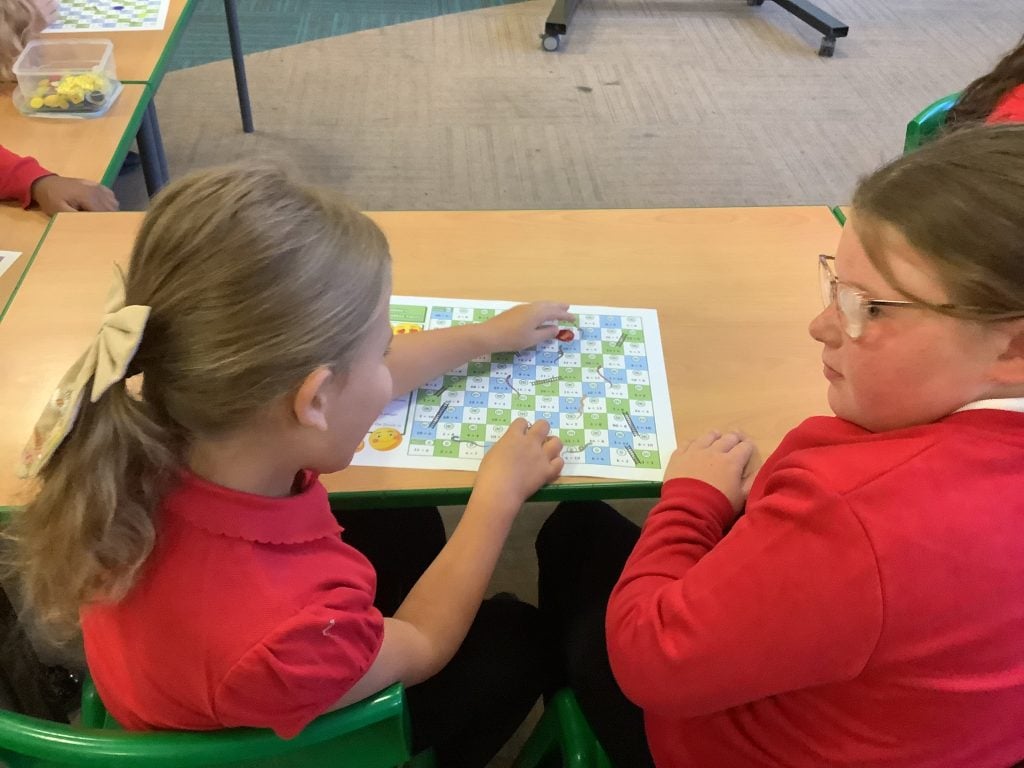
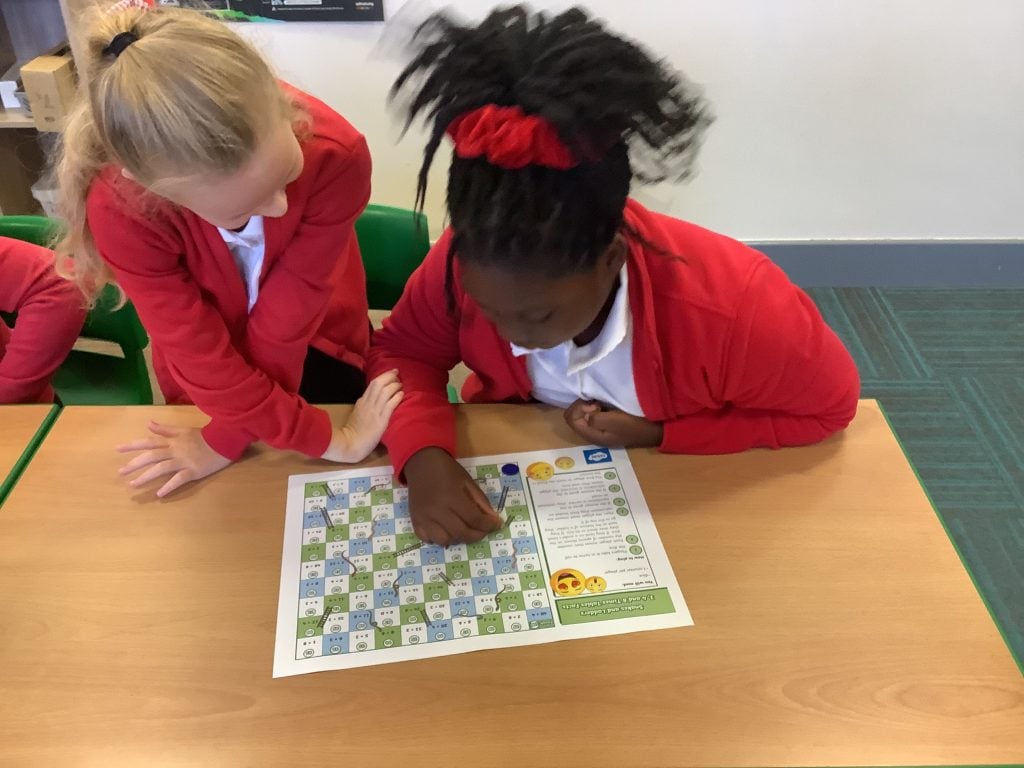
What a week we have had in maths! Crew MI have been amazing mathematicians this week and showed great resilience when tackling some tricky problems. We have used the concrete resources to support us with our learning and have played some great maths games along the way. Keep this great up as work up to millions next week!
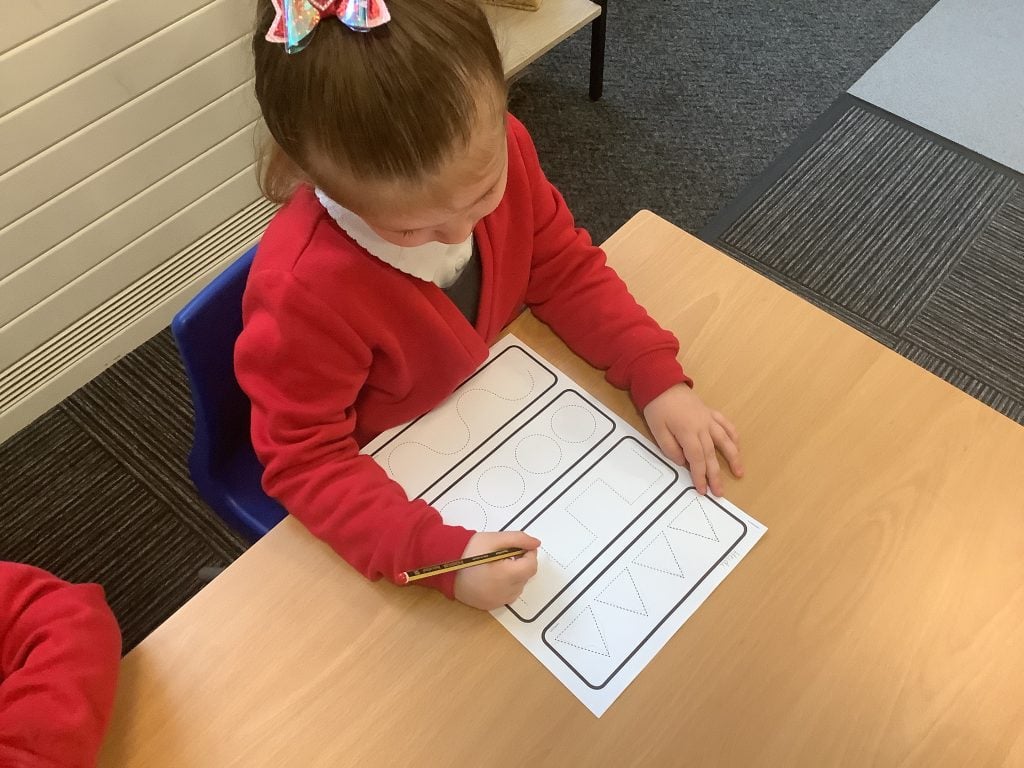
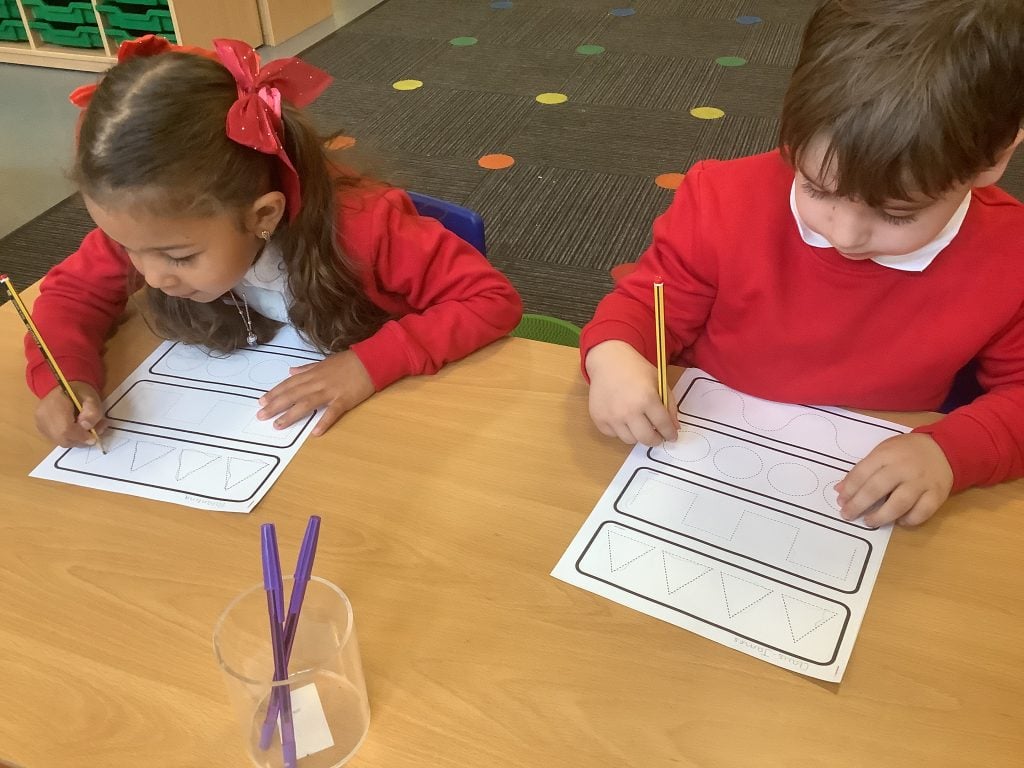
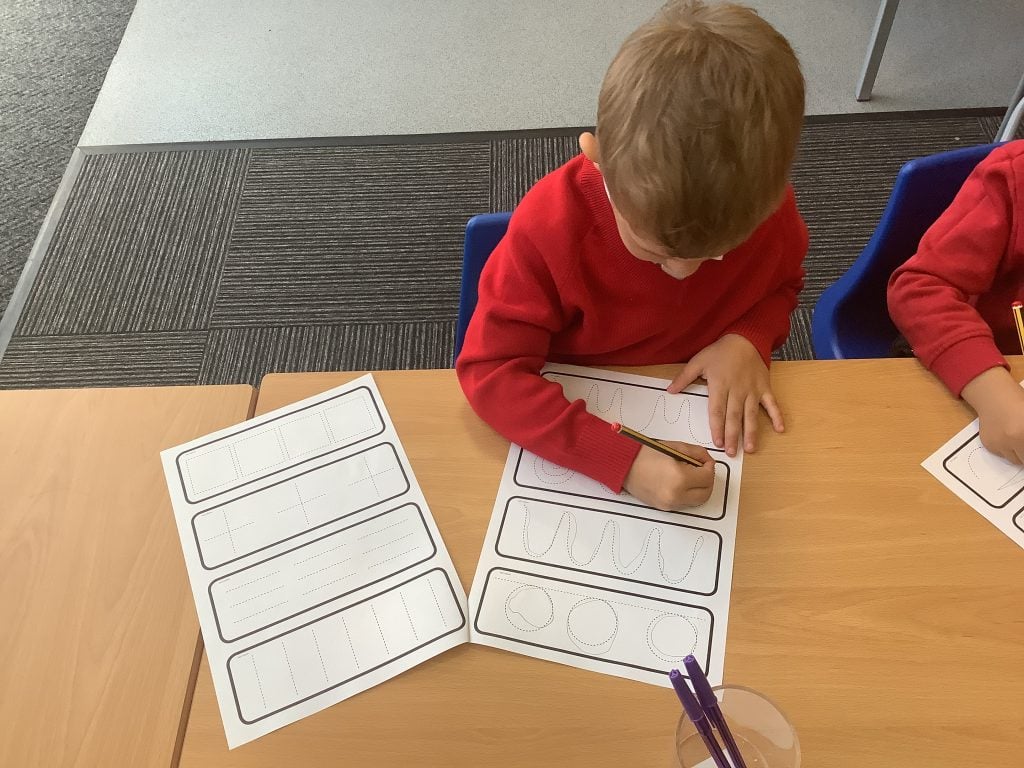
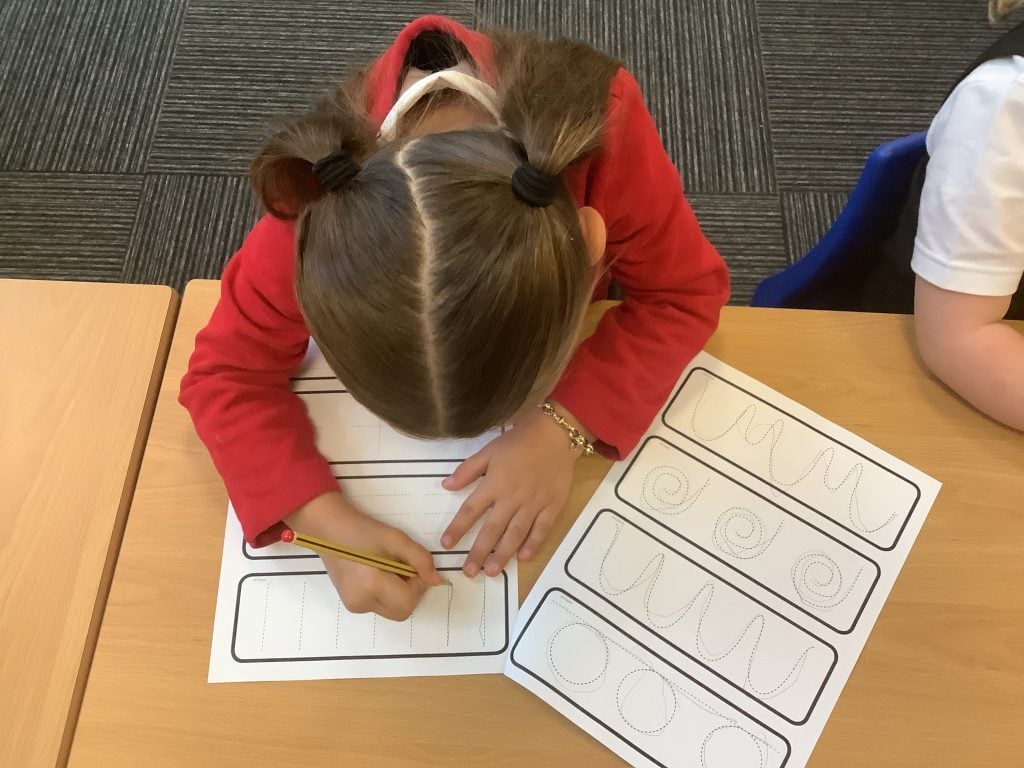
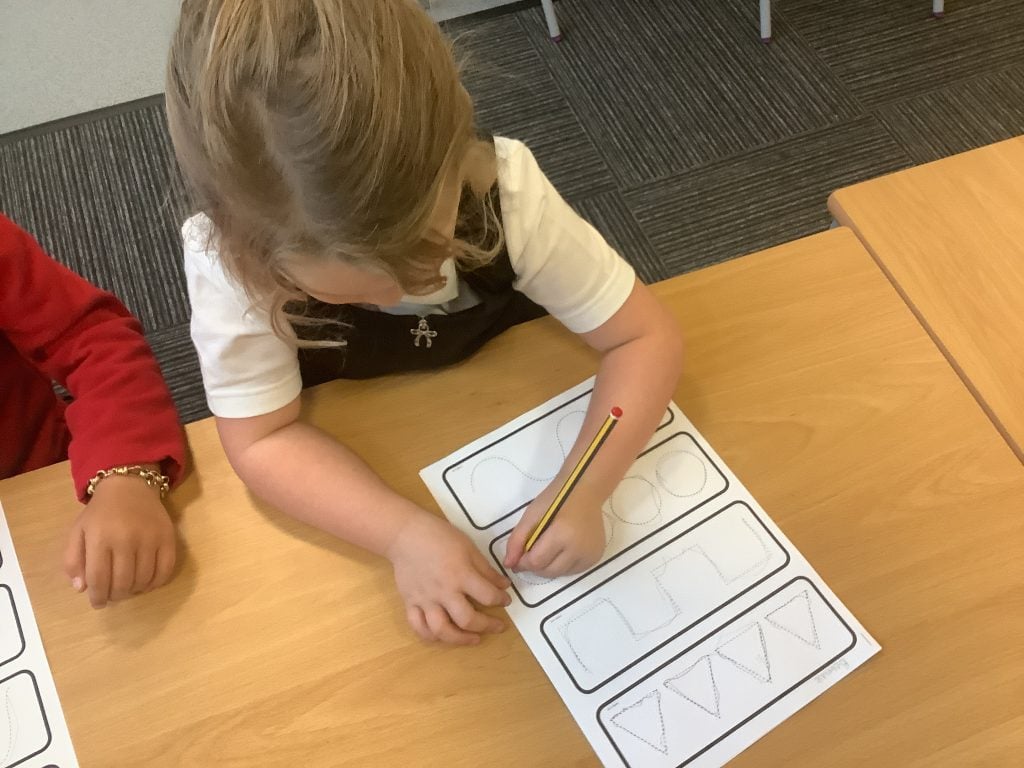
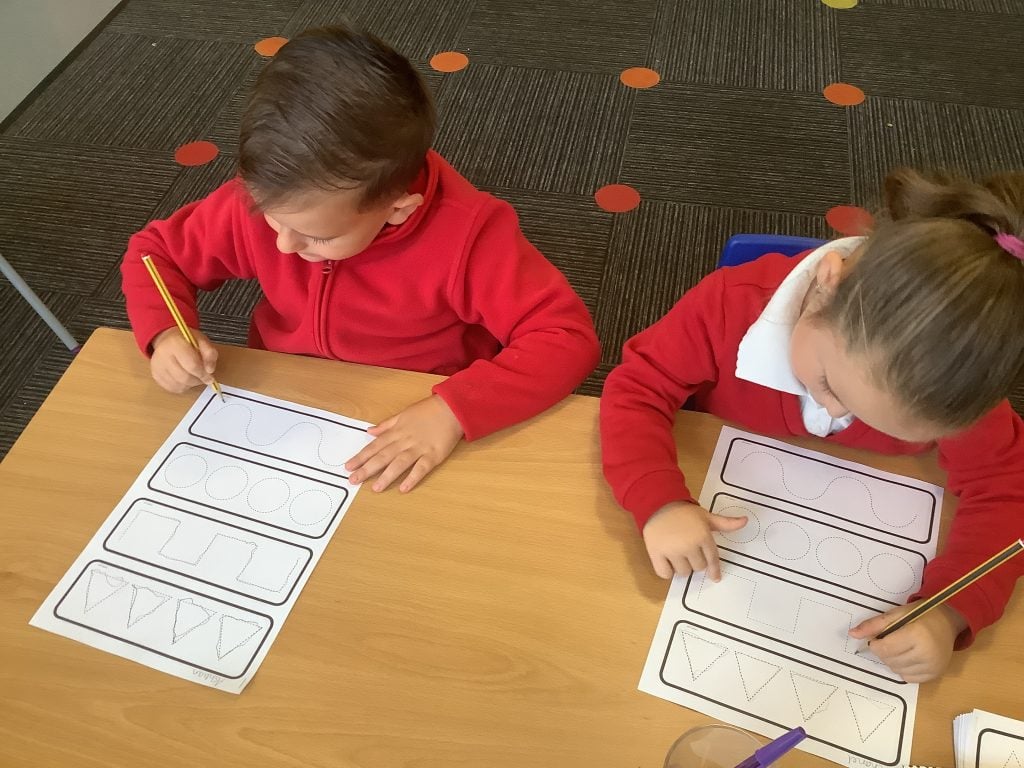
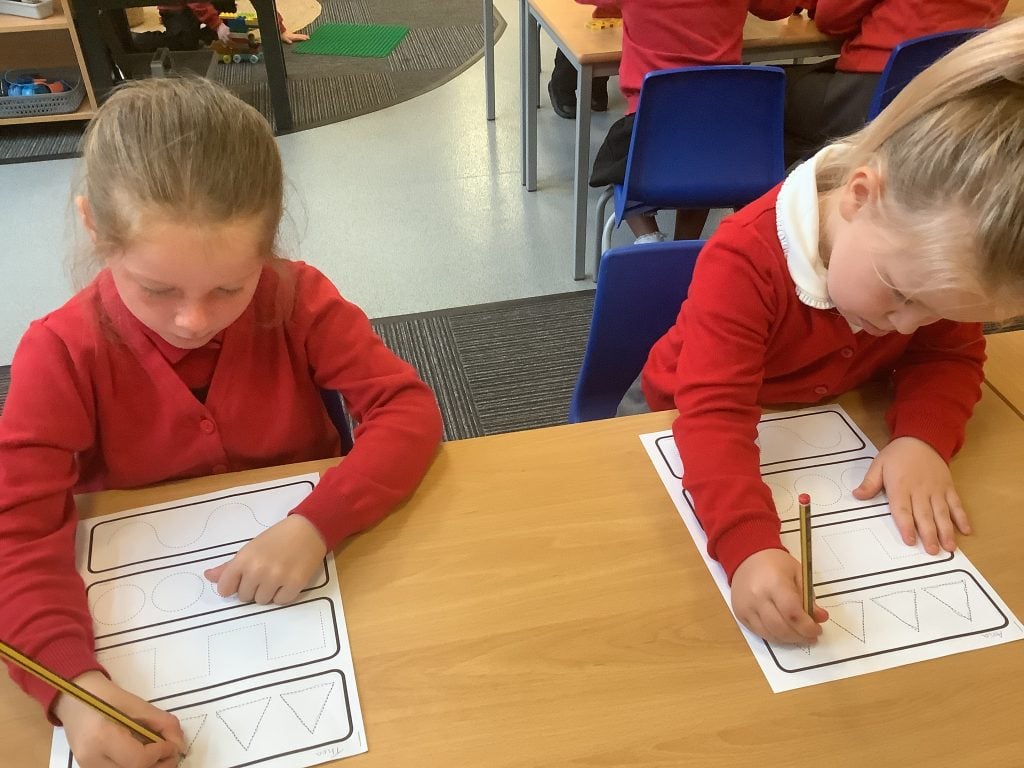
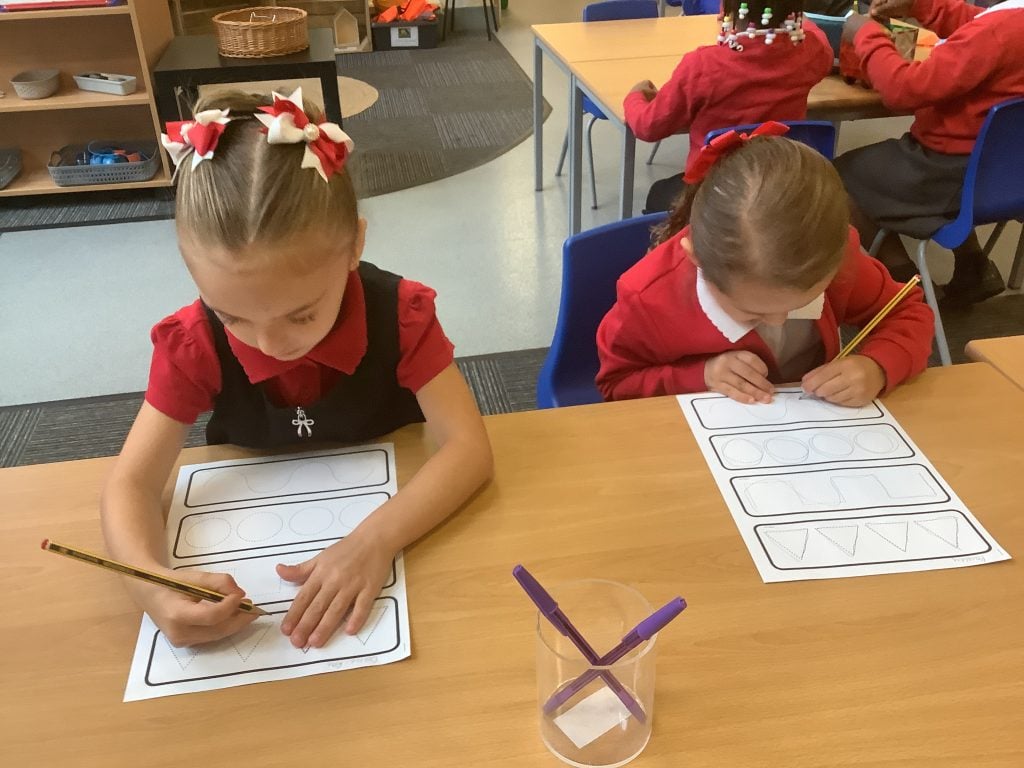
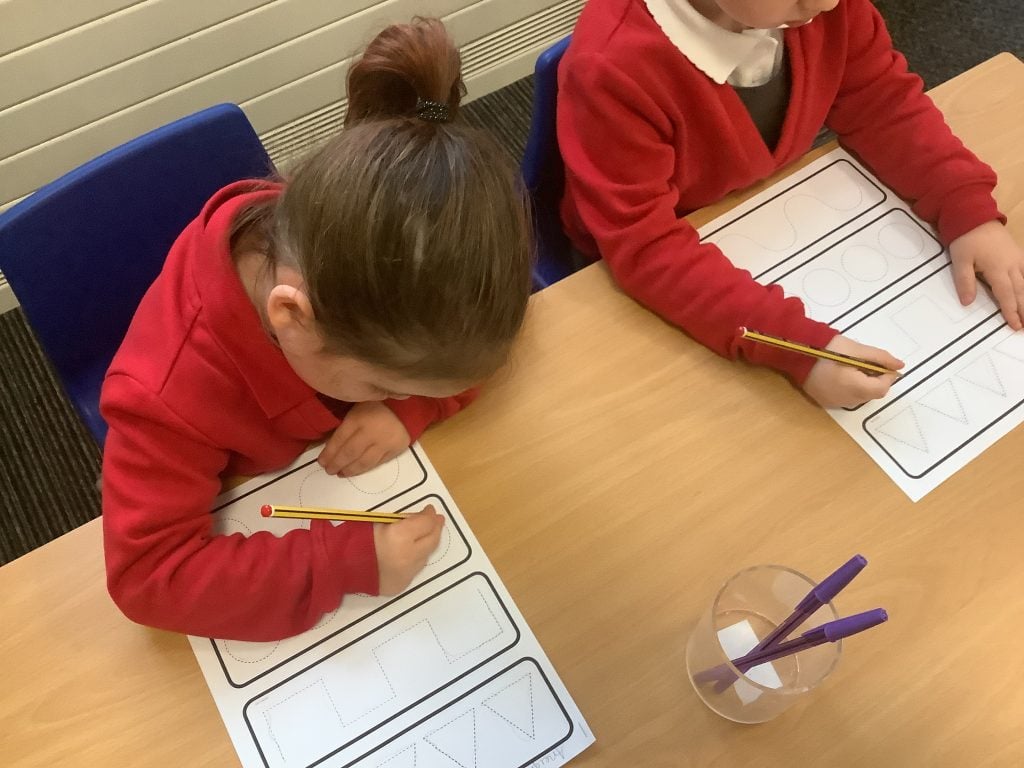
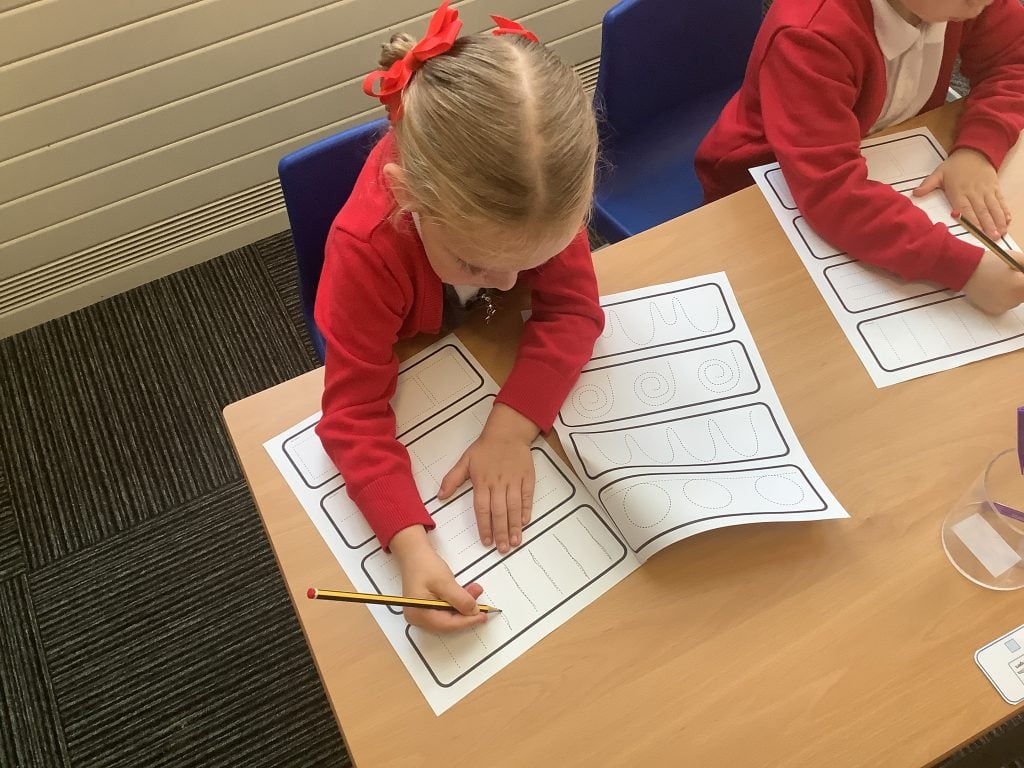
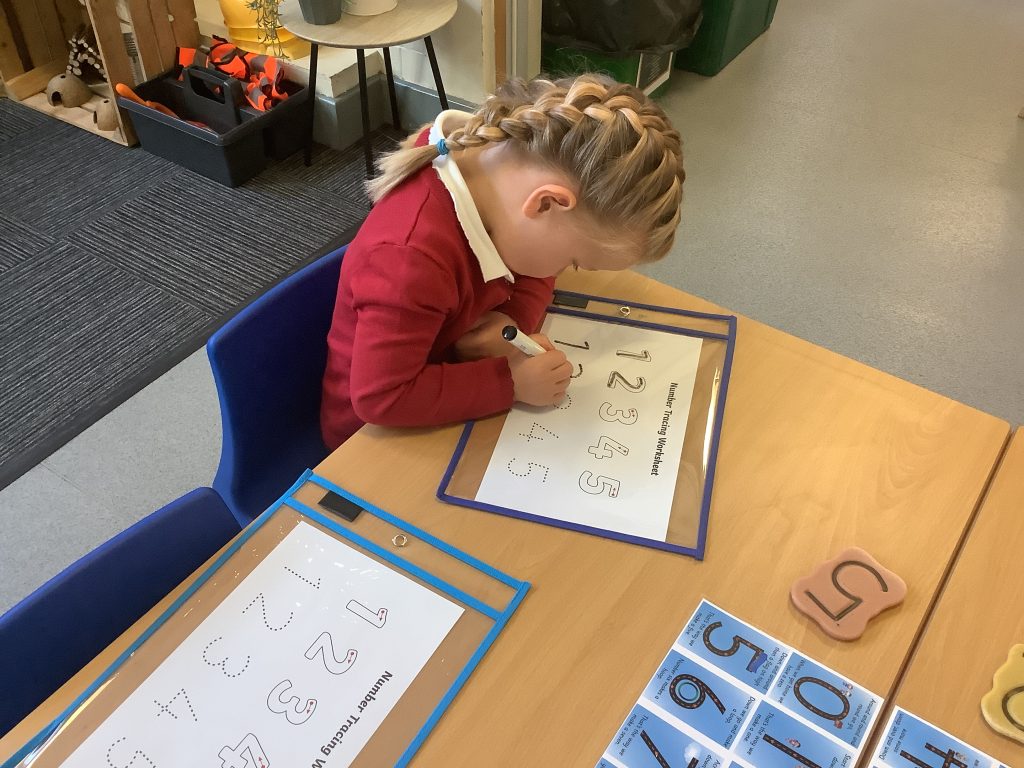
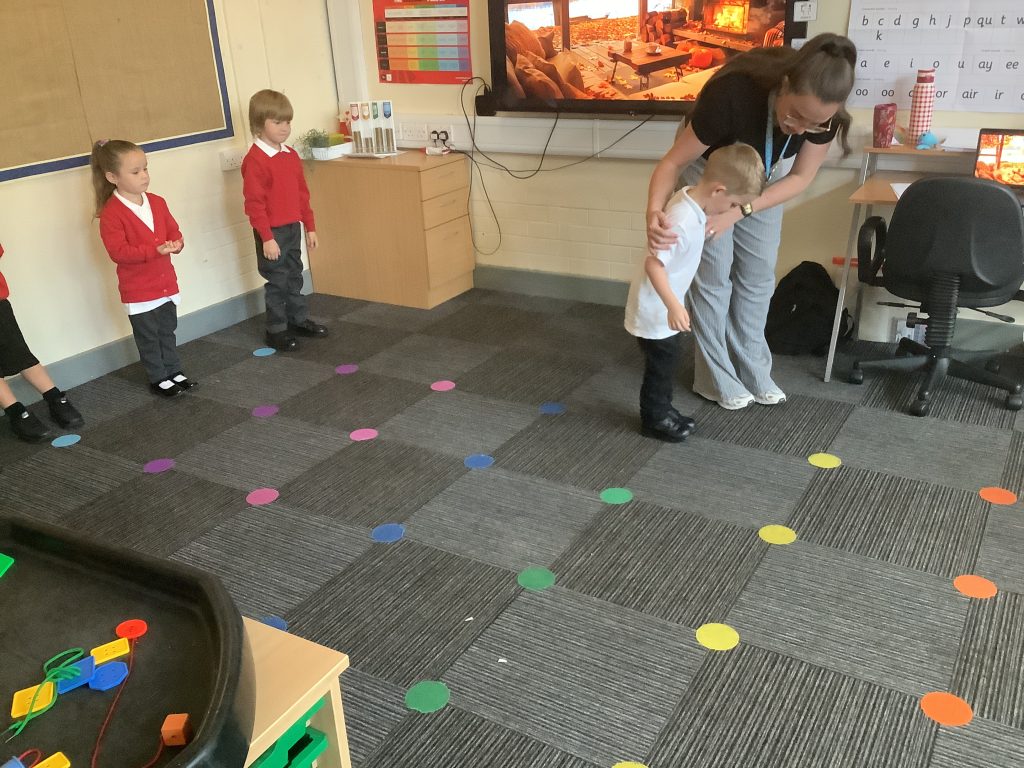
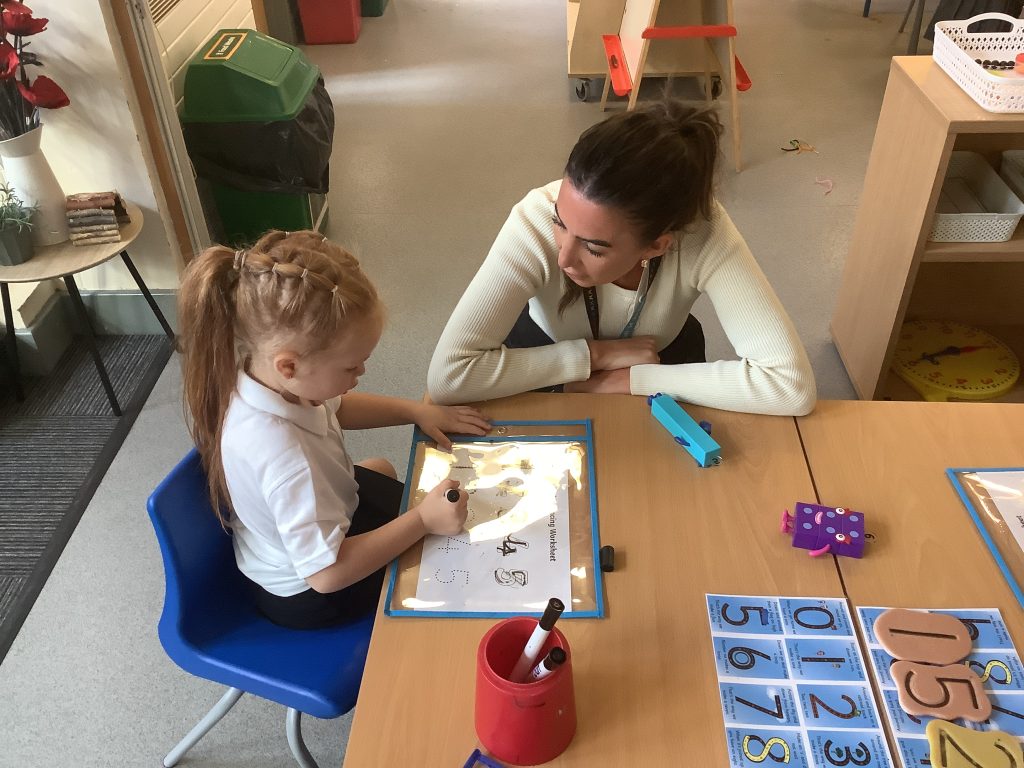
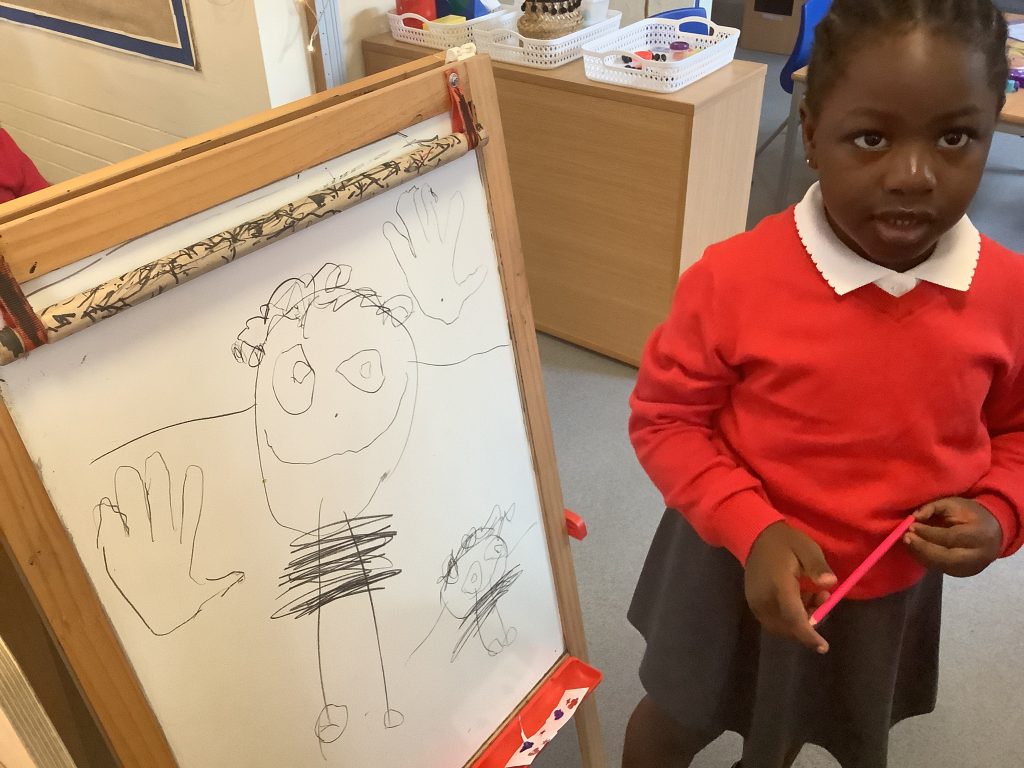
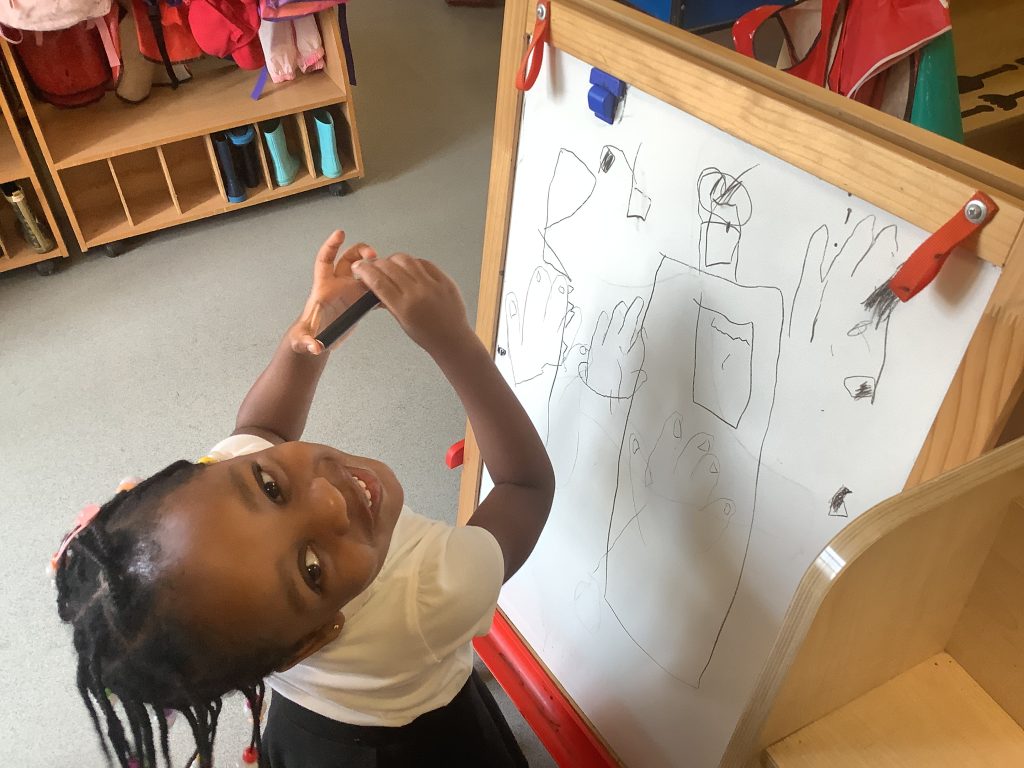
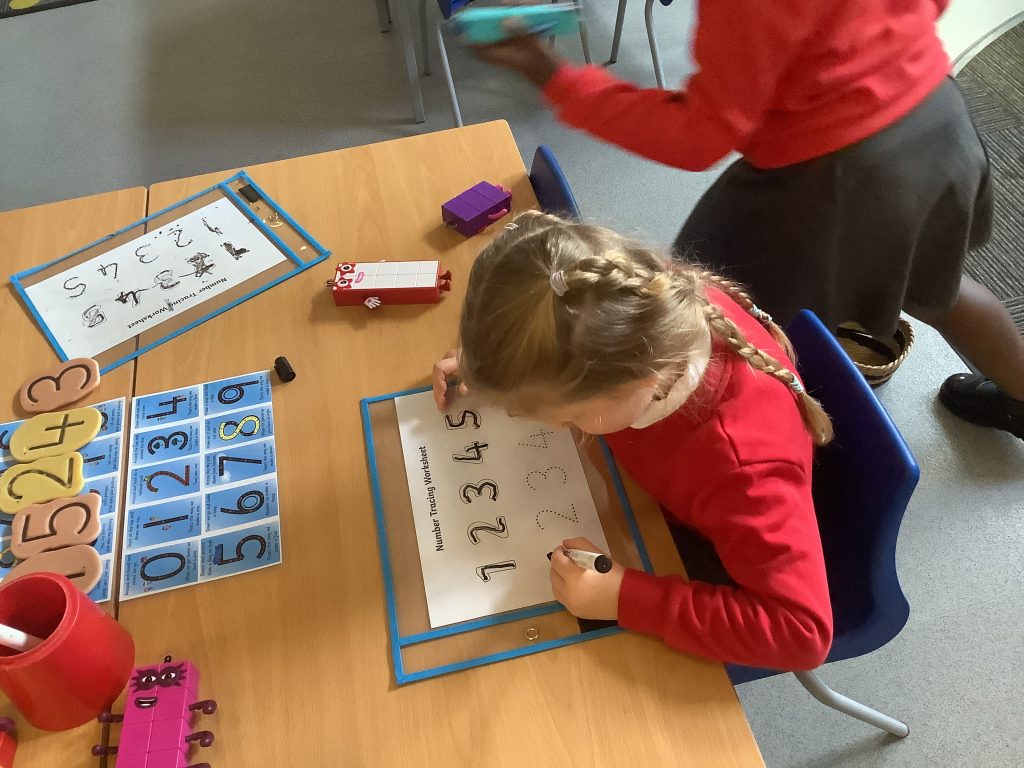
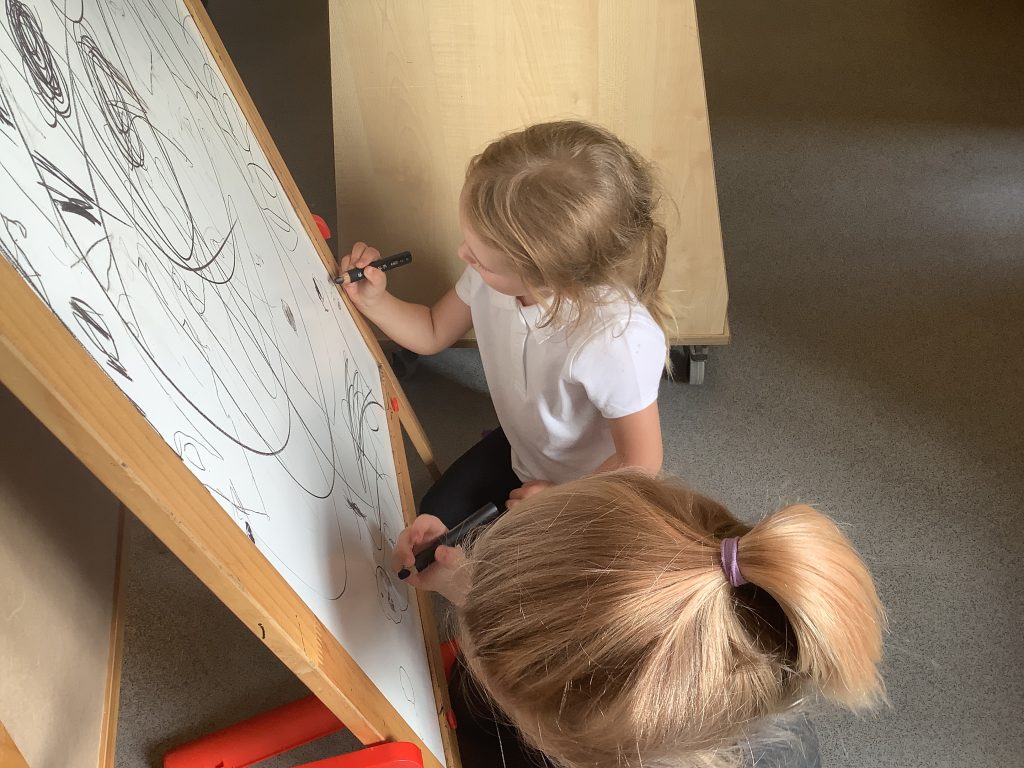
We have been working on our pre-writing skills in Crew McGlone this week. We started by looking at how we need the correct posture when sitting at our tables to show we are ready to write before then moving on to look at using ‘pinch parrot’ to help us with the correct pencil grip. We talked about how when we are writing we start on the left and move to the right, starting at the top of the paper before moving our way down.
We used our new knowledge to have a go at tracing over lines and different patterns to practise these skills.
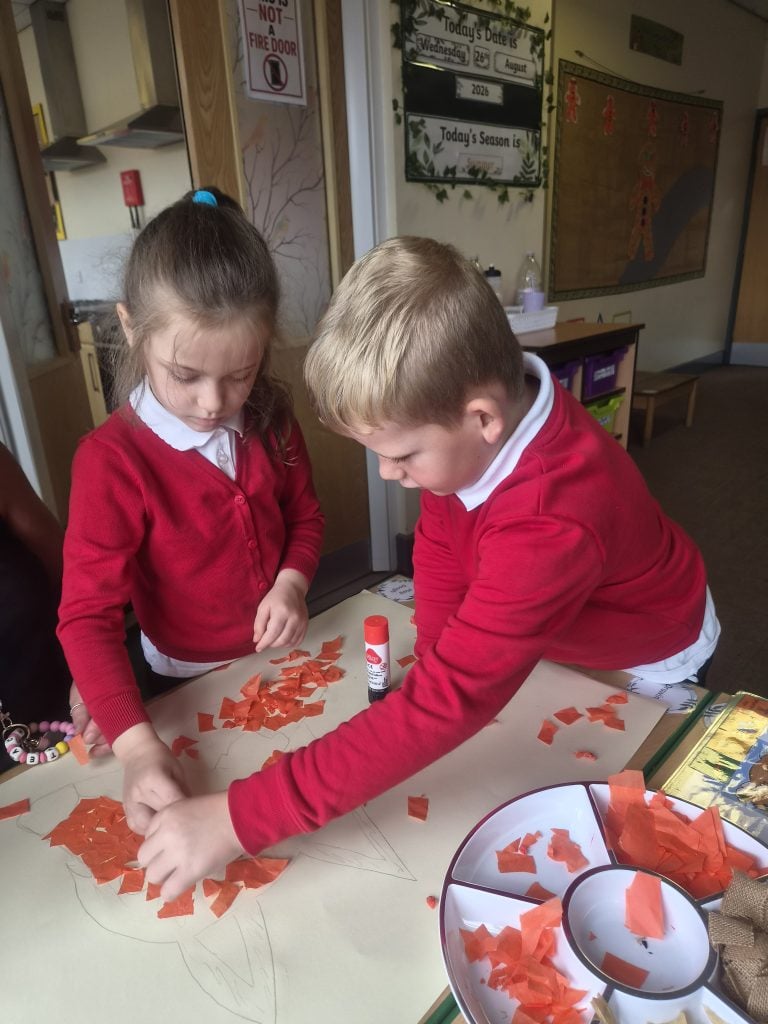
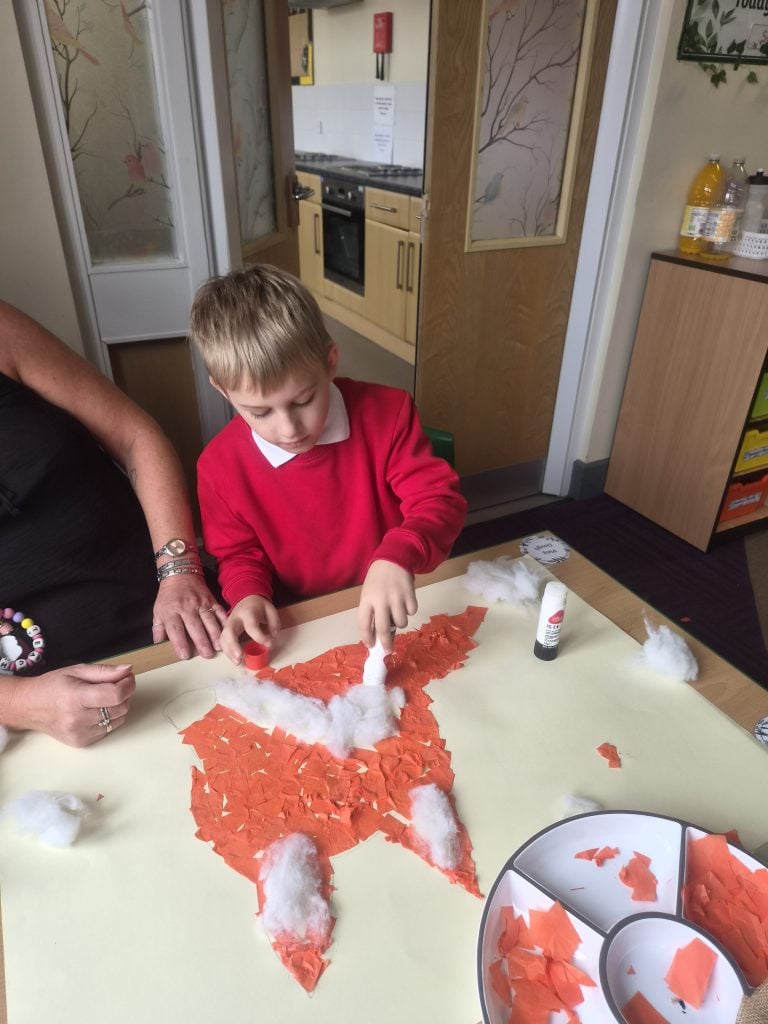
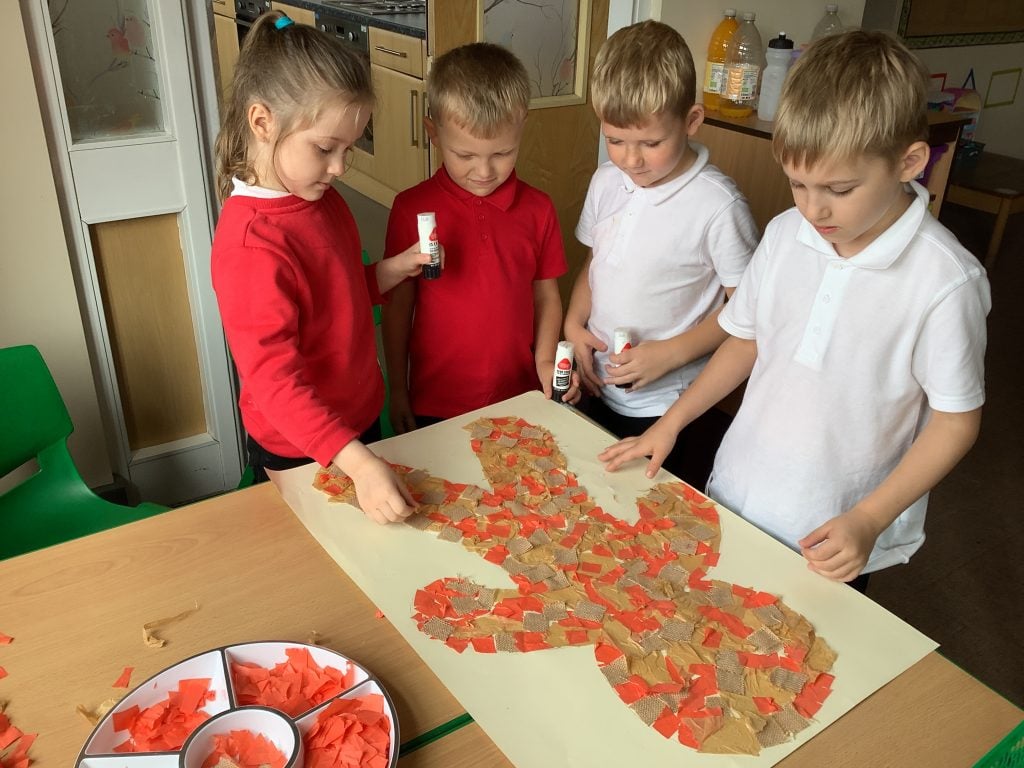
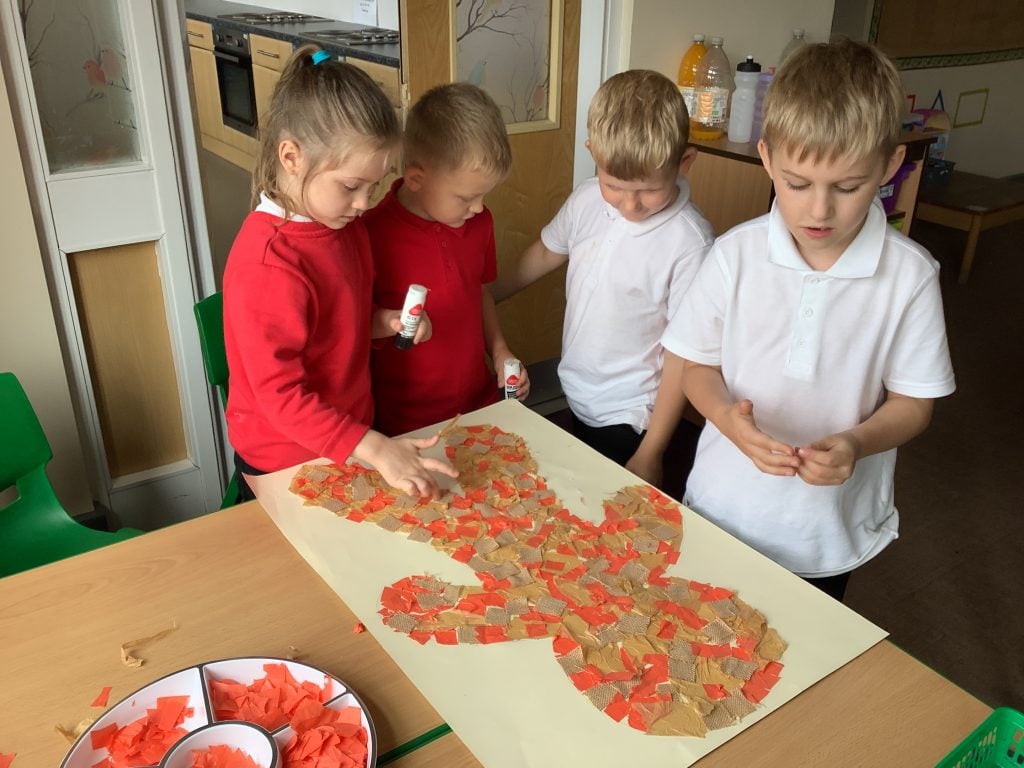
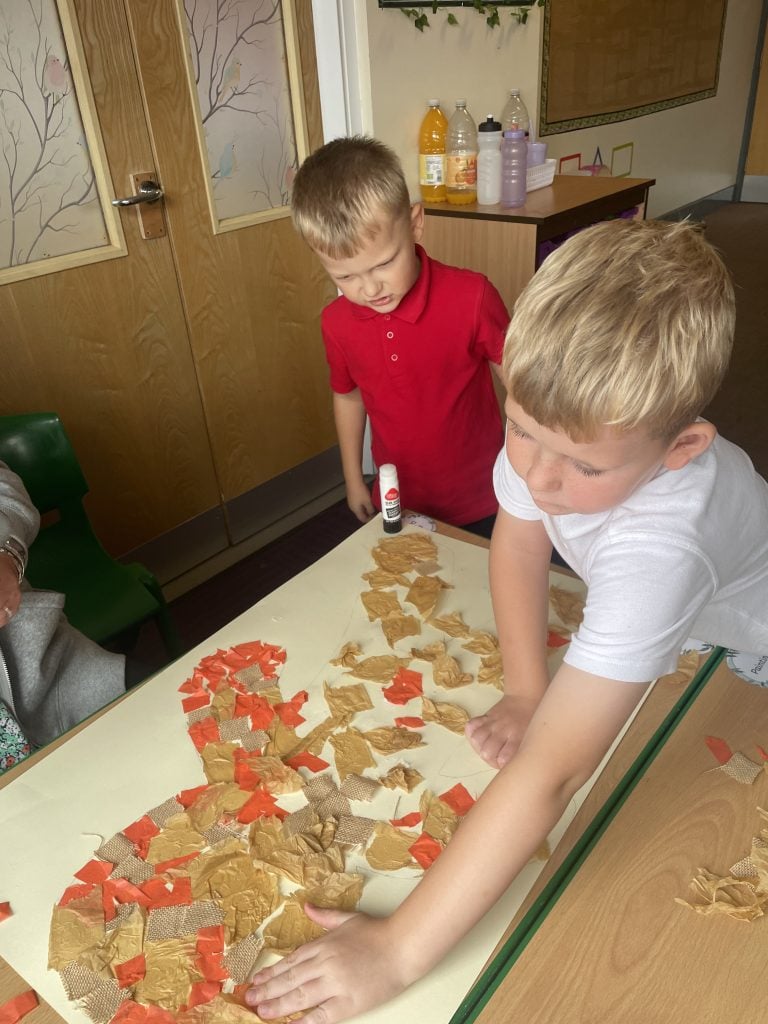
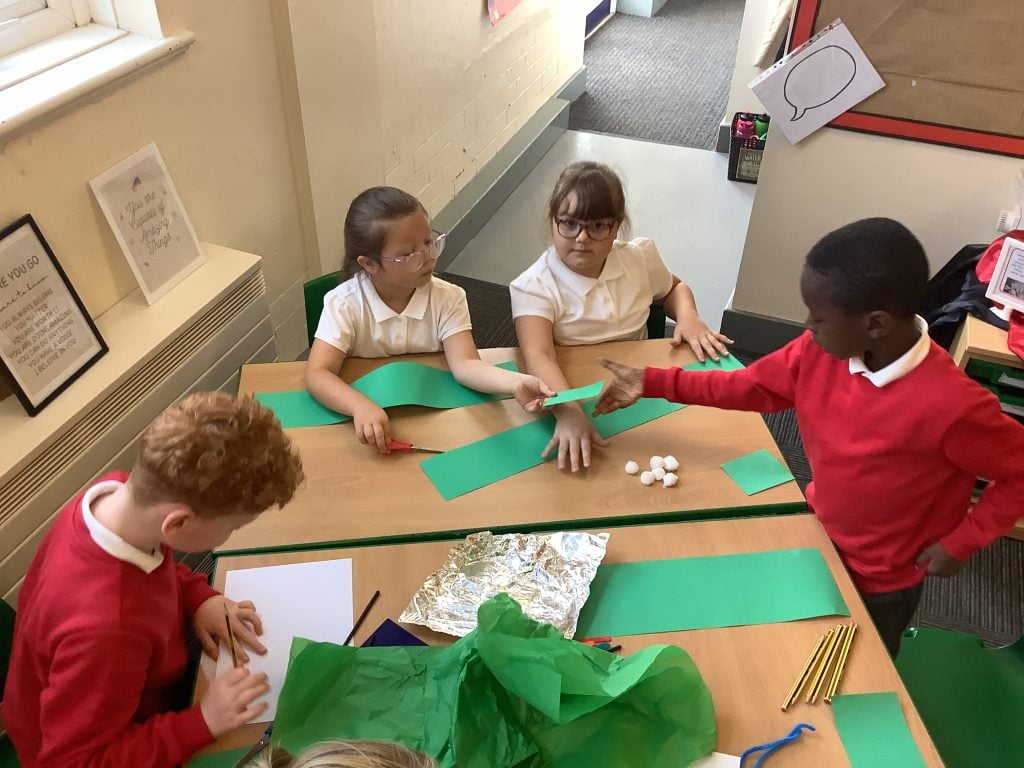
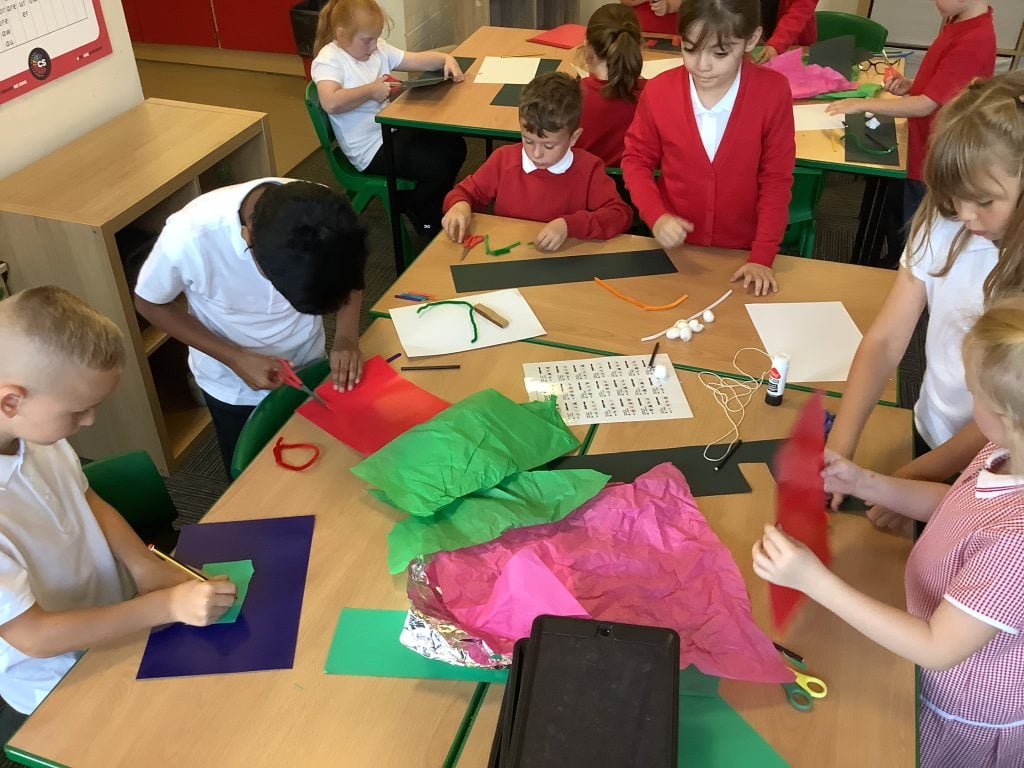
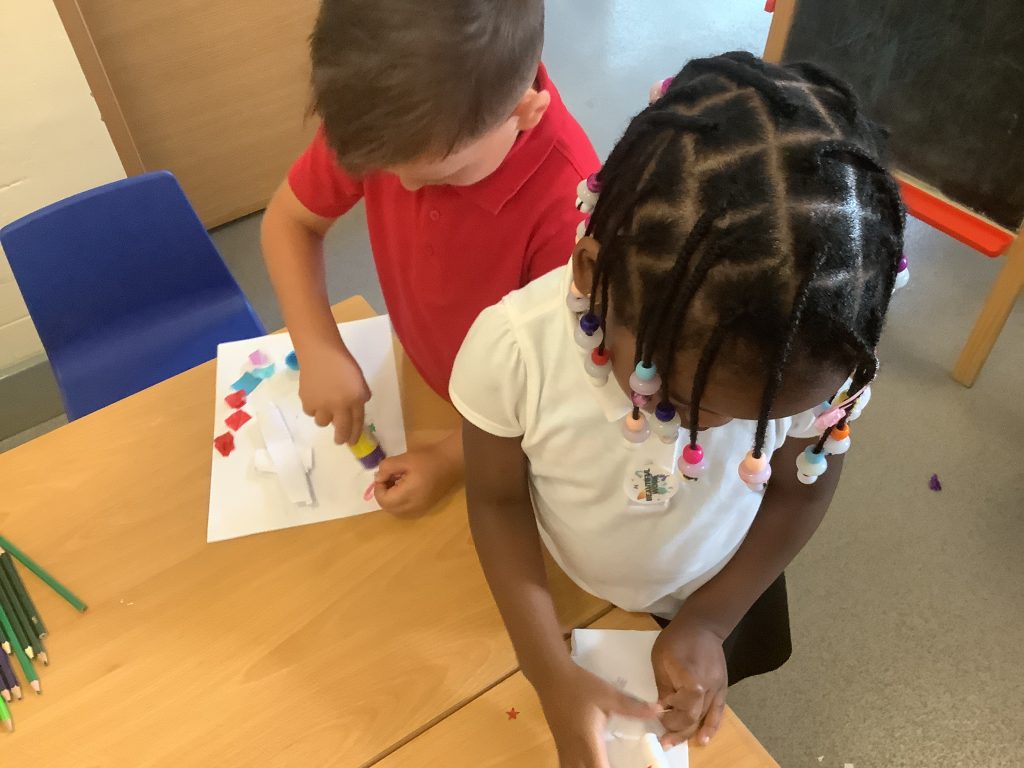
In writing, the children have been learning all about The Gingerbread Man. Throughout the week, they have been busy making their own gingerbread men, creating a large gingerbread man and even making the fox!
Take a peep at what they have been up to this week and see all the wonderful learning they have been enjoying!
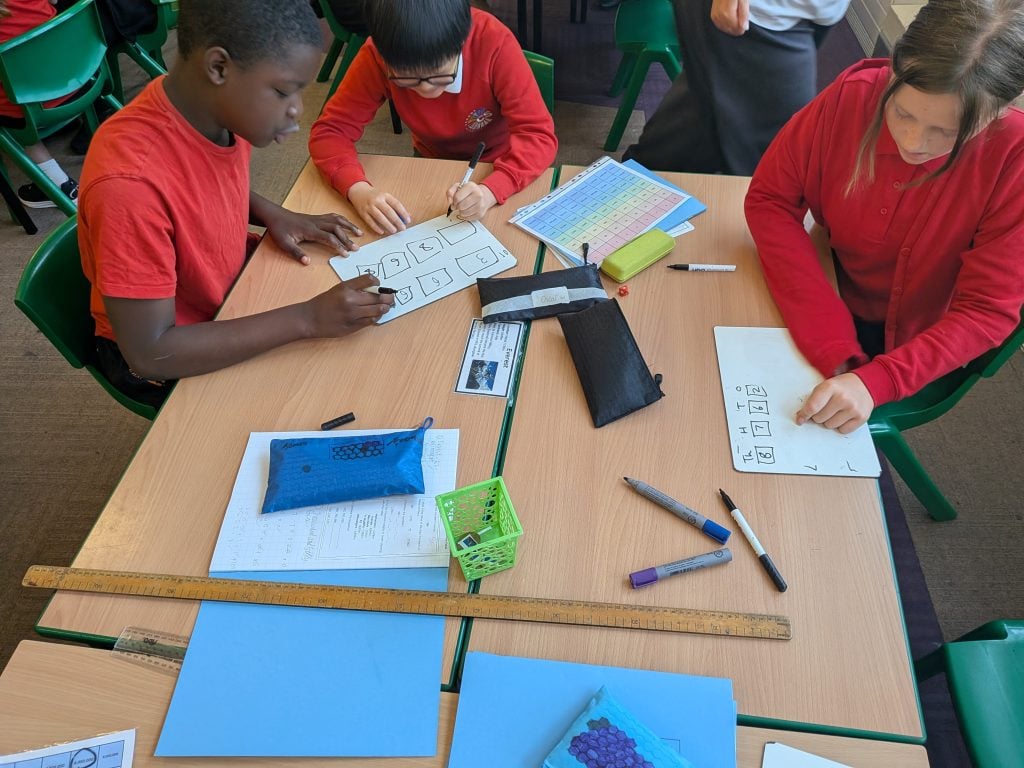
This week, Crew White put their place value knowledge to the test by playing the NRICH game Nasty or Nice.
Using dice, the children had to decide carefully where to place each digit to create the best possible number. Every roll brought a new decision: should they play nicely and help their partner, or be nasty and make their challenge much harder?
The competitive element brought plenty of excitement and motivation, but the real challenge was thinking strategically about the value of each digit. We then adapted the game by setting our own rules, exploring how small changes could make it fairer, trickier or even more tactical.
A brilliant session filled with mathematical thinking, discussion and just the right amount of friendly competition!
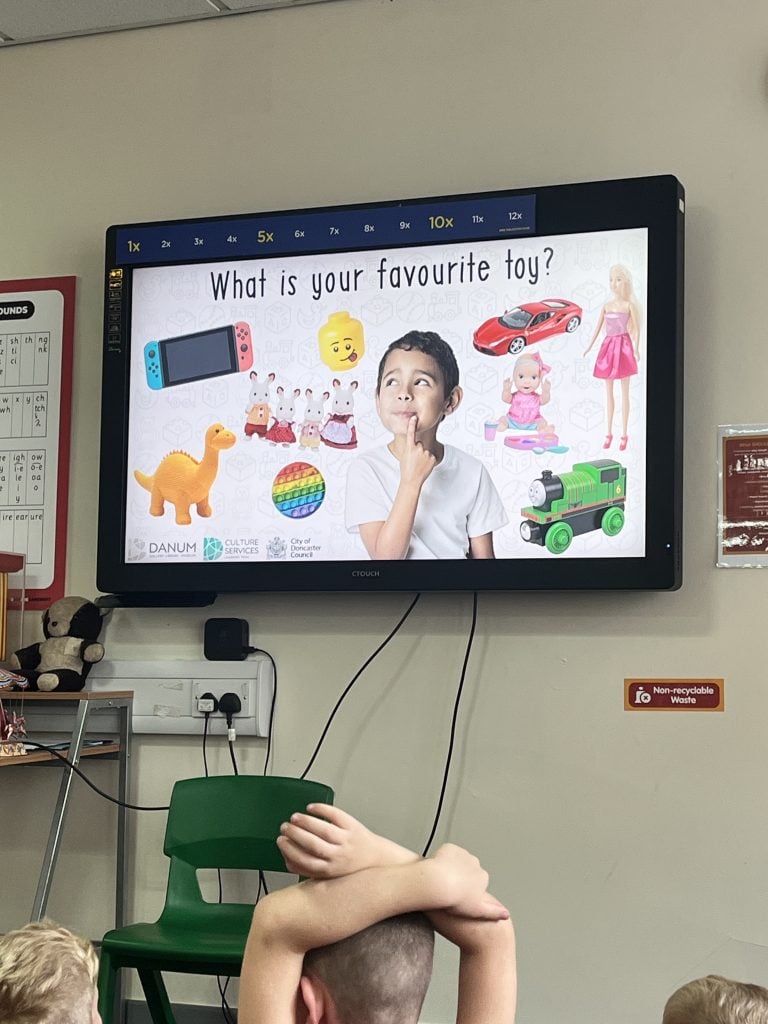
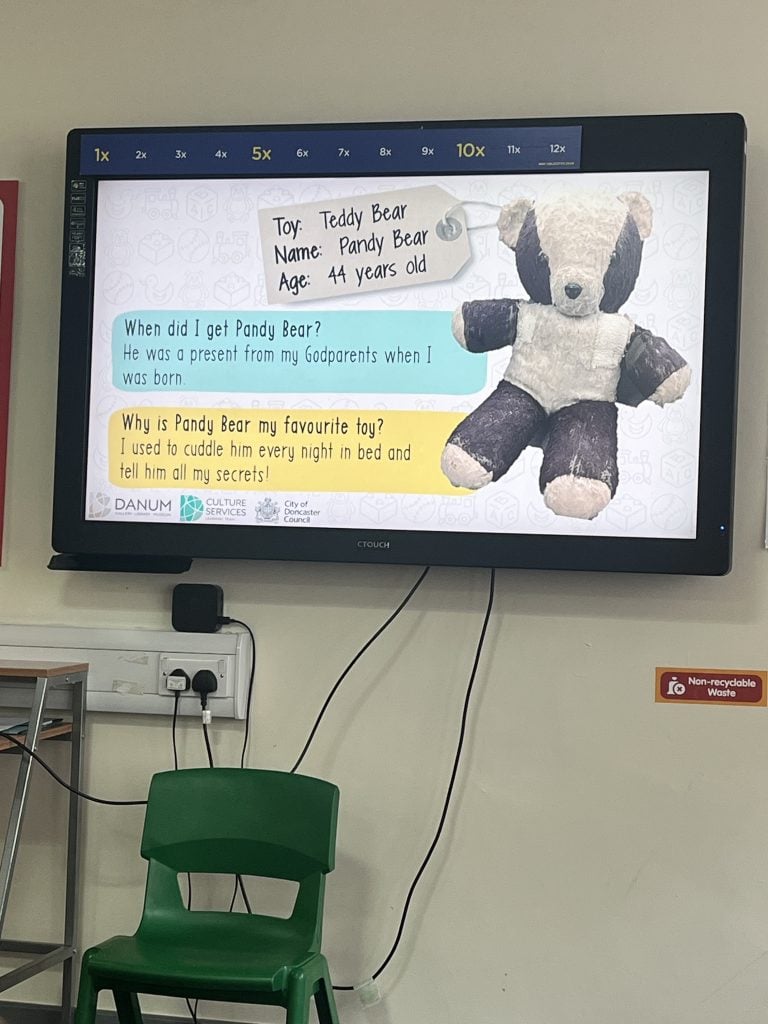
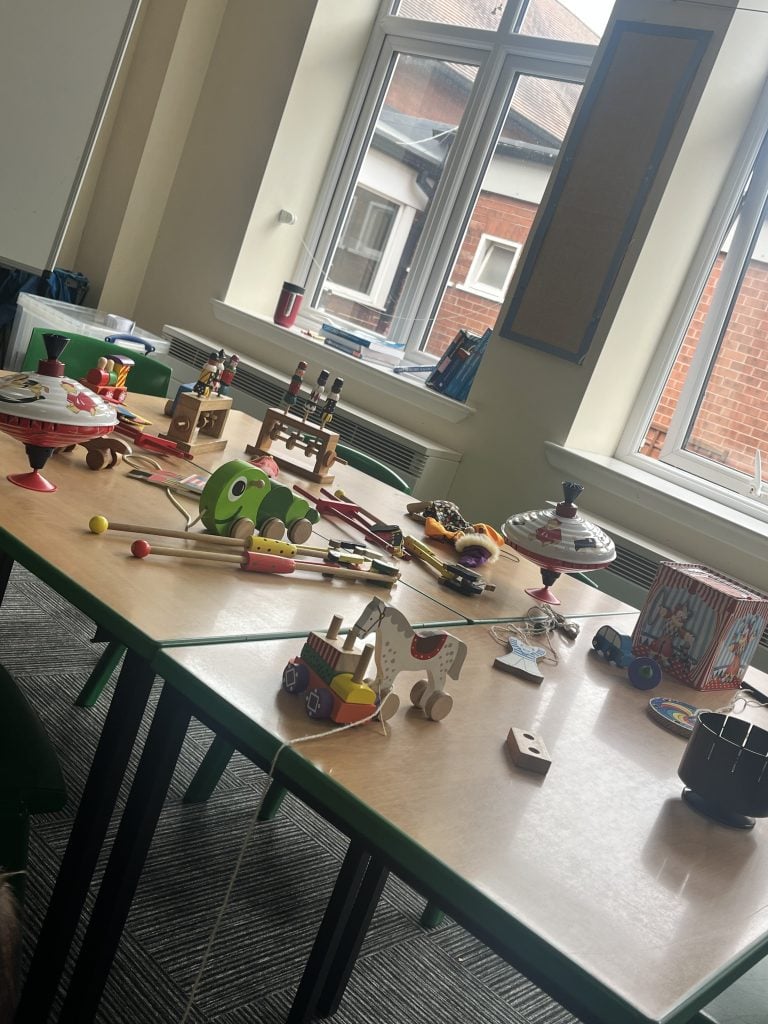
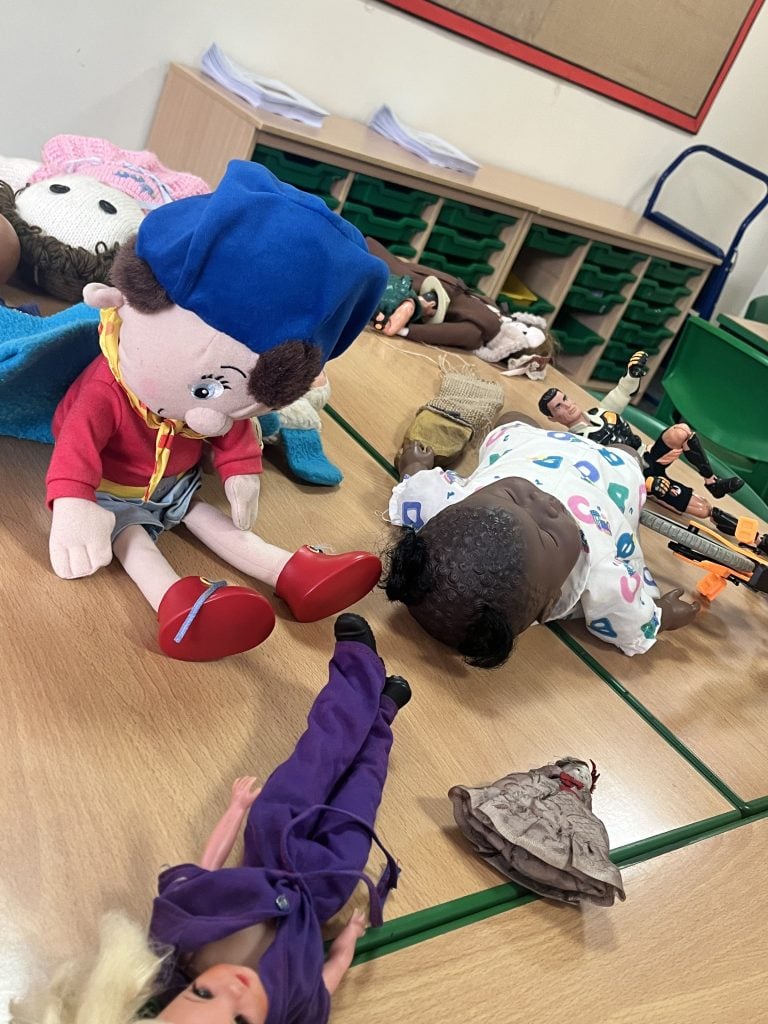
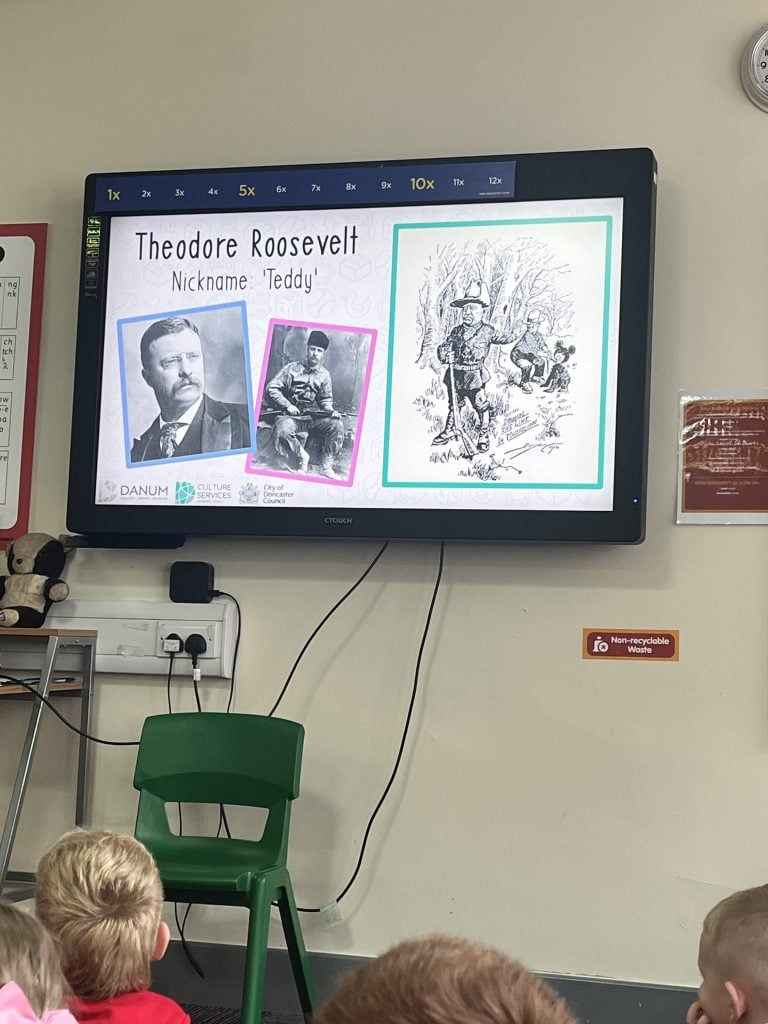
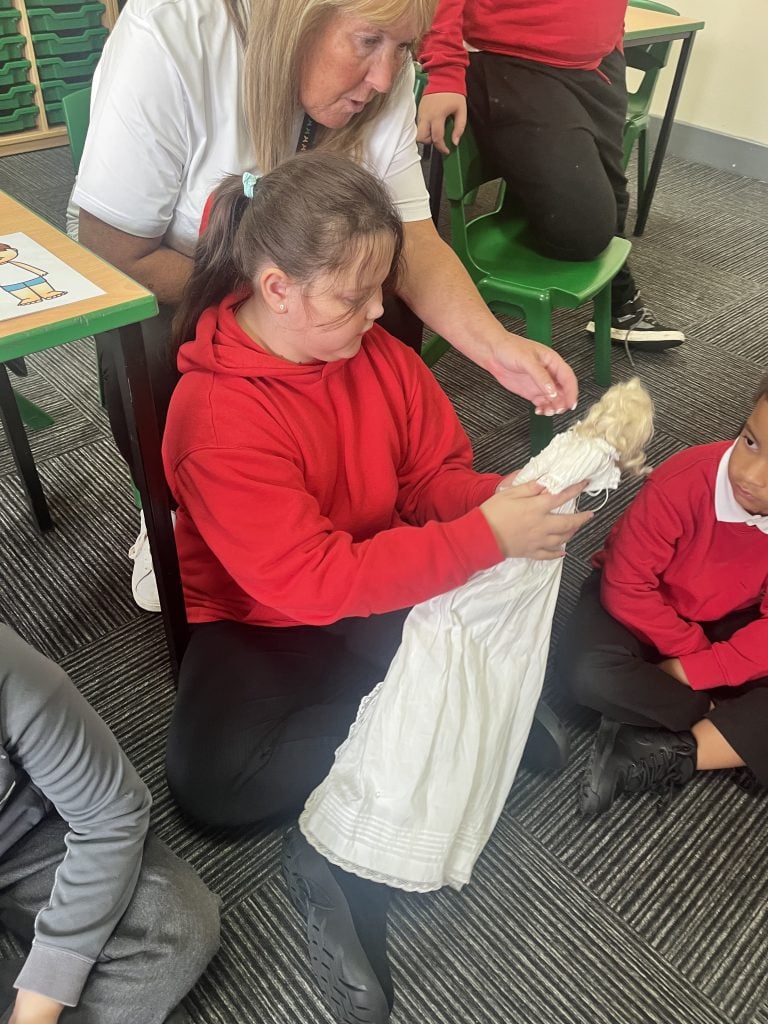
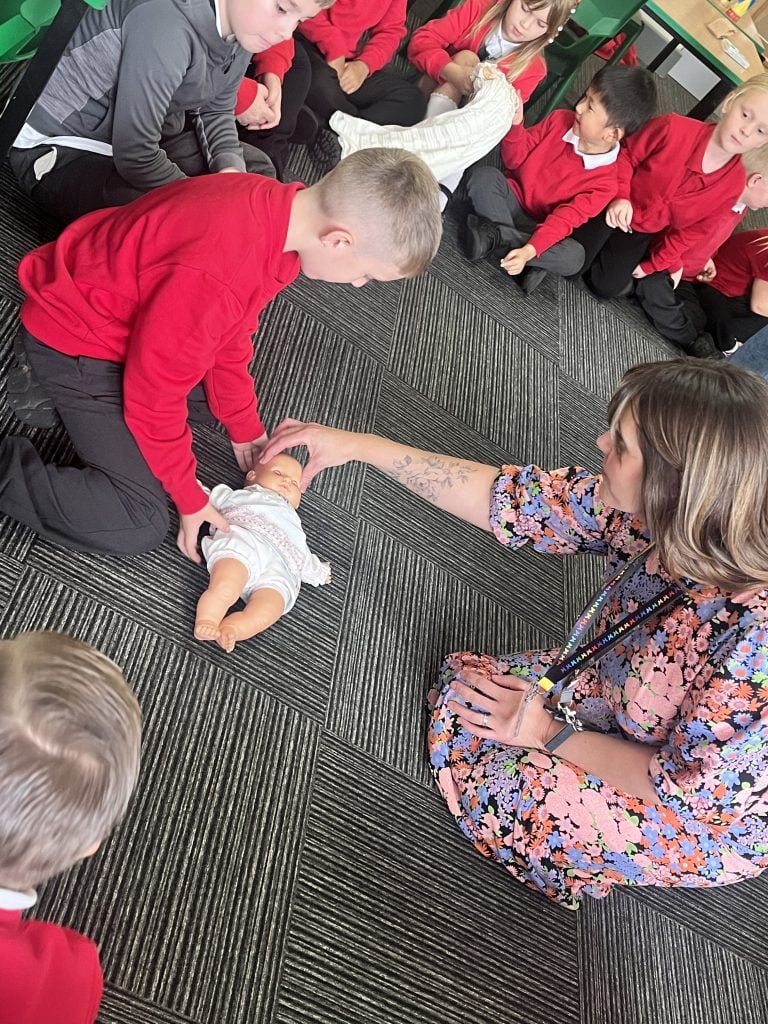
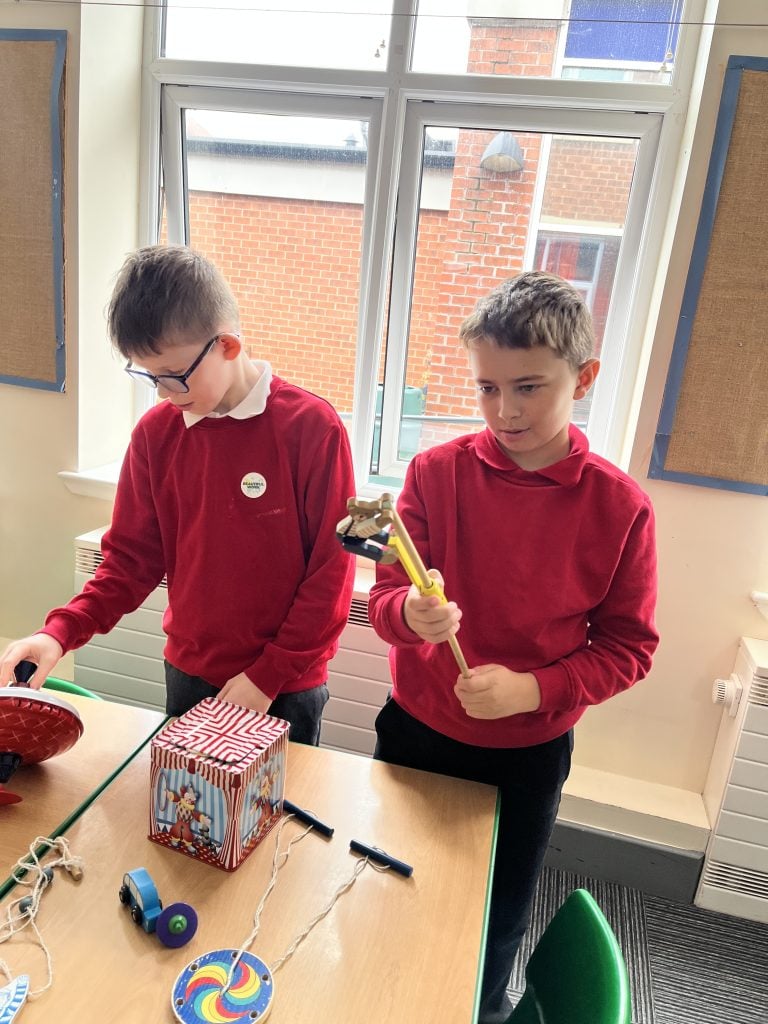
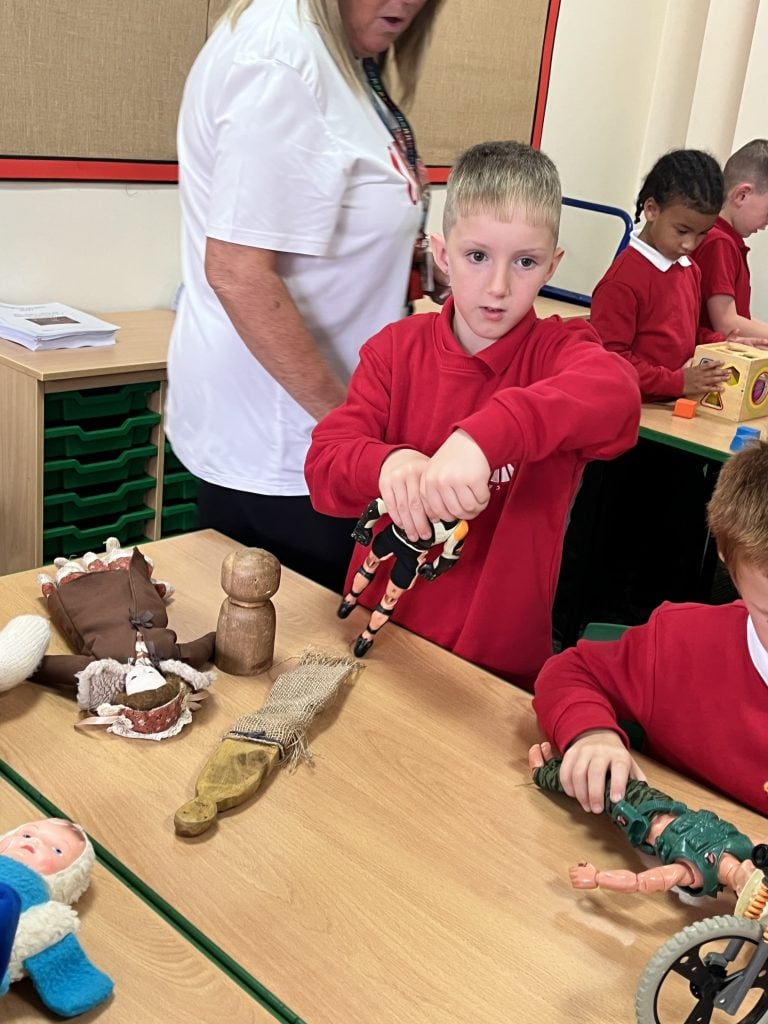
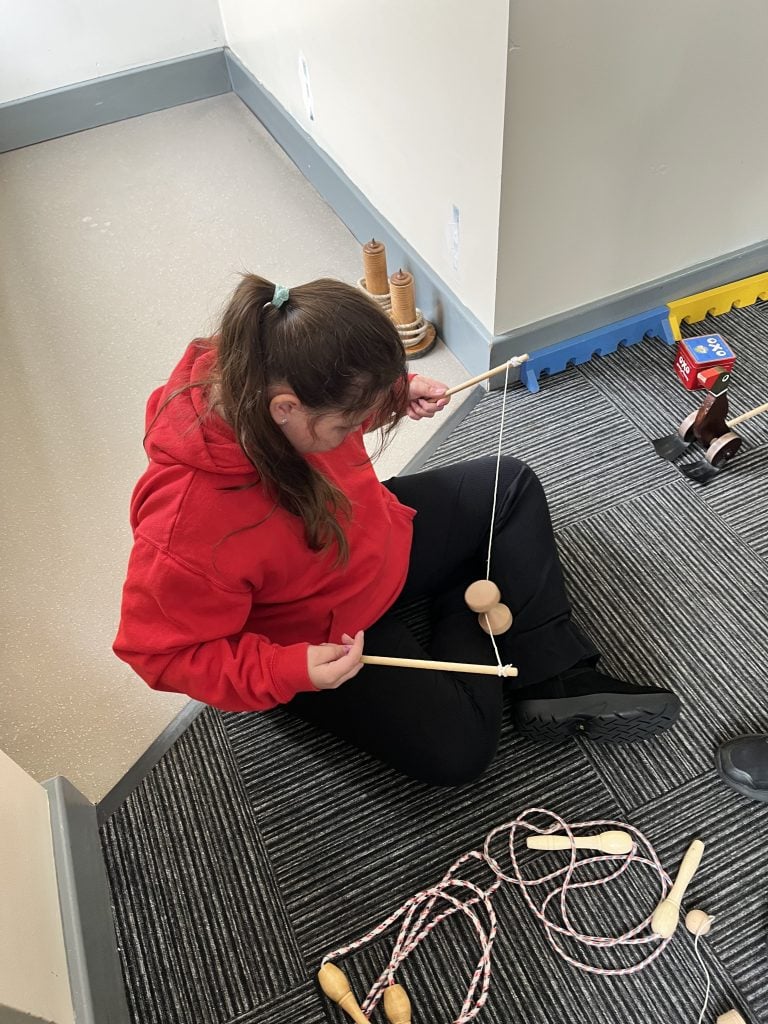
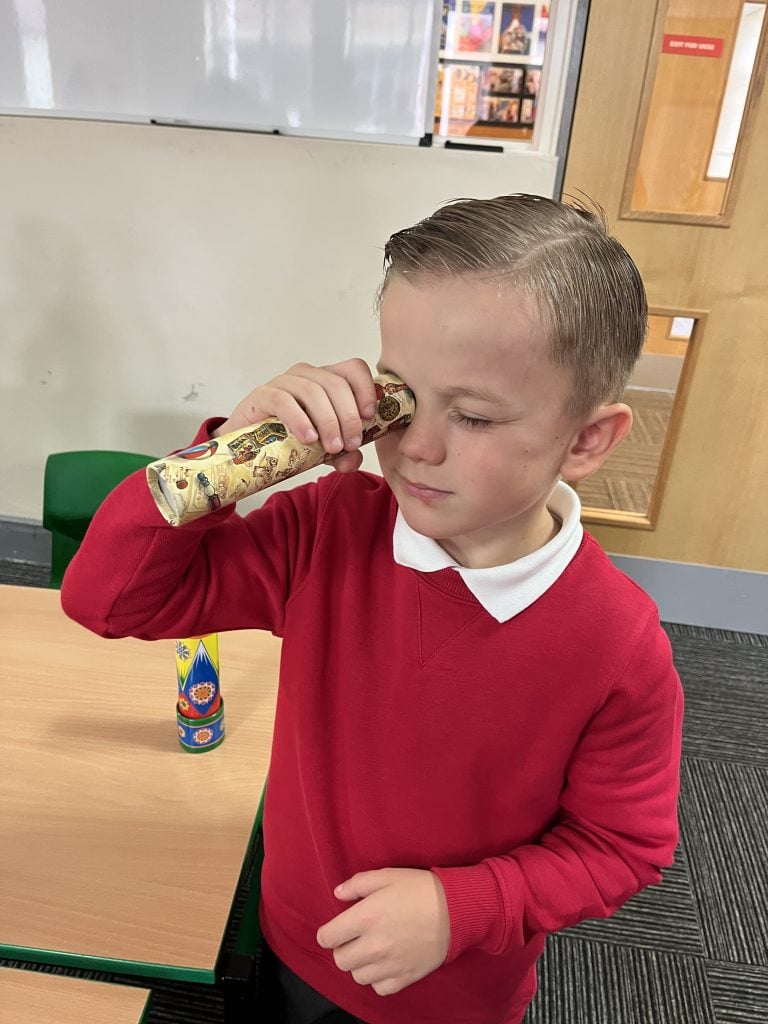
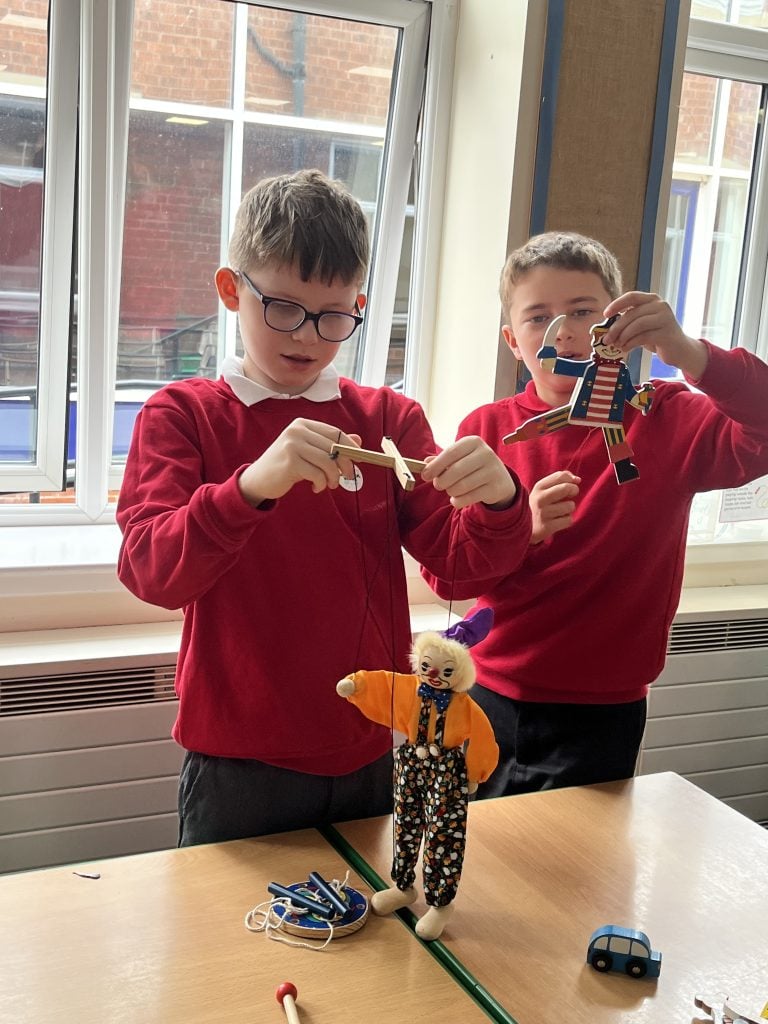
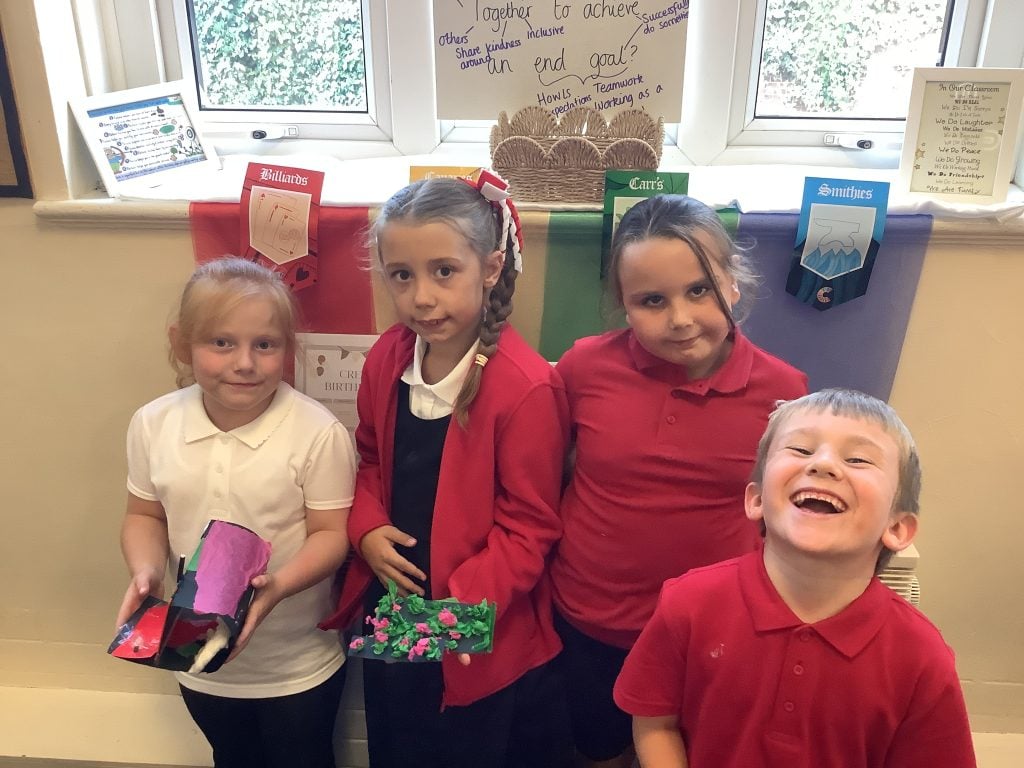
Crew Godley have been stepping back in time to explore “Toy Box Through Time.” We have been discovering how toys have changed over the years, exploring some fascinating old toys and learning about the history of much-loved favourites, including dolls and teddy bears.
We also discovered a special local connection as we learned about the history of Paddington Bear and the Paddington Bear factory in Adwick!
The children enjoyed comparing toys from the past with the toys we play with today and thinking about how and why toys have changed over time. It has been fantastic to see their curiosity, questions and excitement as they became toy historians!
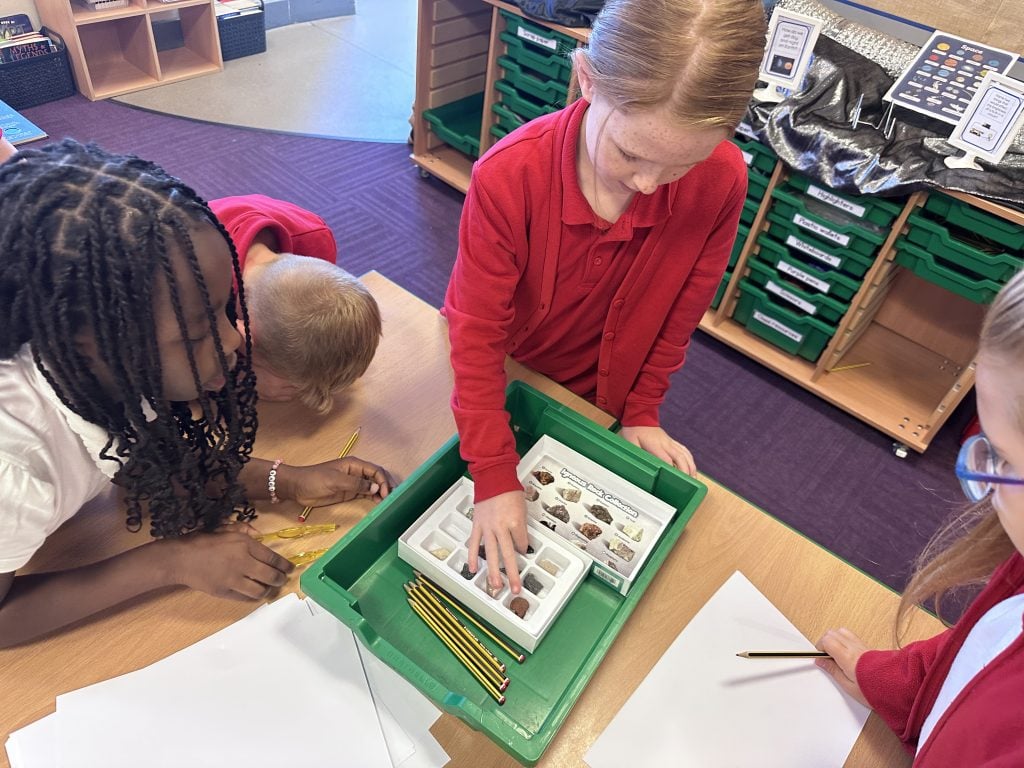
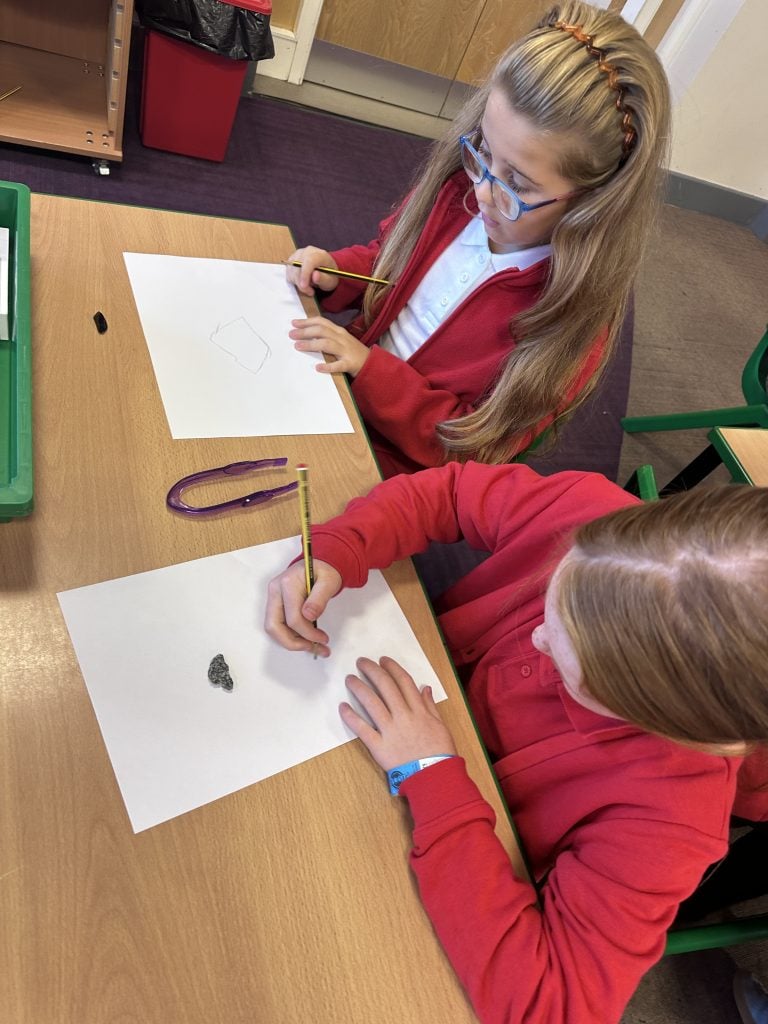
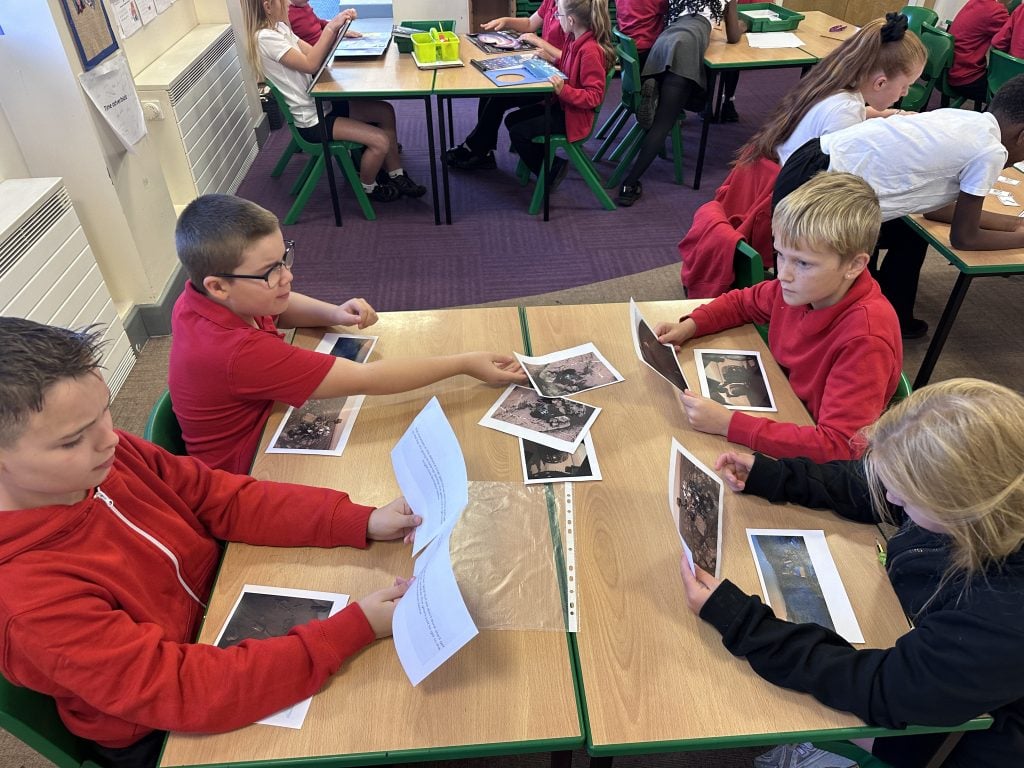
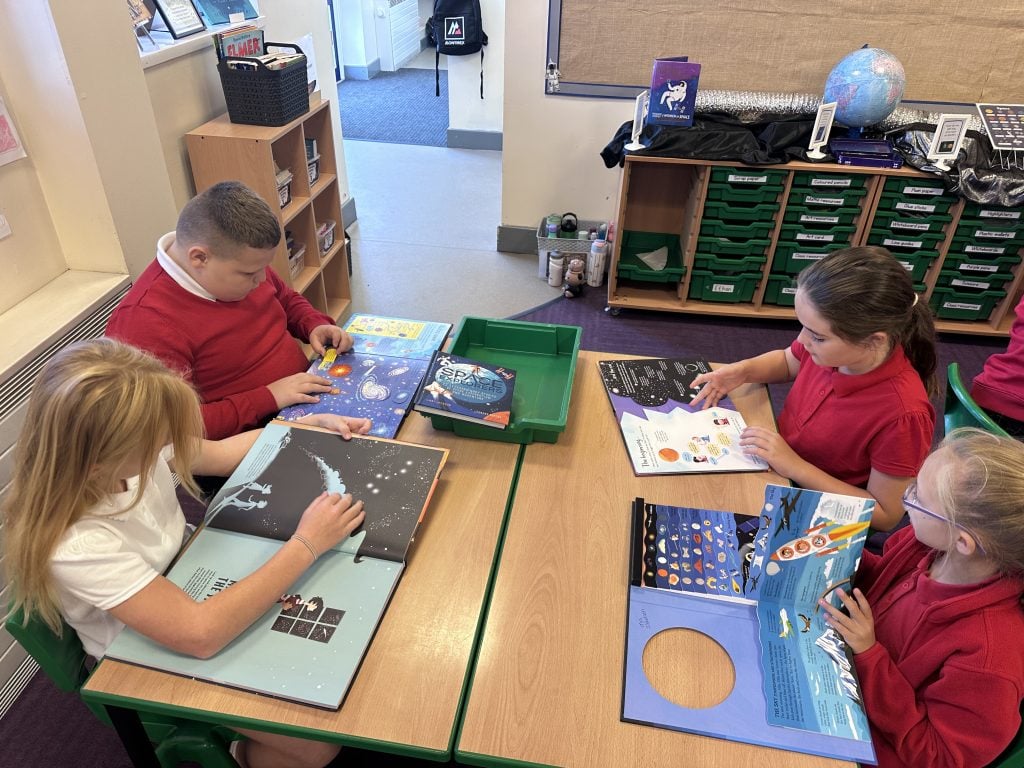
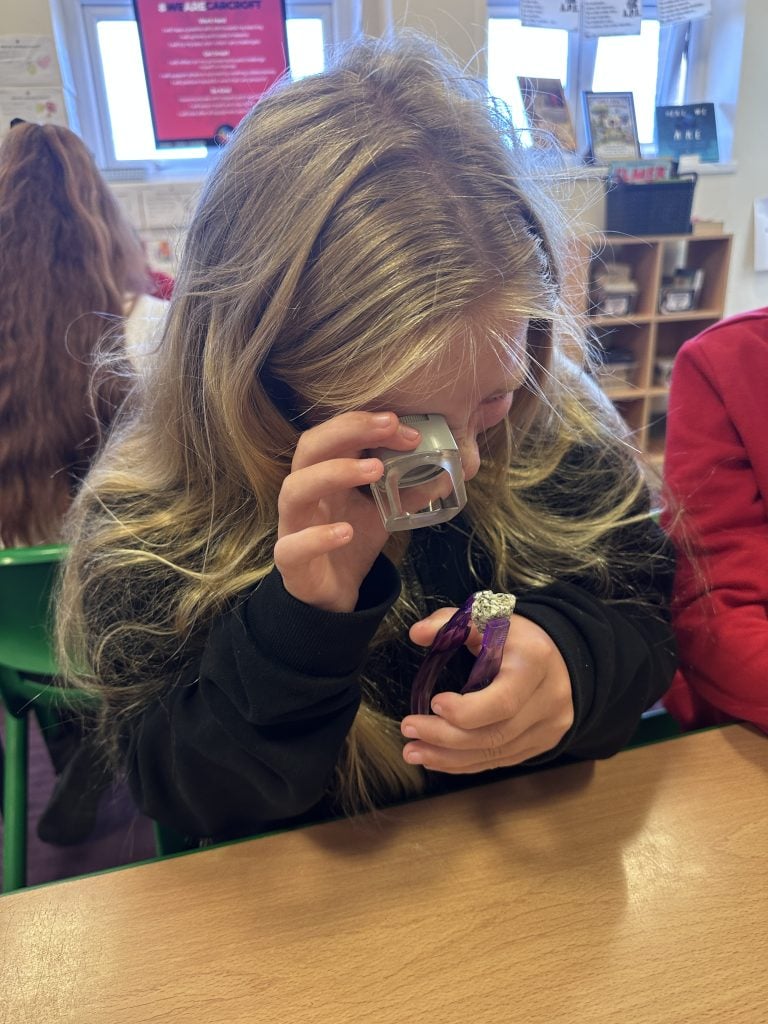
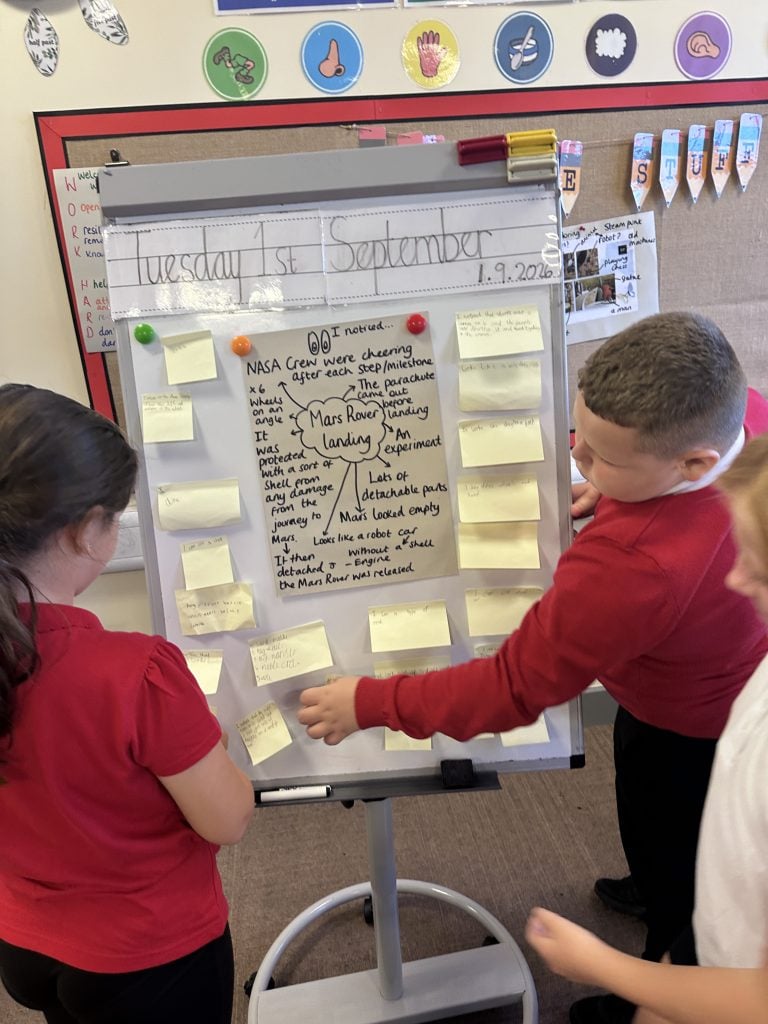
This morning, we began our expedition hook day. We explored Mars Rovers through a range of activities including exploring new vocabulary, reading texts, analysing photos, types of rocks and videos and looking at a rover prototype.
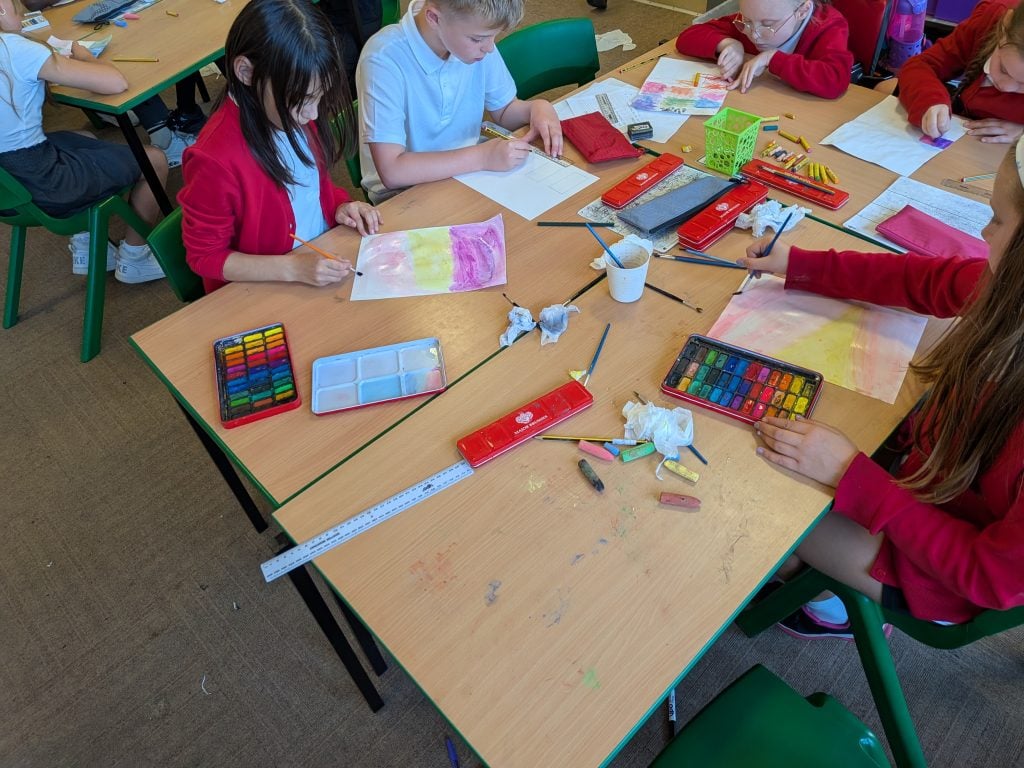
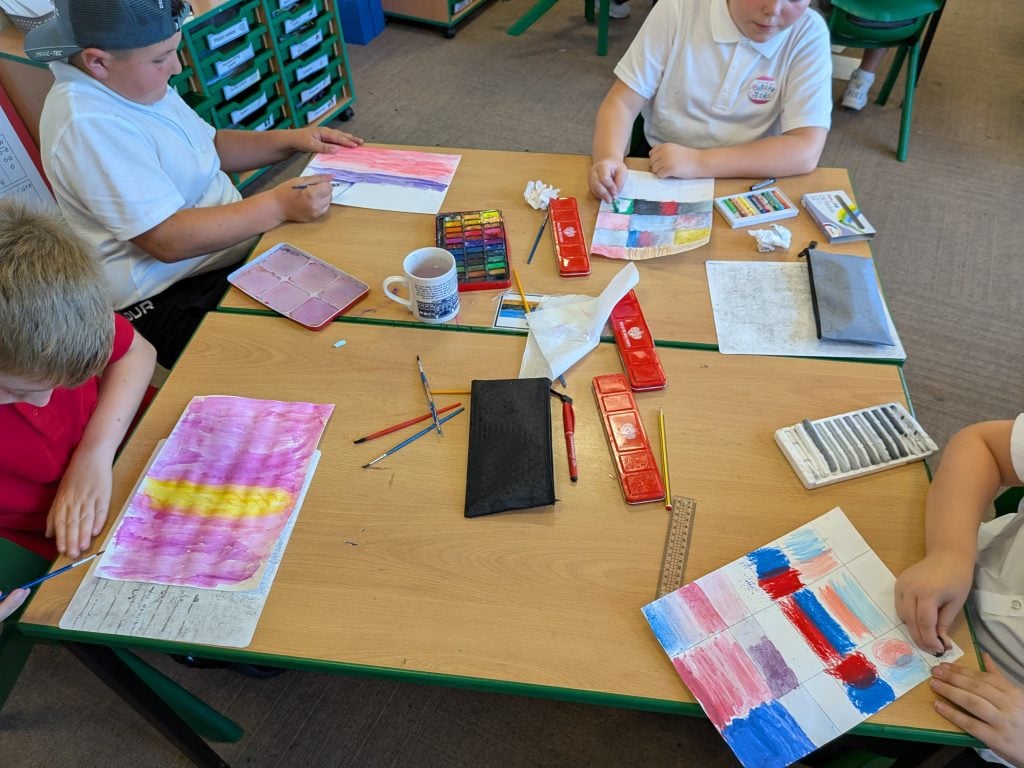
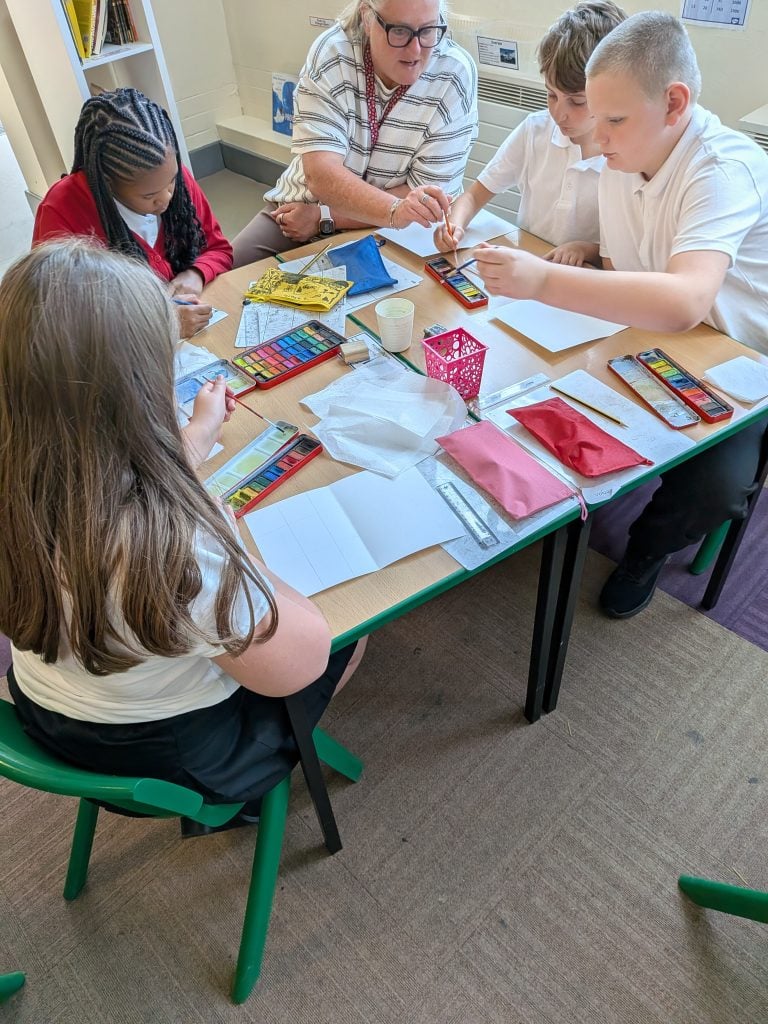
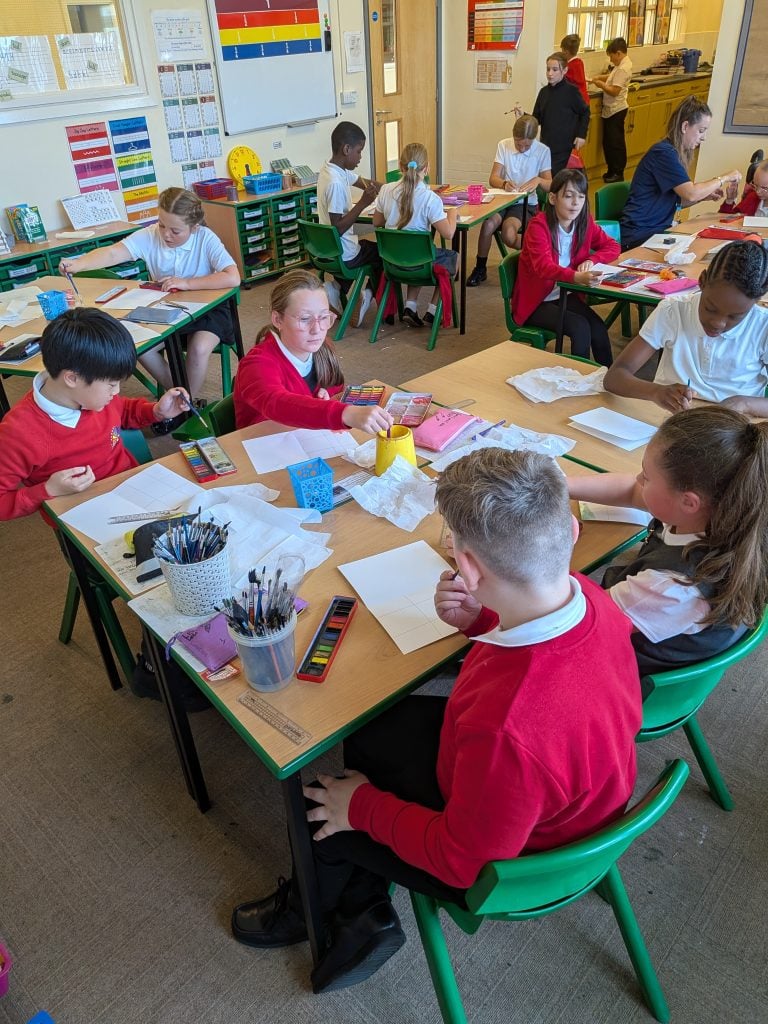
Crew White have been developing their artistic skills by exploring watercolour techniques. We experimented with controlling the amount of water and paint on our brushes, creating washes, blending colours and building different tones.
We also discussed how to use watercolours carefully and appropriately, including looking after our brushes, keeping colours clean and using just the right amount of water.
A calm, creative session with some fantastic results! 🎨
What a fantastic start we have had to our first week back in Crew McLoughlin! And we’re only part way through the week! 😄
We have been busy getting back into the swing of school, reconnecting with our friends and beginning to explore our crew guiding question:
How can we work together to achieve an end goal?
Miss McLoughlin was super impressed this morning when some of the children could already remember our guiding question! We have been discovering that reaching an end goal takes teamwork, perseverance, listening, concentration and sometimes a few attempts before we get there.
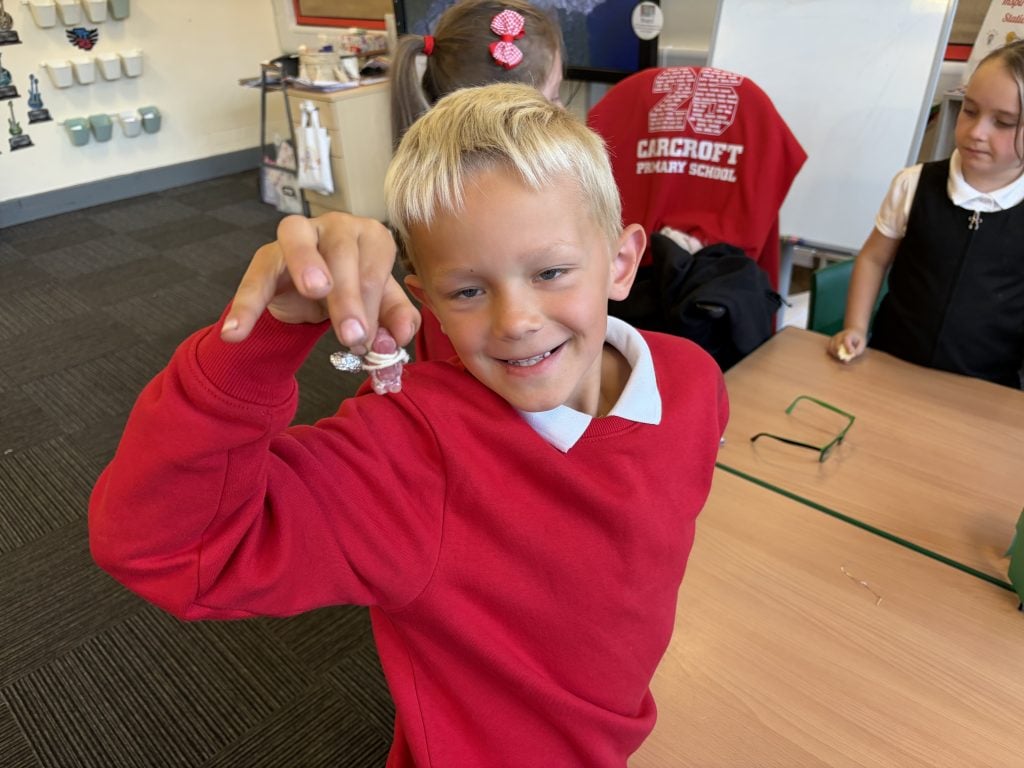
🍬 The Jelly Baby Challenge
We completed our Jelly Baby Challenge and the children were SO excited! Their challenge was to work together to keep their jelly babies safe while resisting the temptation to eat them. Amazingly, our jelly babies survived… although there were definitely a few very suspicious sniffs and licks! 😂
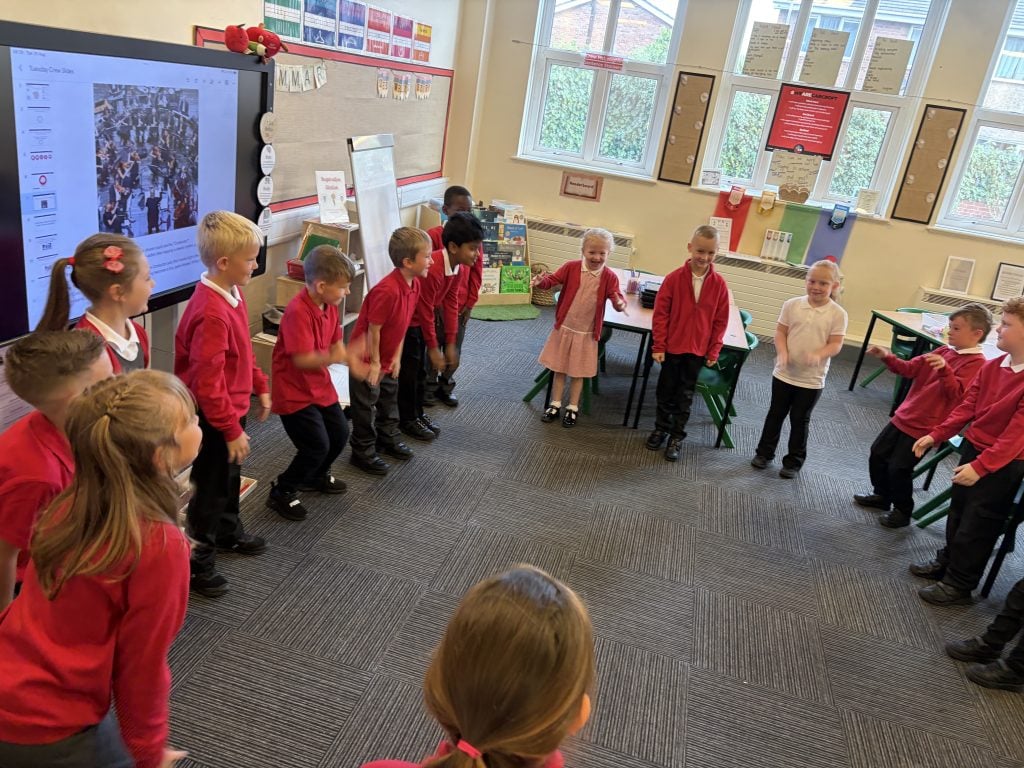
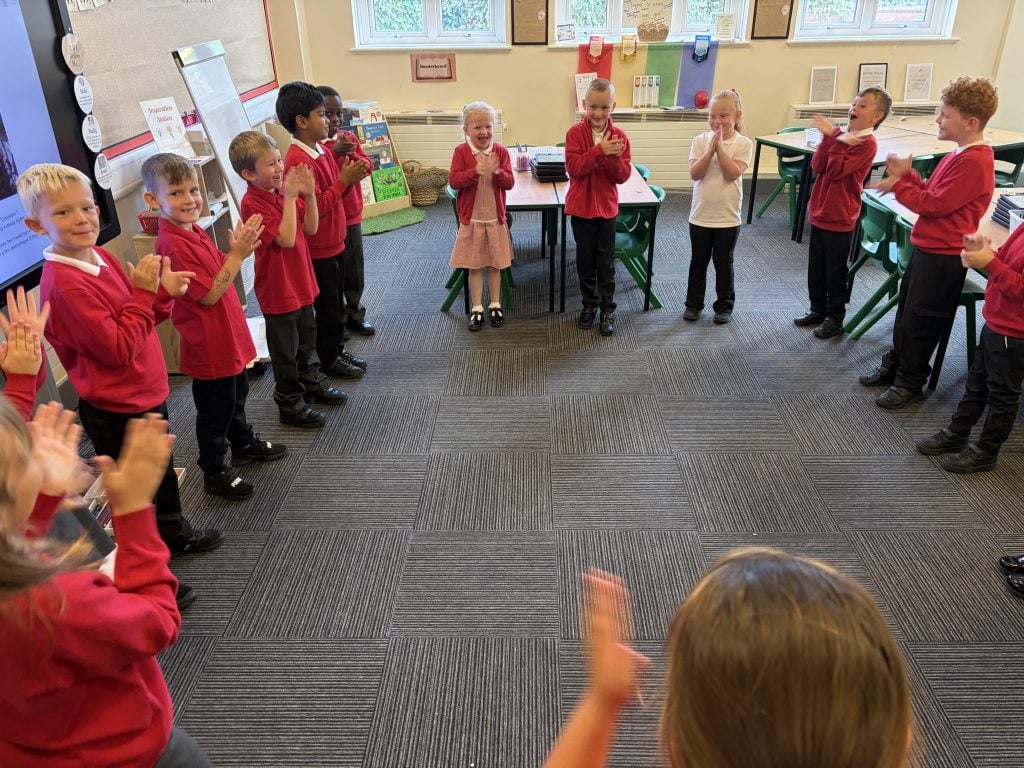
🎶 Copycat Orchestra
We put our listening and attention skills to the test with Copycat Orchestra. The children had to listen carefully, concentrate and copy the sounds and actions. It was lots of fun and a great way to practise the skills we need when working effectively as a crew.
➕ Maths Board Game
We have also been developing our arithmetic skills through a maths board game. The children tackled challenges, shared their thinking and enjoyed a little bit of friendly competition along the way!
Fun at Break
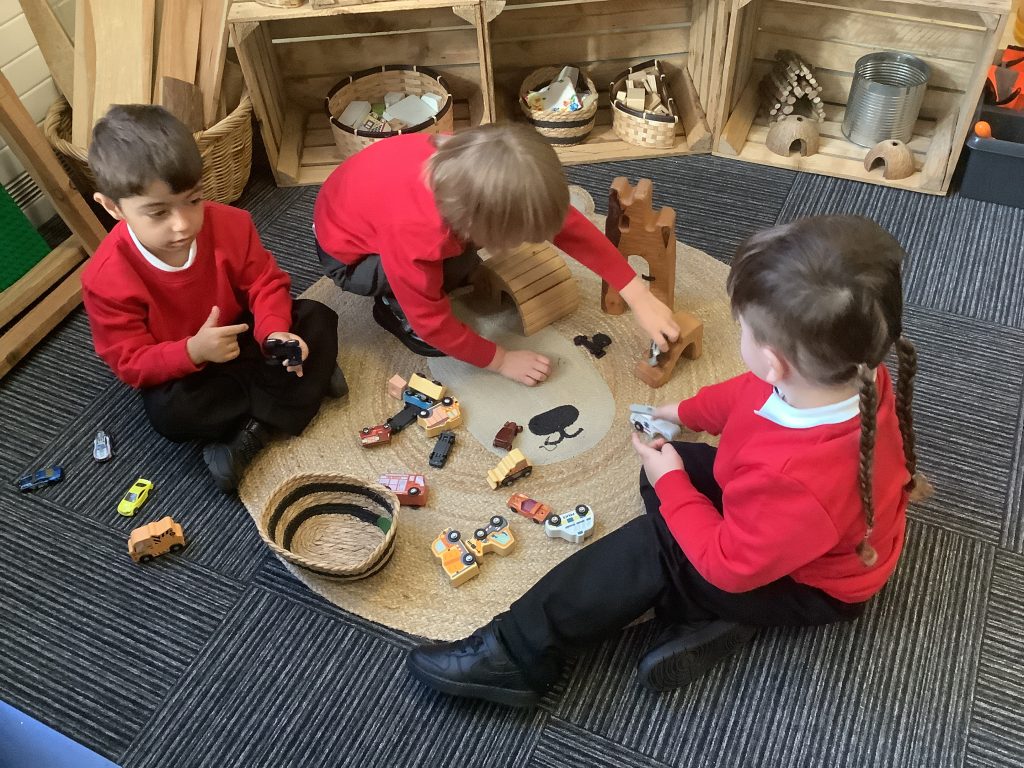
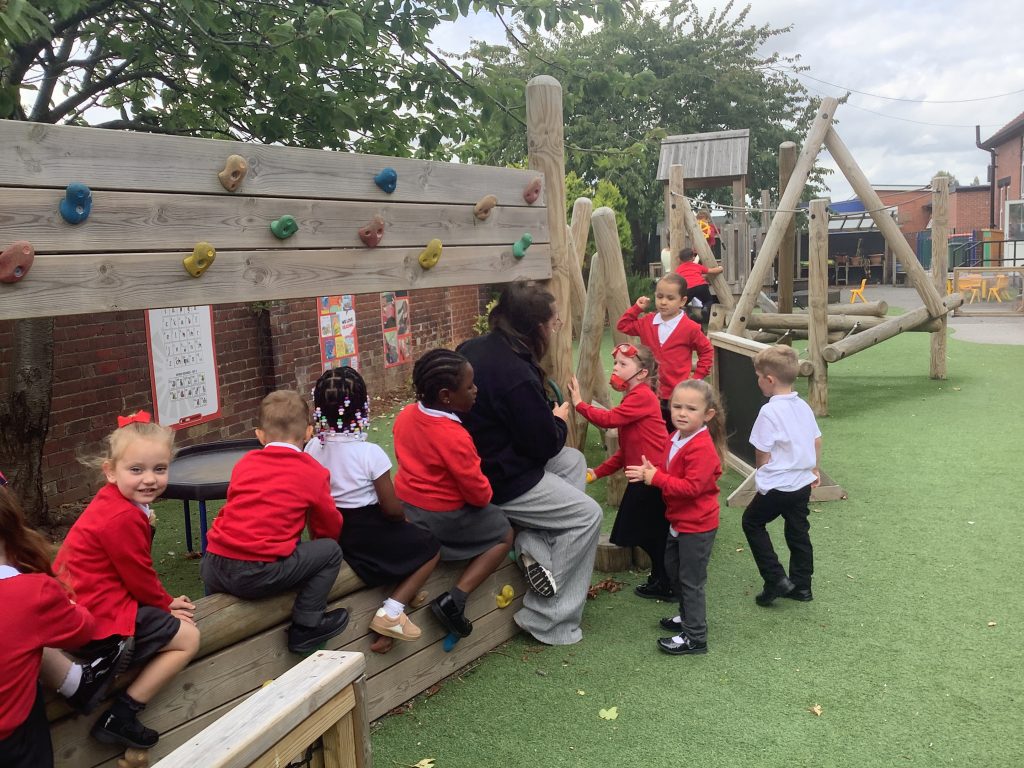
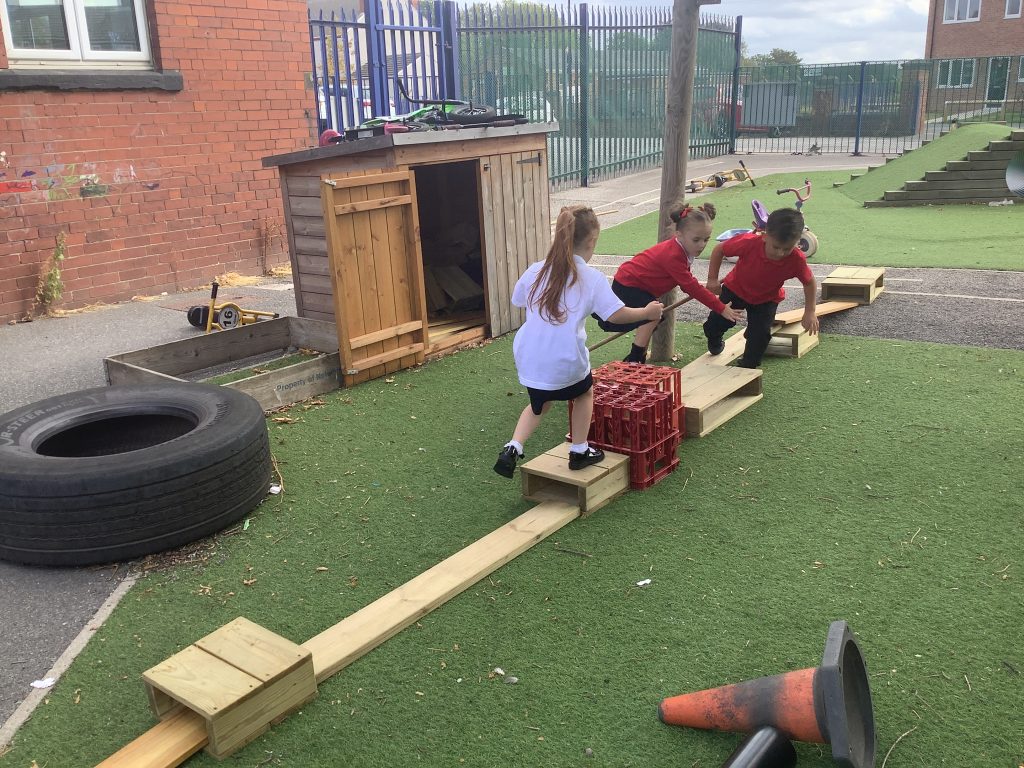
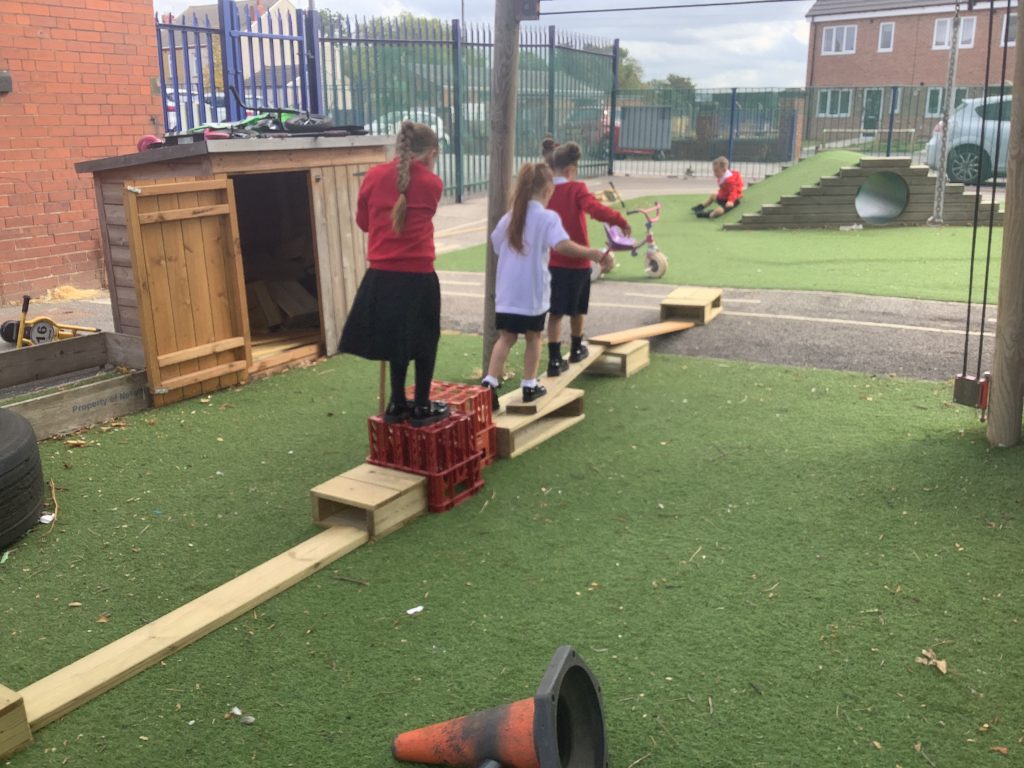
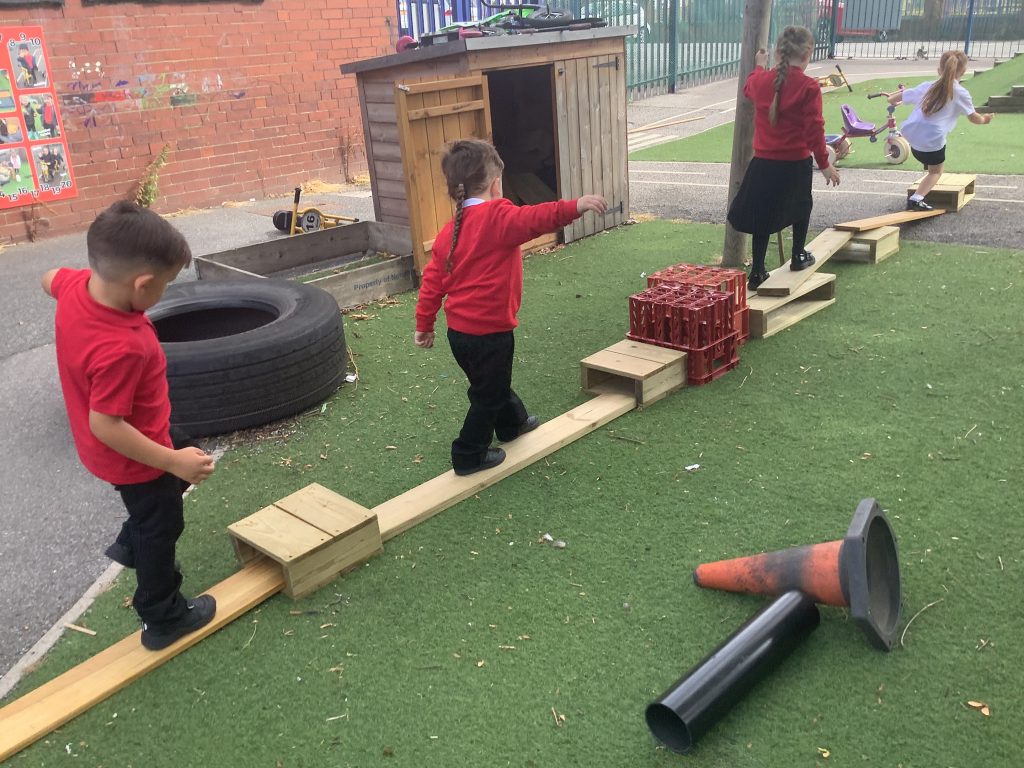
There has been plenty of time for fun too! The toy cars and playing on the tyres have been a big favourite, alongside lots of imaginative games of mums and dads. It has been lovely to see the children settling back into routines, enjoying their play and reconnecting with one another.
📖 Who Are We?
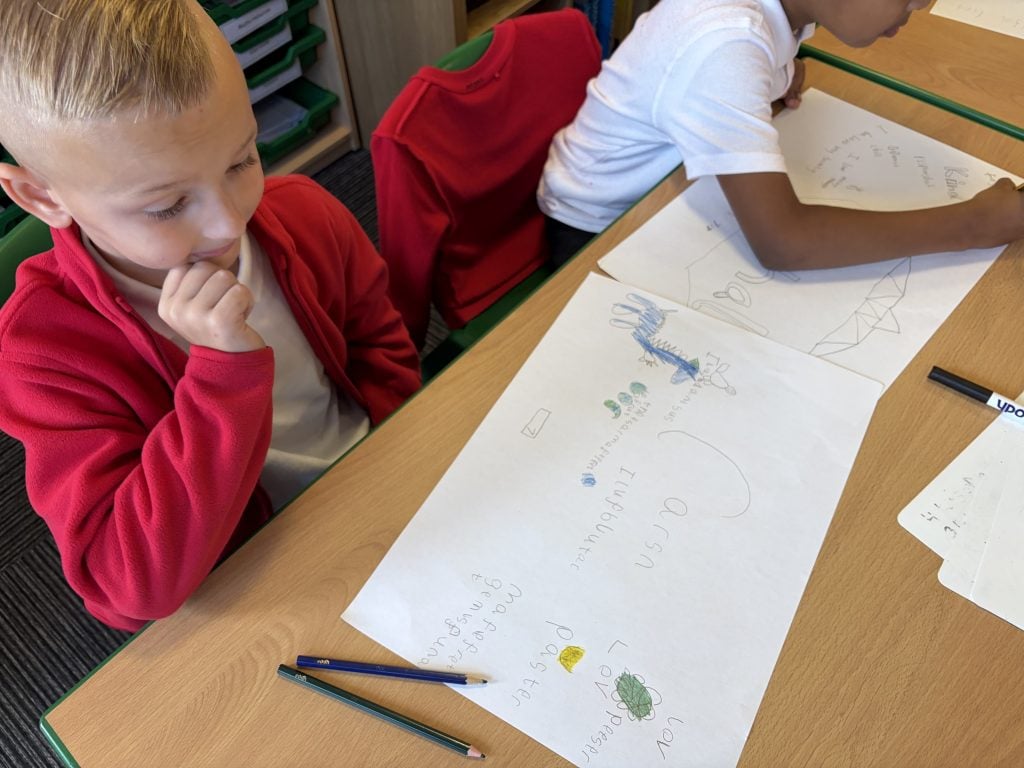
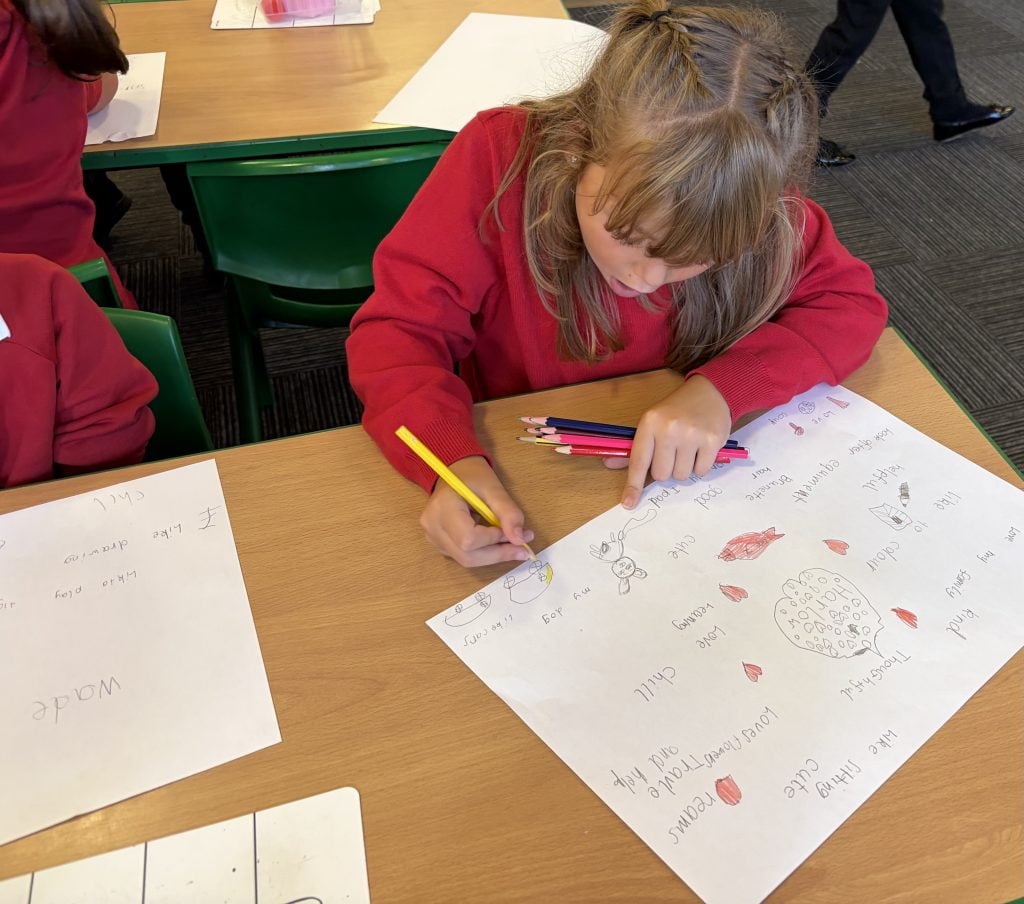
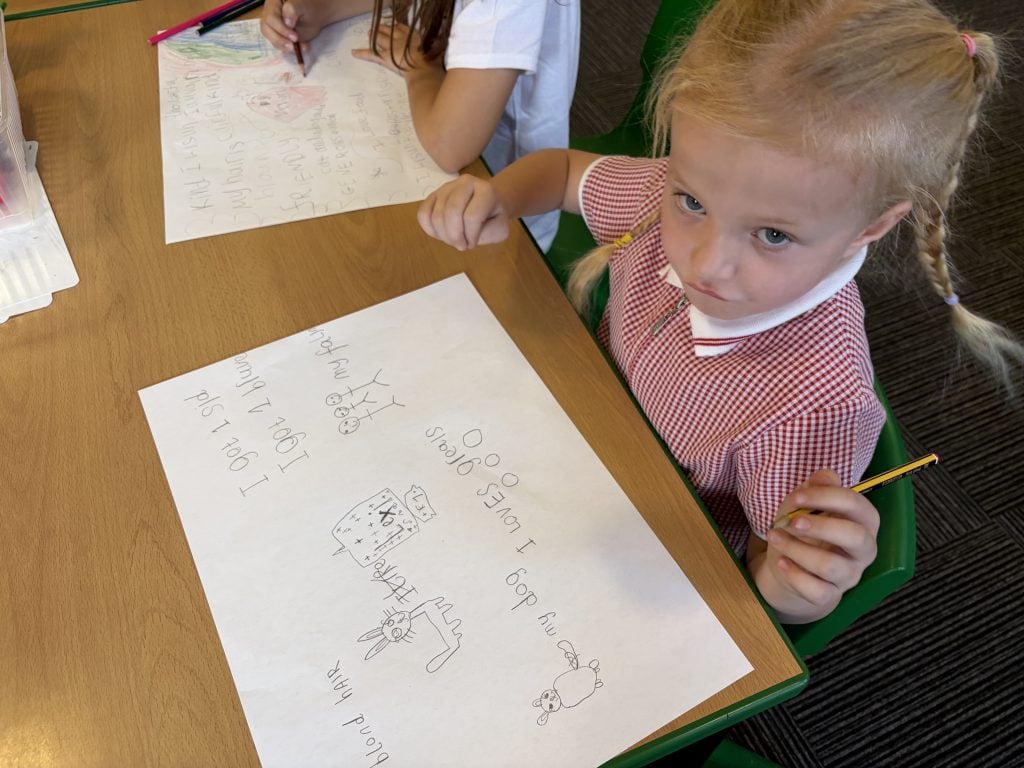
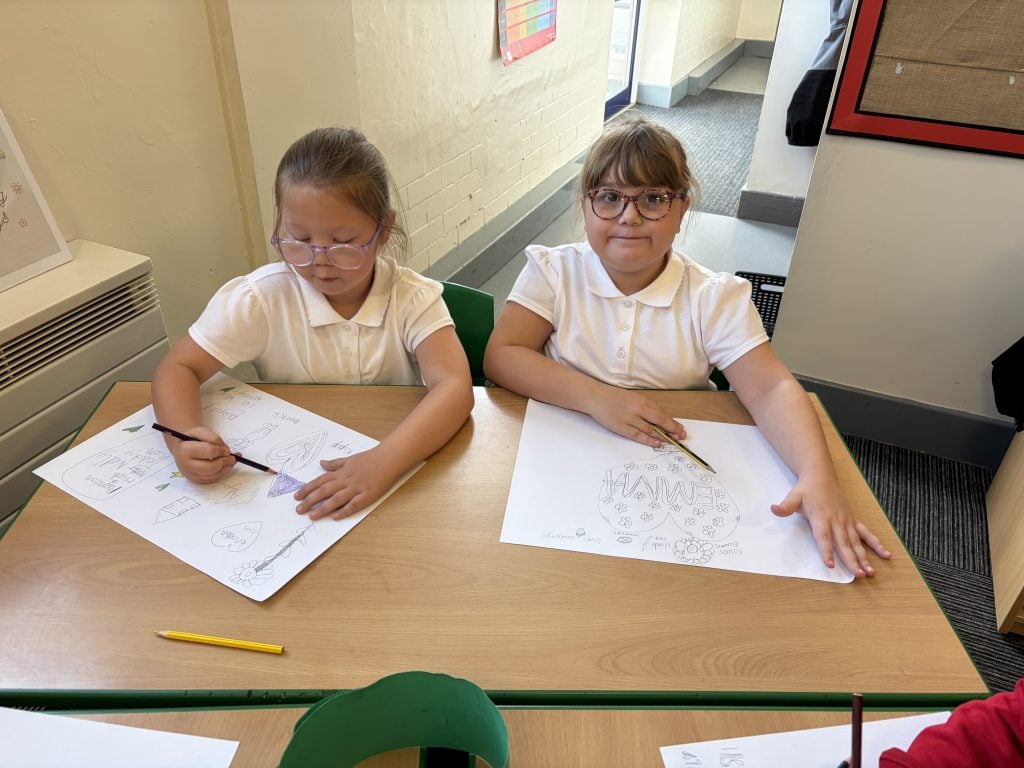
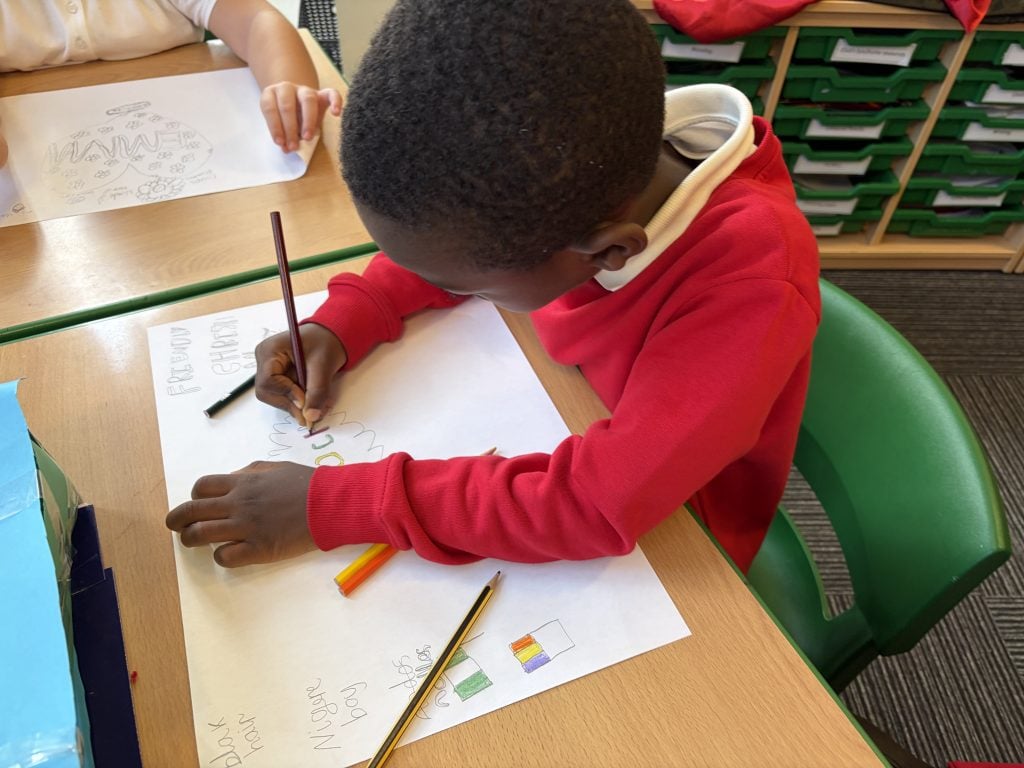
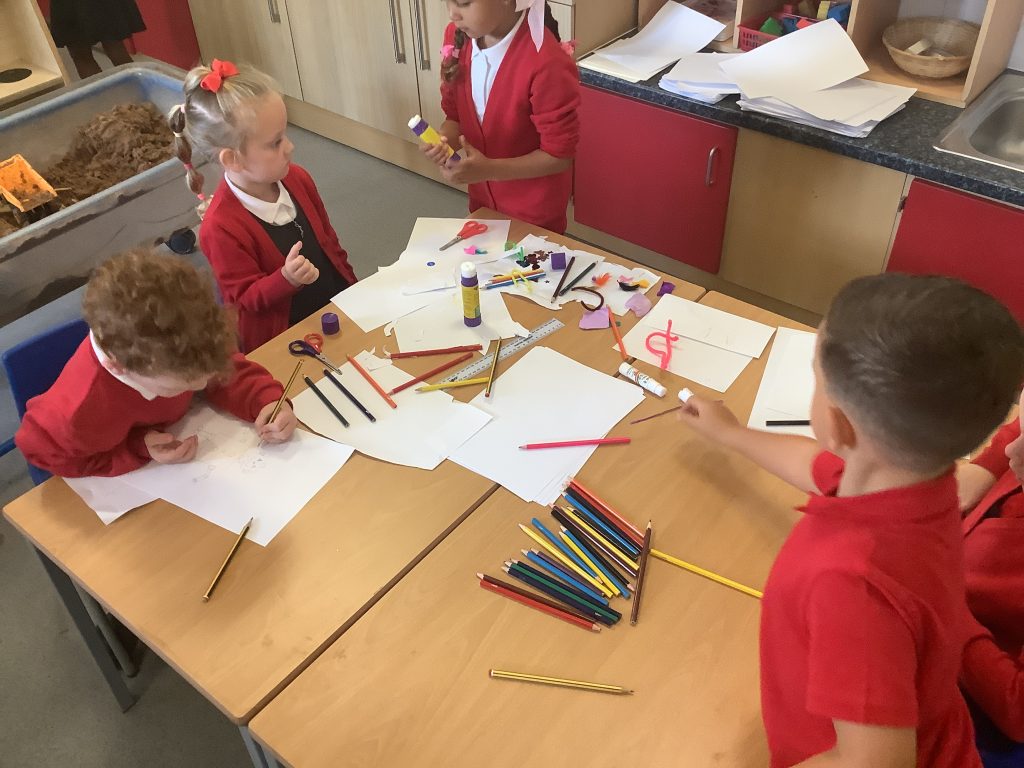
We read My Name Is Not Refugee and used it as a starting point to think about identity and what makes each of us unique. The children then created their own identity portraits, using adjectives to describe themselves. It was wonderful to see the range of thoughtful and positive words they chose!
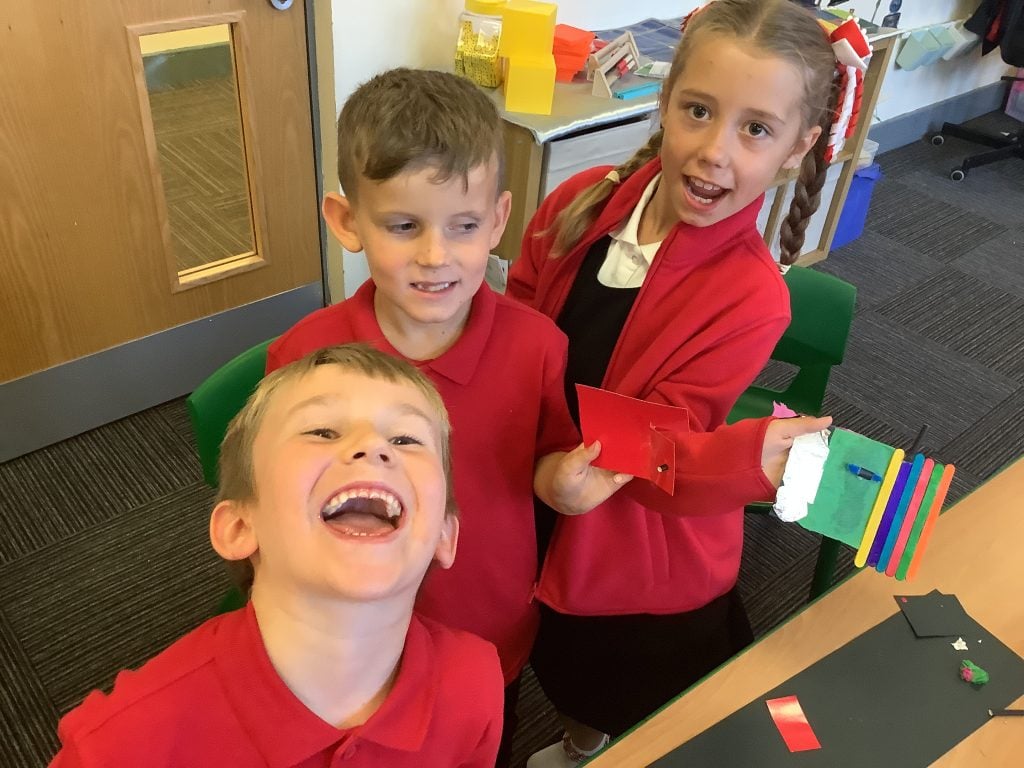
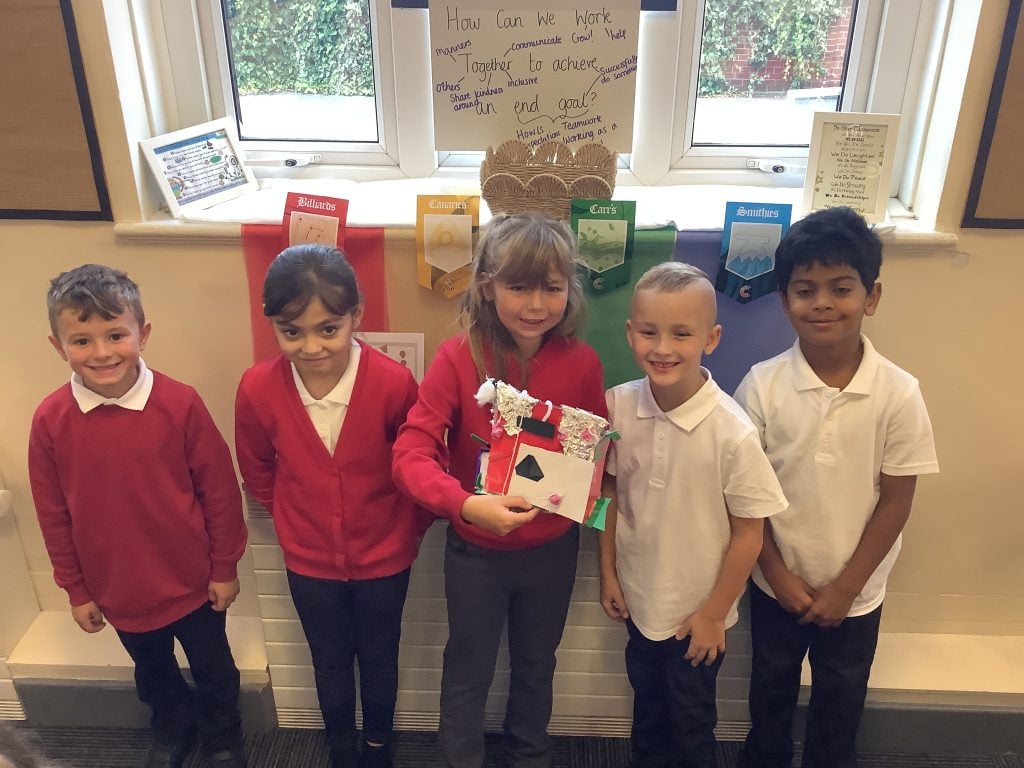
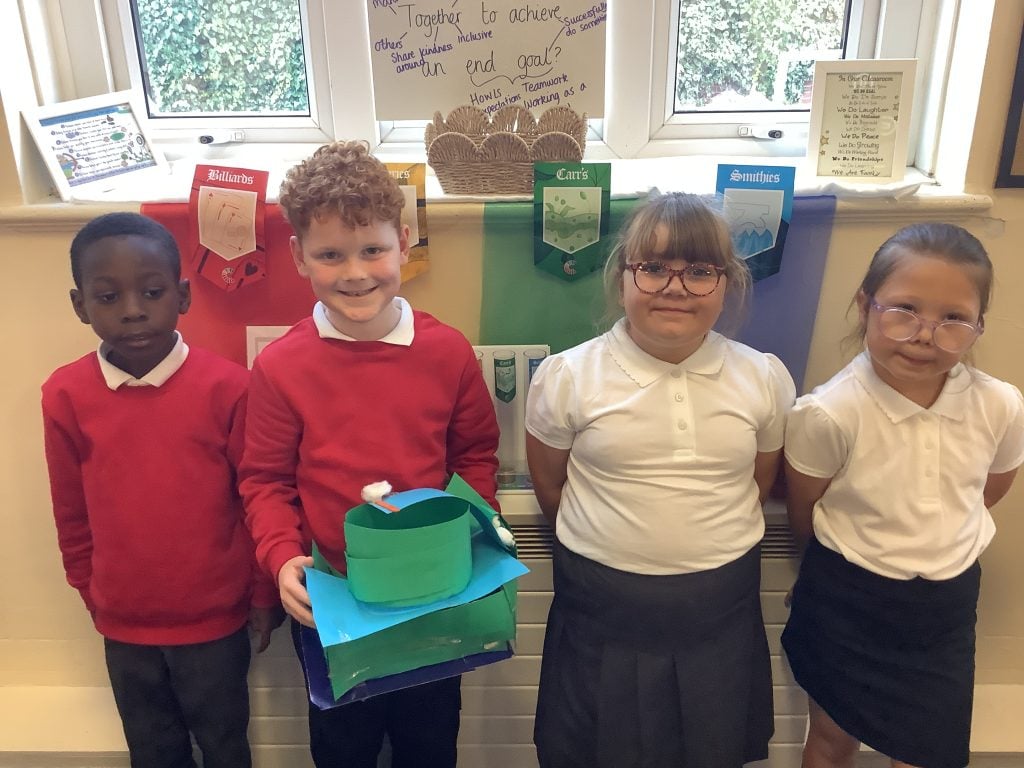
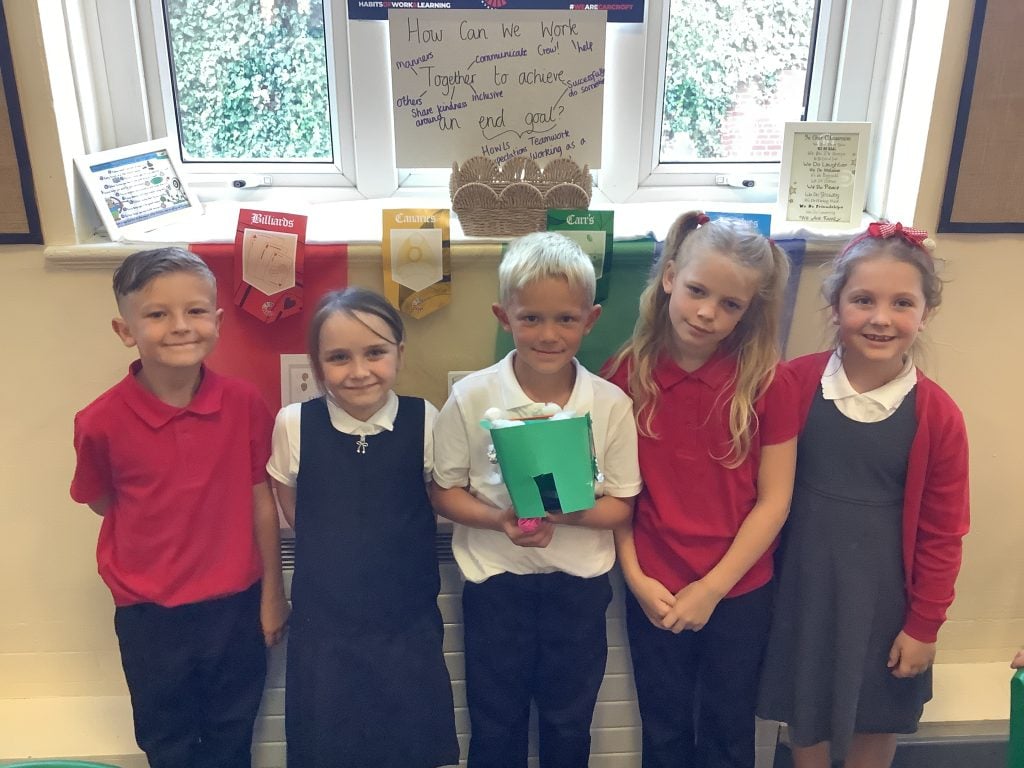
🎢 Marble Run Rollercoasters
Our marble run rollercoasters have really tested our teamwork skills! Working successfully as mini crews was trickier than we thought and we definitely discovered that achieving an end goal doesn’t always happen straight away. But we’re not giving up! After our debrief, we’ll be having another go tomorrow. We’ll think about what worked, what didn’t and what we can change to make our teamwork even stronger.
And this is only so far… there is still plenty more to come this week! We can’t wait to see what else Crew McLoughlin can achieve together. 💪🌟
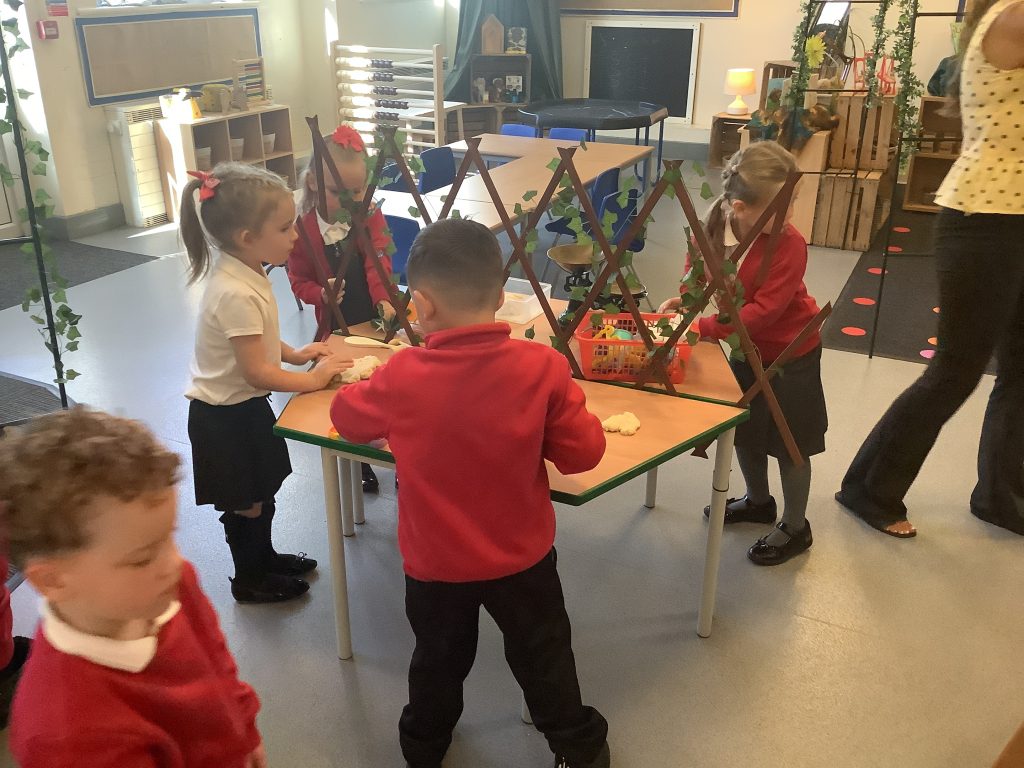
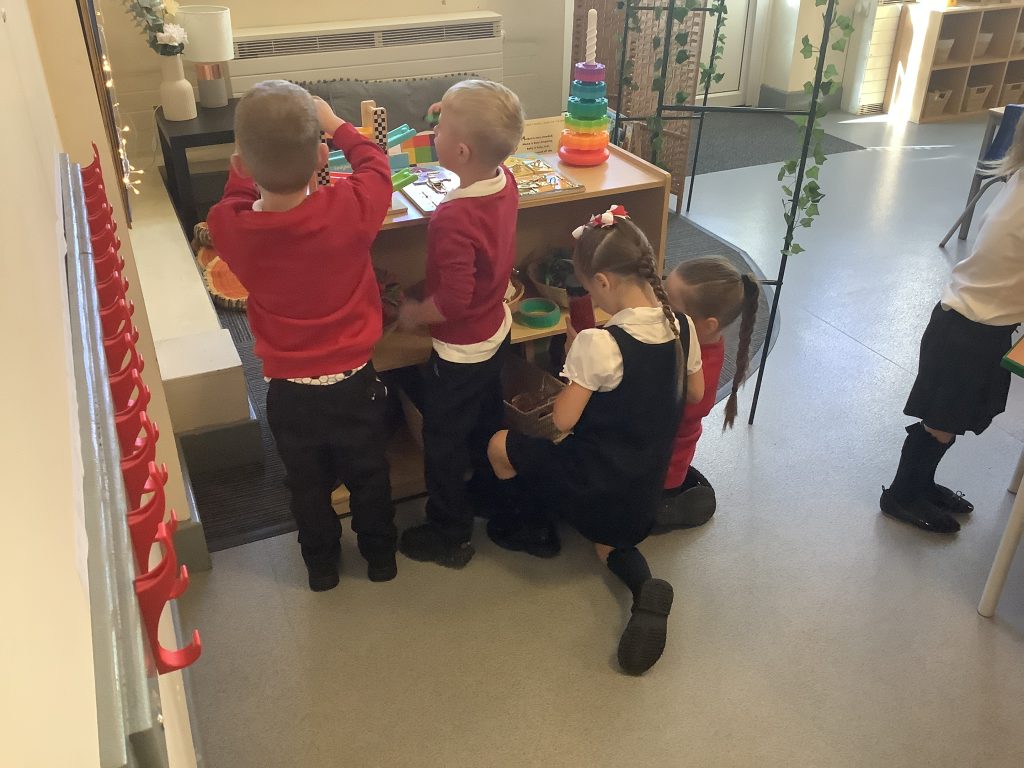
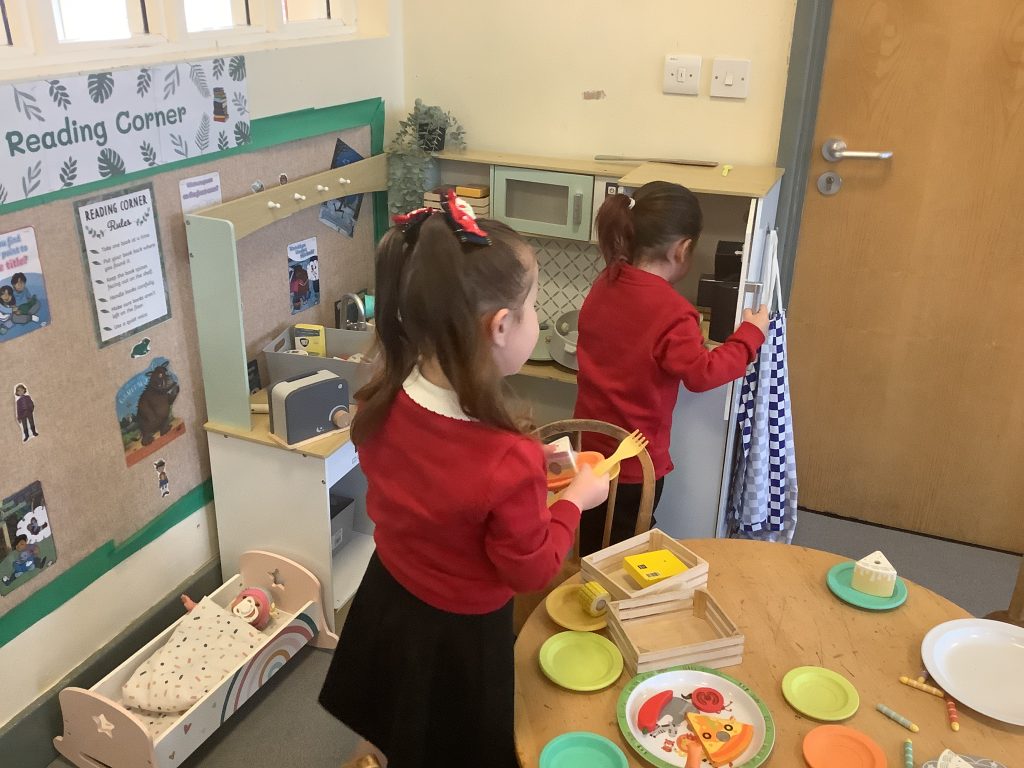
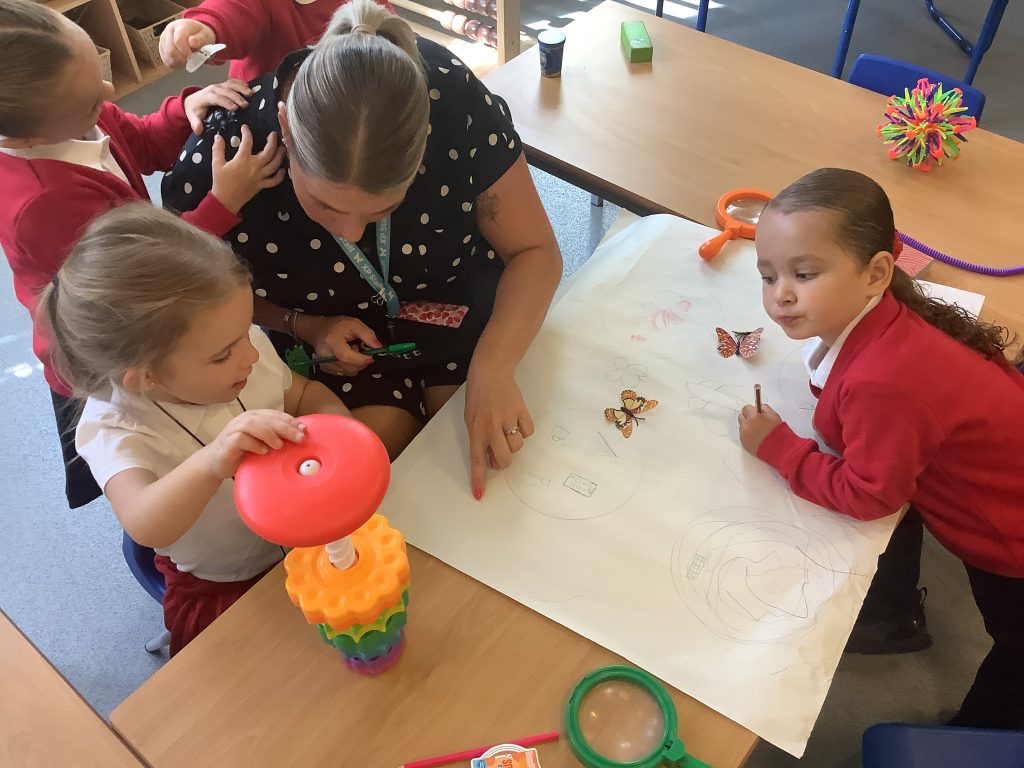
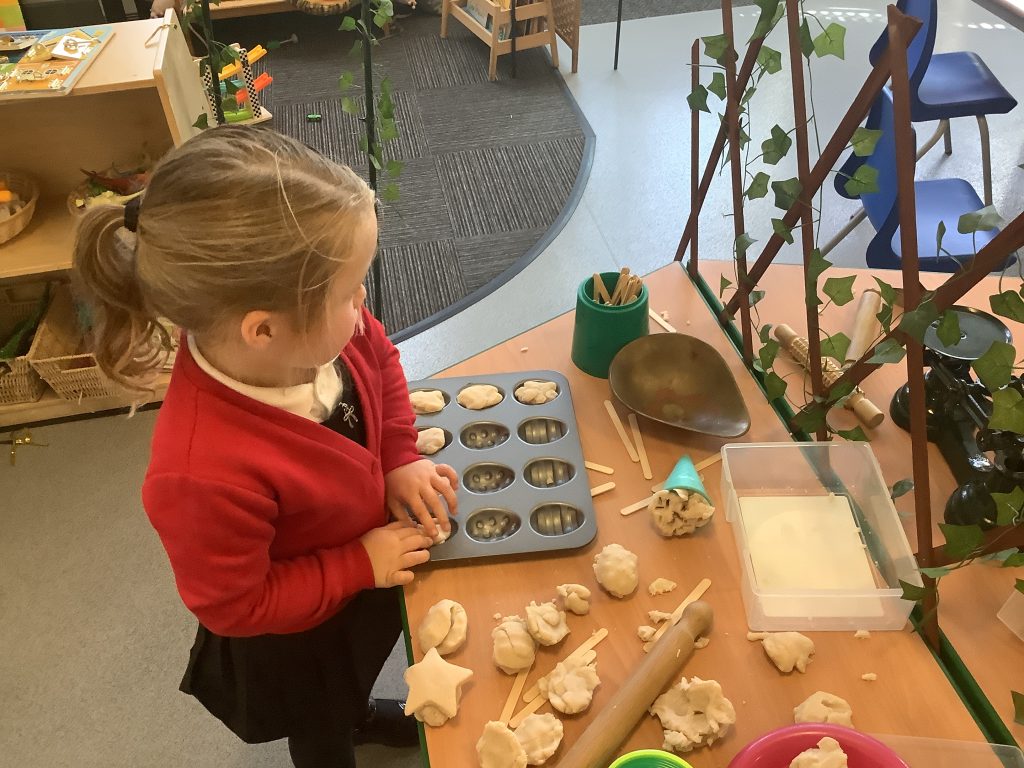
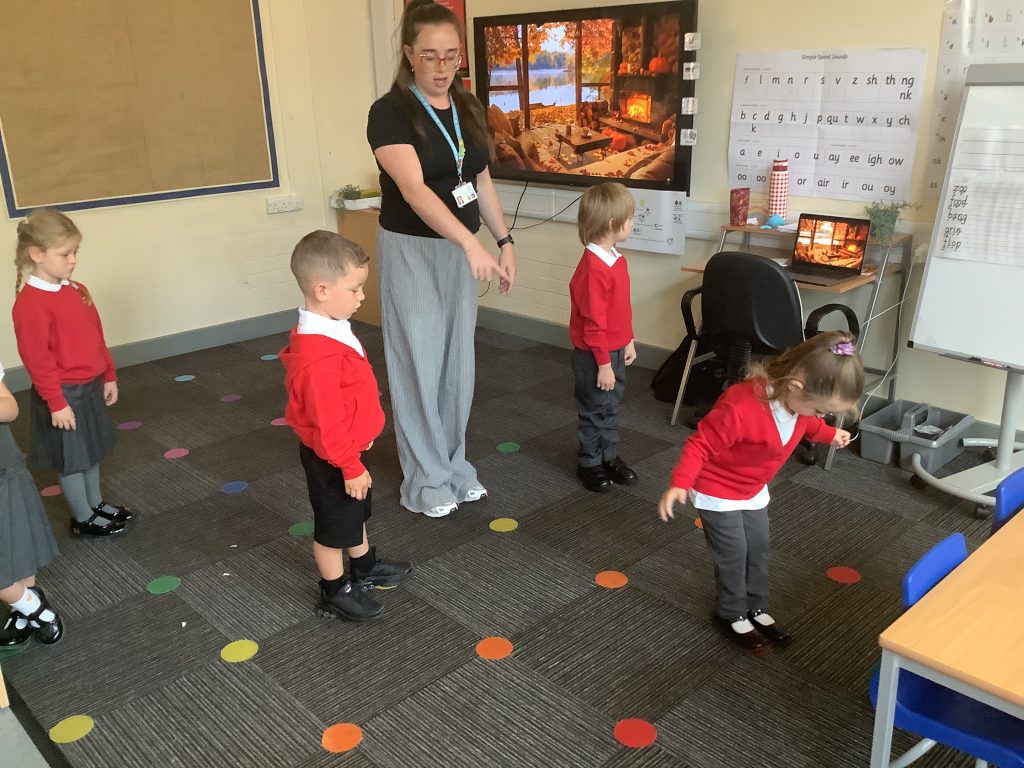
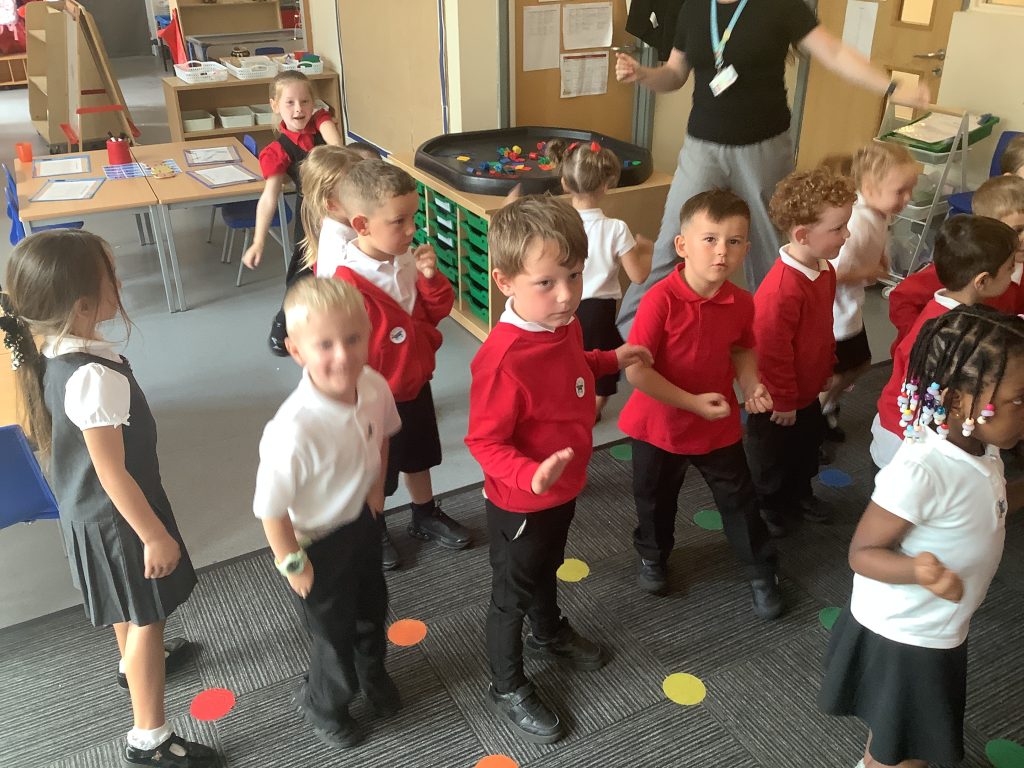
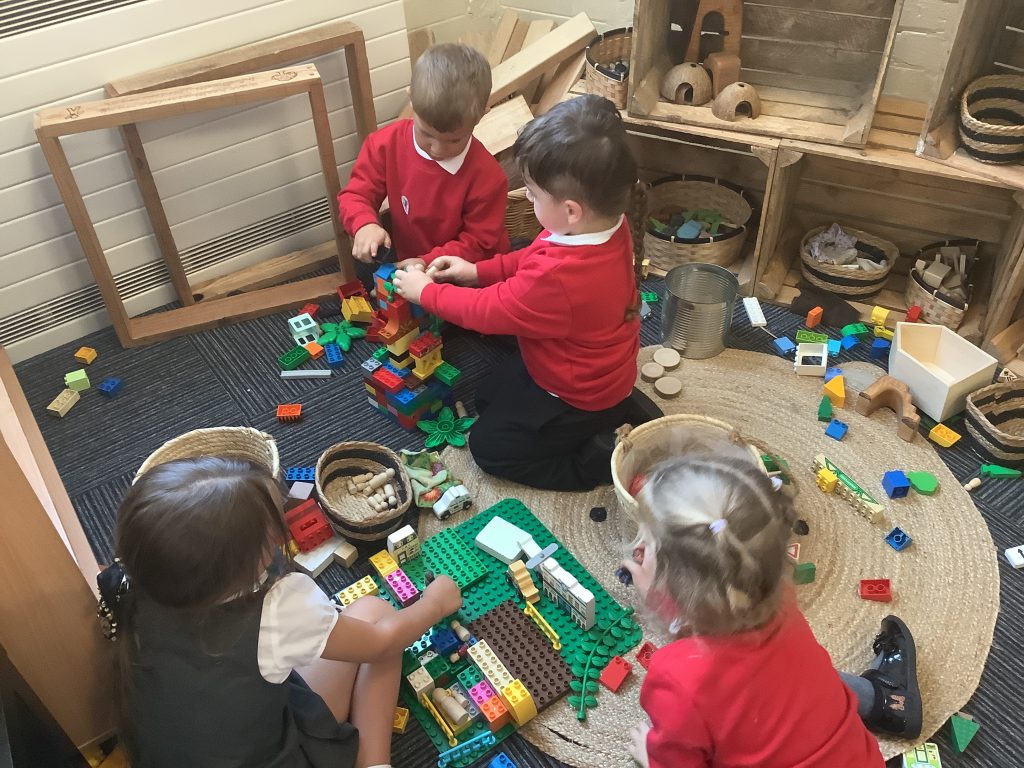
We have had lots of fun over the last couple of days settling in to our new classroom with our new grown ups. We have welcomed some new members of our crew to Carcroft Primary School and we are so excited about our year ahead!
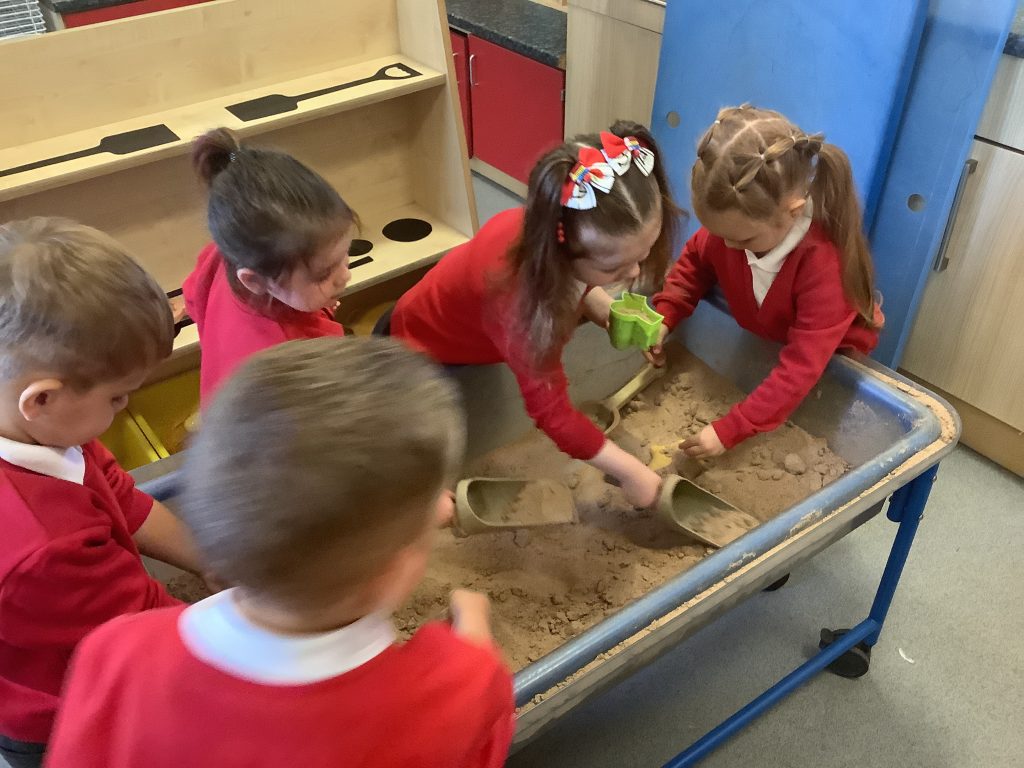
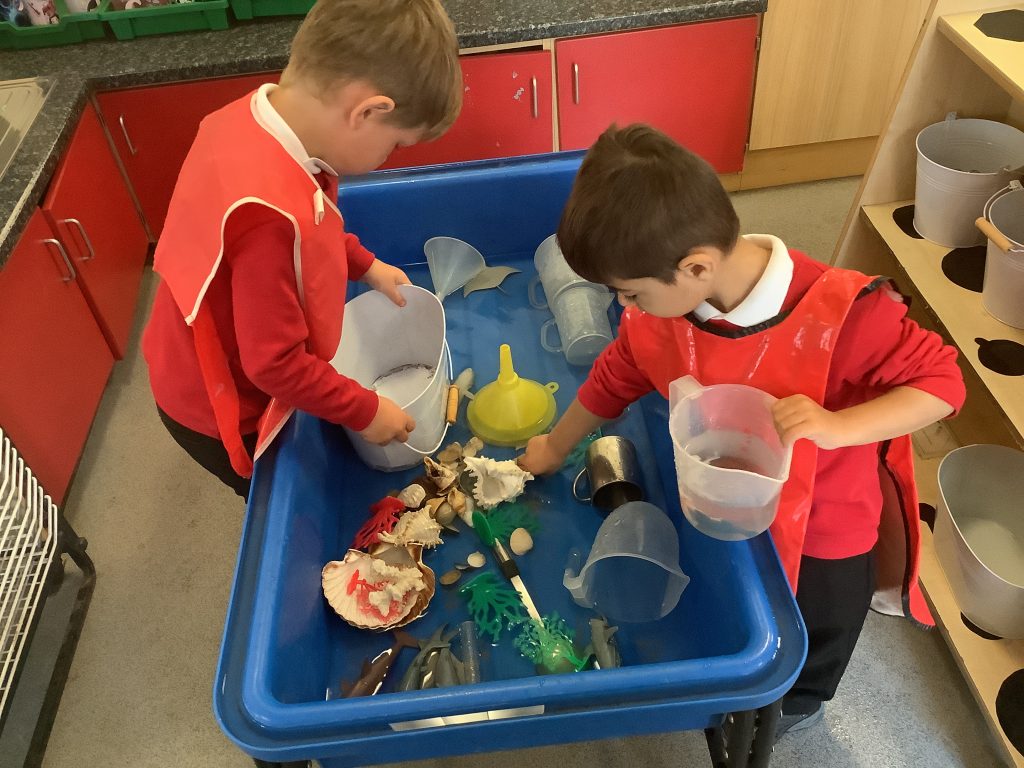
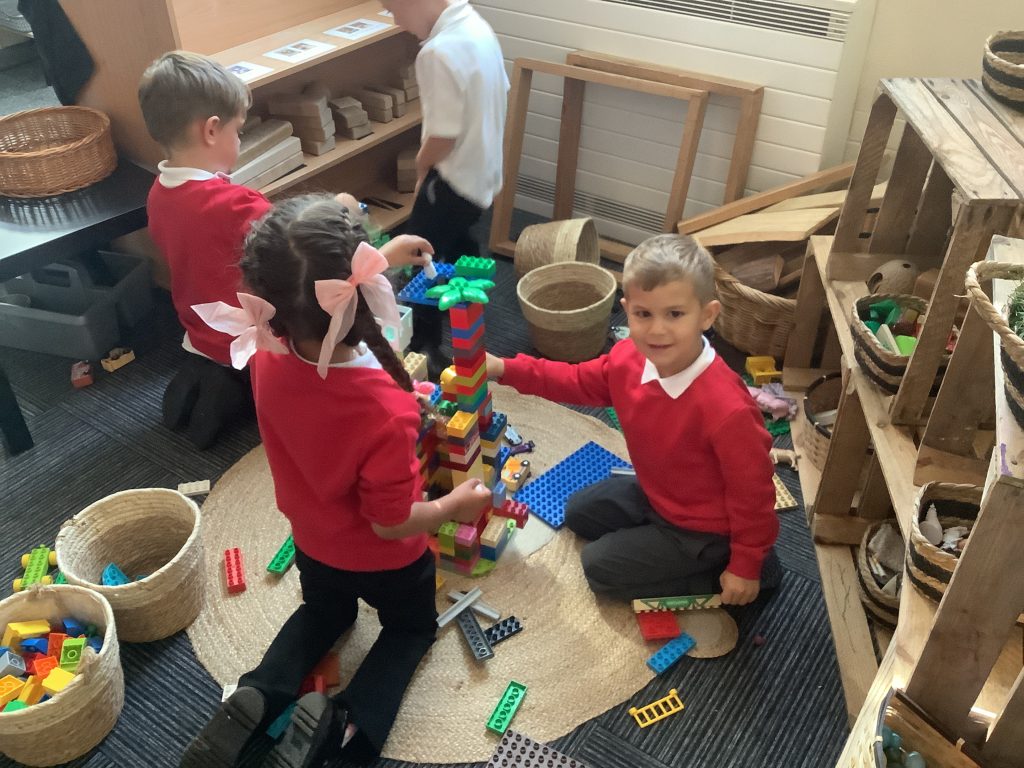
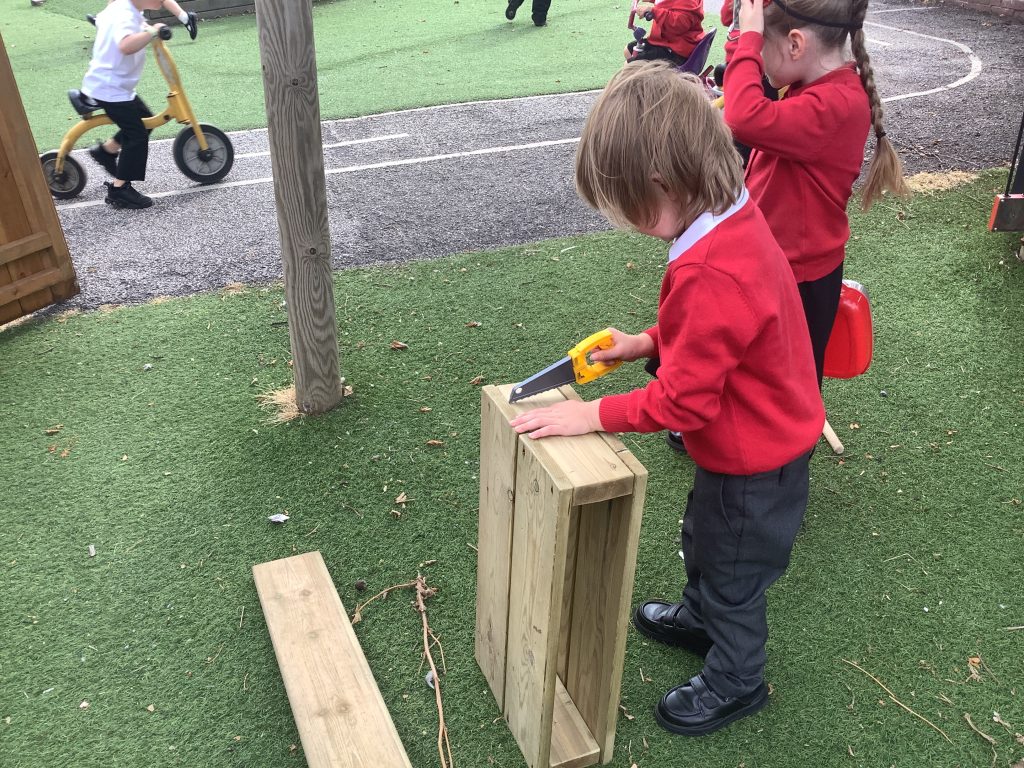
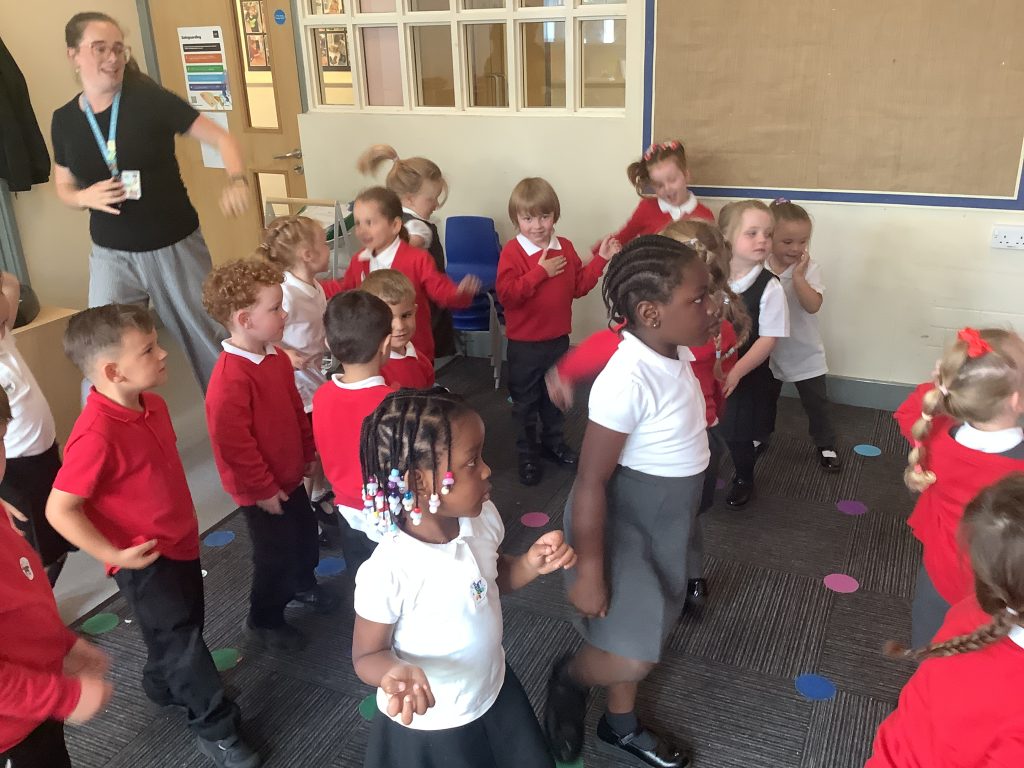
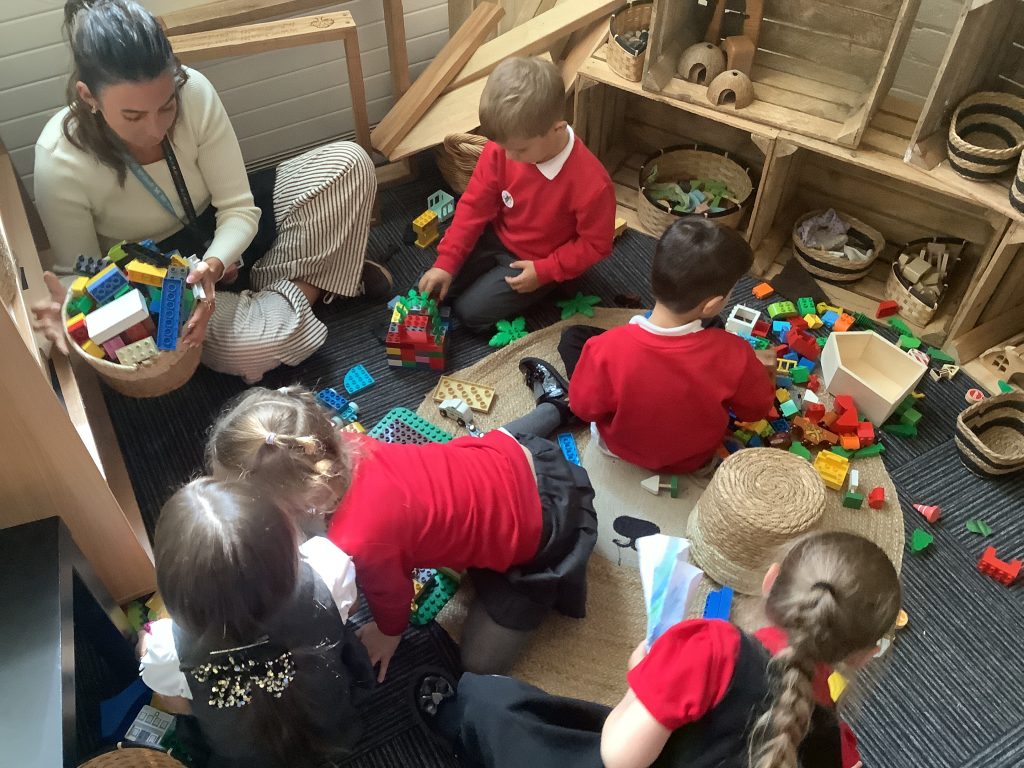
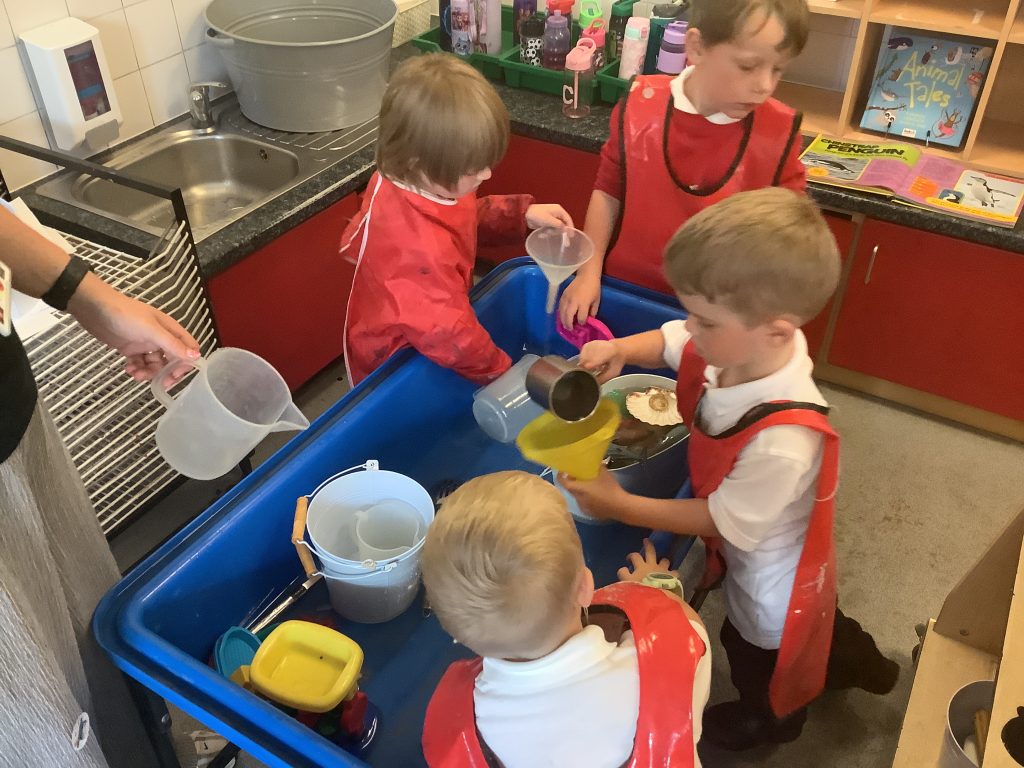
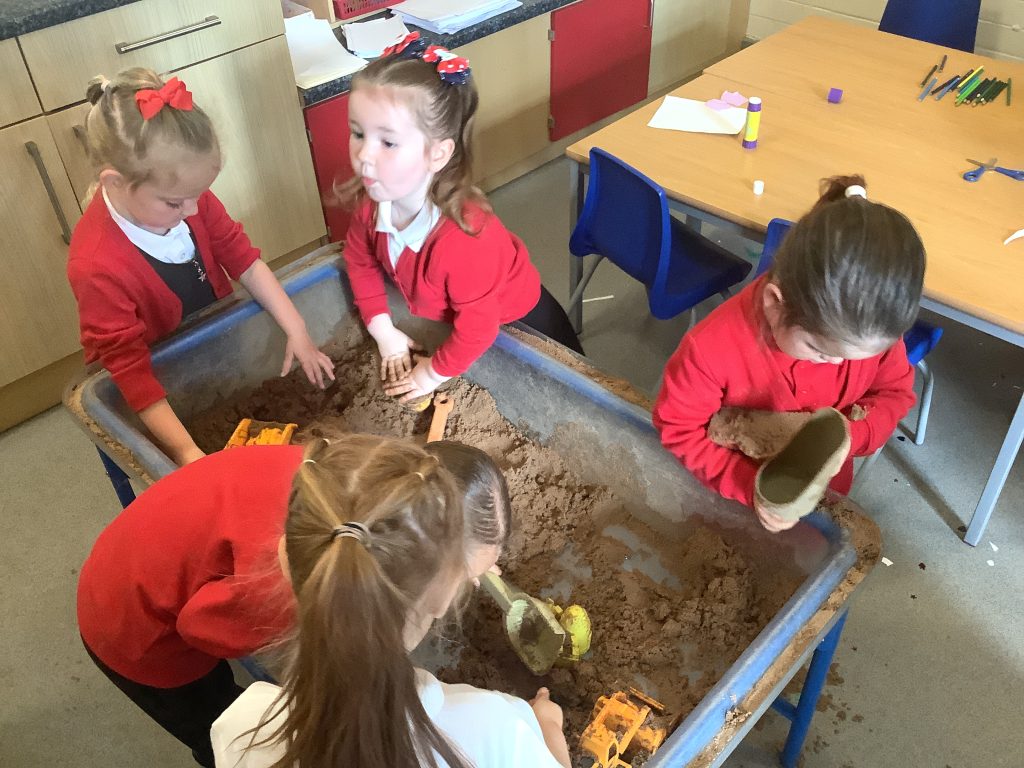
We have spent time familiarising ourselves with the classroom environment and the resources within it, making sure that we are being our kindest selves by sharing with our friends, and we have been working really hard on showing our beautiful sitting on the carpet, making sure that we are ‘Being Kind’ at all times to the grown ups and our peers.