Inputs in computing

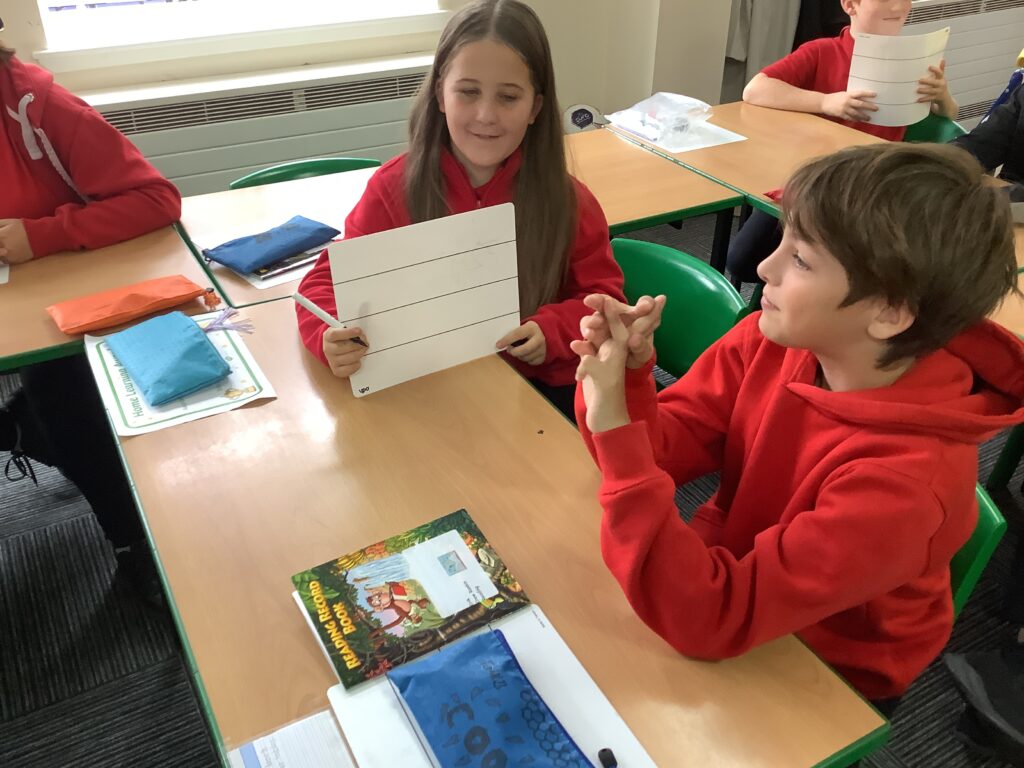
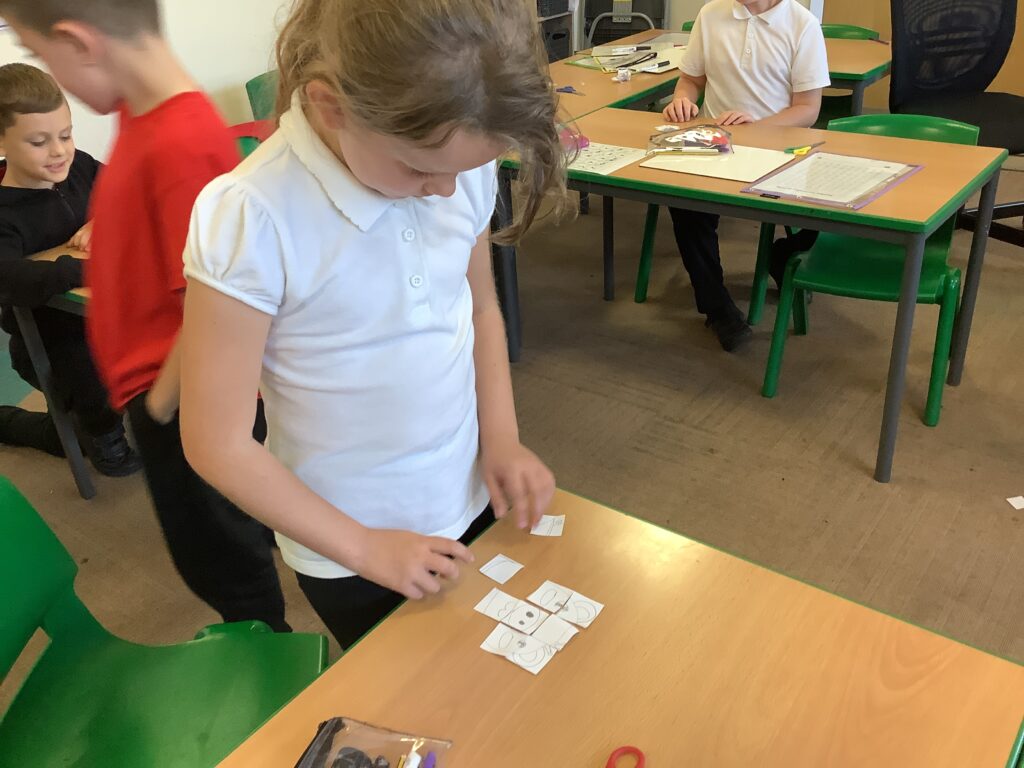
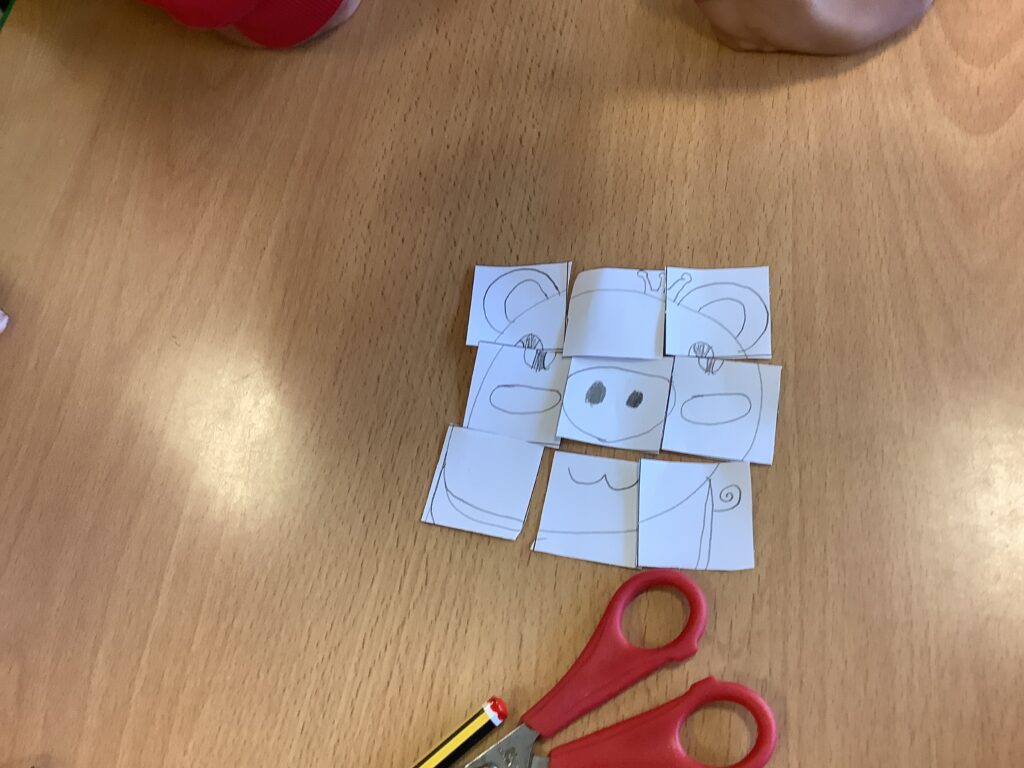
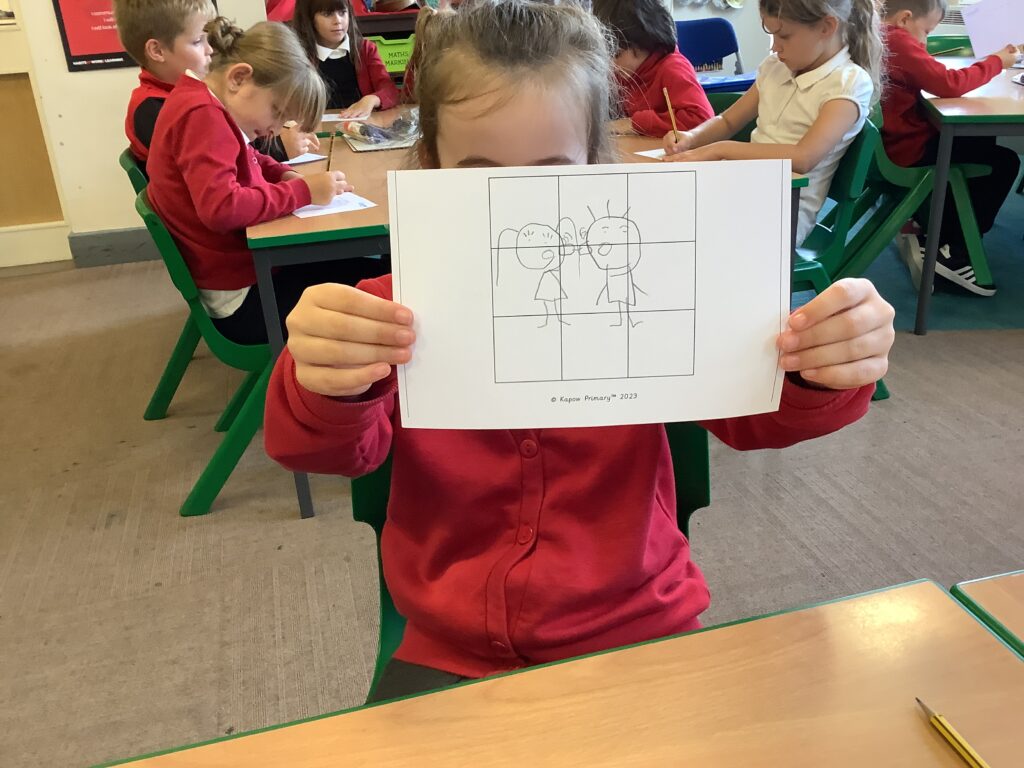
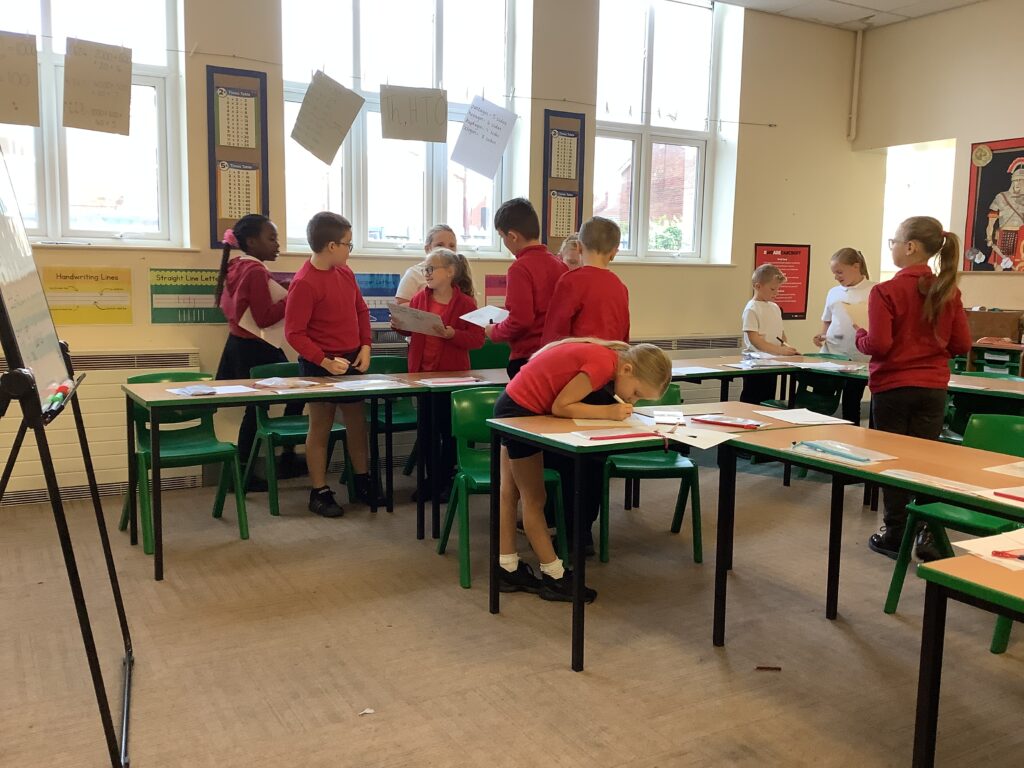
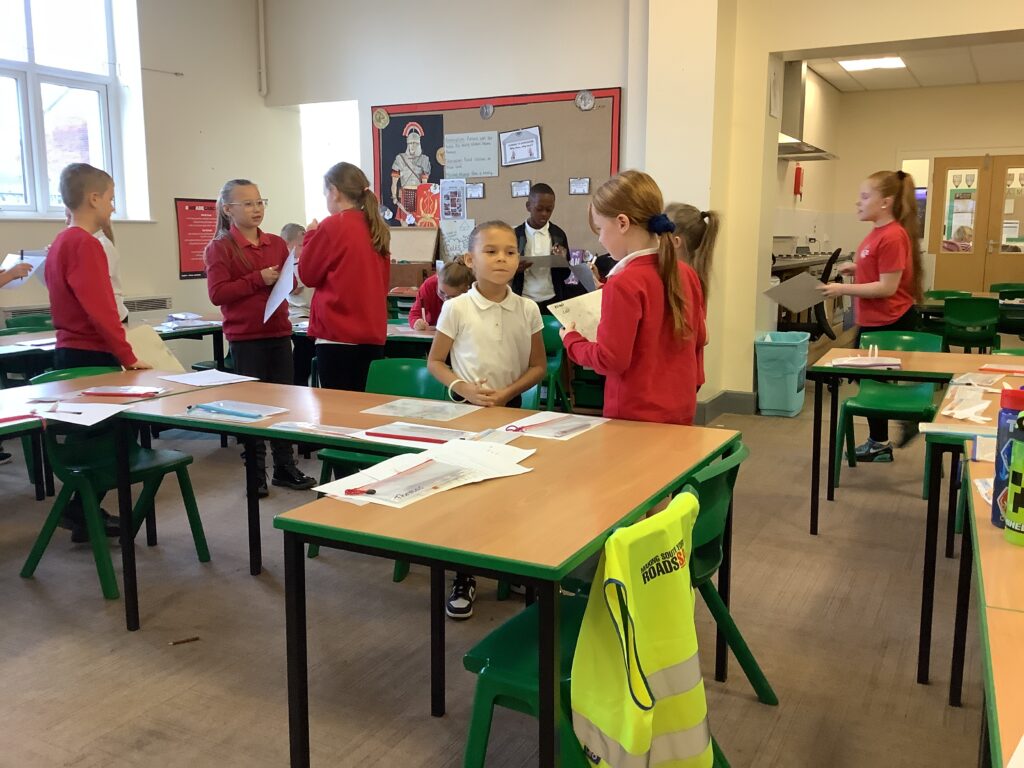
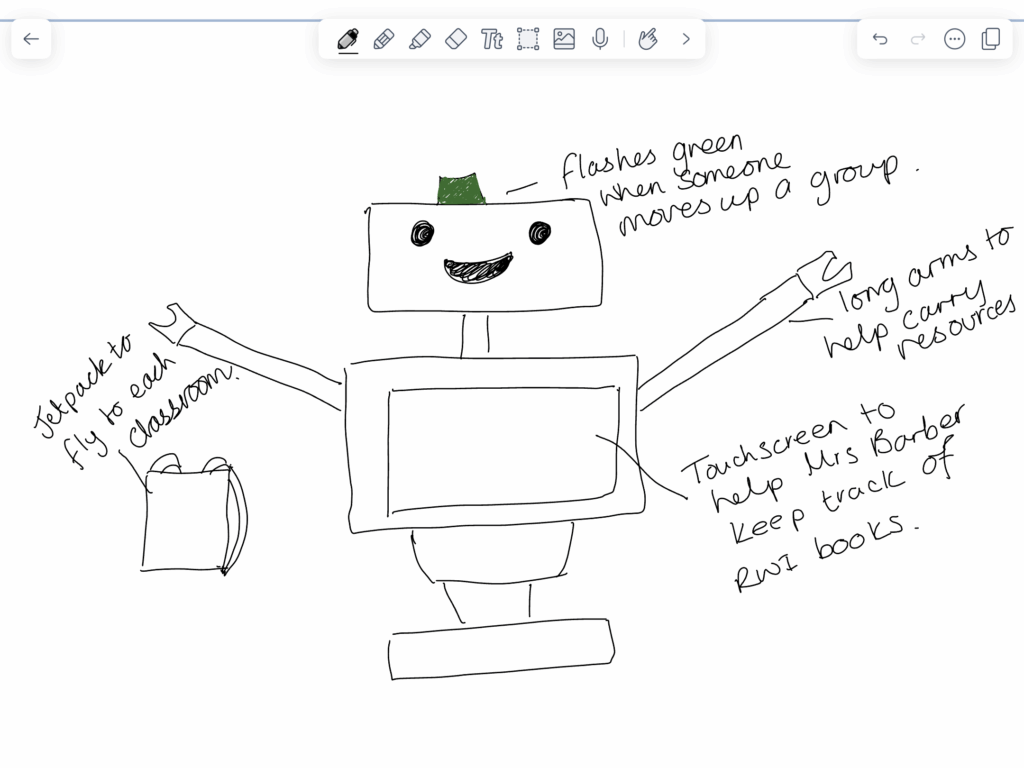
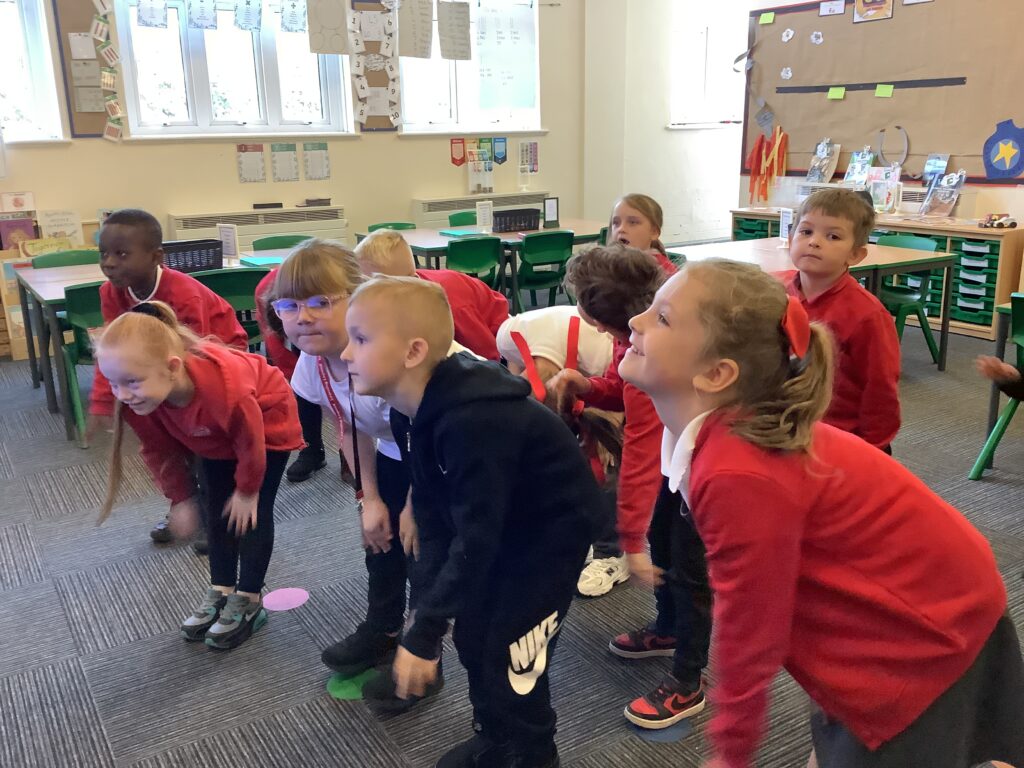
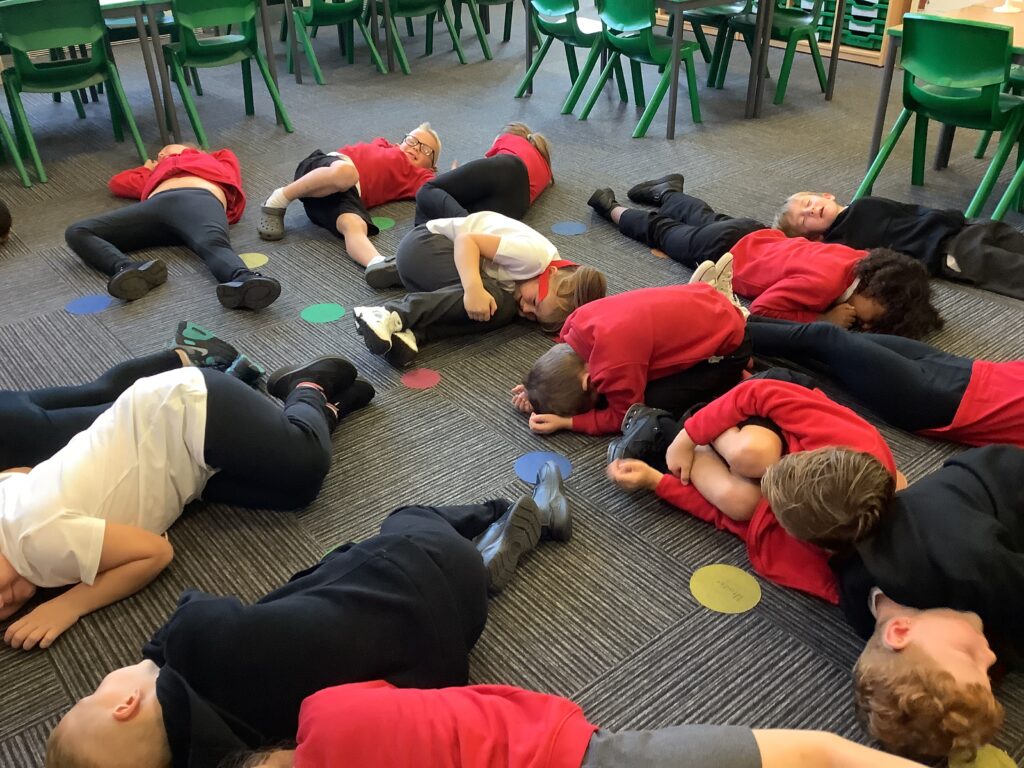
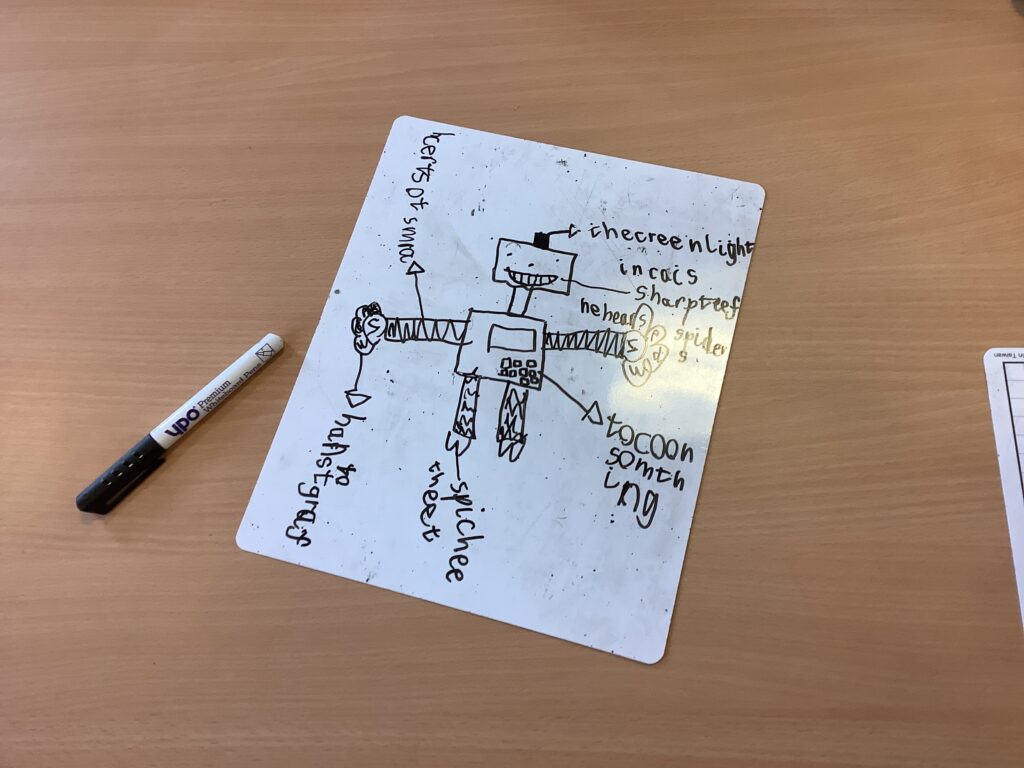
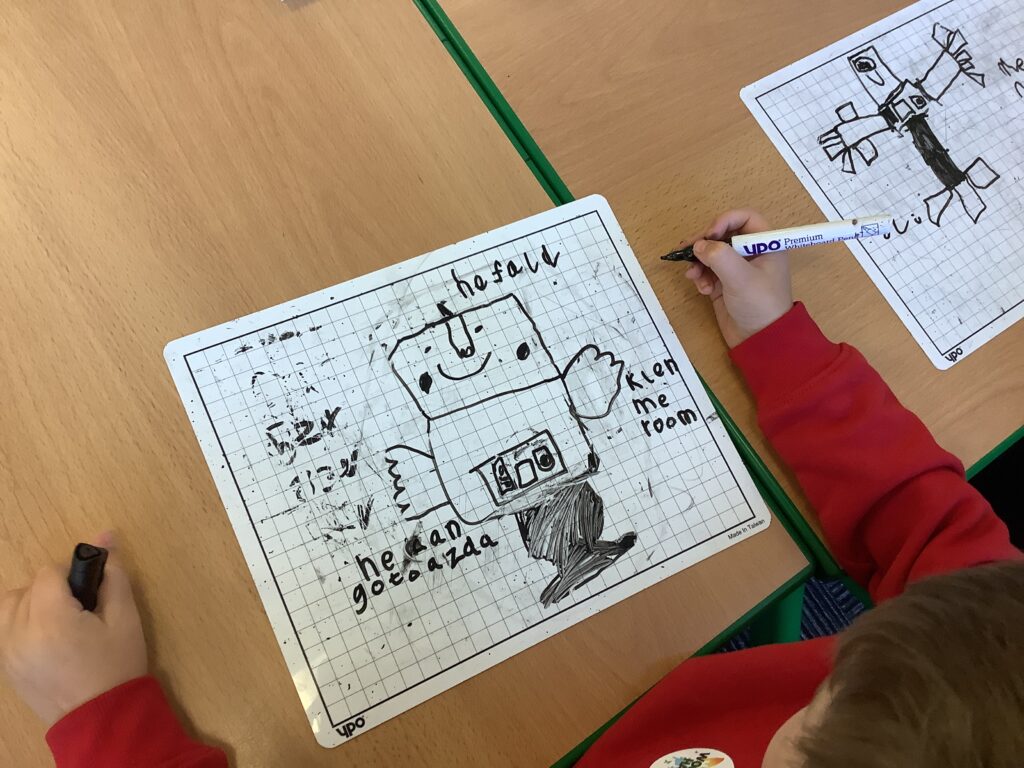
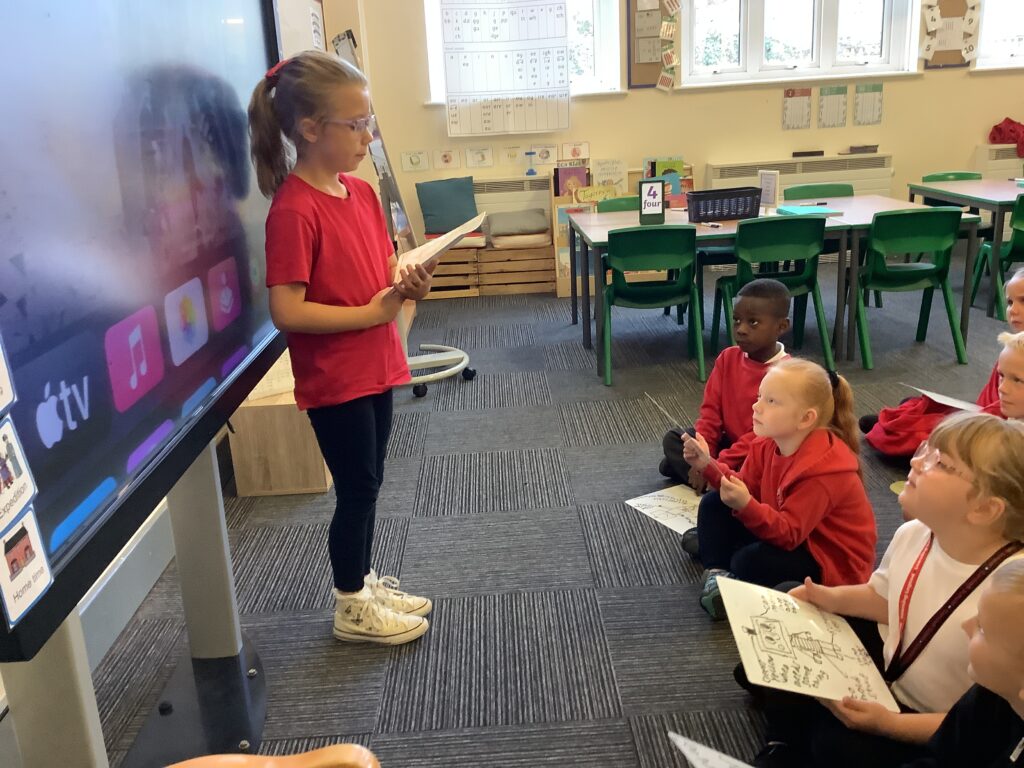
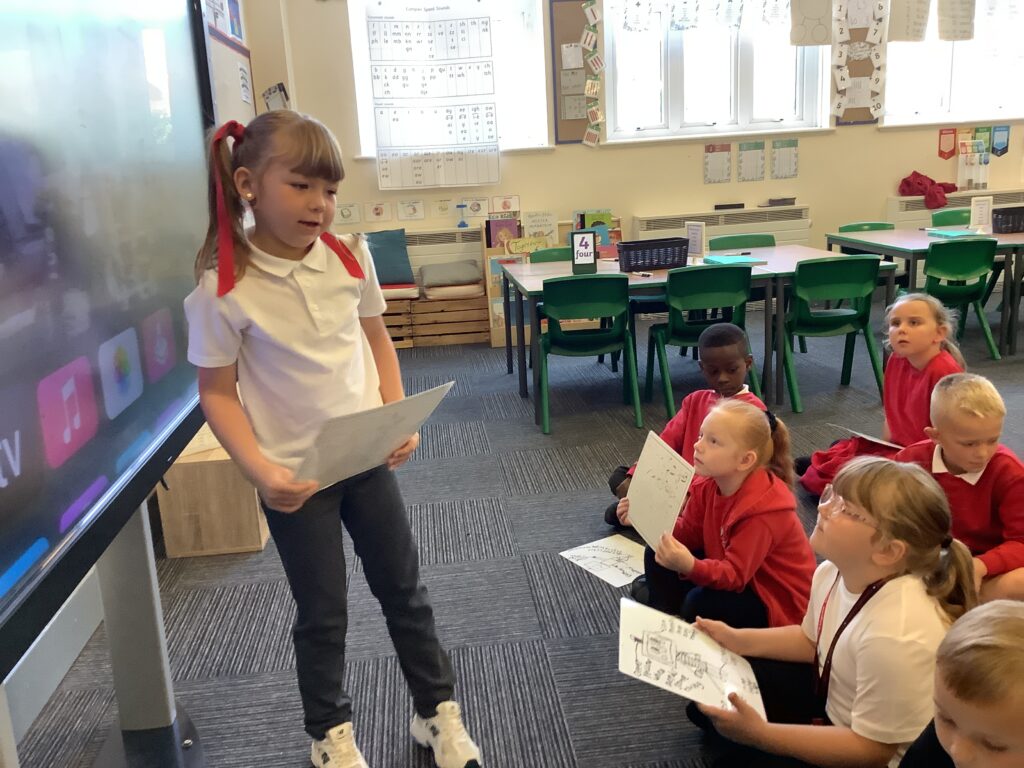
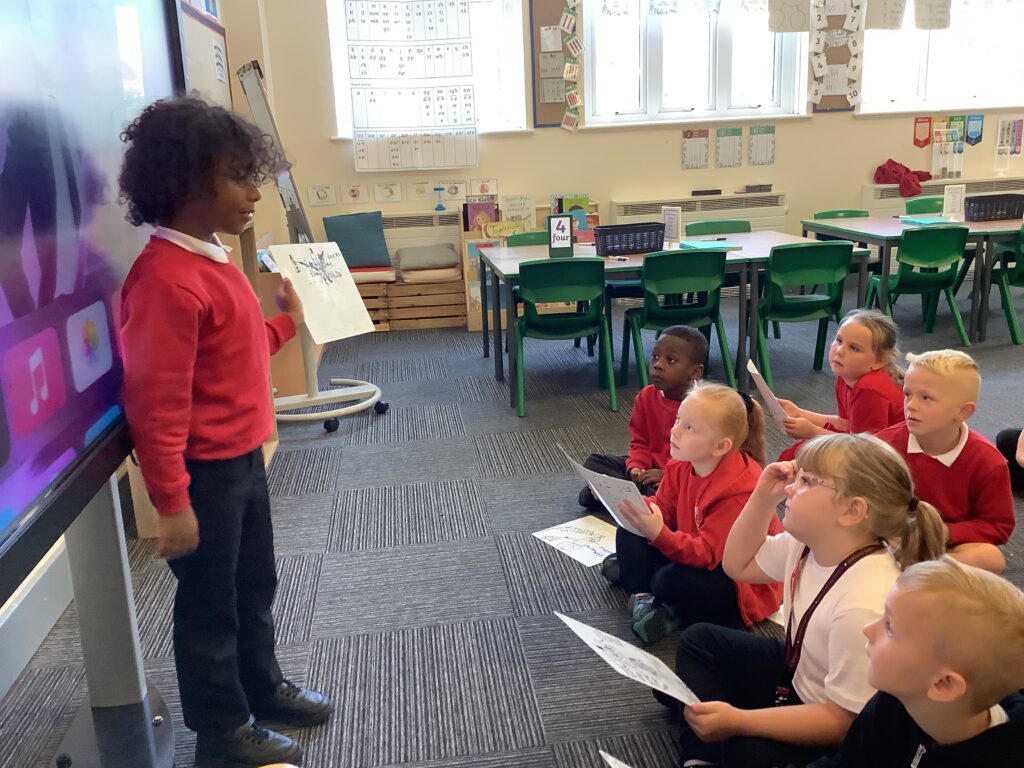
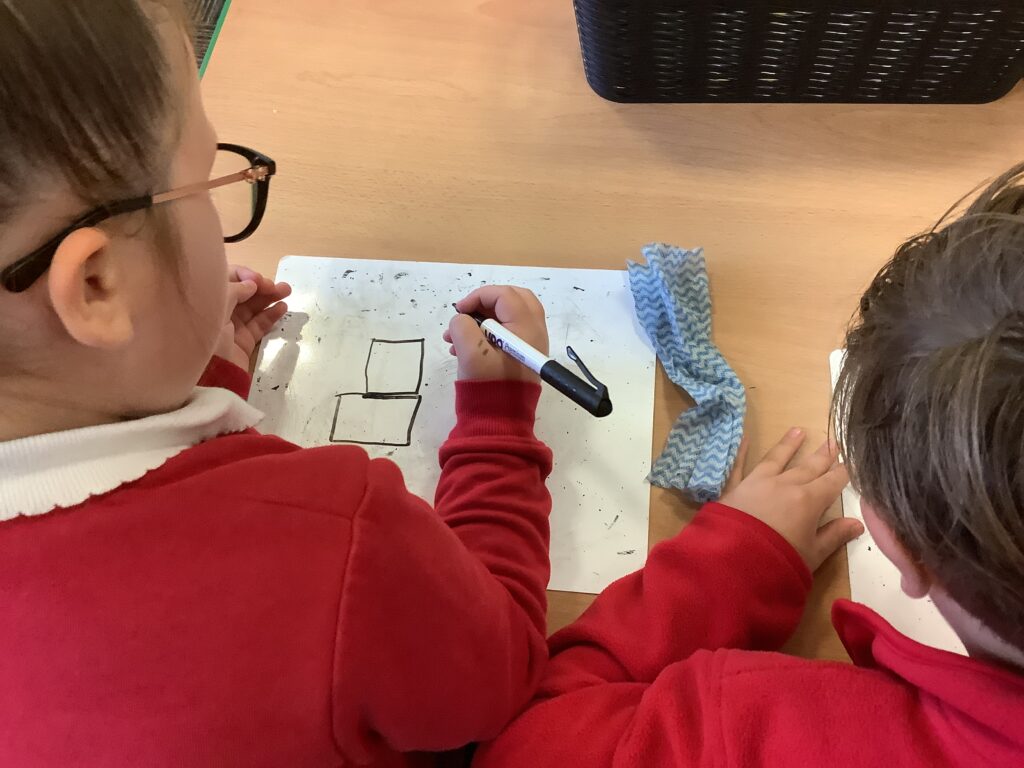
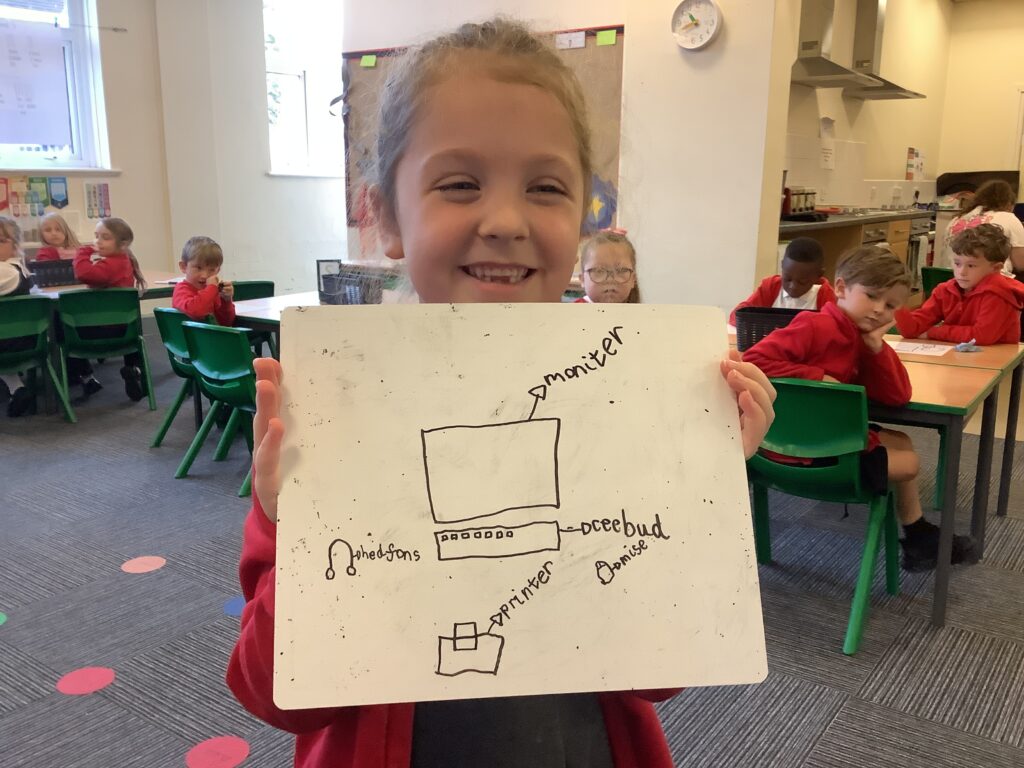
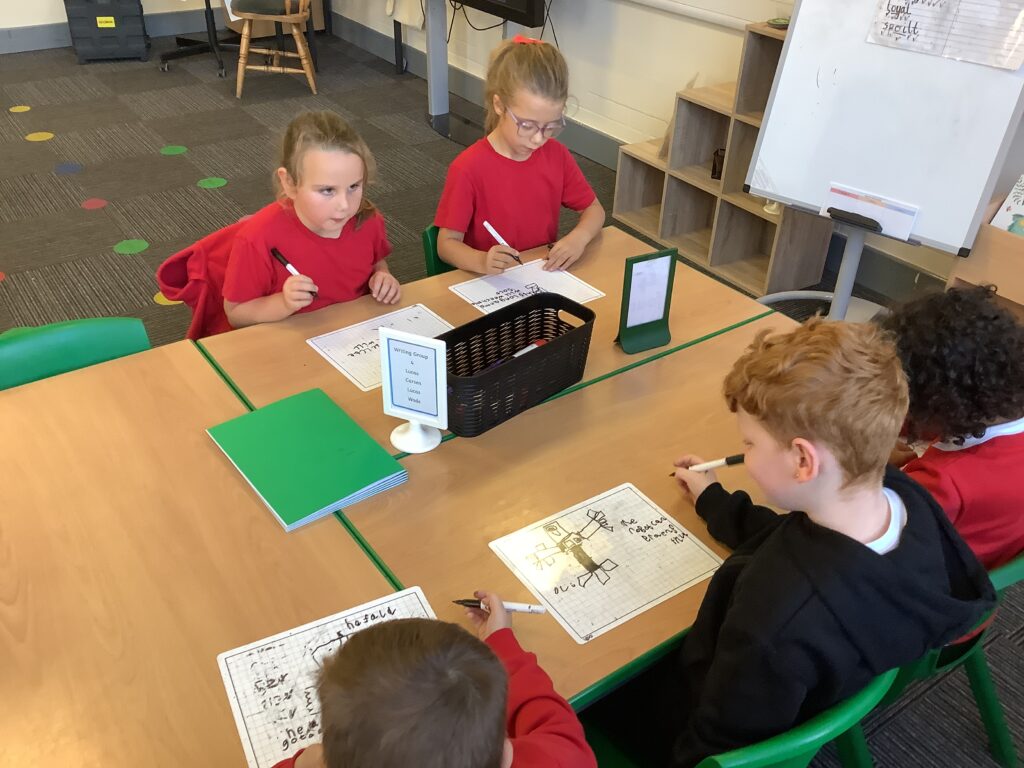
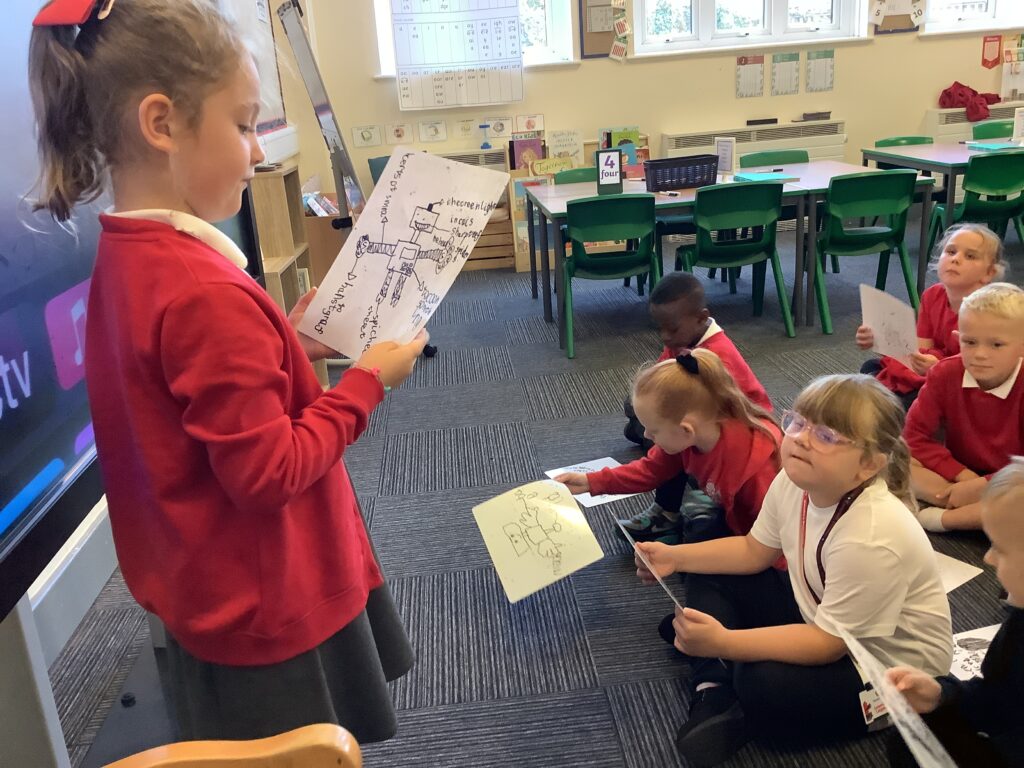
In computing, we started the lesson by recapping the different parts of the computer and the purpose of these parts. We then started to investigate inputs which was focused on type buttons we have on different devices. When we press buttons, we are giving the computer commands and asking it to perform a job. We then designed our own robot thinking about the commands we would like to be able to give it. Miss Shields modelled drawing a robot that could do her weekly shop but most importantly put the groceries away. It was great seeing the children confidently sharing their robot design in-front of the rest of their crew.
How does a website work?

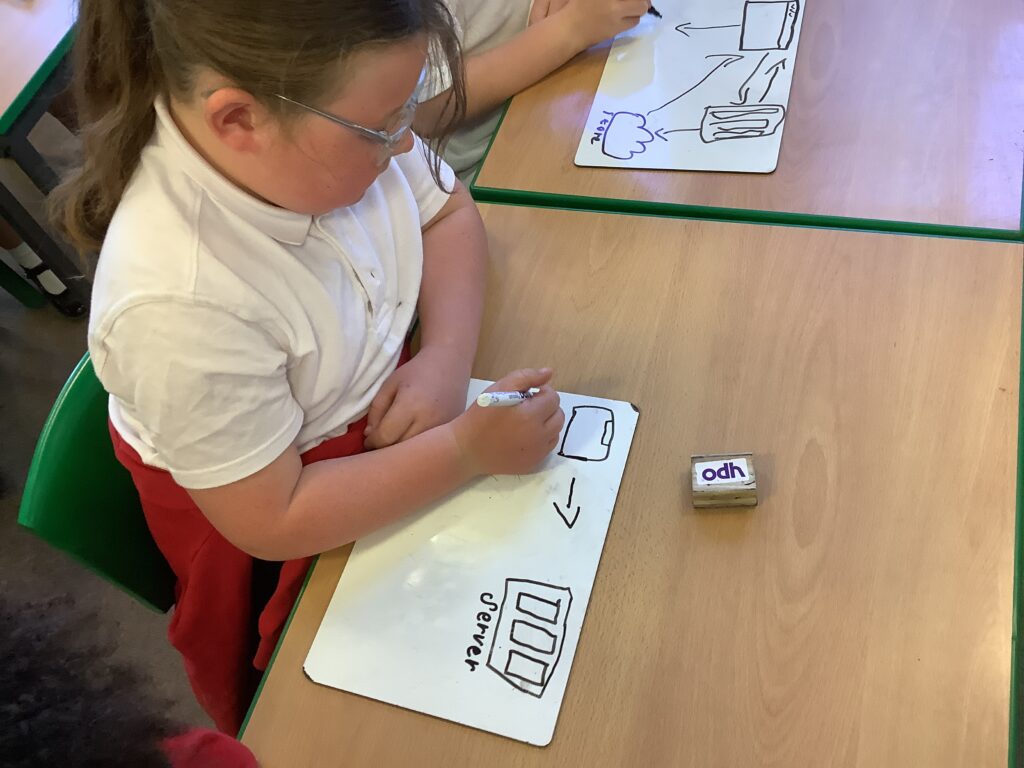
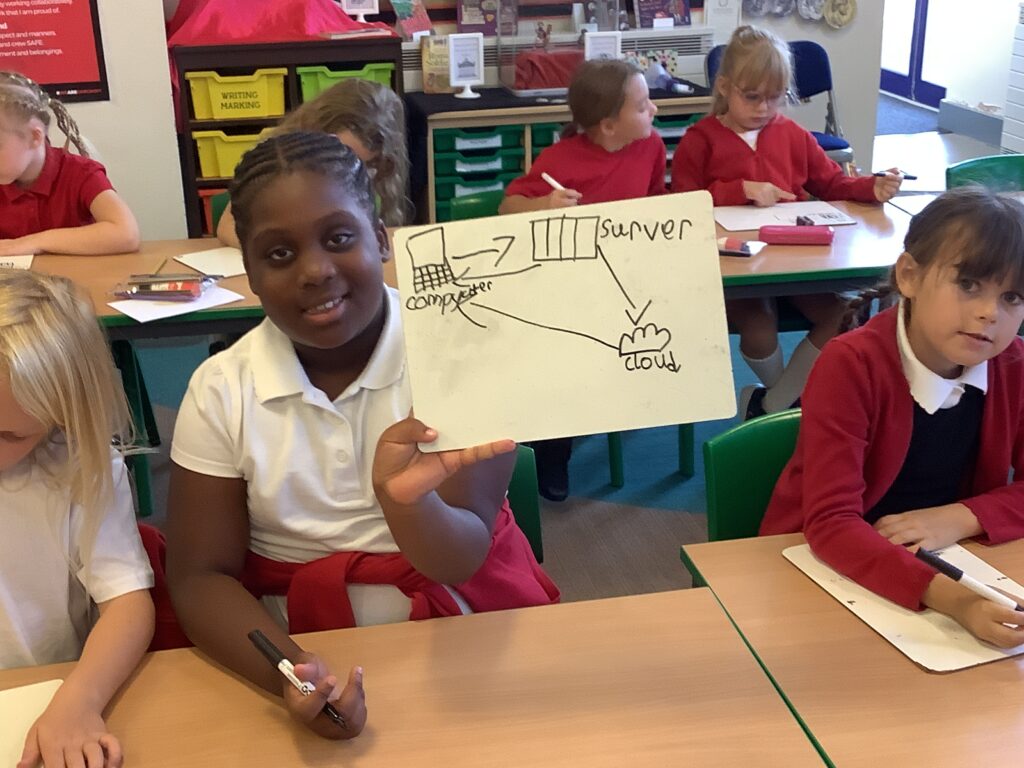
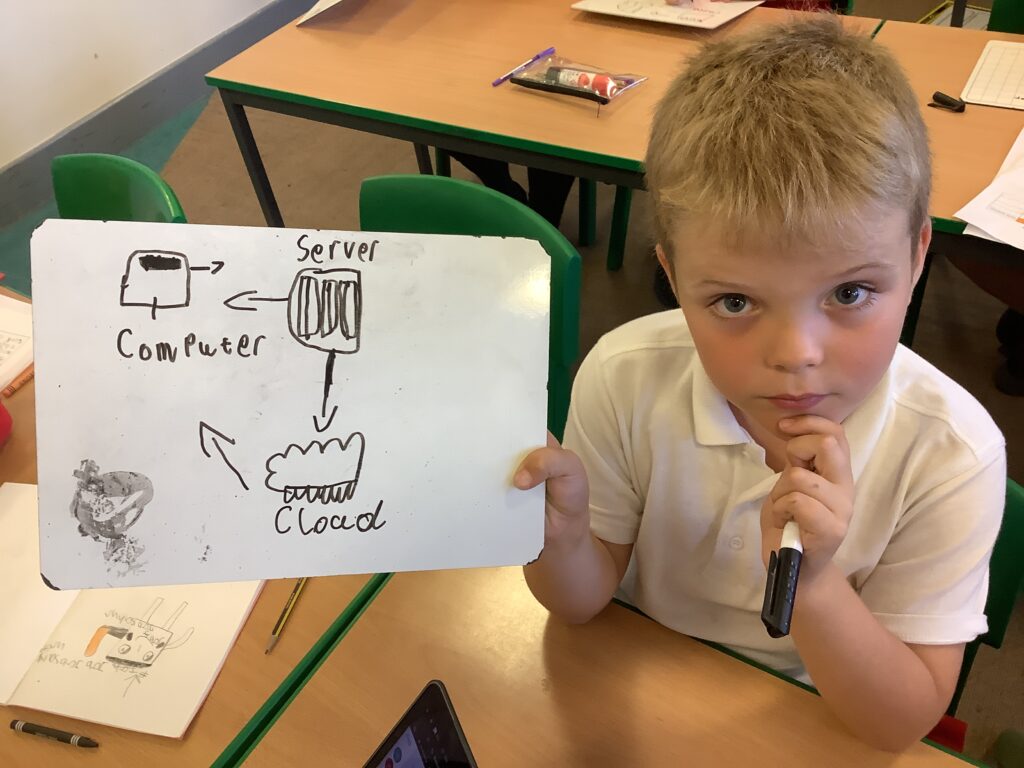
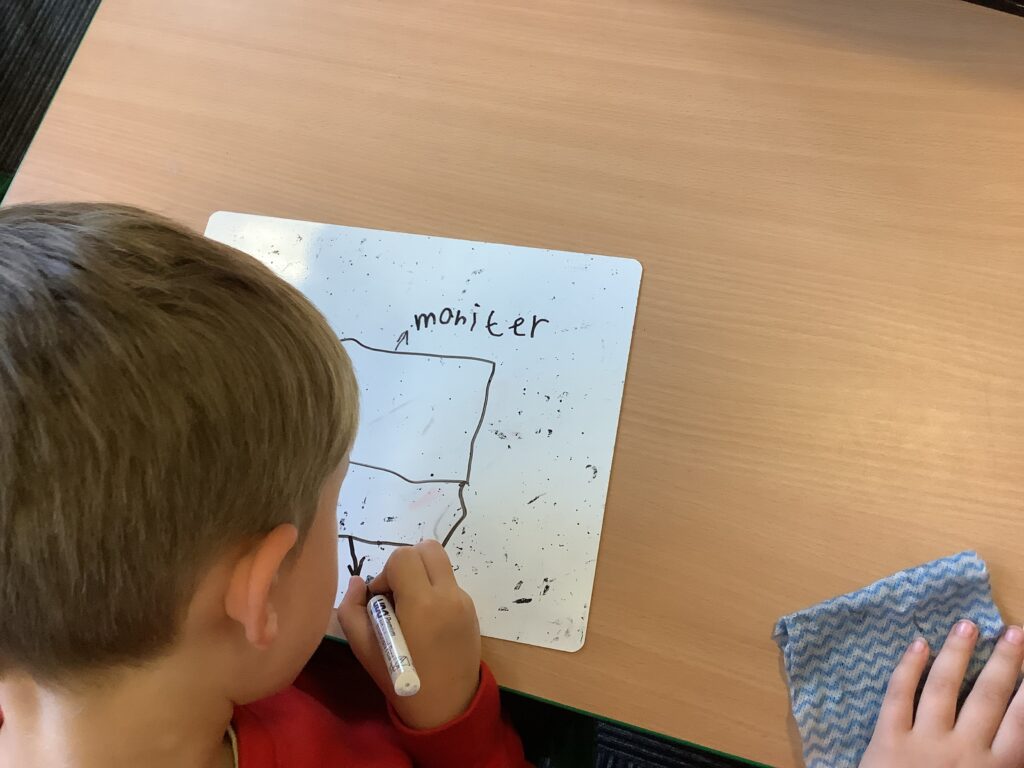
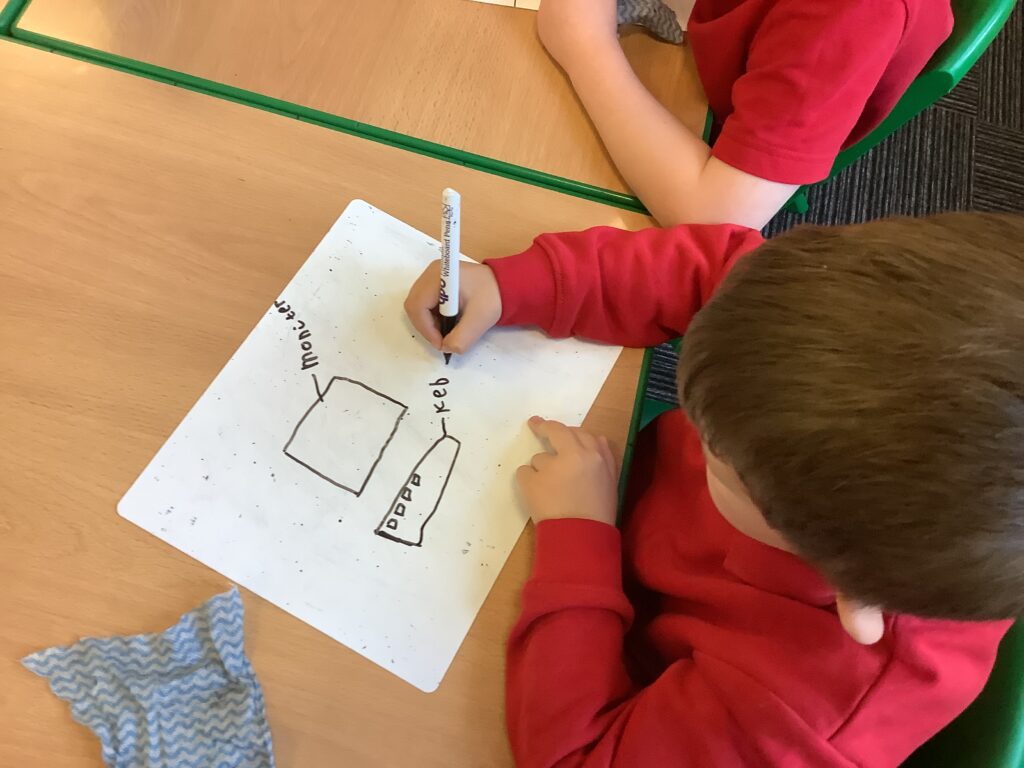
Year 3 have been learning about how a website works and how we receive information on our computers. They learned that when we type in a website, we send a request to a server that sends the information back to our computer. In some cases, the server may need to request the information from the cloud which stores data before it’s sent back to the computer. Children then worked independently to demonstrate their understanding by drawing a diagram of how information is sent.

Exploring Scratch – position and orientation

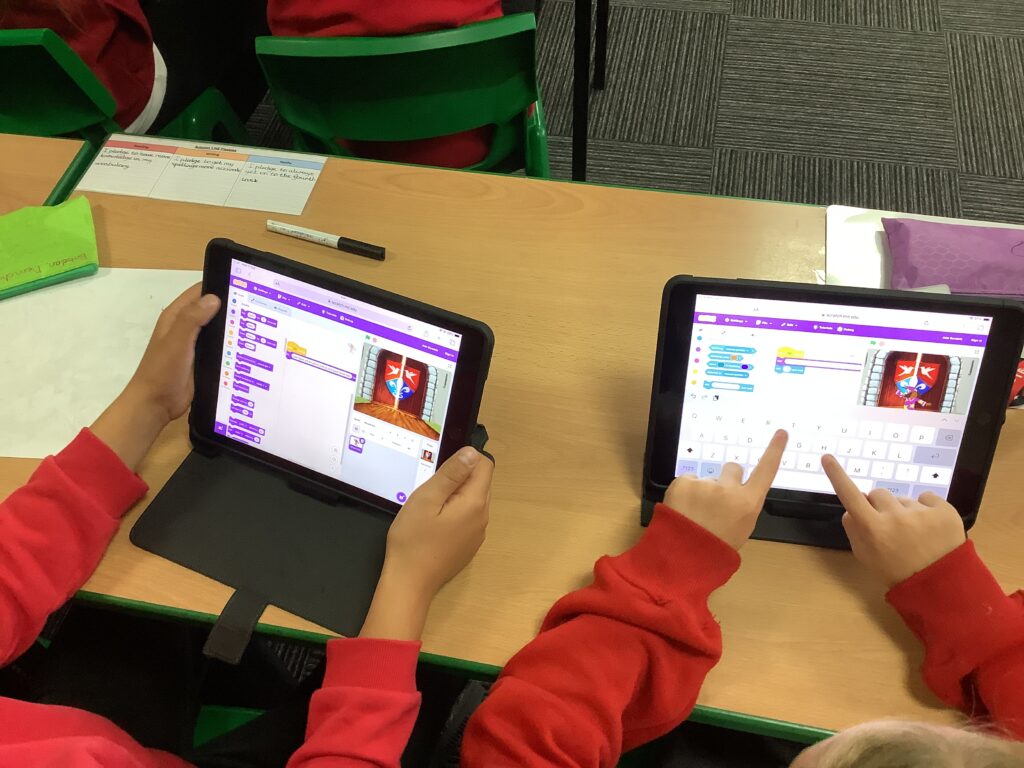
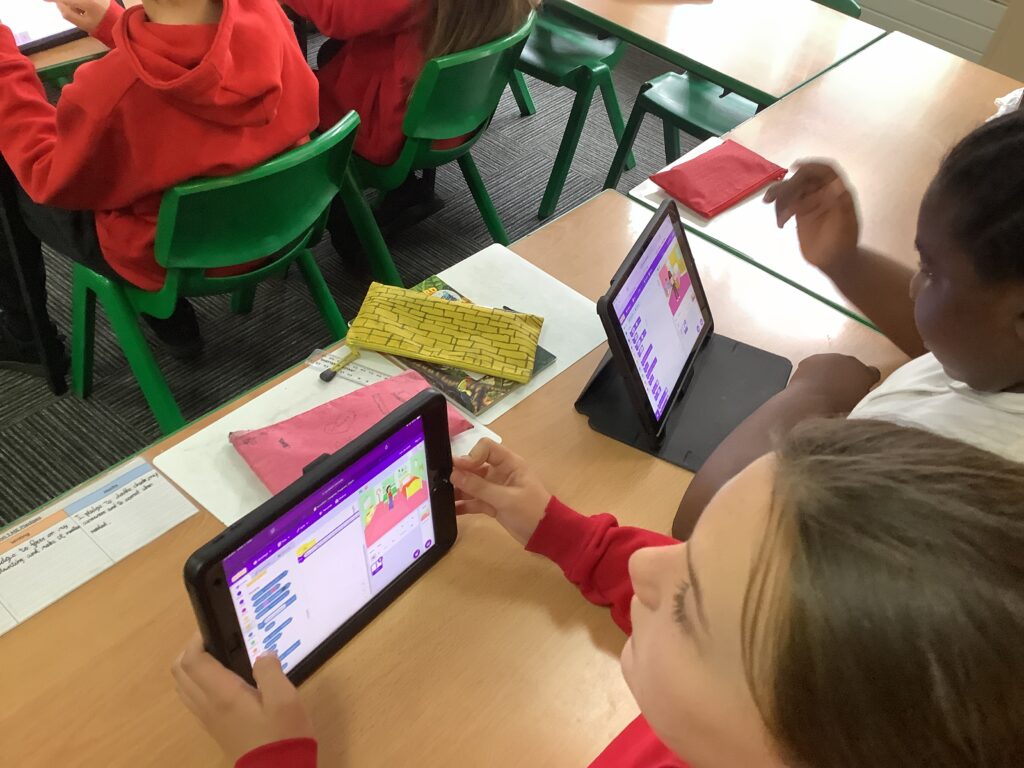
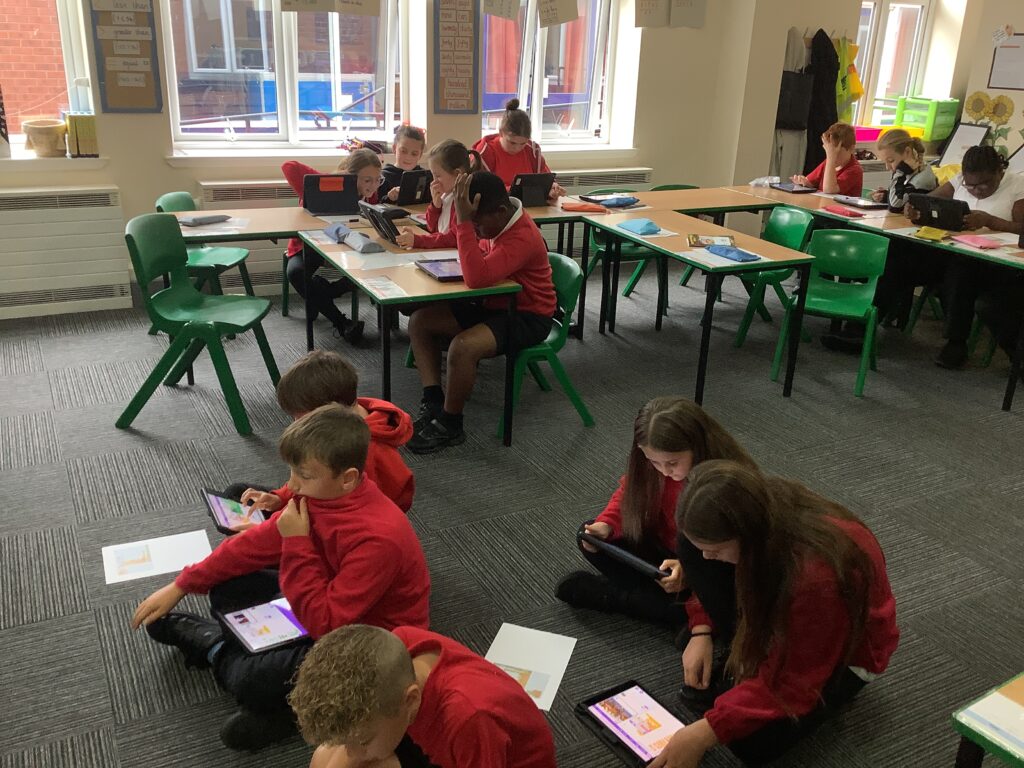
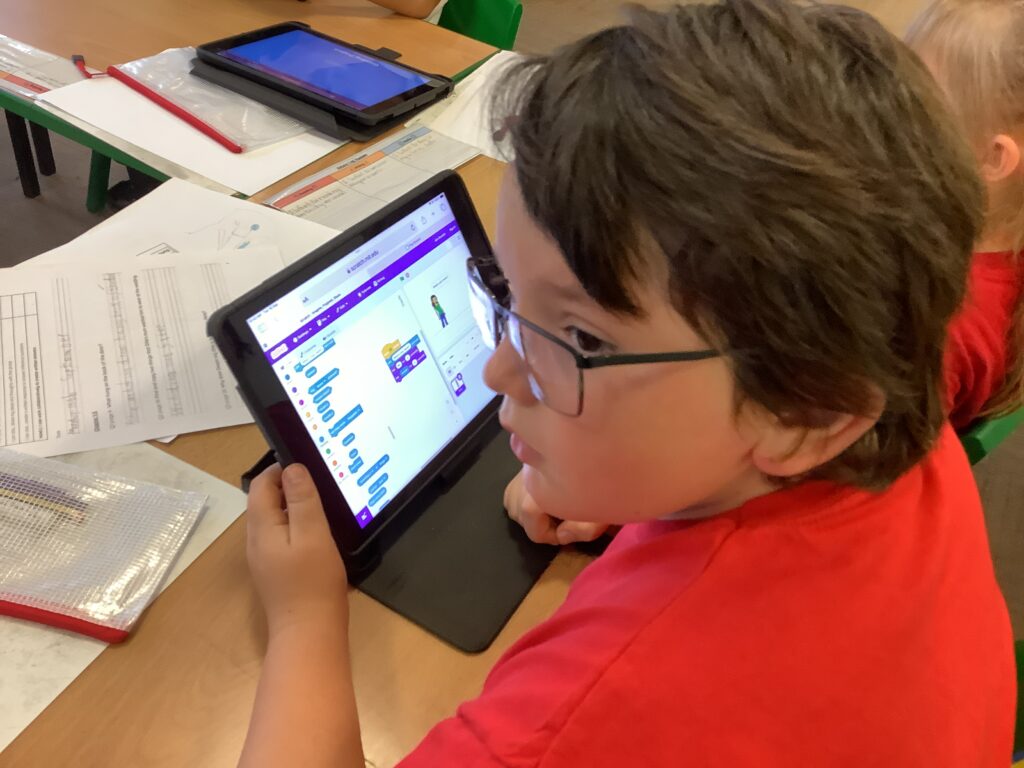
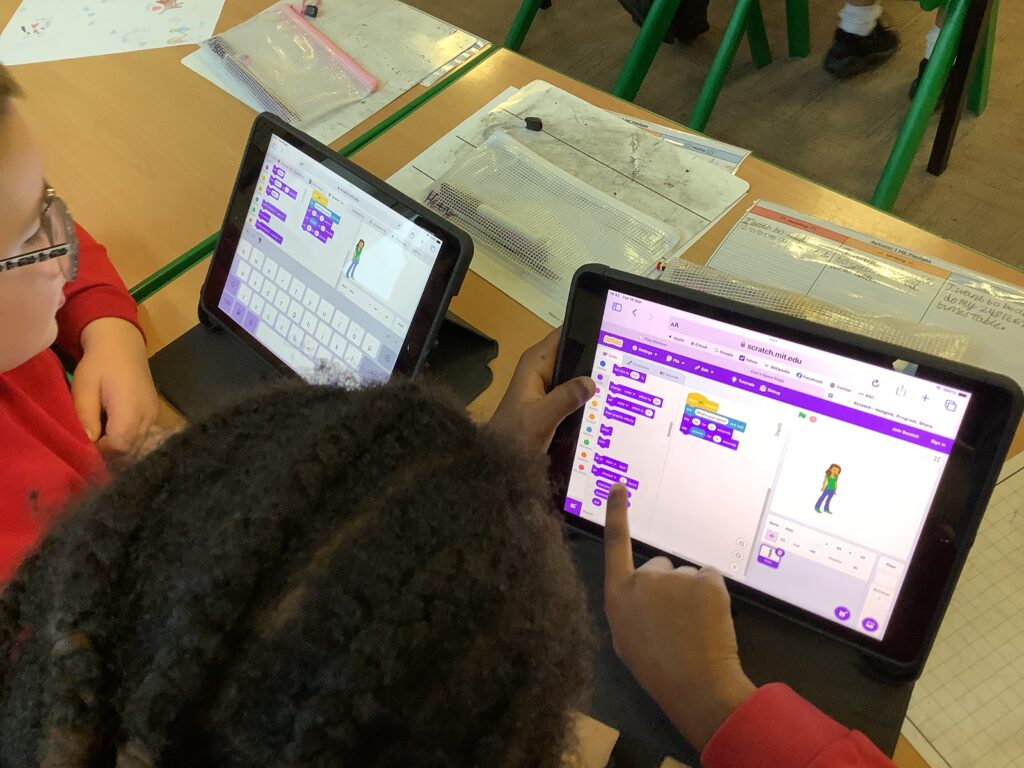
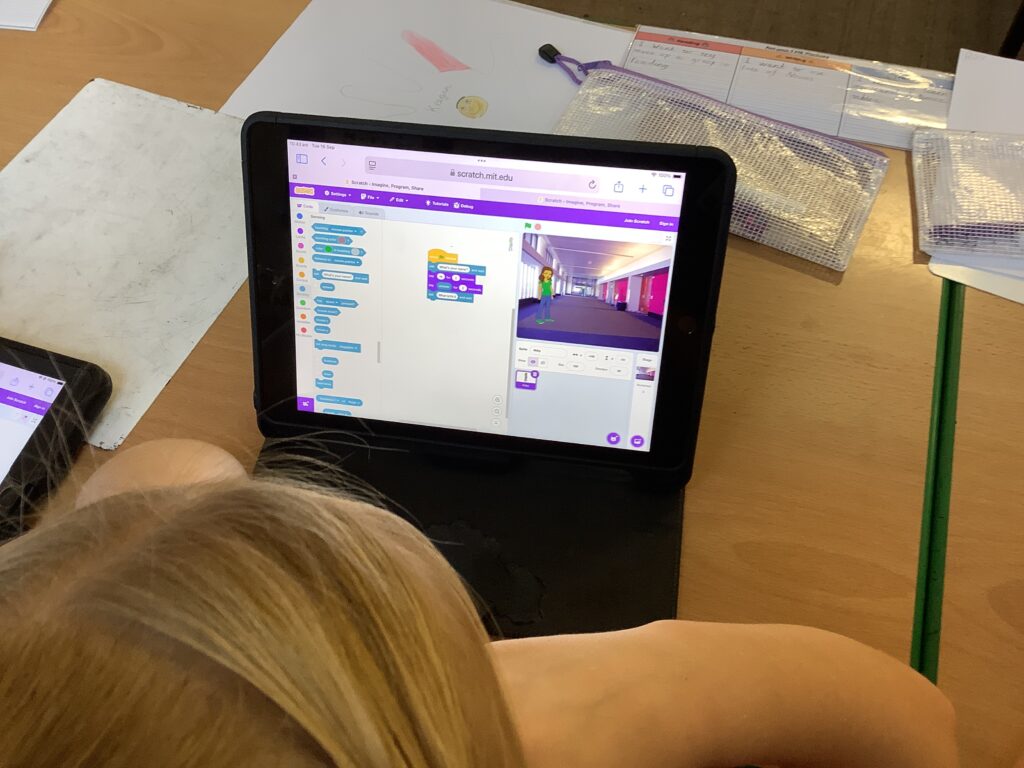
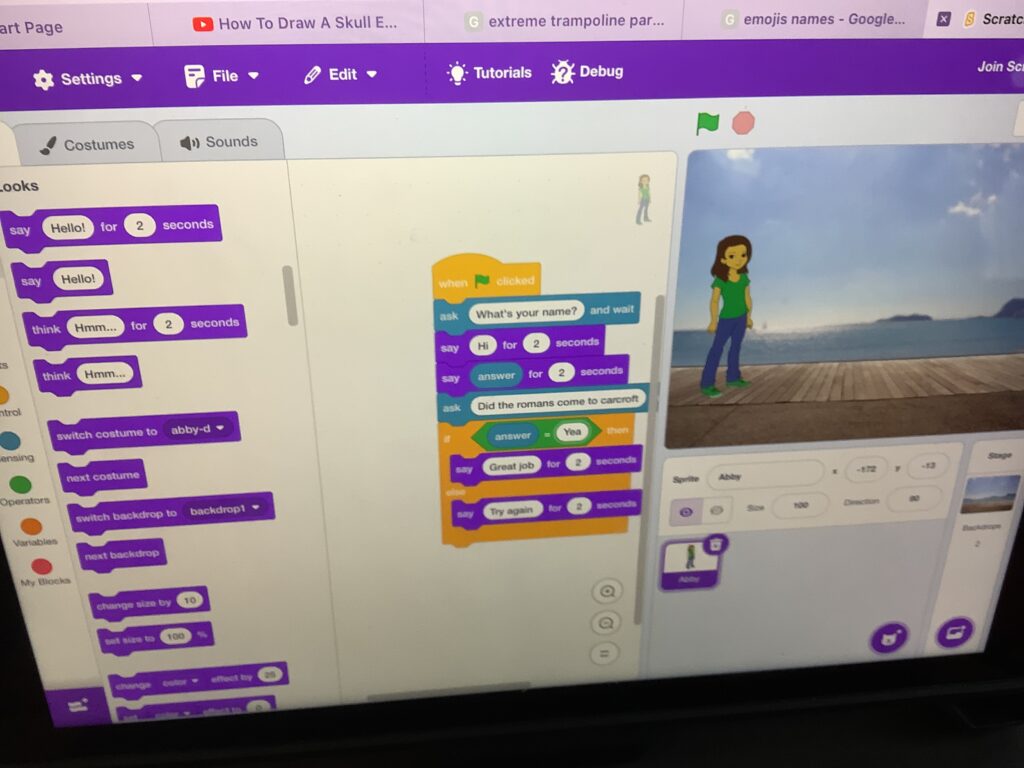
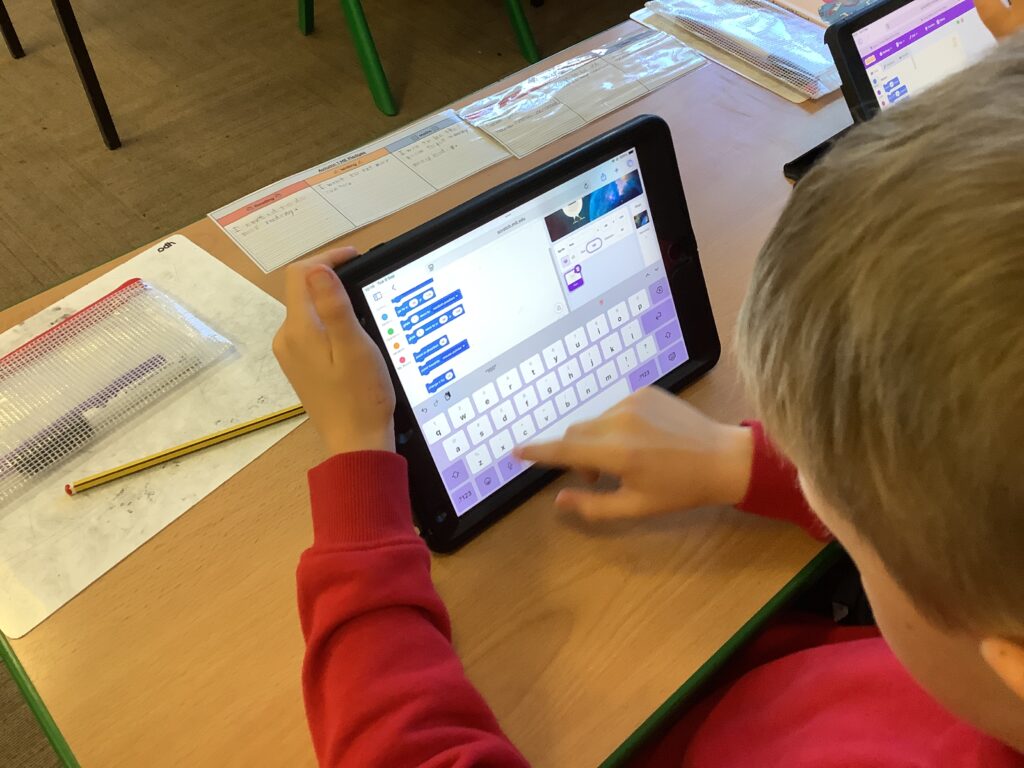
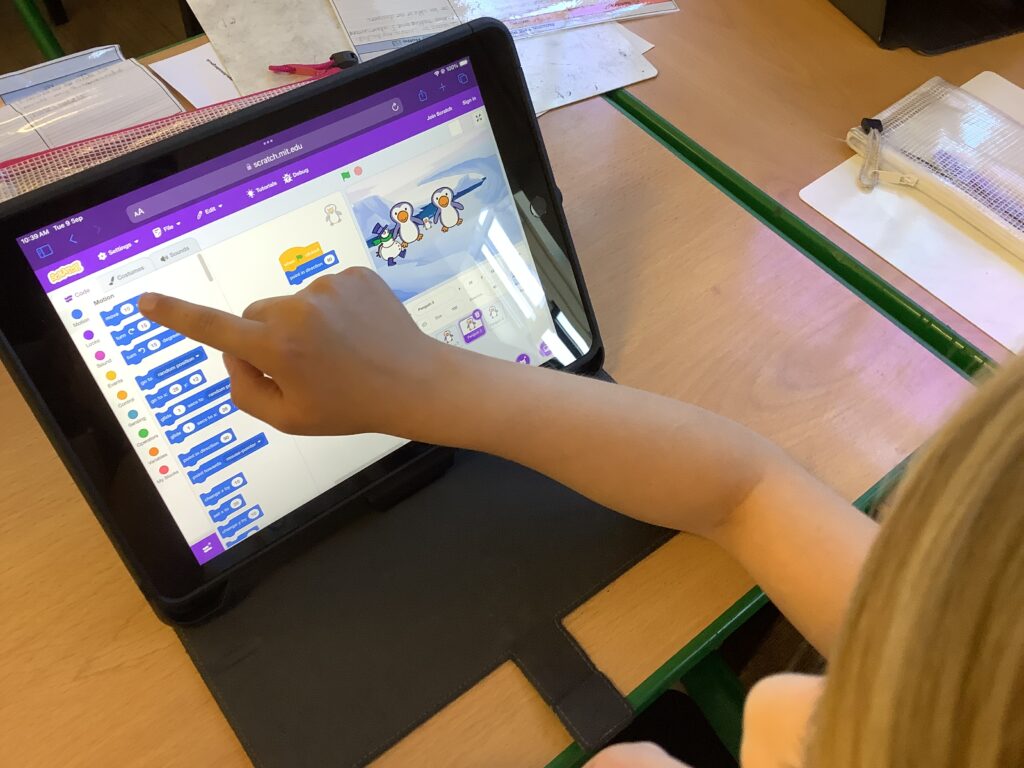
In computing this week, children in Year 4 were continuing to explore Scratch which is something we learned about last year. However, we were developing our understanding by learning about the position and orientation of our sprite. This allowed us to make links to our prior maths units of coordinates and angles. It was so lovely seeing the experts support the less confident children as well as them grappling with it when it got a little tricky.

Parts of a computer

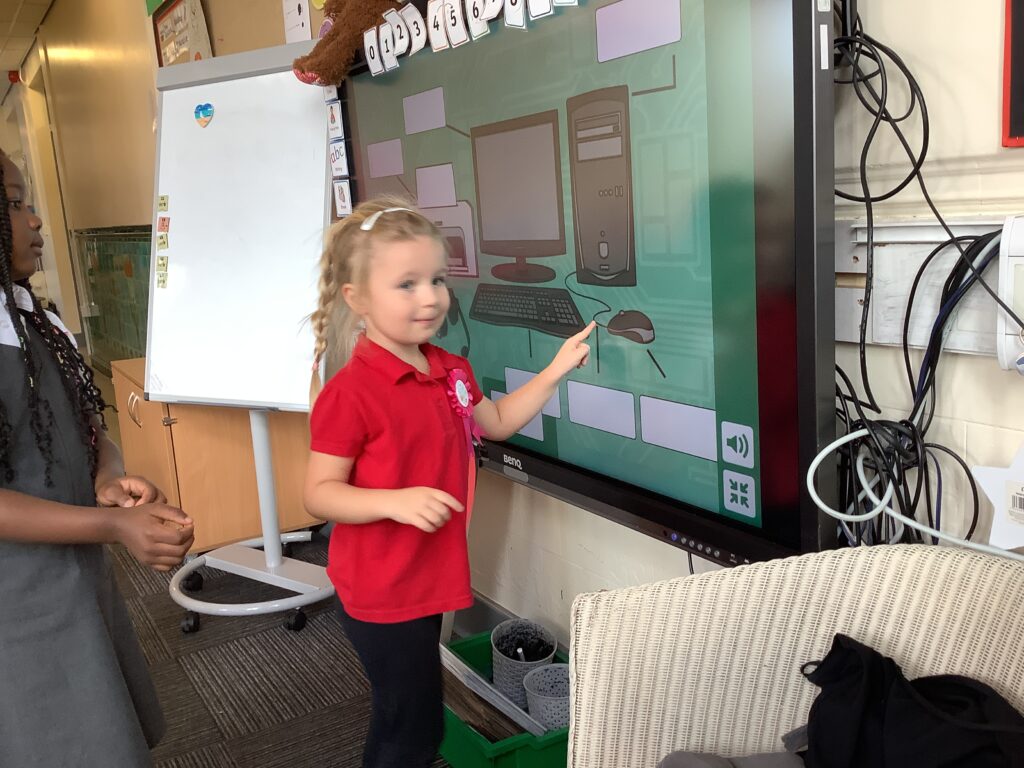
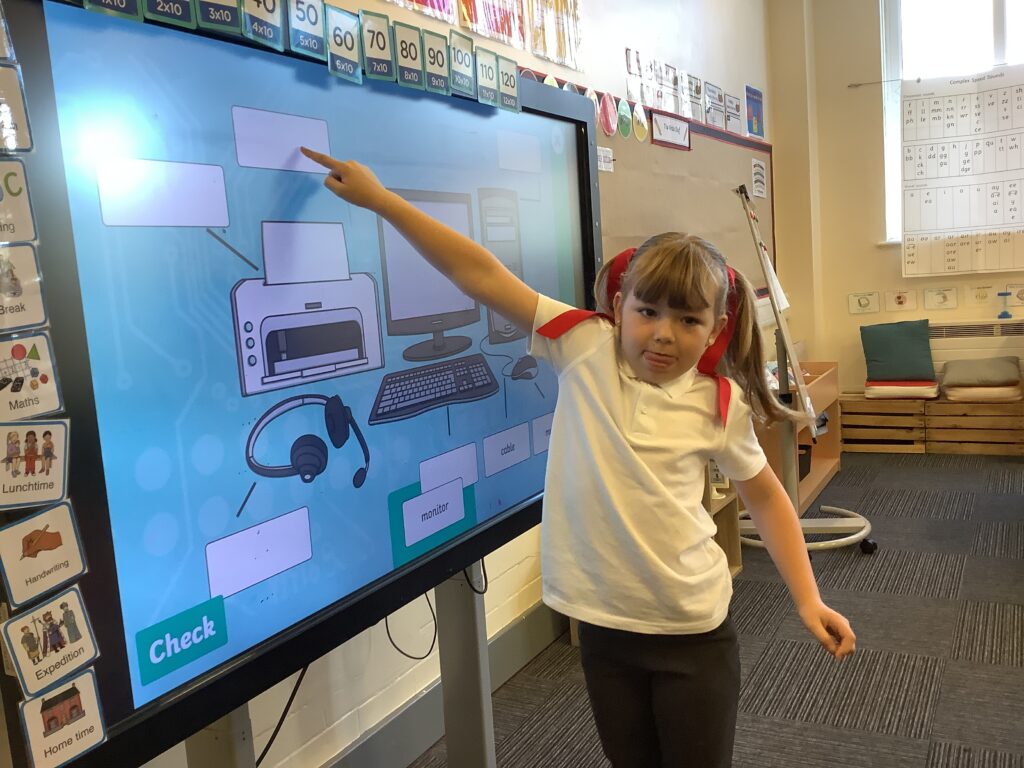
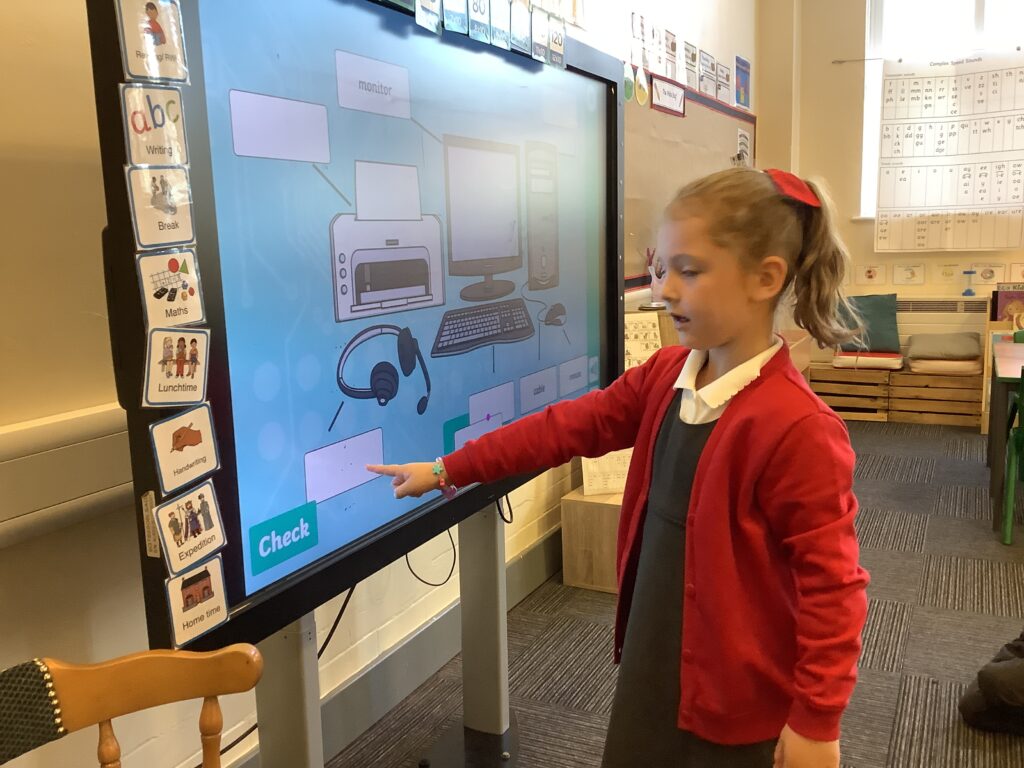
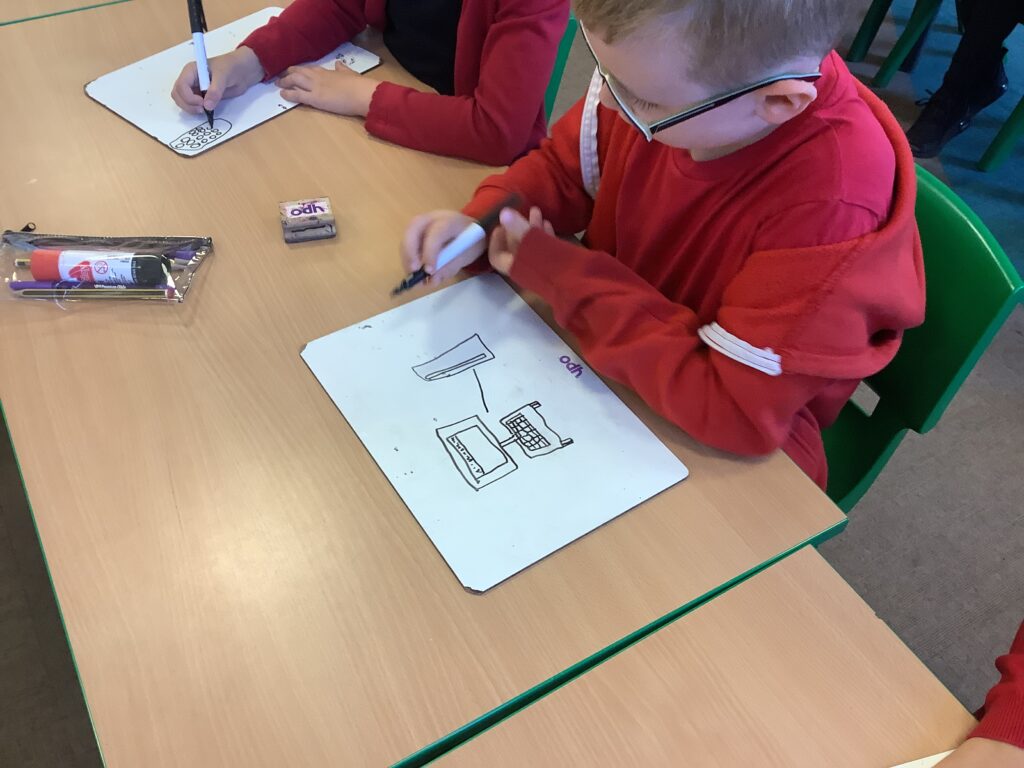
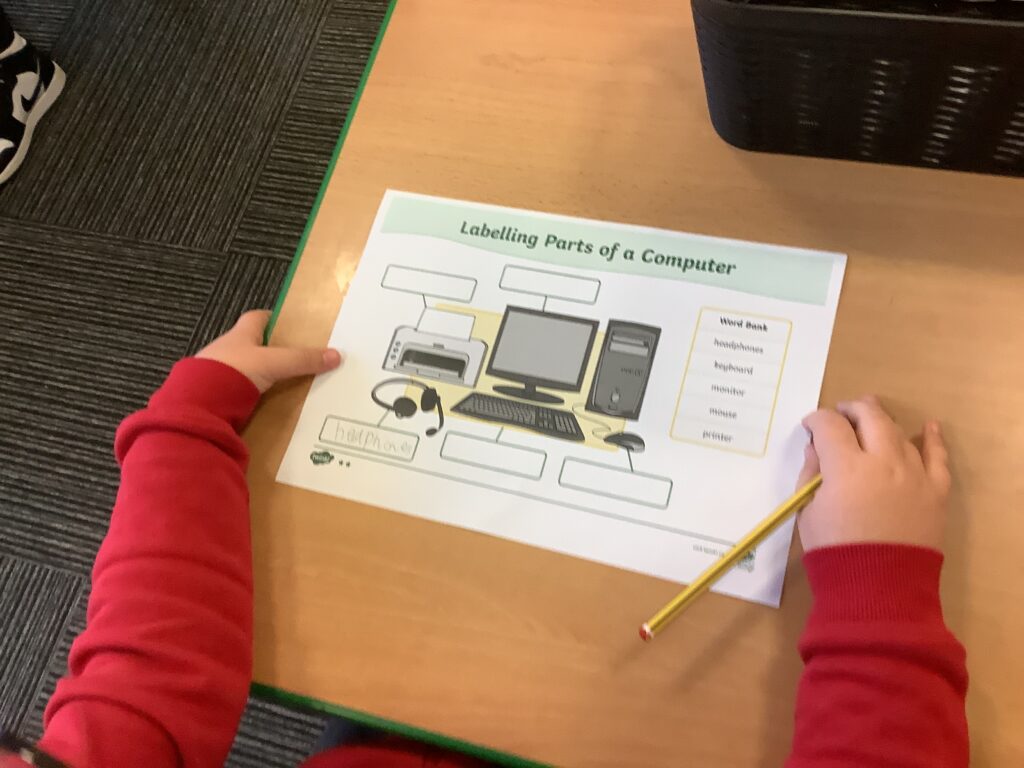
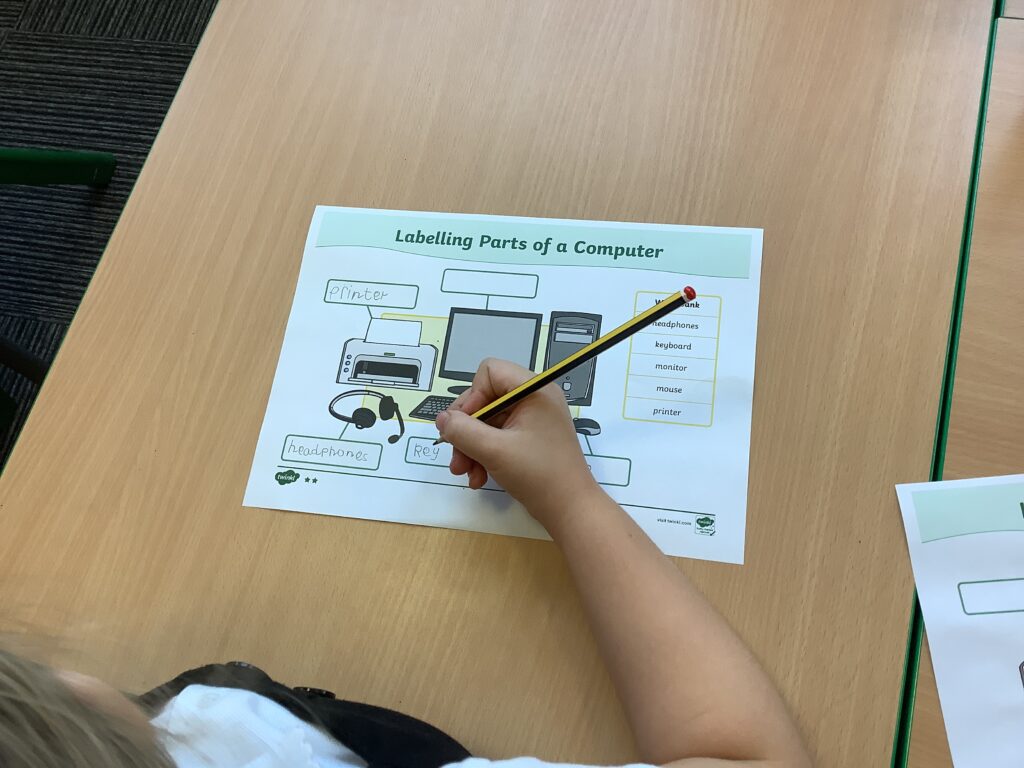
Last week in computing, we learned about the different parts of a computer and ensured that we knew the correct names to use. We discussed the purpose of each part of the computer so we understood their job. Children then completed a task where they had to label the different parts of a computer independently which they did a great job of.

Computing – Crack the Code

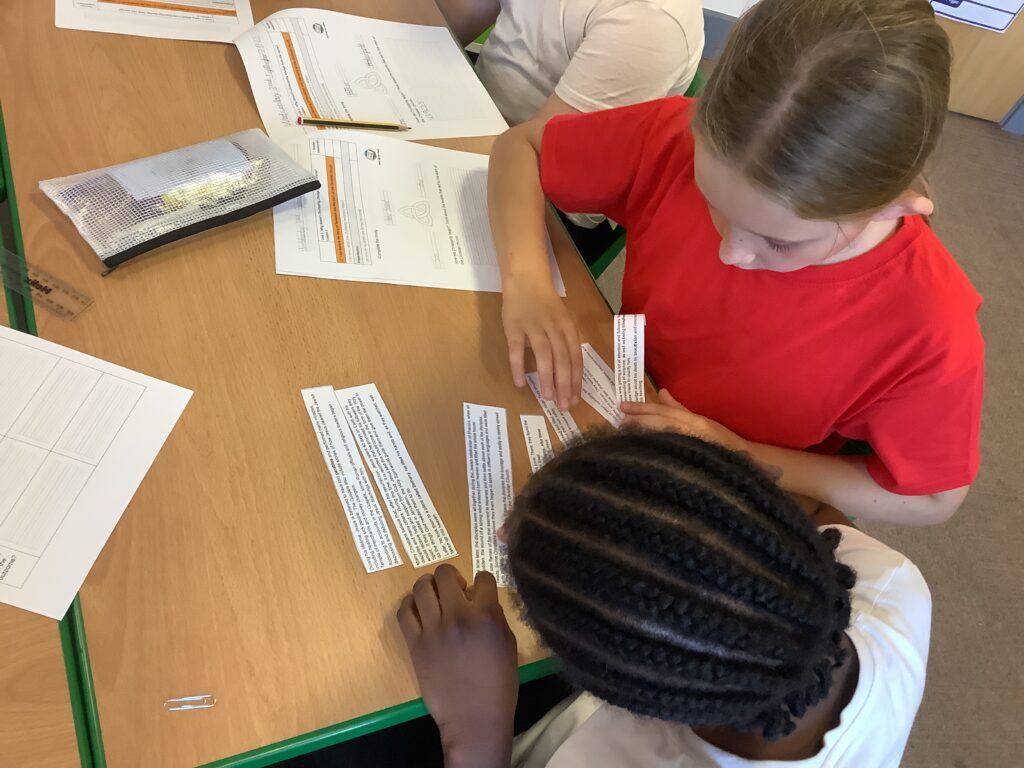
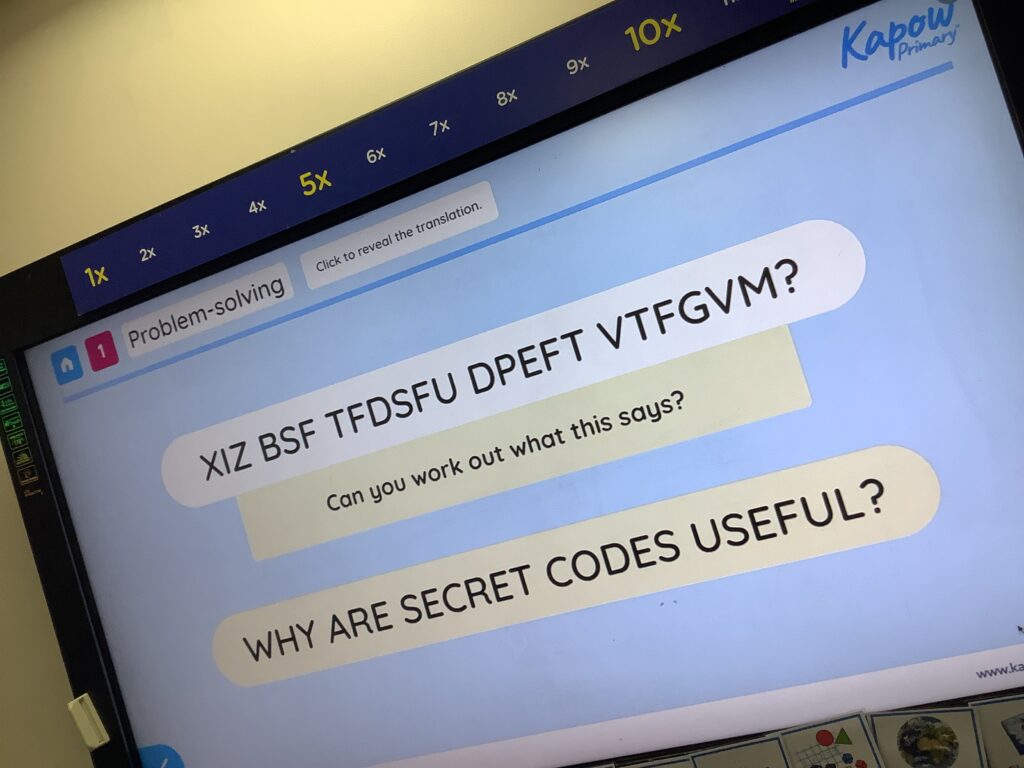
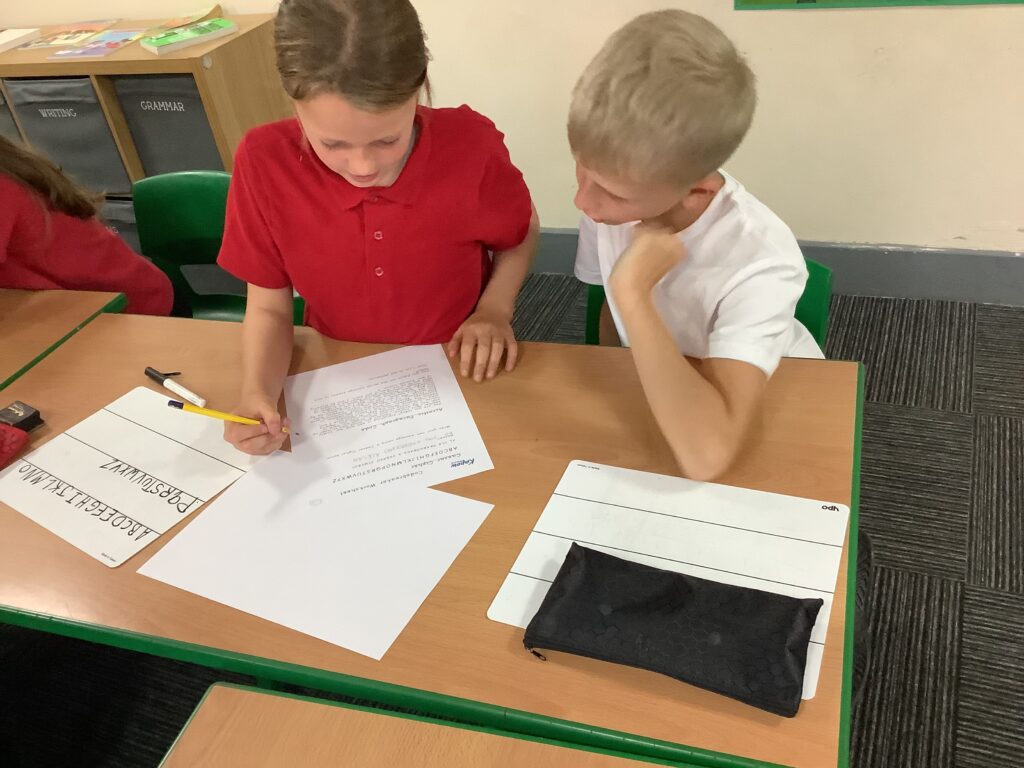
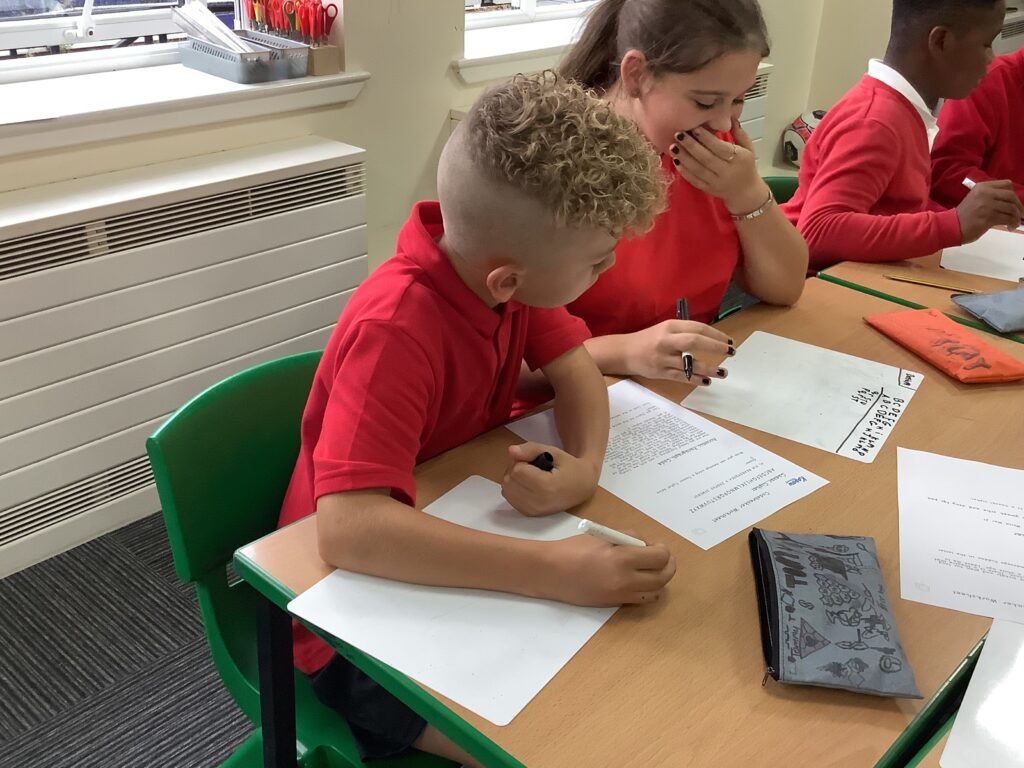
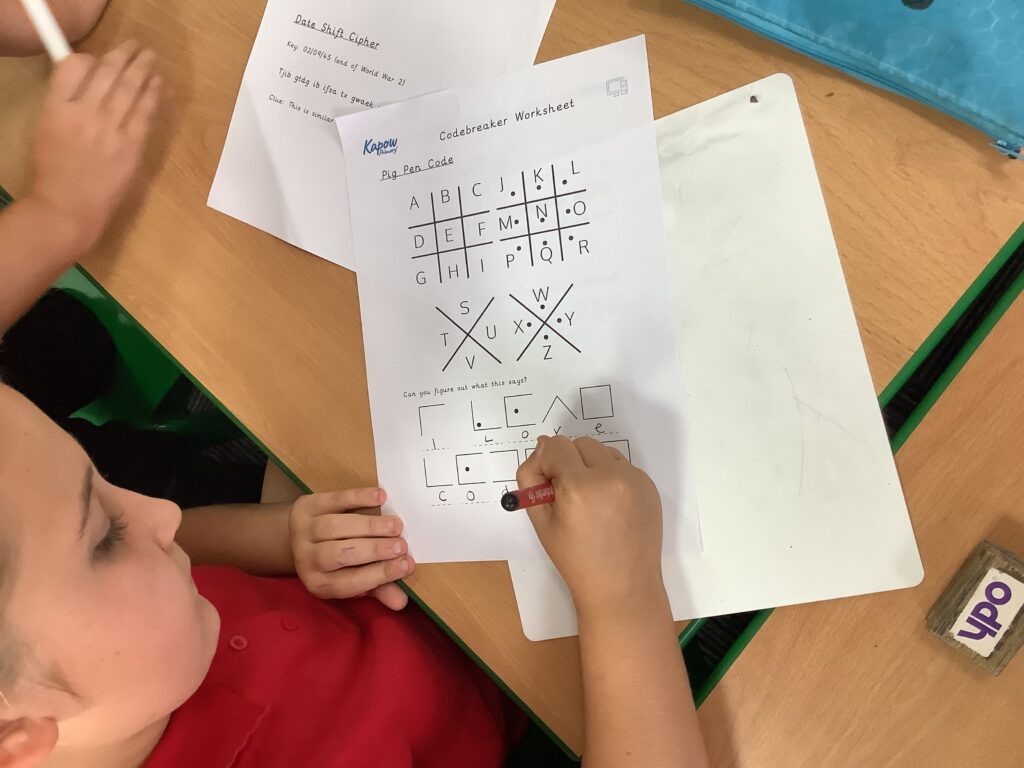
During our first computing lesson today, we began by talking about what coding is and why coding was used during the war. We then had some time to work in pairs to break some different cipher codes; some involve moving letters around the alphabet while others have hidden items within the text.

Computing – Understanding reliable sources

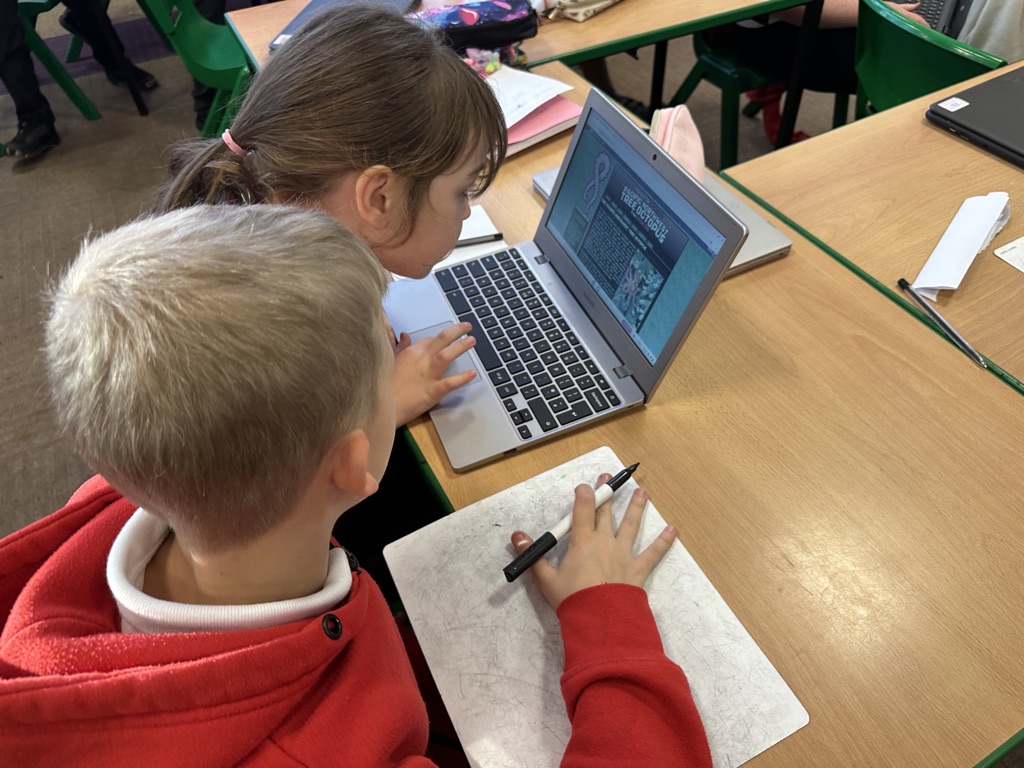
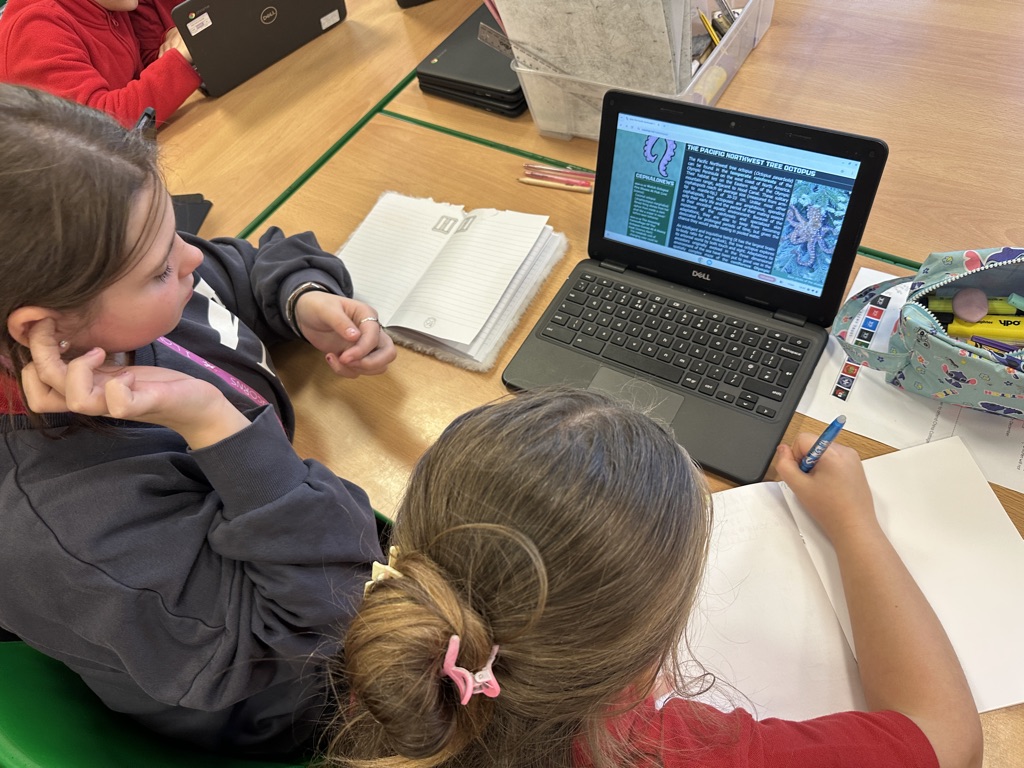
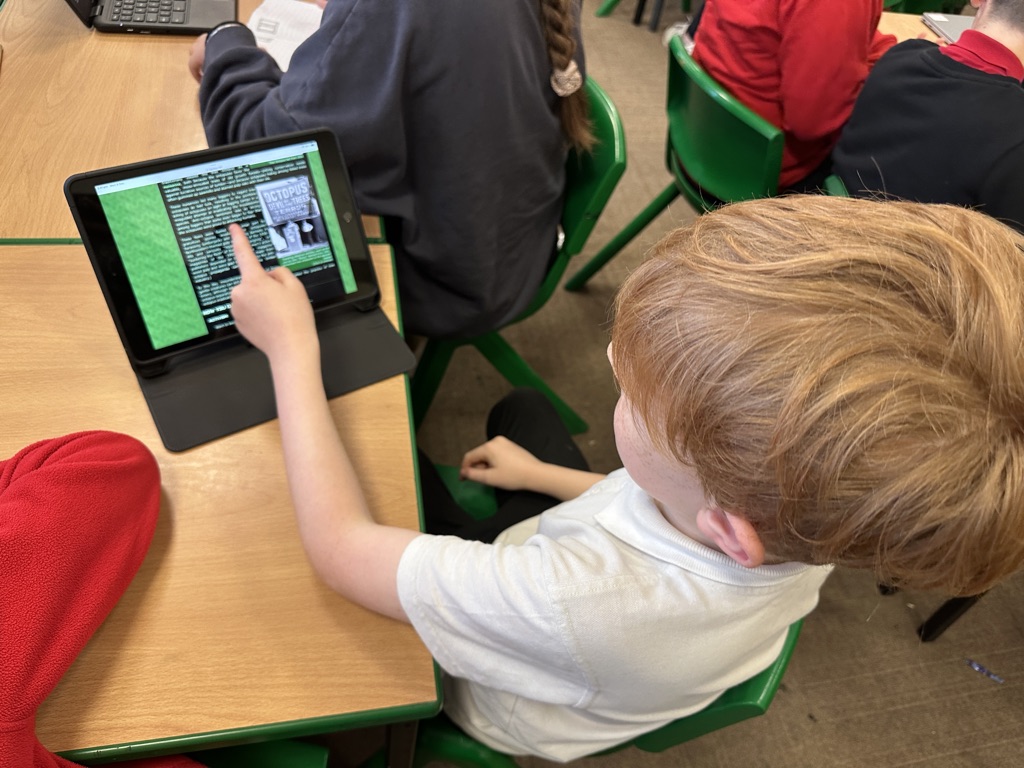
Today in computing, we looked at the difference between reliable and unreliable. We learned that not all things we read or see on the internet are real or true… Even if information looks realistic, we have to ensure that we check our sources before we believe what we are reading/seeing. Today, we looked at some information on a website about a ‘Tree Octopus’. After using our background knowledge, lots of discussion around what we were reading and analysing photographs, we agreed that this website was not reliable and the Tree Octopus does not exist!

Computing meets PVPG

Recently, we have been enjoying our computing lessons so much that the children are using AI(artificial intelligence) at home. It is so lovely to see this high level of engagement and even a couple of children have made story books (with the help of AI). It has now become a regular occurrence to read them as we walk down the corridor to break. With us hooked with AI, Miss thought it would be a good idea to incorporate this into our grammar application lesson. The children loved prompting AI to generate a short paragraph with no punctuation that they had to then identify the verb/verb phrase, subject, coordinating conjunction, leftovers and then punctuate to identify the main clauses. Obviously this was my favourite short paragraph!

Computing – animation

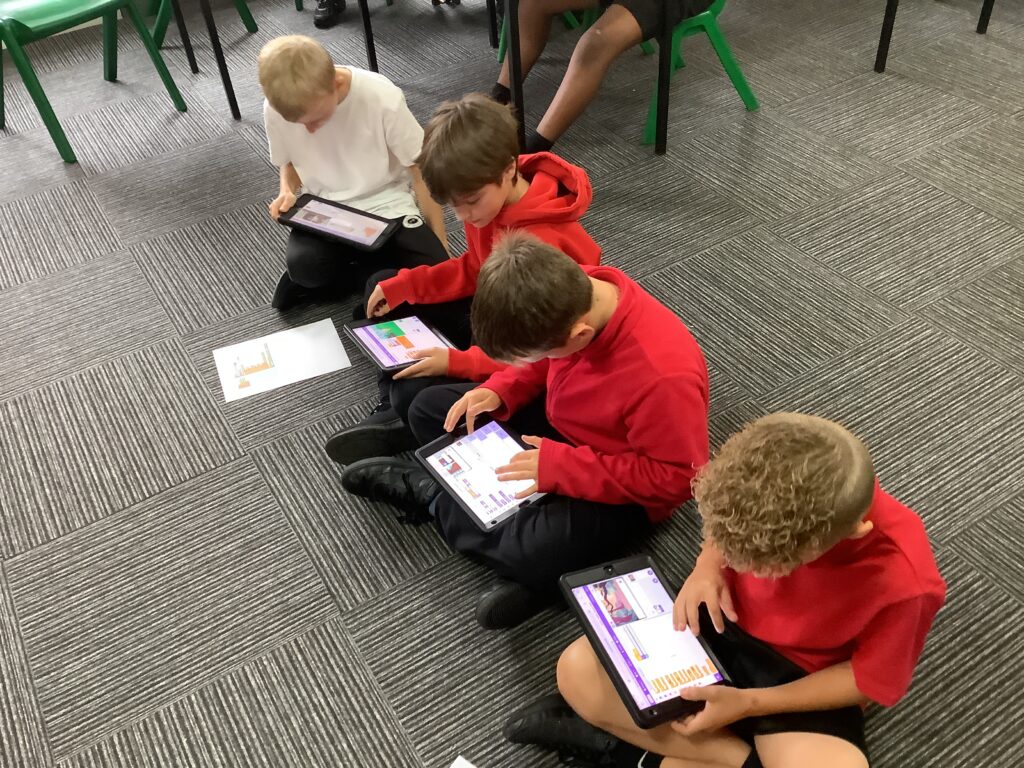
After returning from half term, we had an opportunity to work more independently on the skills we practiced before half term. Before half term, we were asked to create an animation however, this was something we’d very little experience with it so depended on the expert.

In this session, children were able to complete the task with minimal support showing they had learned how to successfully put the blocks together to create an animation.

Computing in Crew MI continues…

Today we continued with our how to be safe online unit and focussed on online communication. We discussed what different forms of communication we can do online and then we explored the advantages and disadvantages of online communication. We discussed why some people use emojis, memes and gifs to communicate and even had a go at creating some of our own. We watched a clip which showed us the importance of asking permission from someone before posting pictures etc… Next, we looked at some different scenarios and judged whether the comments were negative and positive. We discussed the impact that negative comments have on people’s mental health and turned the negative comments into more positive ones. Finally, we talked about what to do if we came across any negative online communication.