Variables

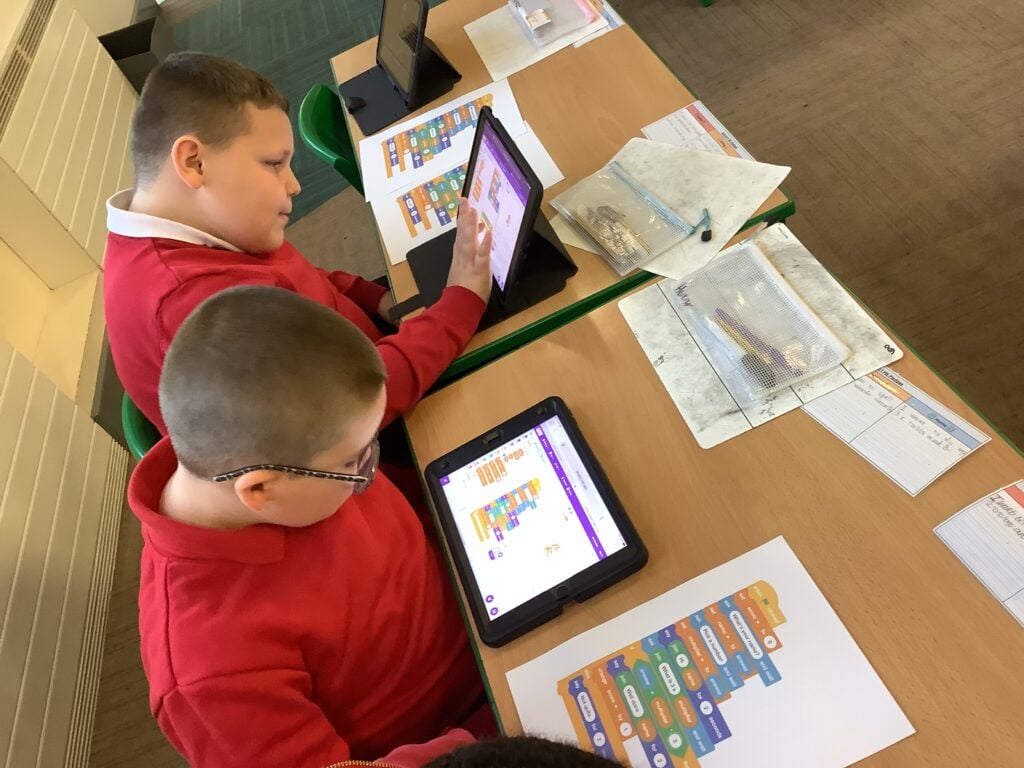
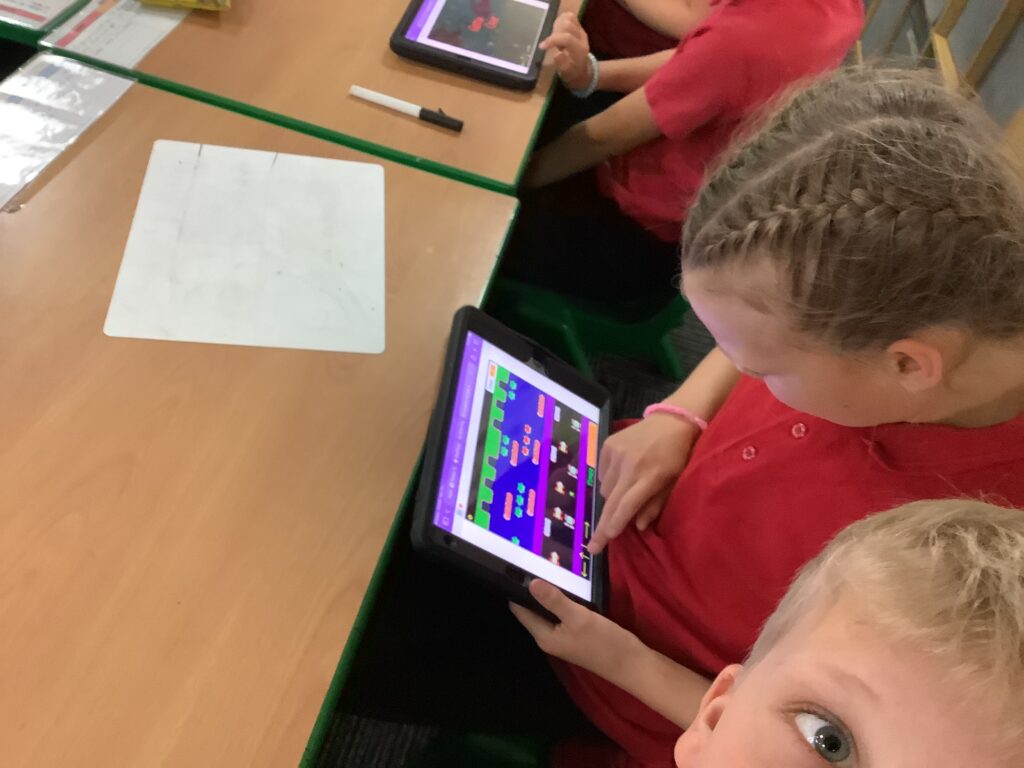
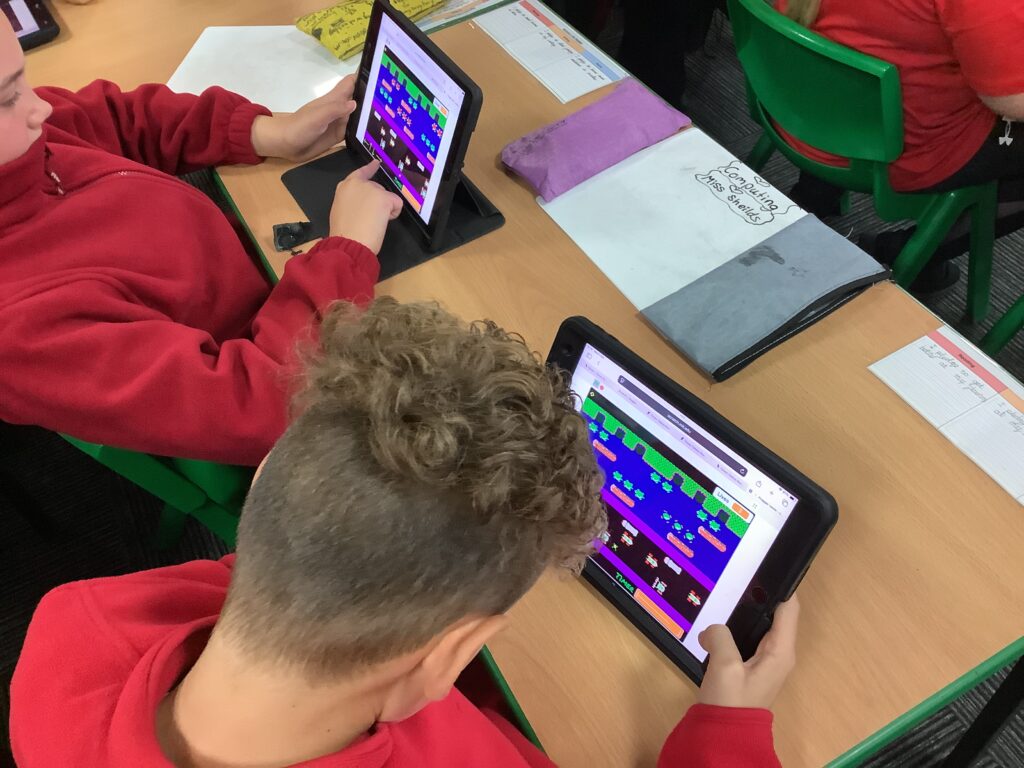
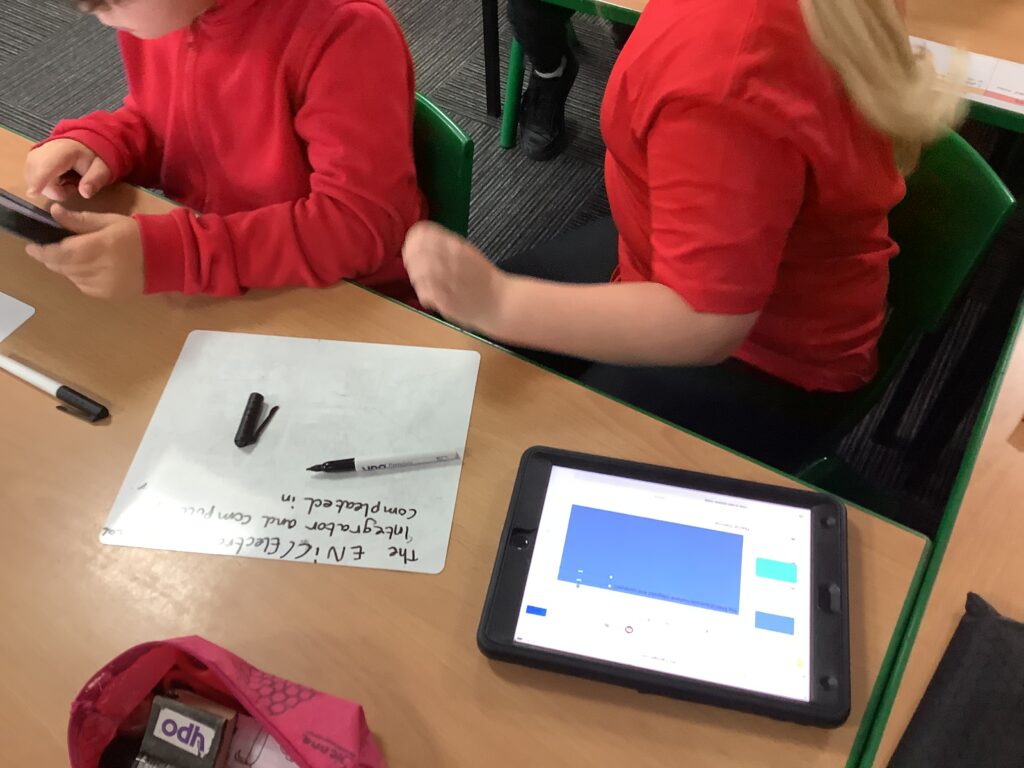
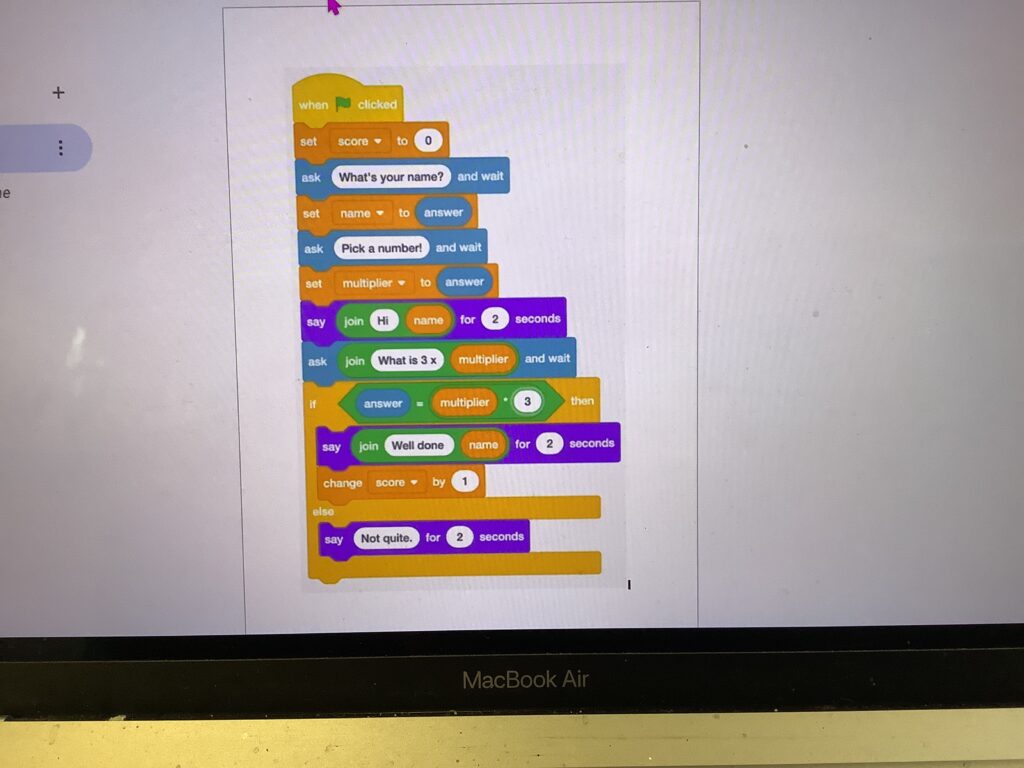
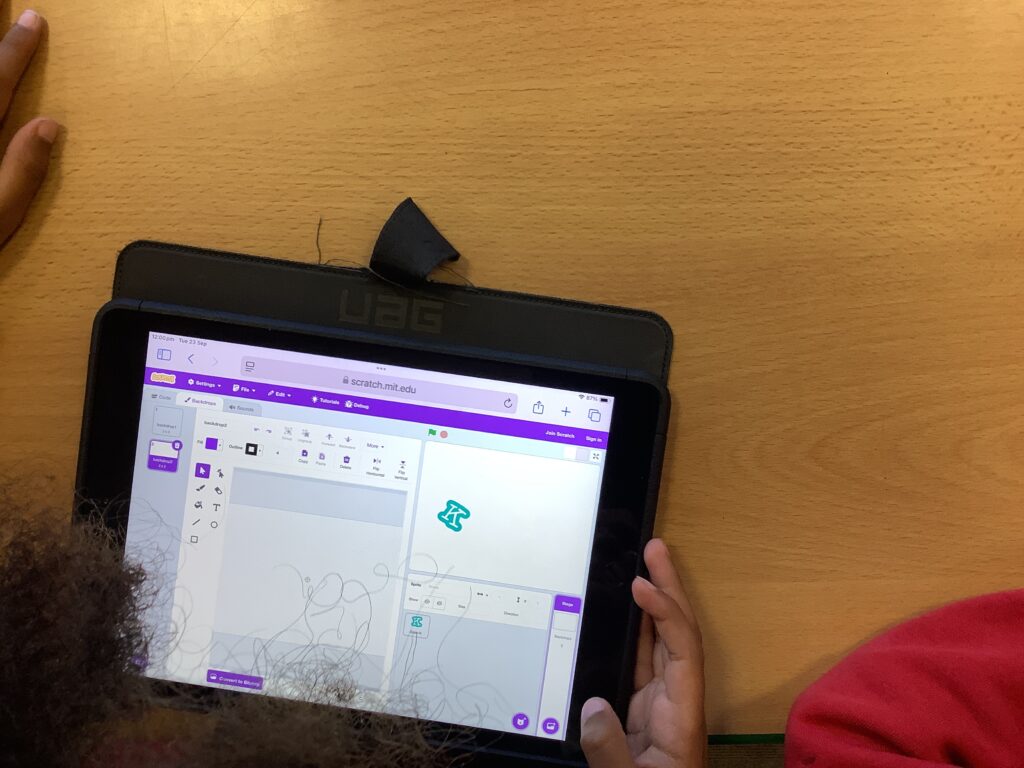
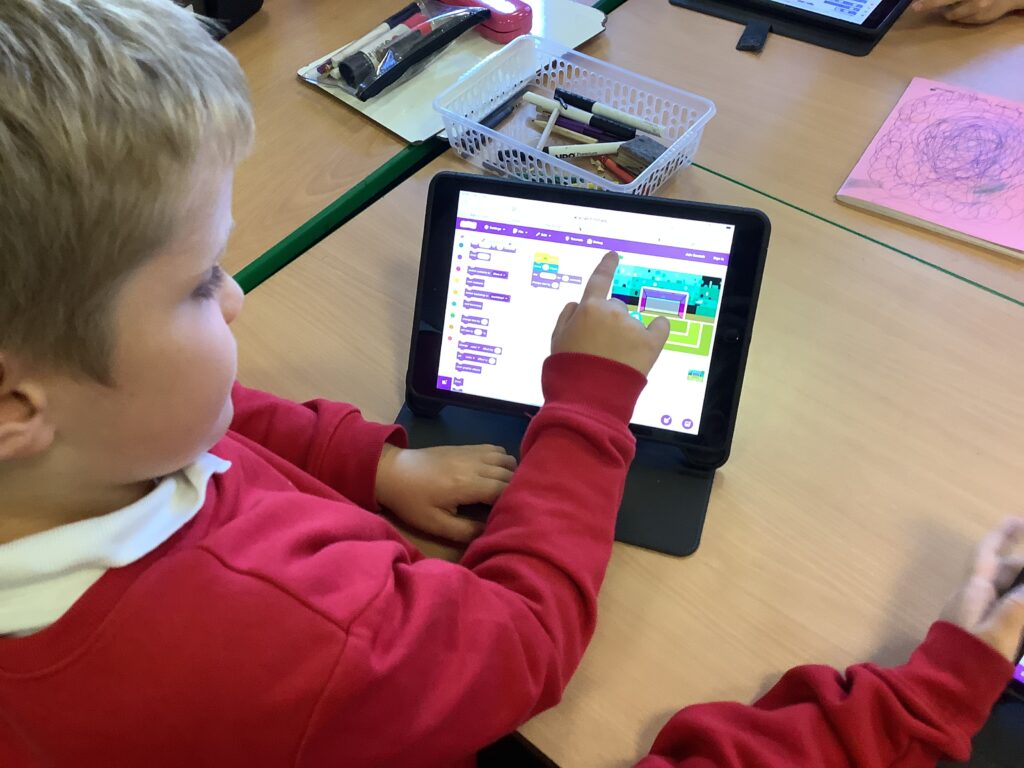
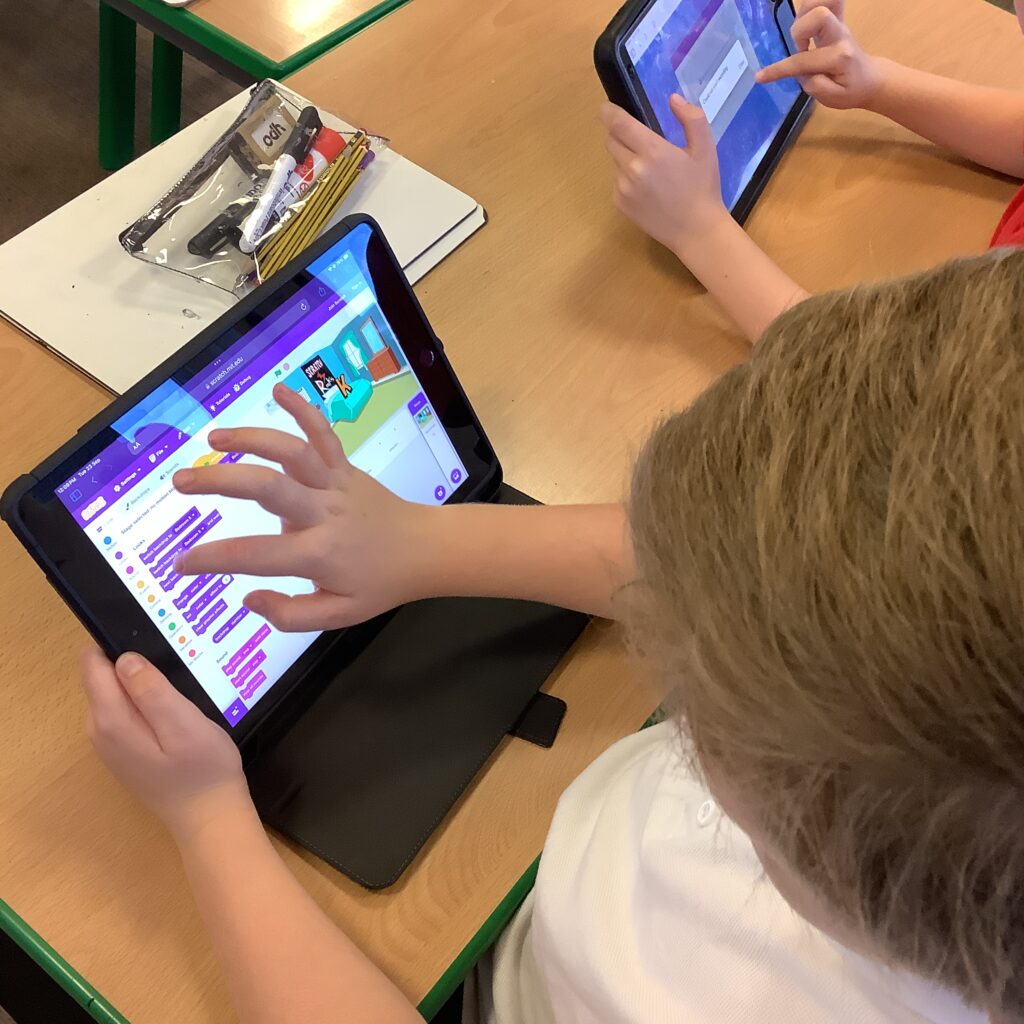
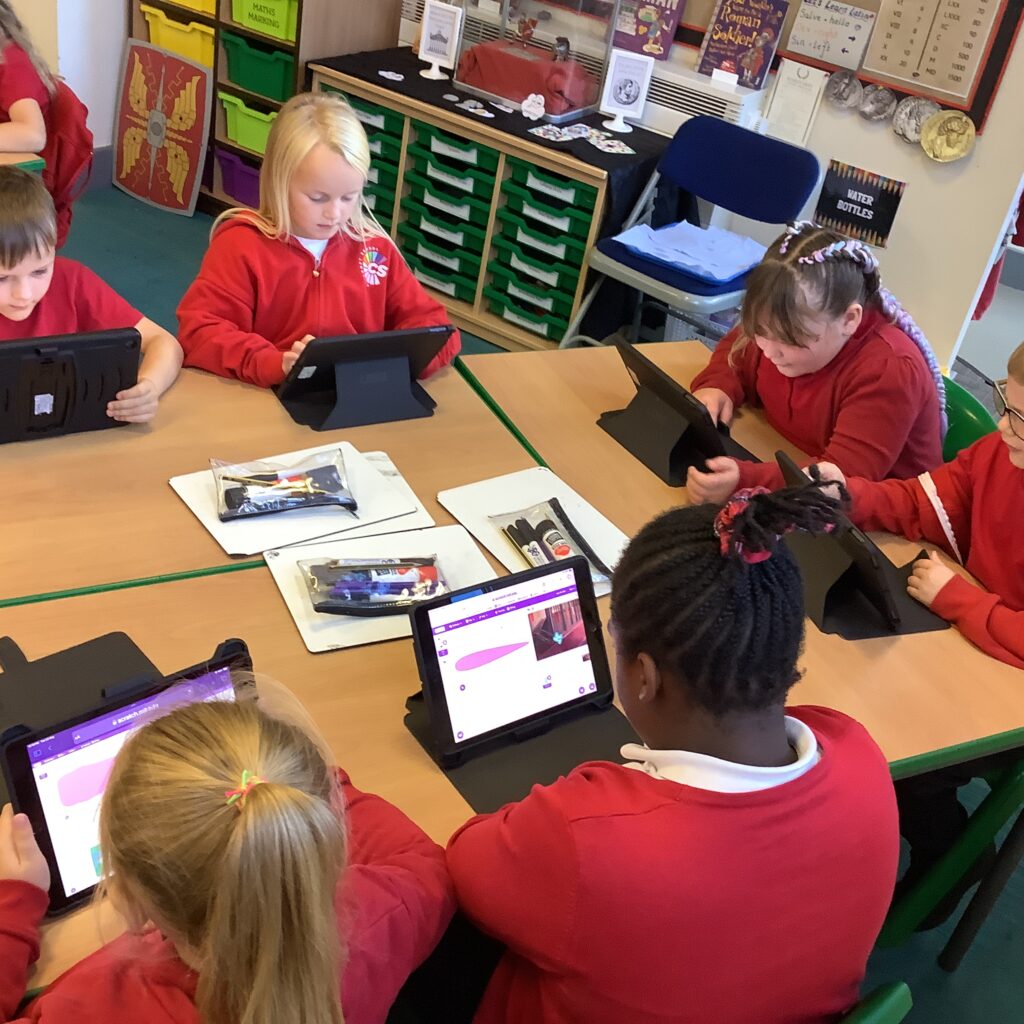
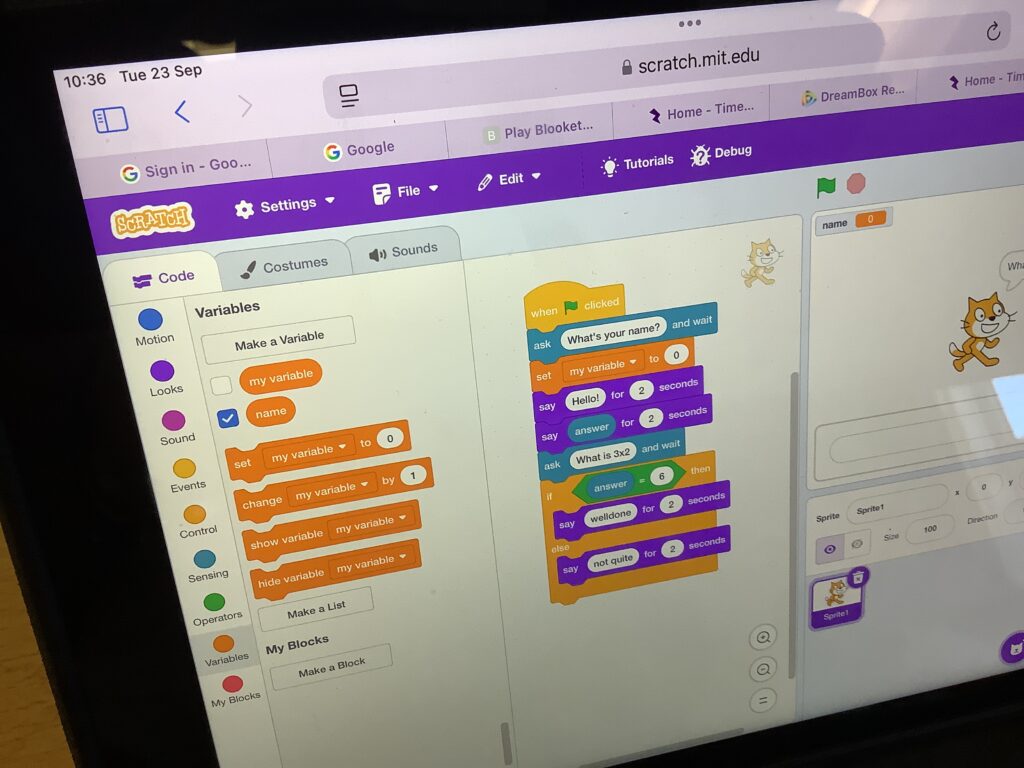
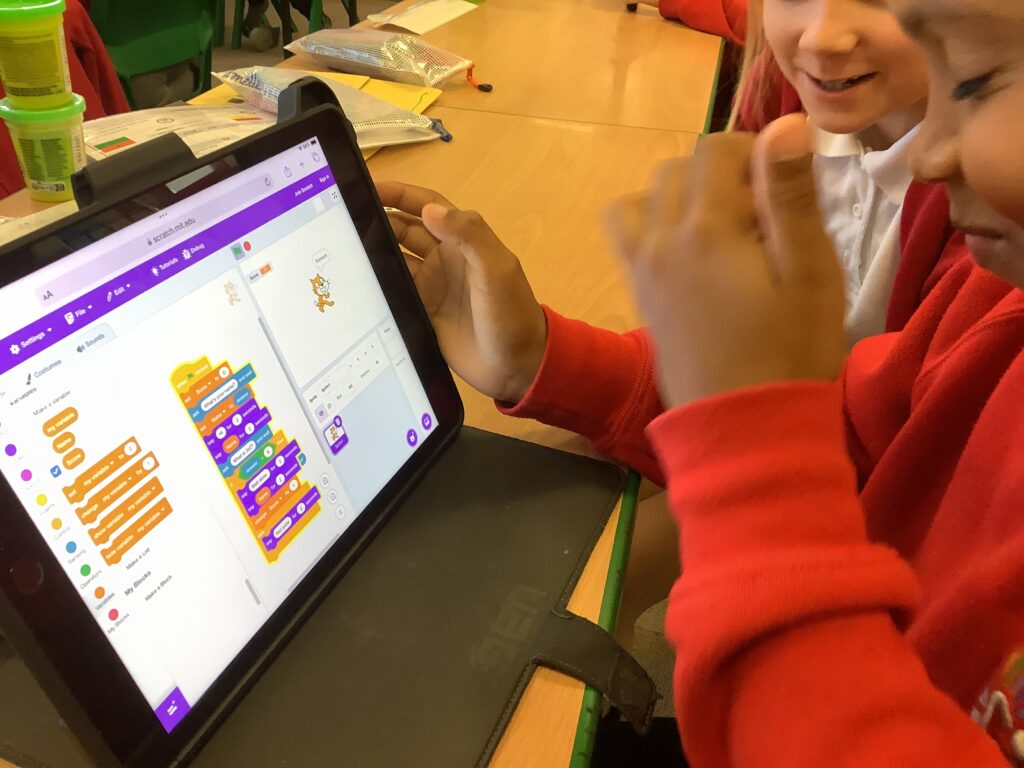
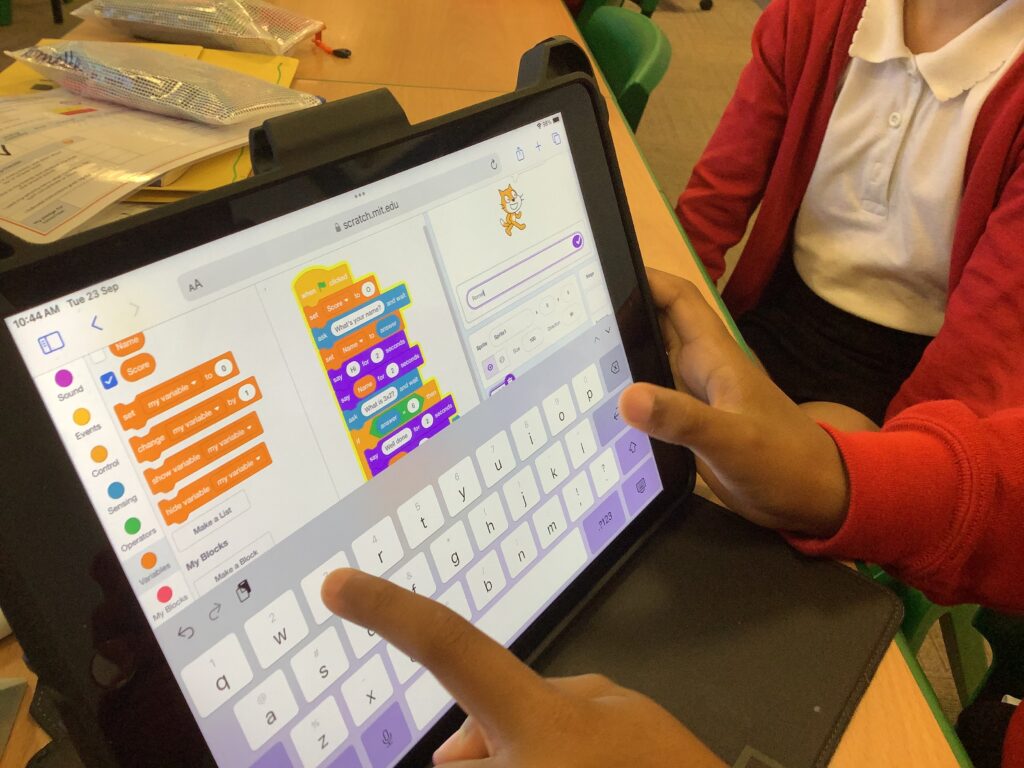
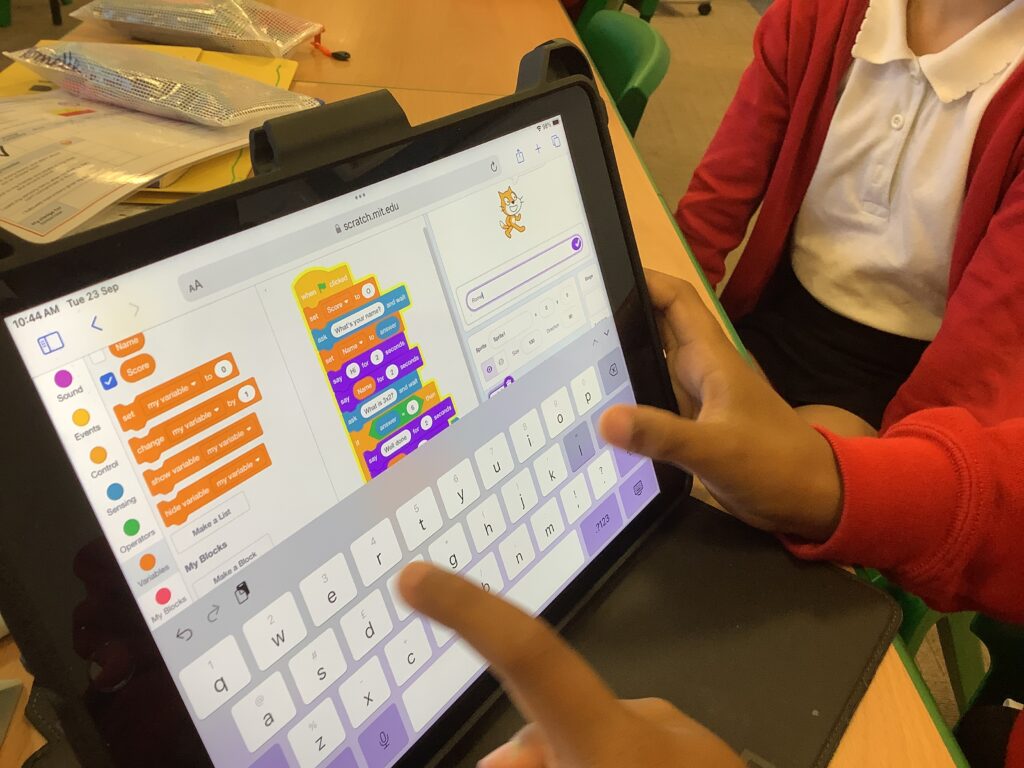
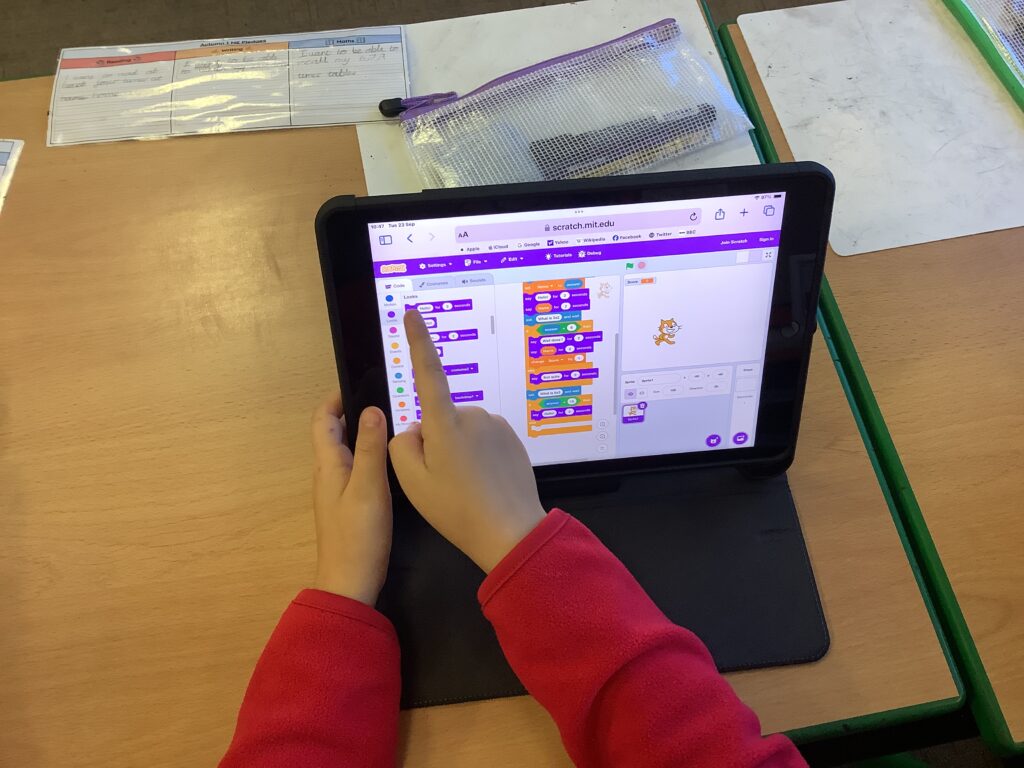
Year 4 has continued their knowledge of variables today by starting to make a timetables quiz. Our session today was a guided session as it required lots of thinking power. We worked side by side to build the code, however, next week children will get an opportunity to work independently on building the code.

Making a Loop

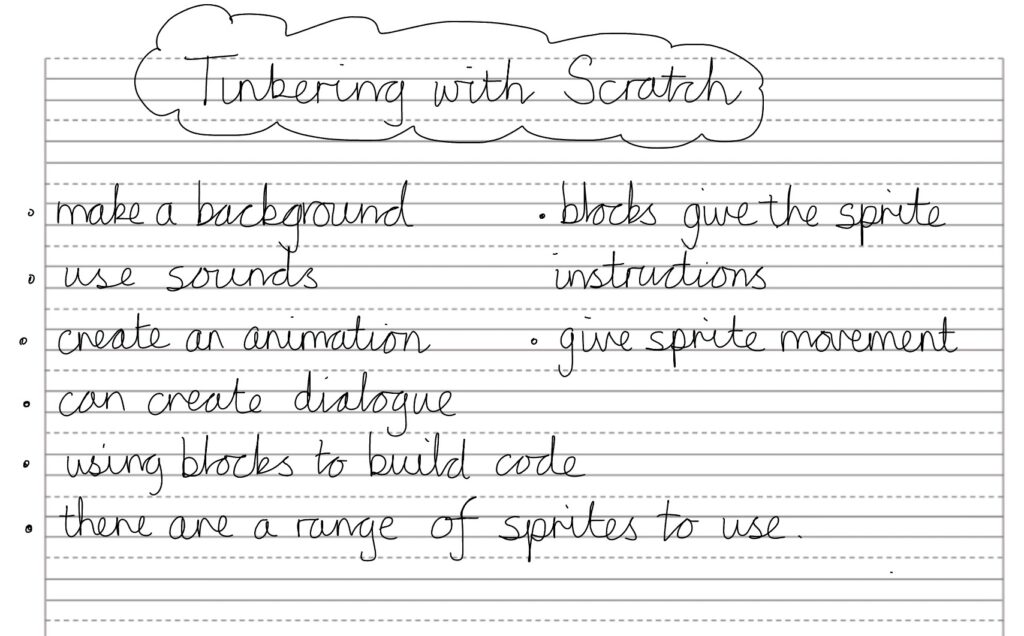
To start the lessons, we reminded ourselves of what we’d discovered last week when we were tinkering with scratch. We thought of 5 things then shared this with our partners.
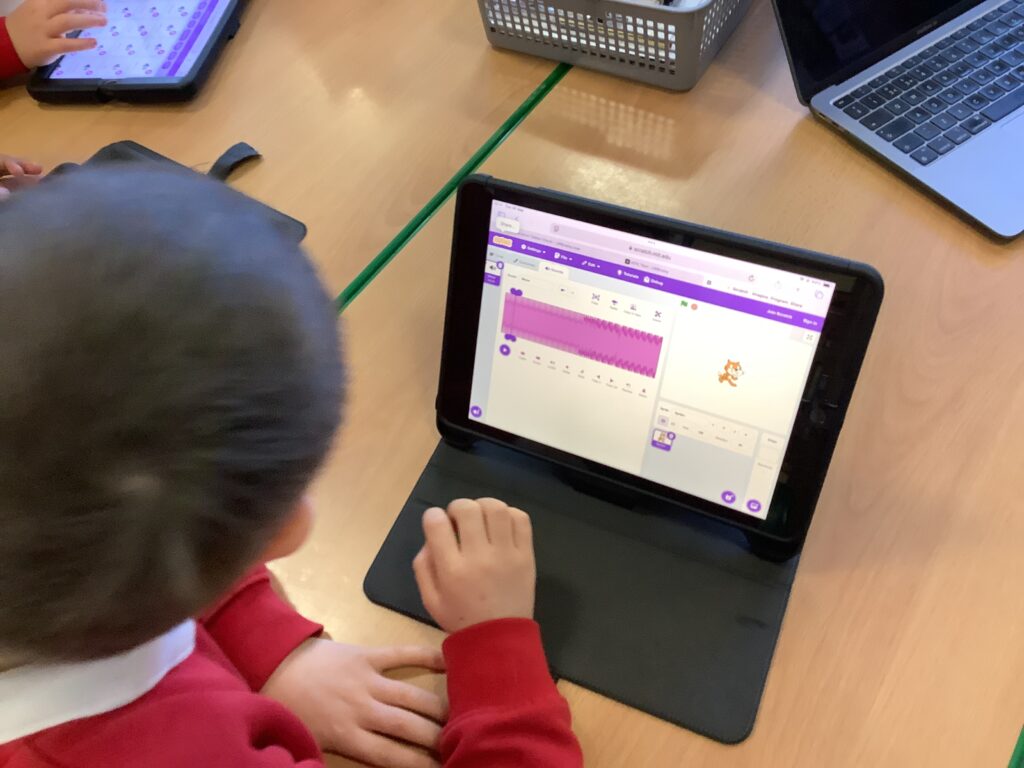
Once we had reminded ourselves of the capabilities of Scratch, we explored making a loop by using sounds for our sprite and having them play the sounds at the same time.
Inventions

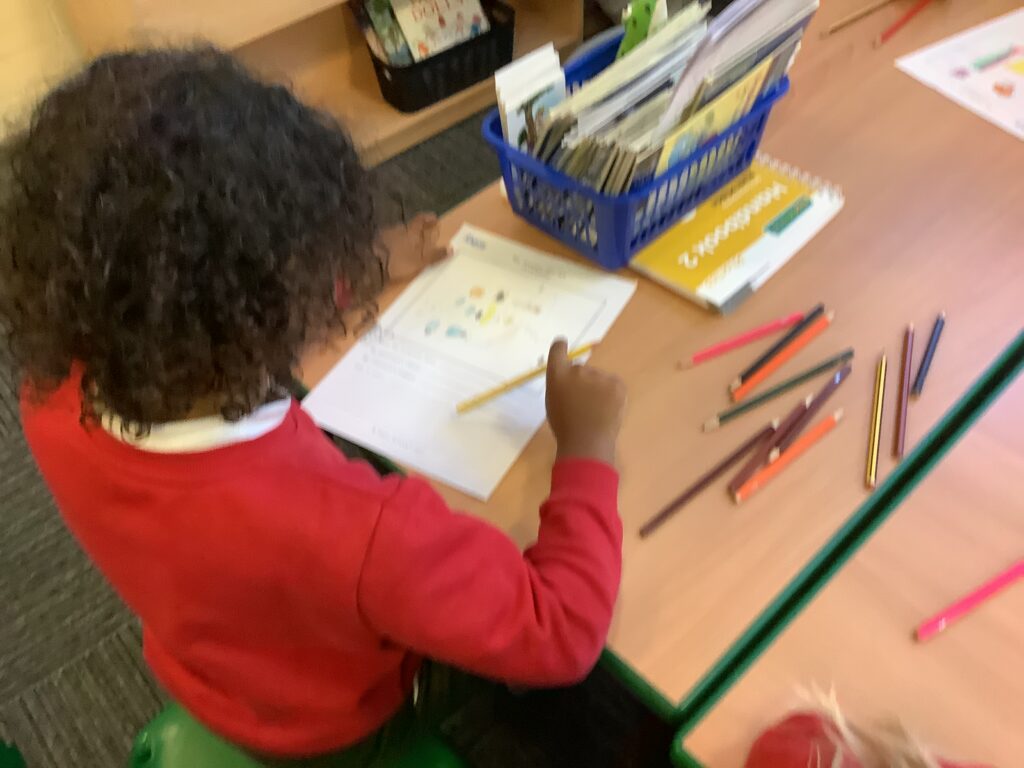
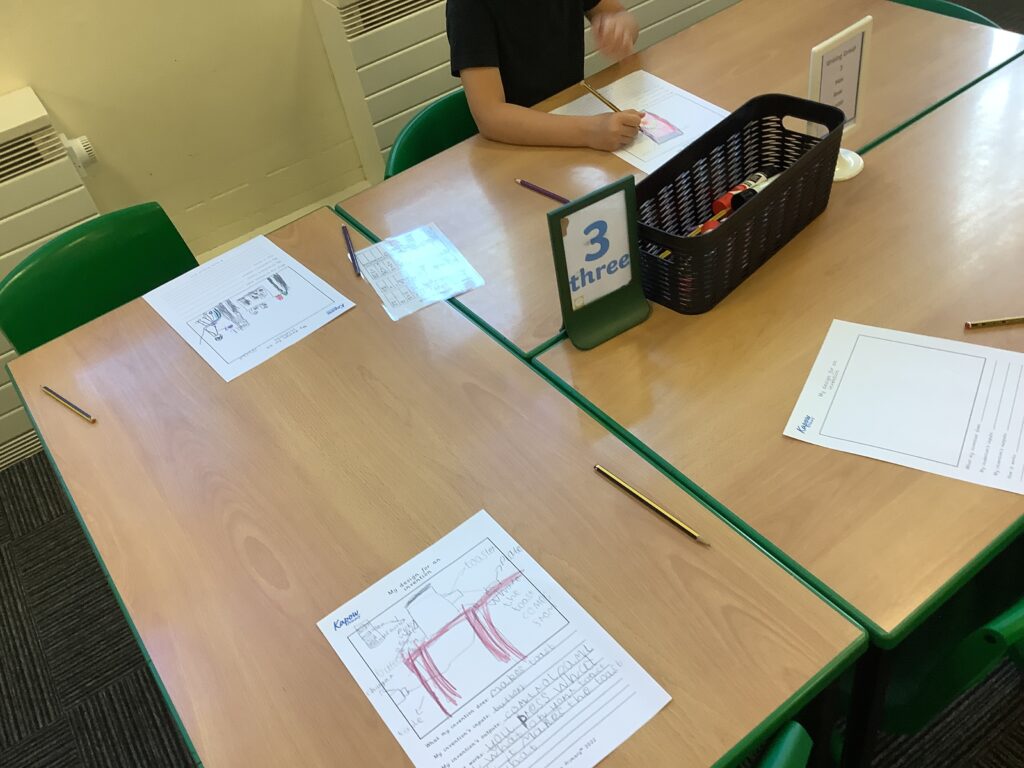
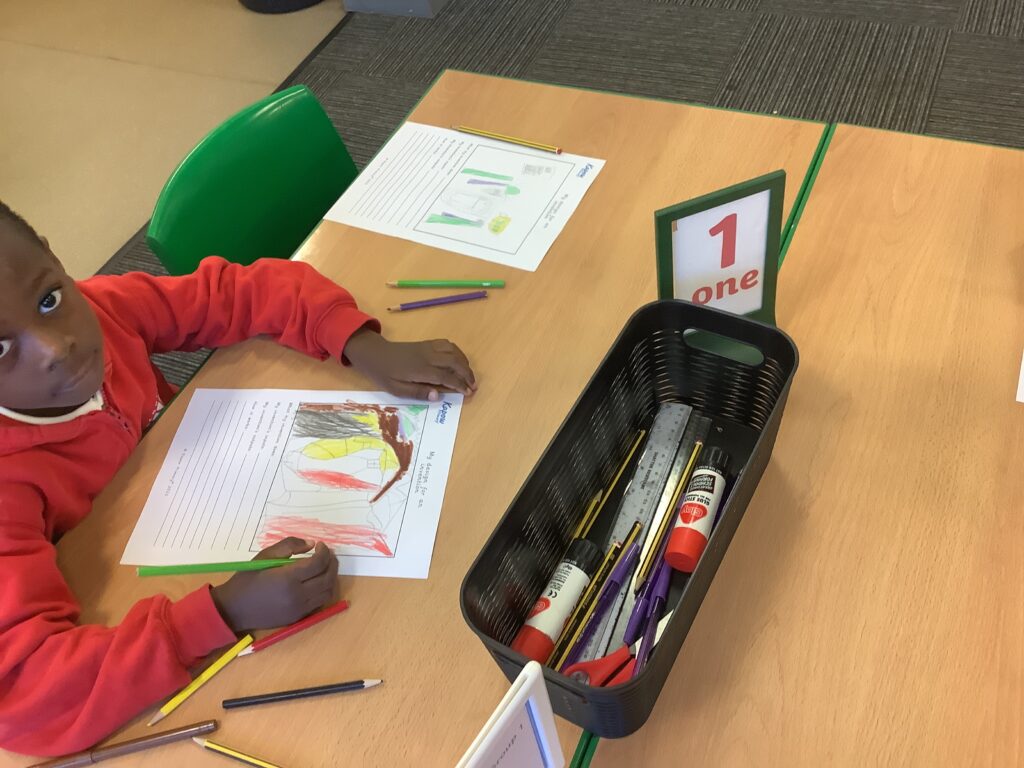
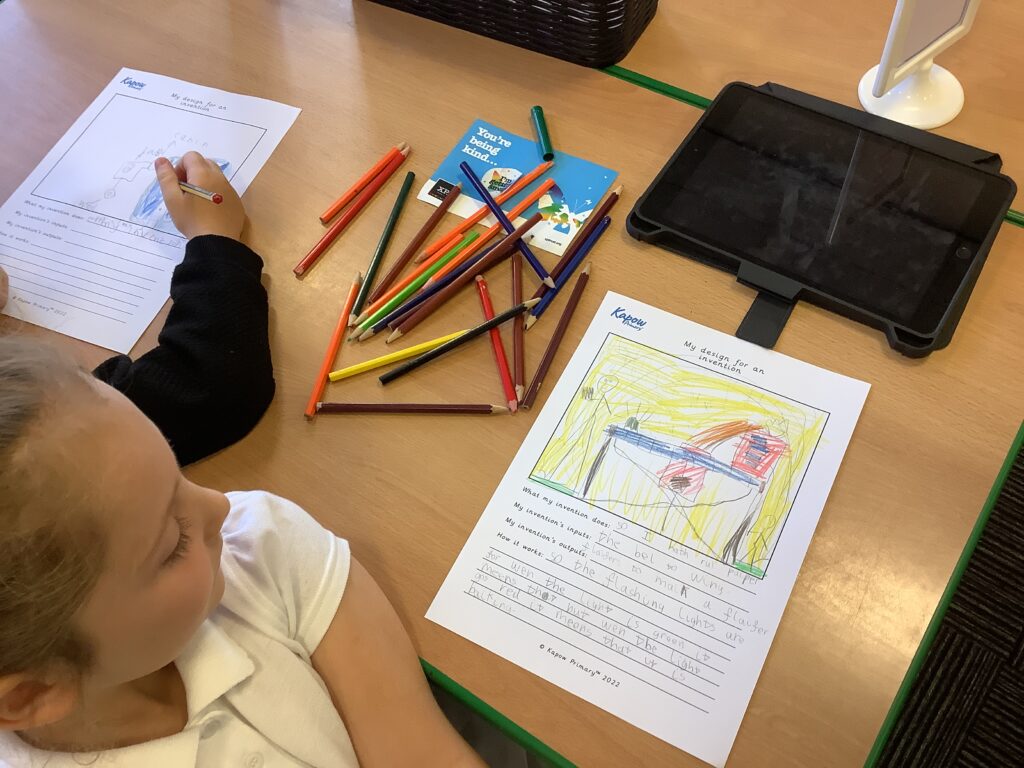
In computing this week, we have started to think about possible inventions we could make. We revisited the technology safari that we did last week to remind ourselves of all the different things we see daily that have a computer in them.

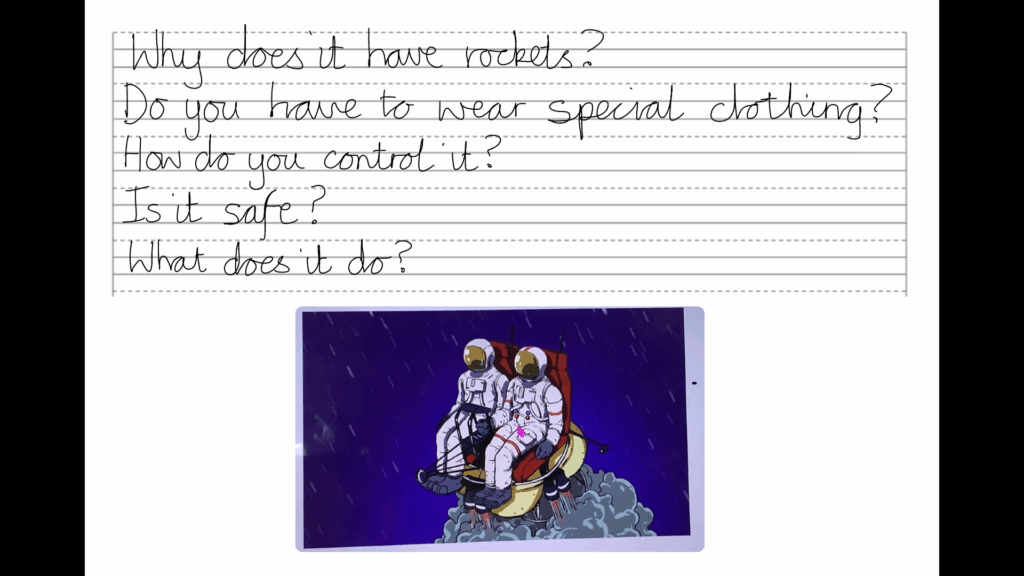
We looked at a rocket powered chair and started to think about some questions we would like to ask about it. Miss Shields helped to rephrase some of the words to ensure it was phrased as a question.


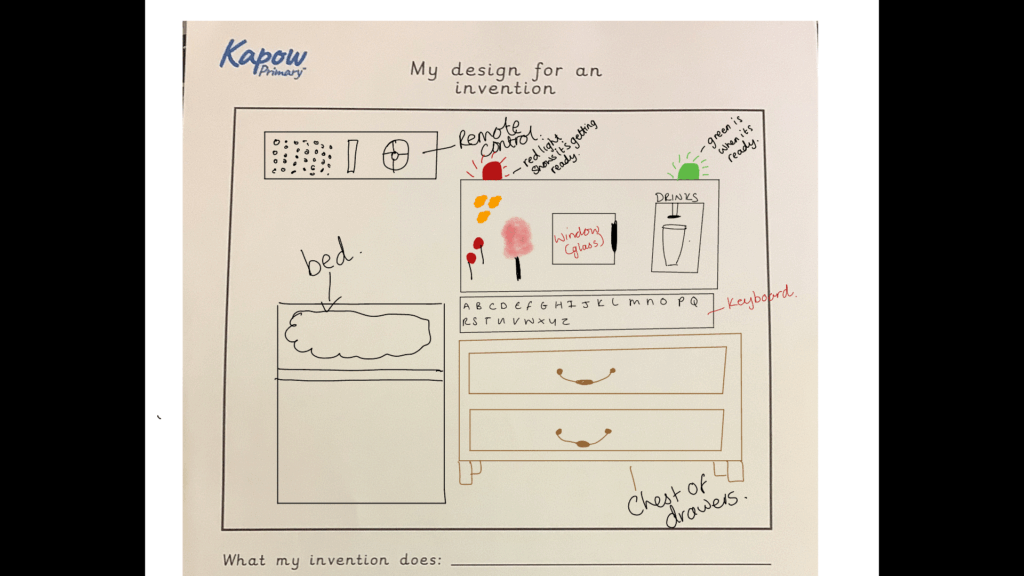
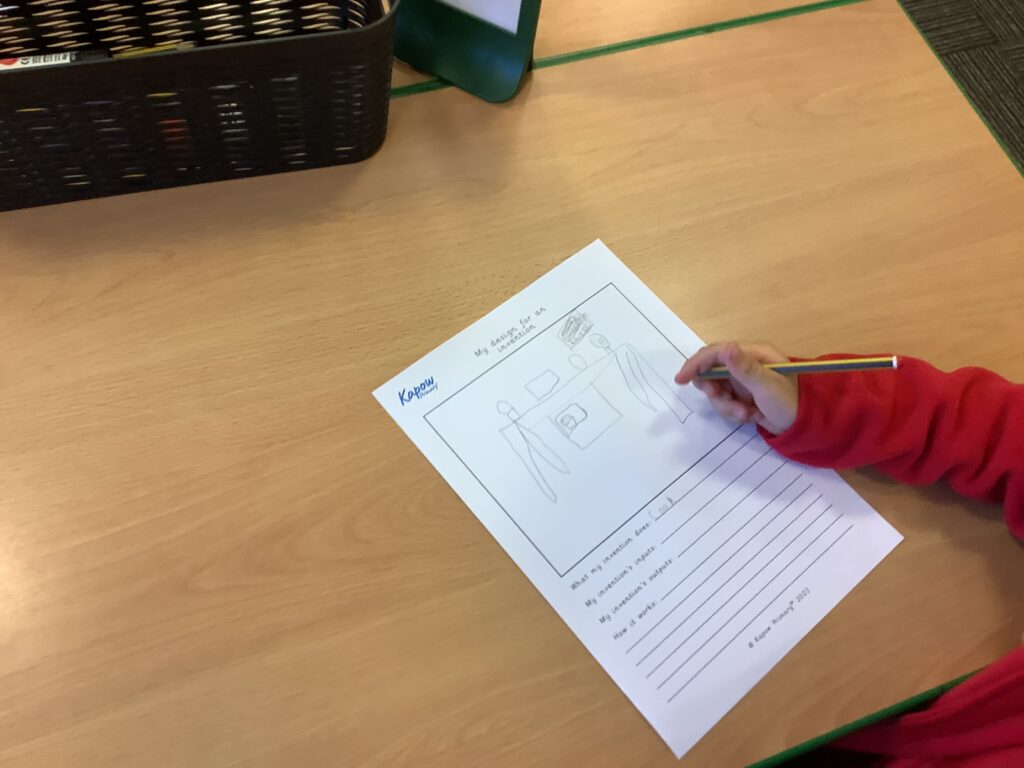
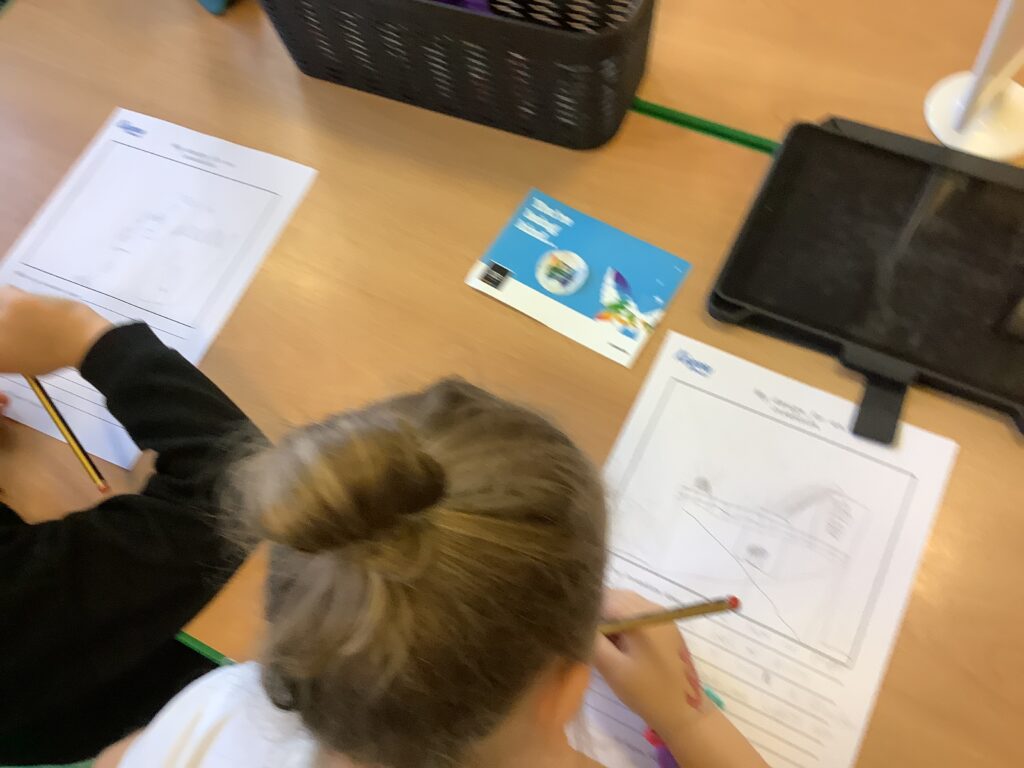
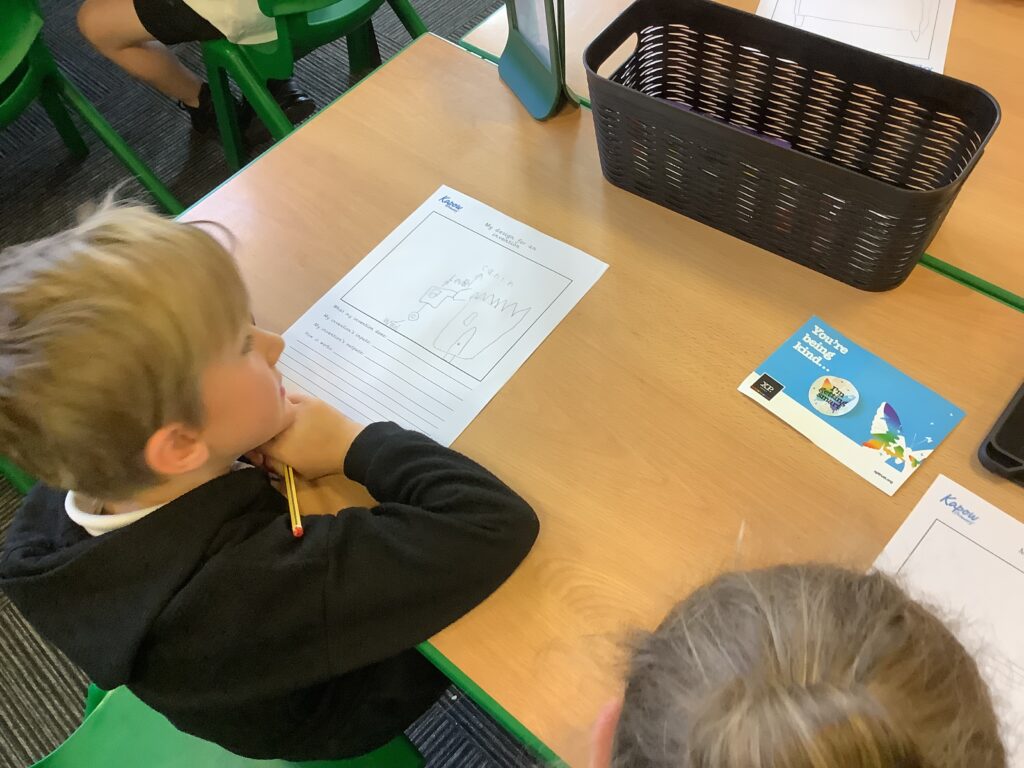
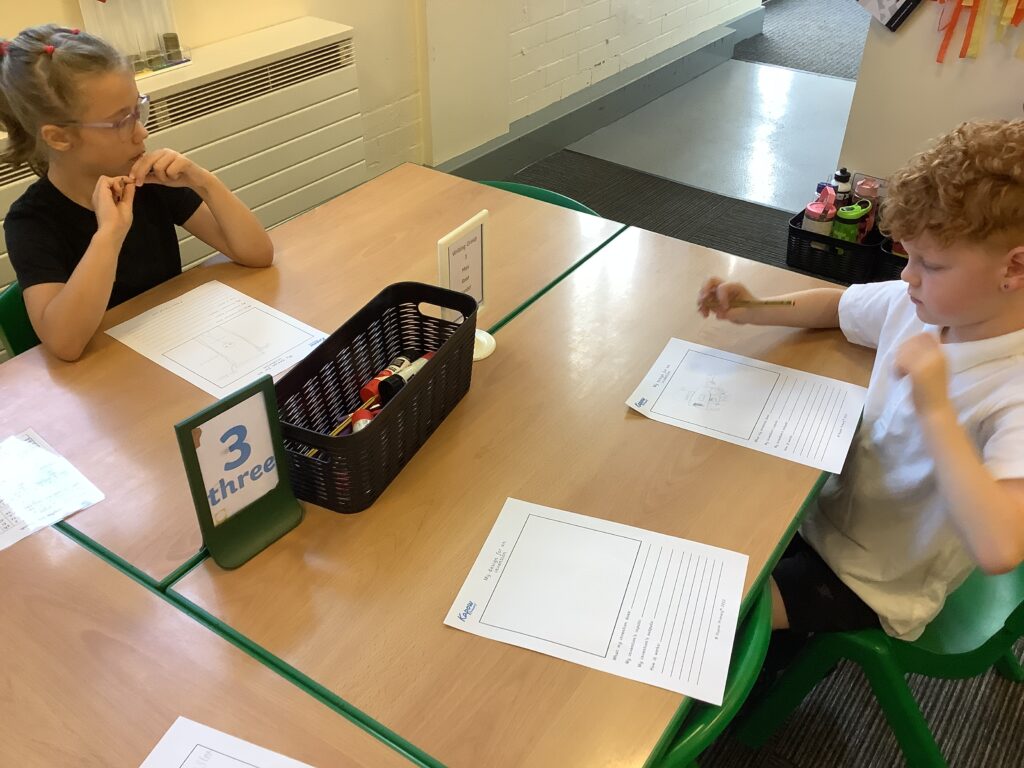
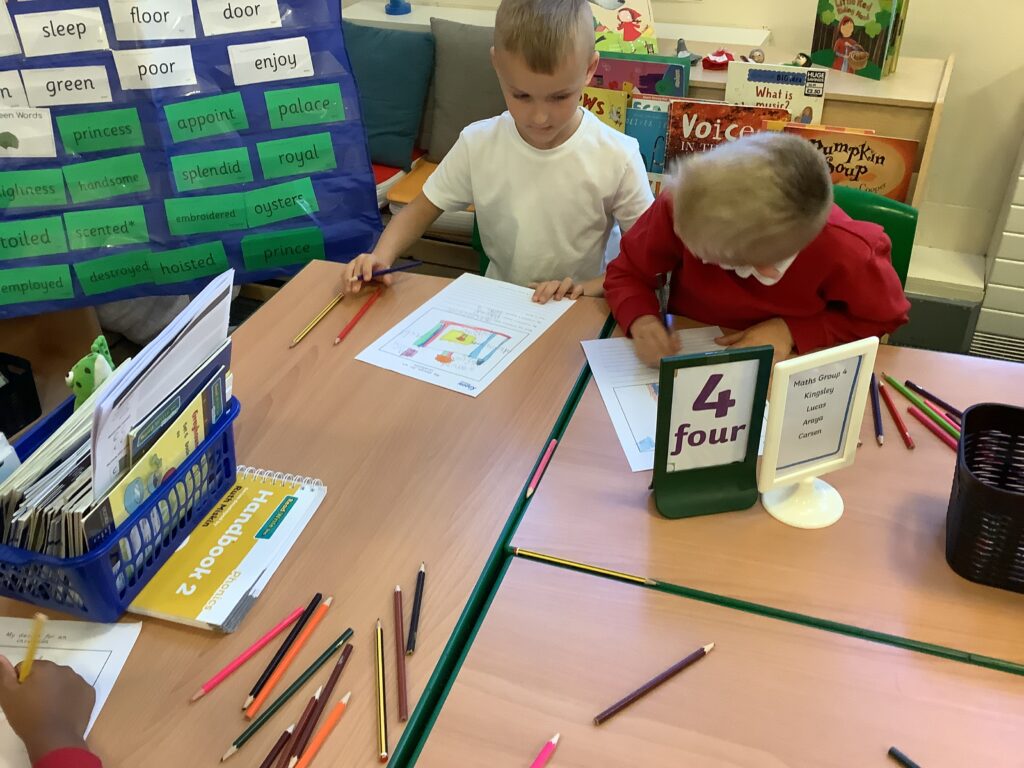
Before we create our own inventions, we watched Dr Binocs who told us about technology inventions that changed our lives. This was to support children with starting to generate ideas about what their invention could be before they design their own in the next session.

Tinkering with Scratch

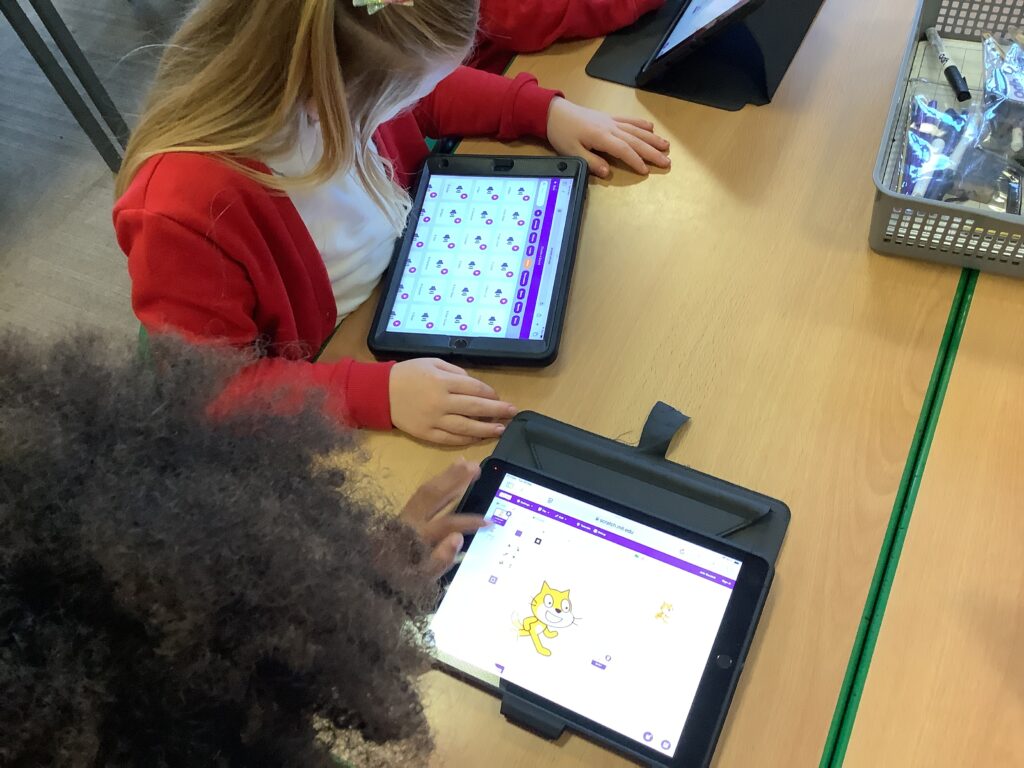
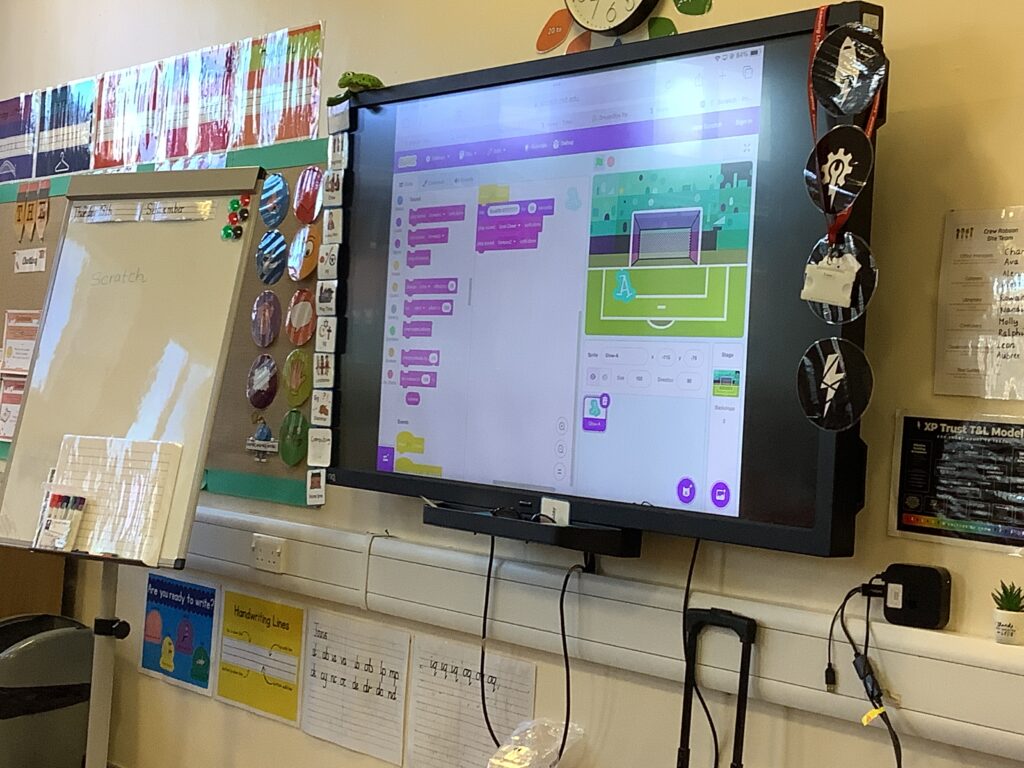
Year started a new unit in computing this week which will be starting to explore the coding programme Scratch. Children had the opportunity to explore the different blocks, starting to build a code and changing their background and sprite. Before we ended the lesson, some children shared their code with the rest of the class on the big screen.

Making variables

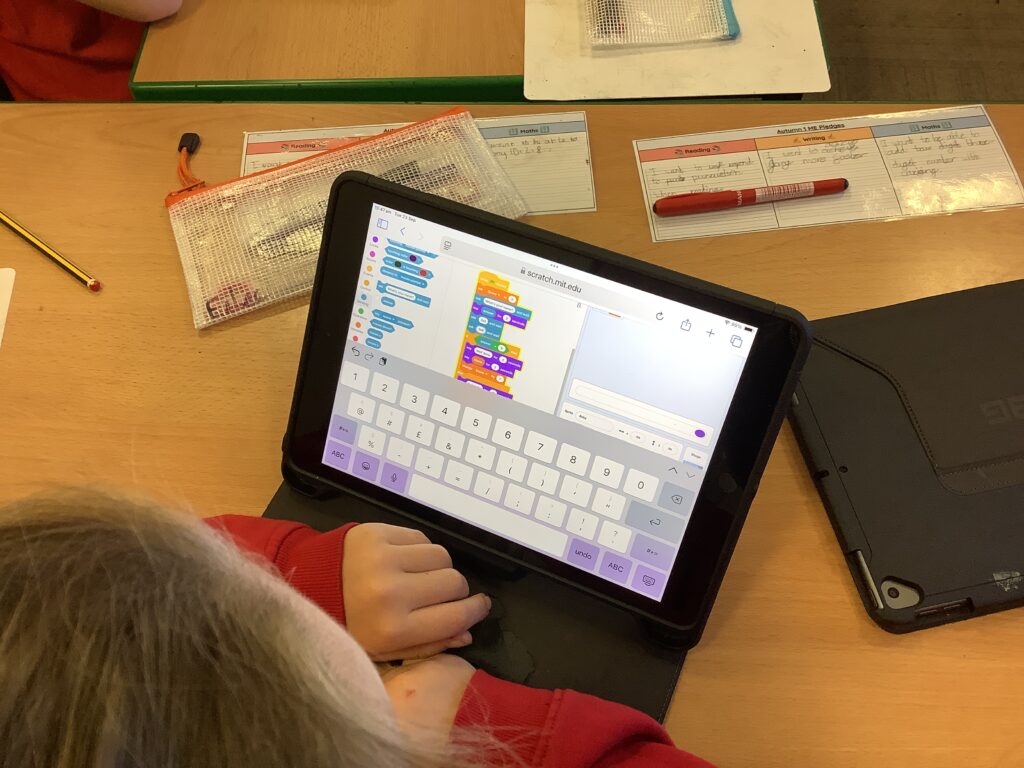
In computing this weel, year 4 were continuing with variables but this week they were making variables and adding to the code we used last week. Once they got the hang of it, children started to expand their maths games by adding additional questions to the code. Children really had to grapple with this and be resilient to ensure that they were successful.

Technology Safari

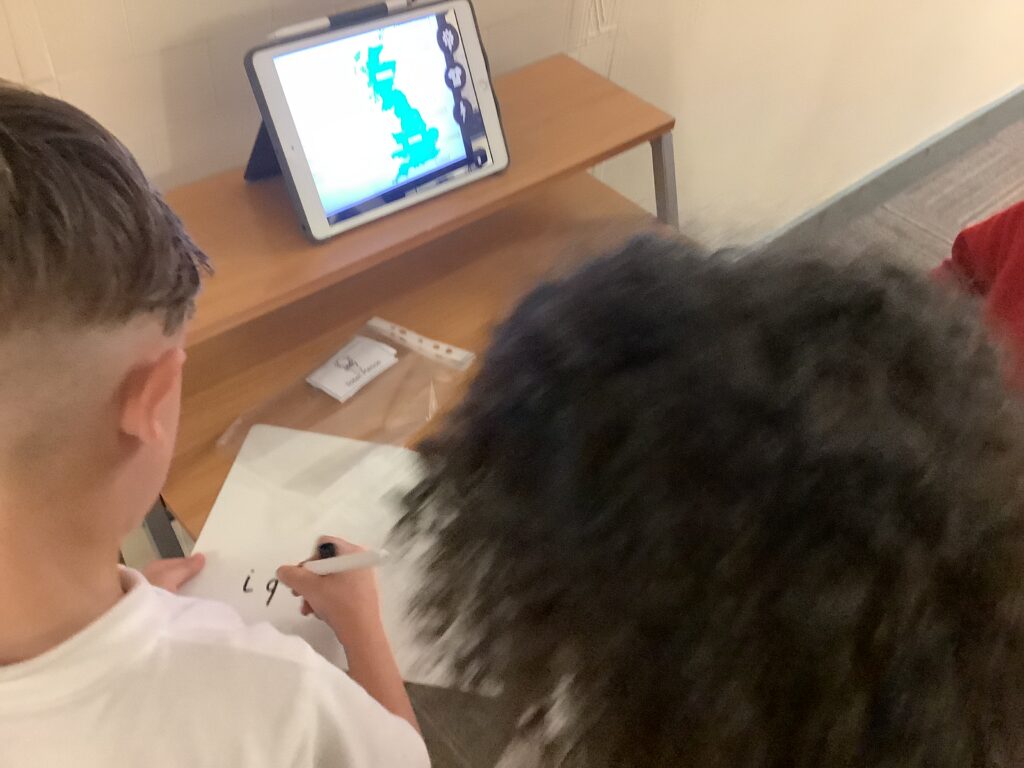
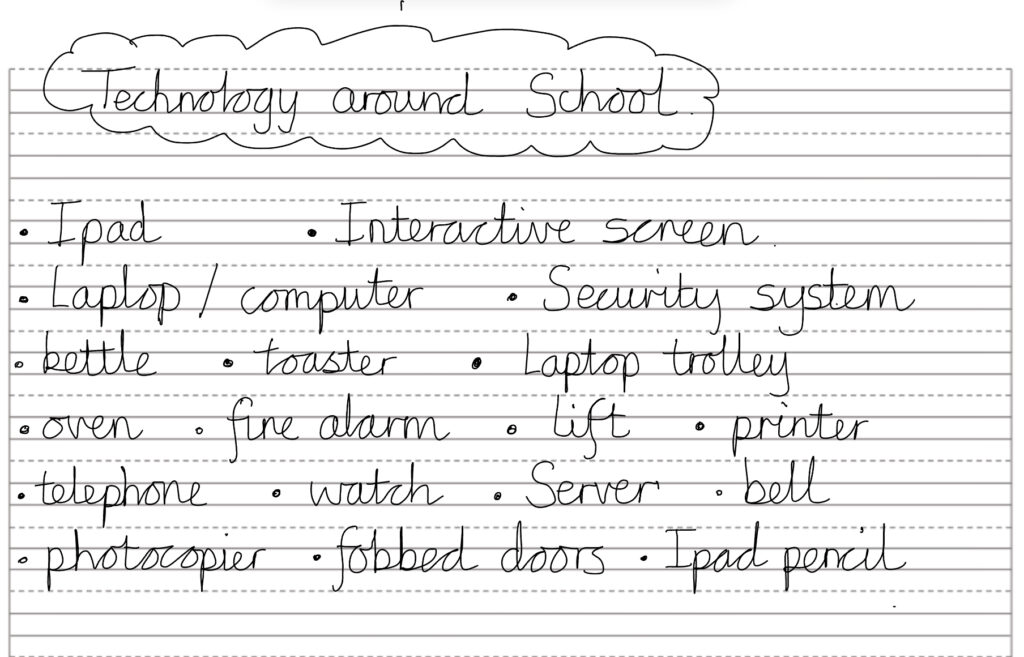
In year 2 this afternoon, we have continued our learning about technology by doing a safari around school to see what technology we could spot. We used a whiteboard and pen to help us record the technology we could see. It was also a great opportunity to apply our phonics knowledge for spelling. When we returned to class, we complied a list while discussing why this would be classed as technology.

Brute Force Hacking

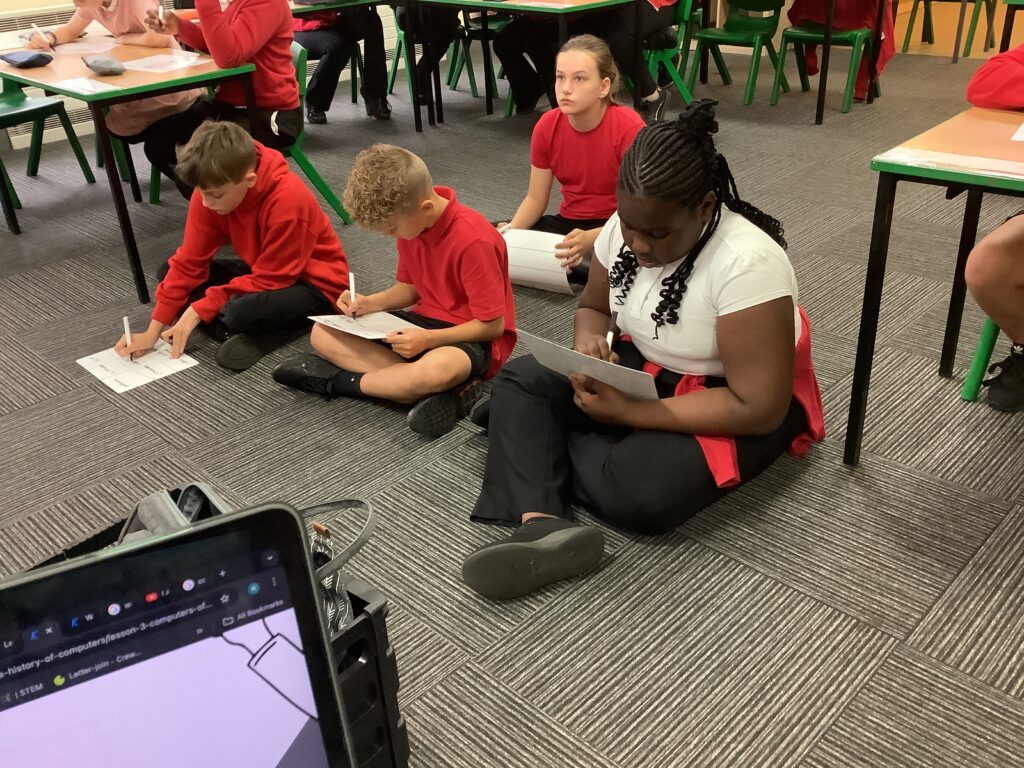
In year 6, we learned about the importance of using a secure password. We initially looked at 3 digit passcode but discovered that a computer could hack these within a few minutes. We give this a try and started to think about how we would guess a password. Would you guess randomly or develop a system to finding the code? Children really showed their resilience when building the code and is something we’ll continue next week as children were determined to complete the code and try it out.

Packet Data

In year 3, we have been looking at how data travels. Often the data is too big and we’re unable to send it in one go. This is when it’s broken down into packets which are smaller and more managable. To help the children understand this, we first of all used cubes to build a tower but. E cause it was too big, they had to break it down into individual cubes. Then they used a 3×3 grid and drew a picture. Children cut up their image and gave it to another person to piece back together. This allows children to see that bigger files are broken down and reassembled when they get to their destination.

Variables when coding

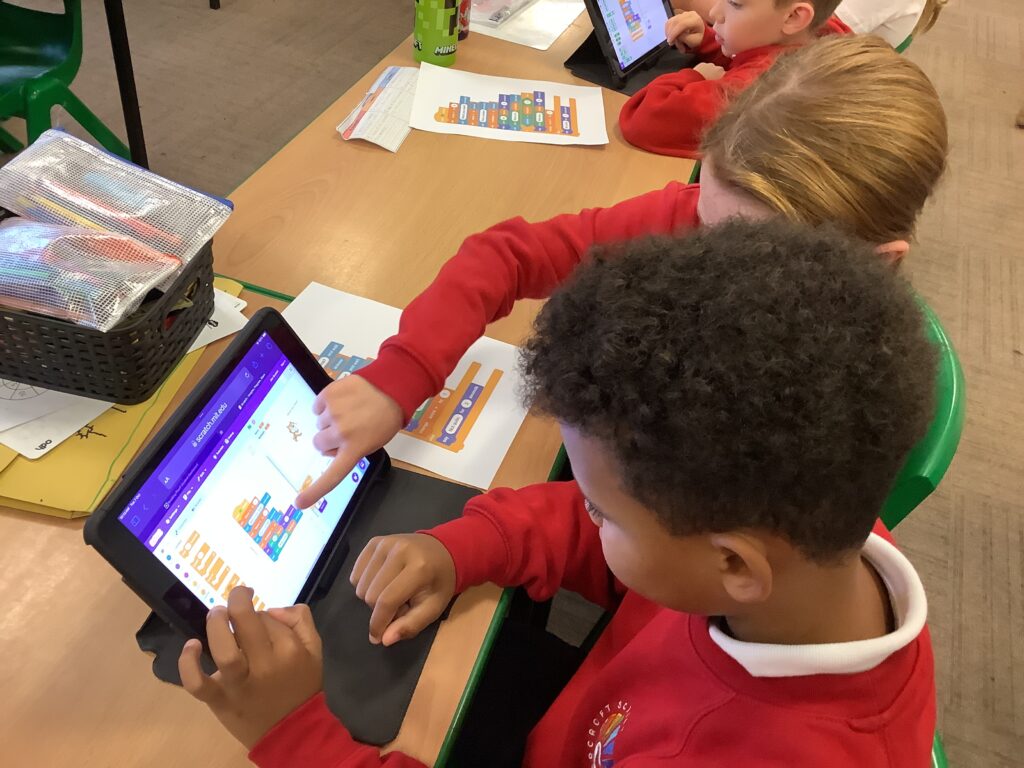
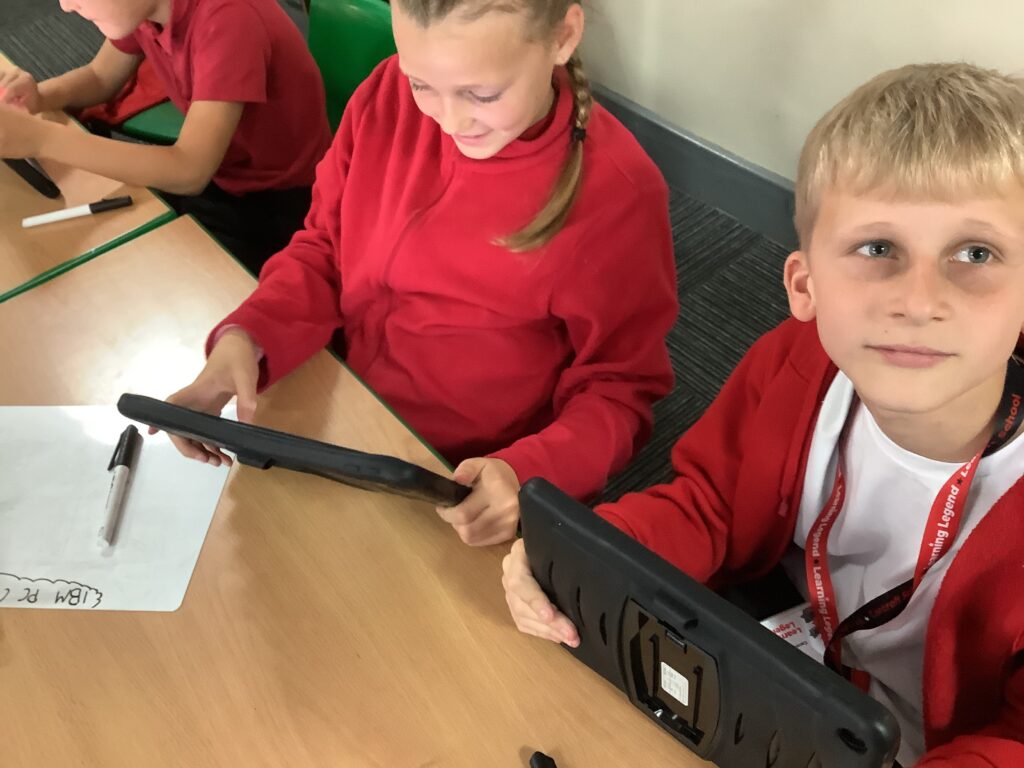
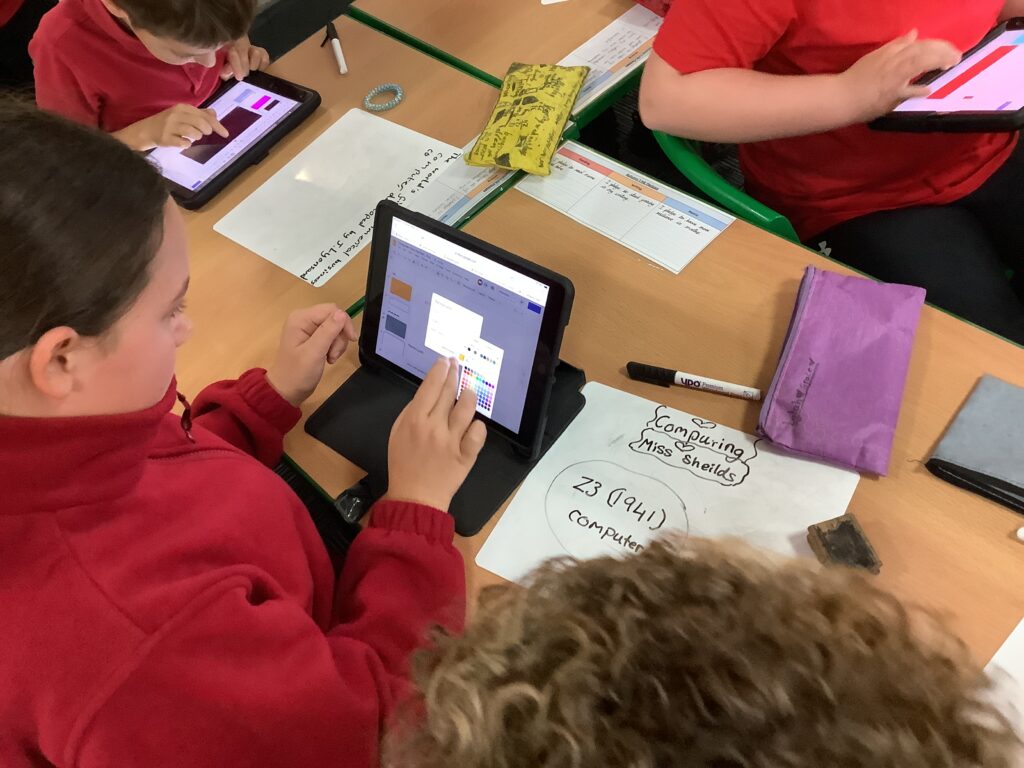
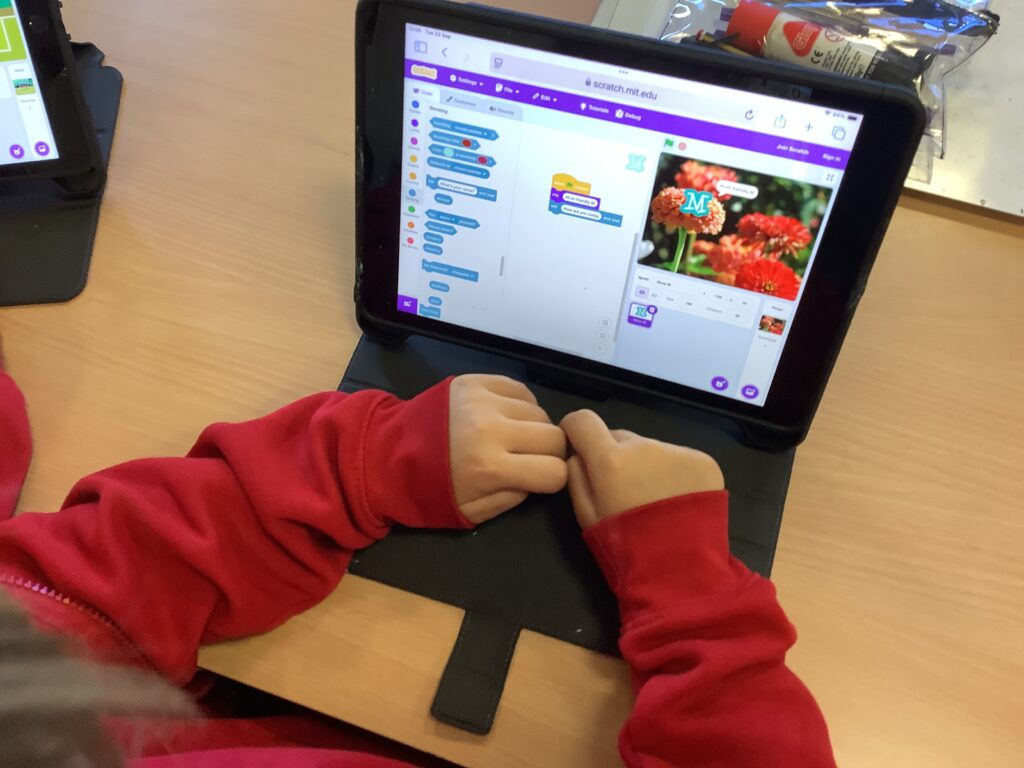
In year 4, we have continued exploring Scratch and learning about variables. Children learned that variables can store lots of different answers and the programme will respond accordingly. We played some games where children had to ask their crew the name of an animal or food but had to erase the previous answer if it was different. This allowed children to see that the variables were limitless. Working as a crew, we built the code on our iPads as this was new learning for us. Once we’d built the code, we experimented with different questions and answers. In our next session we will build on today’s learning.

Inputs – How do we control a computer?

In year 1, we have been learning about how to control a computer and that we usually do this by pressing buttons. Before we started our new learning, we recapped our learning from last week. We recapped our actions to help us remember monitor, mouse, keyboard and printer before using an interactive game to place the labels in the correct place.

The children were really excited to learn that Miss Shields had a remote control that allowed her to control the actions of the children. When she pressed the blue button, the children had to jump up and wave their arms. When she pressed the red button, they had to tap their knees. Then when she pressed the green button, they had to lie down and pretend their were sleeping. This was great fun which helped us understand that buttons result in actions.

We then worked together to design a robot that we thought would help Mrs Barber. The children suggested help with RWI and all the things she needs to remember.