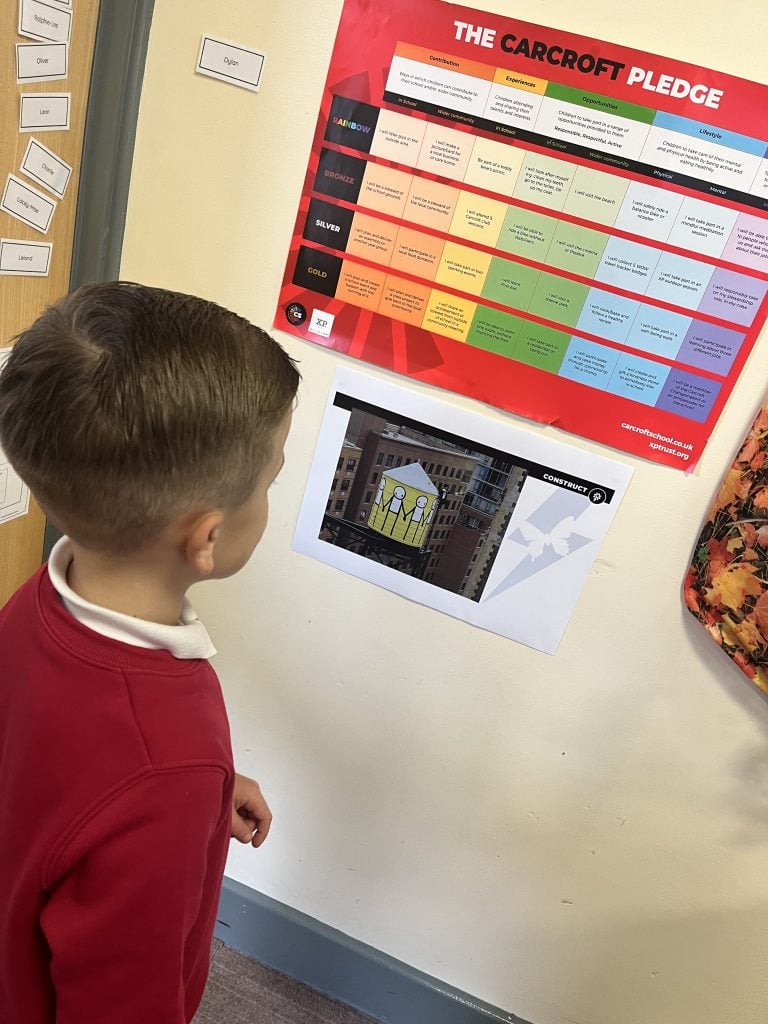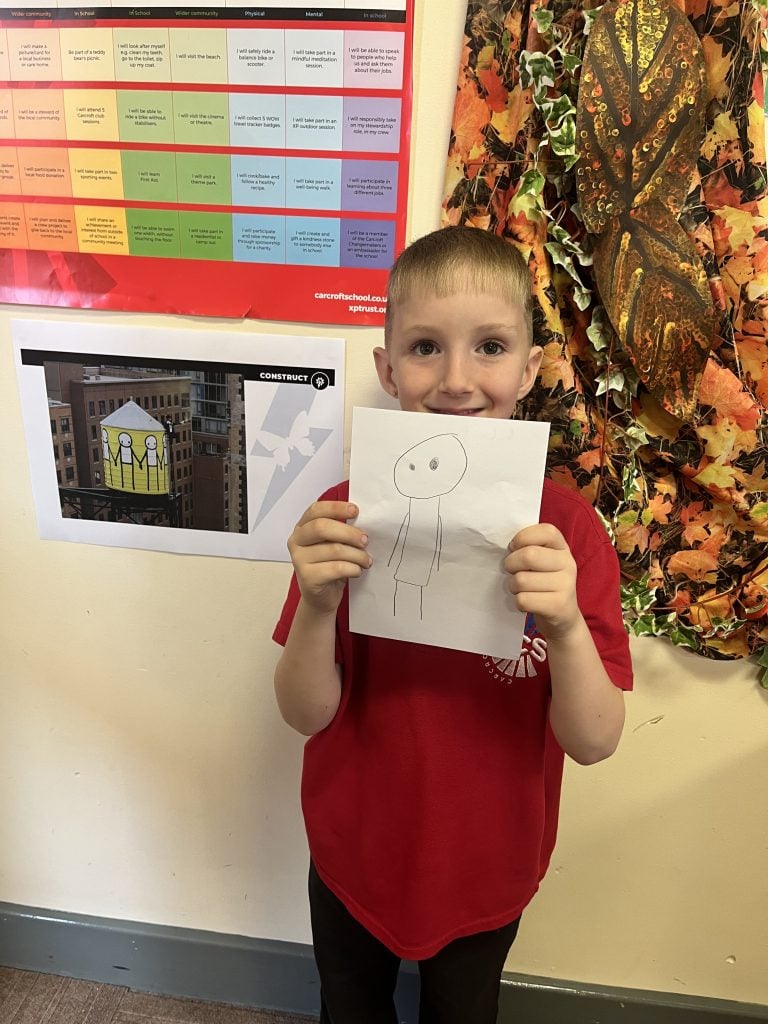
During the Spring Term, 2024, Carcroft Change Makers worked collaboratively to develop the ‘Carcroft Pledge’. We can’t wait to share this with whole school during our Summer Term!
Category : Curriculum
Online Safety
Our pupils are growing up in a world of ever-changing technology. While we feel that the use of technology is a largely positive aspect of modern life, we cannot ignore the risks that can be associated.
Throughout school we aim to teach children:
- about the impact of cyber-bullying and what to do if they have been affected.
- to be vigilant when communicating online recognising that people may not always be who they say they are and to be sensible about what they share.
- to tell an adult they trust if something is upsetting them.
- to question the reliability of information given through a web based source.
- to search responsibly for information while using internet browsers.
We understand that much of our pupil’s use of the internet will occur at home, away from the school filters.
Below are a list of useful websites, advice and resources that you may find helpful when navigating the issue of online safety with your child. At the bottom of this page are resources that your child can directly access as well to help them learn about online safety.
Useful resources and links
Thinkuknow http://www.thinkuknow.co.uk
Thinkuknow is an education programme from the National Crime Agency’s CEOP Command. Since 2006, it aims to ensure that everyone has access to this practical information – children, young people, their parents and carers and the professionals who work with them.
Internet Matters https://www.internetmatters.org/advice/esafety-leaflets-resources/
A comprehensive web resource with a wide array of tips and advice on how to navigate the online world with your child. Some of their guidance we attach below but you can find even more by visiting the link.
National Online Safety https://nationalonlinesafety.com/resources/platform-guides/
National Online Safety’s mission is to make the internet a safer place for children. They aim to do this by equipping school staff, parents and children with the knowledge they need to understand online dangers and how best to react should an incident arise. The link above provides up to date information about a wide variety of social media apps and platforms your child might be using.
NSPCC http://www.nspcc.org.uk/preventing-abuse/keeping-children-safe/share-aware/
The NSPCC are the first to admit that the internet is amazing. Children can play, learn, create and connect – opening up a whole world of exciting possibilities. But with the digital world changing all the time, how can you make sure your child’s staying safe? That’s where the NSPCC come in. Whether you’re an online expert or you’re not sure where to start, their tools and advice will help you keep your child safe.
Childnet http://www.childnet.com/parents-and-carers
Childnet International is a registered UK charity that aims to make the internet a safe place for children and young people. Packed with resources it is a great resource for parents.
CEOP http://ceop.police.uk/safety-centre/
Child Exploitation and Online Protection (CEOP) is part of the National Crime Agency and their website can be used to report if you are worried about online abuse or the way someone is communicating online.
BBC https://www.bbc.com/ownit
The BBC have a website and app called Own It. The website has a lot of content for children to help them navigate their online lives, and the free smartphone app comes with a special keyboard which can intervene with help and support in the moments that children need it the most.
SafetoNet https://safetonet.com/
SafeToNet is technology that educates children “in-the-moment” as they use their device. It is a safeguarding assistant that helps them become responsible and safe digital citizens. Its power lies in a smart keyboard that detects risks in real-time. It steers children away from trouble by filtering harmful outgoing messages before they can be sent and any damage can be done.
A guide to Apps & Social Media
The number of apps and social media channels your child could be exposed to grow all the time, as does an app’s functionality. We recommend you visit Net Aware to read the latest and most current advice on over 70 apps to ensure you know what they do, how you can limit their features as well as recommended age restrictions.
The apps included are:
- Fortnite
- Snapchat
- YouTube
- Minecraft
- Clash of Clans & Clash Royale
- Kik
- Friv
- Dubsmash
- Wink
- YOLO
- TikTok
- And many, many more
Resources for children to use
Below are some links that children themselves can access for help when navigating the tricky subject of online safety,
Reception – Year 2
Below are a number of links that are tailored for children in the younger year groups.
https://www.thinkuknow.co.uk/5_7/
https://www.netsmartzkids.org/
https://www.childnet.com/resources/smartie-the-penguin
Year 3 – Year 6
Below are links more suitable for older children.
https://www.thinkuknow.co.uk/8_10/
https://www.nsteens.org/
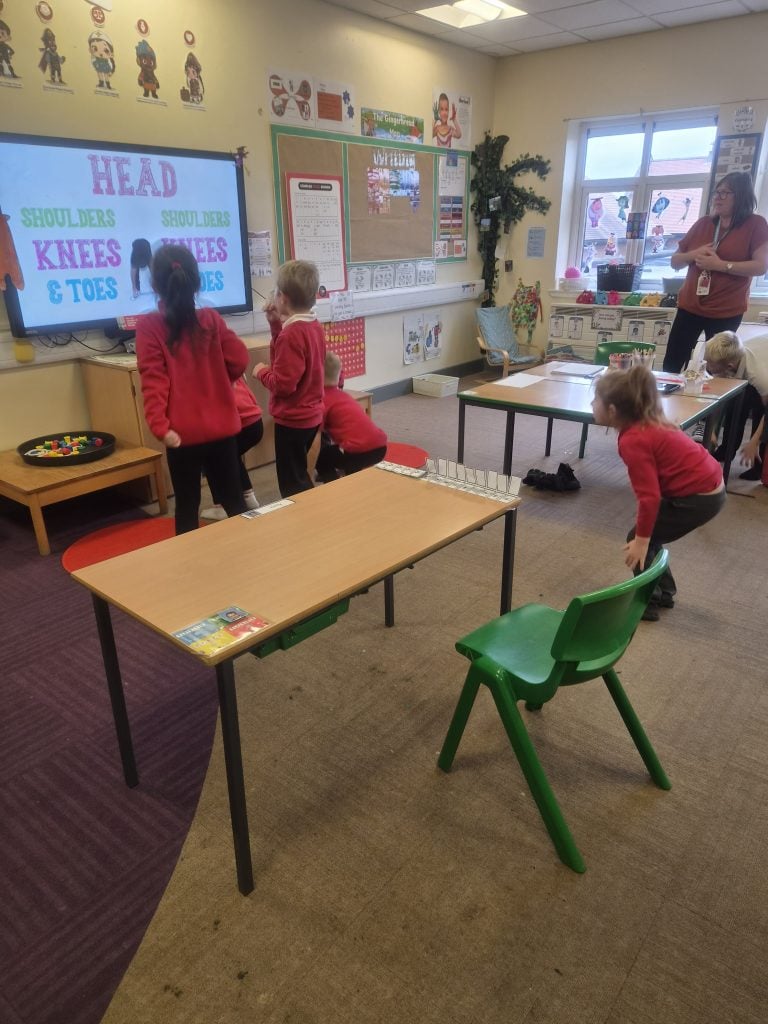
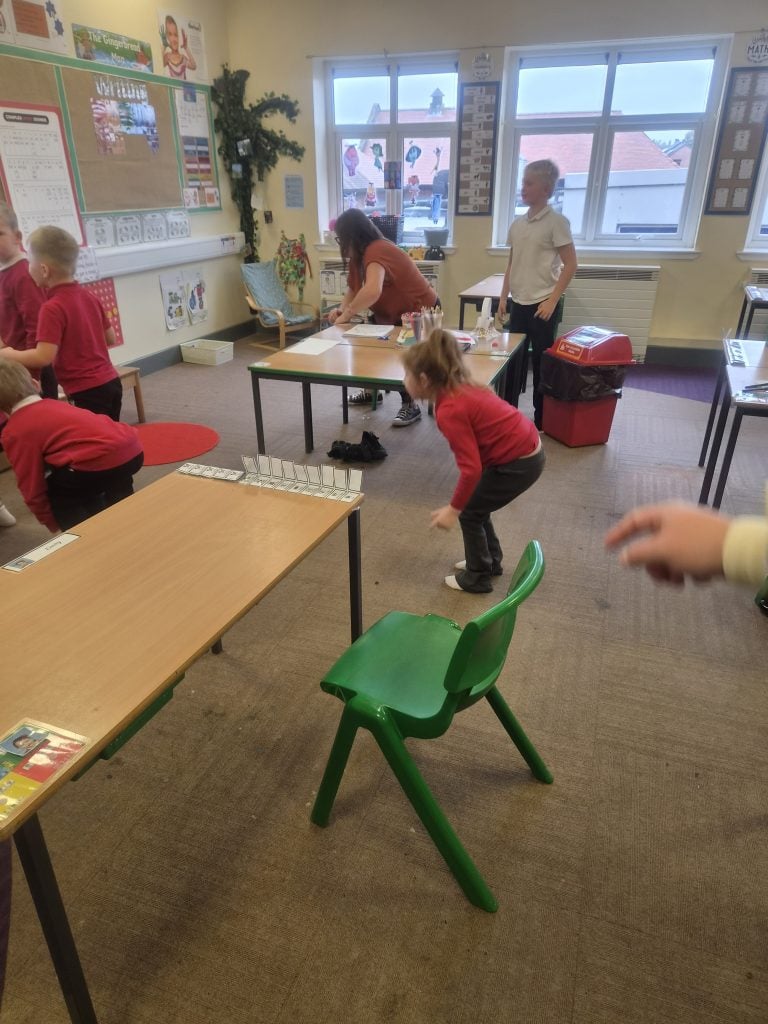
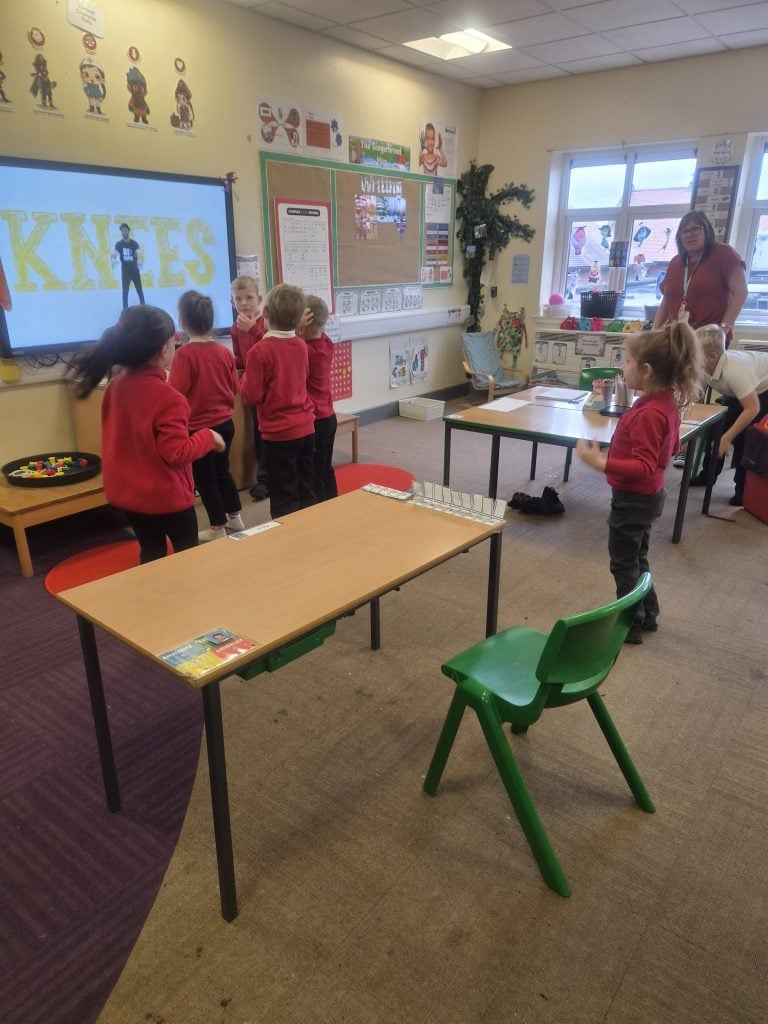
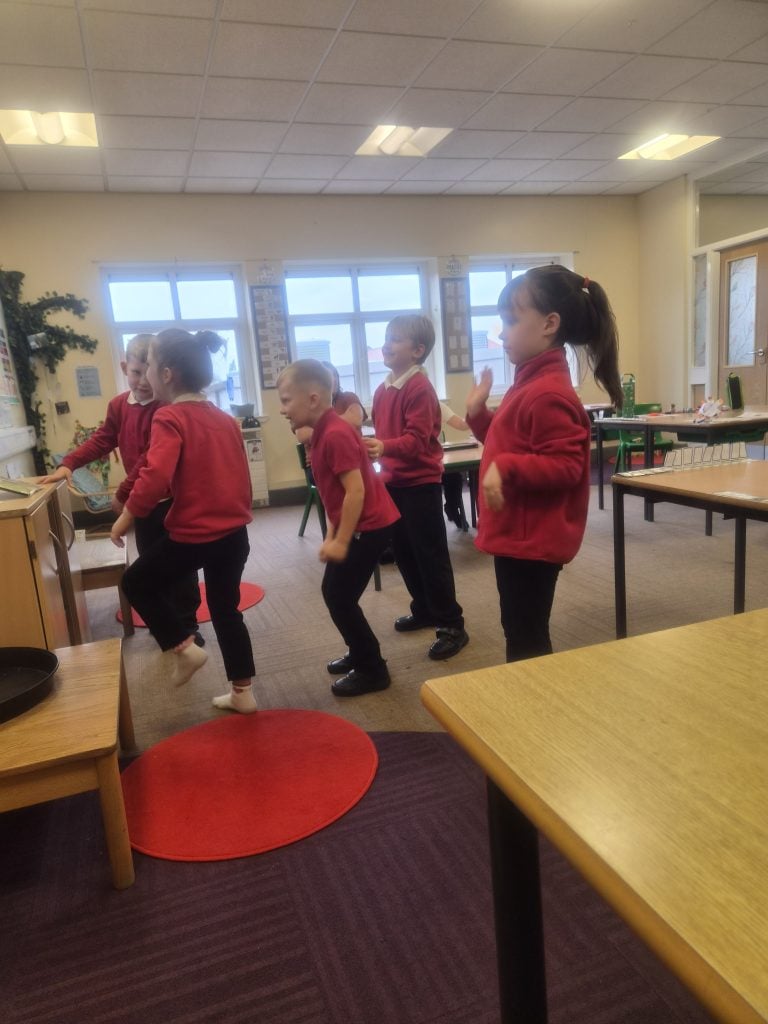
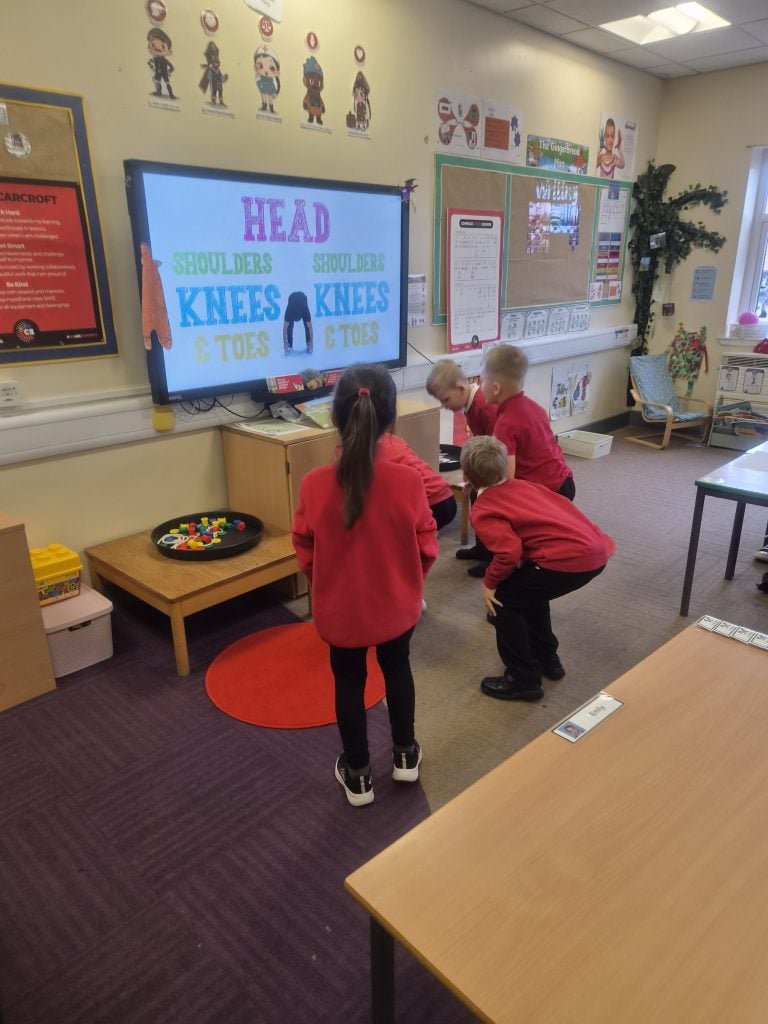
Body Percussion
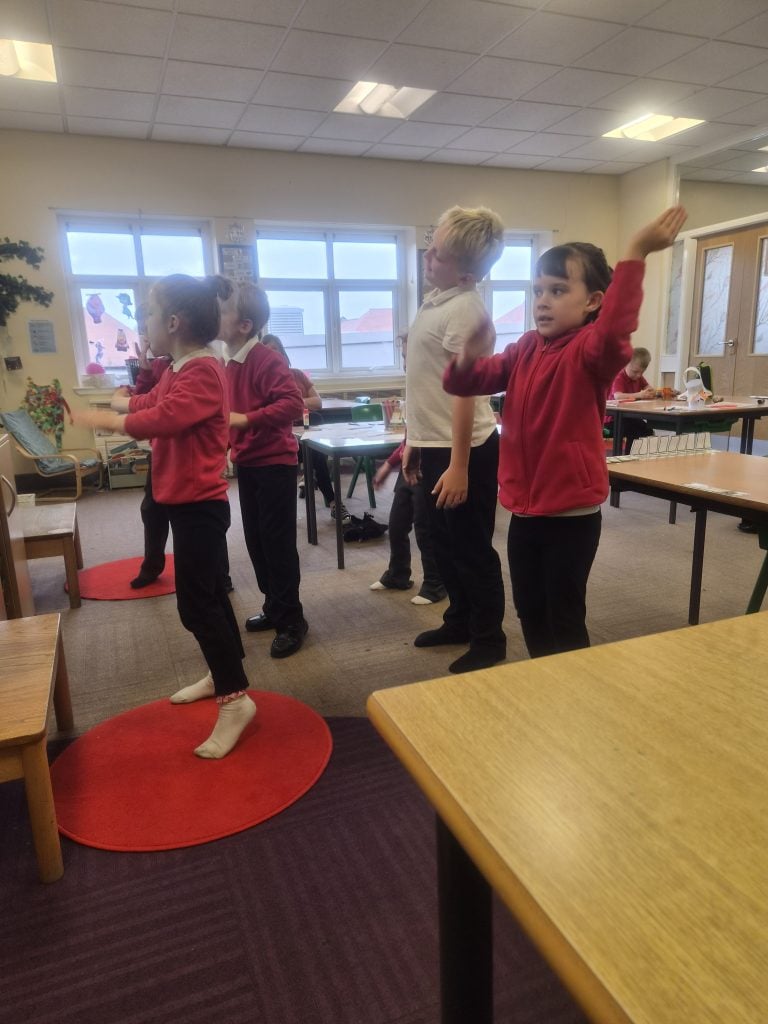
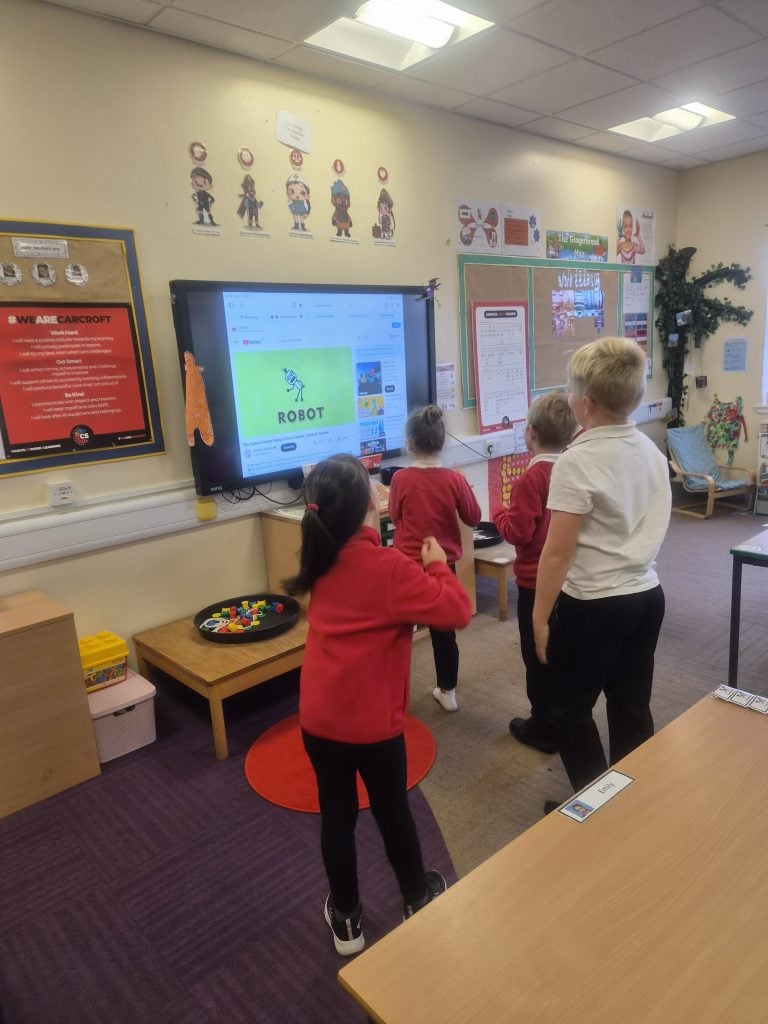
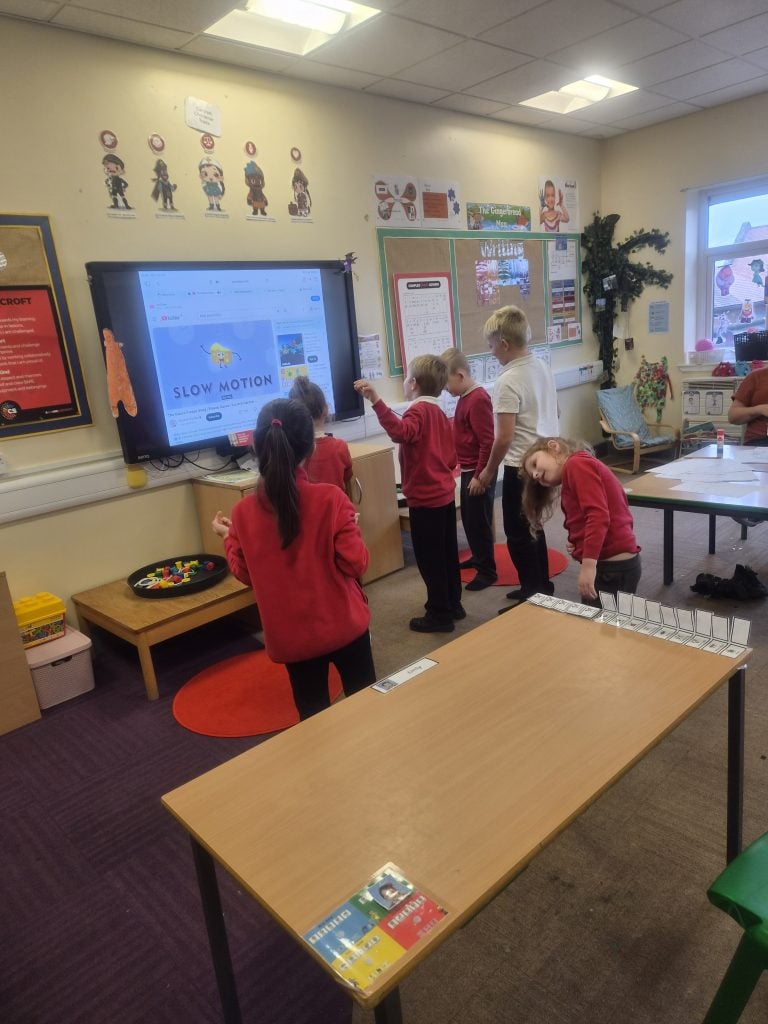
The children really enjoyed doing a bit of body percussion. They learned lots of different moves to each piece of music and then keeping it to the rhythm.
Creating and continuing patterns
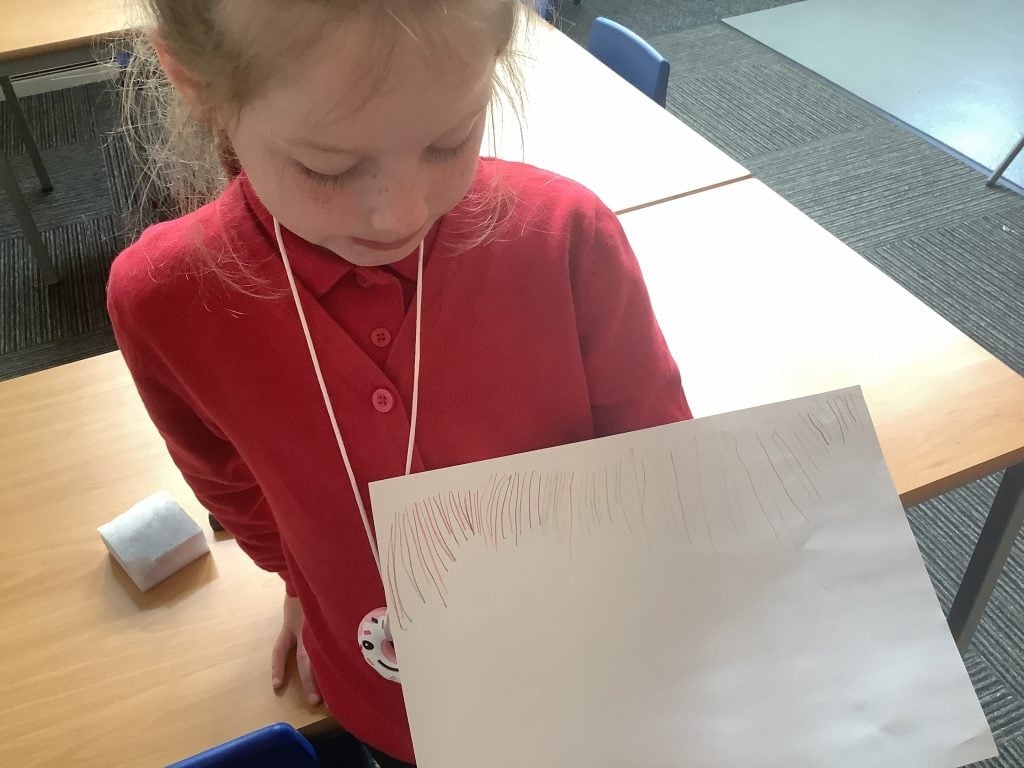
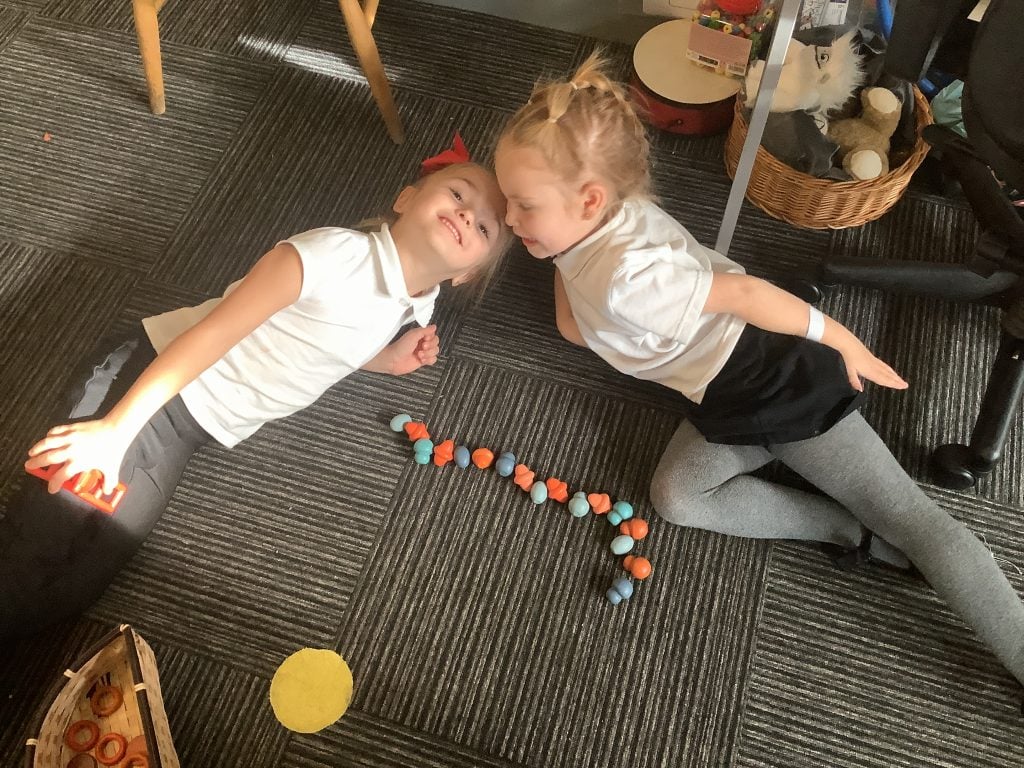
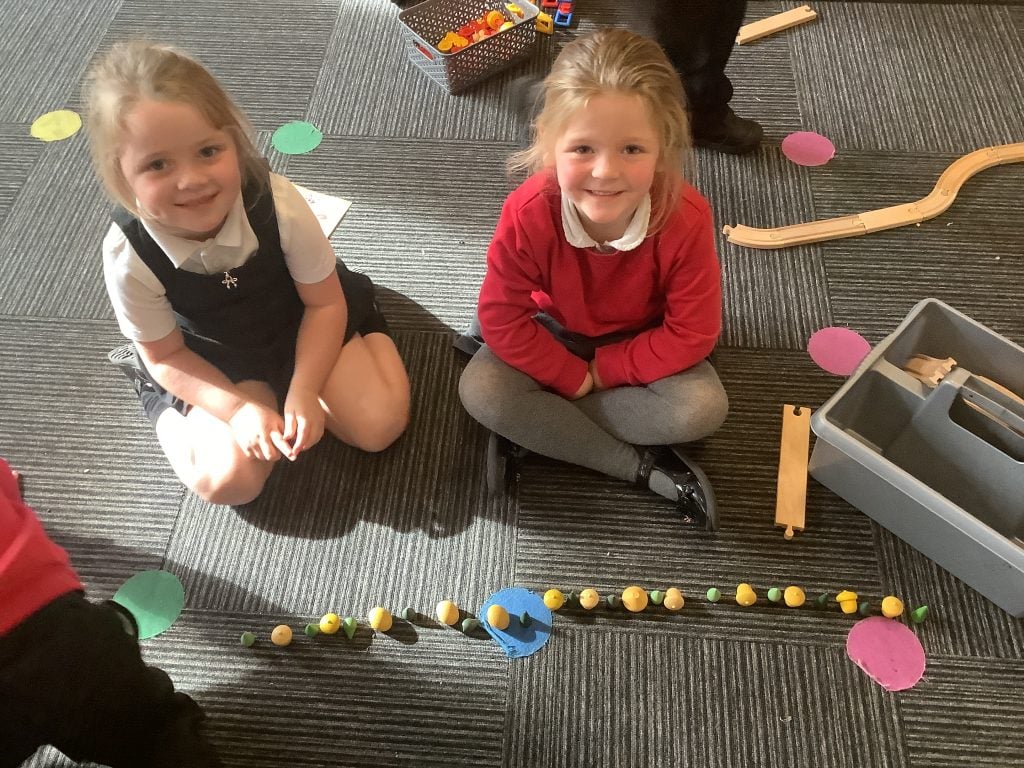
We have been working on AB patterns in maths, looking at how to create them, and how to continue them correctly and accurately. Some of us used our new mathematical knowledge to use the resources in the small world area to create our own AB patterns. We even challenged our friends to continue the pattern until there were no more wooden treasures left in the correct colours. If we made a mistake, we talked about how we could fix it so the pattern was correct. Thea even decided to make her own pattern using the coloured pencils in the creative area!
P.E (football) ⚽️
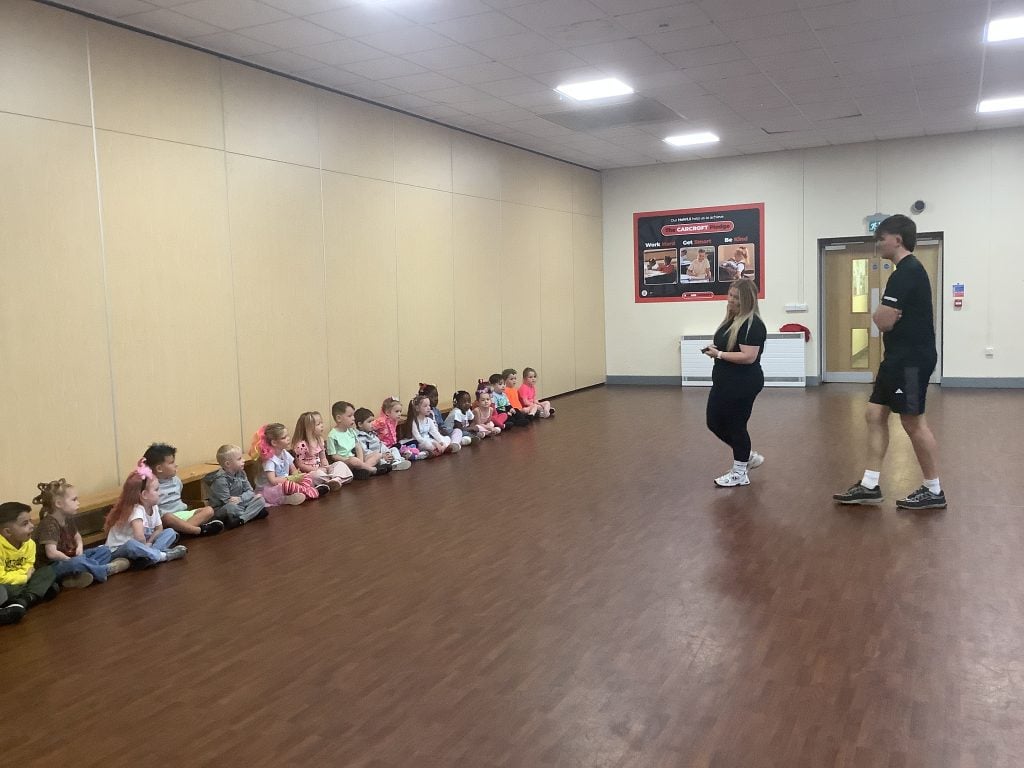
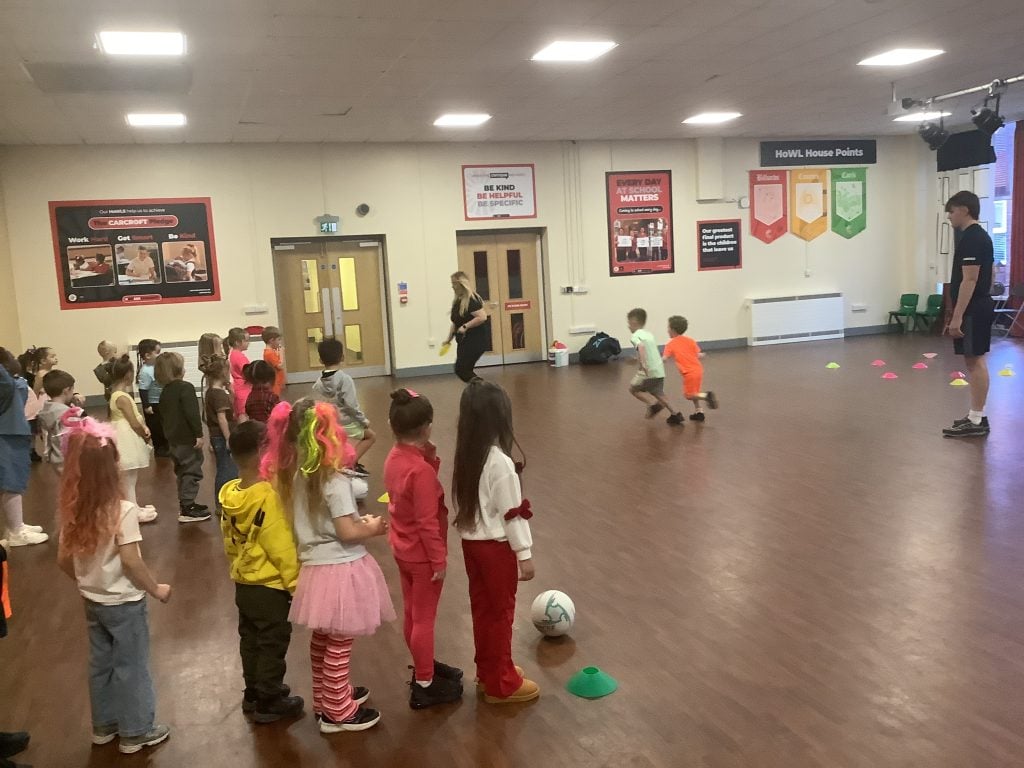
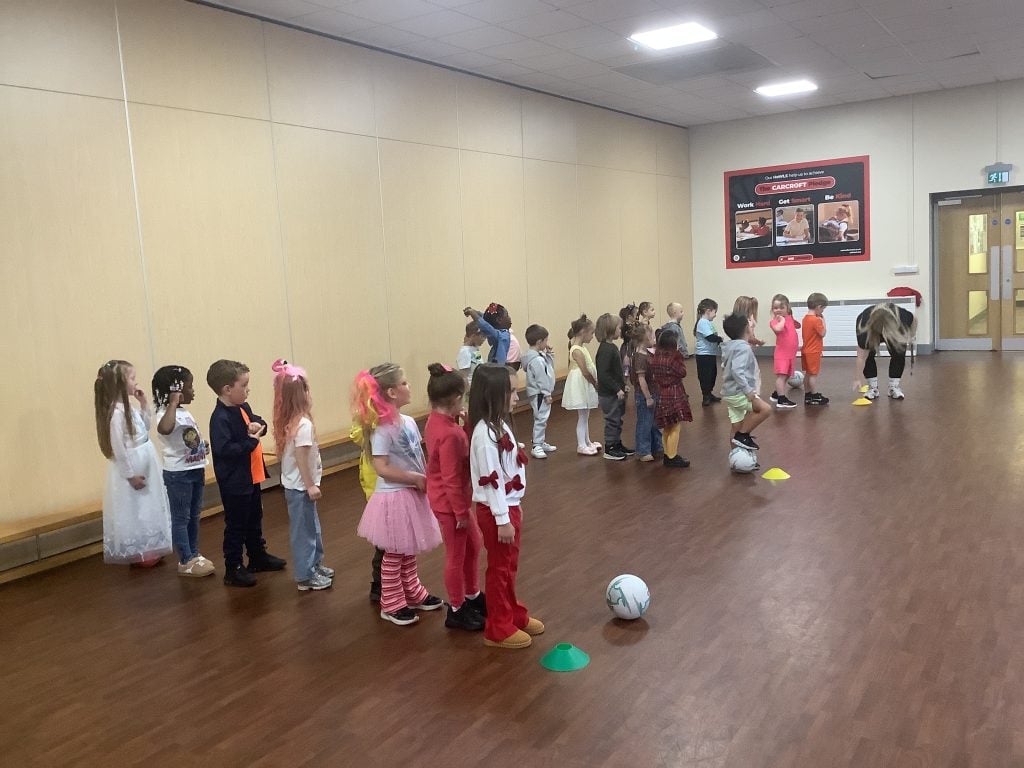
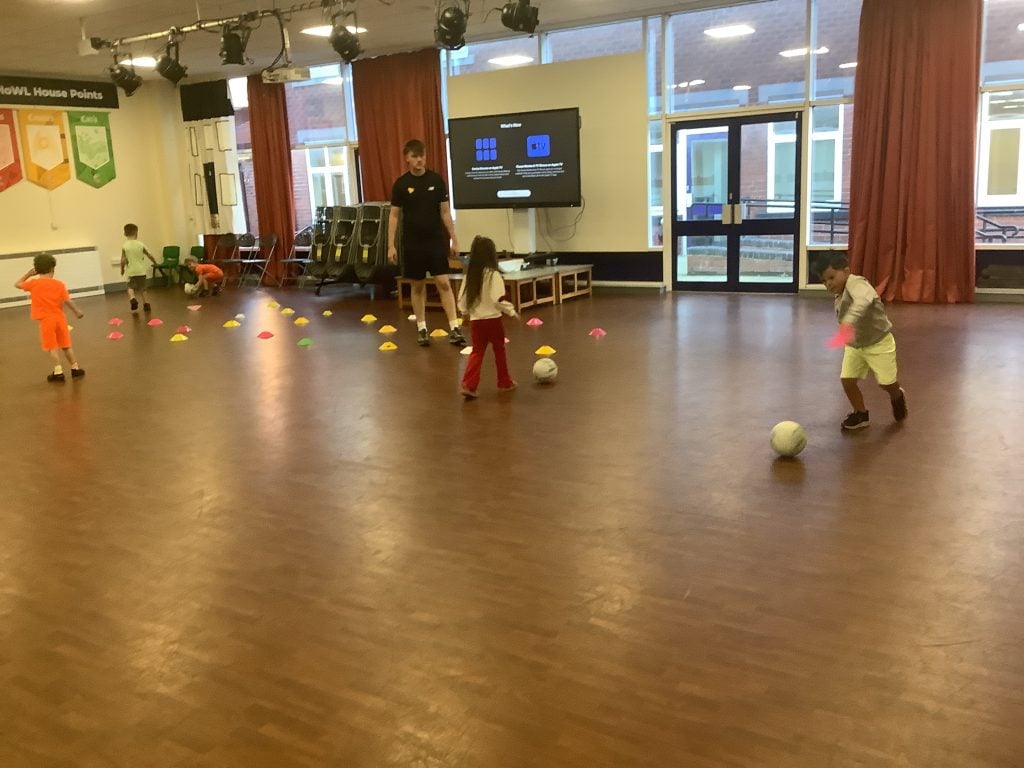
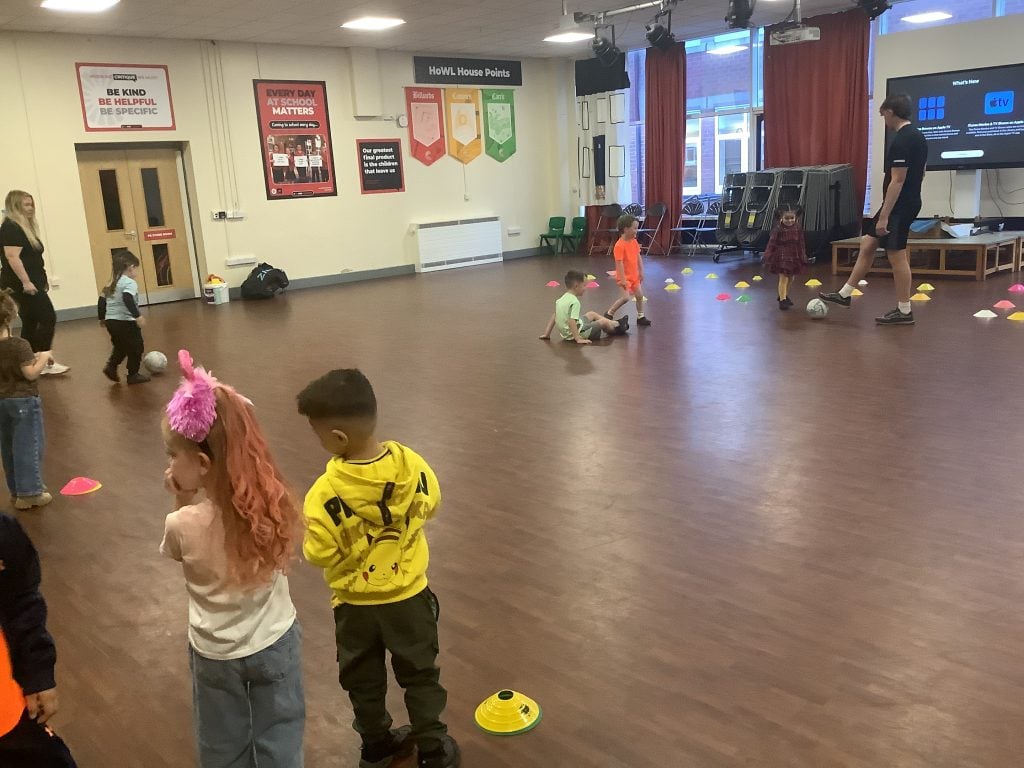
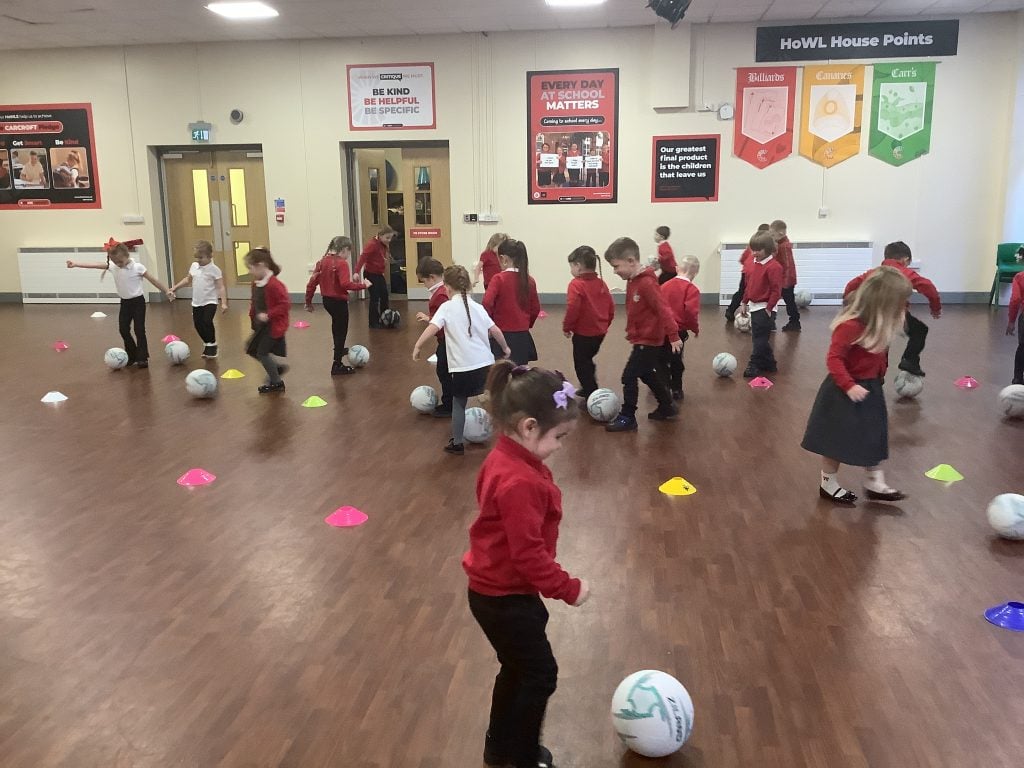
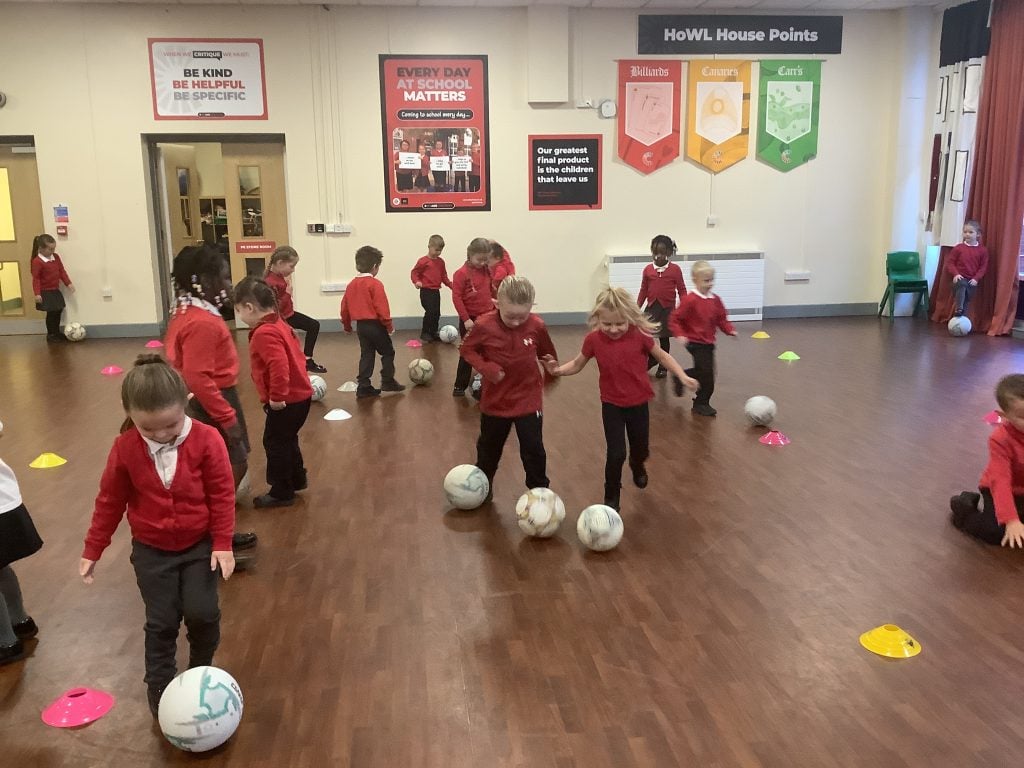
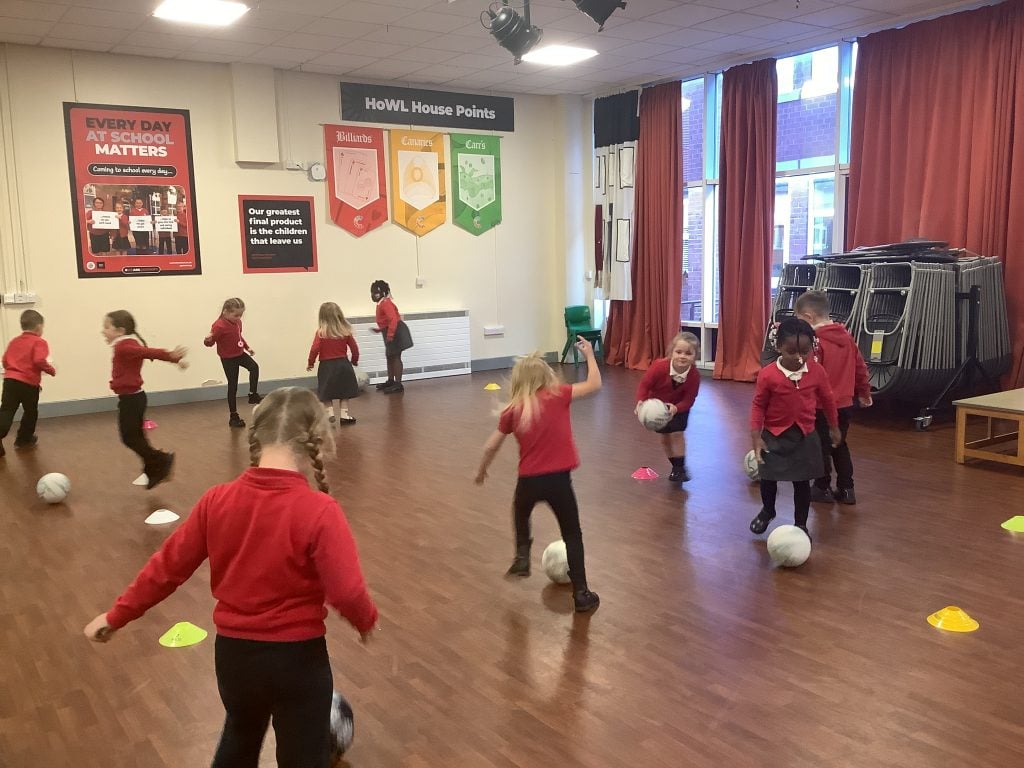
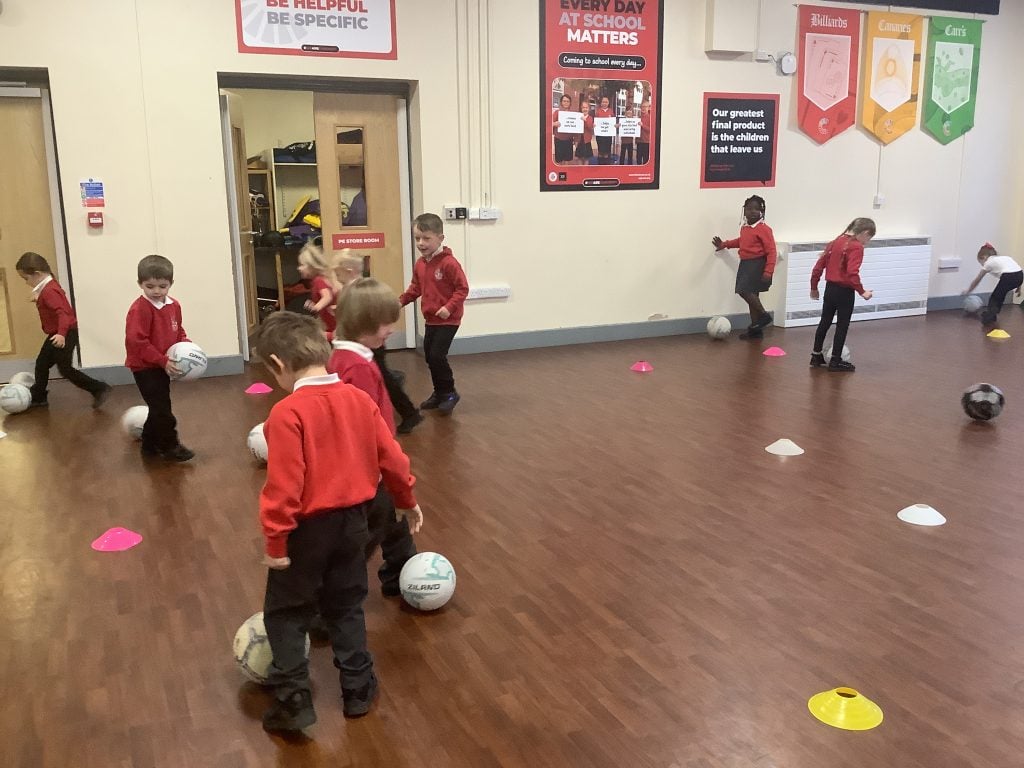
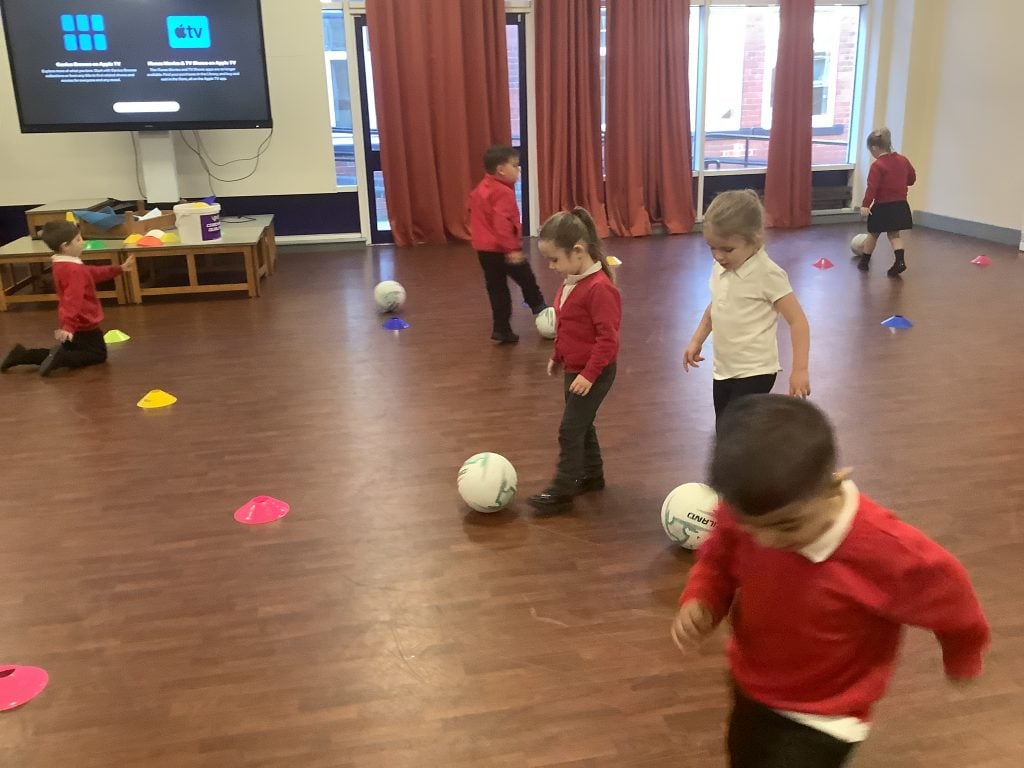
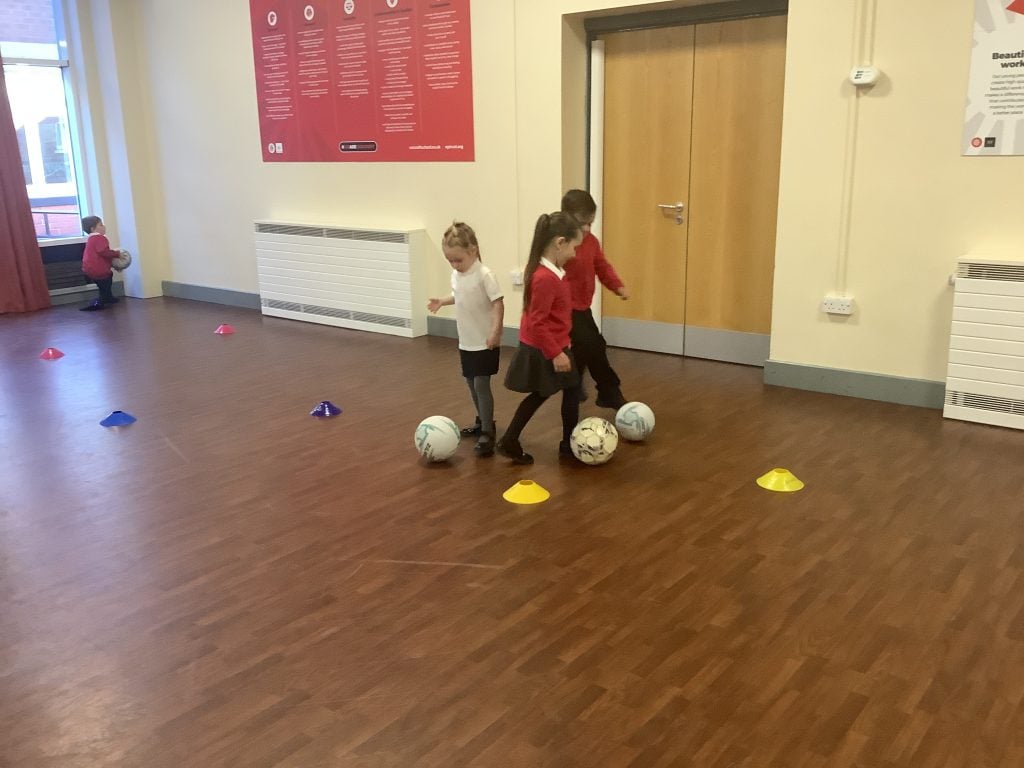
This half term, we have been working on our football skills. We have looked at dribbling the ball using our ‘penguin shuffle’ to help us keep control of the ball as we move around the space.
Leaf Man 🍂
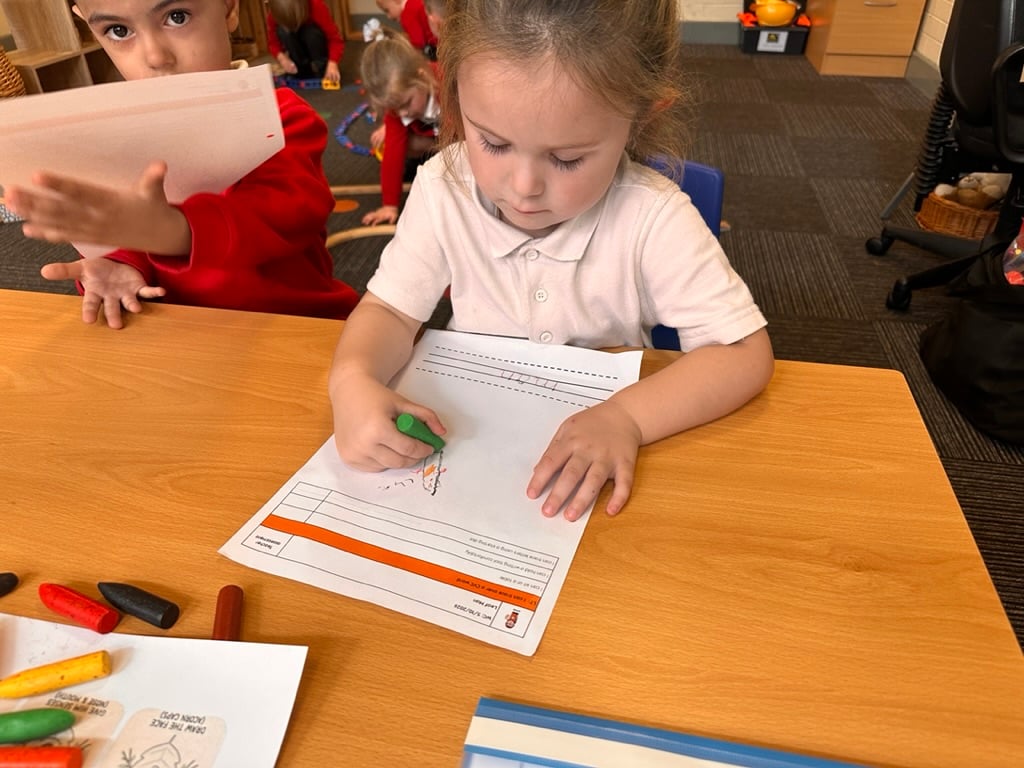
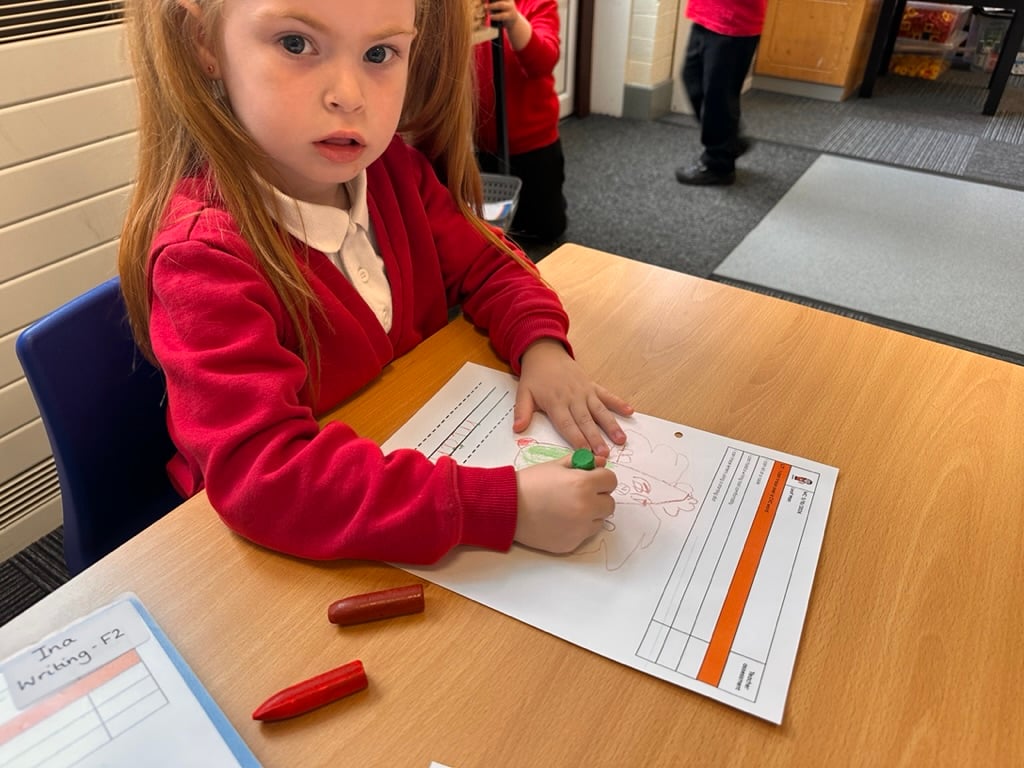
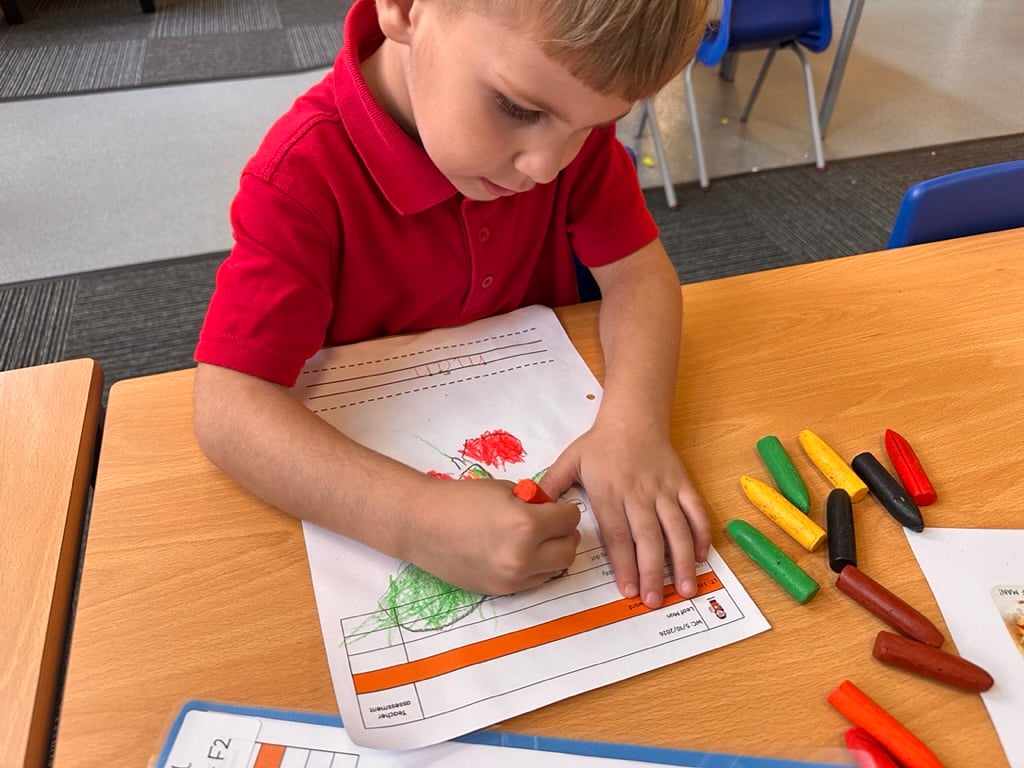
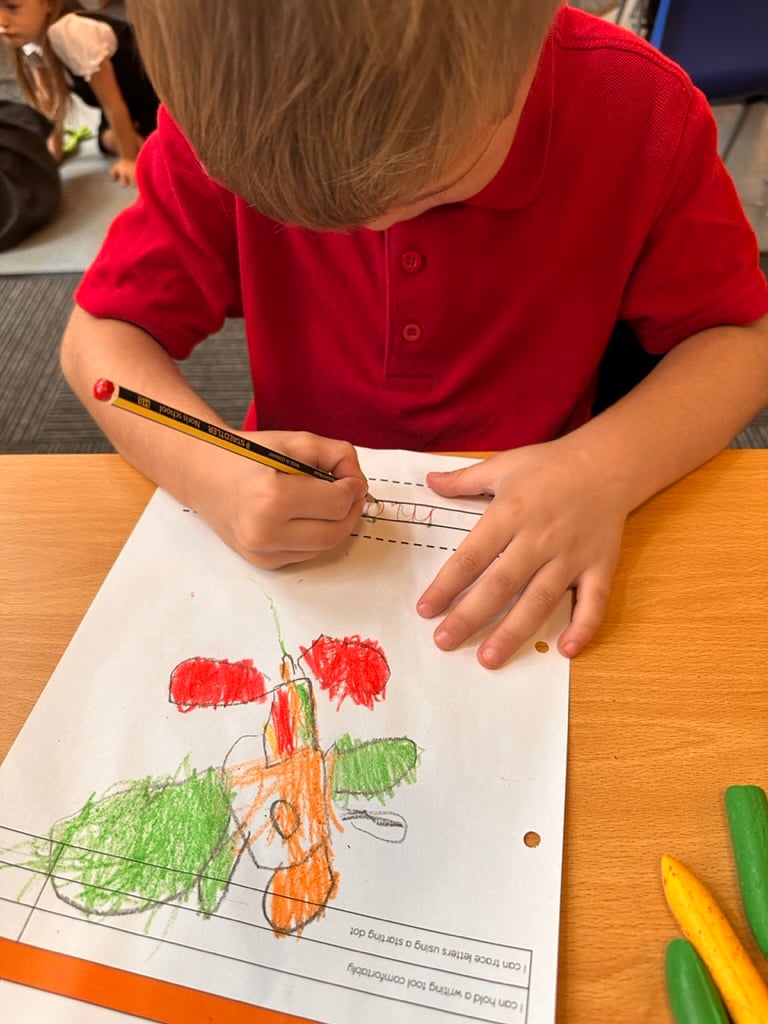
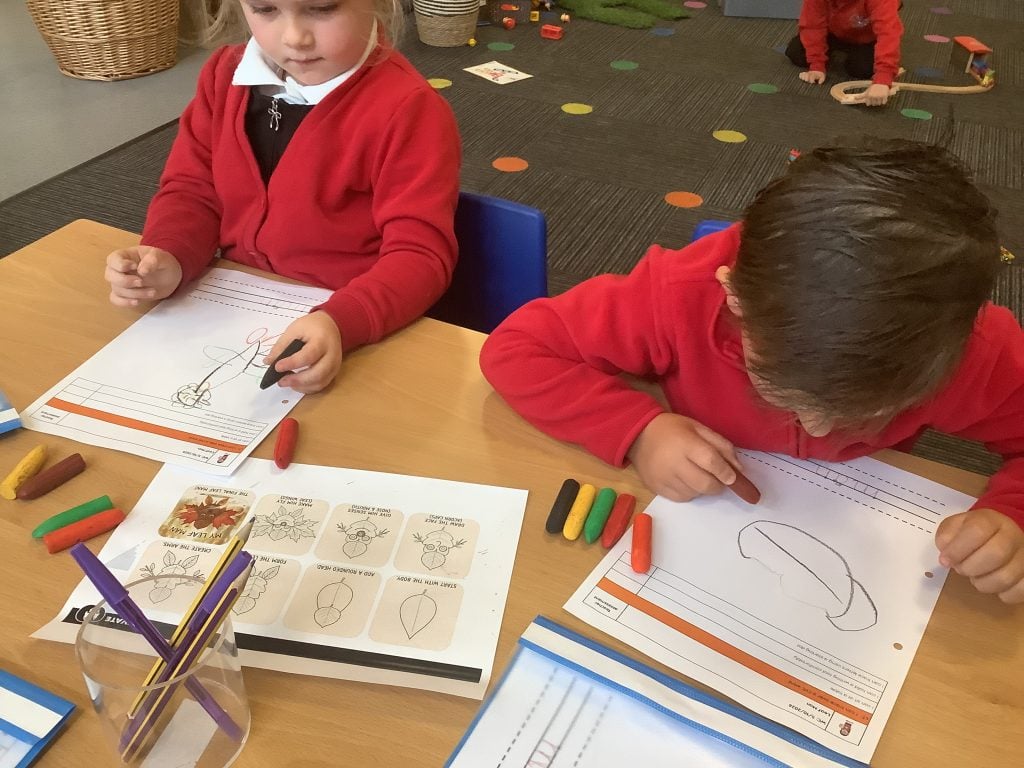
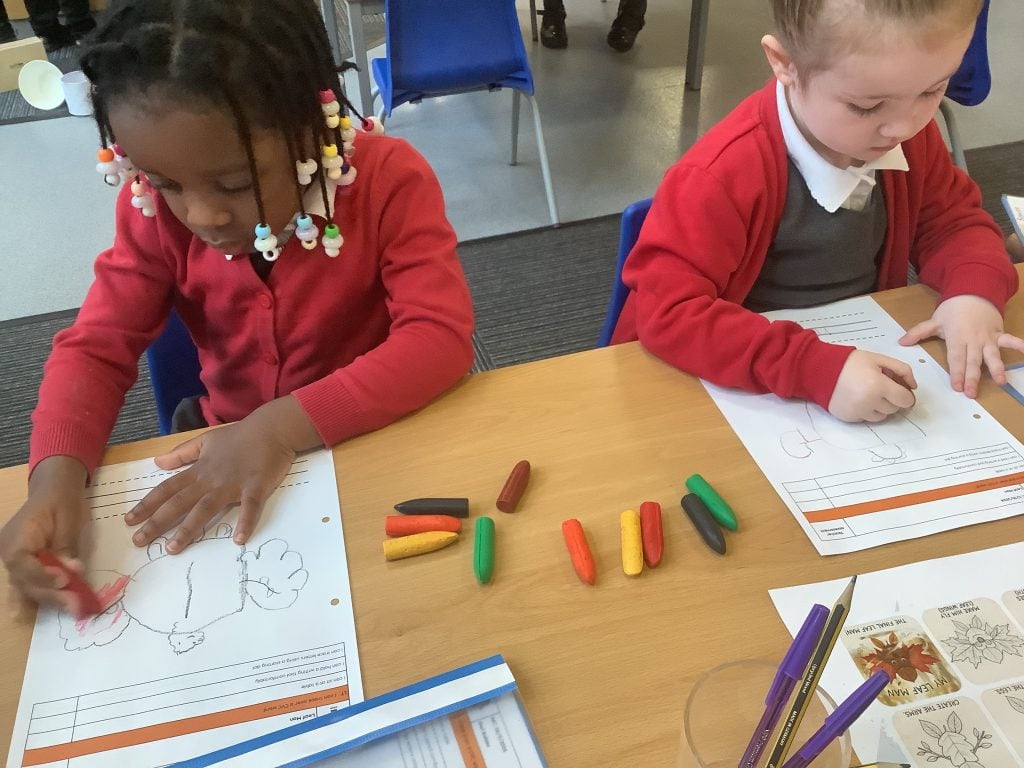
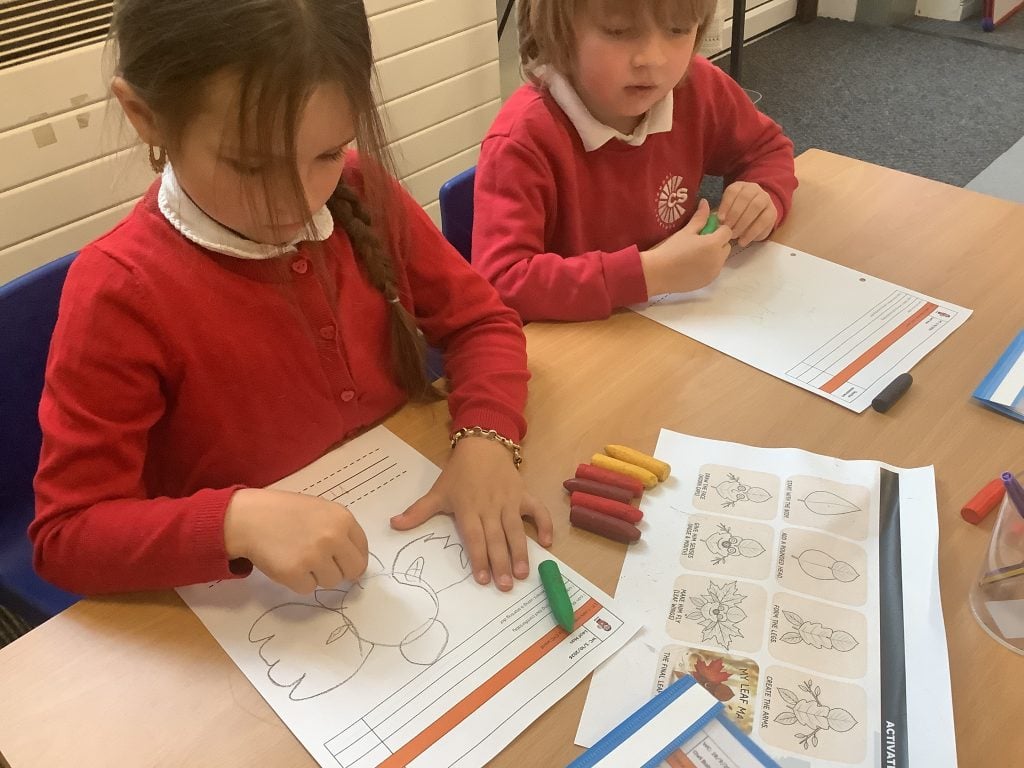
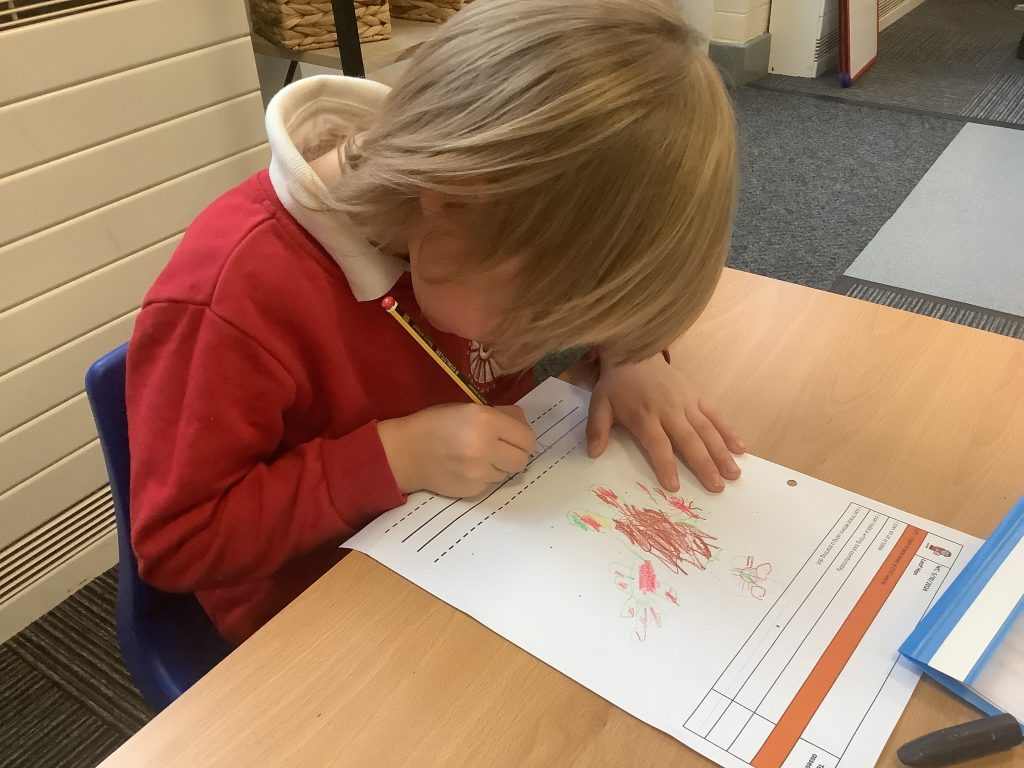
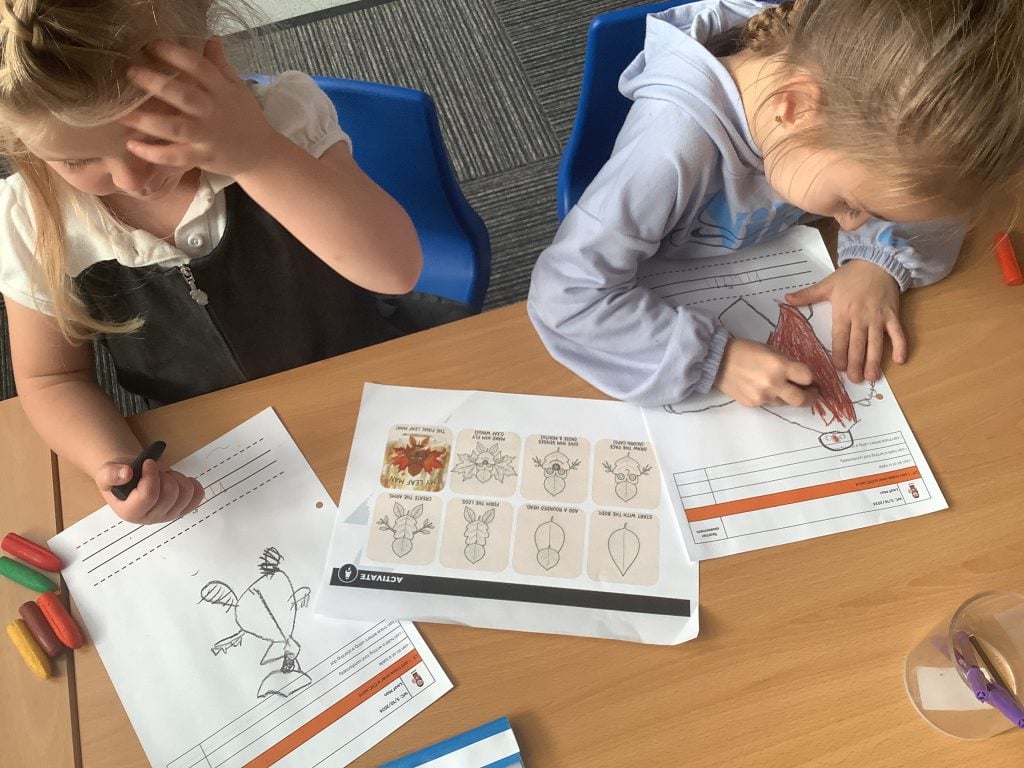
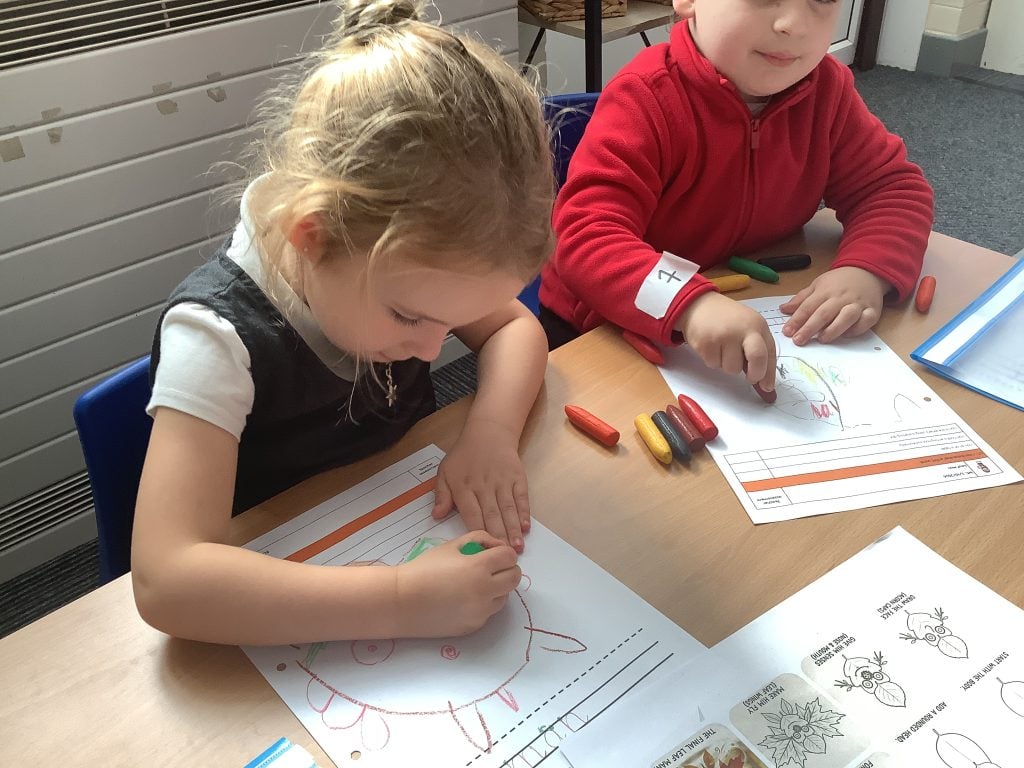
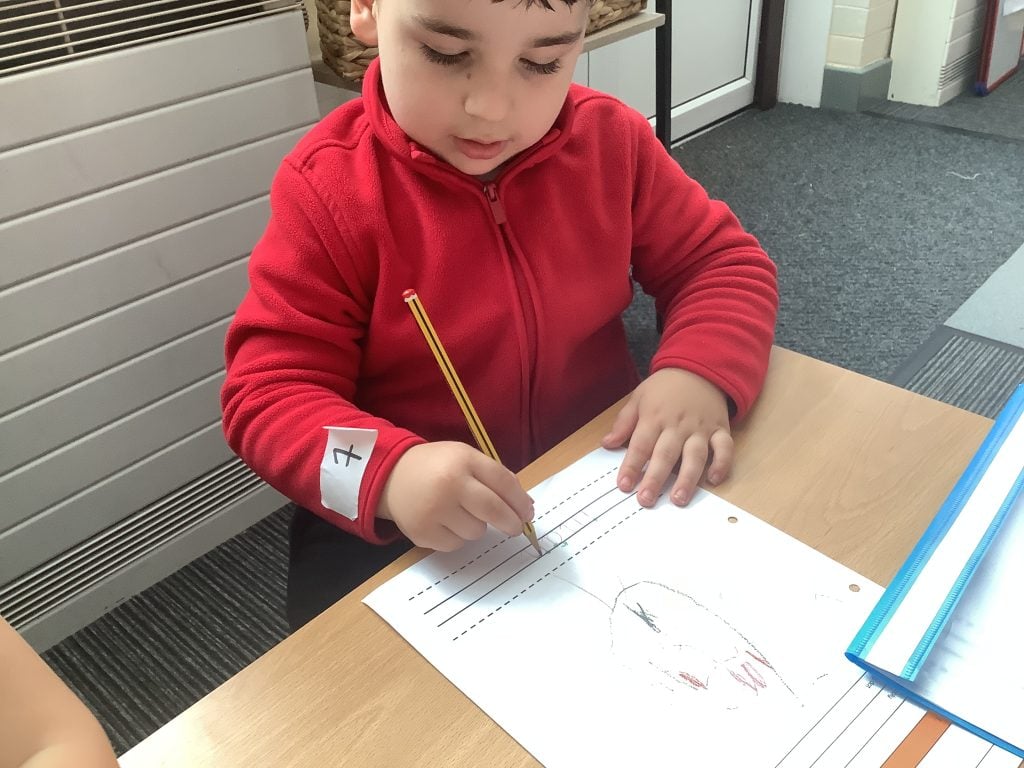
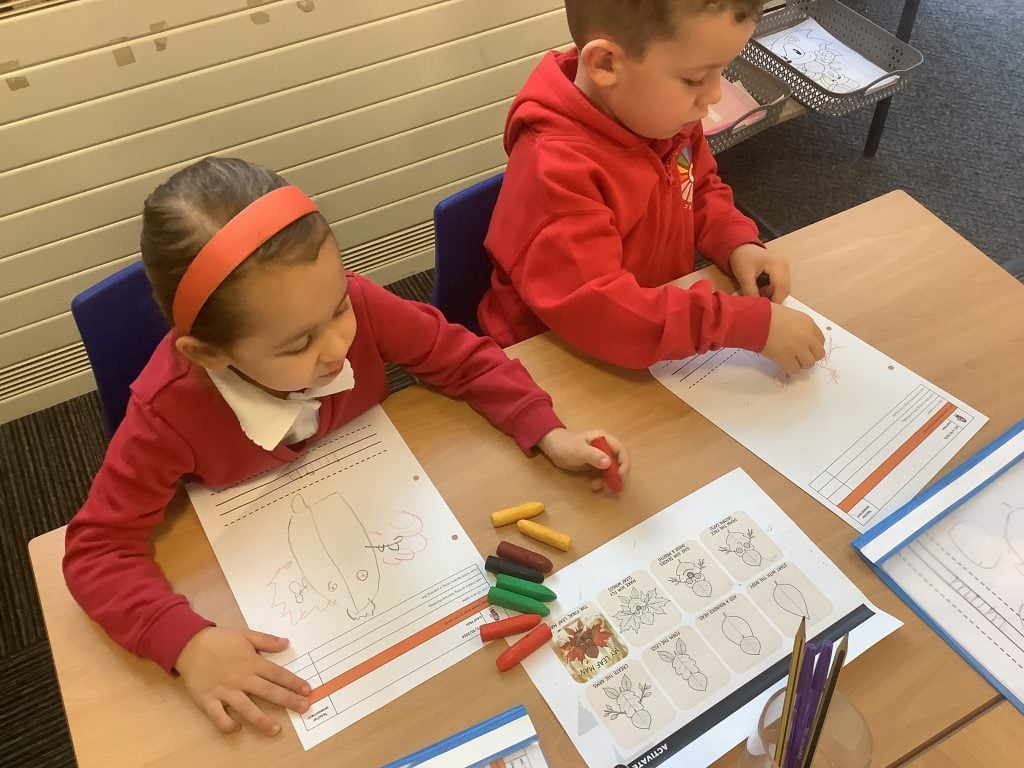
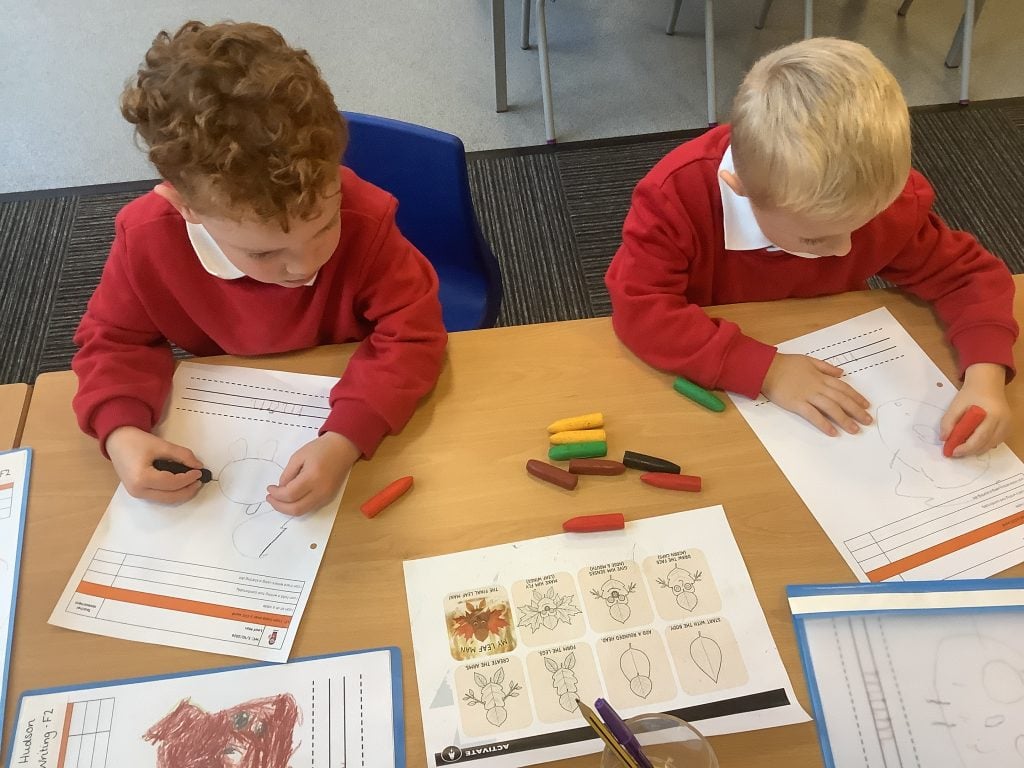
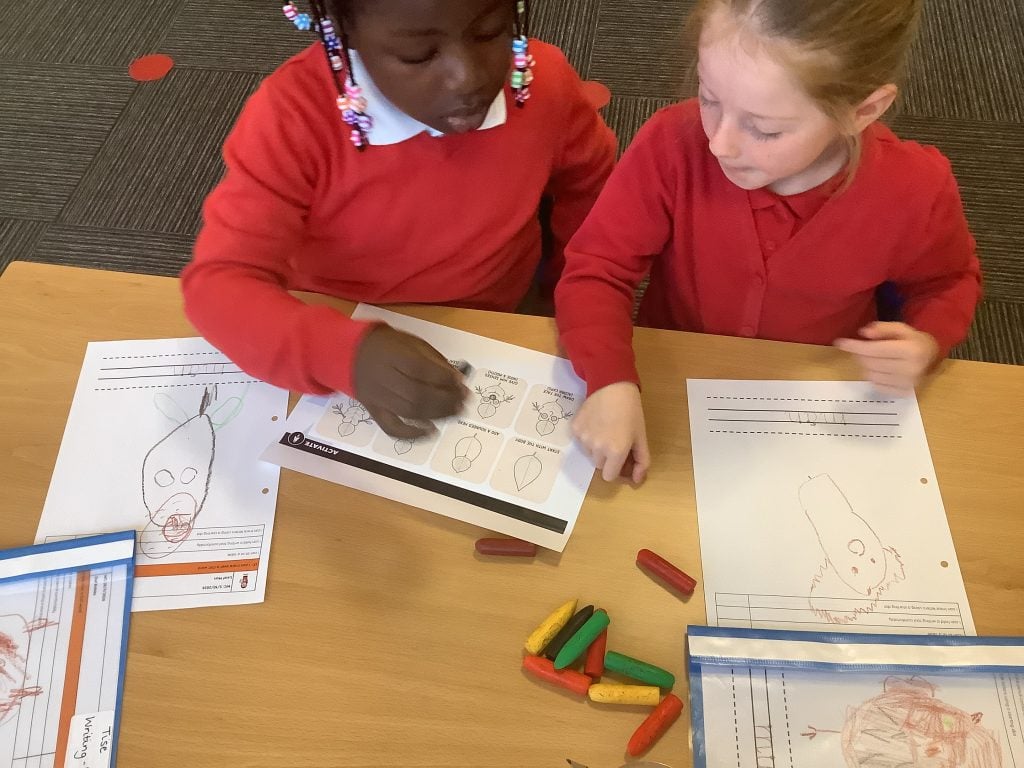
We have really enjoyed our work on the book ‘Leaf Man’. We loved talking about the story, thinking of all the different creations that were made out of the leaves as they were blown about in the Autumn weather.
We followed the steps to draw our own Leaf Man, and we chose different Autumnal colours to add extra detail to our finished drawings. We then use a starting dot to trace the word ‘m-a-n’ underneath.
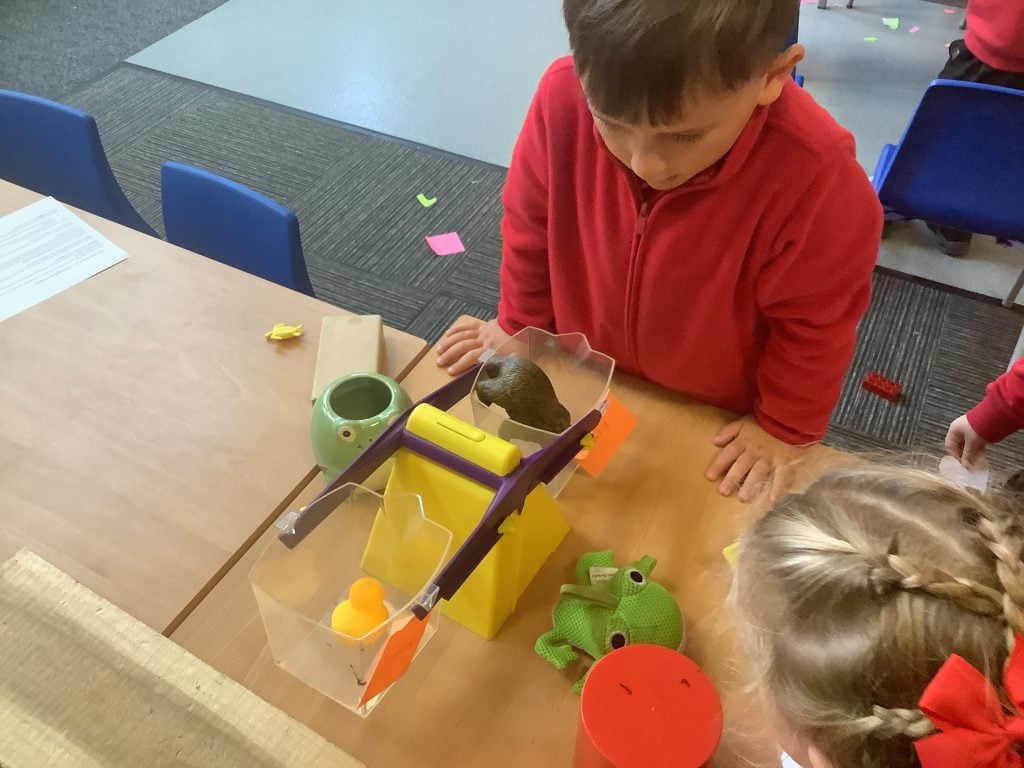
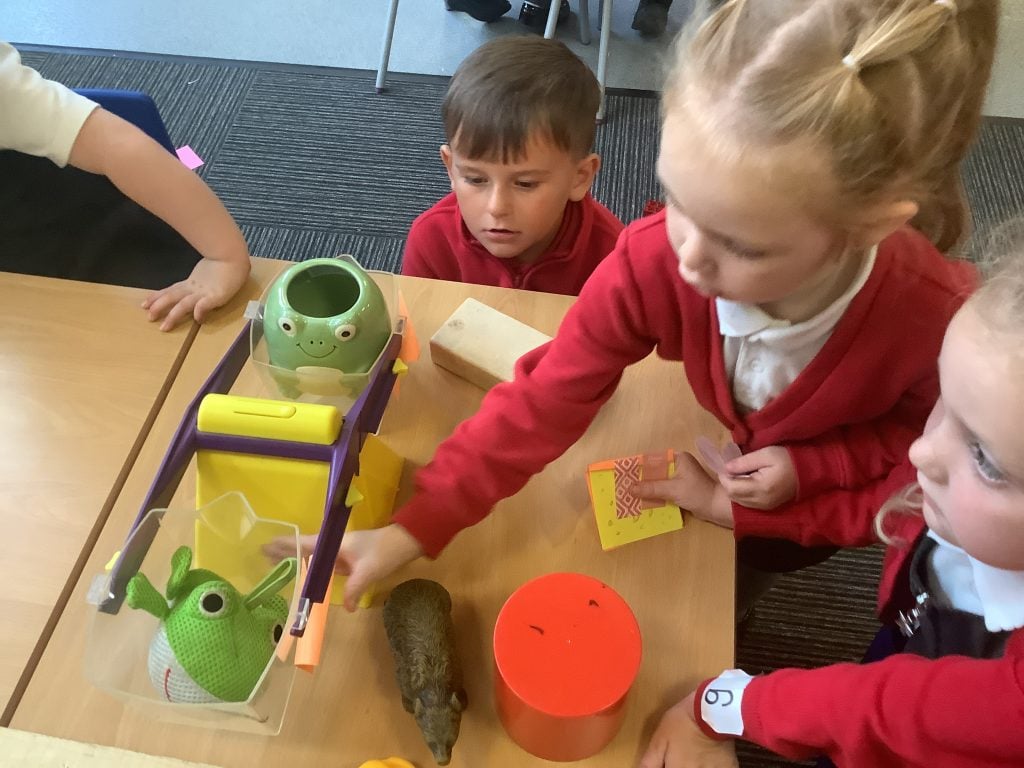
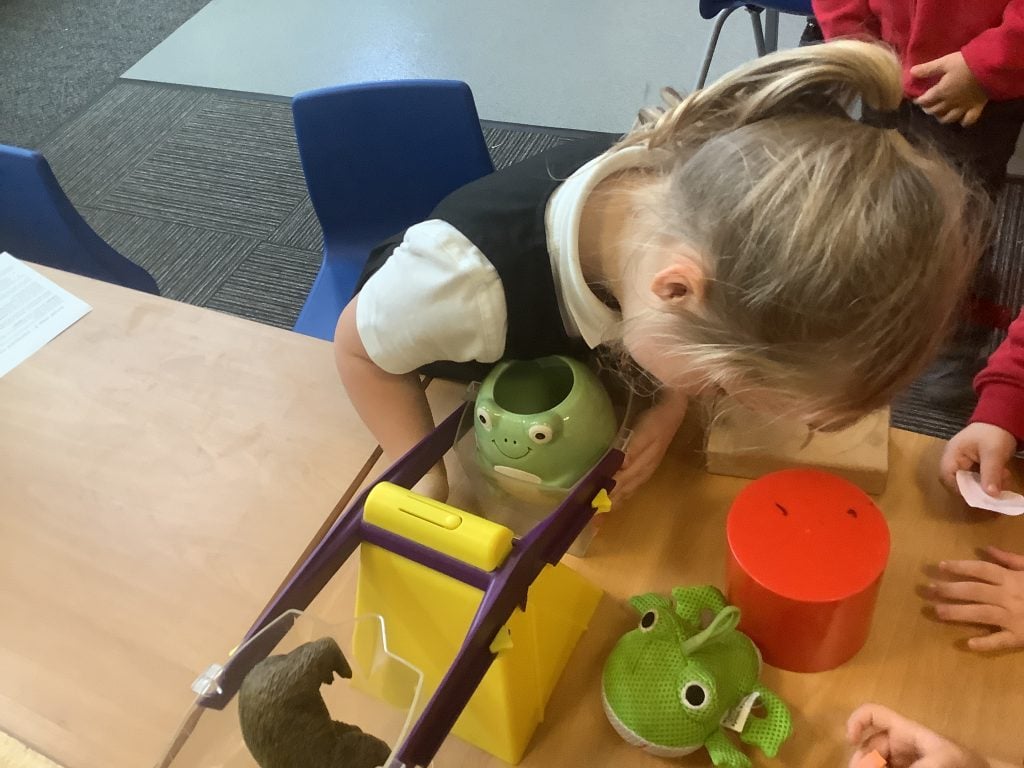
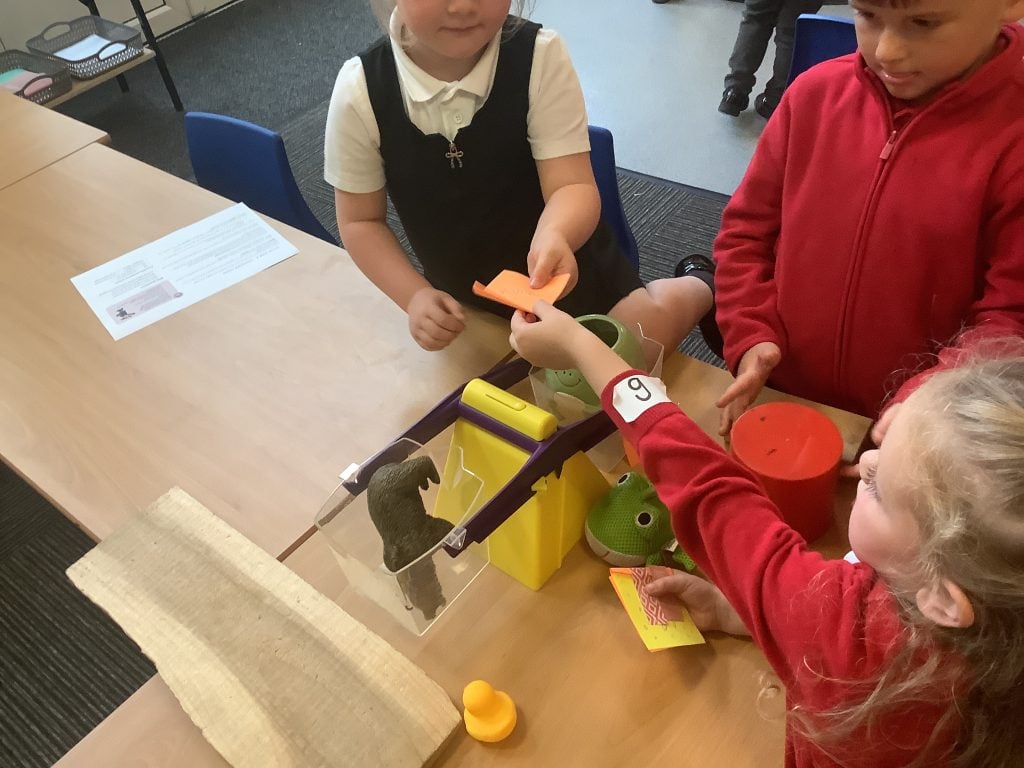
Balancing scales ⚖️
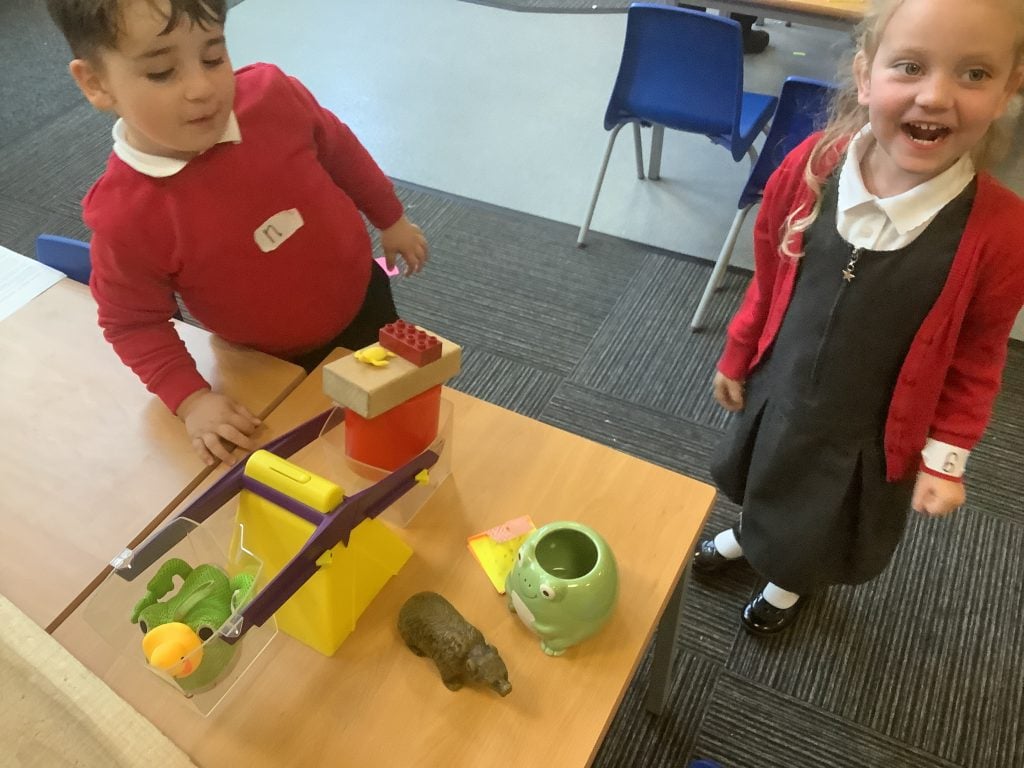
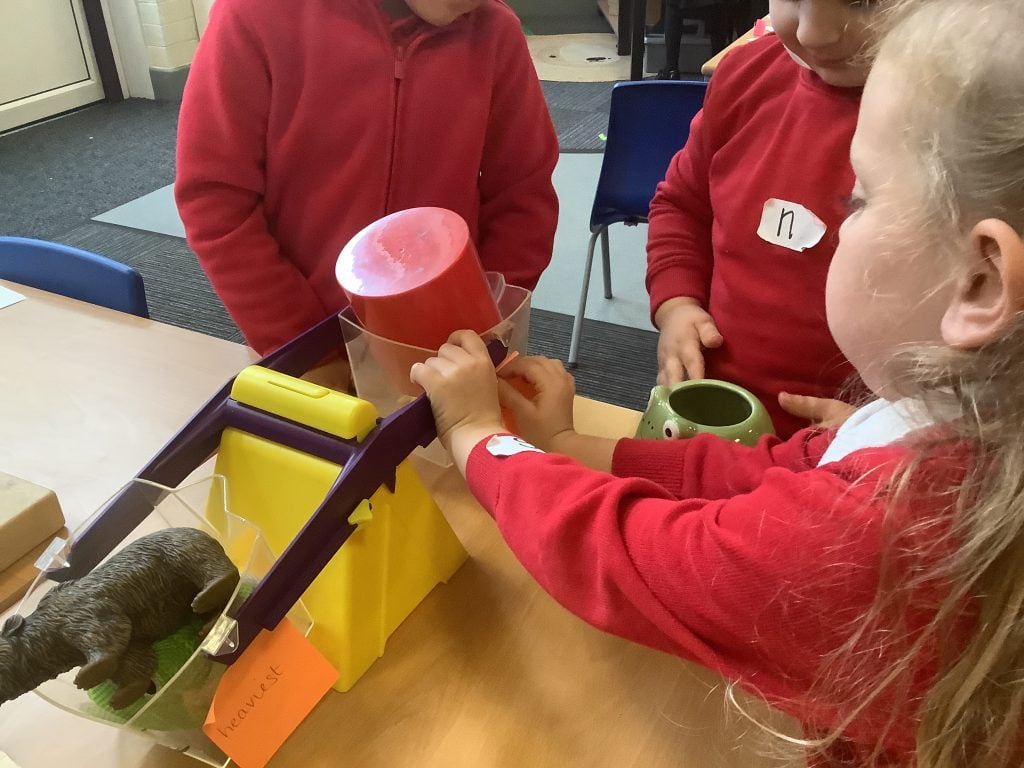
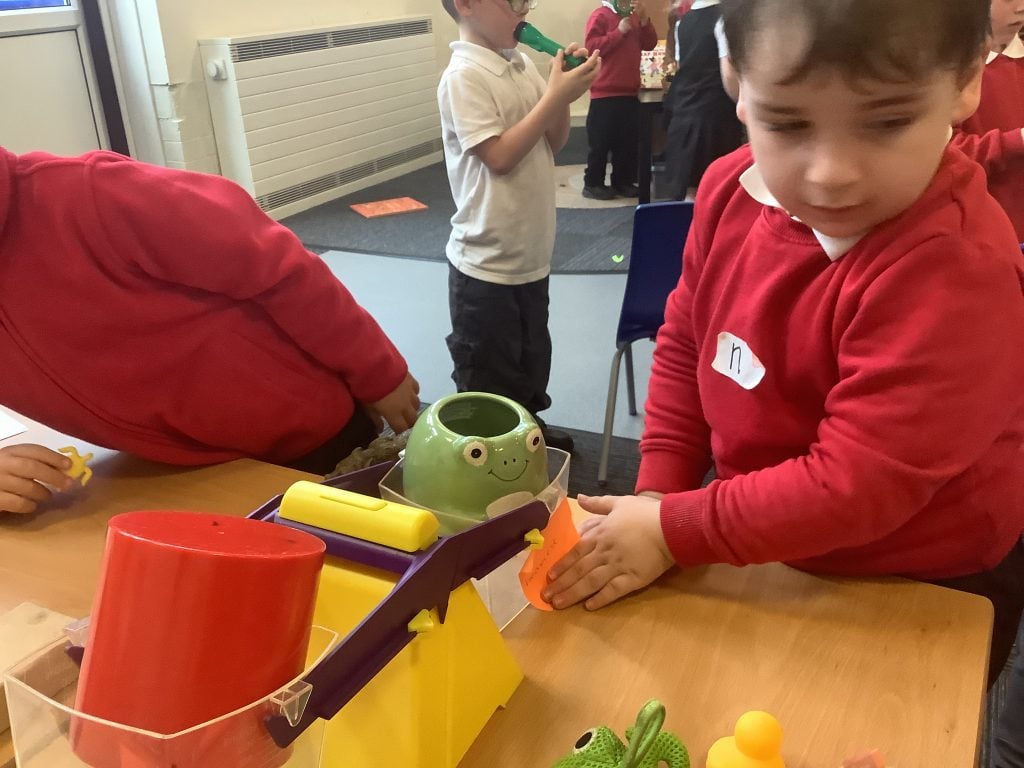
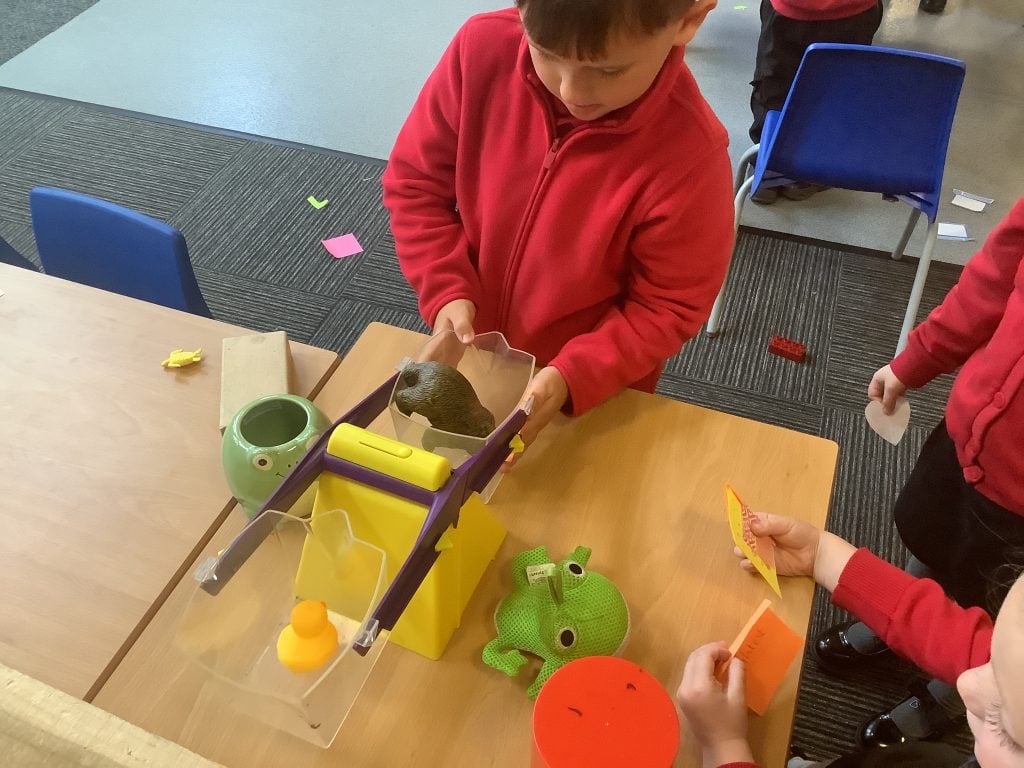
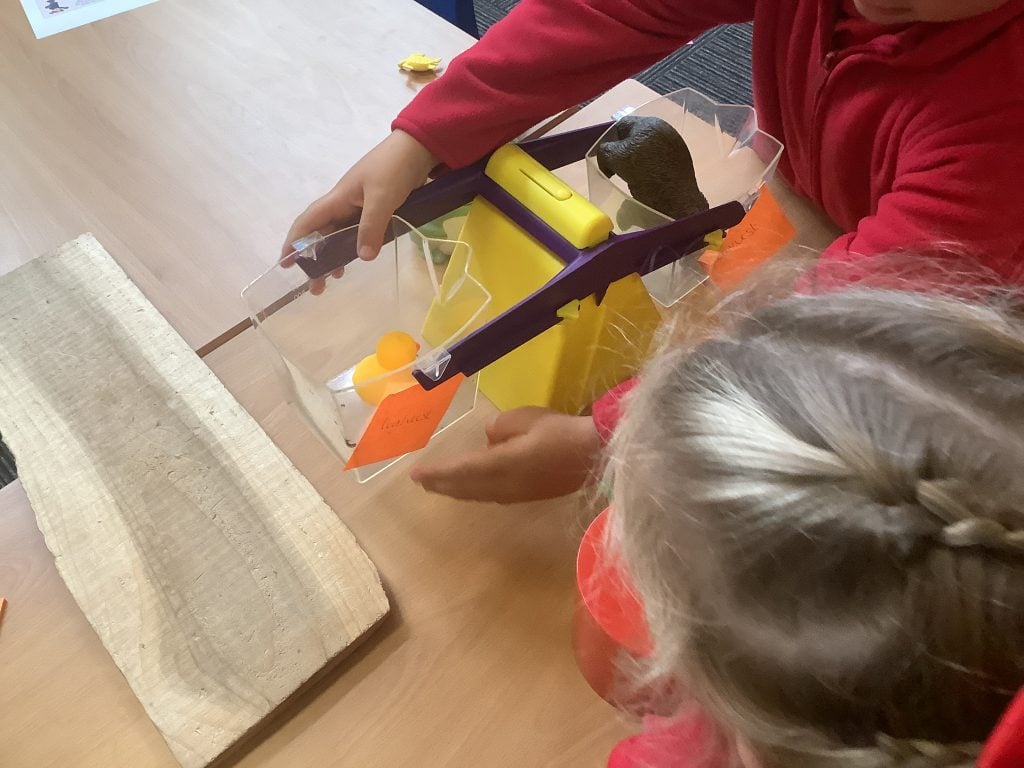
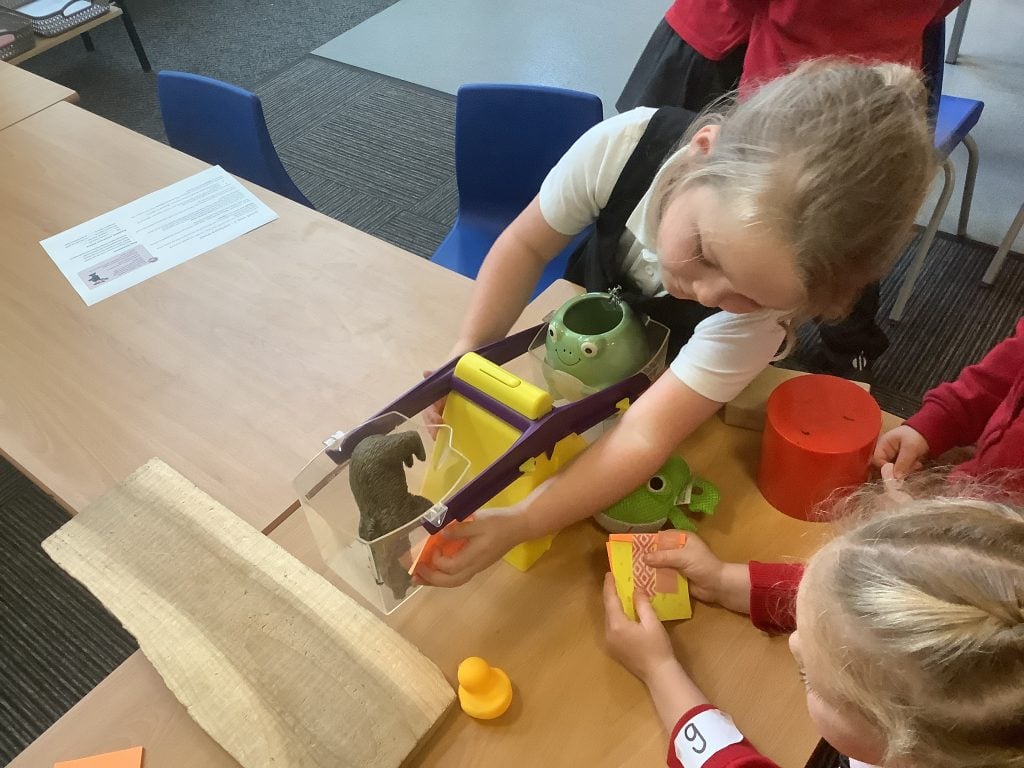
In maths, we have been looking at comparing mass using balancing scales. We enjoyed using the scales in provision to investigate which items around the classroom were heaviest and lightest. We used post it notes to label the heaviest and lightest side.
Grammar Day💬
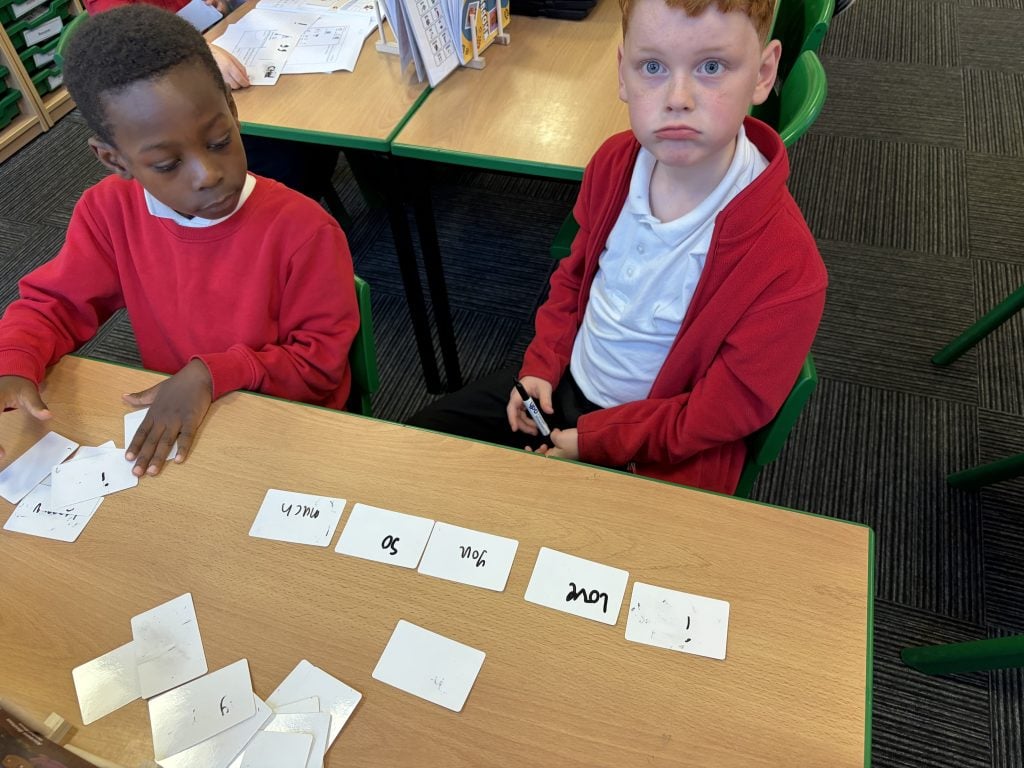
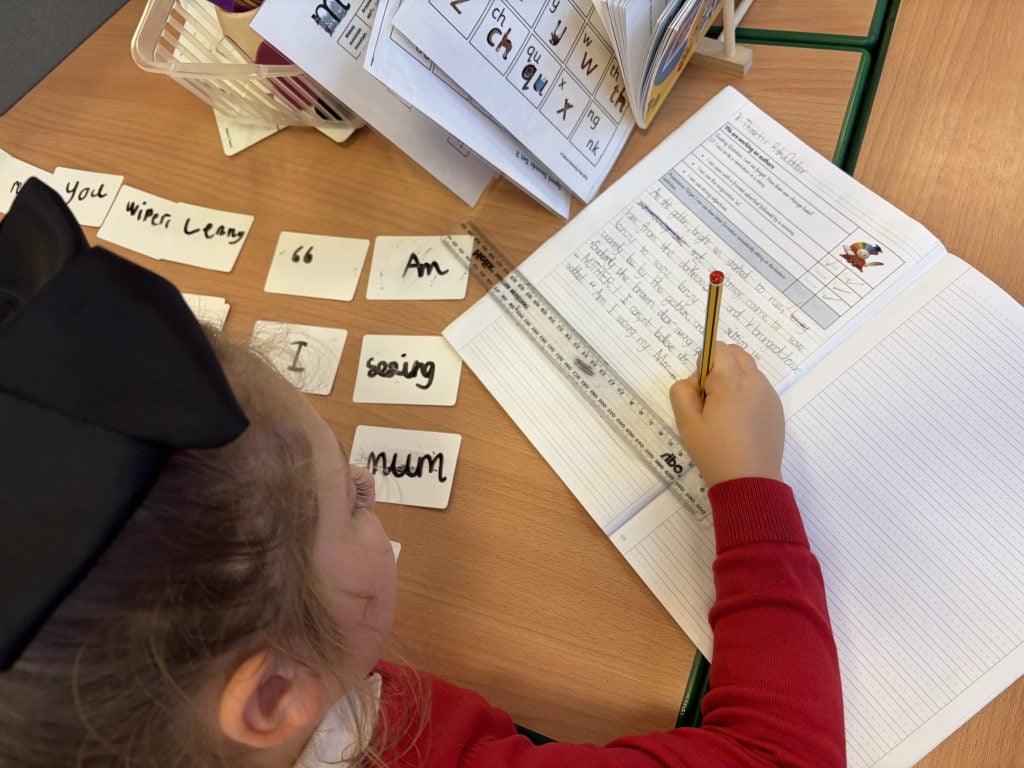
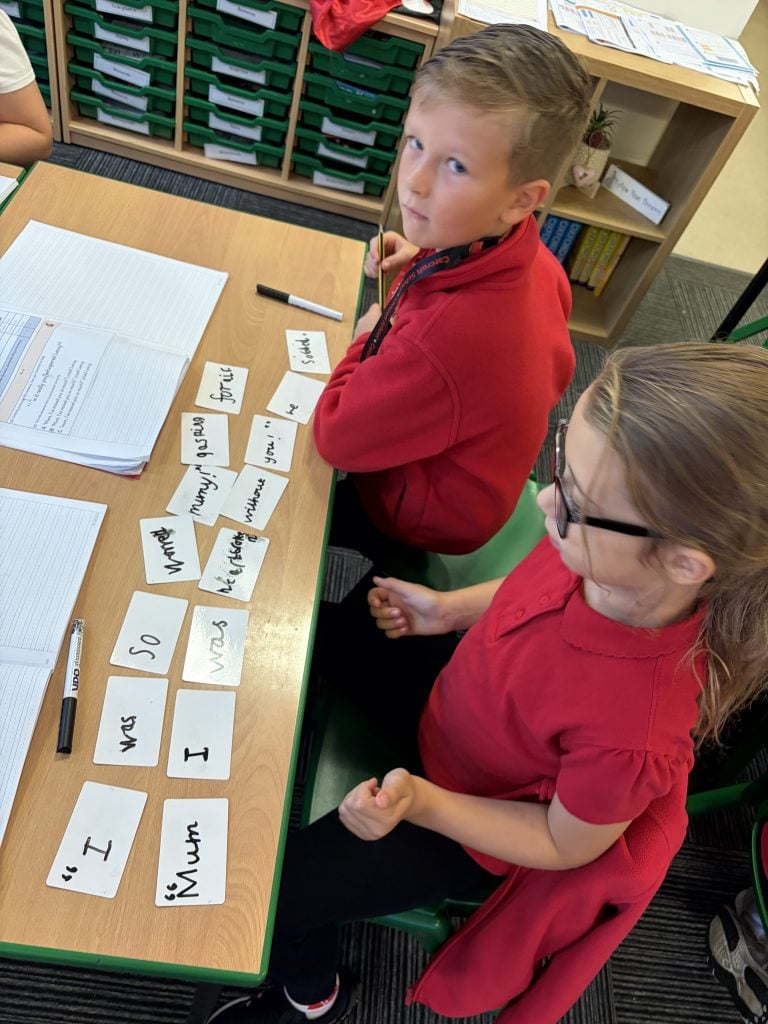
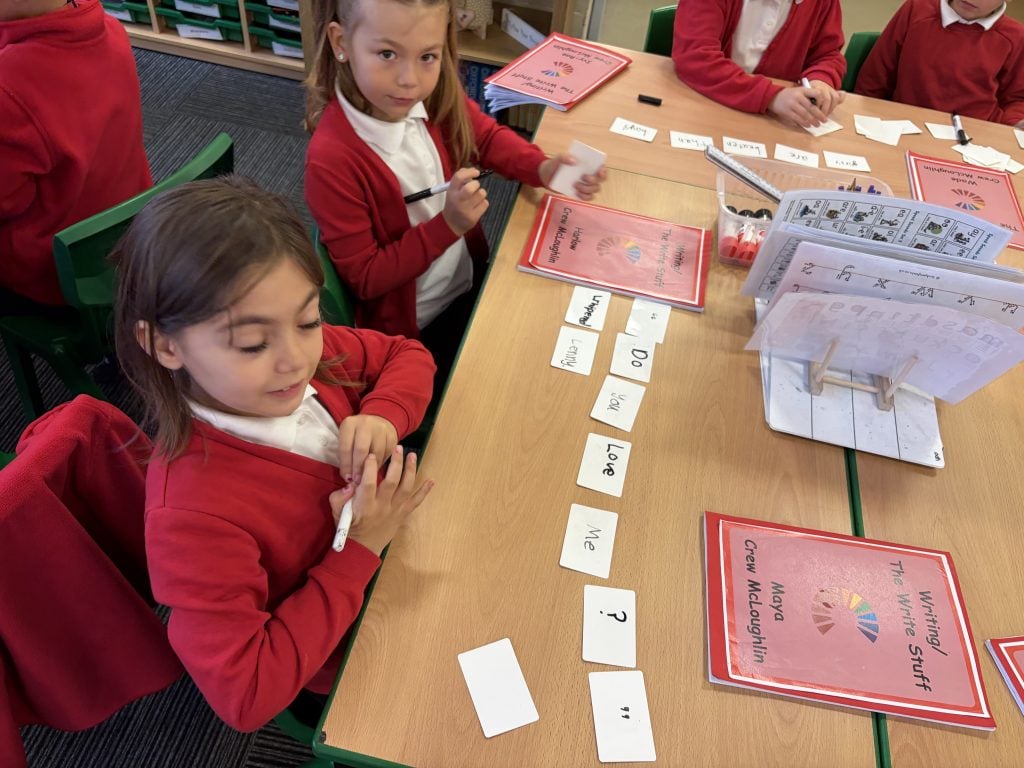
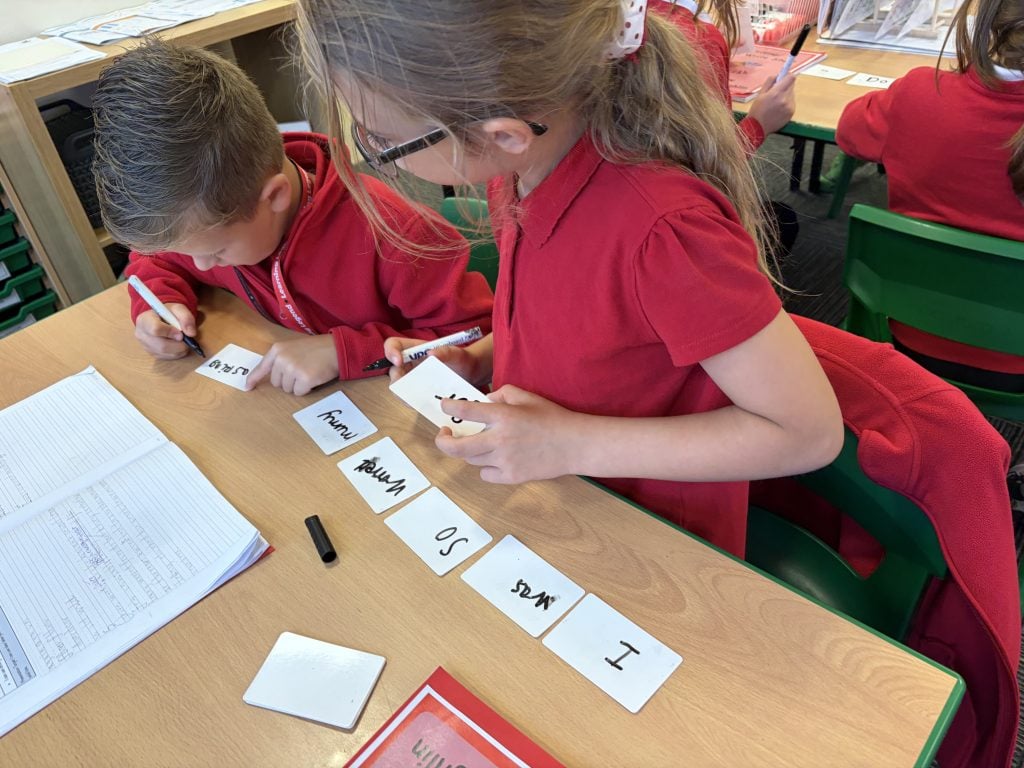
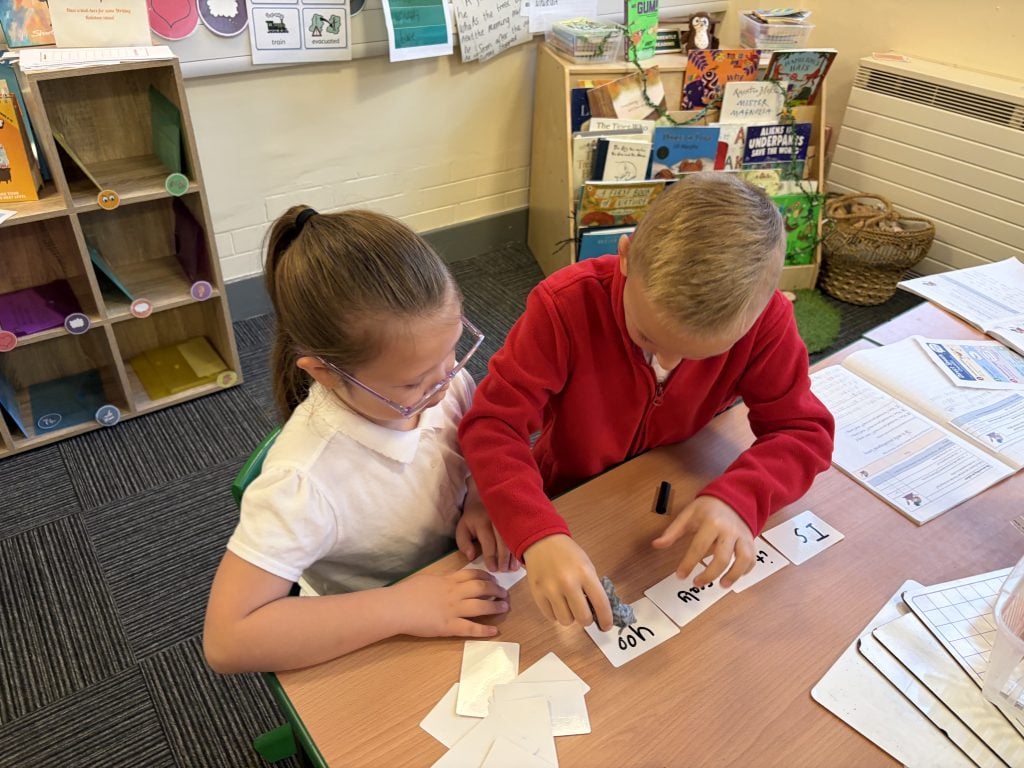
In writing, we’ve been exploring new learning and practising how to use direct speech in our writing. We worked hard to punctuate our sentences correctly, using inverted commas to show when a character is speaking. Some of us even challenged ourselves further by remembering to use a capital letter at the start of the spoken words and the correct punctuation at the end. We’re becoming more confident writers!
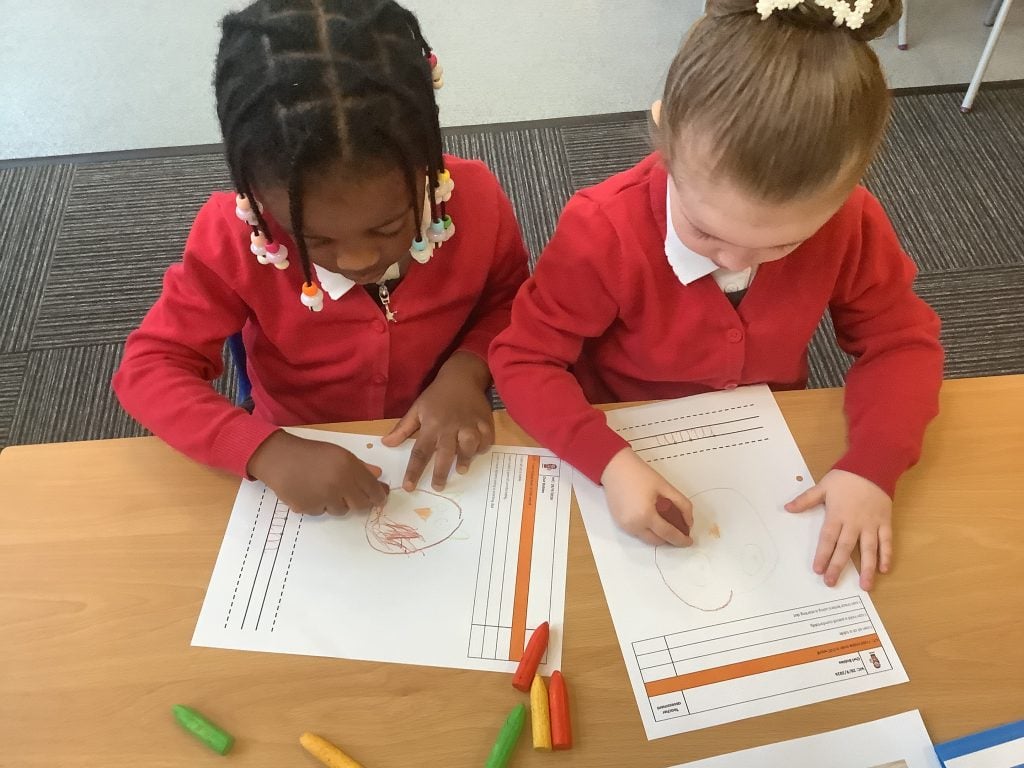
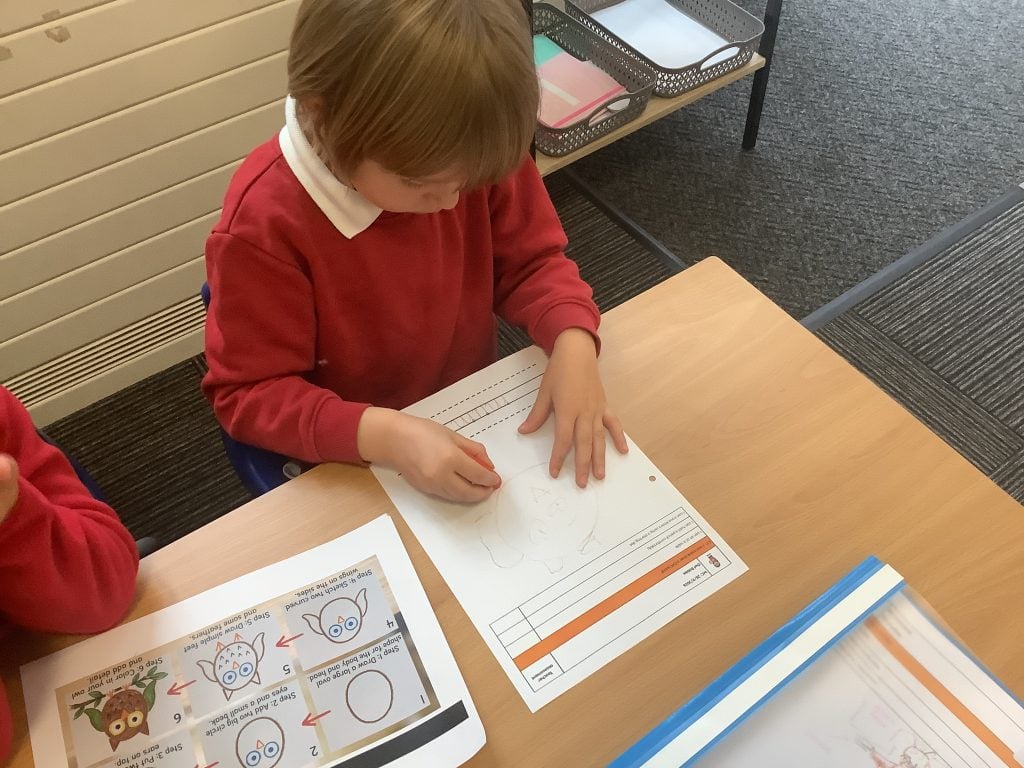
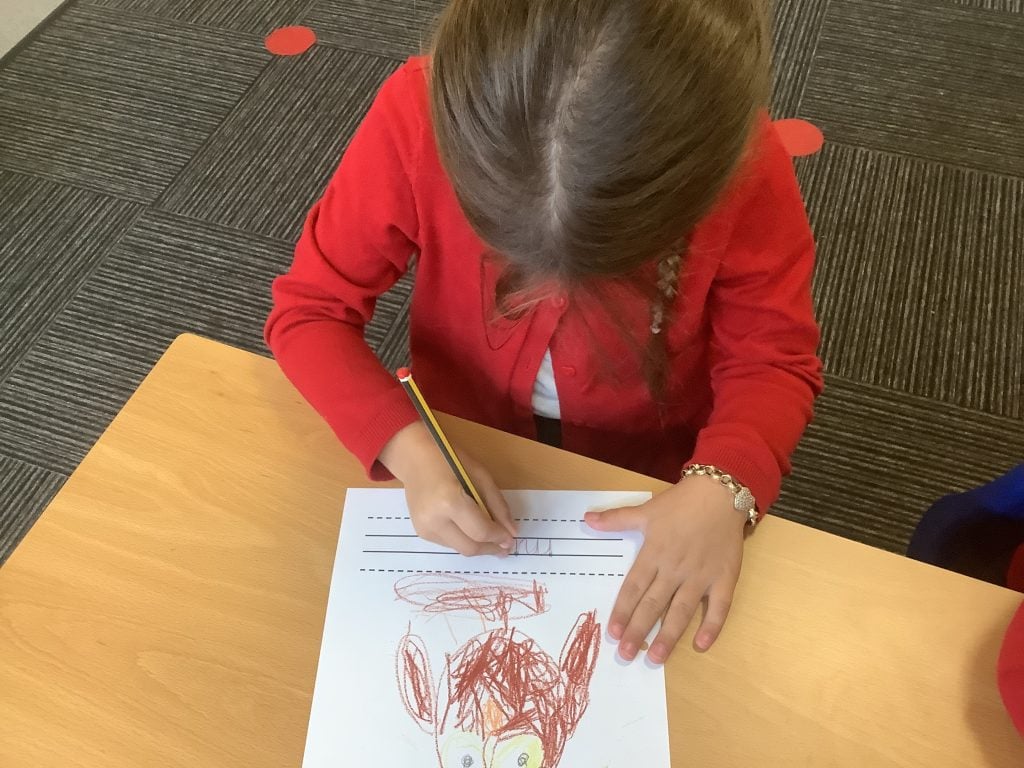
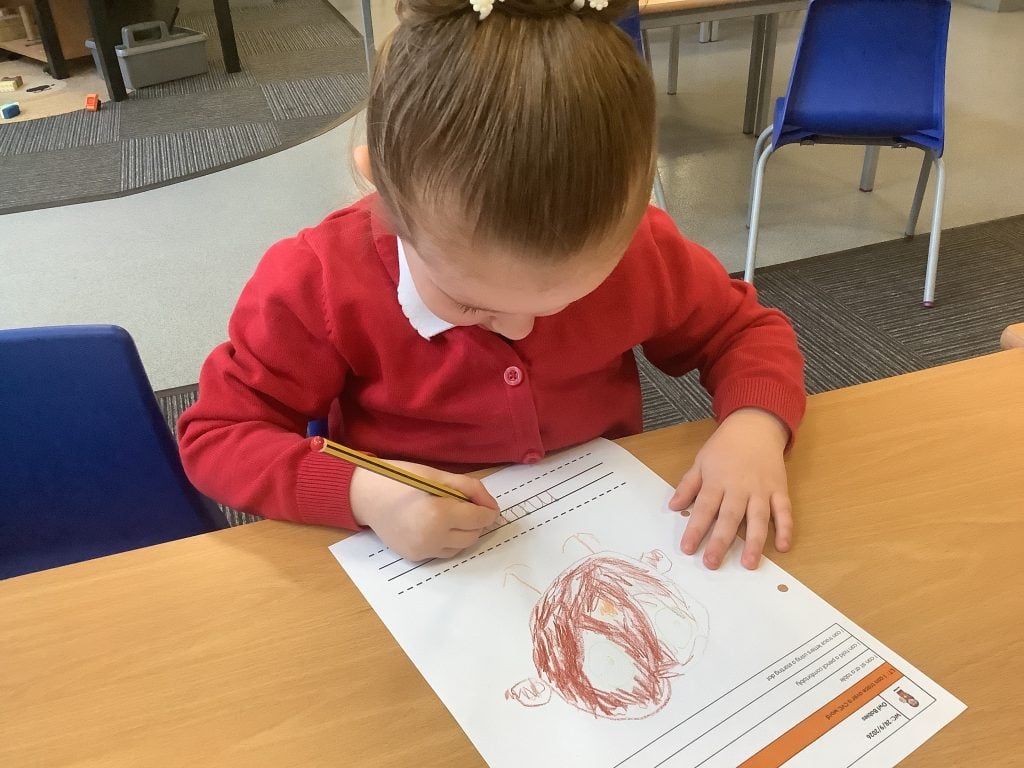
Owl Babies 🦉
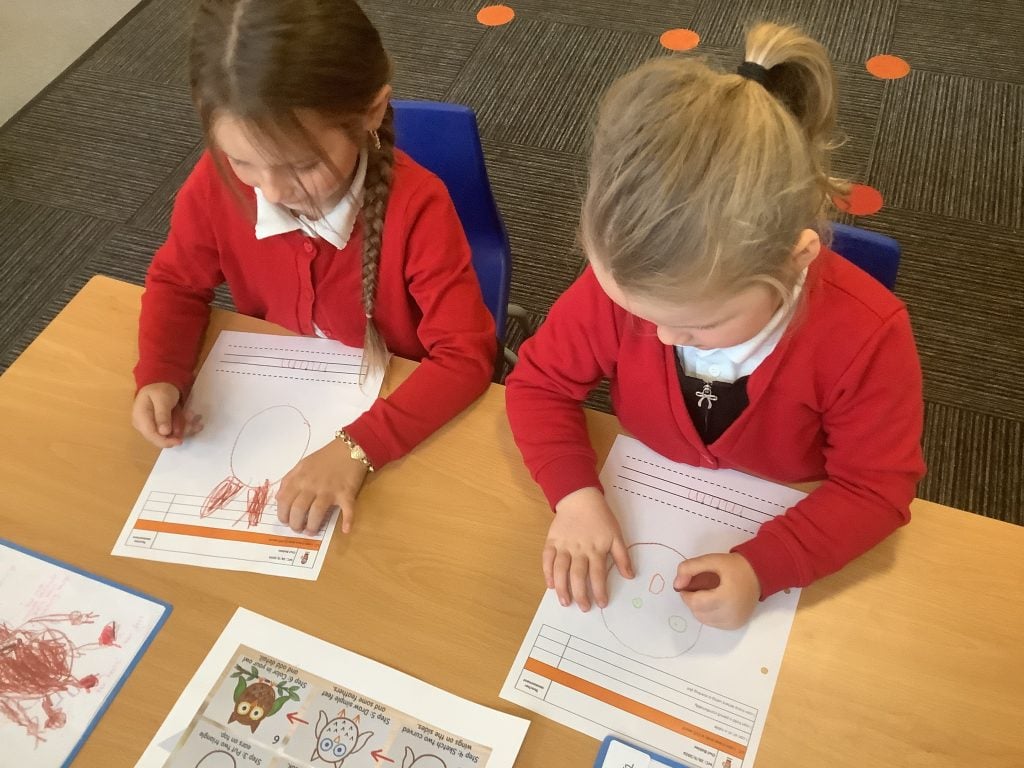
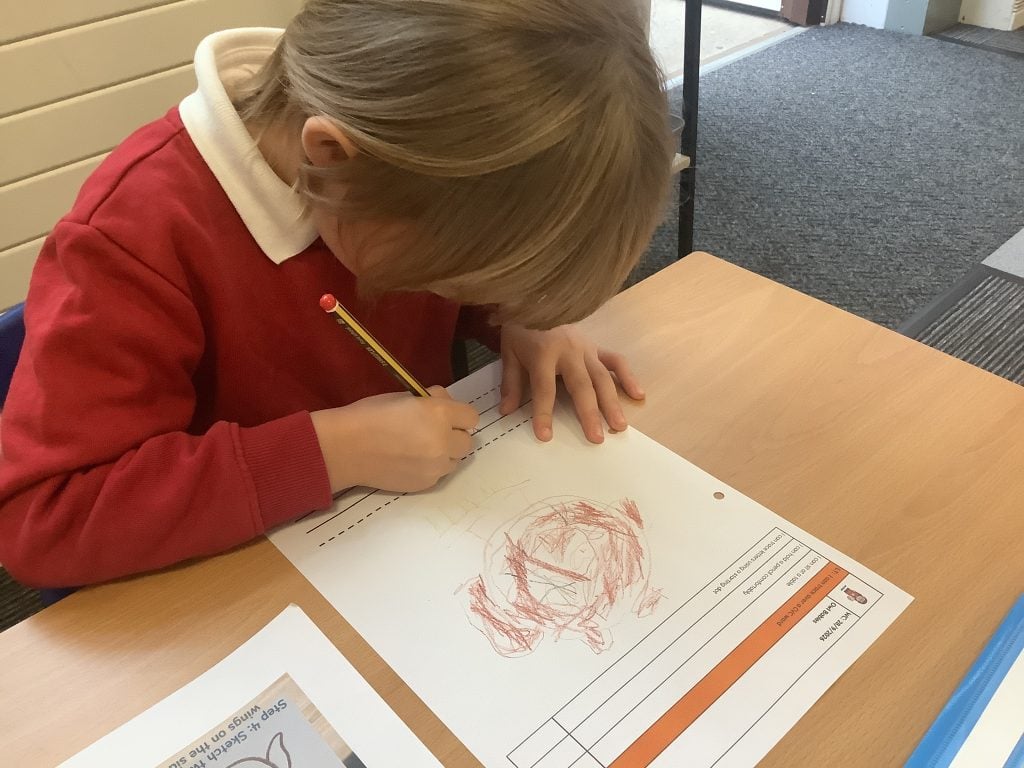
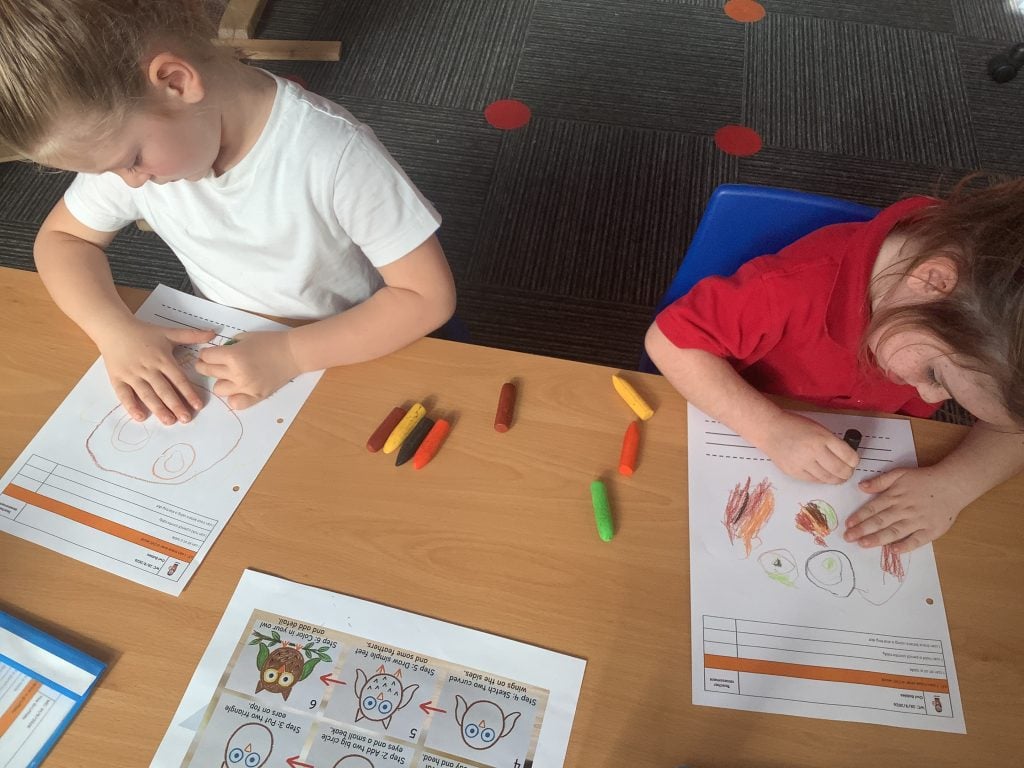
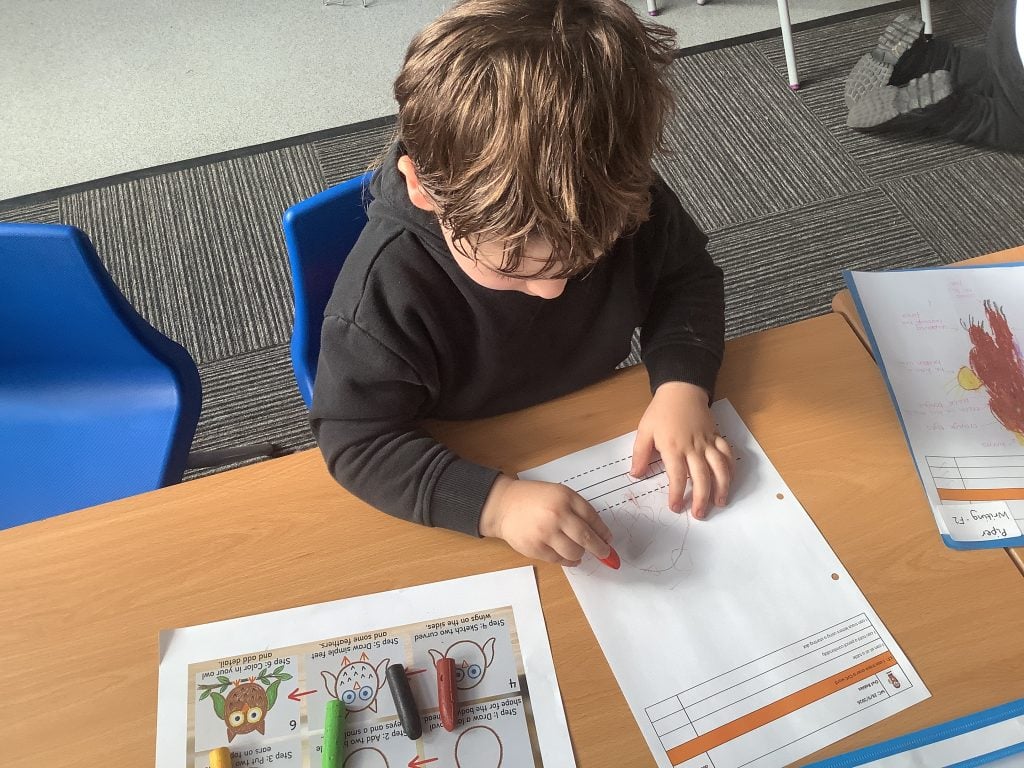
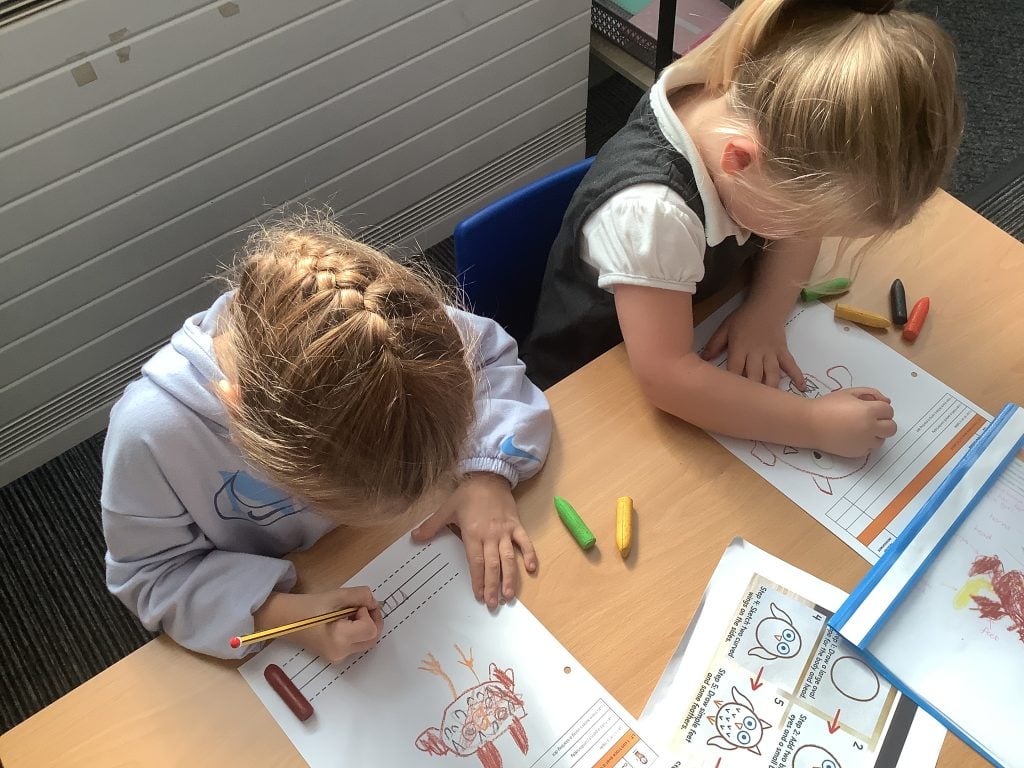
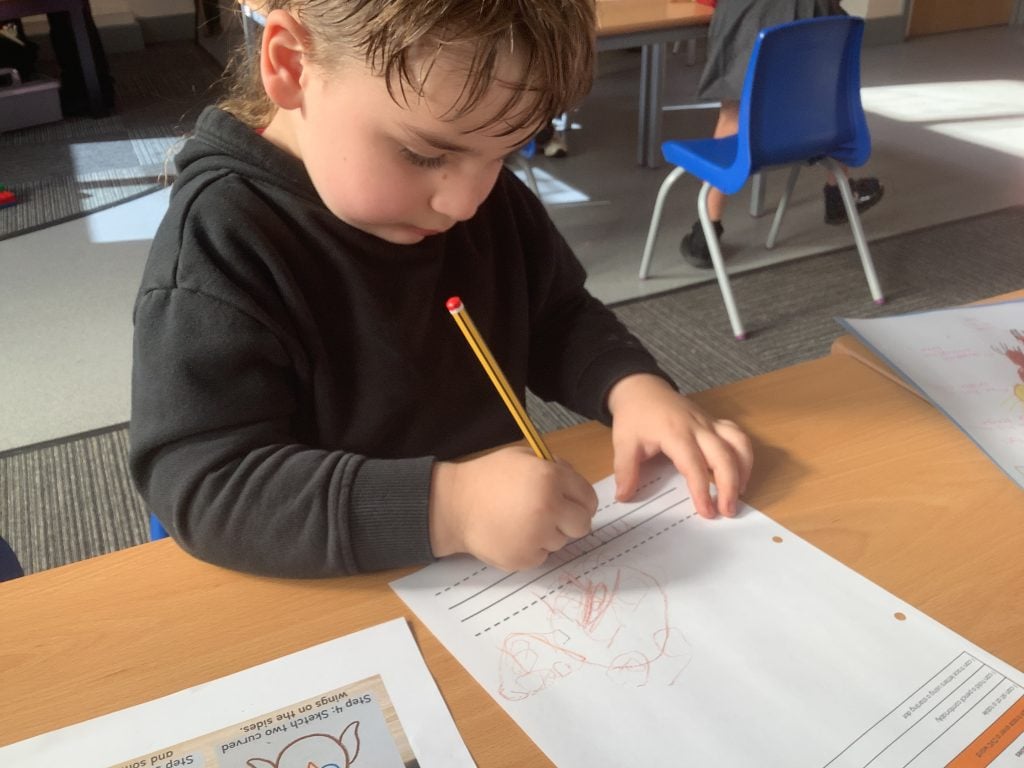
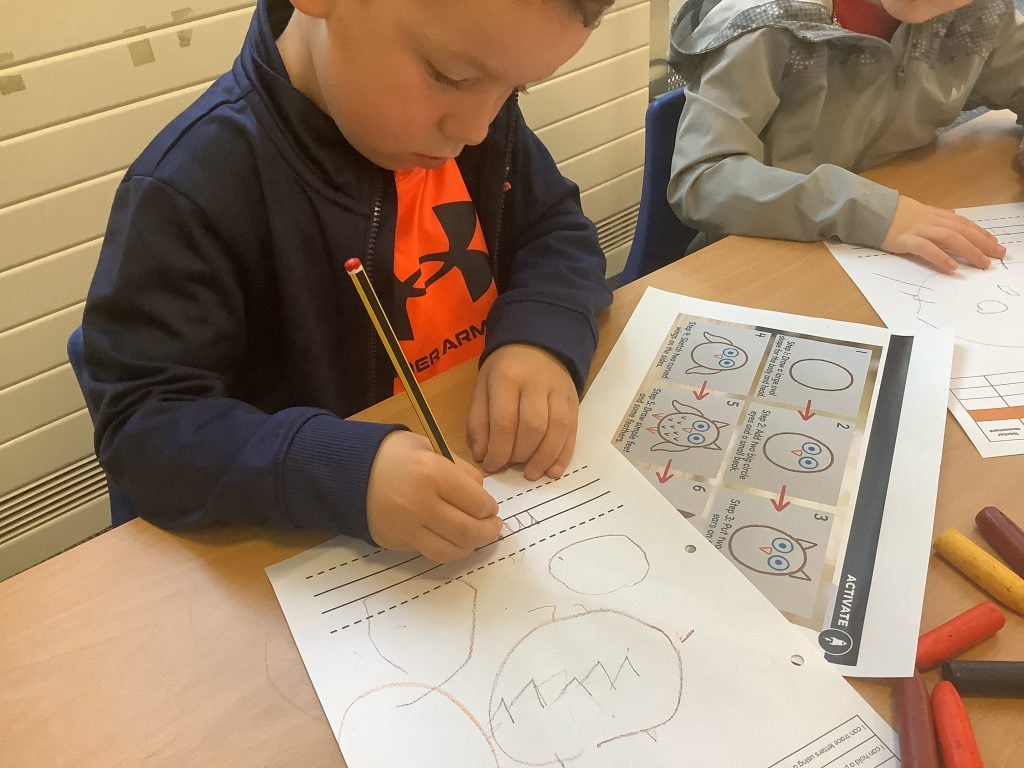
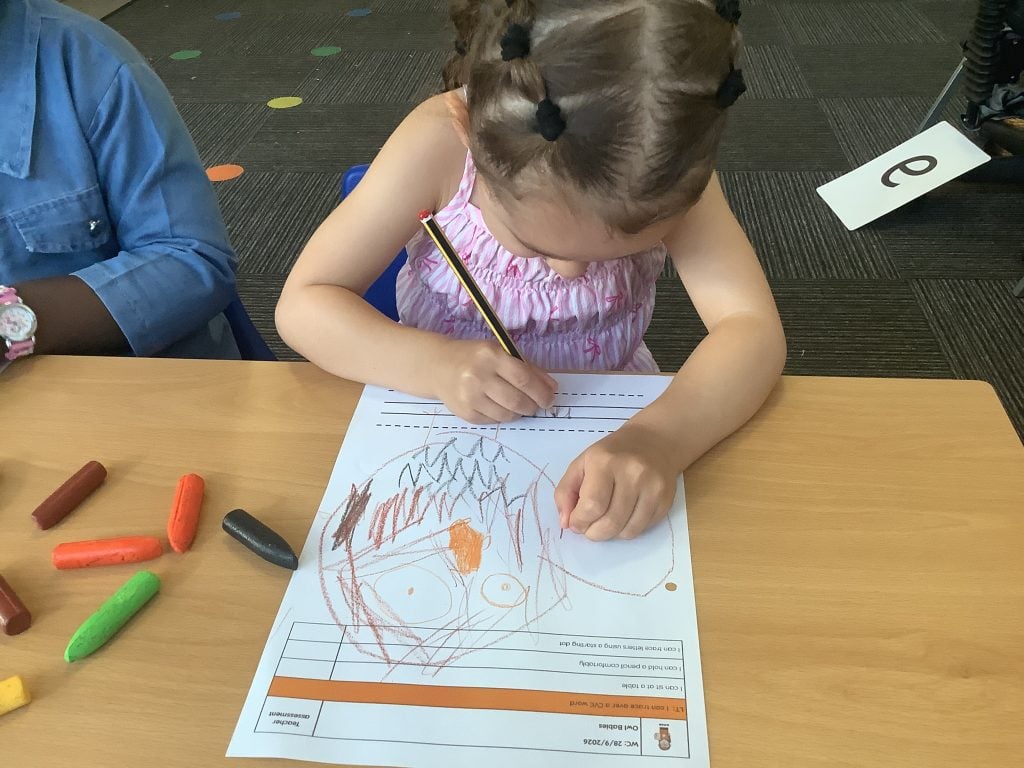
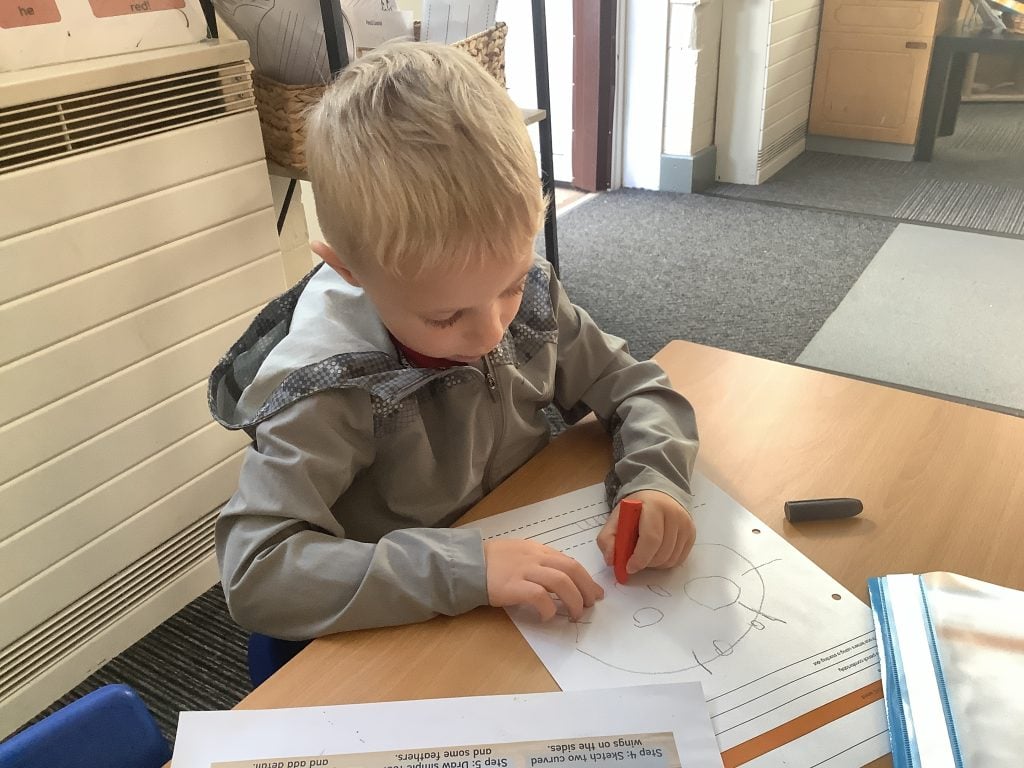
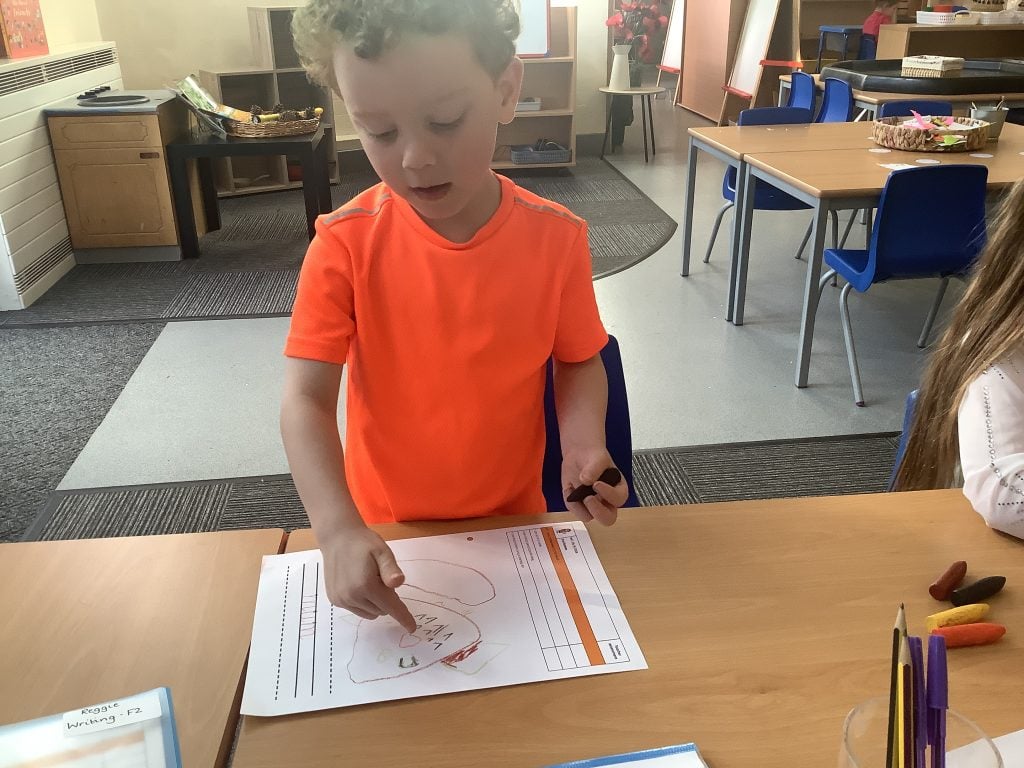
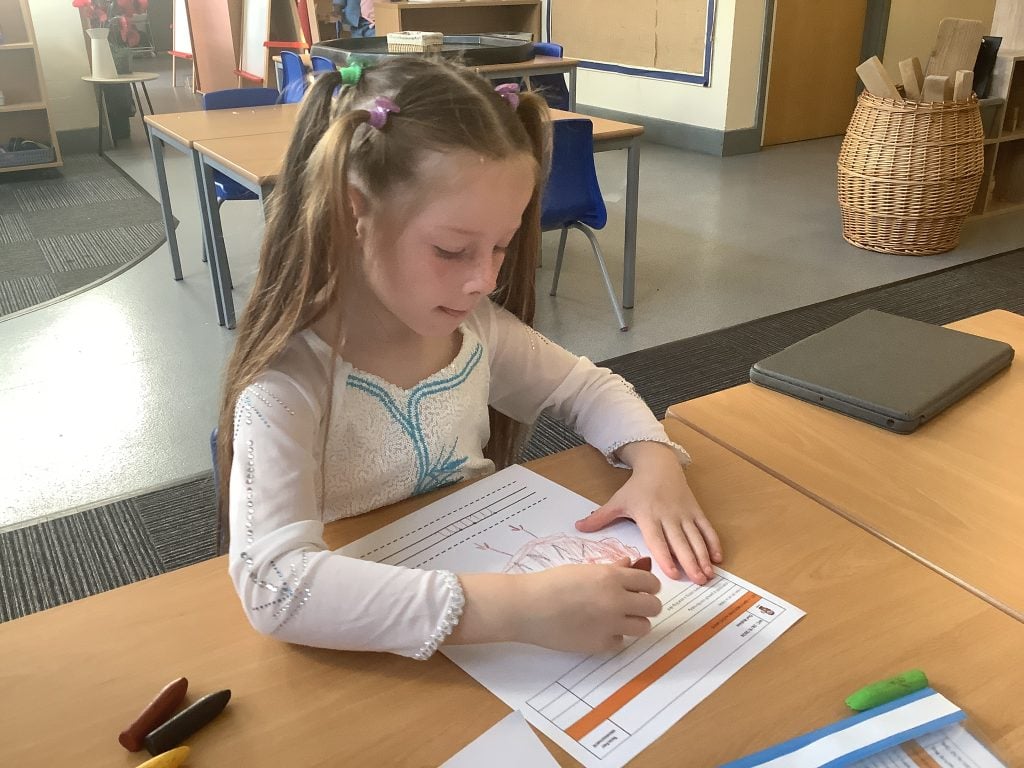
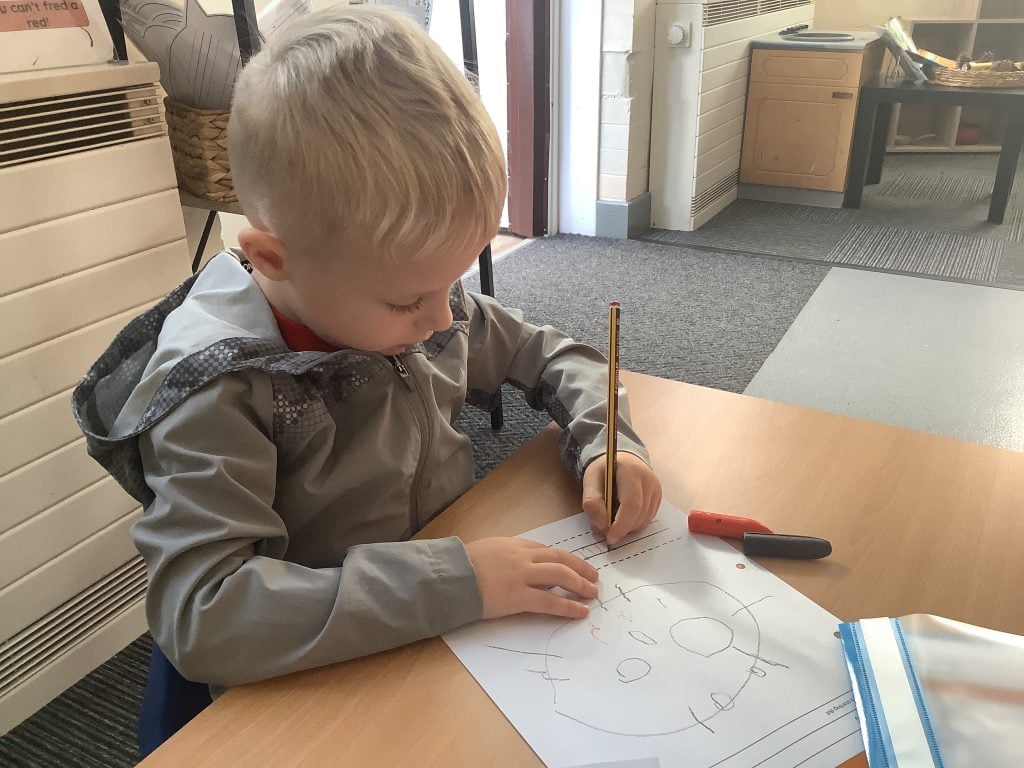
To link to our work on the text ‘Owl Babies’, Crew McGlone have been drawing their own mummy owl following a step-by-step instruction sheet. They used crayons to make sure that each part of the owl was the correct colour, and once finished they used a starting dot to trace over the word ‘m-u-m’. The children have worked hard at remembering everything they need to show that they are ready to write, including; bottoms to the back of their chairs, tummies touching the table, 6 feet on the floor, 2 hands ready to write, and pinch parrot.
Who is in your family?
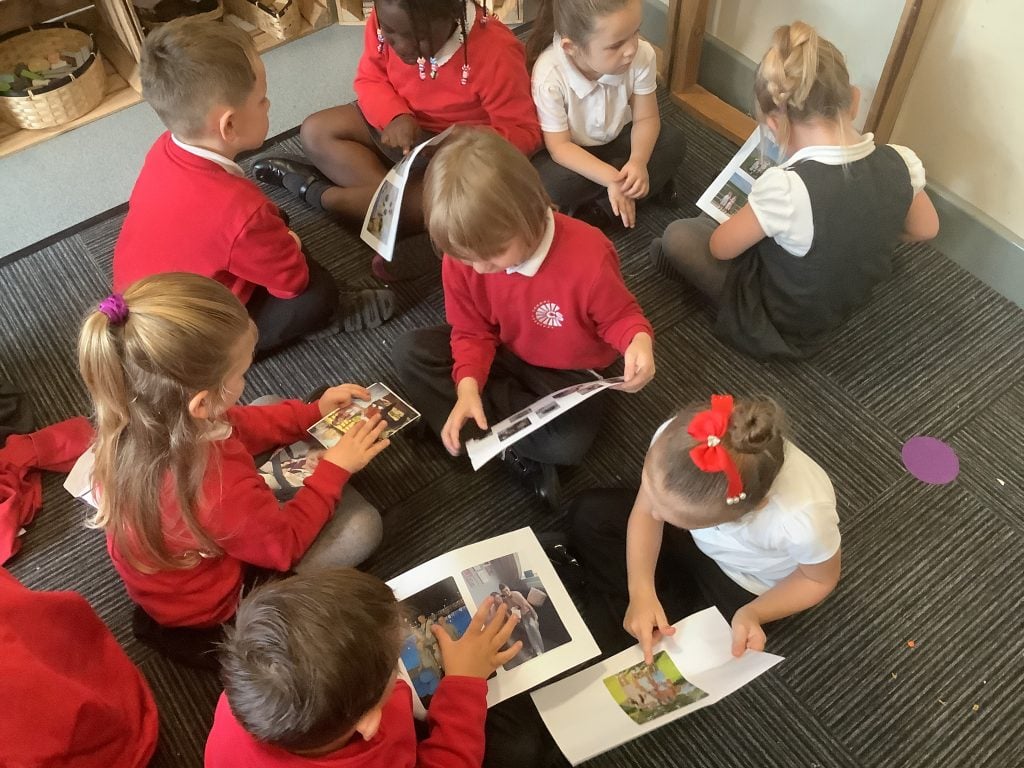
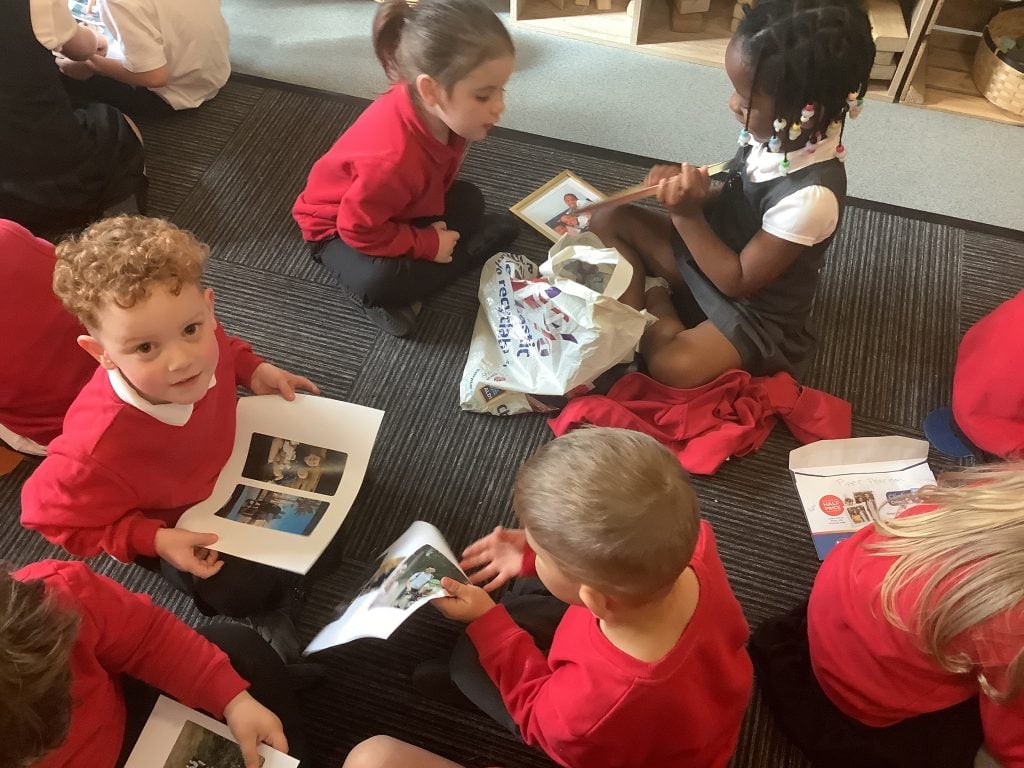
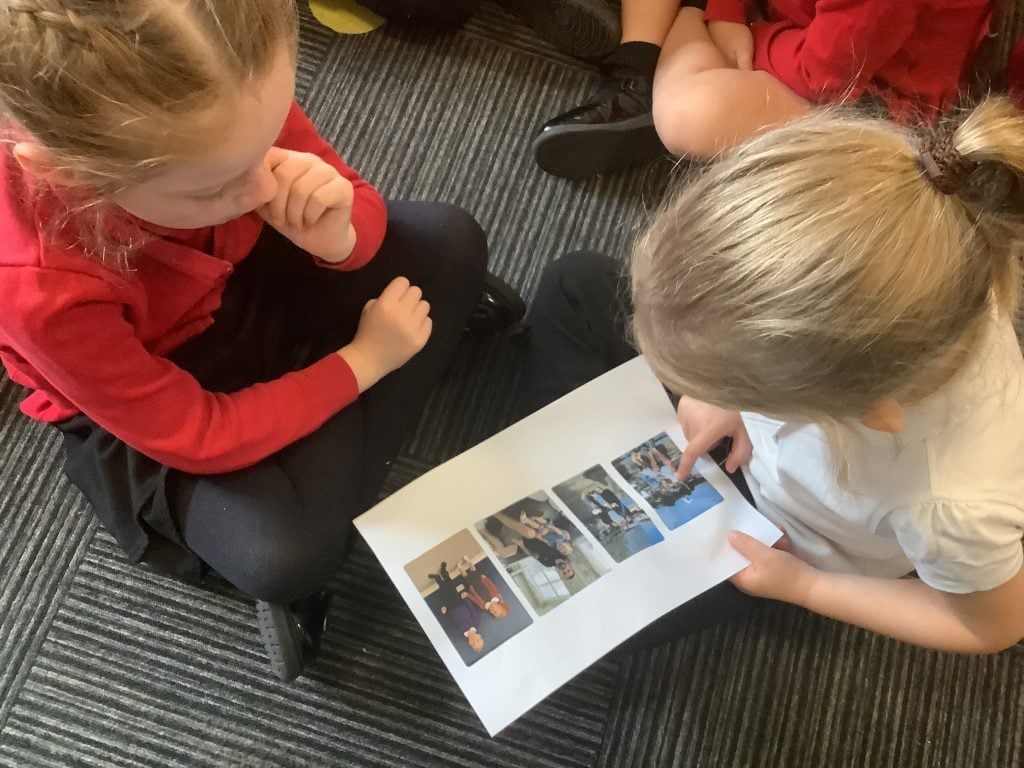
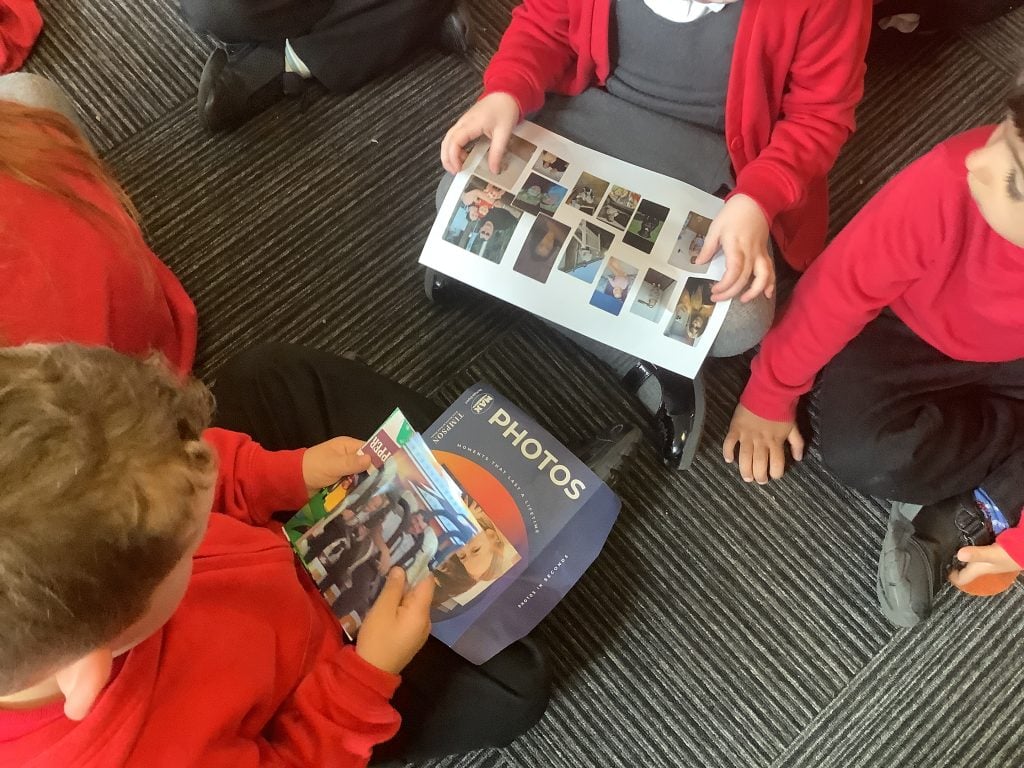
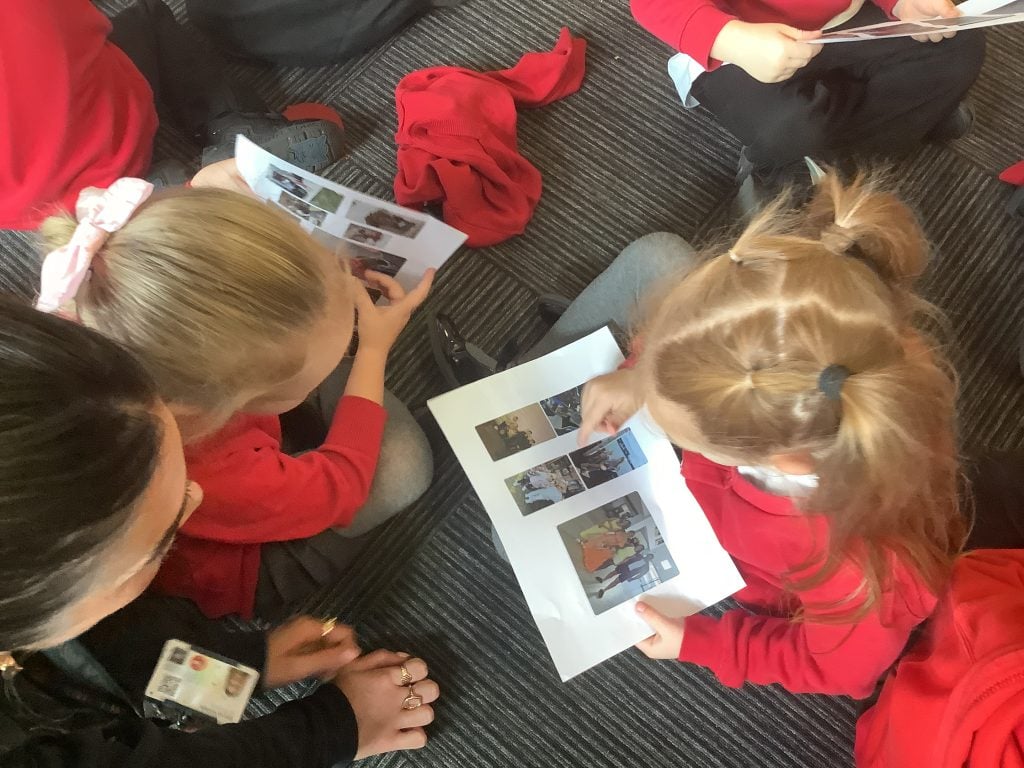
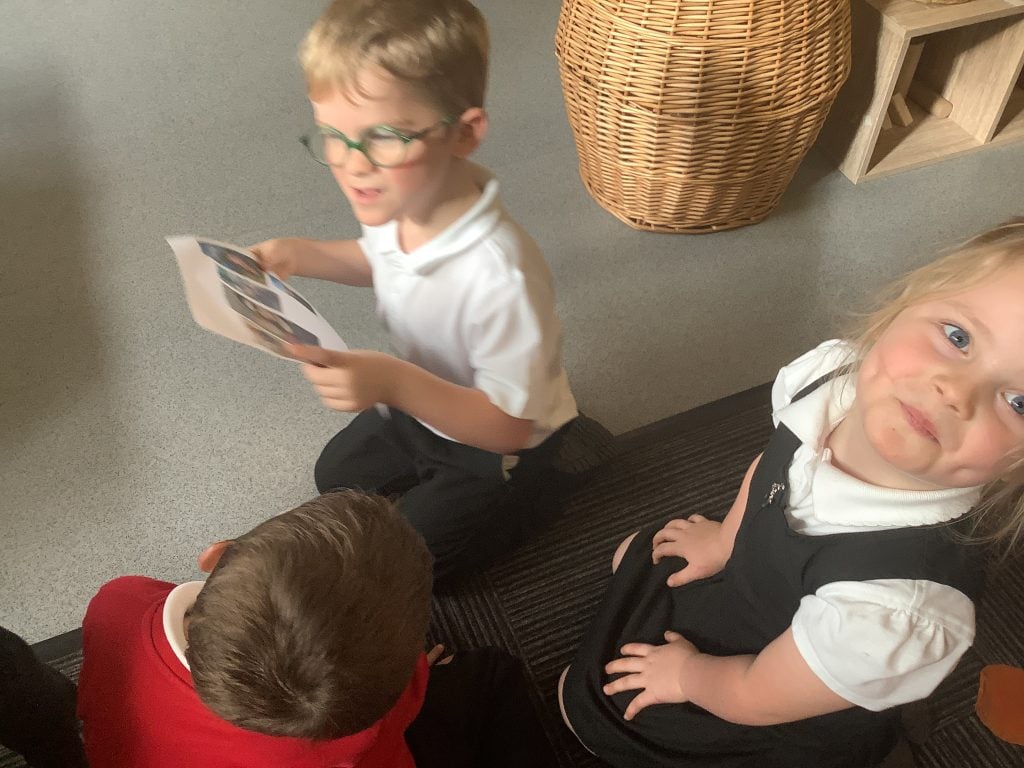
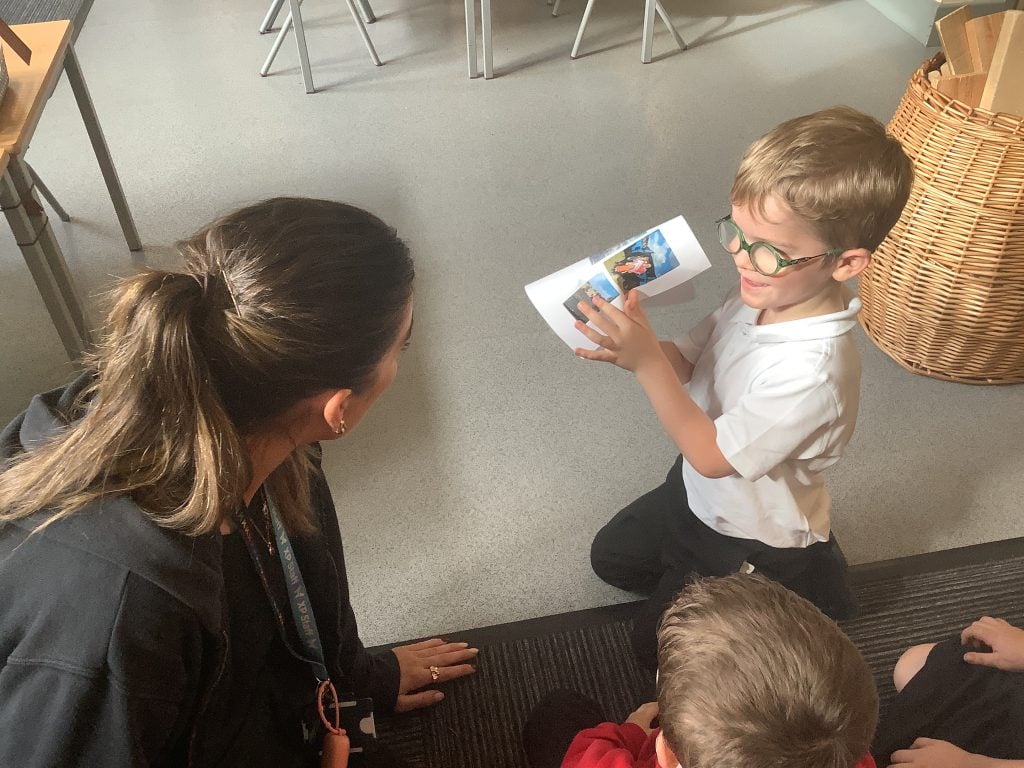
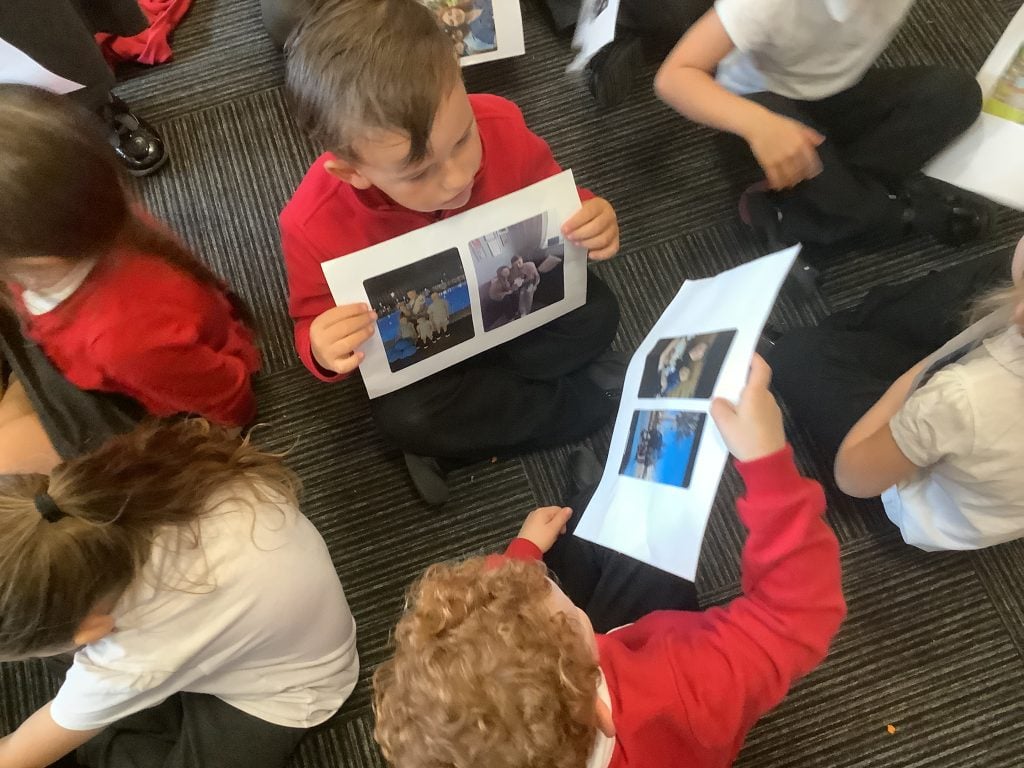
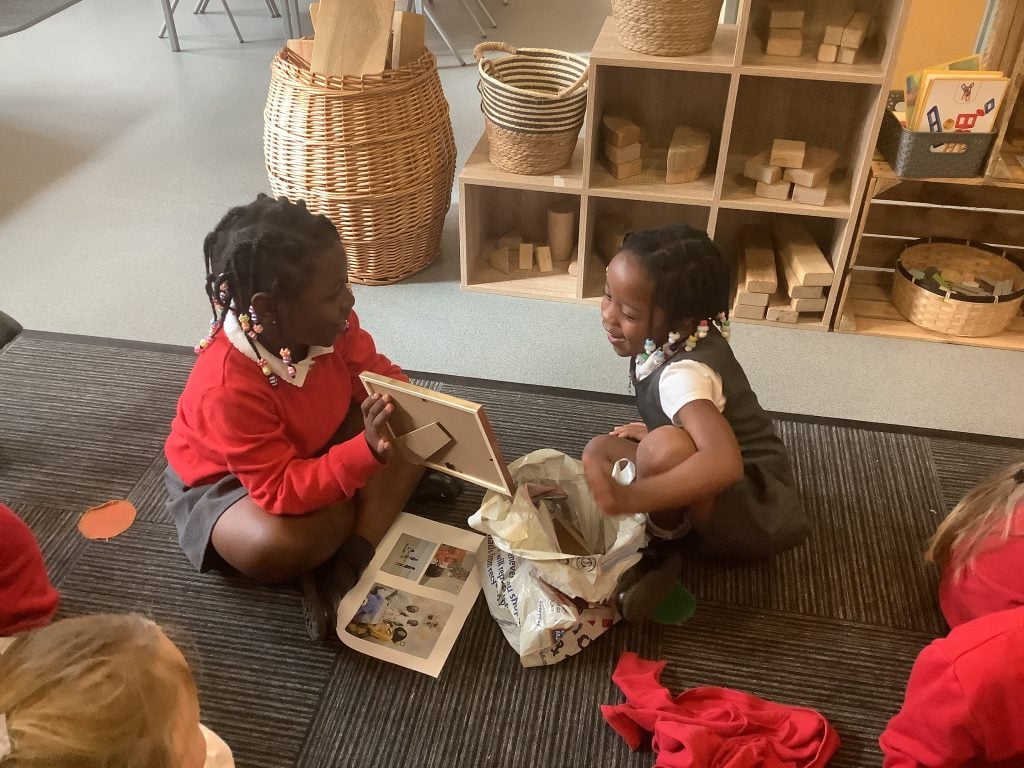
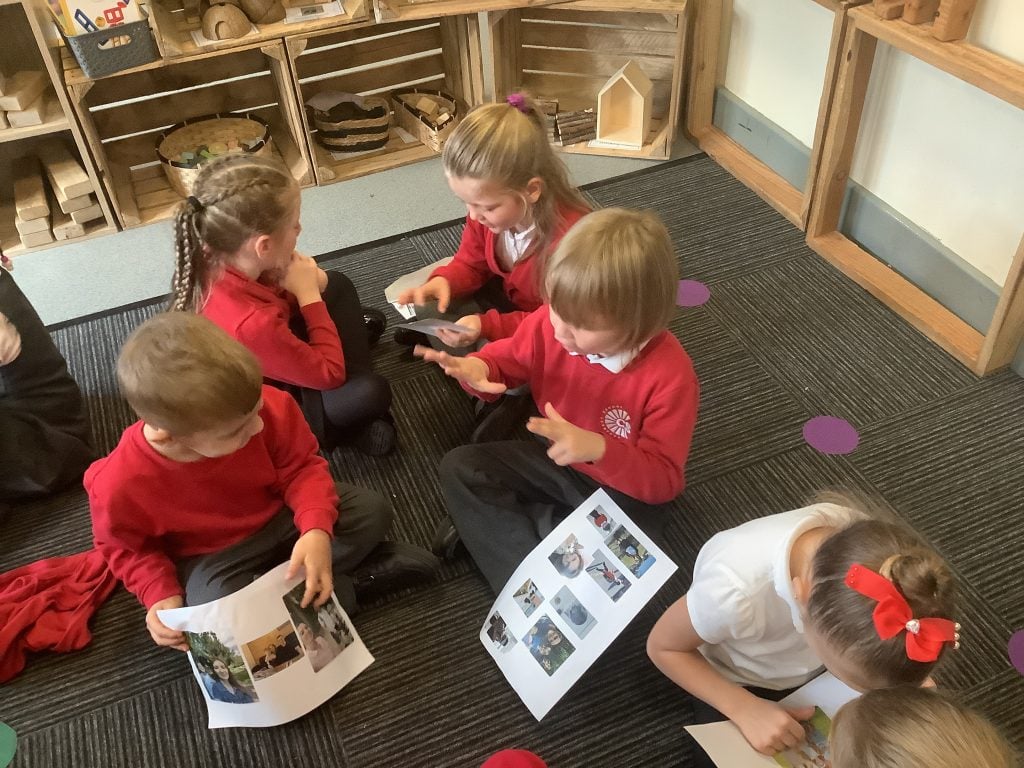
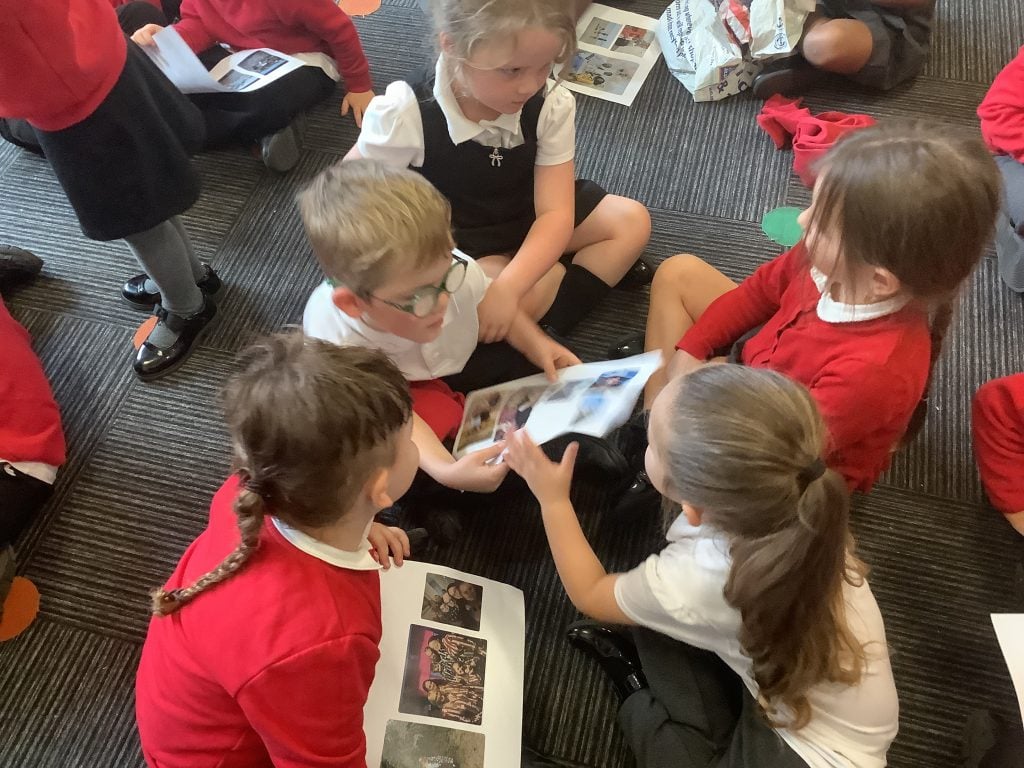
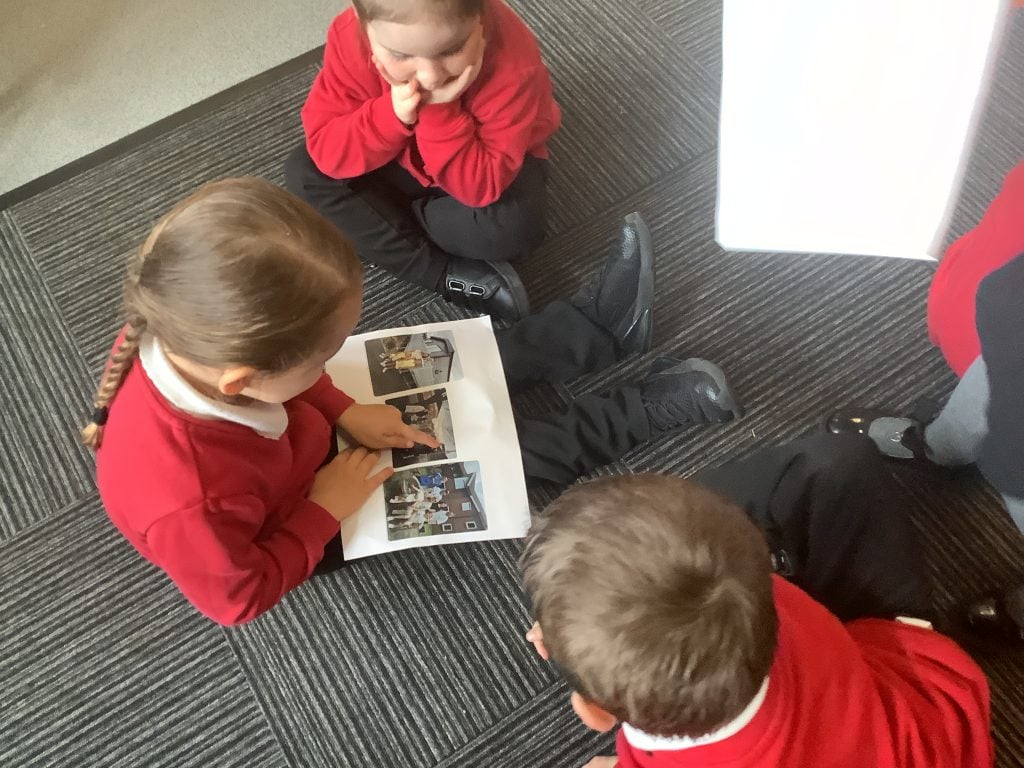
We have been discussing families during our expedition lessons, and what better way to tell our friends about our families than by SHOWING THEM! We shared pictures of the people who are most special to us with our friends, and we talked about how they keep us safe. It was lovely to hear the children talking so beautifully to one another, and the questions that could be heard being asked were fantastic!
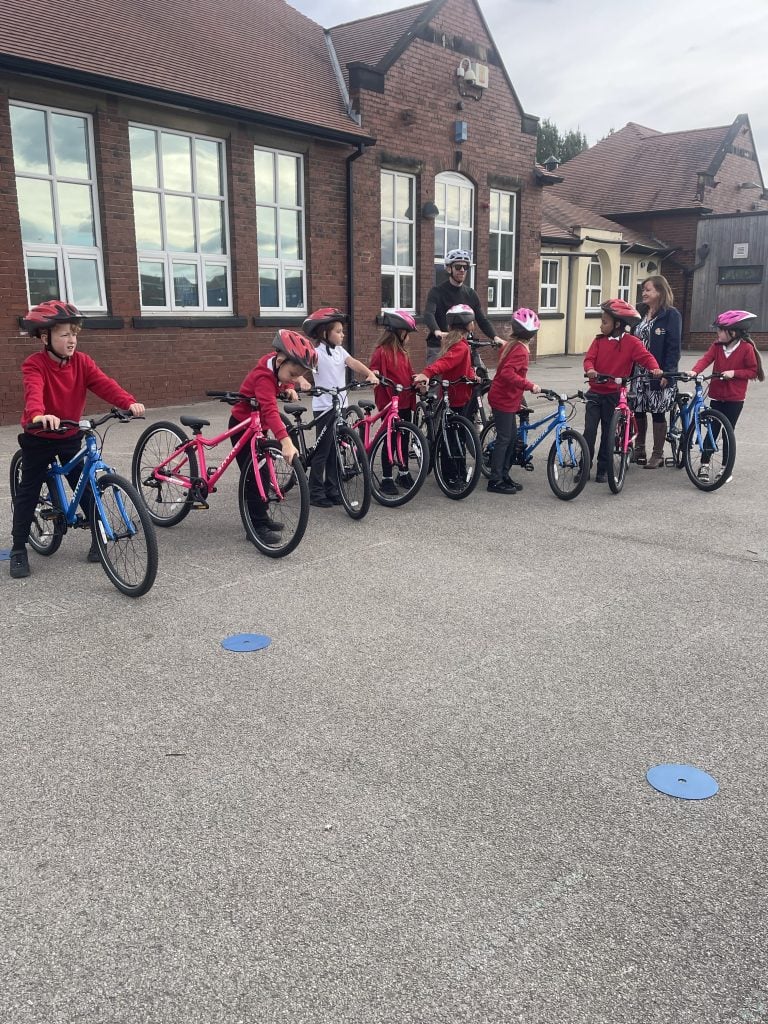
Carcroft Celebrates Walk and Wheel Challenge 2026, we won!
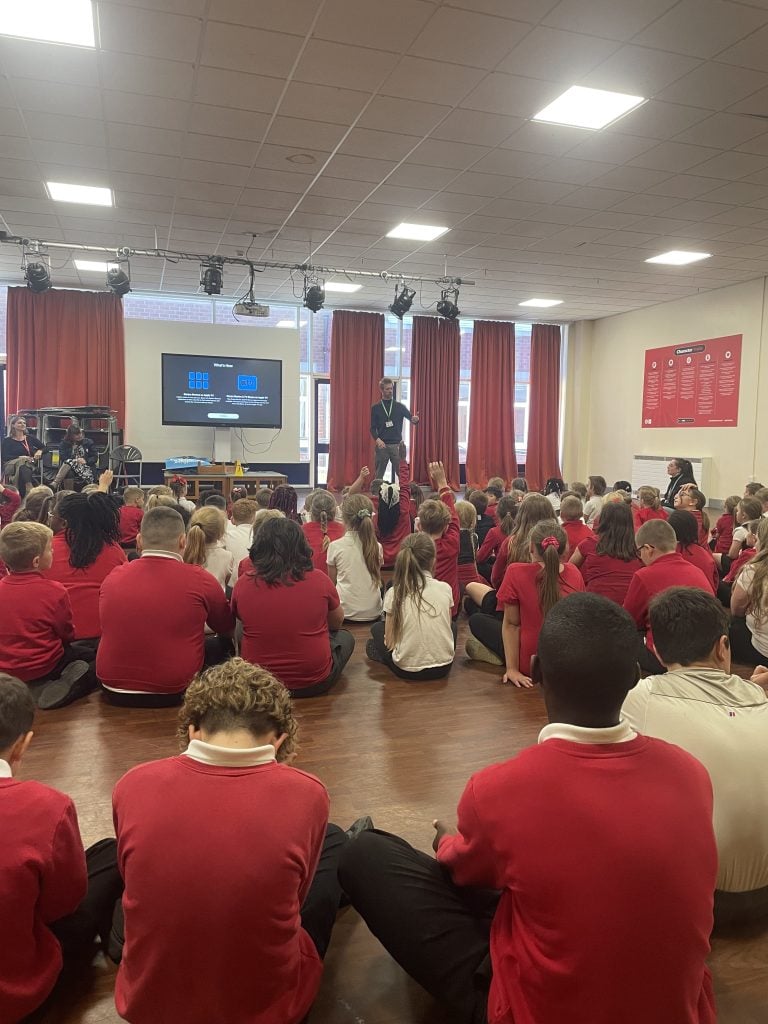
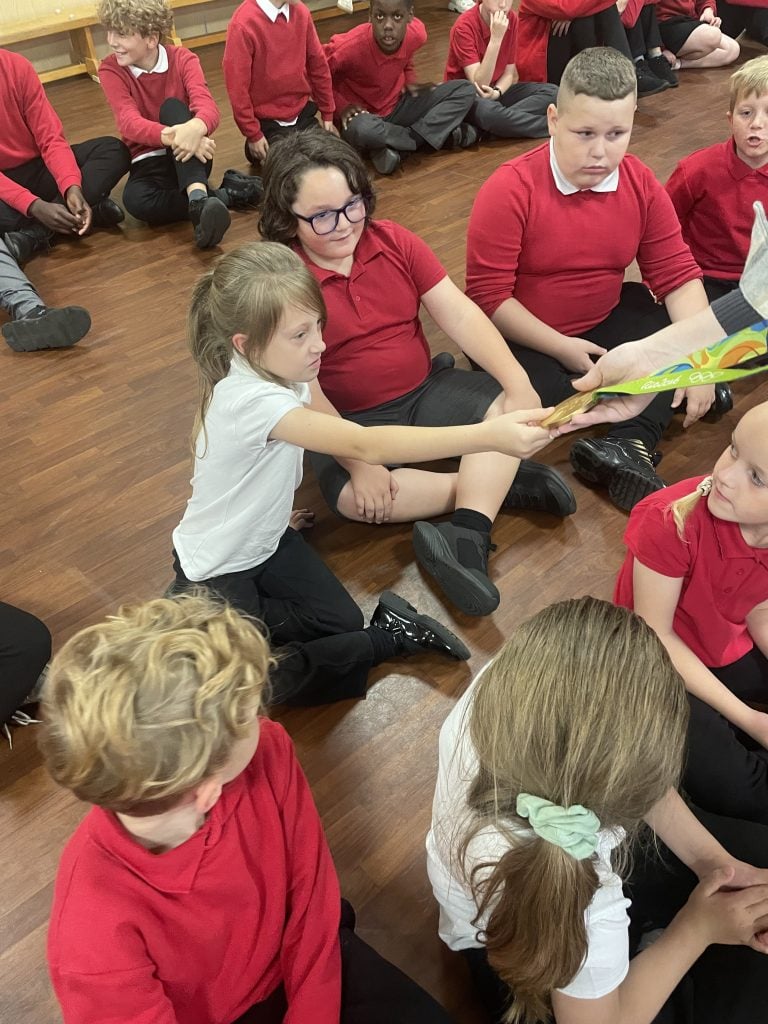
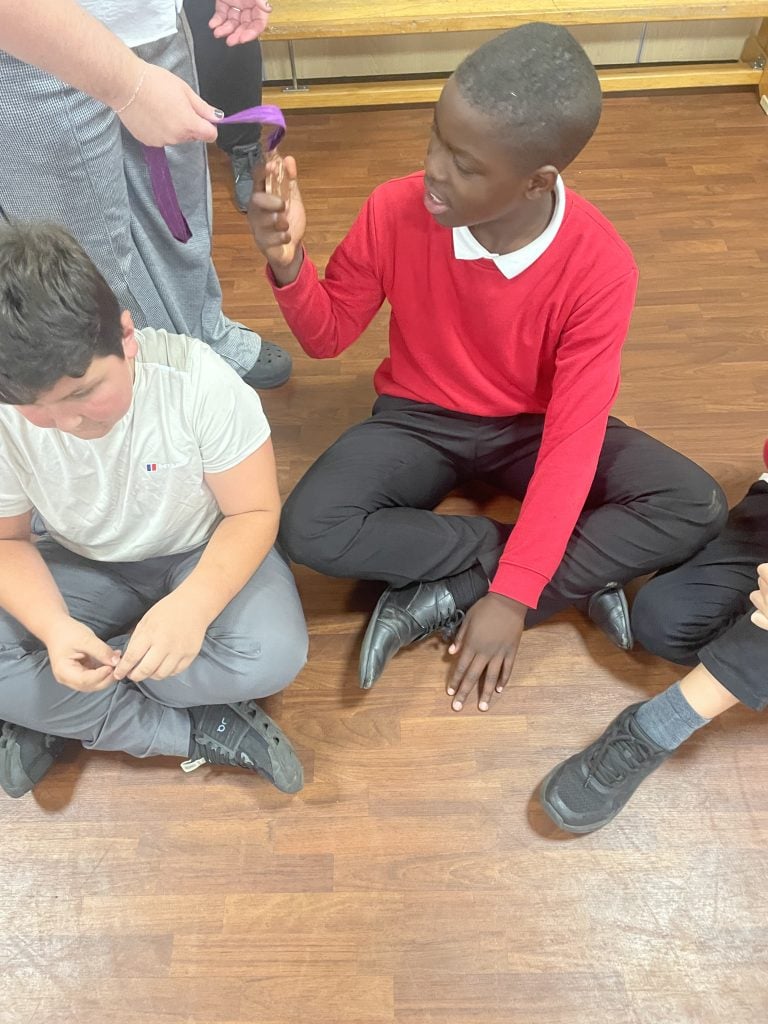
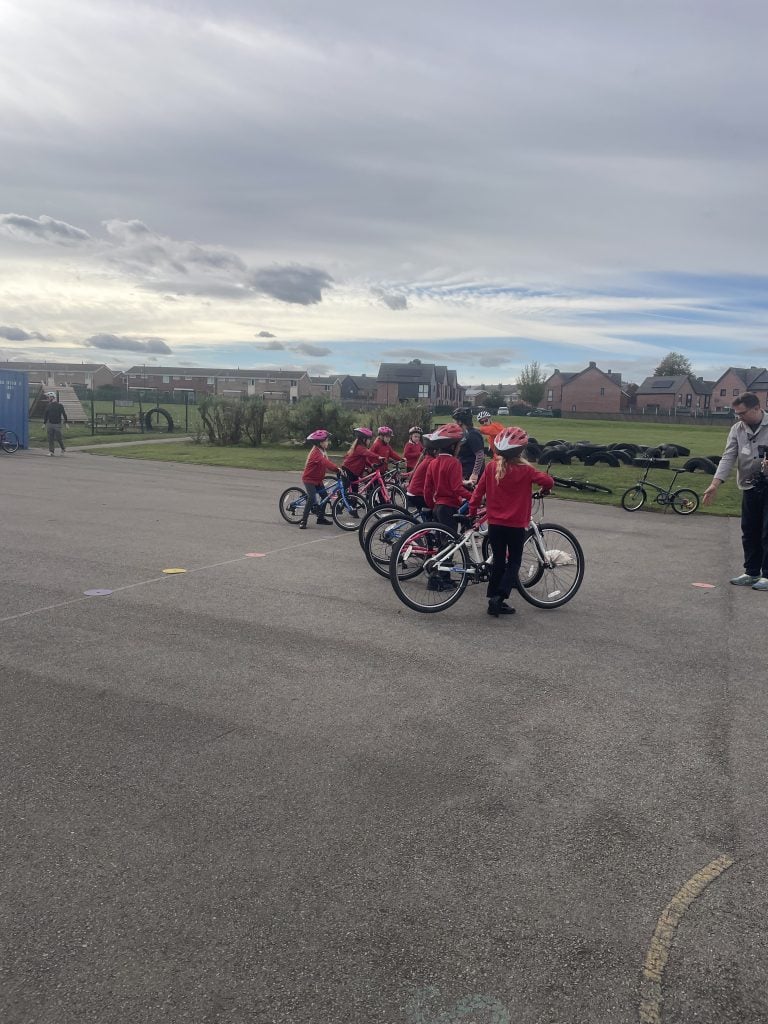
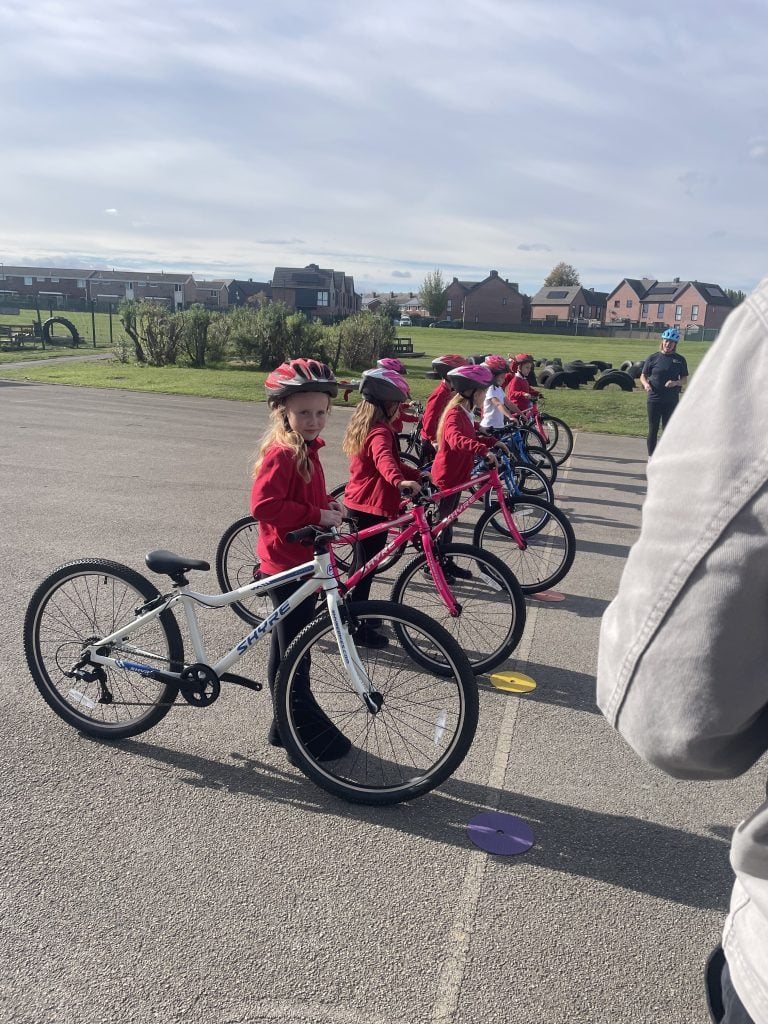
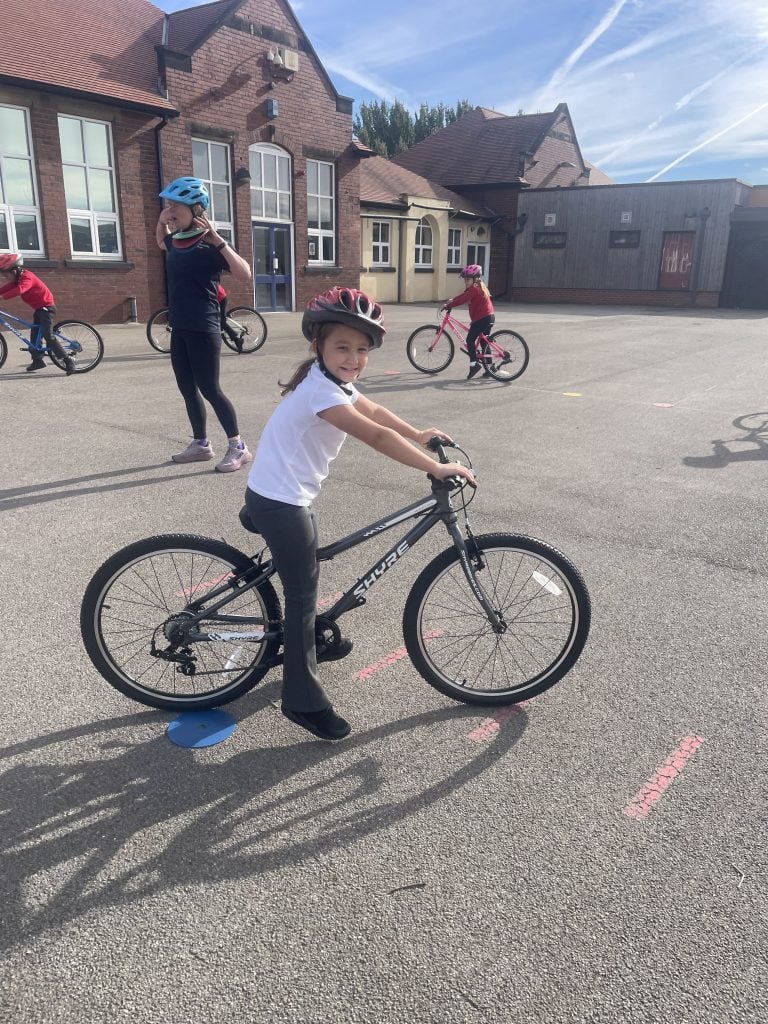
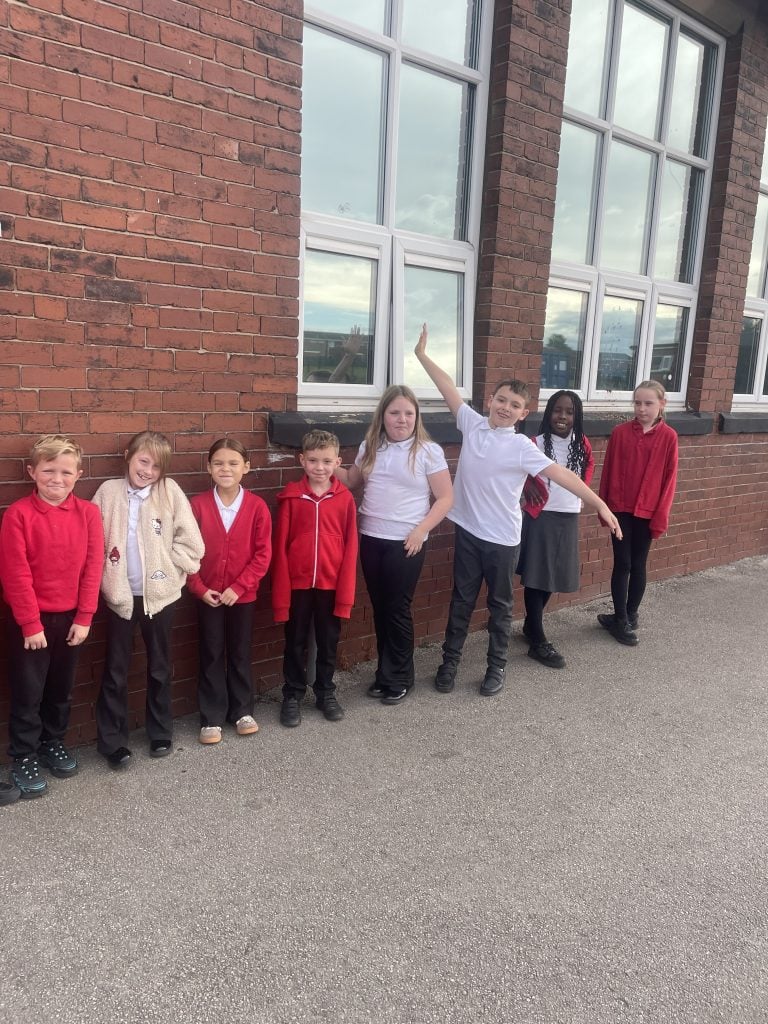
Carcroft School was delighted to welcome Olympic medal-winning cyclist Ed Clancy and the Bikeability team for a fantastic day of cycling activities, after we worked so hard during last year’s Walk and Wheel Challenge!
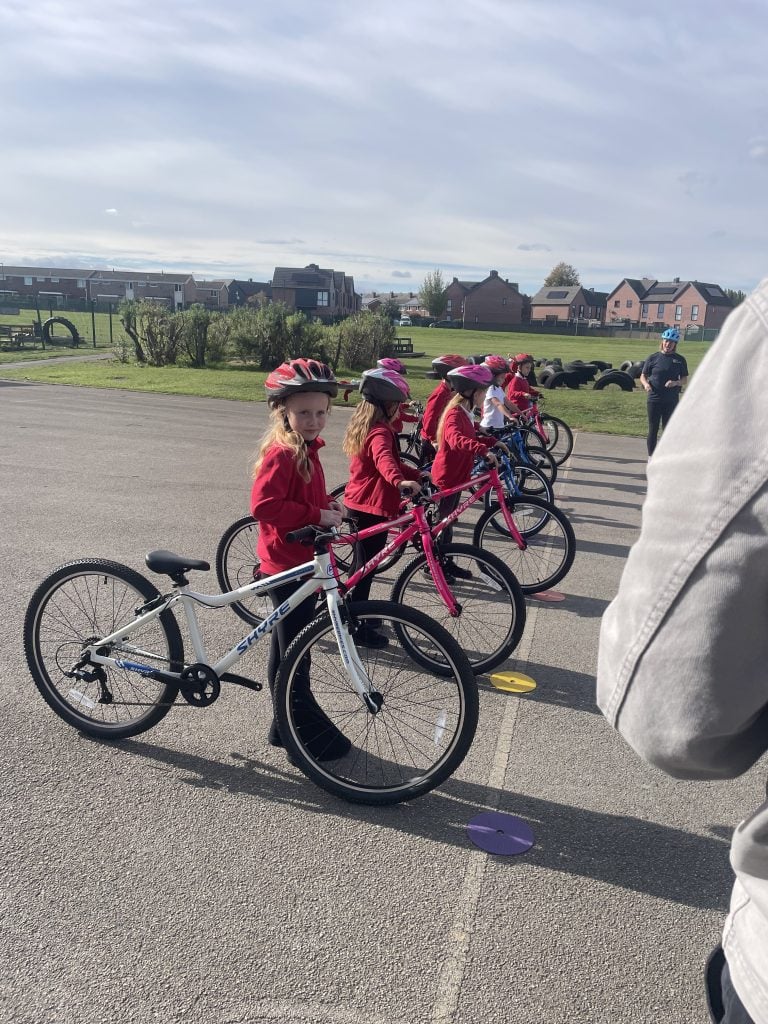
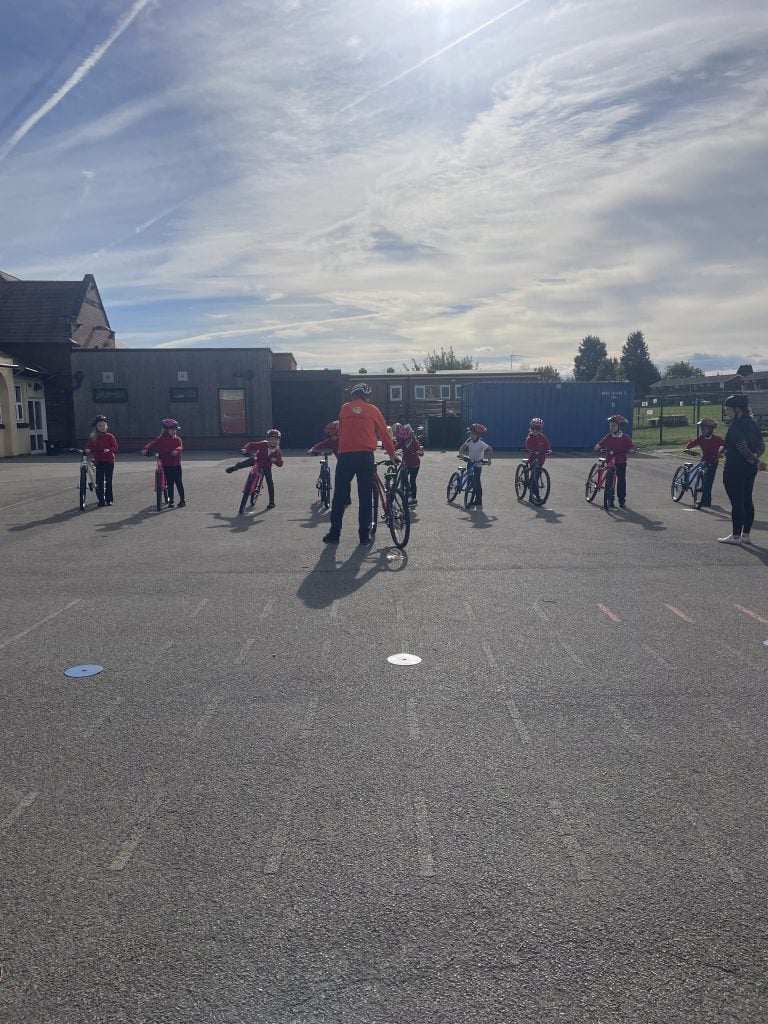
Our children had the opportunity to take part in exciting cycling sessions, build their confidence and learn more about the importance of cycling safely. Meeting Ed Clancy, a three-time Olympic gold medallist, was a brilliant opportunity to be inspired by someone who has achieved so much in the world of cycling!
The sessions helped promote active lifestyles, road safety and cycling as a fun, healthy and environmentally friendly way to travel. It was wonderful to see our children getting involved, developing new skills and enjoying such a memorable experience.
A huge thank you to Ed and the entire Bikeability team for visiting Carcroft and helping to make the day so special. We are incredibly grateful for this fantastic opportunity and the lasting memories created for our children.
What a brilliant way to celebrate all of the children’s effort, walking and wheeling to school!
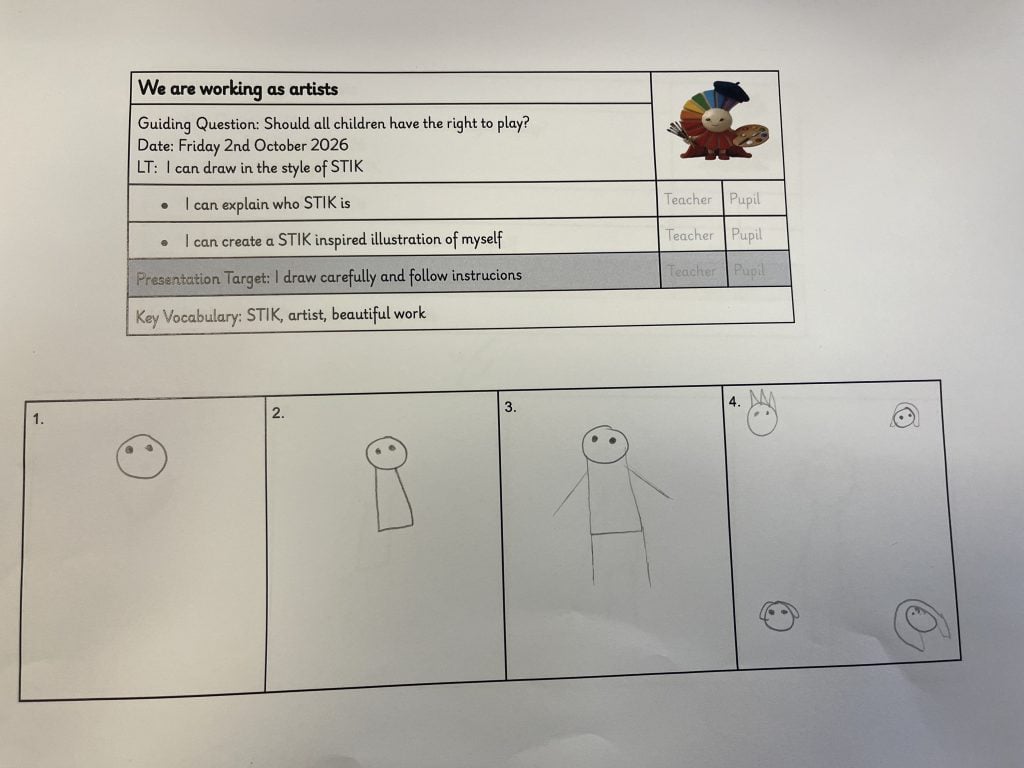
STIK Inspired Artwork
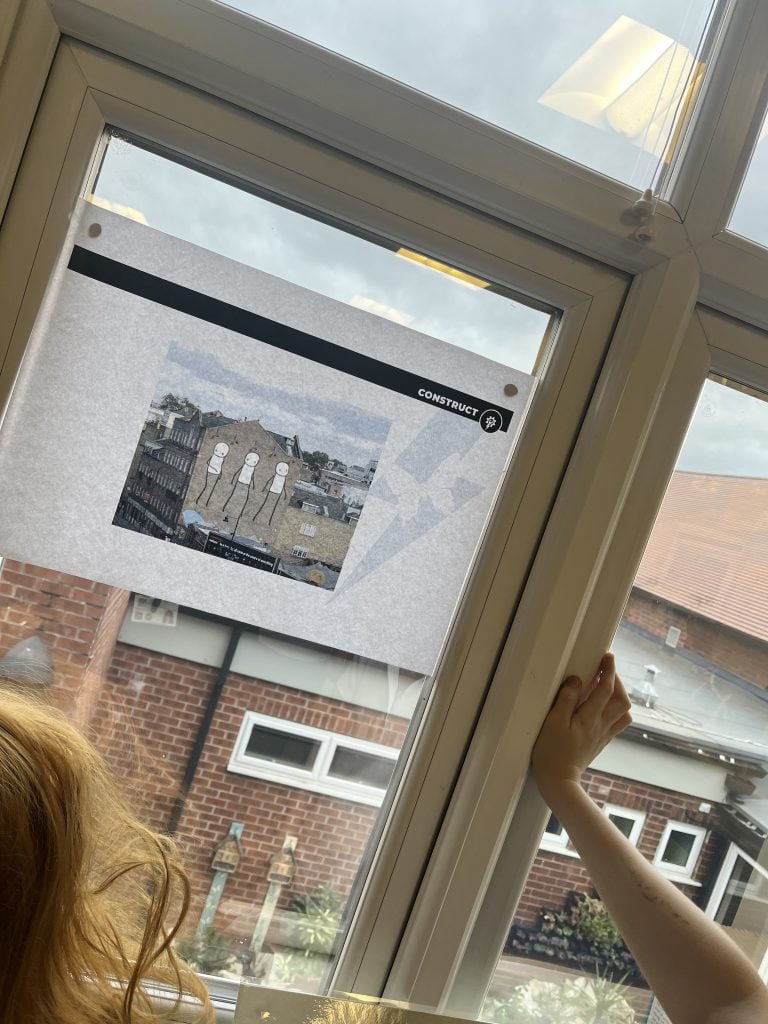
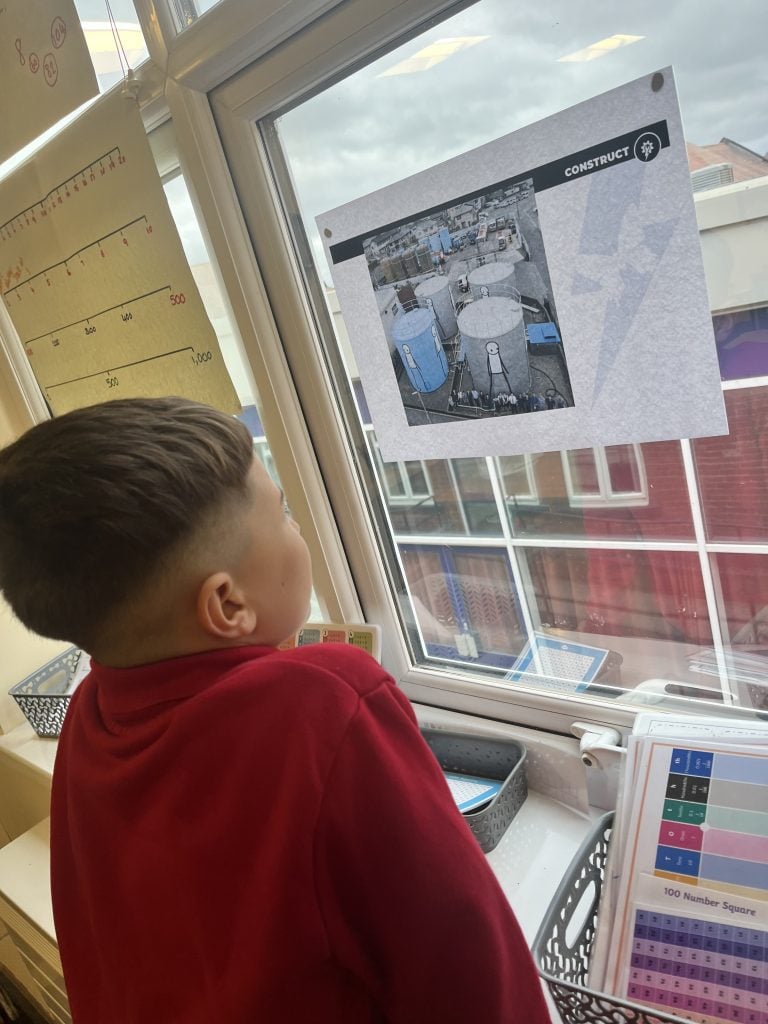
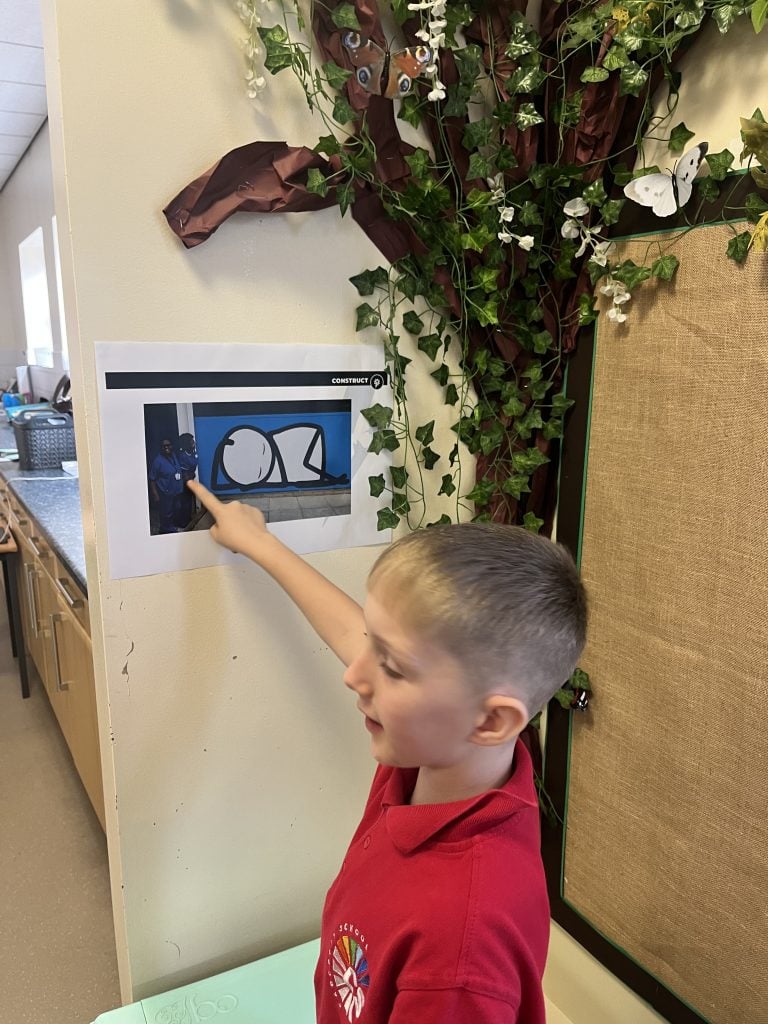
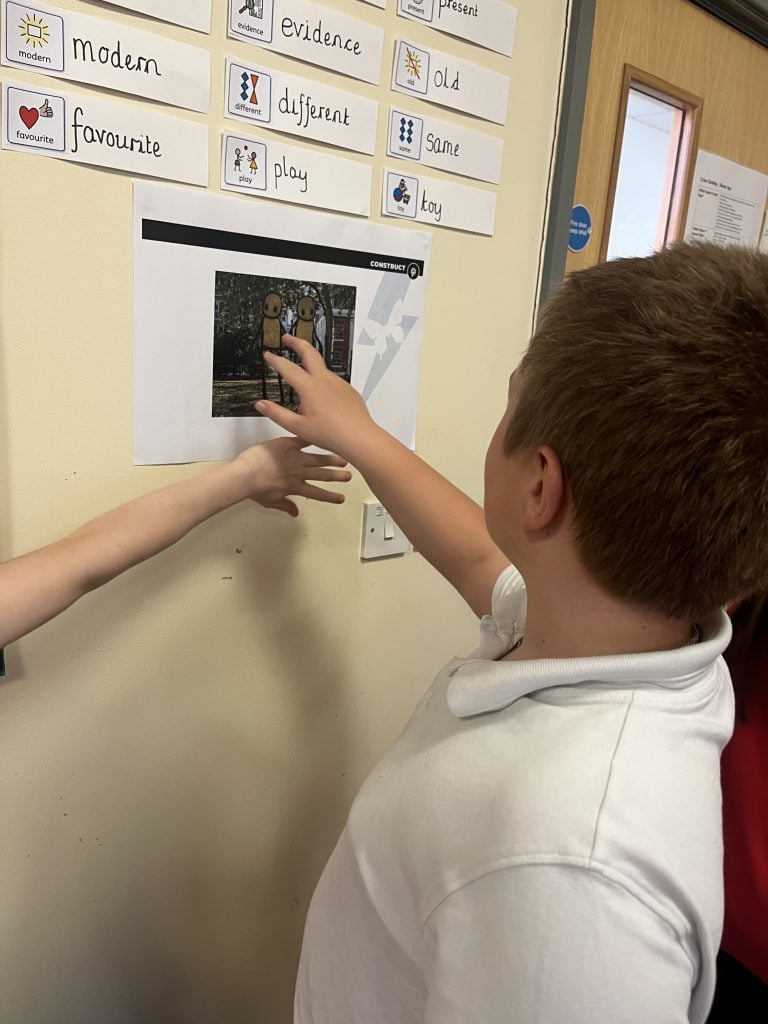
Today, Crew Godley stepped into the world of street art as we explored the work of British graffiti artist STIK.
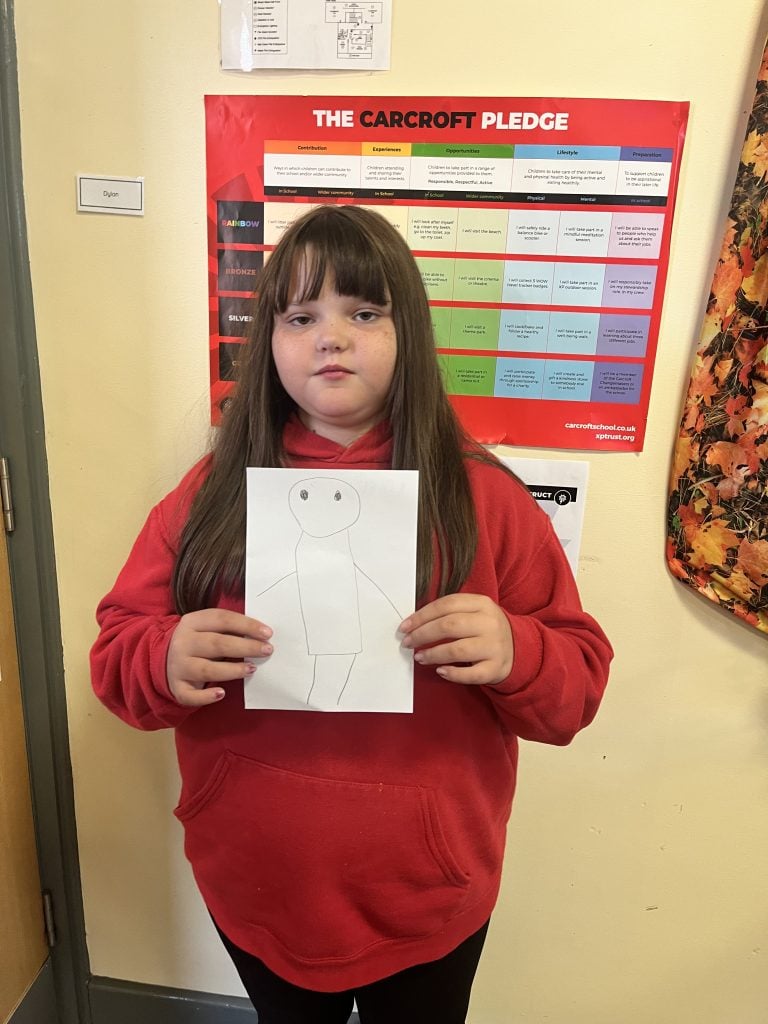
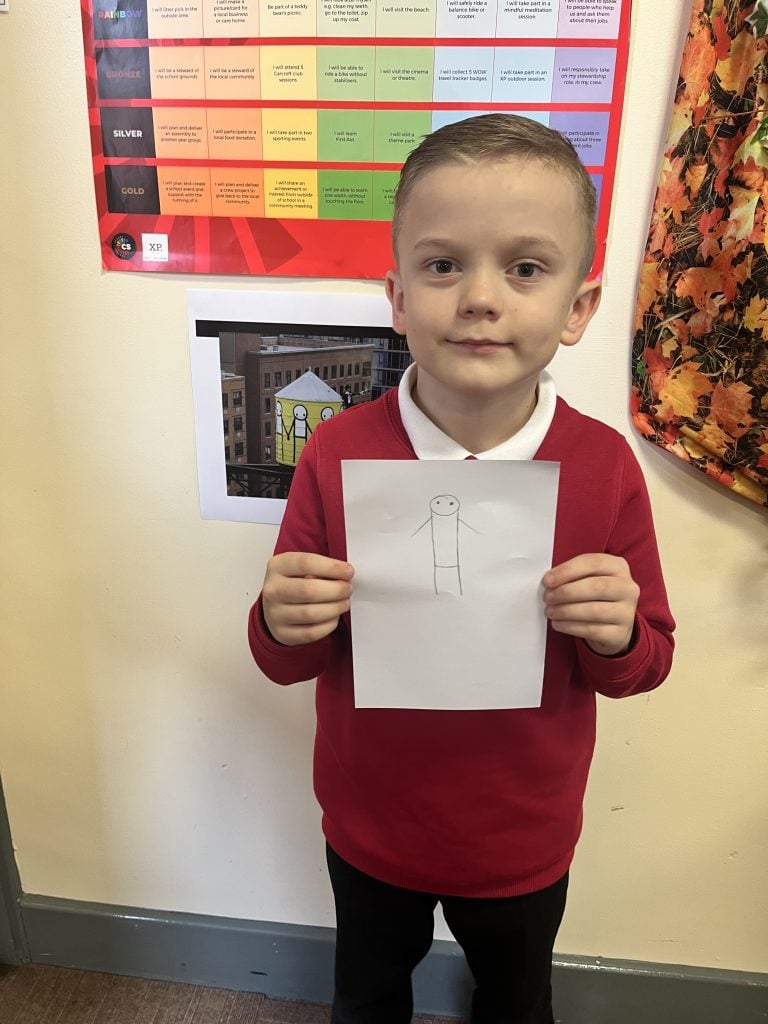
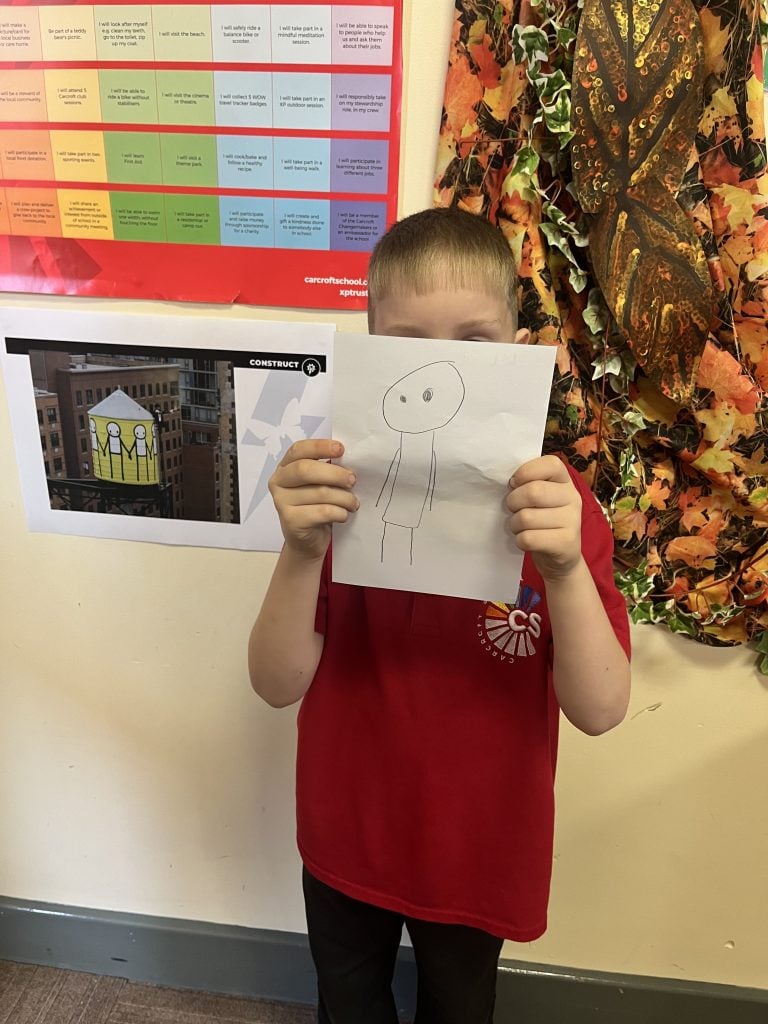
We began with a gallery walk, carefully looking at STIK’s artwork and sharing our thoughts and ideas about his use of colour, shape, movement and expression. We then became artists ourselves, experimenting with different ideas and creating several drafts before developing our final designs.
The Crew showed creativity, craftsmanship and resilience as they refined their ideas and turned their initial sketches into some fantastic final artwork inspired by STIK. We are so proud of the care and thought that went into each piece and can’t wait to see these on our final product.