Creating an animation

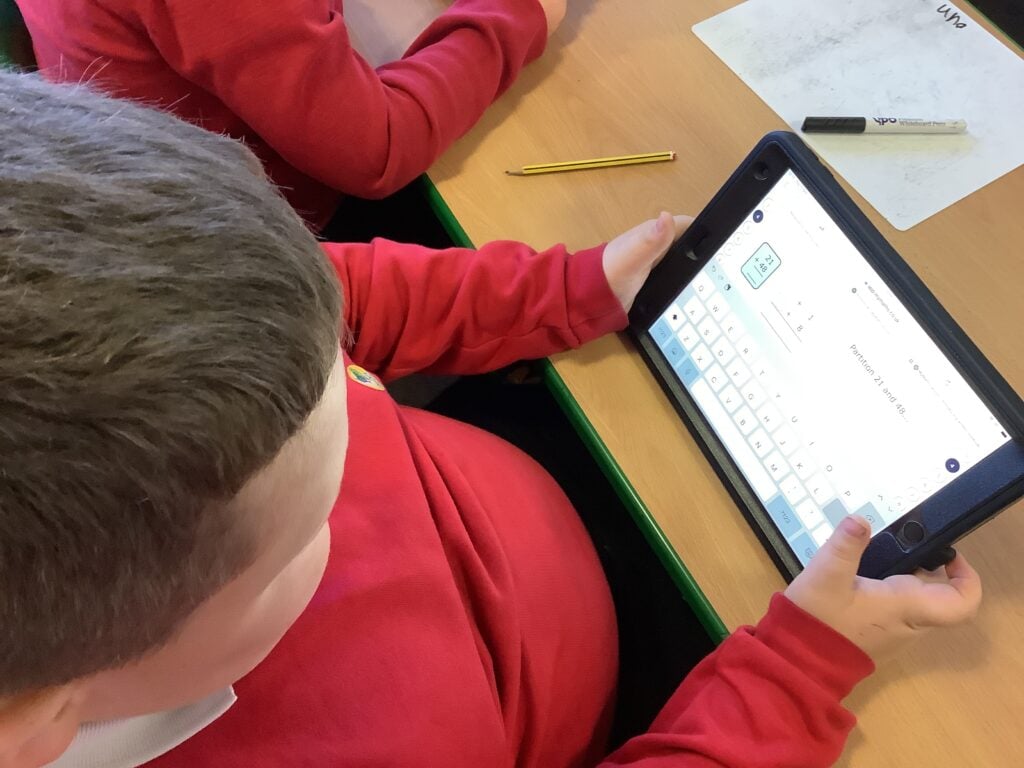
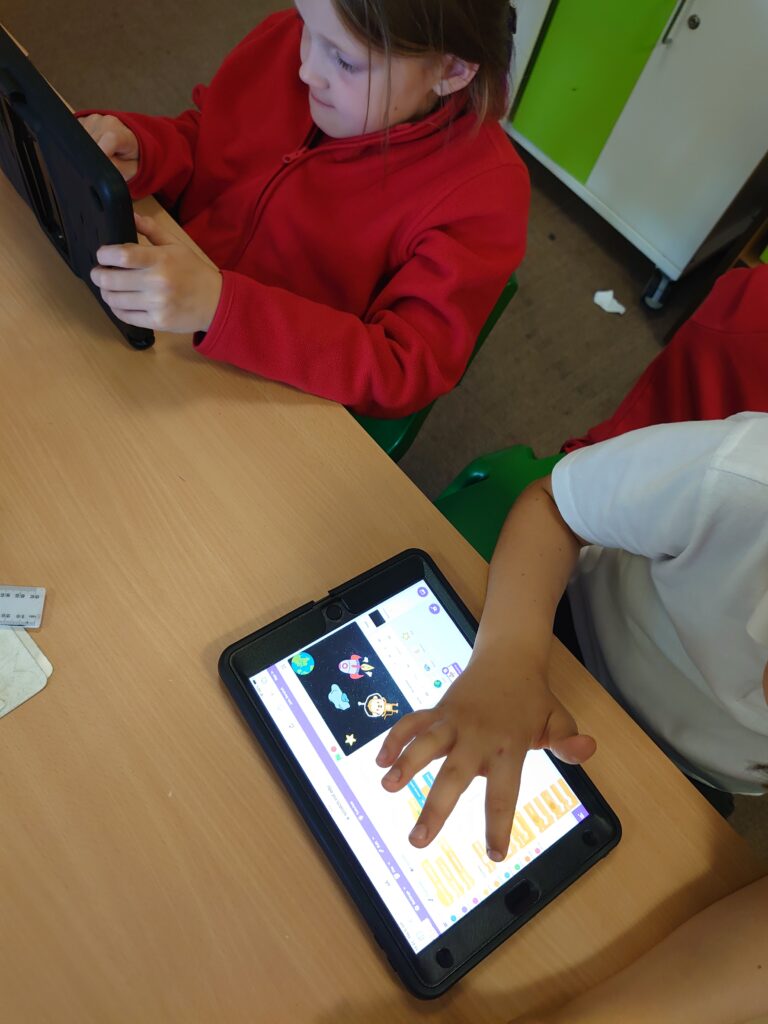
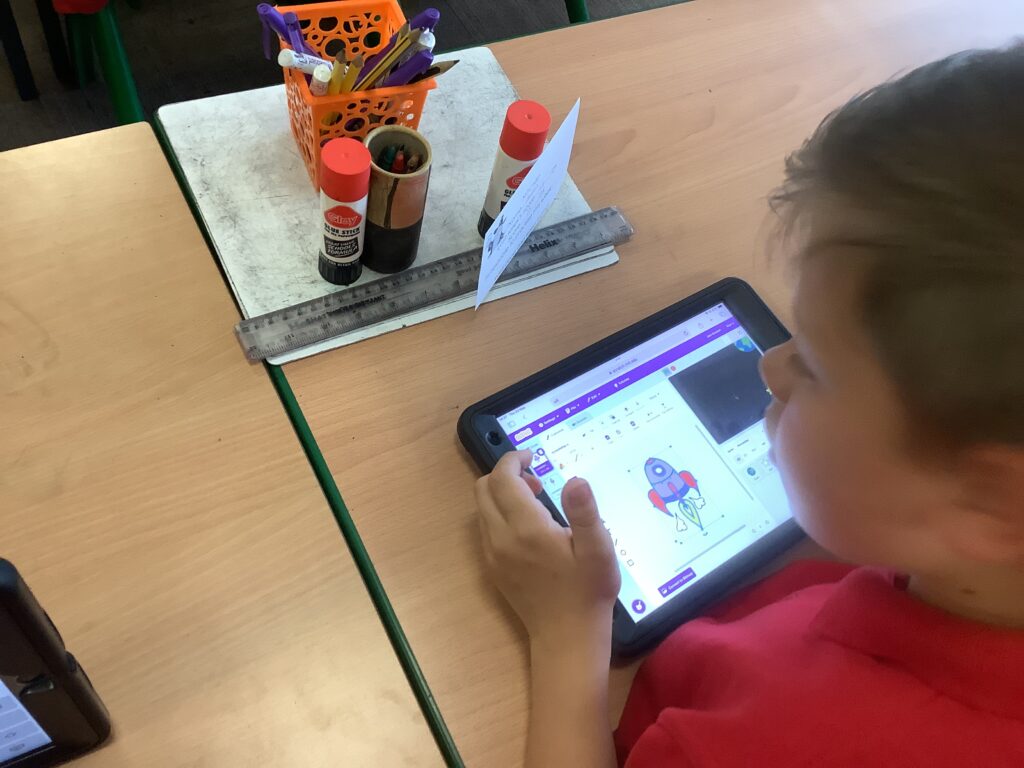
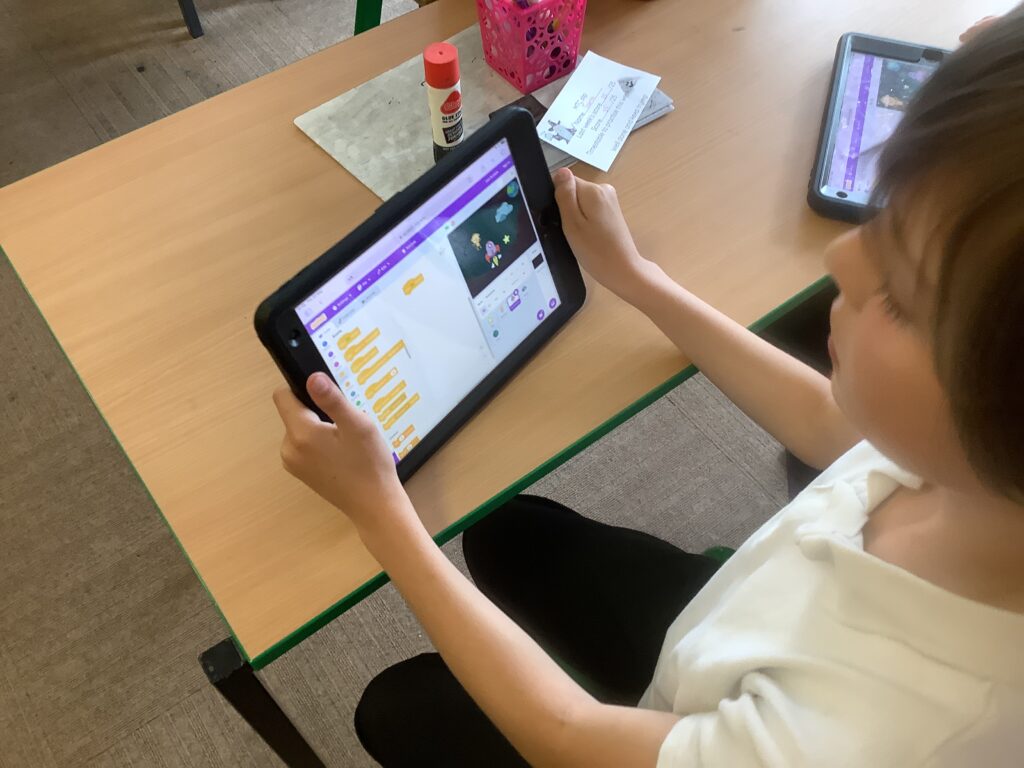
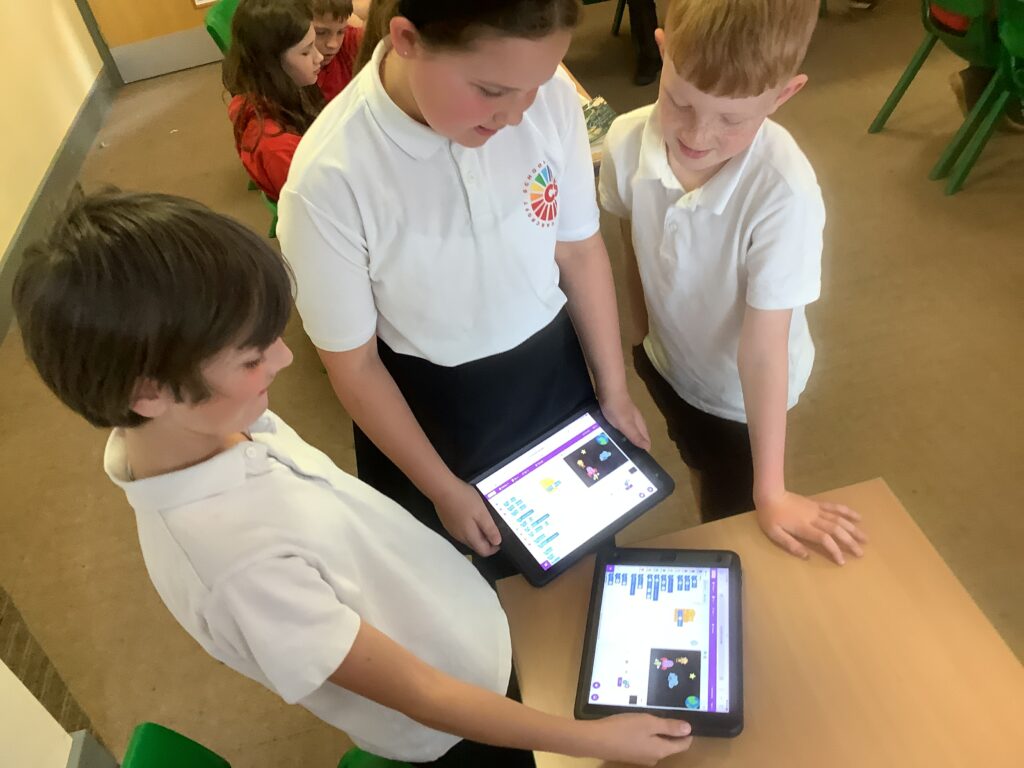
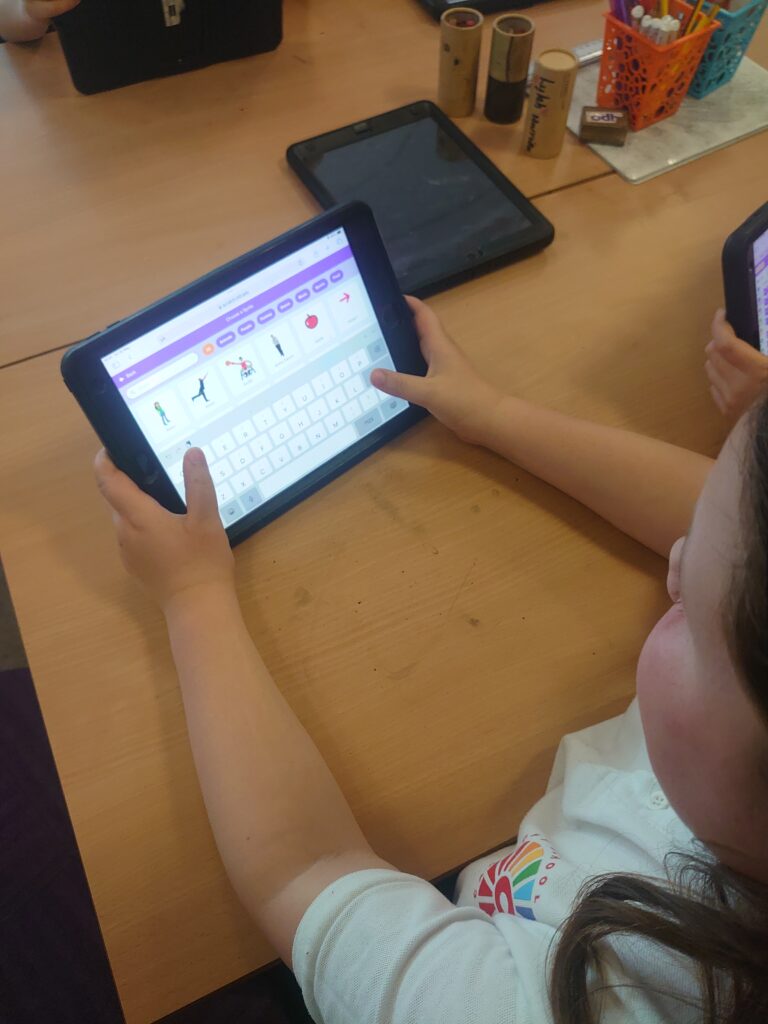
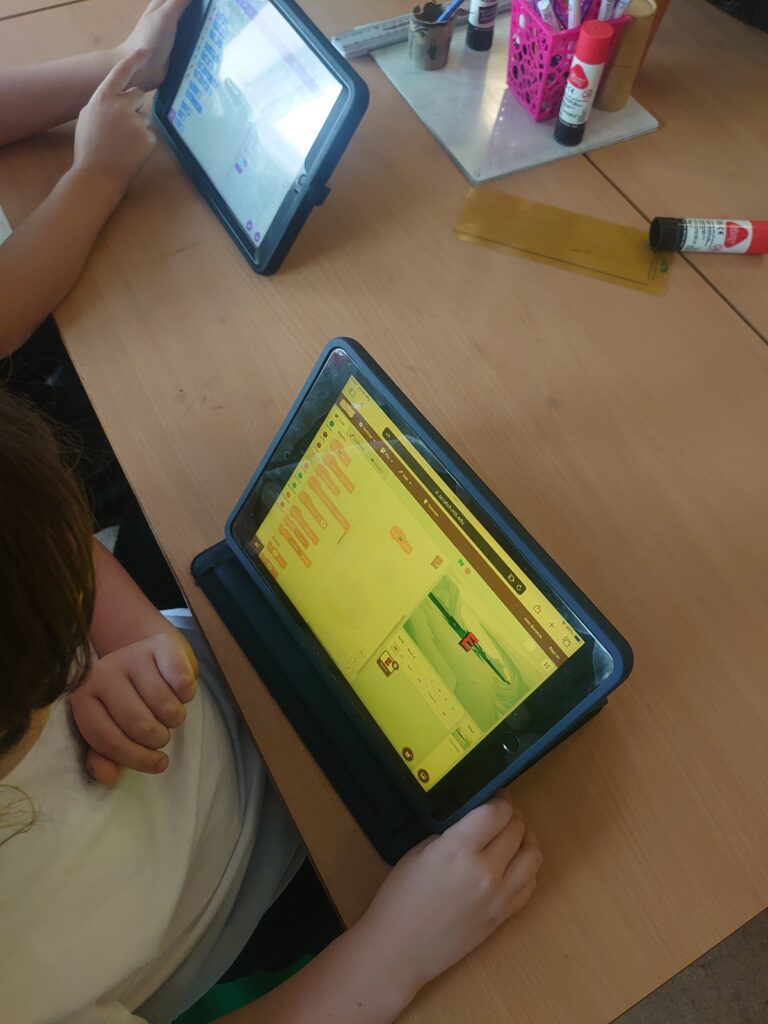
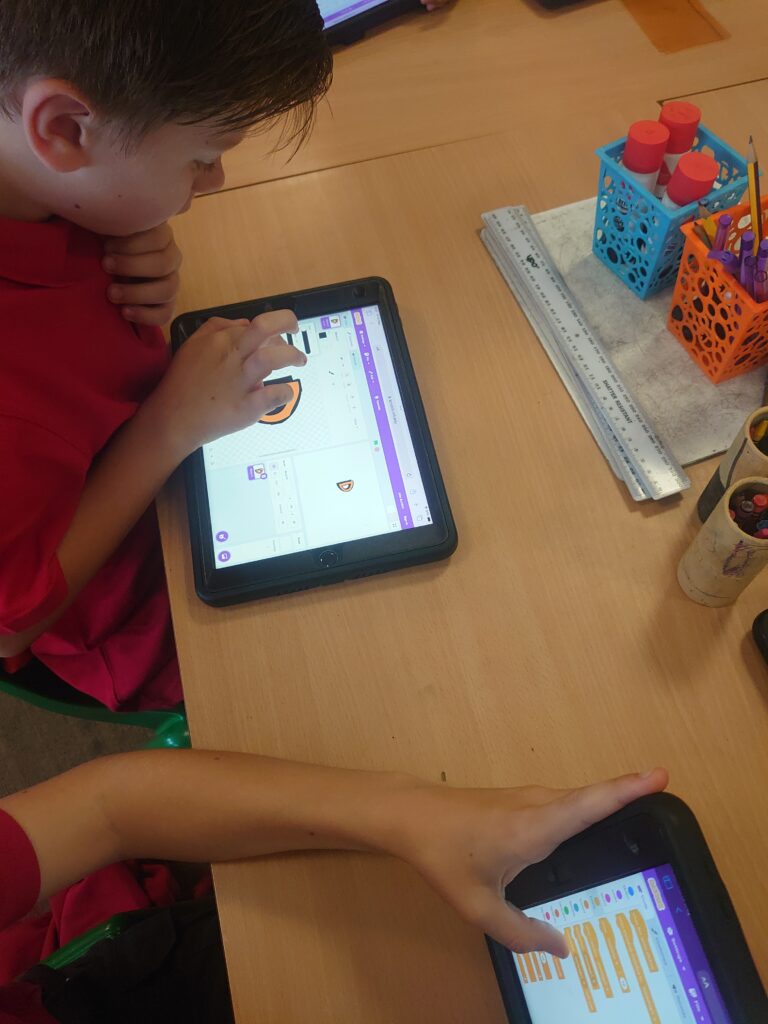
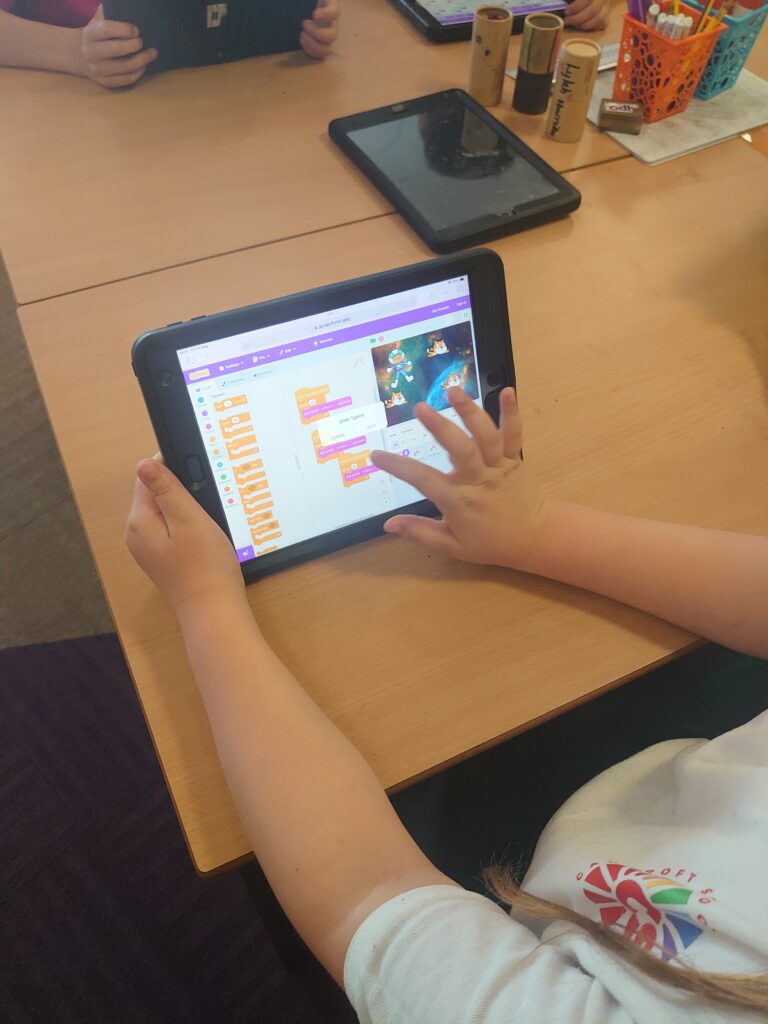
This afternoon, we continued with our computing unit where we had to create n animation following some instructions. Erik was our expert because he is a whizz on scratch which meant he was able to coach some of the children through the steps. This is something we will continue with next time as we’re hoping now that we’ve been shown how to do it, we can be bit more independent next time.

Coding – Scratch

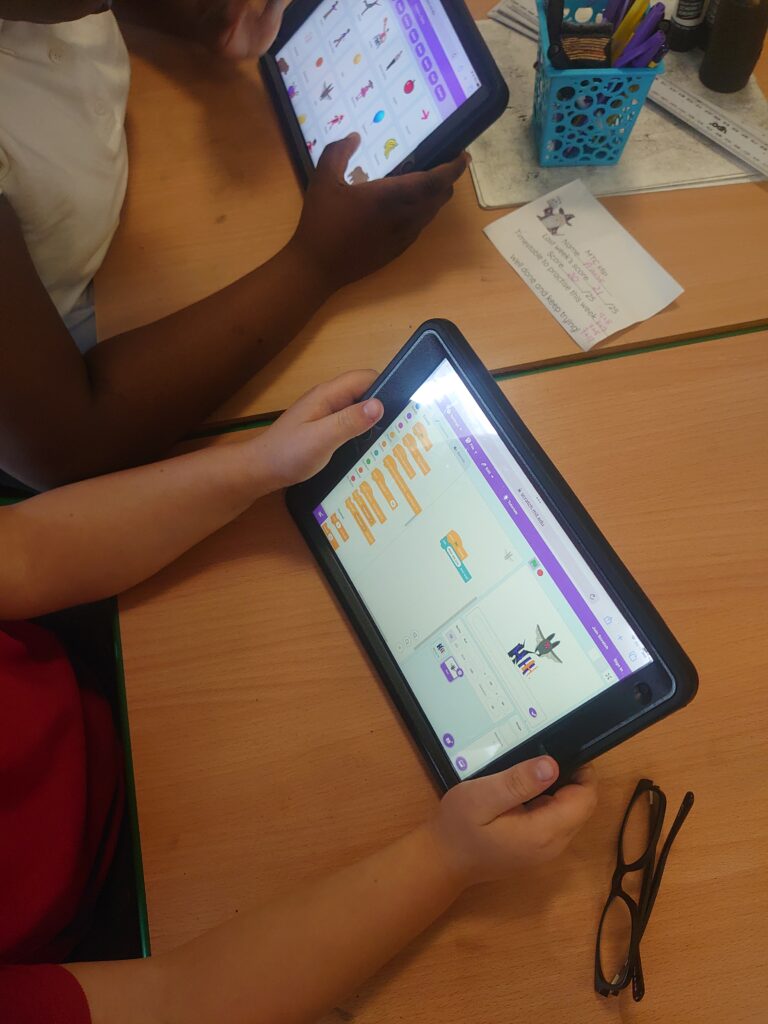
On Friday afternoon, we moved on to the next unit of computing which is about coding. We had some time to tinker with scratch before working through some activities. One of these activities was to create a loop of code which basically means that the sprite will continually do an action (on a loop). We really enjoyed being able to tinker with and explore scratch and look forward to exploring this more in future computing lessons.

Debugging!

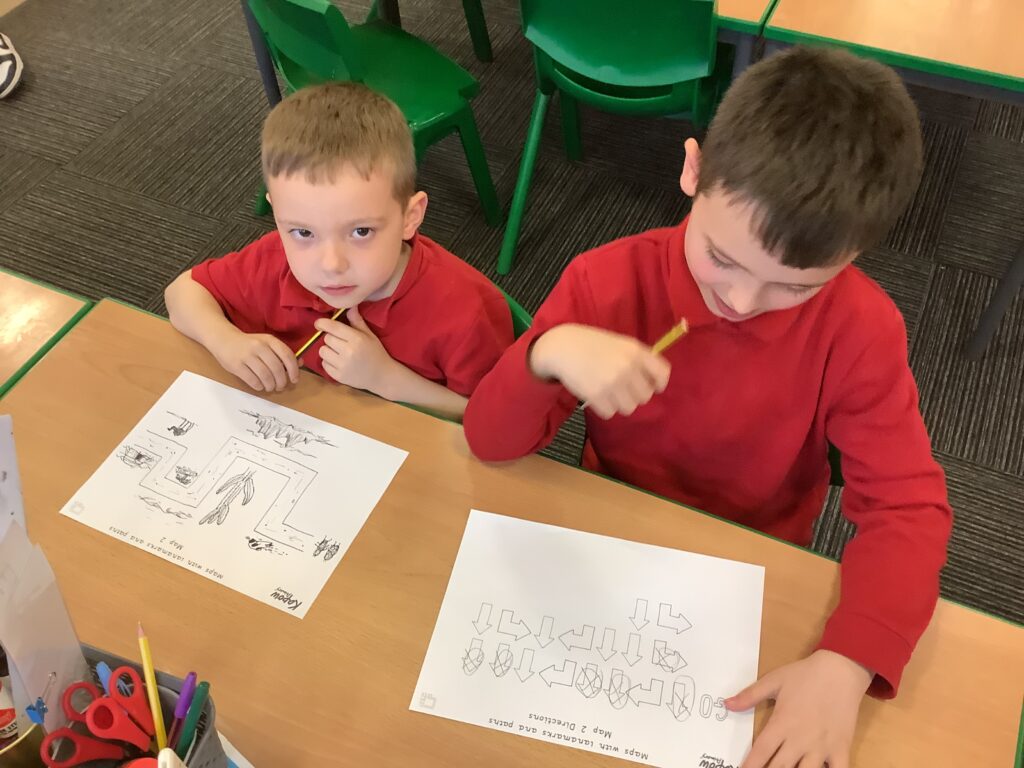
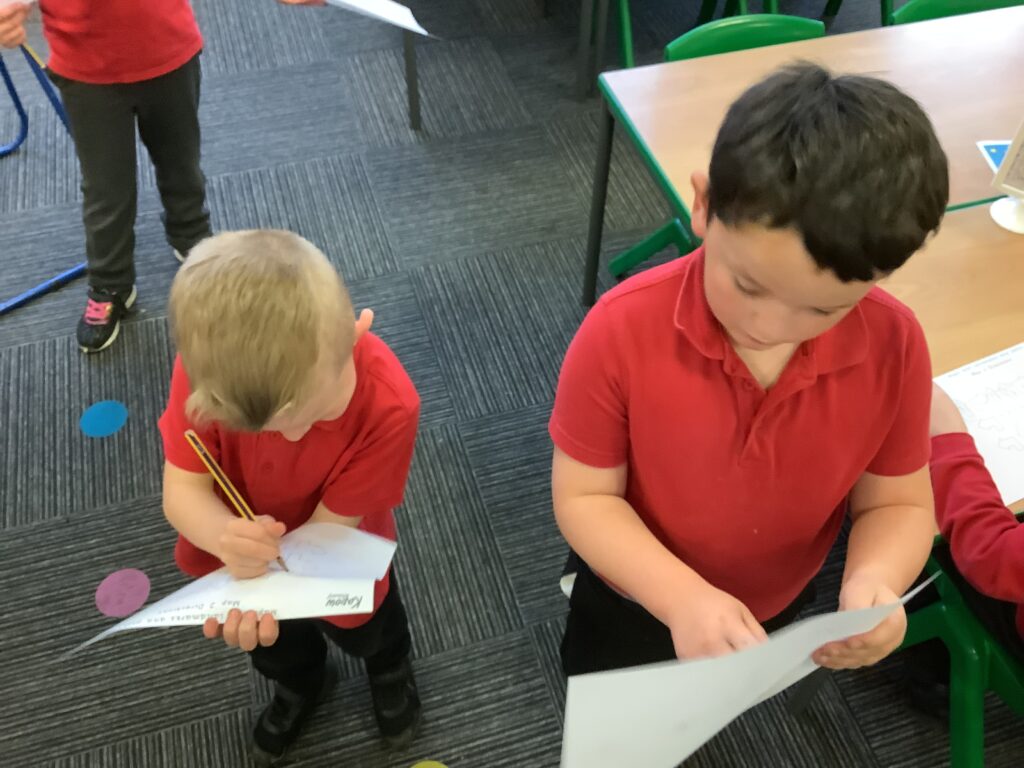
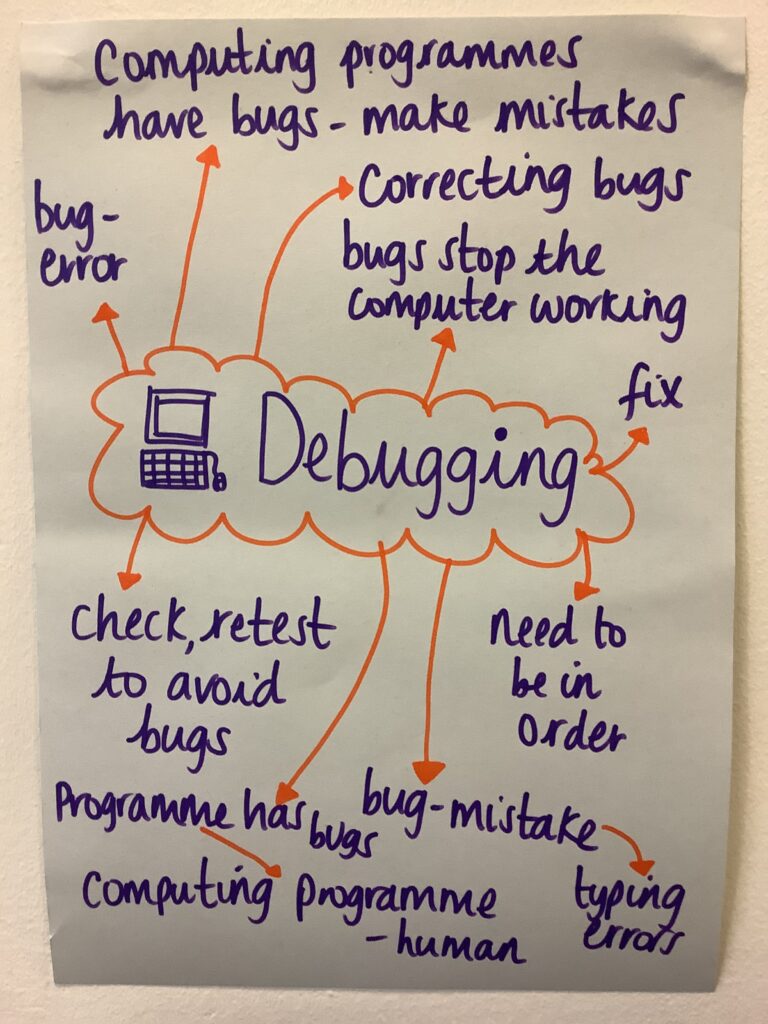
In our latest computing session we learnt all about what debugging is (which doesn’t actually have anything to do with real life bugs!), how we identify them in an algorithm and how we can fix them! We then had a go at doing some ‘debugging’ ourselves. We worked in pairs and used maps and directions to spot the ‘bug’. We were really good at this! As a crew we then had a go at rewriting the correct algorithm. We then finished the lesson by sharing everything that we had learnt about ‘debugging’!

Debugging

Today in our computing lesson we learnt about what debugging is and how we identify them in an algorithm. We used maps and directions to spot the bug and thought about how we rewrite the algorithm.

Decomposition

In Crew Godley, we continued our computing work and discussed what decomposition was. The children enjoyed explaining what they had already learnt about computers.

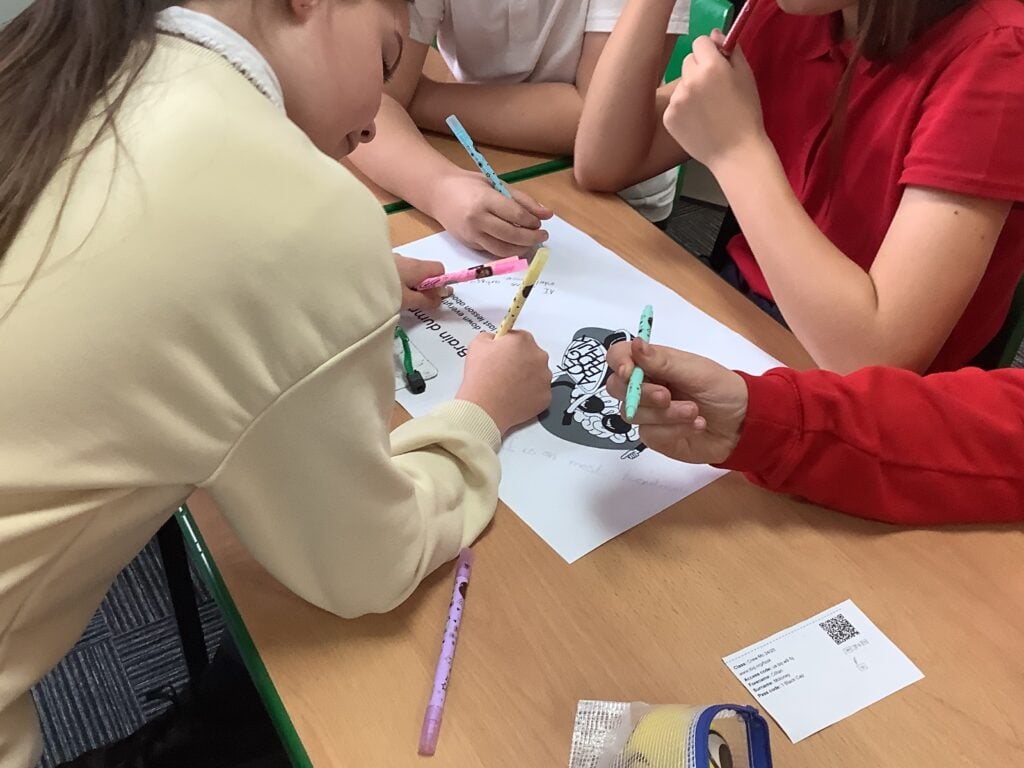
We first drew pictures using 2D shapes and discussed how we could break this down for someone to follow. We then created step by step instructions for our partners to follow.

We discussed that we have to break down big tasks into small chunks to make it easier to complete.

Computing – Inventions!

Crew Hamill had SO much fun this afternoon creating their own inventions! We discussed all of the pieces of technology we found around school during our last computing lesson and reminded ourselves of what a computer is. We then used this information to come up with our own inventions that all involved a computer. We had to think about what we would need to input into our inventions in order for them to work and then what the output would be once we did that. We had some amazing ideas, including:

  • A cupcake machine: You press a button on your desk and the cupcake machine pops up from underneath, producing a freshly baked cupcake.
  • A glitter party machine: A small box attached to the ceiling. When you clap 3 times, it triggers the machine to open. When the doors open, glitter rains down from the ceiling and the box starts to play music so that you can have a party.
  • A time machine: A box that you can go into and programme with different years. This allows you to move forwards or backwards in time!
  • A shrink watch: When you twist the outer circle of the watch in one direction, it makes you shrink to the size of a little bug! When you twist it back in the opposite direction, you’re the same size again.