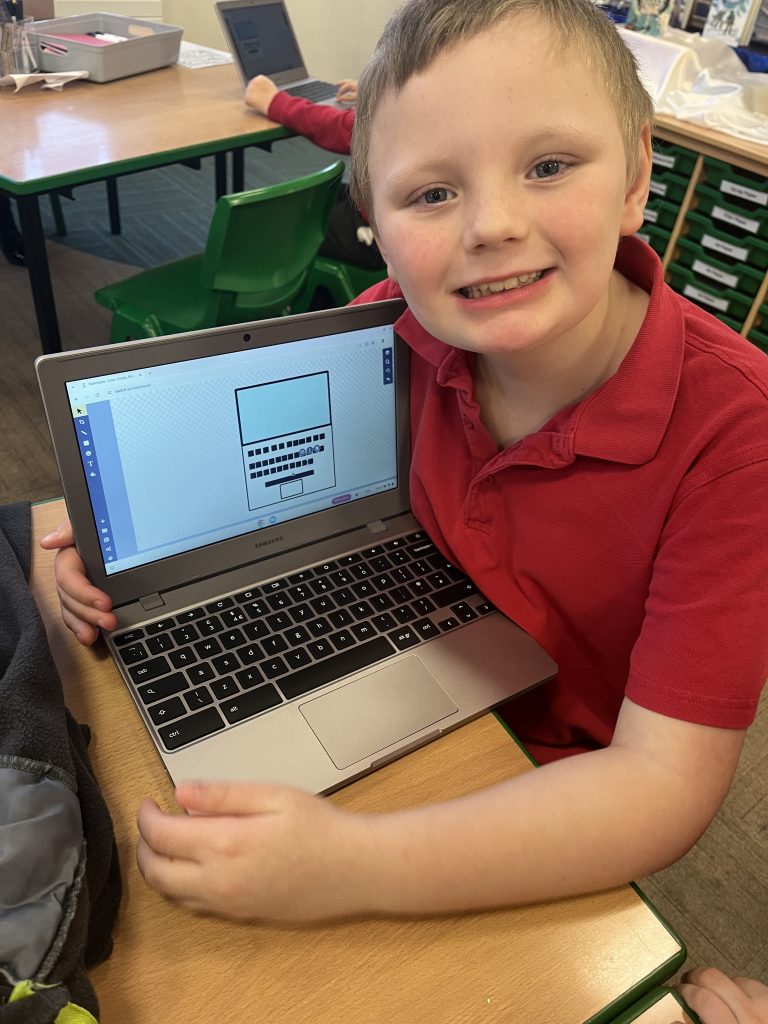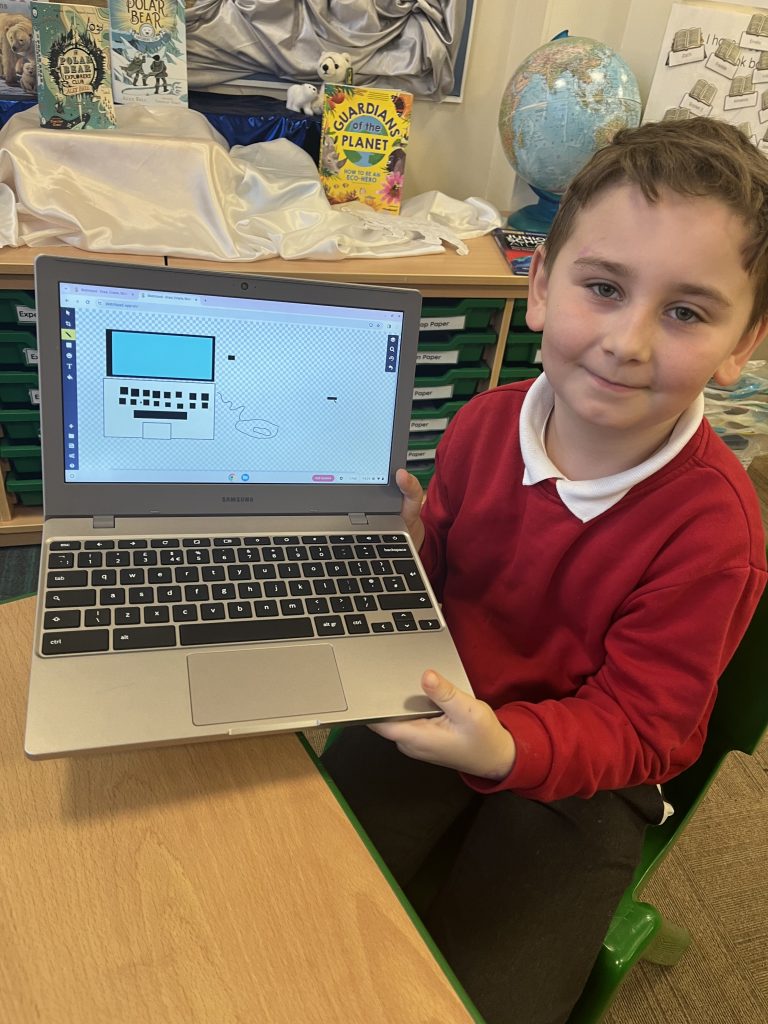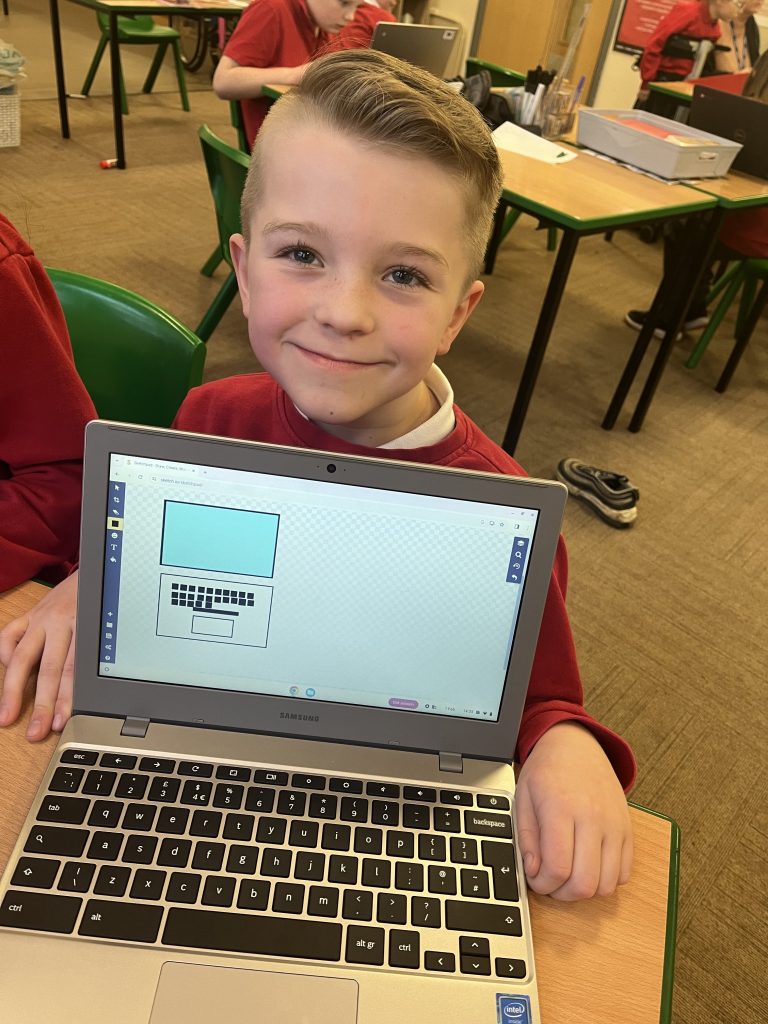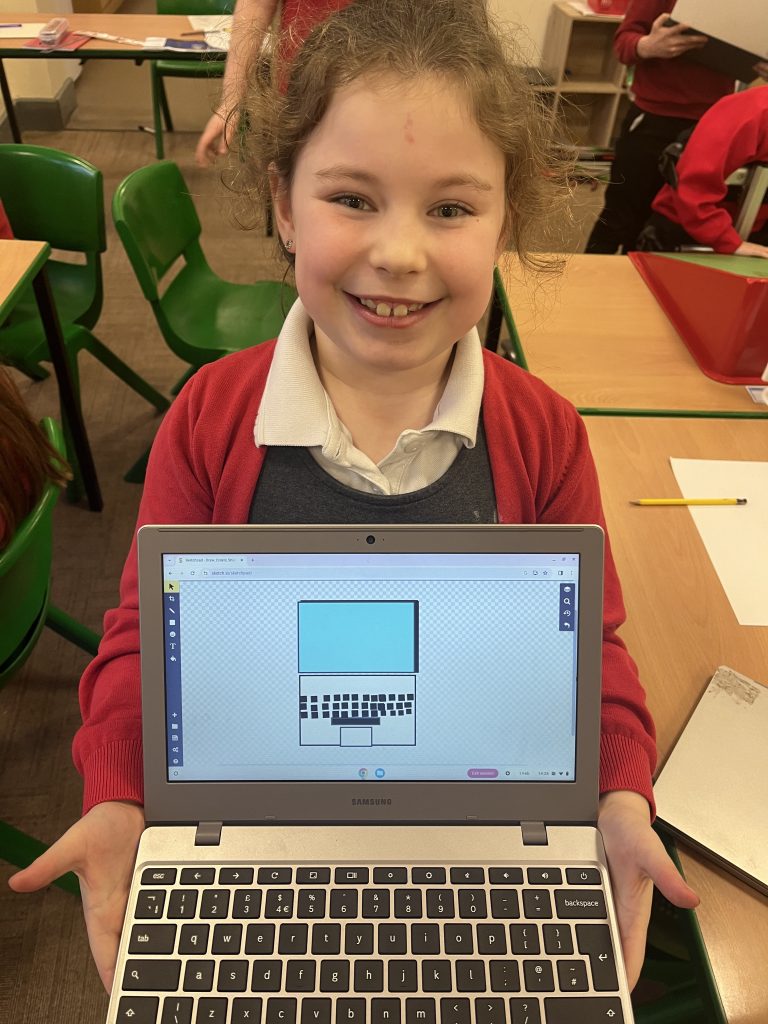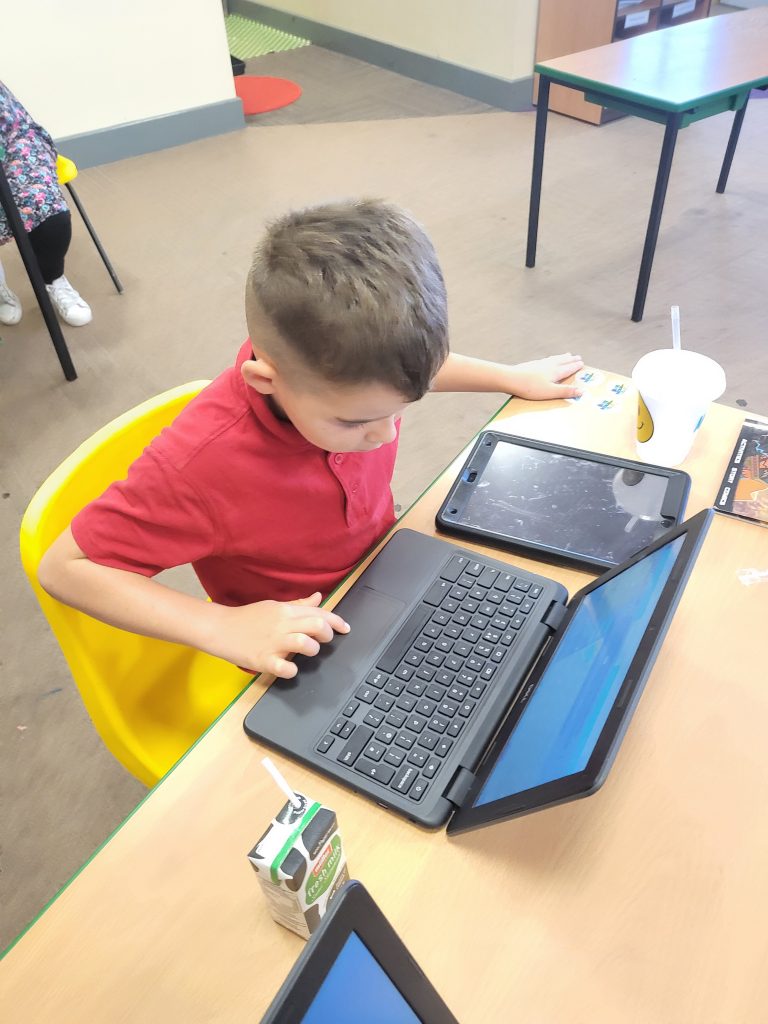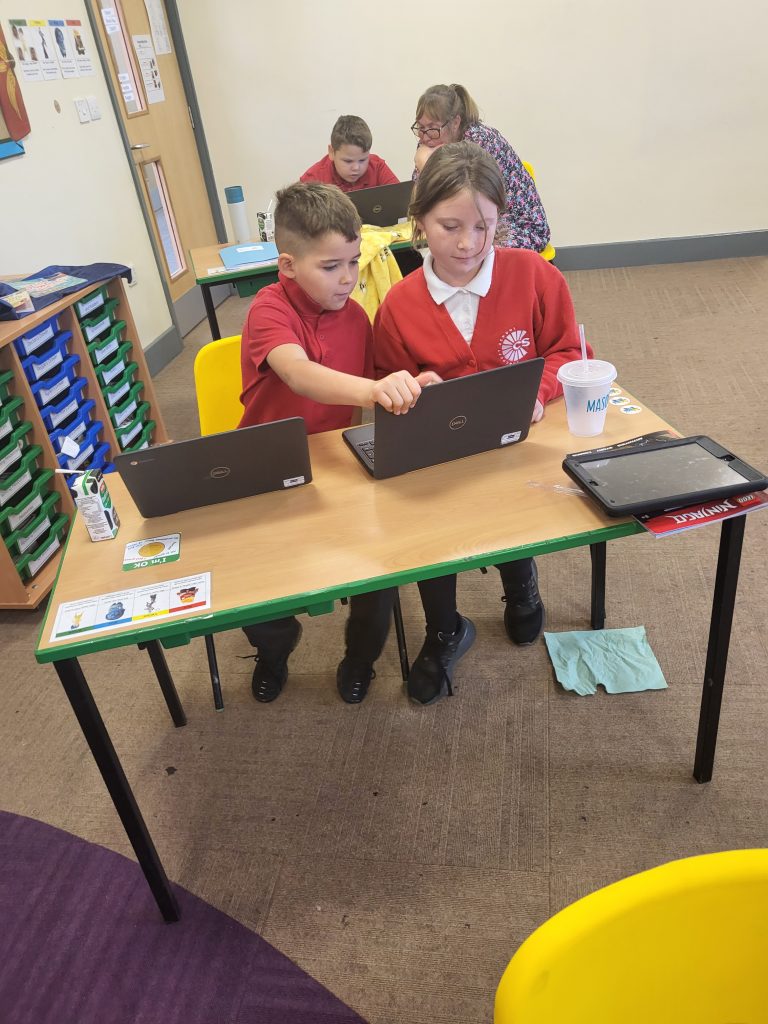
Parts of a Computer 💻🖥️⌨️

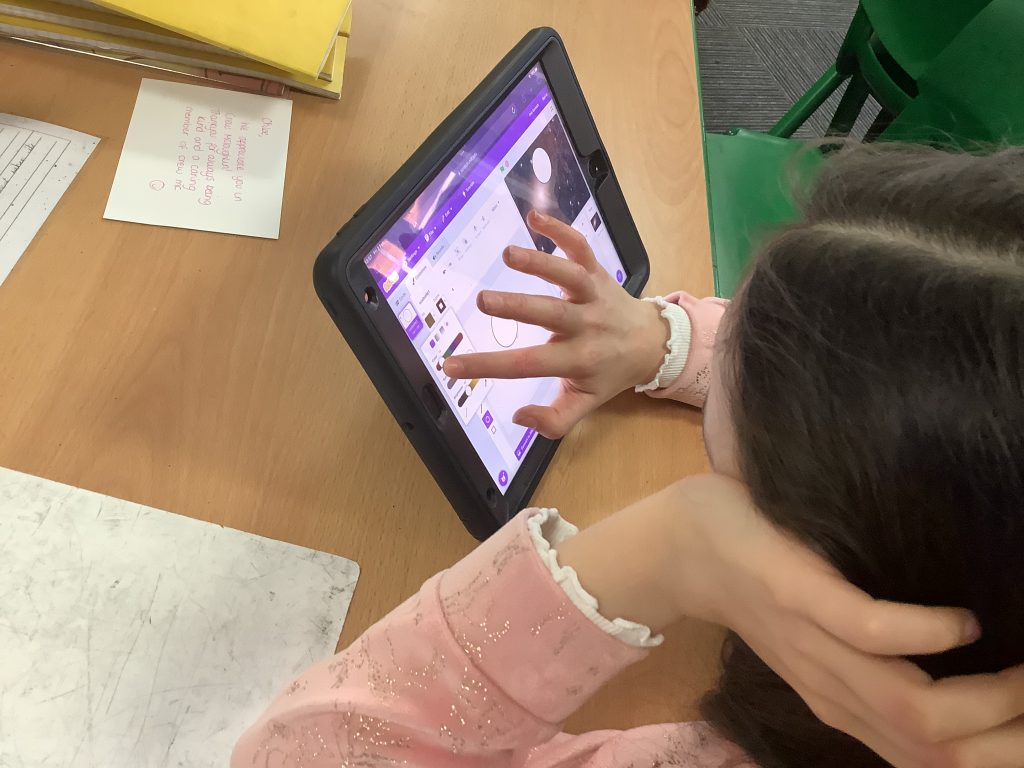
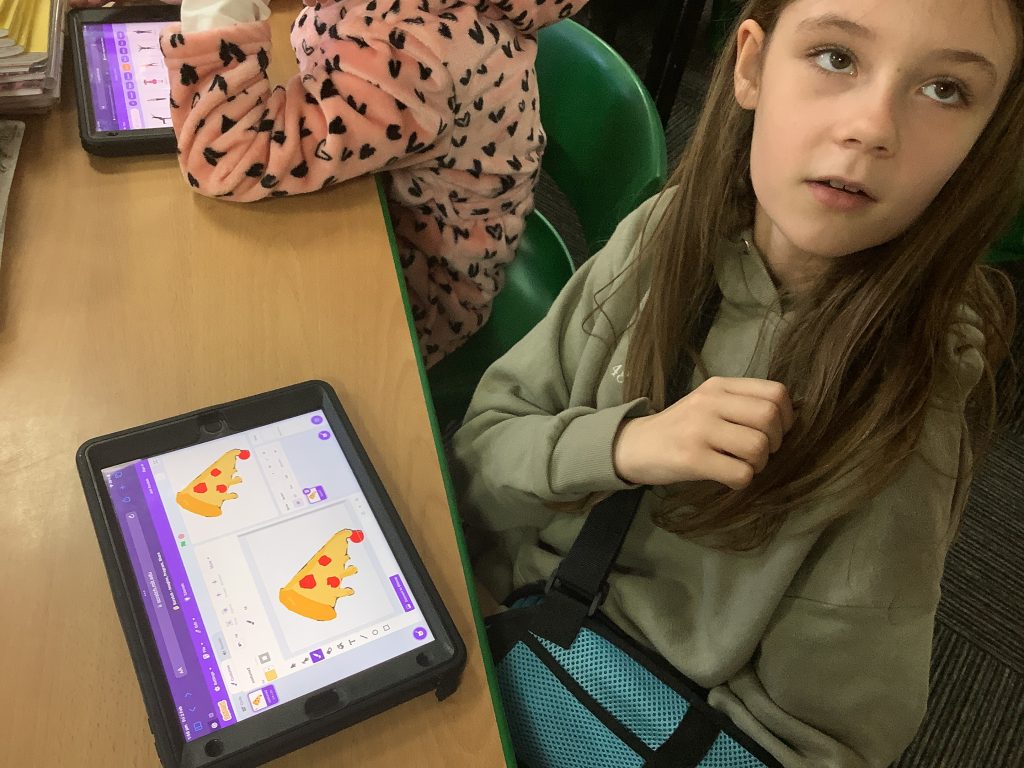
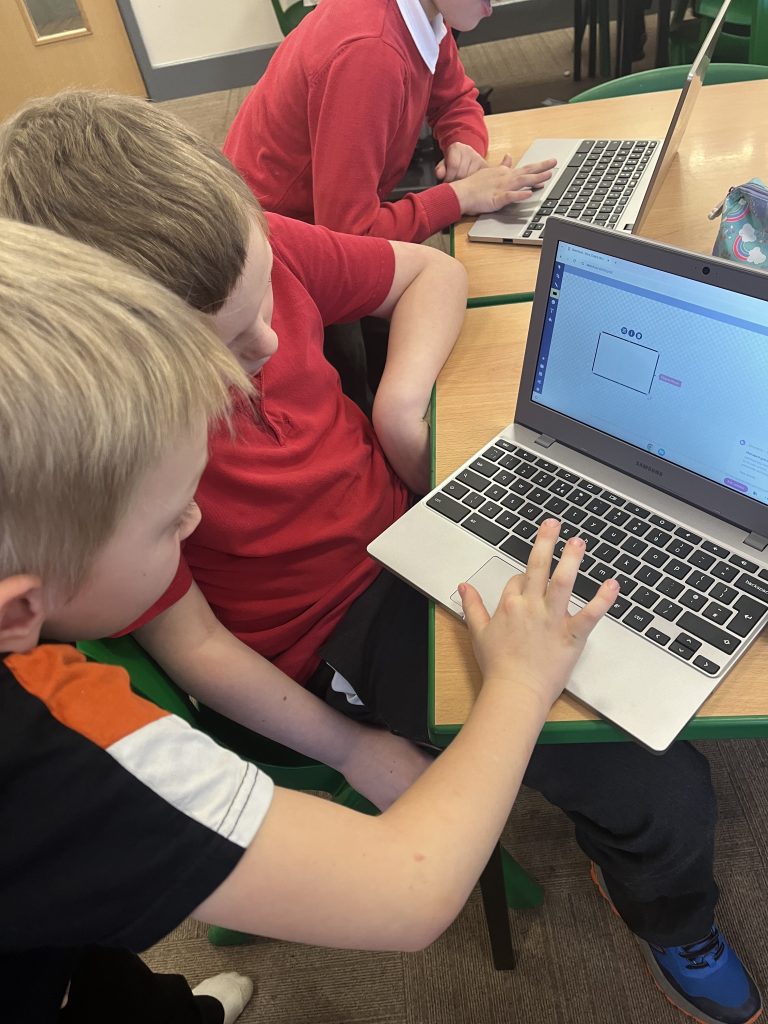
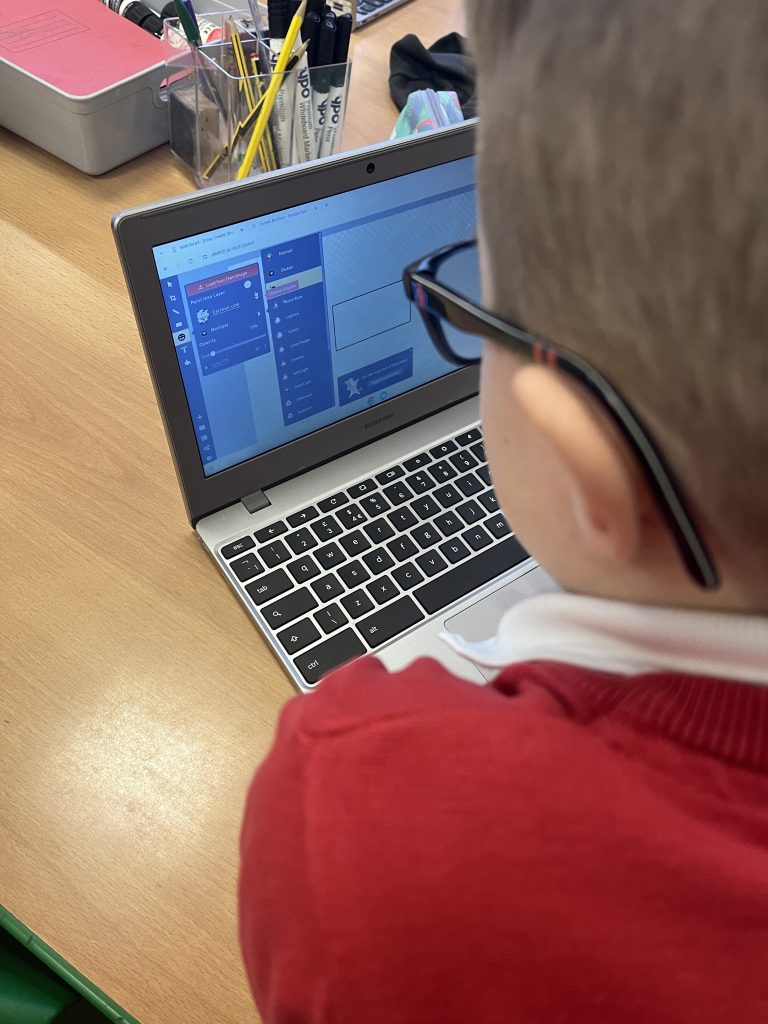
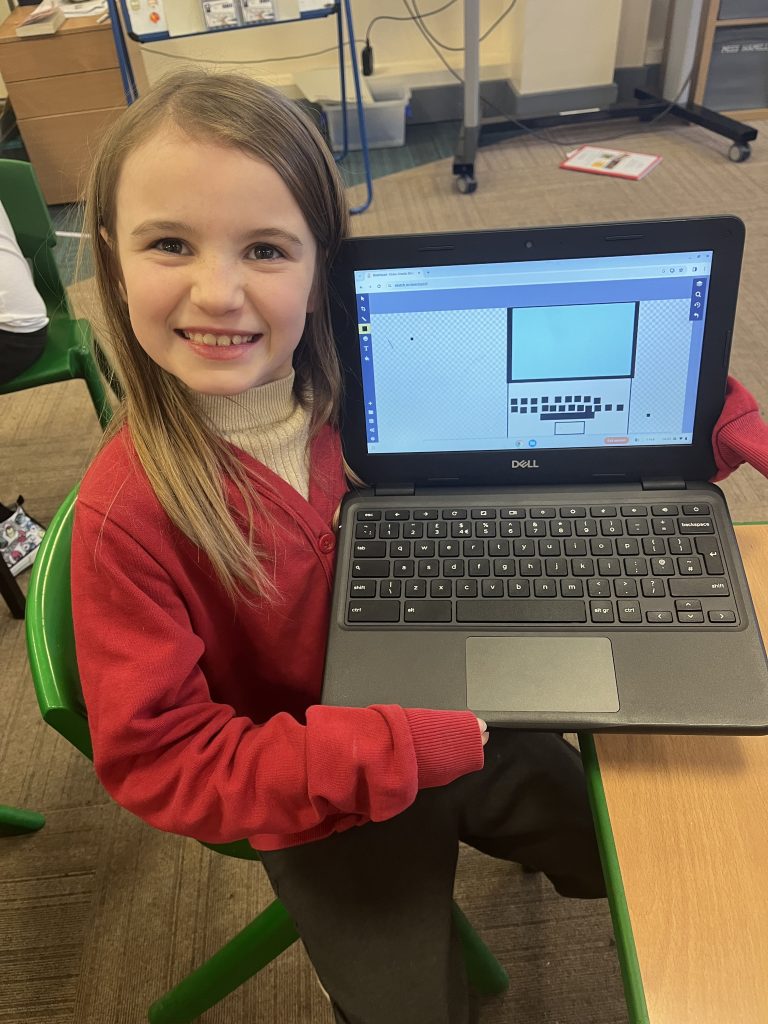
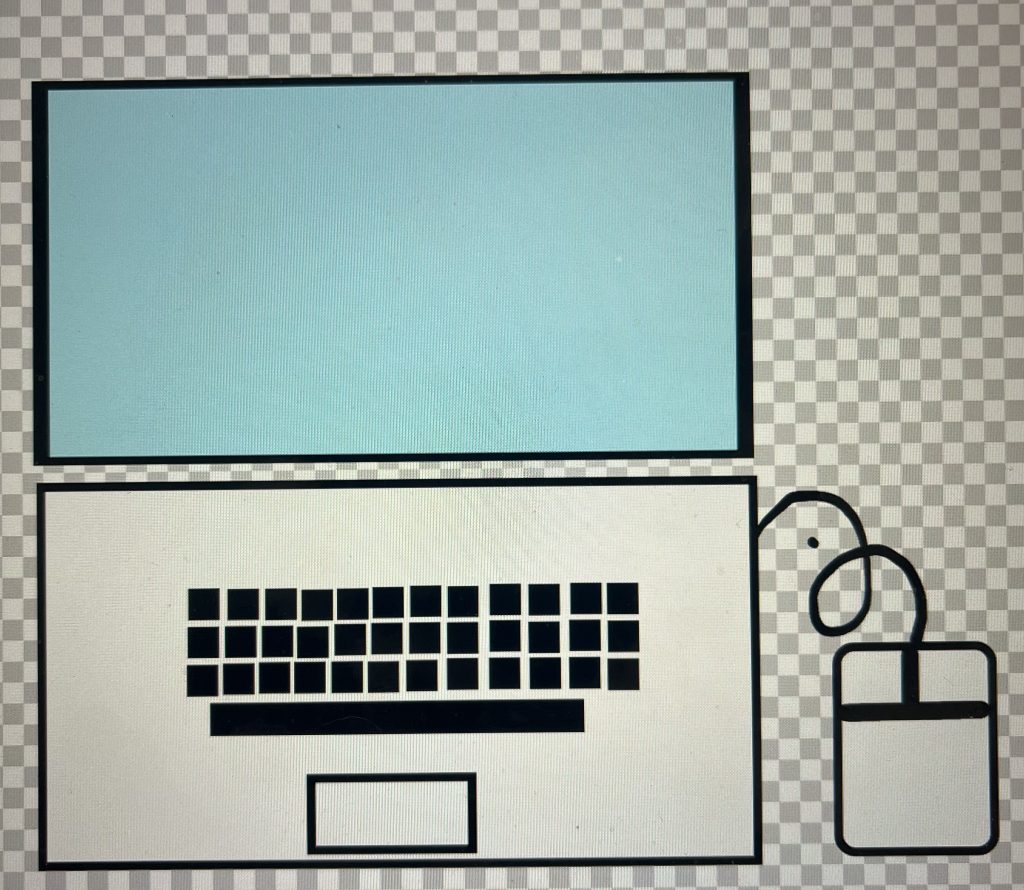
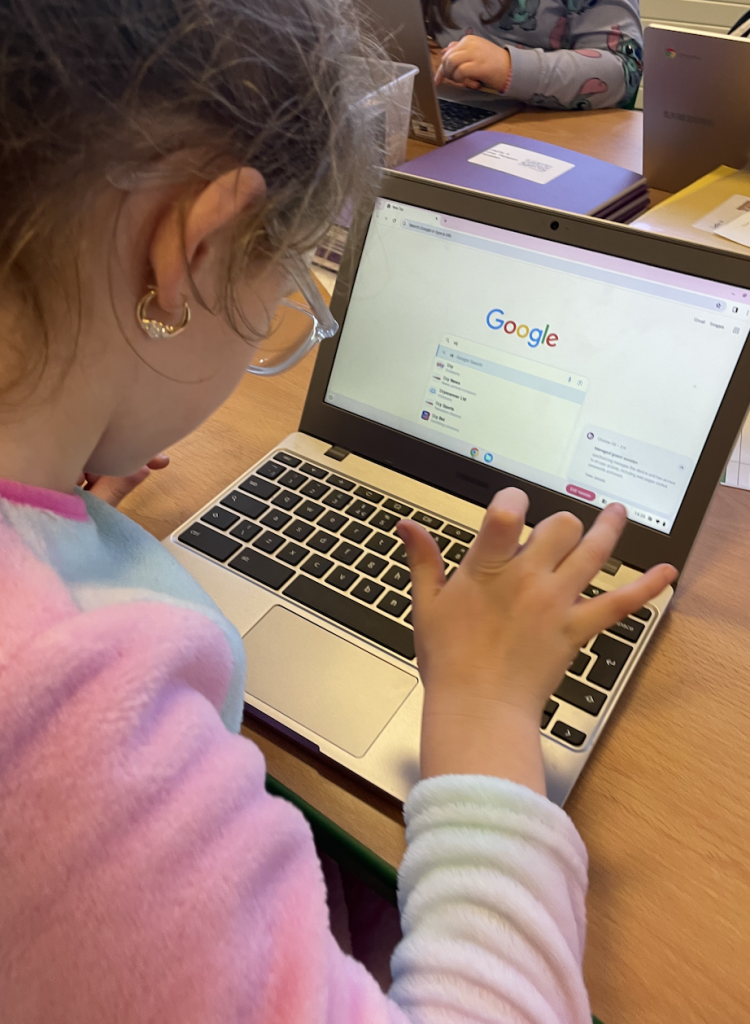
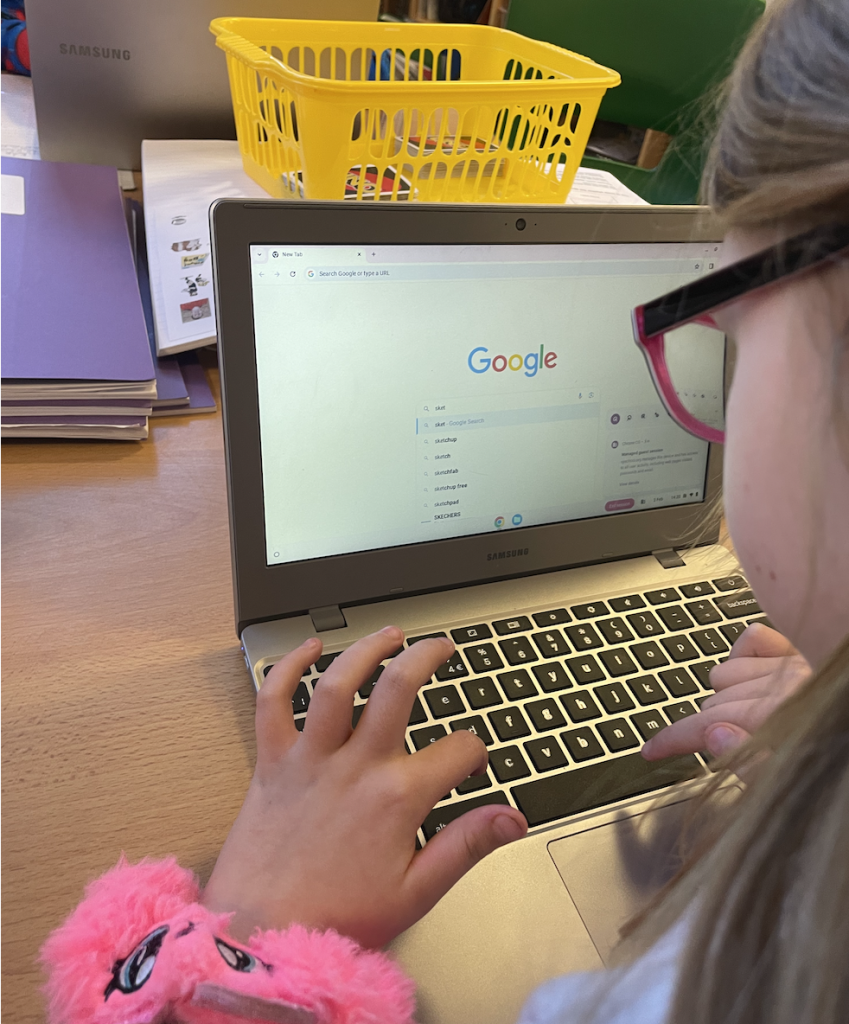
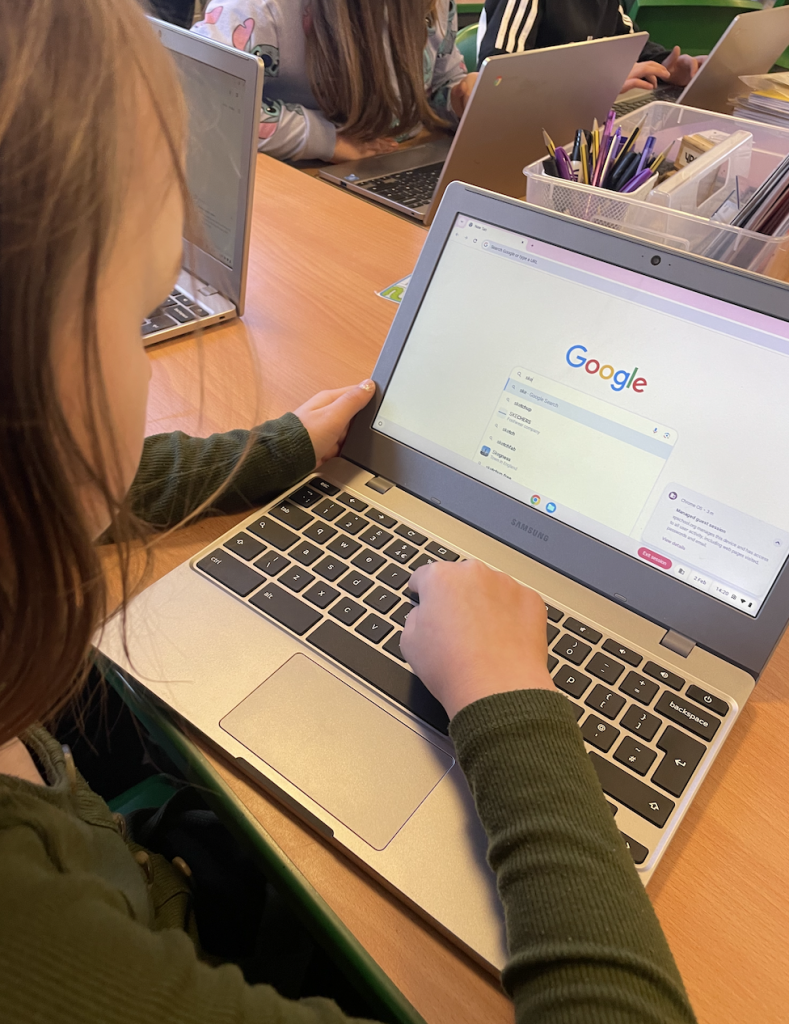
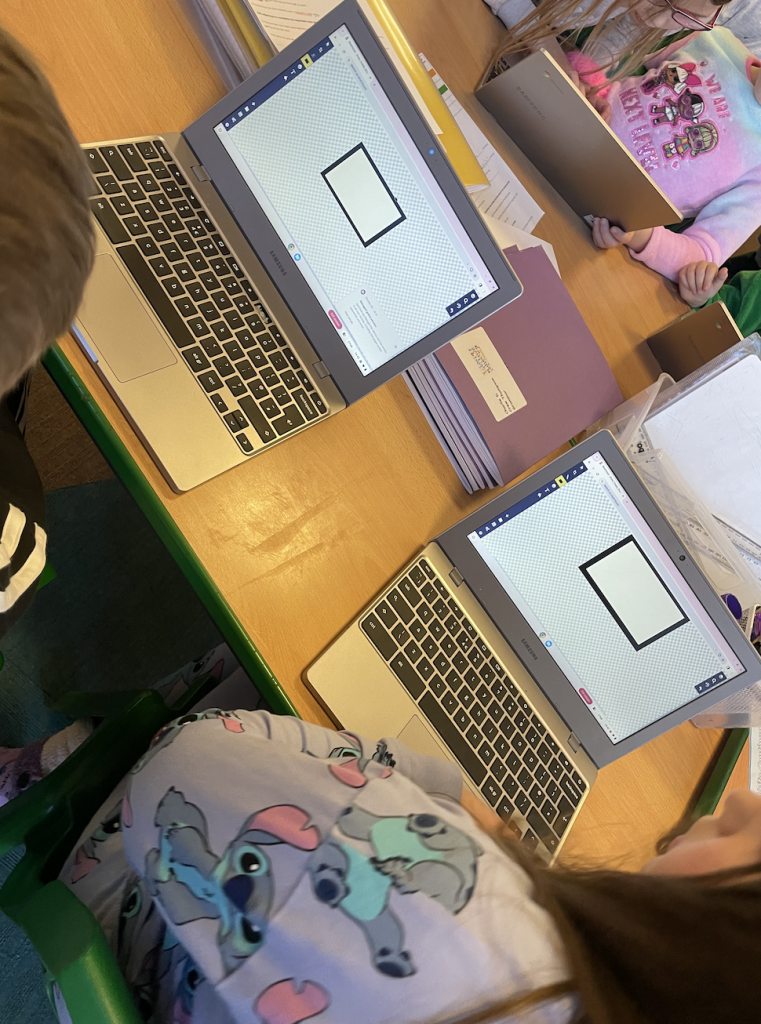
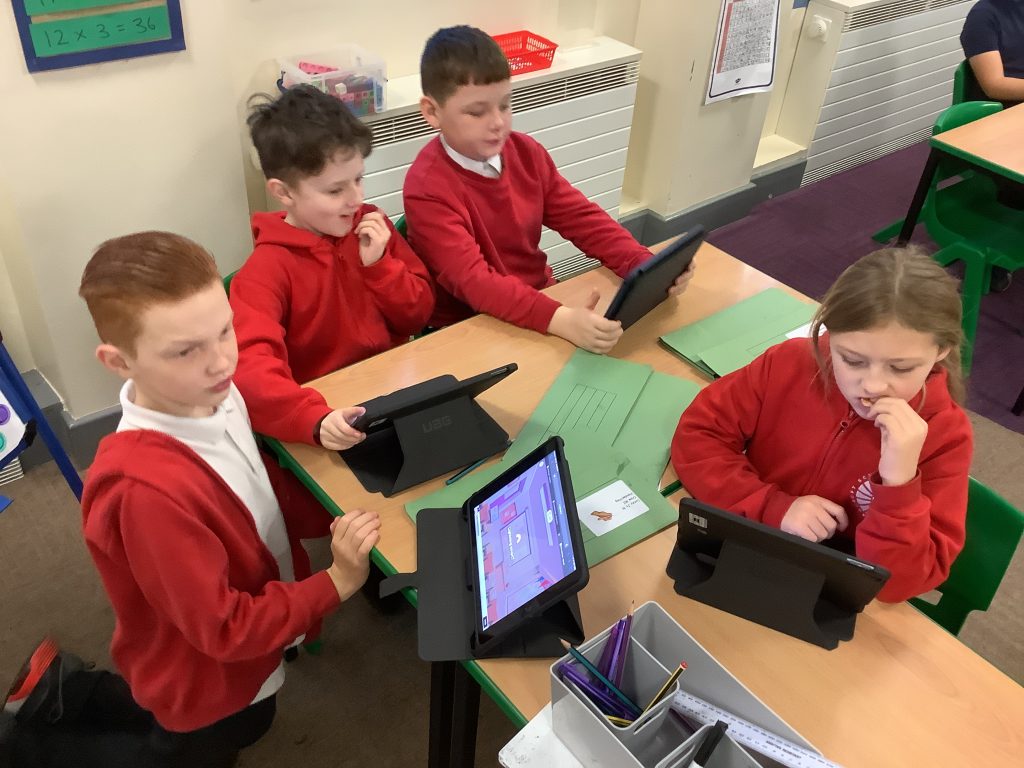
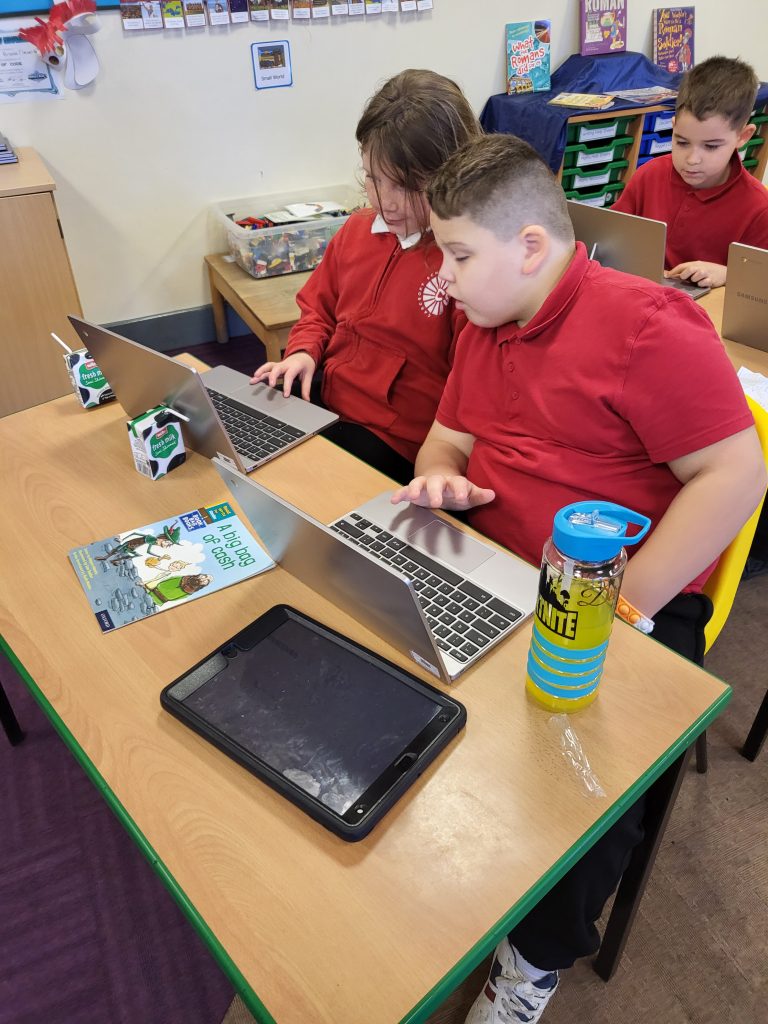
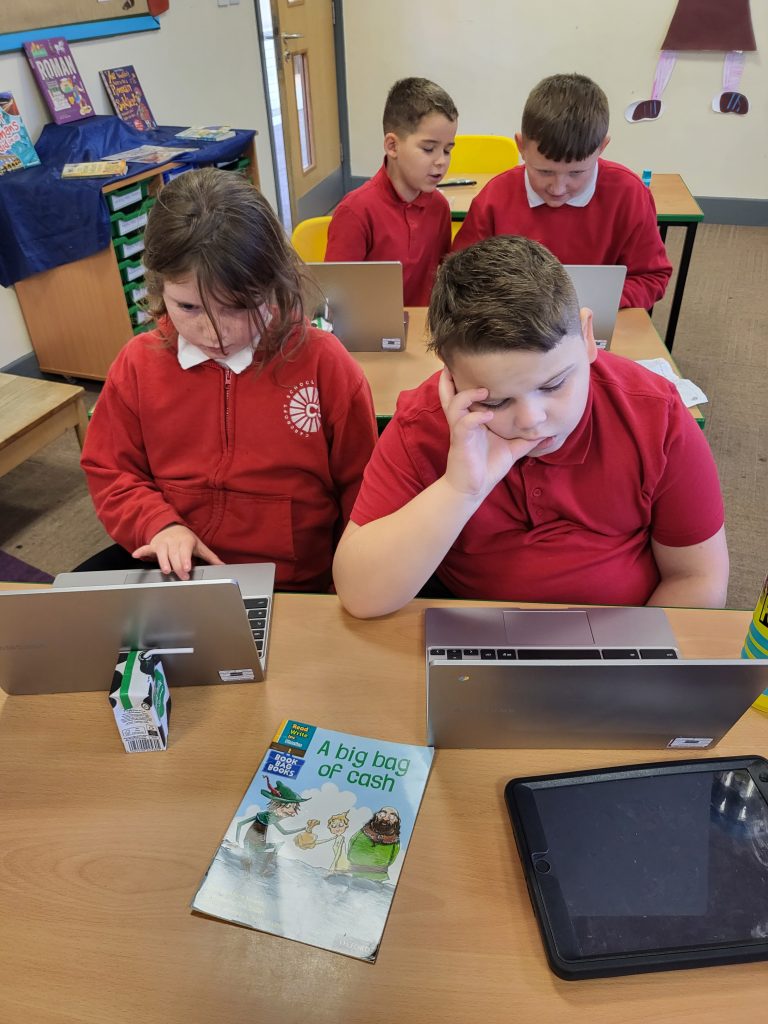
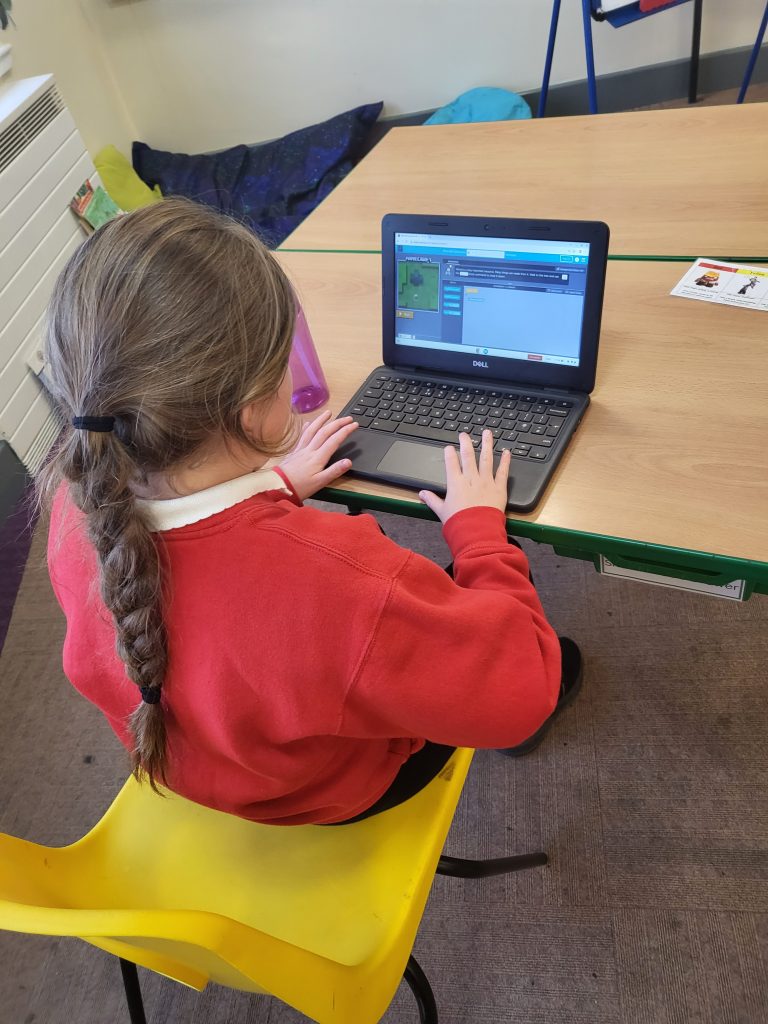
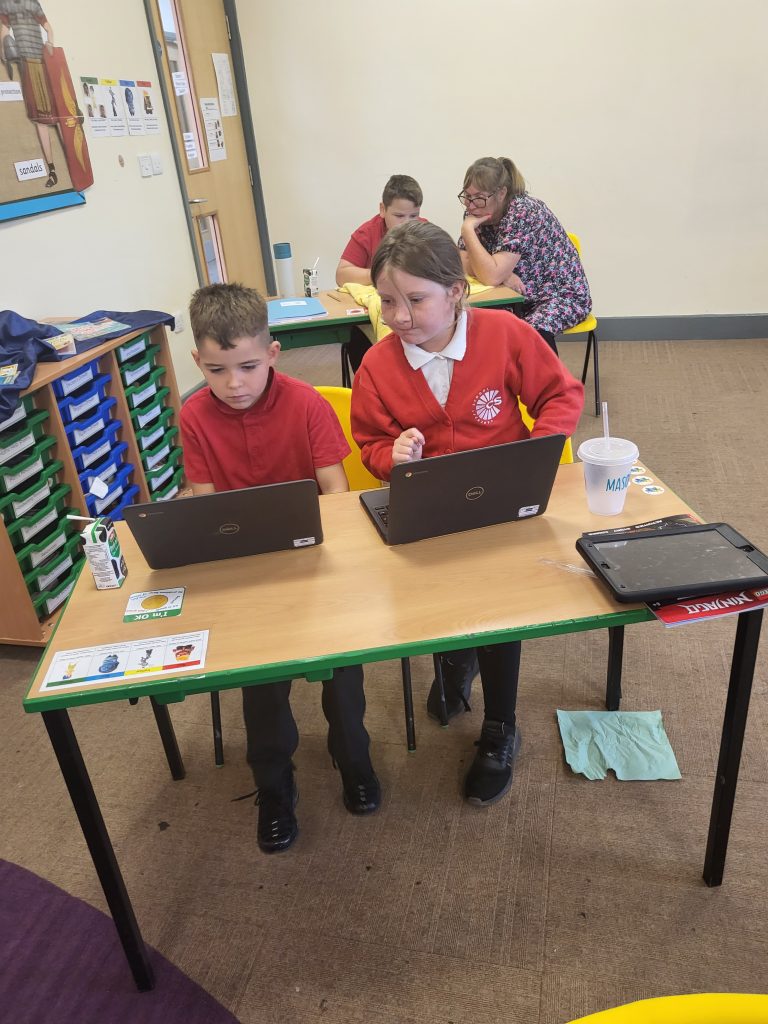
Yesterday, Crew Hamill were learning about the different components of a computer. We were able to recognise and name the parts of a computer, using subject specific vocabulary: buttons, desktop, laptop, mouse, keyboard, computer and monitor. Following this, we used some computer software called Sketchpad to design a laptop, ensuring we created each of its individual parts – the screen, the keyboard and the mouse.
Computing 💻

This afternoon, we completed our computing lesson! The objective for our lesson was to recognise the parts of a computer. To be successful in this lesson we had to name the key parts of a computer, explain the purpose of different computer parts and explain that a keyboard contains lots of buttons. We then went onto Sketchpad and tried to create our own computer. We found some parts of this quite tricky such as drawing shapes and changing the colour but we were really resilient and showed high levels of determination to complete the task. We can’t wait to continue our learning in computing in the coming weeks.

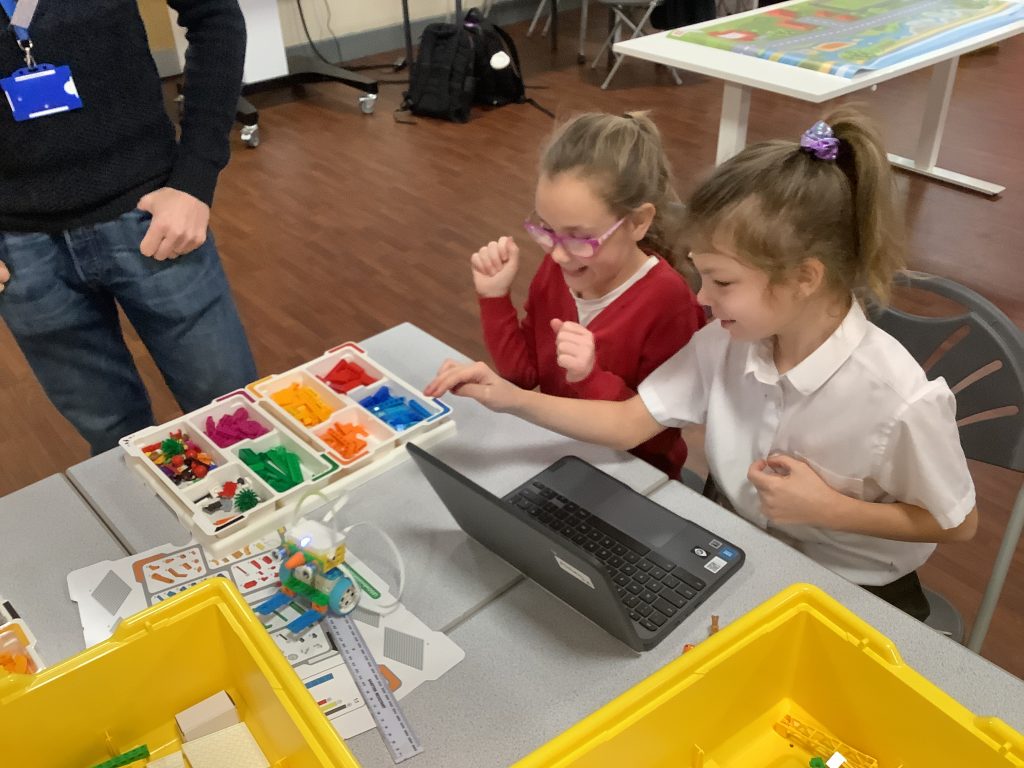
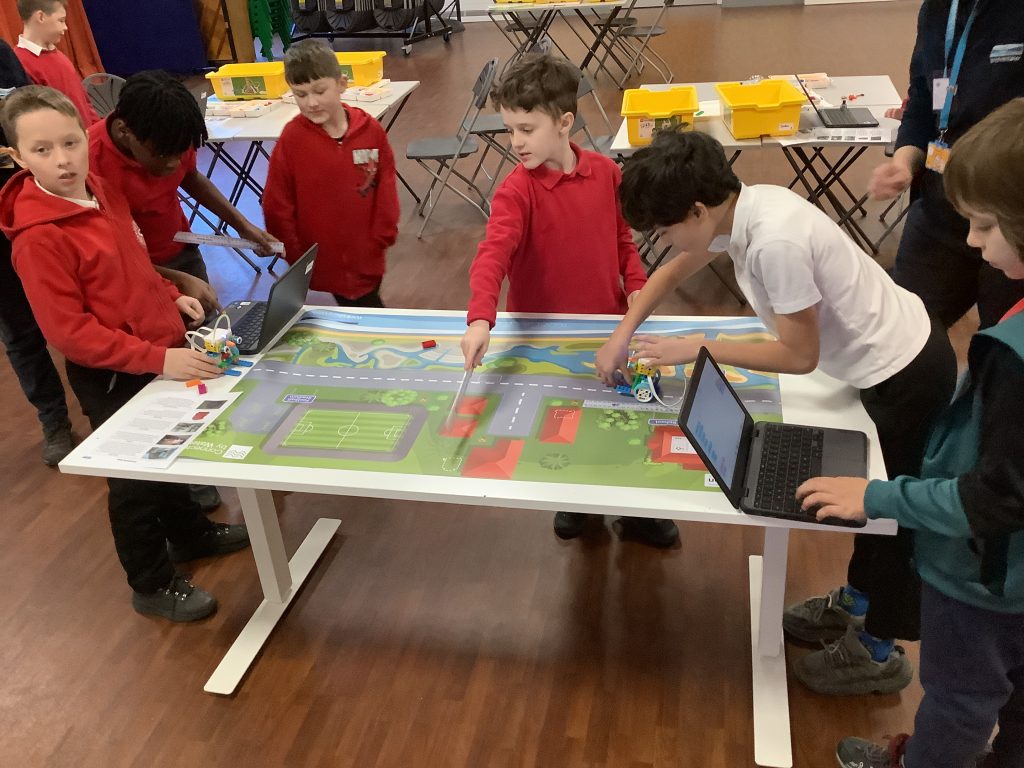
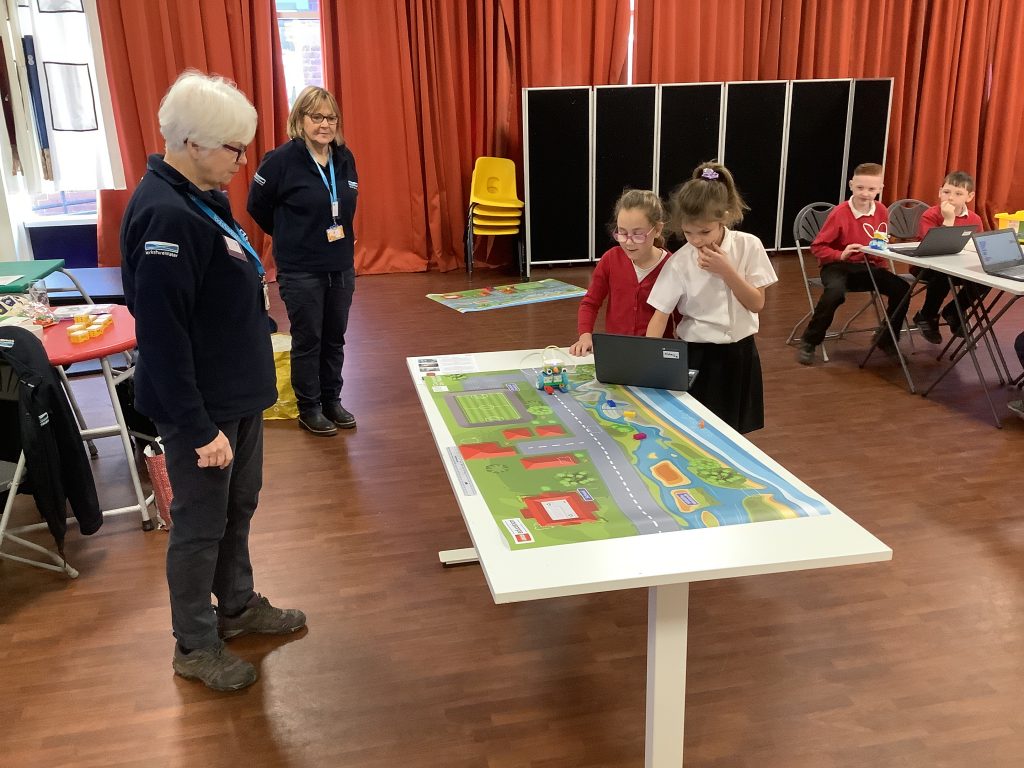
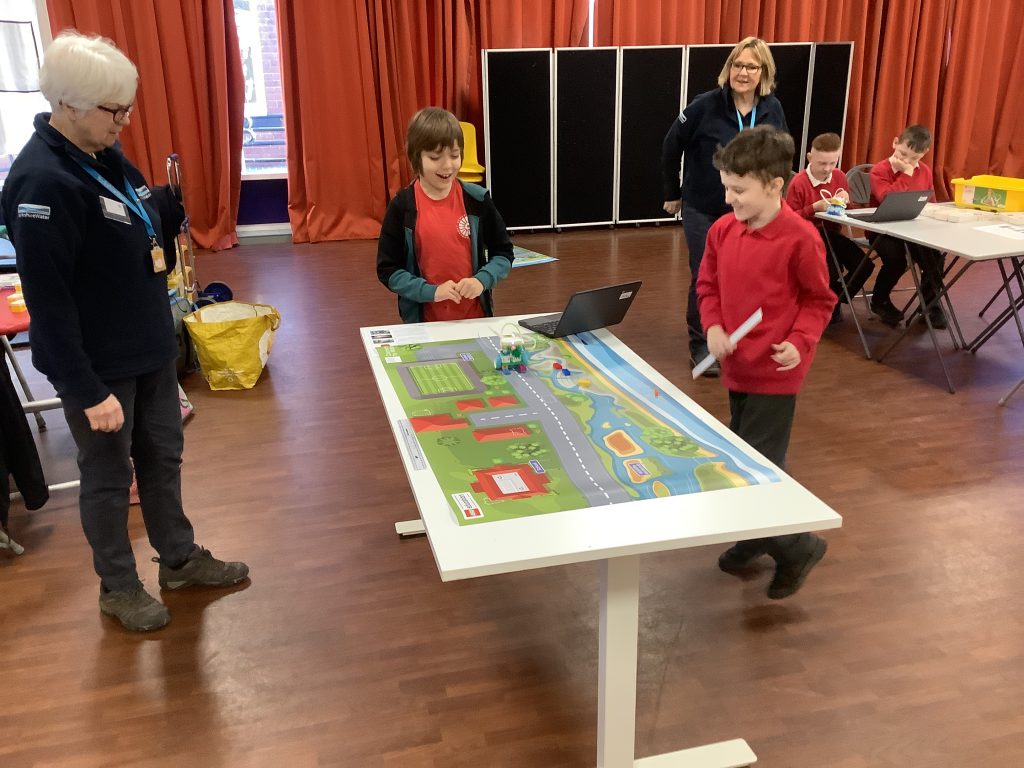
Yorkshire Water Lego workshop 🧱

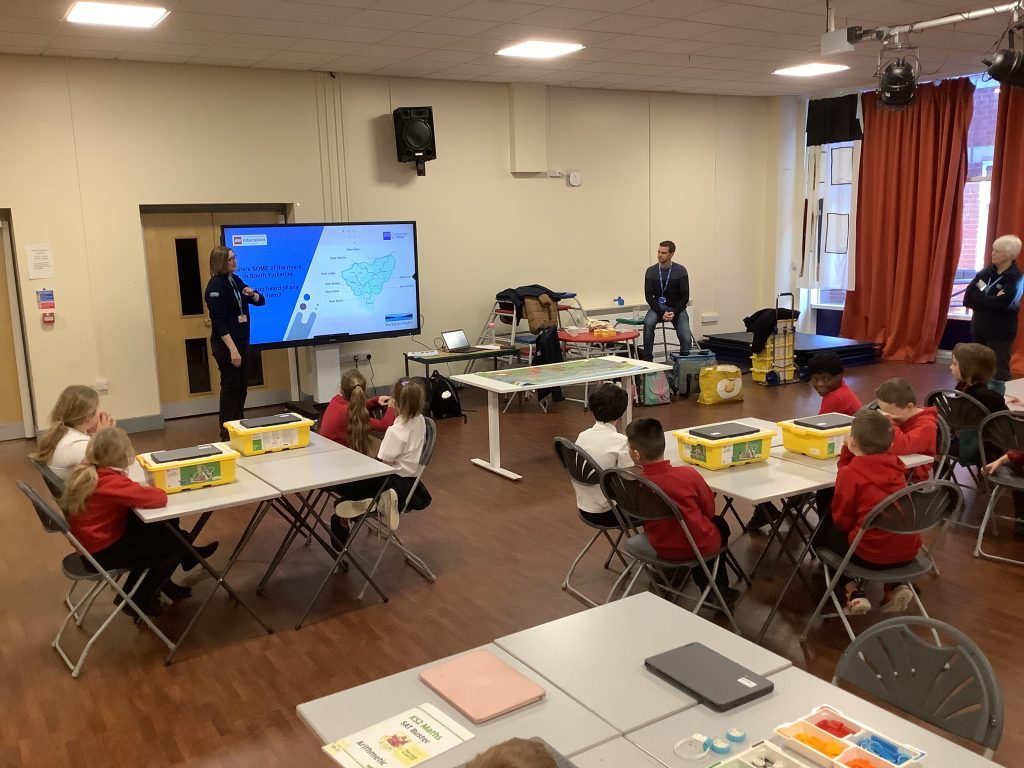
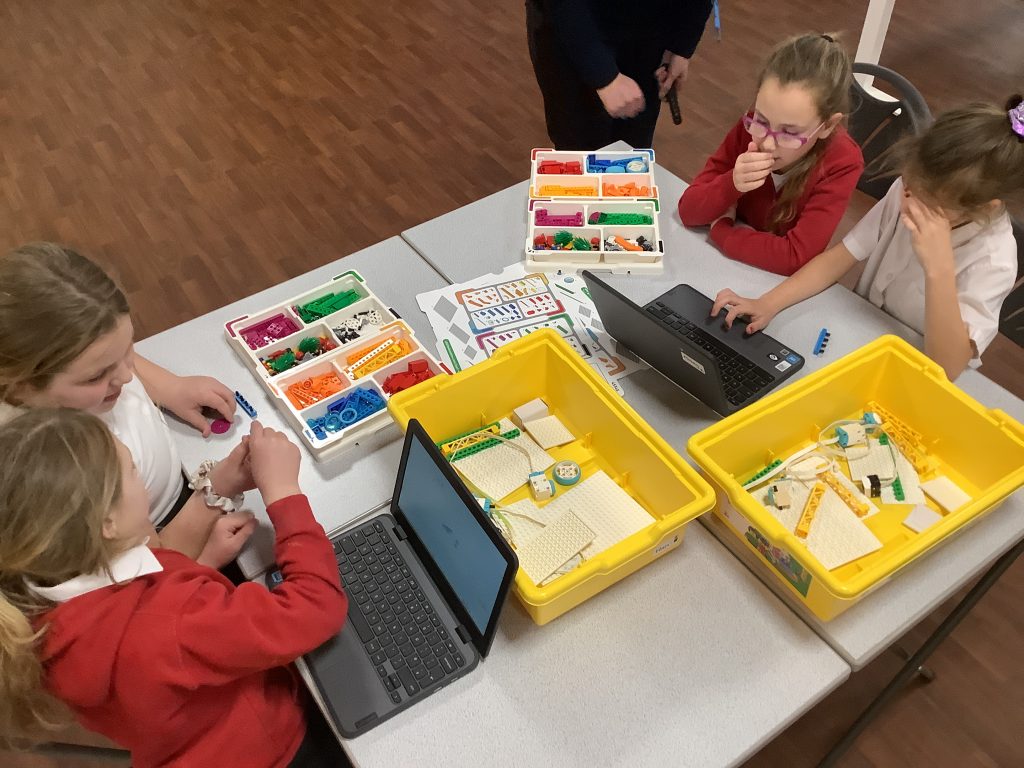
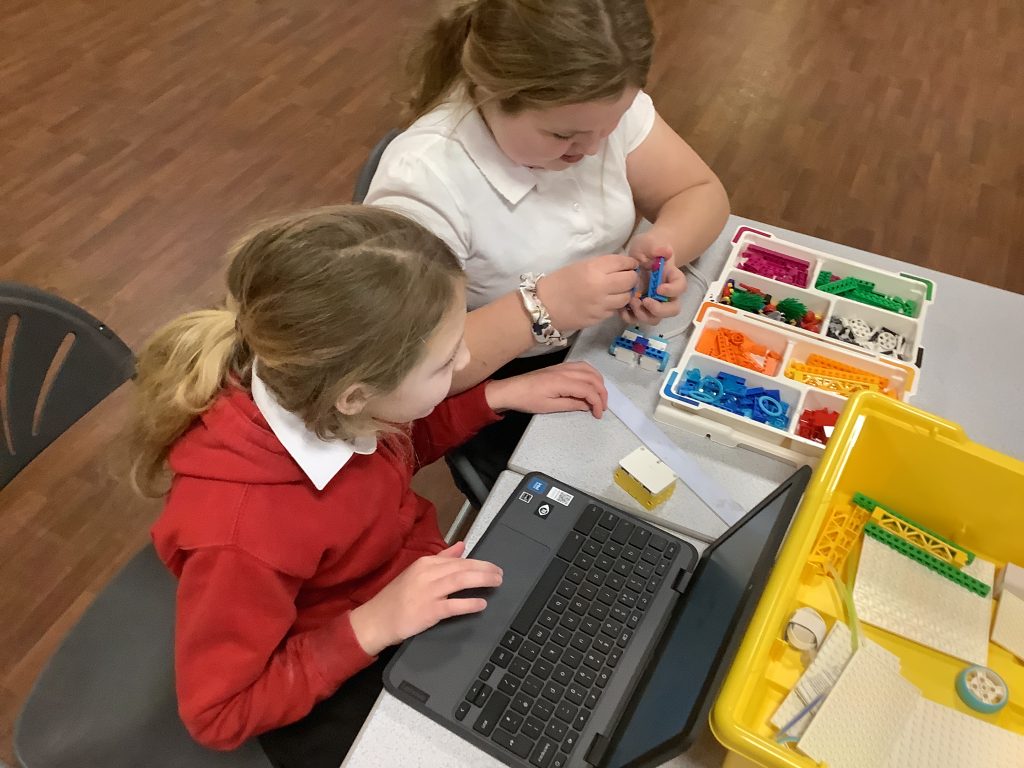
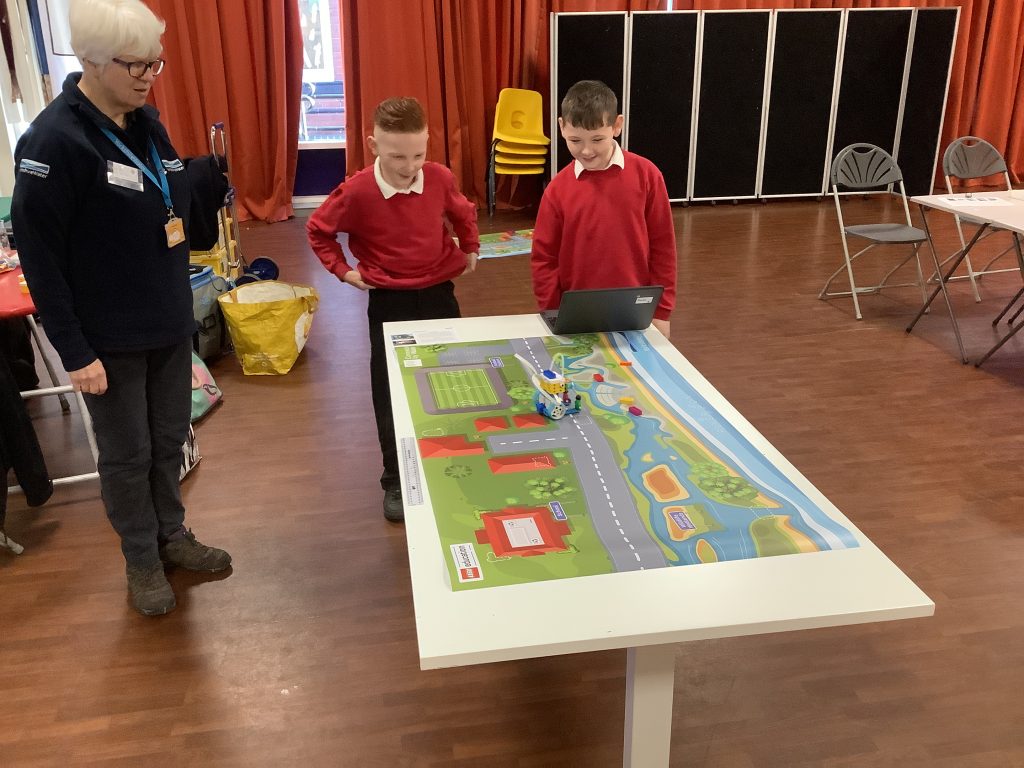
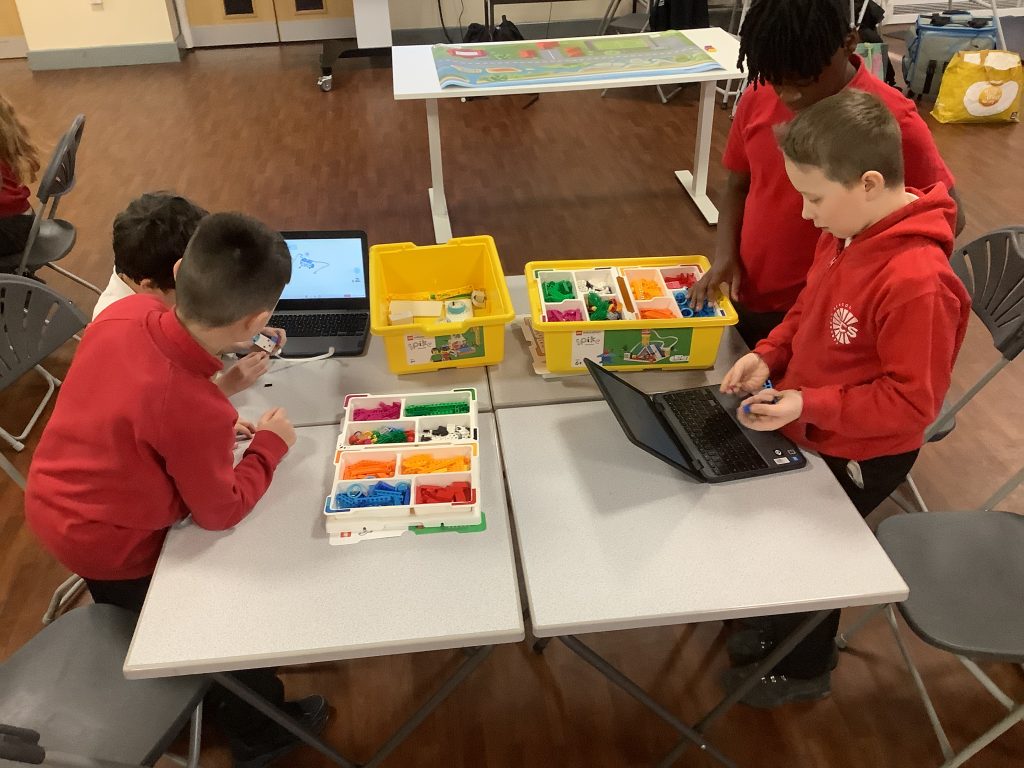
Last week, year 5 took part in a fantastic workshop which consolidated their learning on their autumn expedition and also their expedition around the water cycle last year. The children then worked in groups to create a Lego bot which they then programmed using a computer so it would move on its own to deliver much needed water supplies. The children really enjoyed this but it was also great to see them all grappling and working collaboratively.

Computing in Crew Boswell

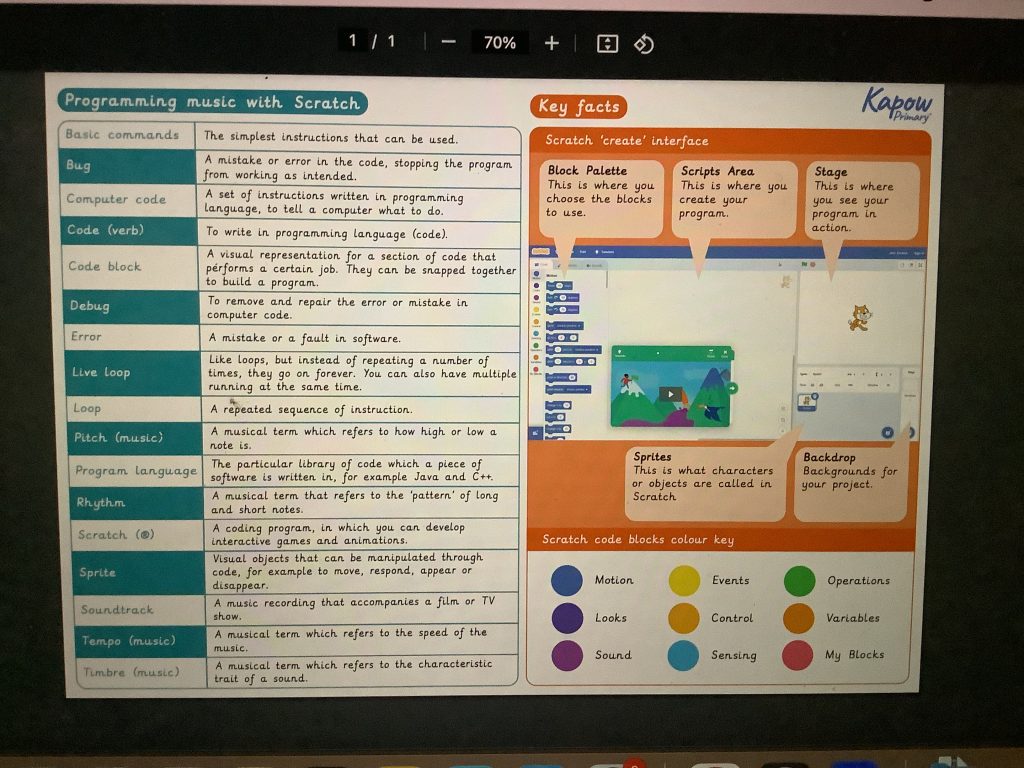
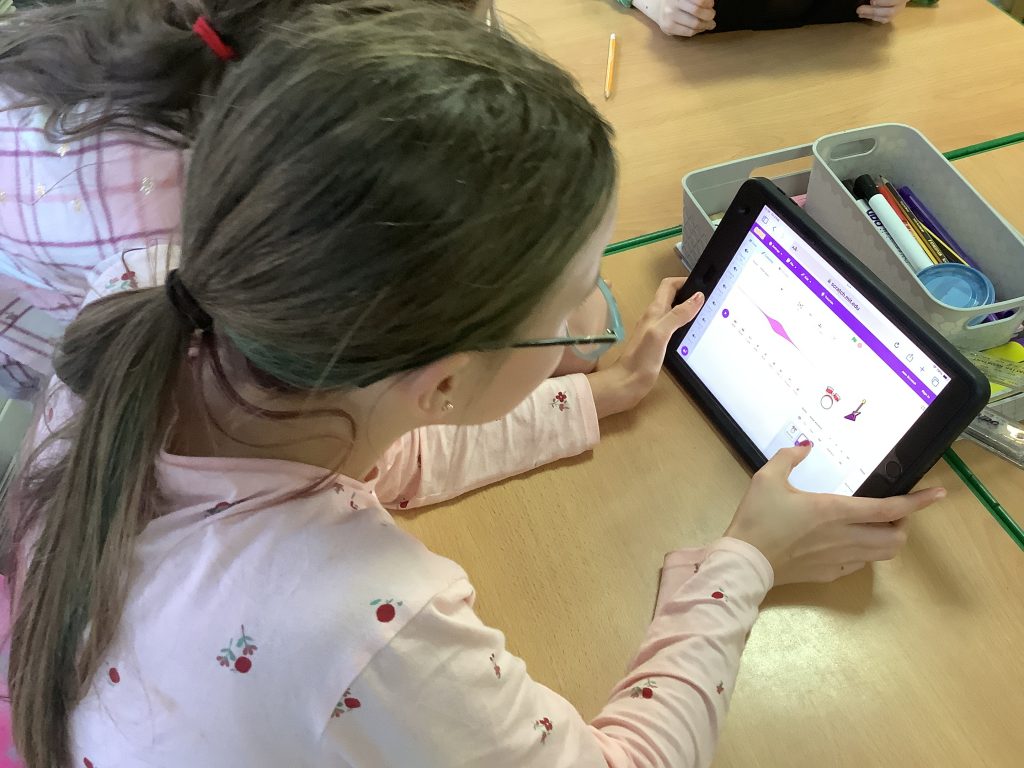
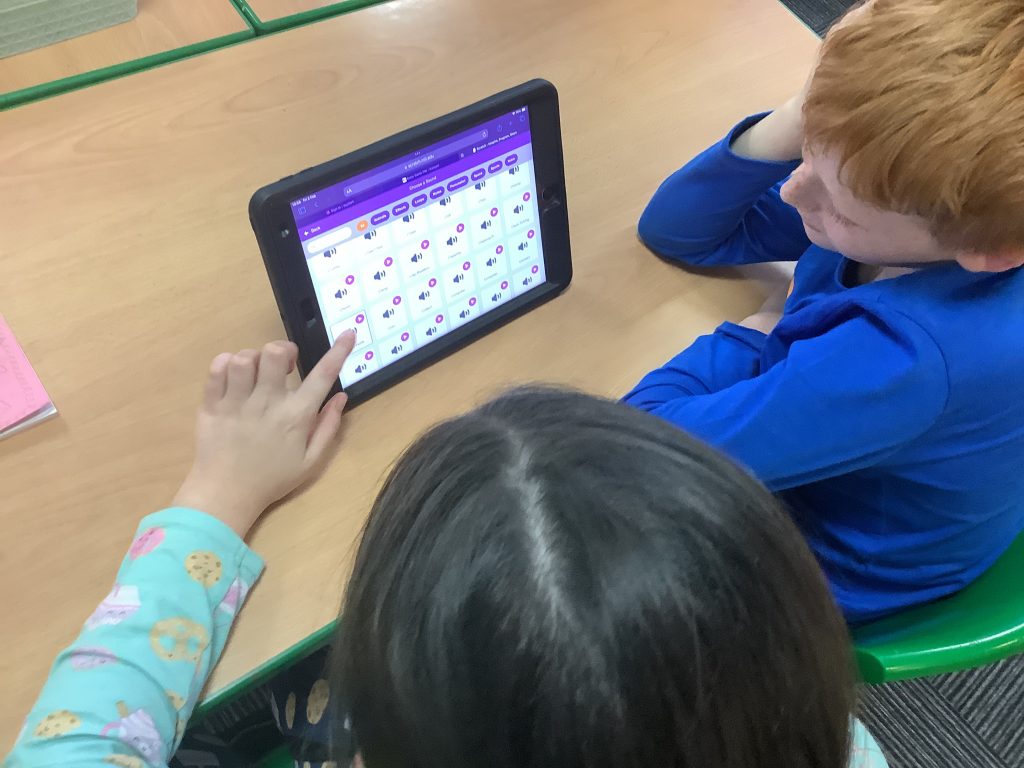
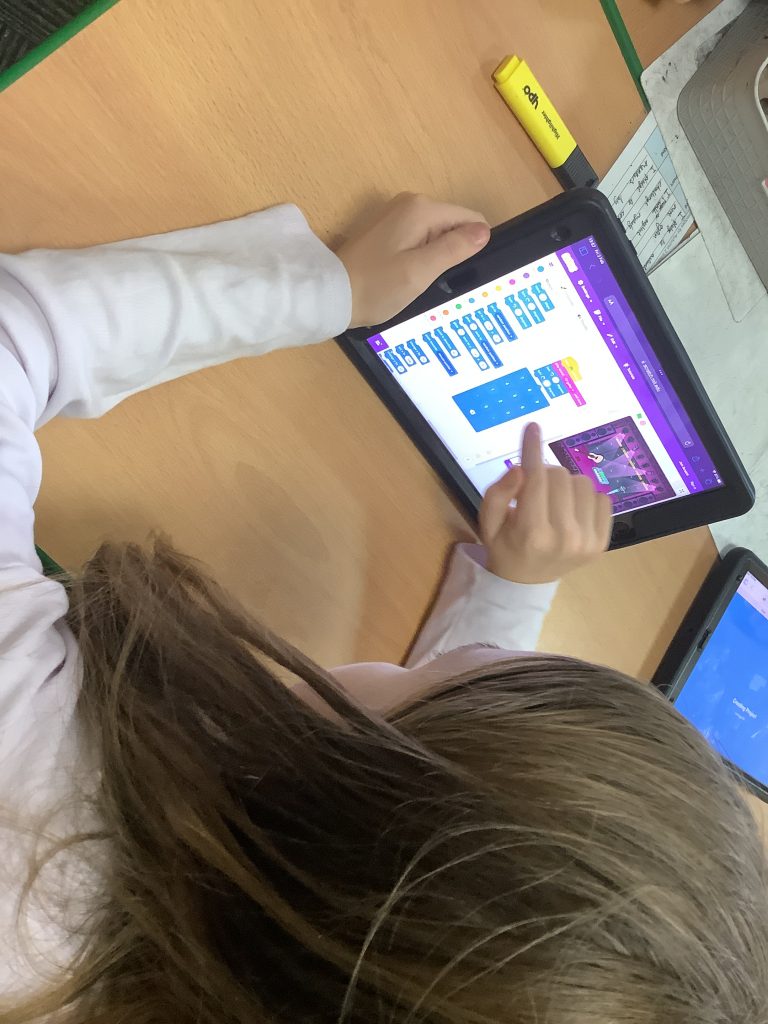
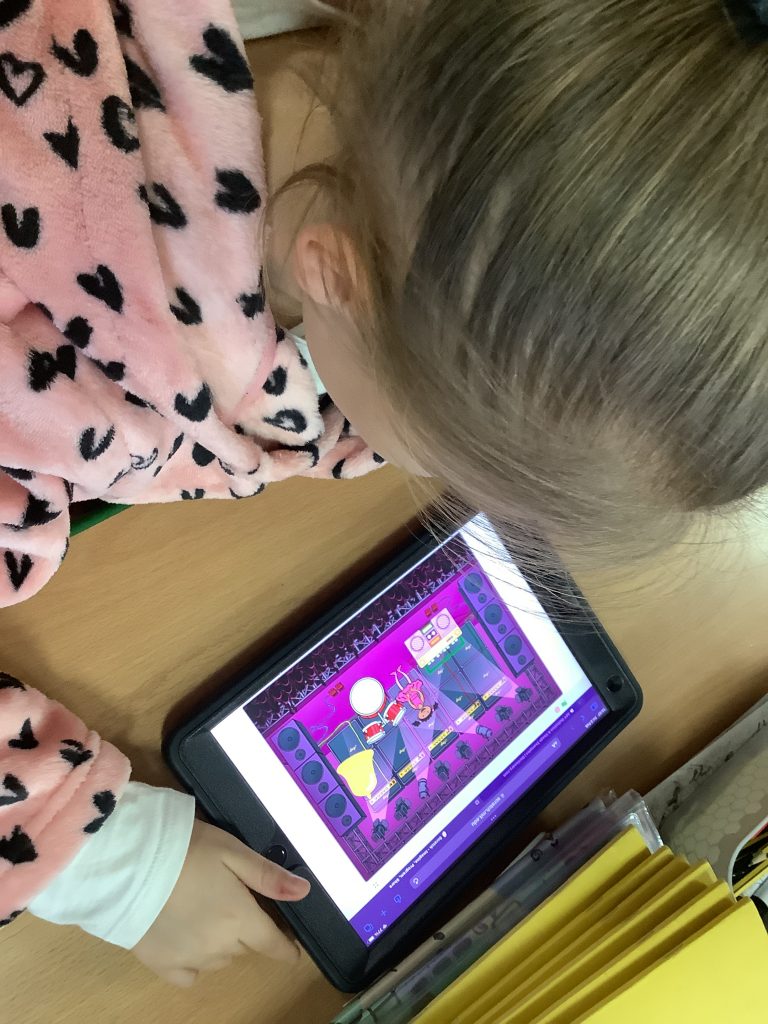
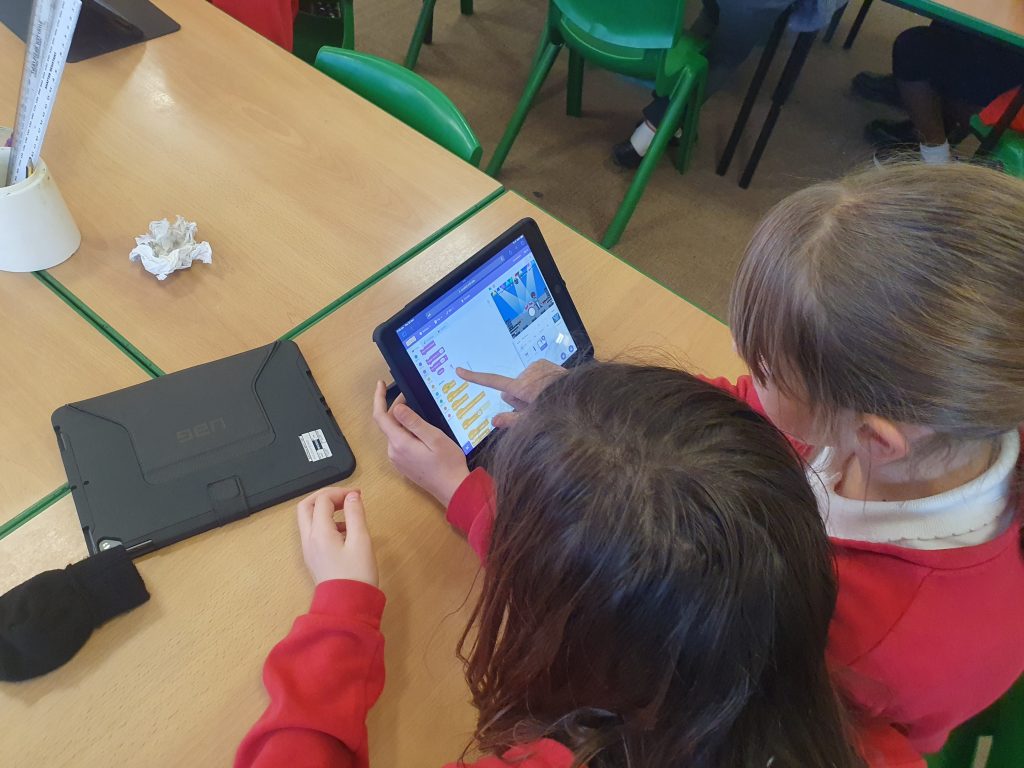
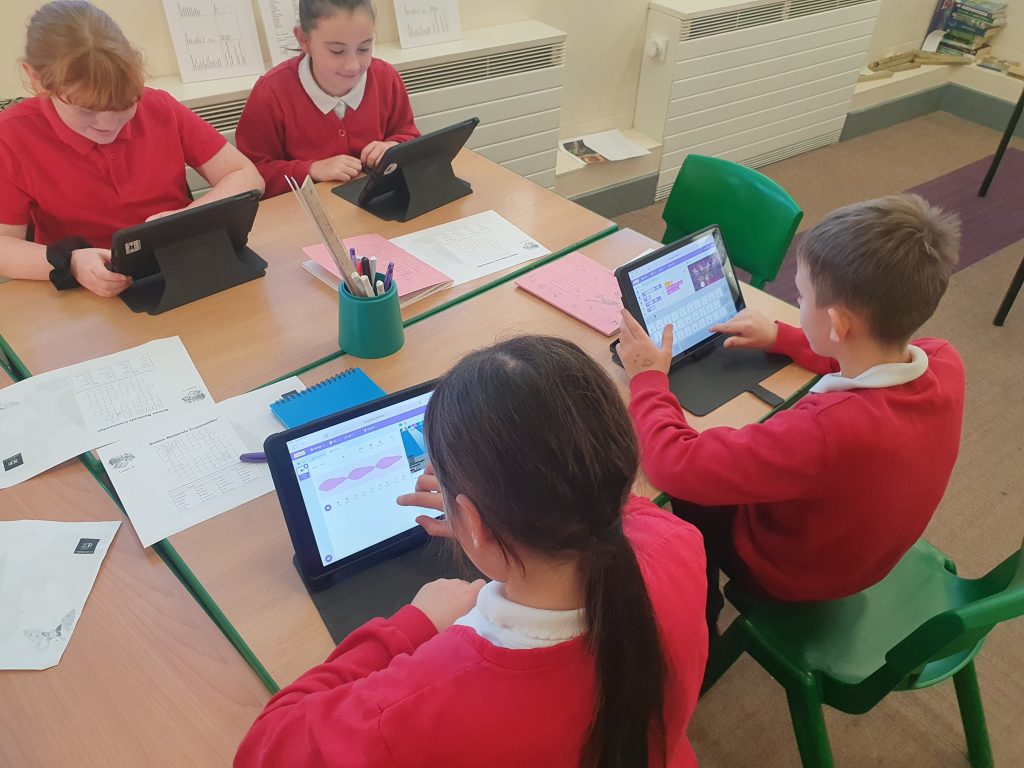
This week we had lots of fun exploring how to insert sound clips using scratch. We recorded sounds and then coded these so that our sprites were saying or playing them. Some of us even challenged ourselves to put these in an order so that they played at different times.

Crew Marsh get Arty 👩‍🎨

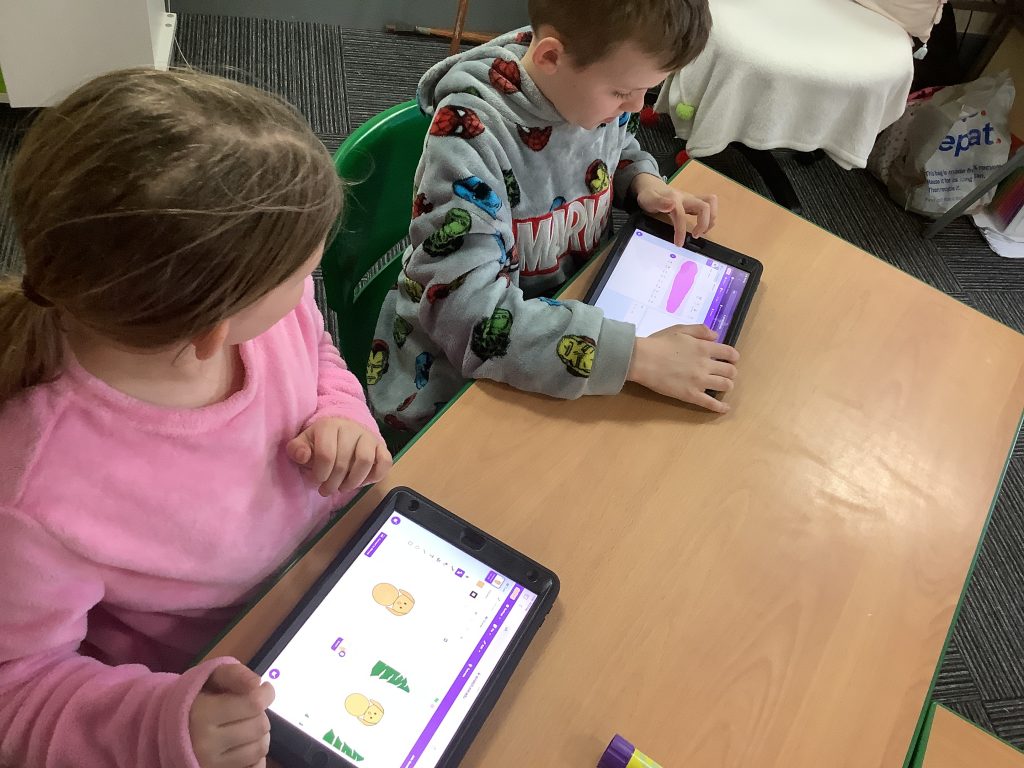
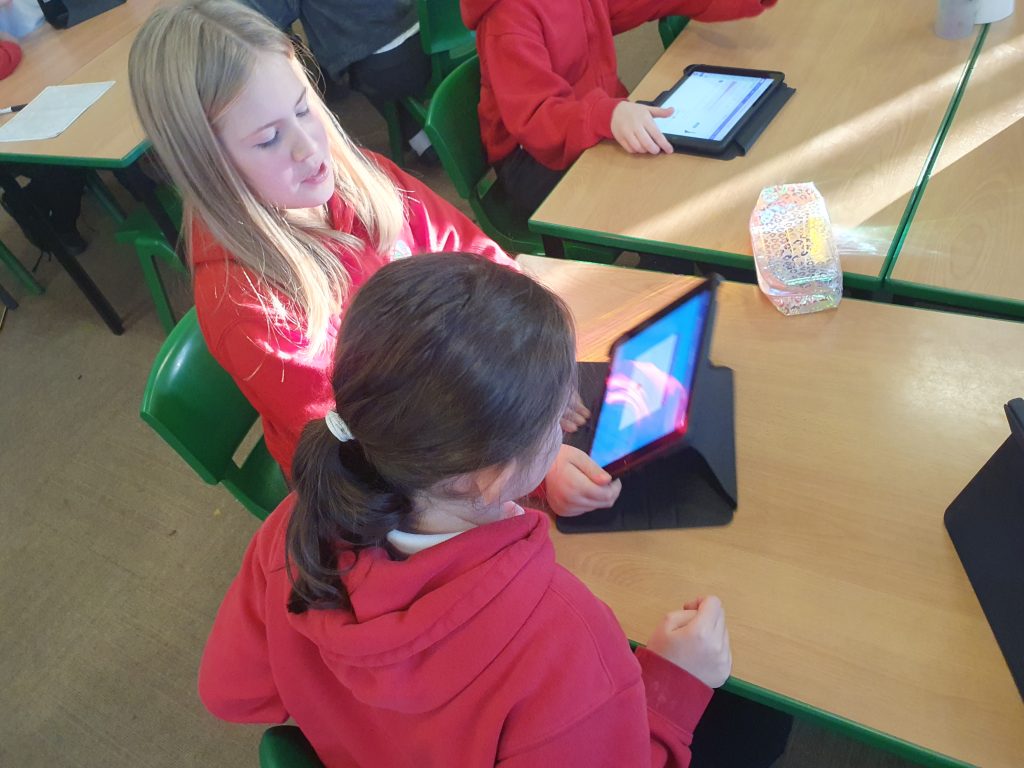
During our writing lesson, some children access labs of learning to enhance their knowledge of vocabulary which they then use in their pieces of writing. Today the children were shown how to use the iPads to access a QR code which then led to a step by step video teaching them how to draw Little Red Riding Hood. The children worked in pairs to do this and all worked extremely hard to use these new skills and produced a great piece of art work!

Where did the Romans come from?

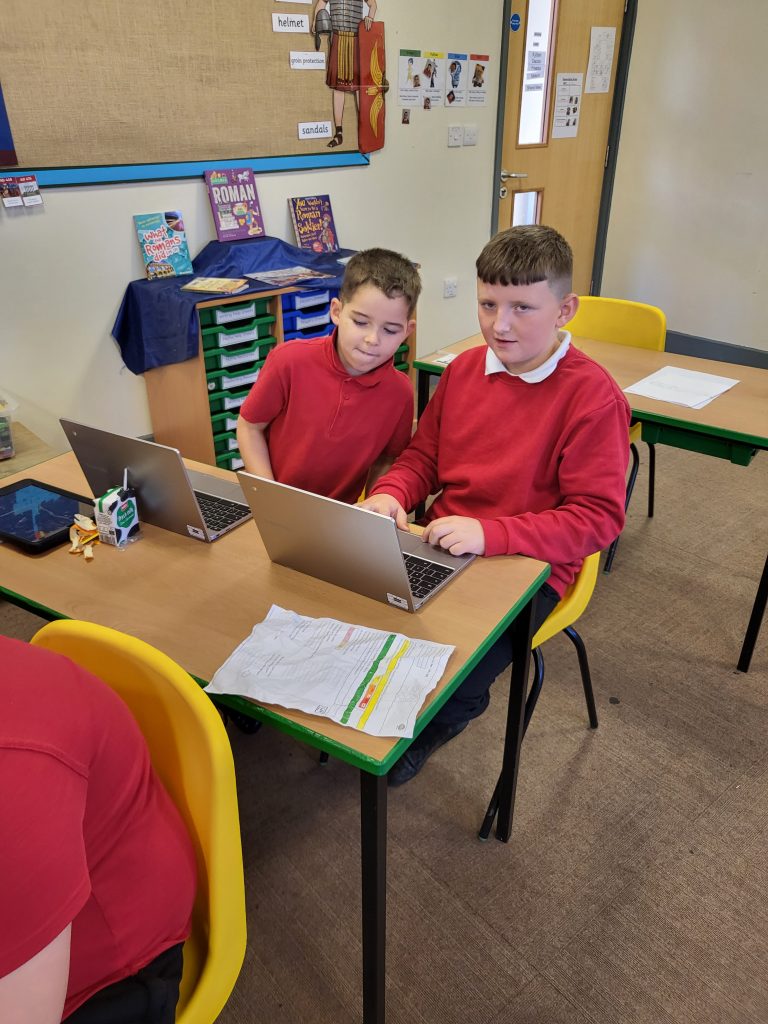
During our expedition lesson, we looked at where the Romans came from. We found out that the city of Rome, in Italy, was the centre of the Roman Empire. We watched a quick clip that showed us what Ancient Rome used to be like and we made some interesting observations – there were no cars, people travelled on horseback instead and all the buildings were really detailed, decorated in red and gold. We used our ICT skills to locate Italy using Google Earth and identified where this was on a World Map.